

 DownloadChronos Retained Metrics Mod
Get the files on 9Minecraft
Guides
Step-by-step, in-game.
Resetting Outdated Craft StatisticsWhen to Reset Stats If you upgrade your crafting machines, change recipes, or modify your setup significantly, old…Sorting and Filtering Crafting Jobs by DurationAccessing Duration-Based Sorting Chronos adds sorting options to your crafting menus. In the Craft Plan or Crafting…Understanding Craft Time Estimates in Your TerminalReading Time Predictions When you queue an autocrafting order in your AE2 terminal, Chronos analyzes your setup and…Using Chronos with Crafting Tree and ME RequesterViewing Times in Crafting Tree If you use the AE2: Crafting Tree mod alongside Chronos, time estimates appear…
Frequently asked questions
How do I start using Chronos? Do I need to set anything up?
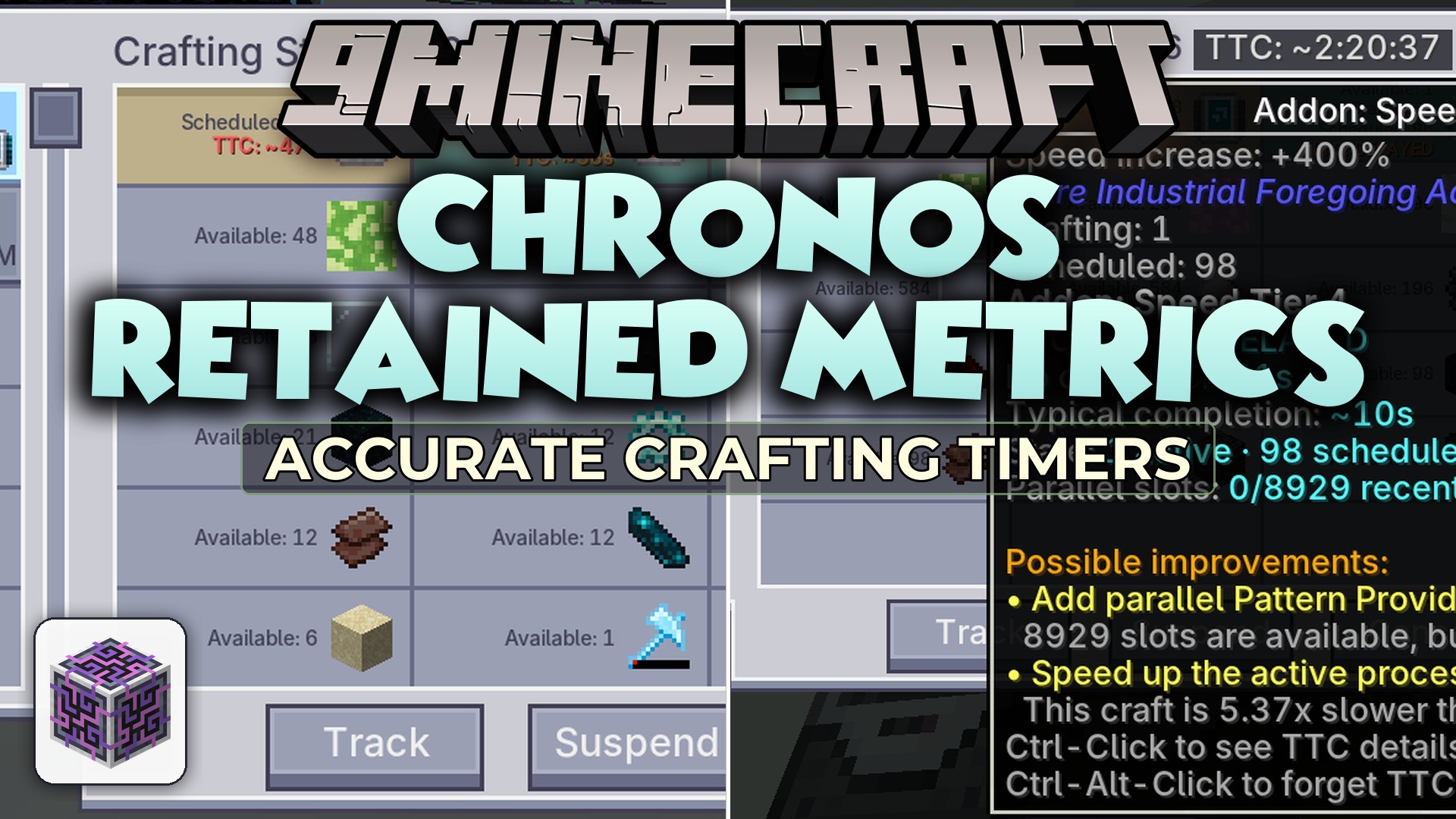
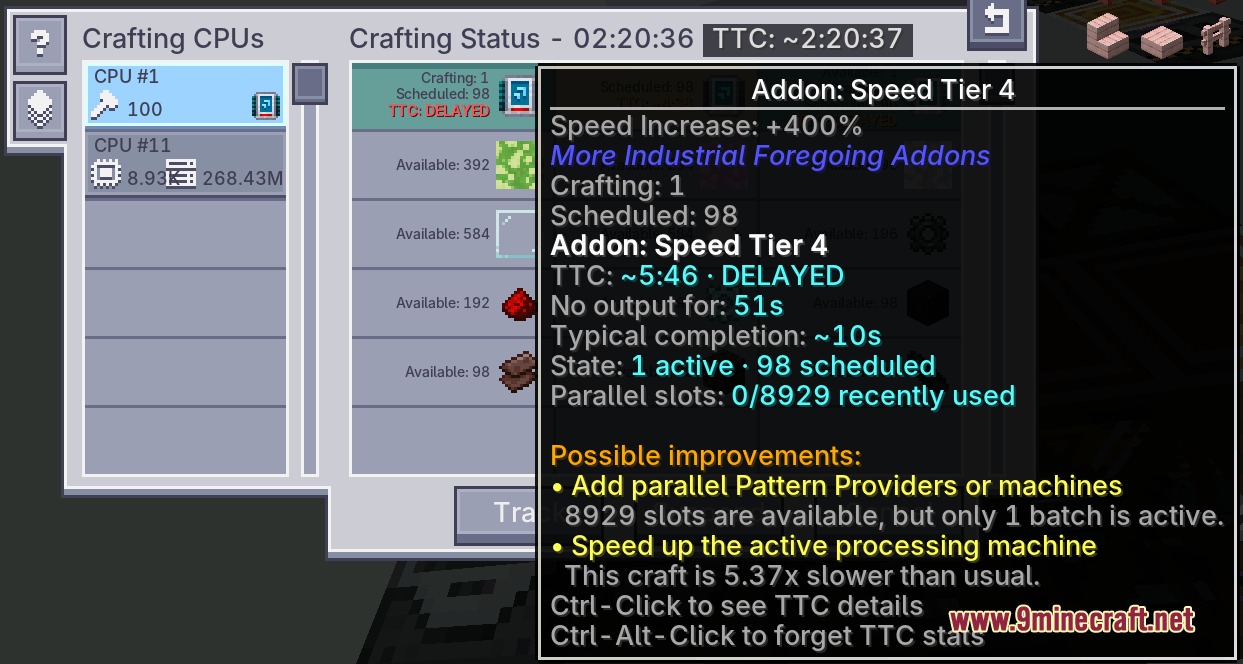
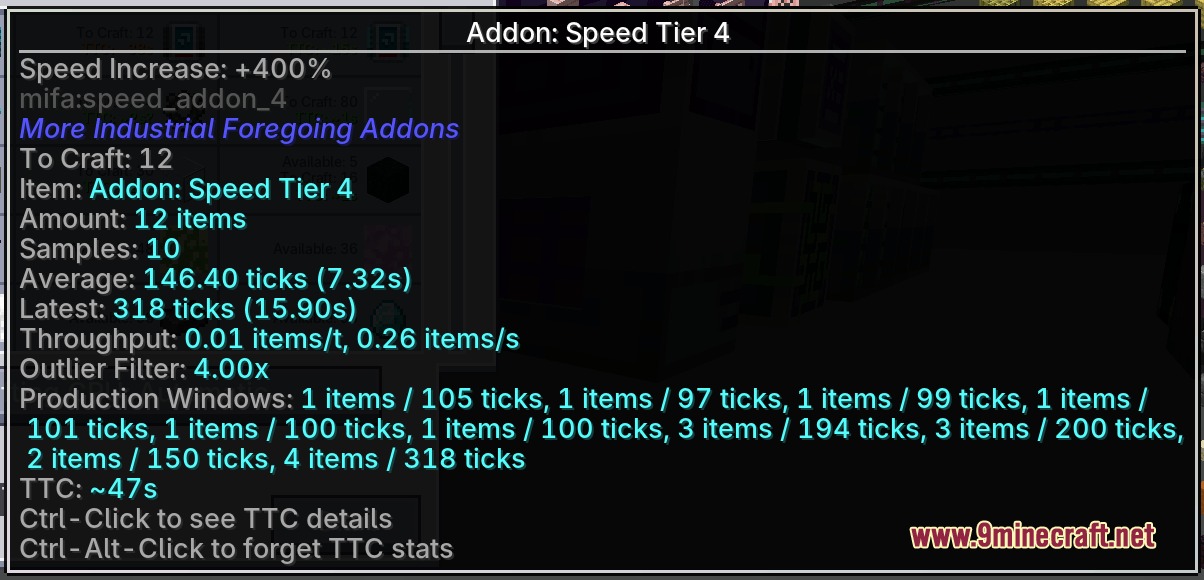
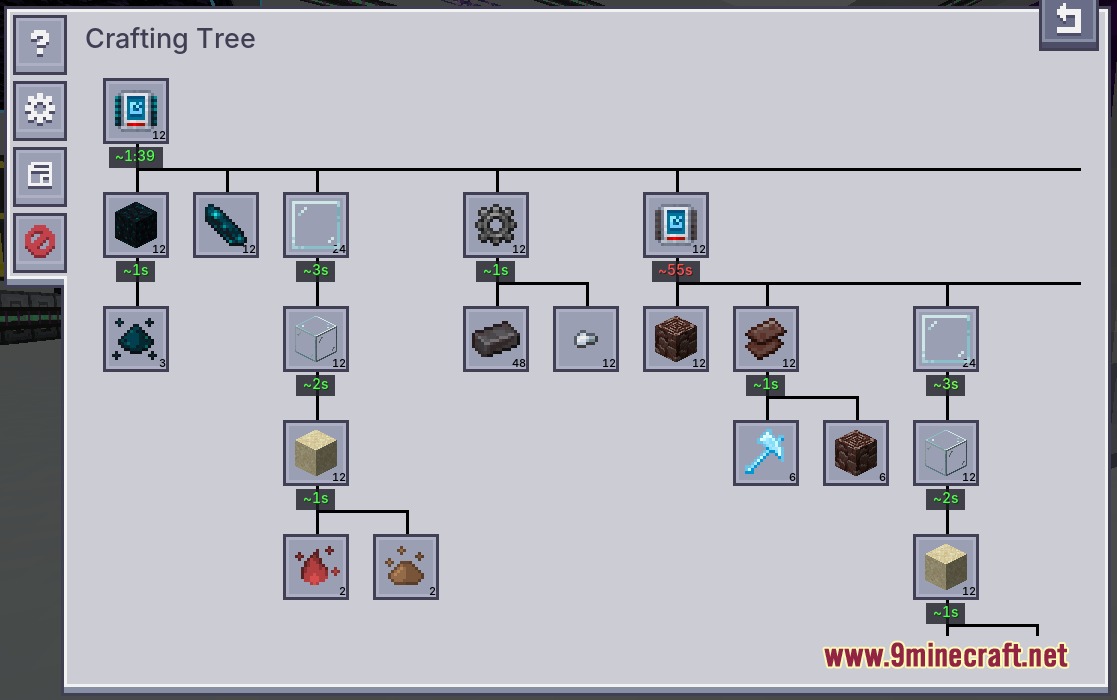
Just install the mod and open your AE2 terminal as normal—Chronos starts tracking craft times automatically as soon as you queue autocrafting jobs. The mod learns from your actual machine speeds over time, so estimates improve the more you craft.
Why are my craft time estimates wrong or showing zero?
Chronos needs to complete at least one successful craft of an item before it can predict future times. If you're seeing zero or very low estimates, run that recipe again and the mod will record the actual duration for next time.
Do craft times reset when I restart my world or server?
No—Chronos saves all craft history to your world file, so time estimates persist across restarts and stay accurate to your actual setup.
How do I clear old craft data for an item that's now faster?
Hold Ctrl and Alt while clicking the item entry in your crafting menu to reset its stored statistics. This forces Chronos to re-learn the craft time from scratch.
See all 10 Chronos Retained Metrics questions ›
Gallery
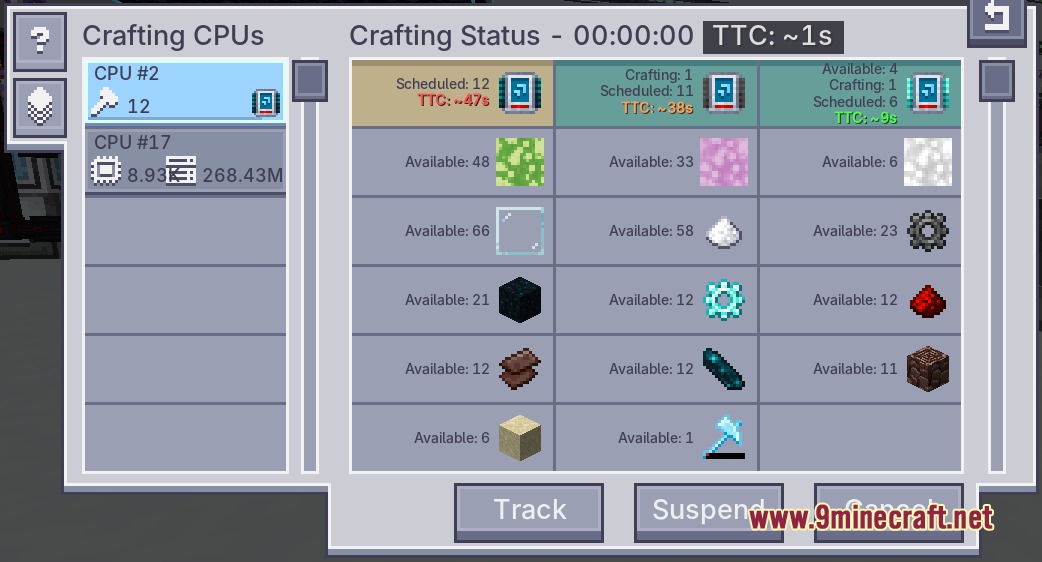
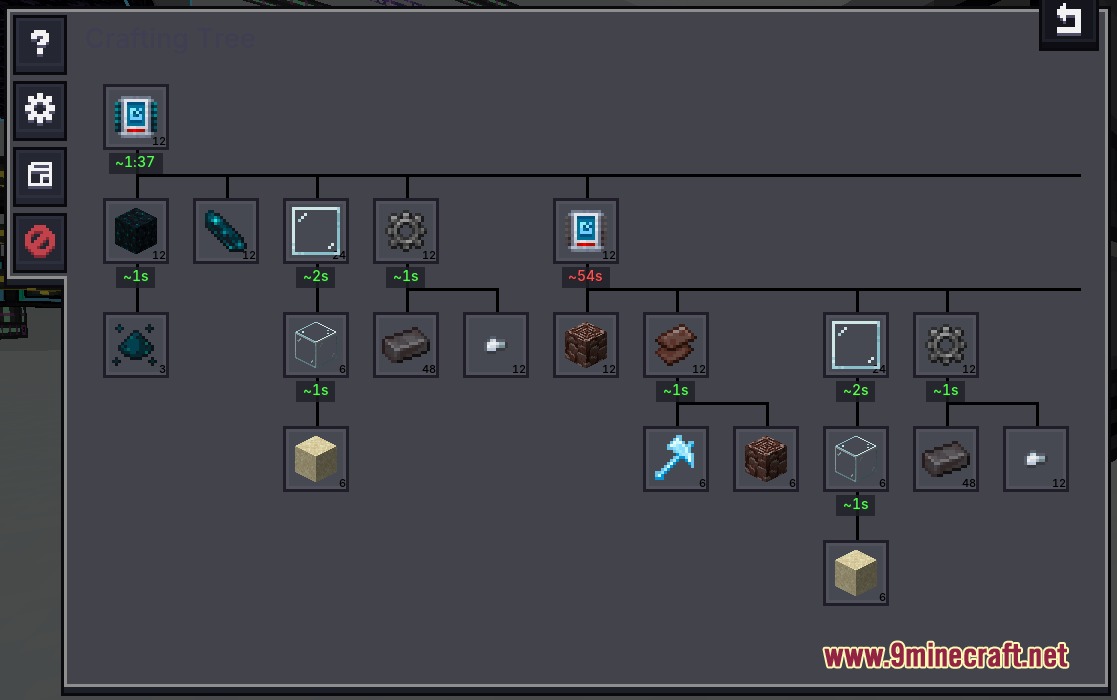
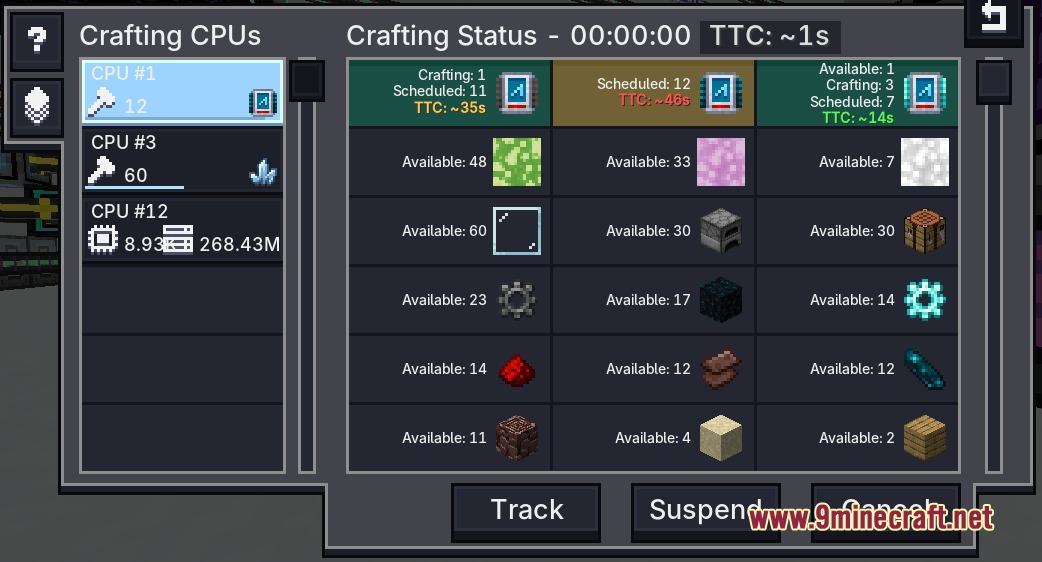
7 images from the Chronos Retained Metrics Mod page.
You May Also Like
Wikis that share the most with this one
More mod wikis on the site
 Chriss Additions Plushie Update Mod
The most downloaded mods that have a wiki here
A few wikis from each of the other kinds