

 DownloadBlockstream Sculptor Mod
Get the files on 9Minecraft
Guides
Step-by-step, in-game.
Export a Single Block for 3D EditingPrepare Your Selection Locate the block you want to export in your world. This can be a vanilla block, a modded…Export Custom Modded Blocks and Resource Pack VariantsEnsure Mods and Packs Are Loaded Verify that all mods and resource packs you want to export from are installed and…Export Entities and Animate Them in BlenderCapture Your Entity Spawn or locate the entity you want to export (mobs, animals, or custom entities from mods).…Export Multiple Blocks with Biome Colors IntactSelect Your Blocks Gather the blocks you want to export in one location or in your inventory. Include blocks that use…
Frequently asked questions
How do I export my first block?
Open the mod's export menu, select a block from your world or inventory, choose your export settings (texture atlas size, output folder), and click Export. The block will be saved as a glTF file that you can open in Blender or any glTF-compatible 3D editor.
Why do my grass and leaves look wrong after exporting?
Make sure biome color tinting is enabled in your export settings—this preserves the green tints for vegetation and the blue tints for water based on your current biome. If colors still look off, check that your resource pack is loaded and active before exporting.
Can I export blocks from mods I have installed?
Yes, the mod automatically detects and exports modded blocks with their custom models and textures intact. Just make sure the mod is loaded when you run the export.
What's the difference between single texture and UDIM atlas export?
Single texture mode exports each block with its own separate texture files, while UDIM atlas packs all textures into one large image (up to 8192×8192) for faster rendering in Blender. Use atlas mode for better performance when exporting many blocks at once.
See all 10 Blockstream Sculptor questions ›
Gallery
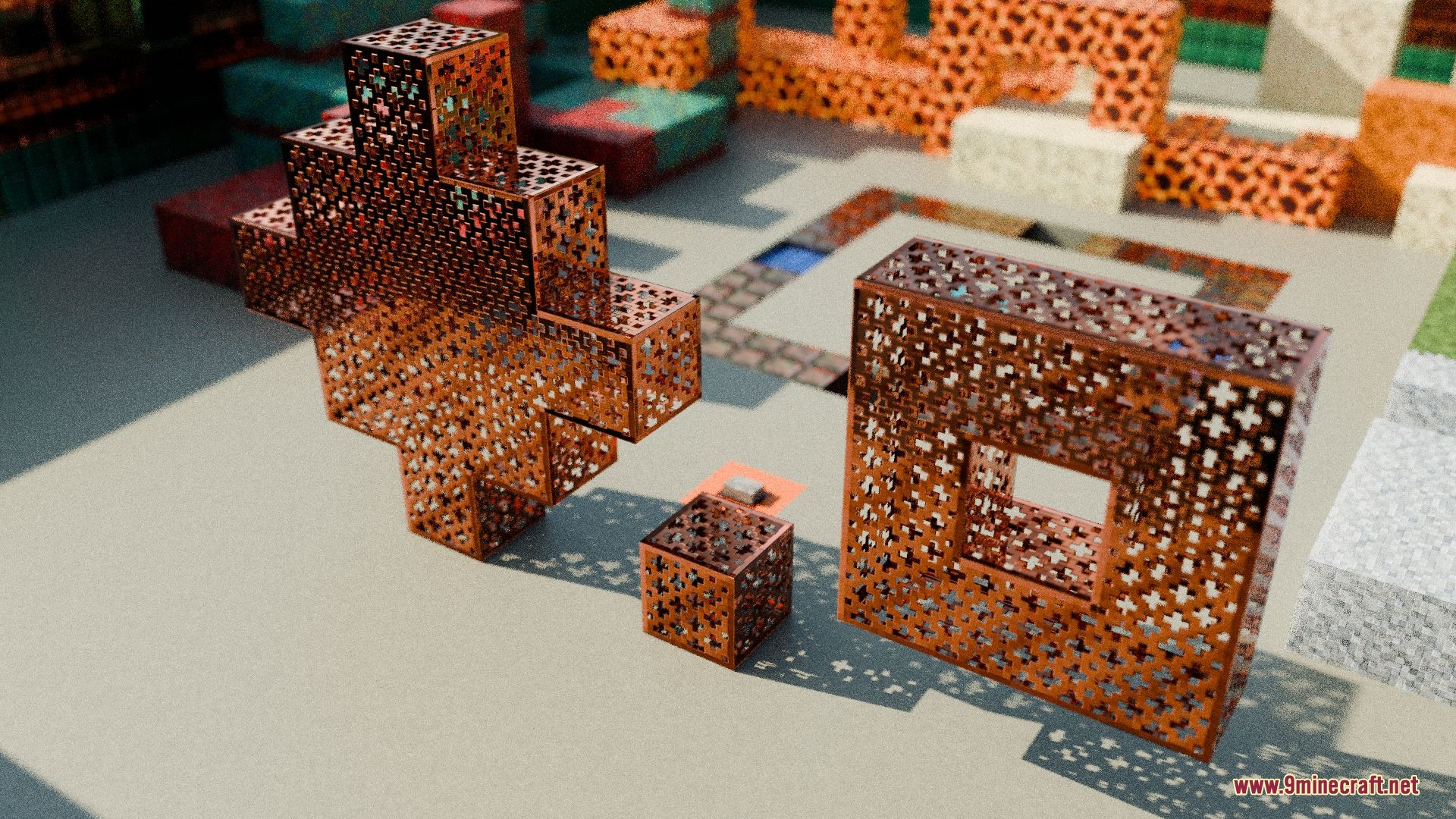
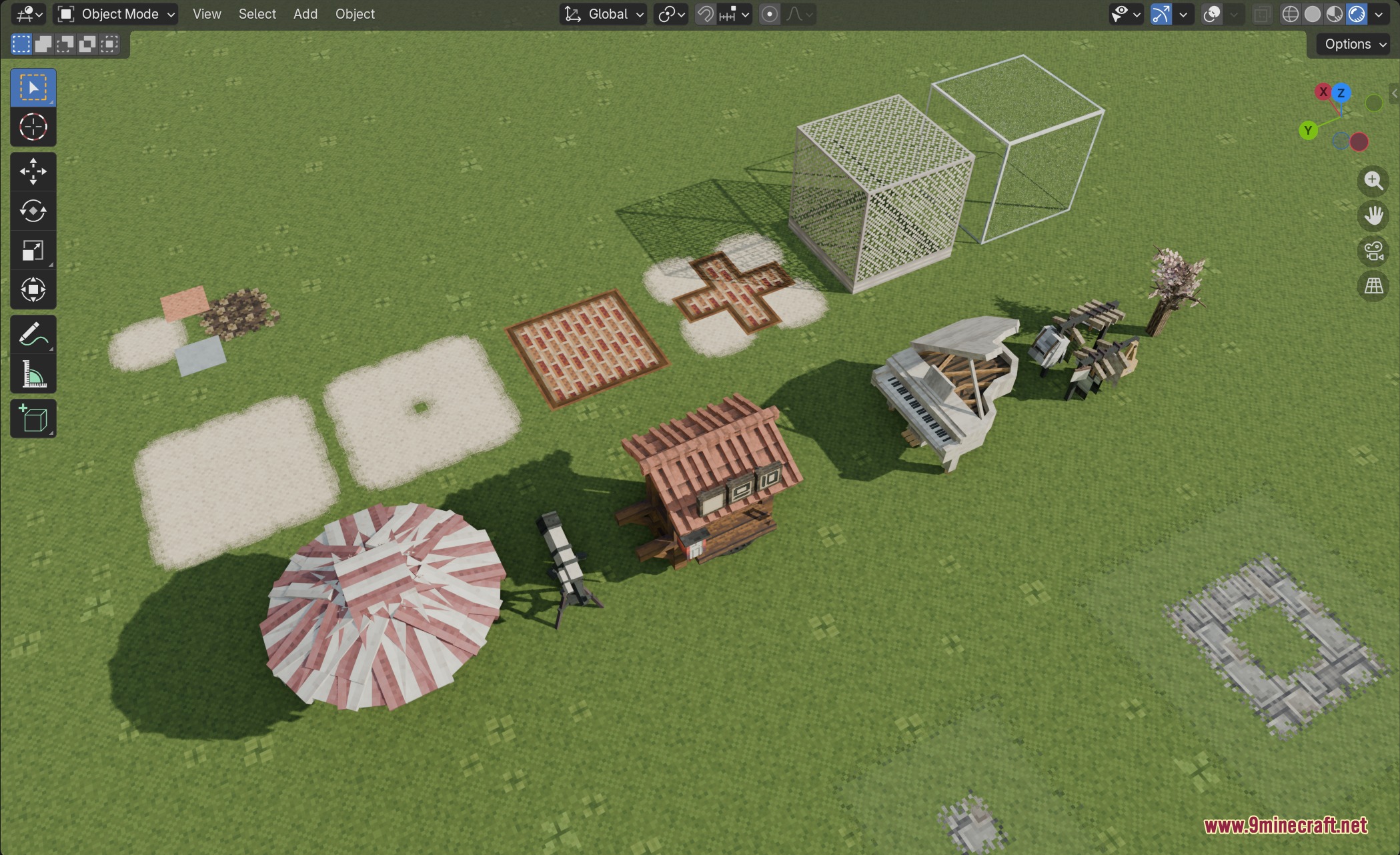
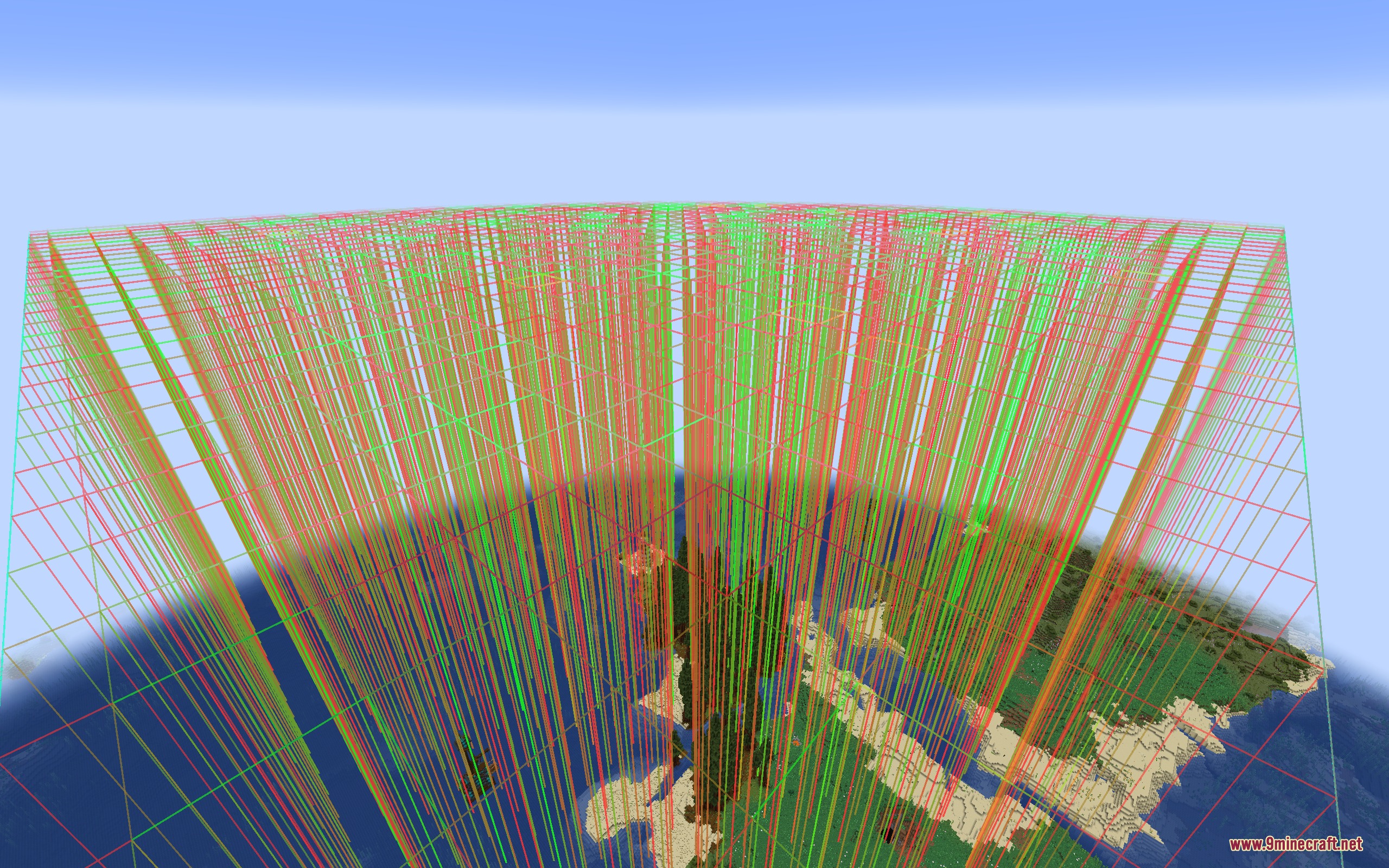
7 images from the Blockstream Sculptor Mod page.
You May Also Like
Wikis that share the most with this one
Wikis on the same theme: tool
More mod wikis on the site
The most downloaded mods that have a wiki here
A few wikis from each of the other kinds