

 DownloadBiome Replacer Mod
Get the files on 9Minecraft
Guides
Step-by-step, in-game.
Fixing a Biome That Never Appears in Your WorldUnderstand Why a Biome Is Missing A biome can be absent because your world seed, terrain generator, or a datapack…How to Replace One Biome With Another Using Biome ReplacerFind and Open the Config File After the mod has generated its config on first launch, look inside your config folder…Removing an Unwanted Biome From Your WorldChoose the Replacement Target Decide which biome you want gone and which biome should take its place. You are not…Using Biome Replacer With Datapack or Modded BiomesGet the Correct Biome IDs Datapack and modded biomes use namespaced IDs that differ from vanilla. Find them in the…
Frequently asked questions
How do I get started with Biome Replacer?
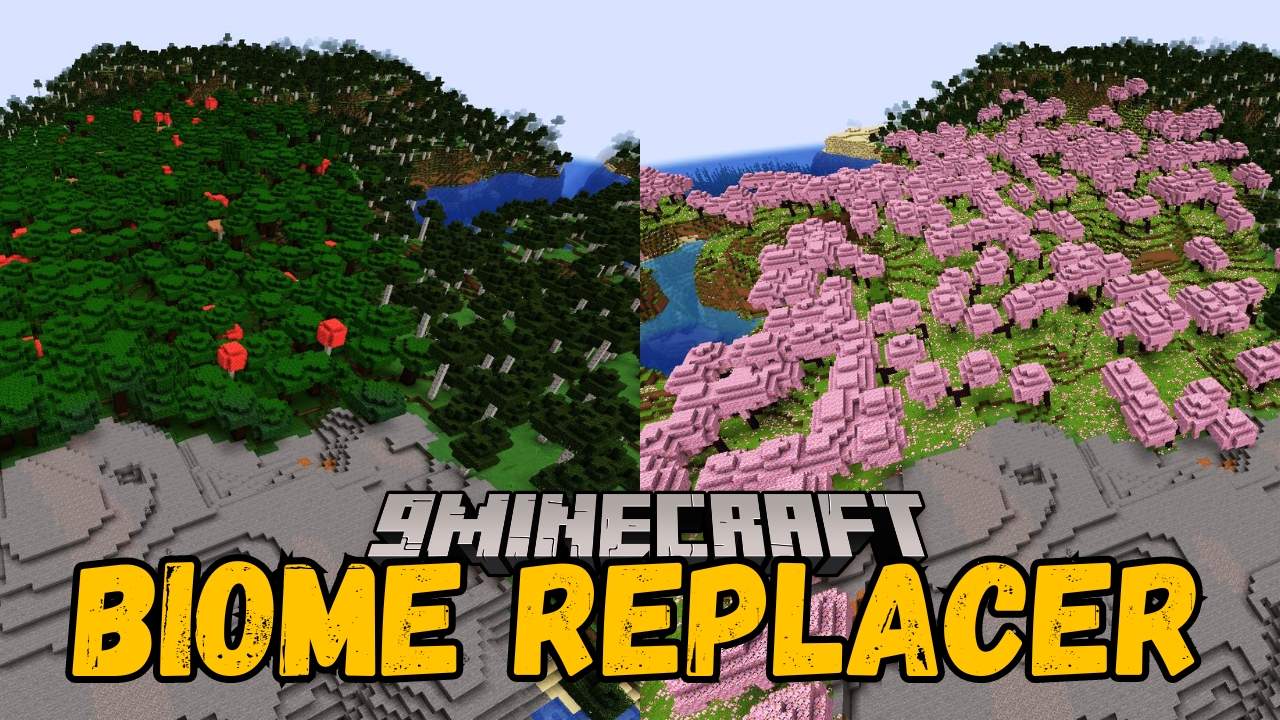
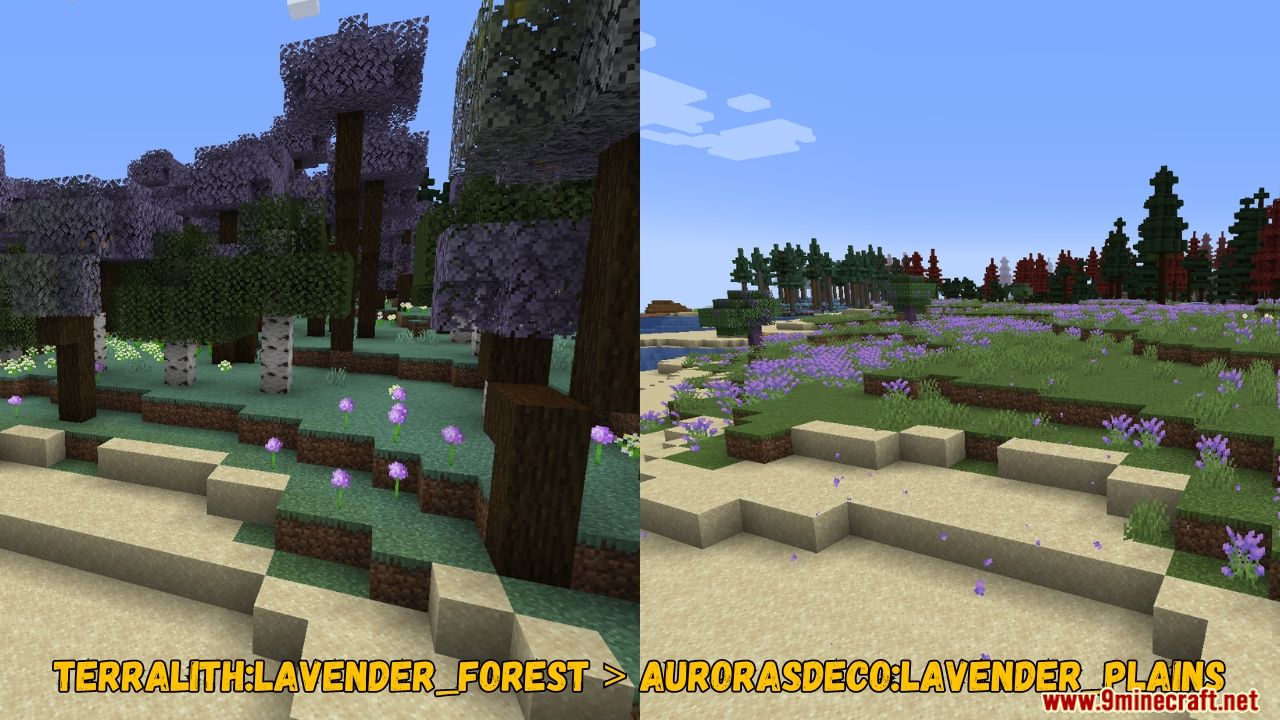
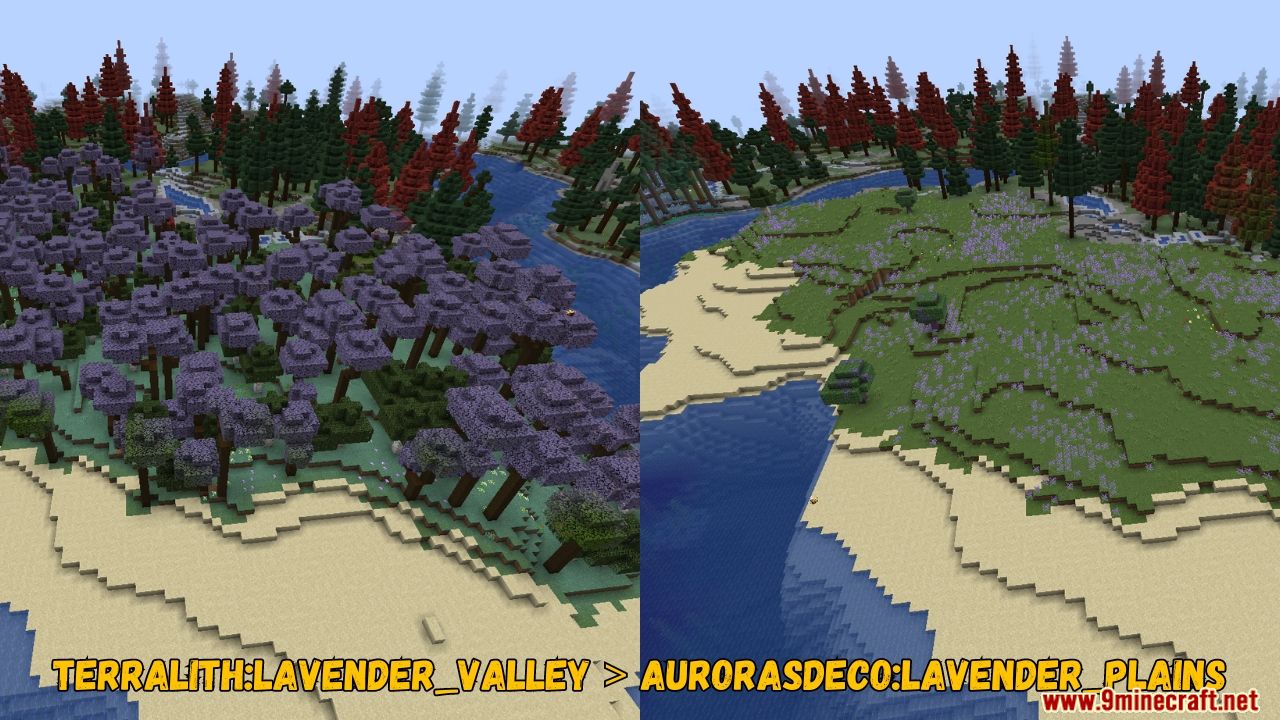
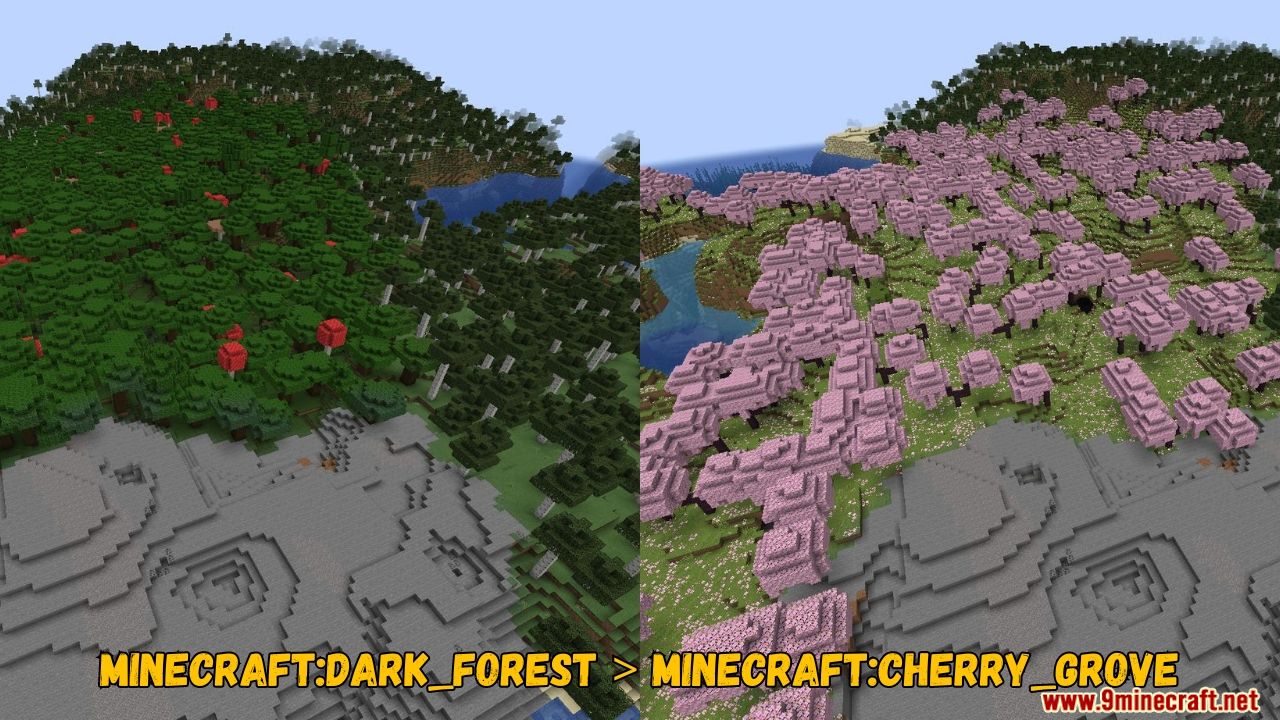
Open your world's configuration folder and find biome-replacer.properties. Add a line in the format old_biome > new_biome, save the file, and restart the server for the change to take effect.
What is the exact format for a replacement rule?
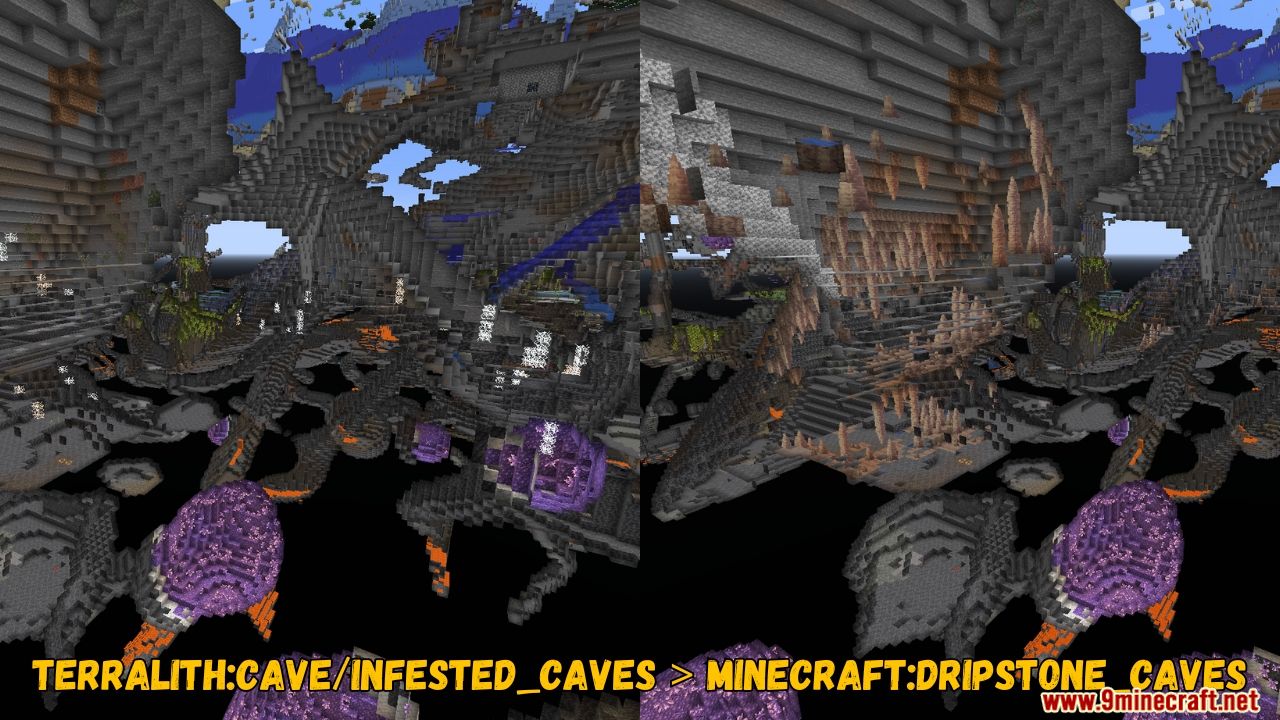
Each rule goes on its own line as old_biome > new_biome, using the biome's registry ID. The greater-than symbol separates the biome you want to remove from the one you want in its place.
Do I need to restart the server after editing the config?
Yes, the mod reads the properties file at server startup, so changes only apply after a restart. Reloading the world without restarting will not pick up new rules.
Will Biome Replacer change biomes in chunks that already exist?
No, it only affects newly generated terrain, so existing chunks keep their original biomes. To see replacements, you need to explore new areas or generate fresh chunks.
See all 10 Biome Replacer questions ›
Gallery
5 images from the Biome Replacer Mod page.
You May Also Like
Wikis that share the most with this one
Wikis on the same theme: biome
More mod wikis on the site
The most downloaded mods that have a wiki here
A few wikis from each of the other kinds