

 DownloadBiome Spawn Point Mod
Get the files on 9Minecraft
Guides
Step-by-step, in-game.
How to Choose Which Biome You Spawn InFind and Open the Config File After installing the mod and launching the game once, a file called spawnbiomes.txt is…How to Combine Biome Spawn Point with Village Spawn PointWhy Combine Them Biome Spawn Point controls which biome you start in, while Village Spawn Point makes you spawn in or…How to Get a Bonus Chest at Your Chosen SpawnUnderstand the Bonus Chest Setting The mod supports bonus chest generation near your spawn point. The bonus chest is…How to Spawn in a Modded BiomeConfirm the Biome Is Registered Modded biomes only appear in spawnbiomes.txt if the mod that adds them is installed…
Frequently asked questions
How do I choose which biome I spawn in?
Open the spawnbiomes.txt config file the mod generates and remove the exclamation mark in front of the biome you want. Save the file, then create a new world and you'll spawn in that biome.
Where is the spawnbiomes.txt file located?
It's generated in your Minecraft config folder the first time the mod runs. If you can't find it, launch the game once with the mod installed so it can create the file.
Why am I still spawning in a random biome after editing the config?
The config only applies to newly created worlds, not existing ones. Also make sure you actually saved the file and removed the exclamation mark rather than adding one.
What happens if I select multiple biomes?
The spawn biome is chosen by probability among your selected biomes. Selecting two gives each an equal chance, and adding more splits the odds further.
See all 10 Biome Spawn Point questions ›
Gallery
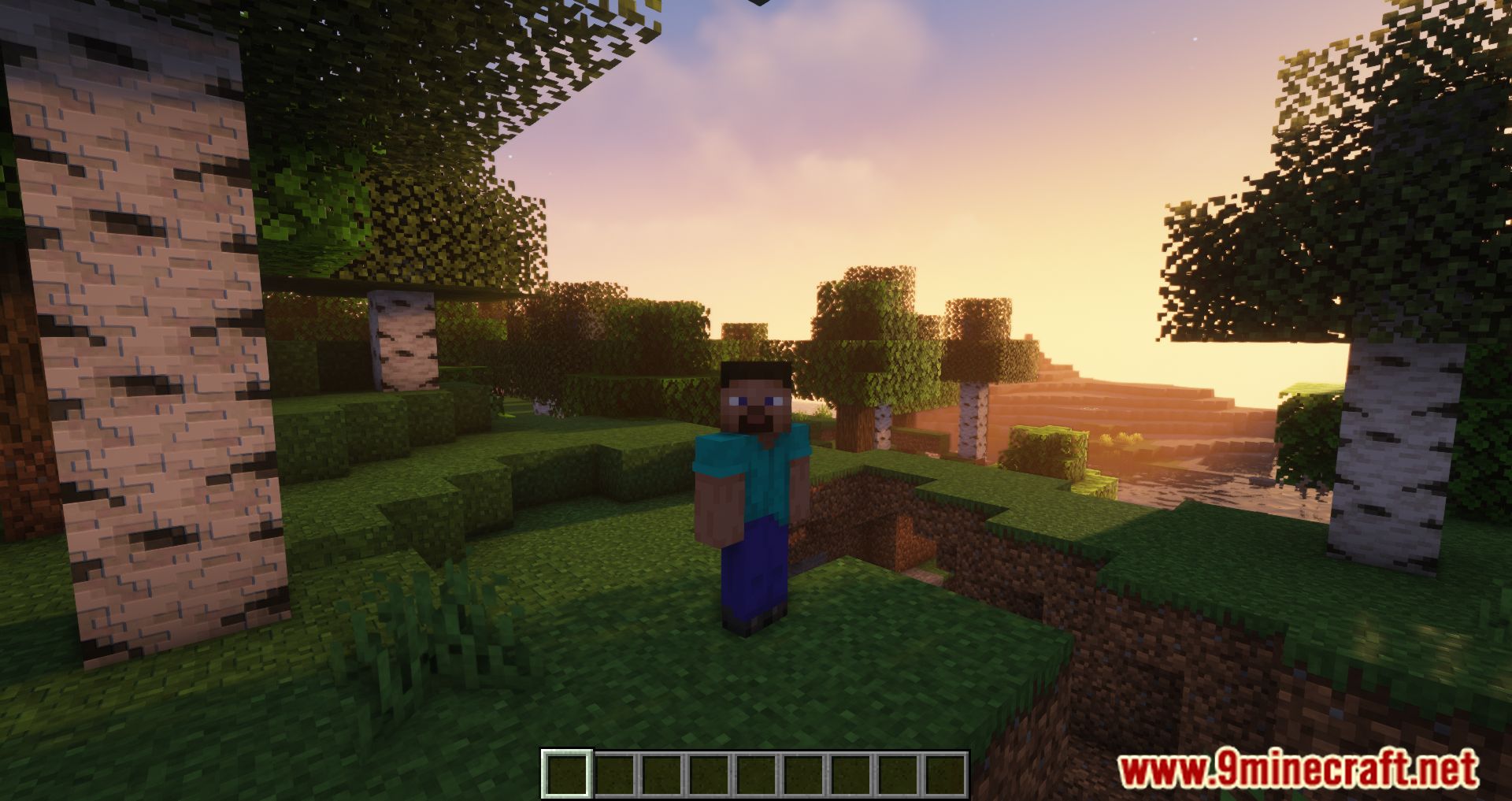
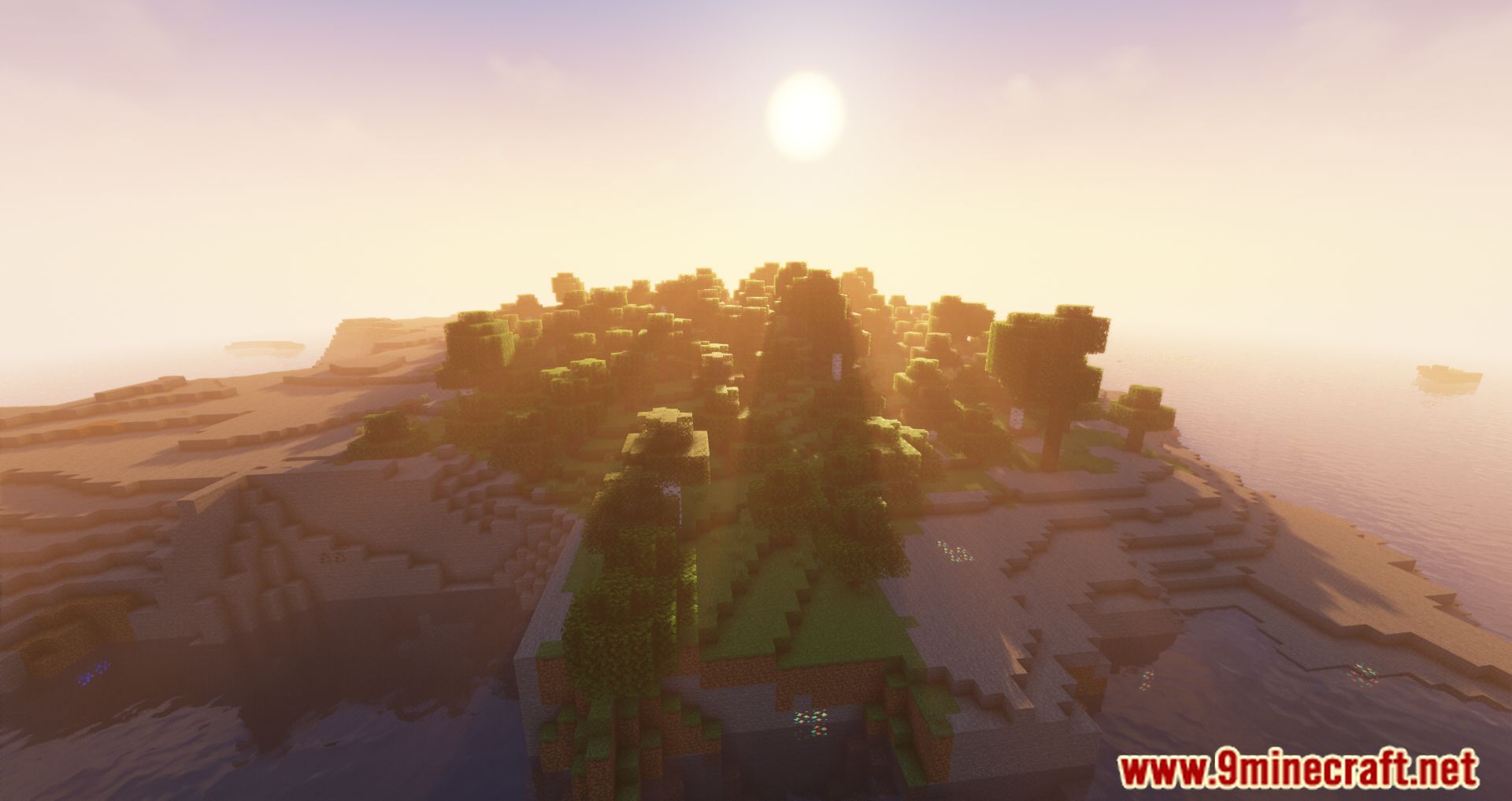
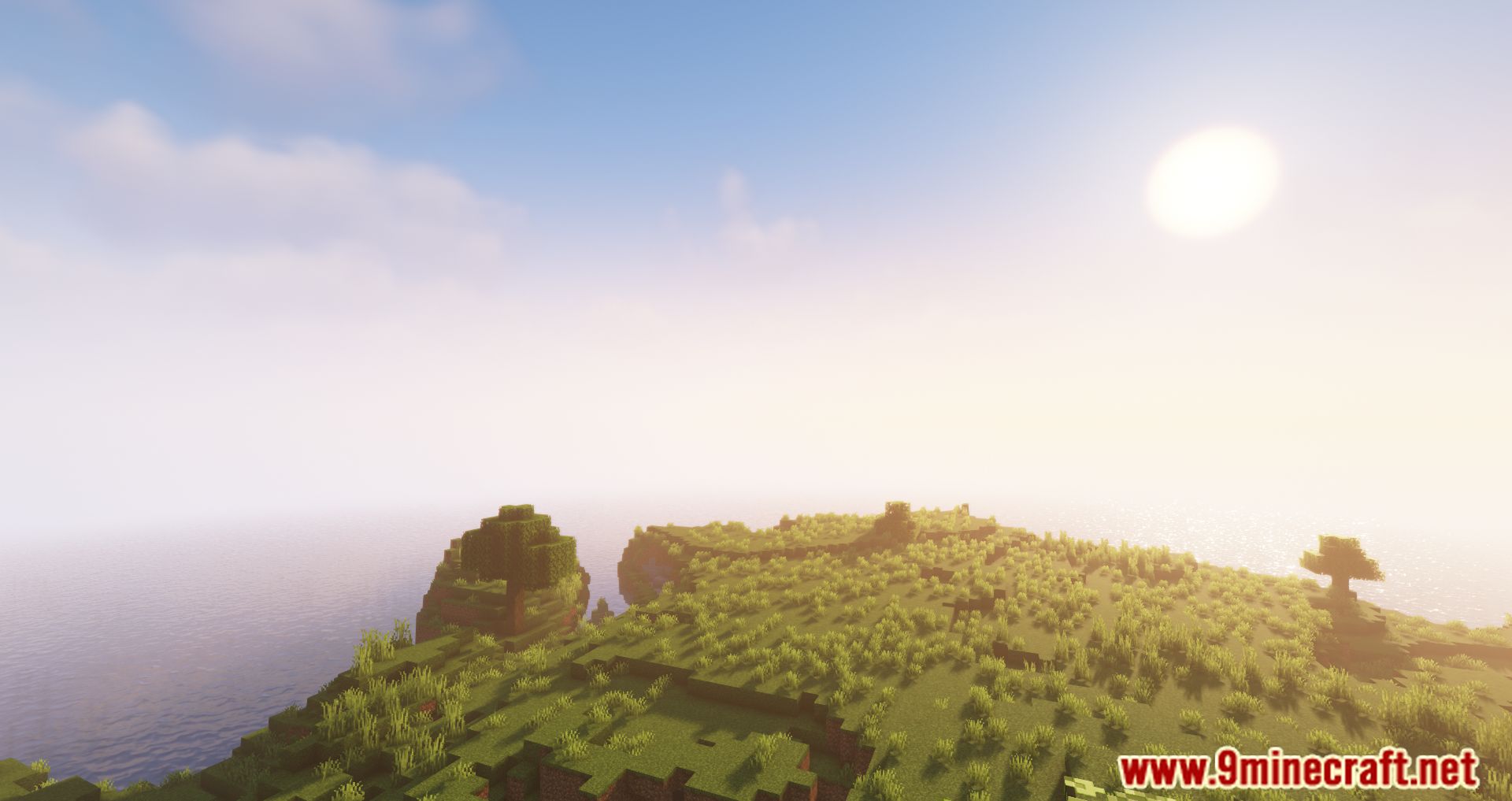
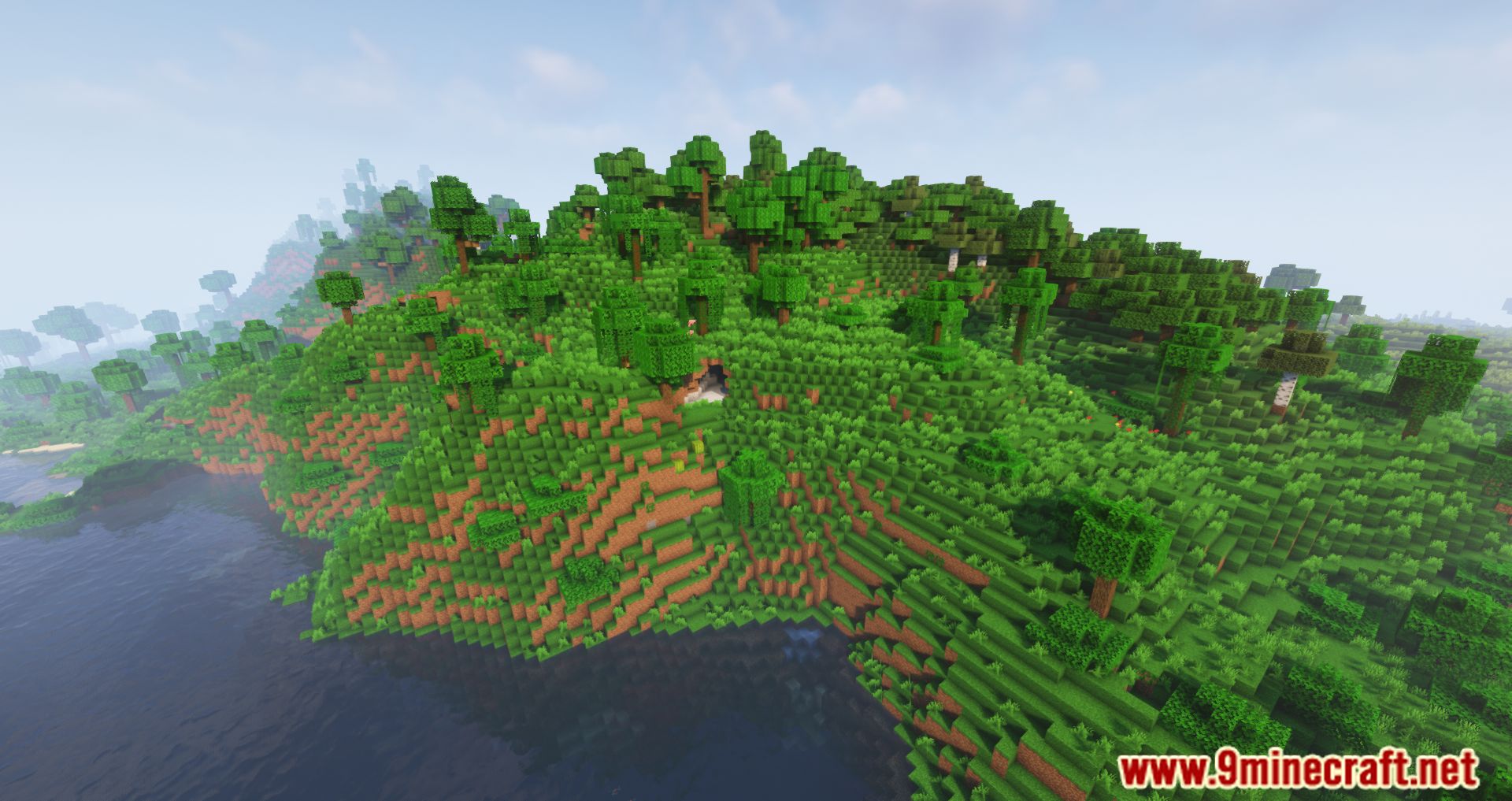
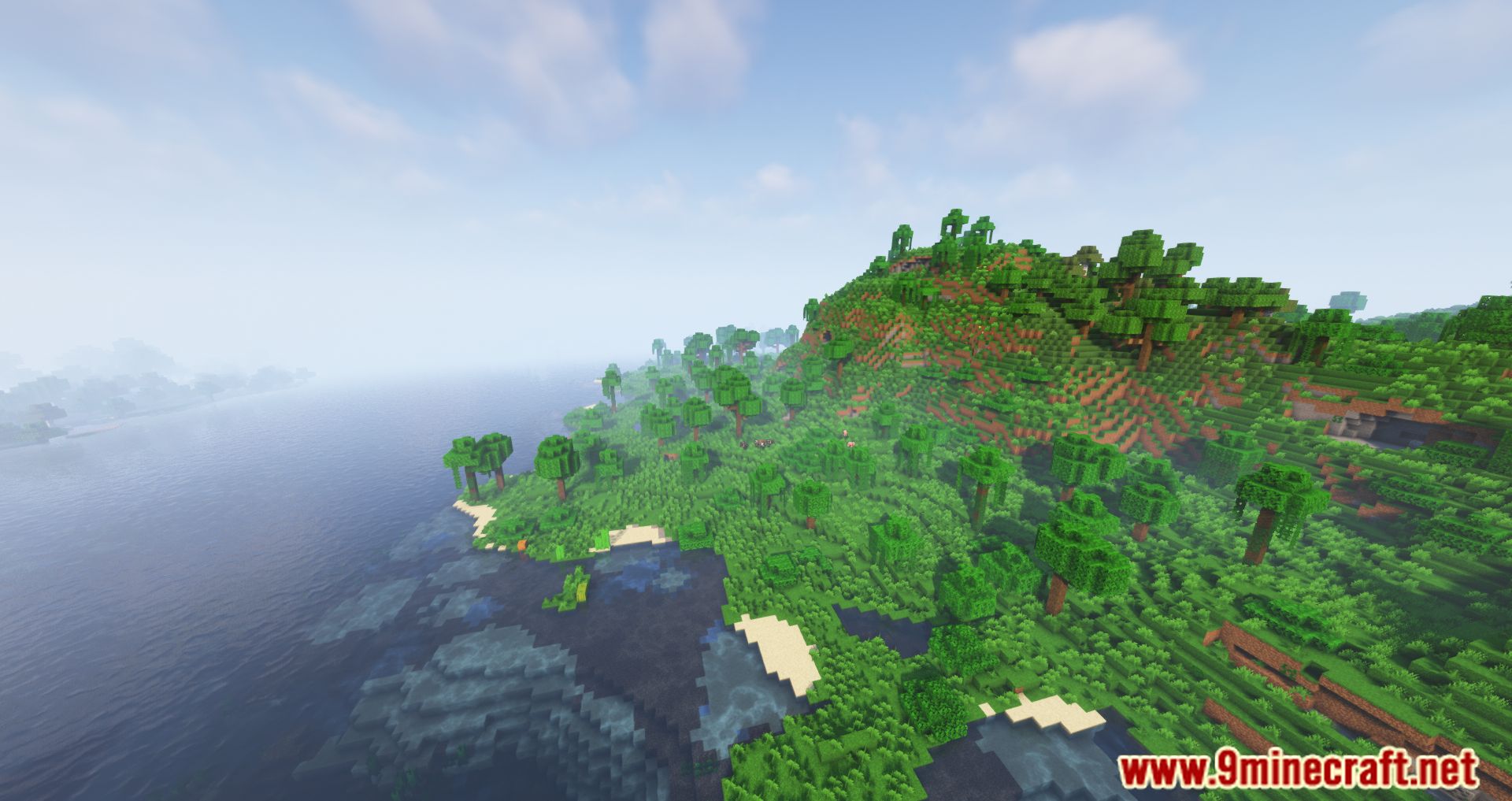
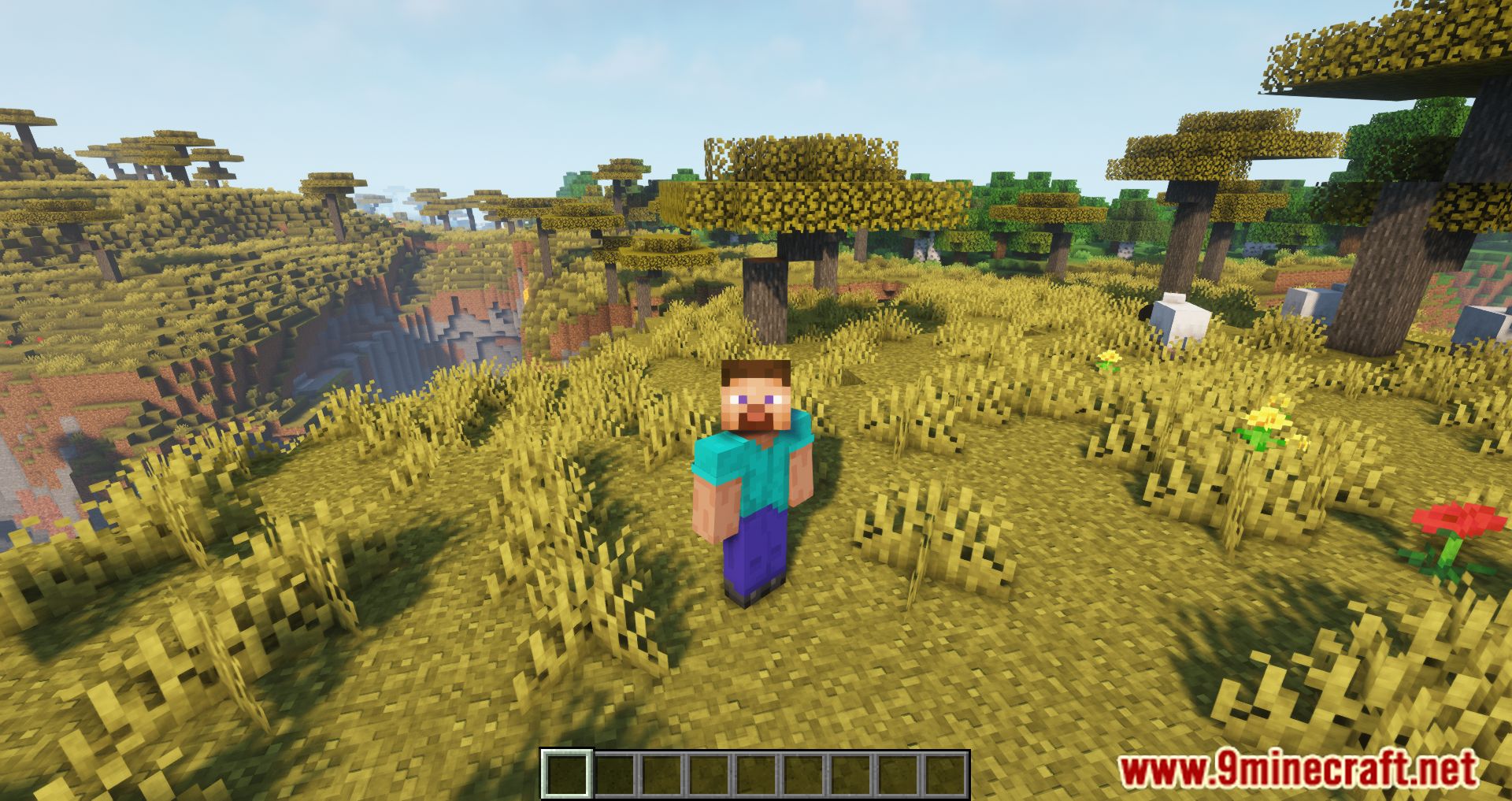
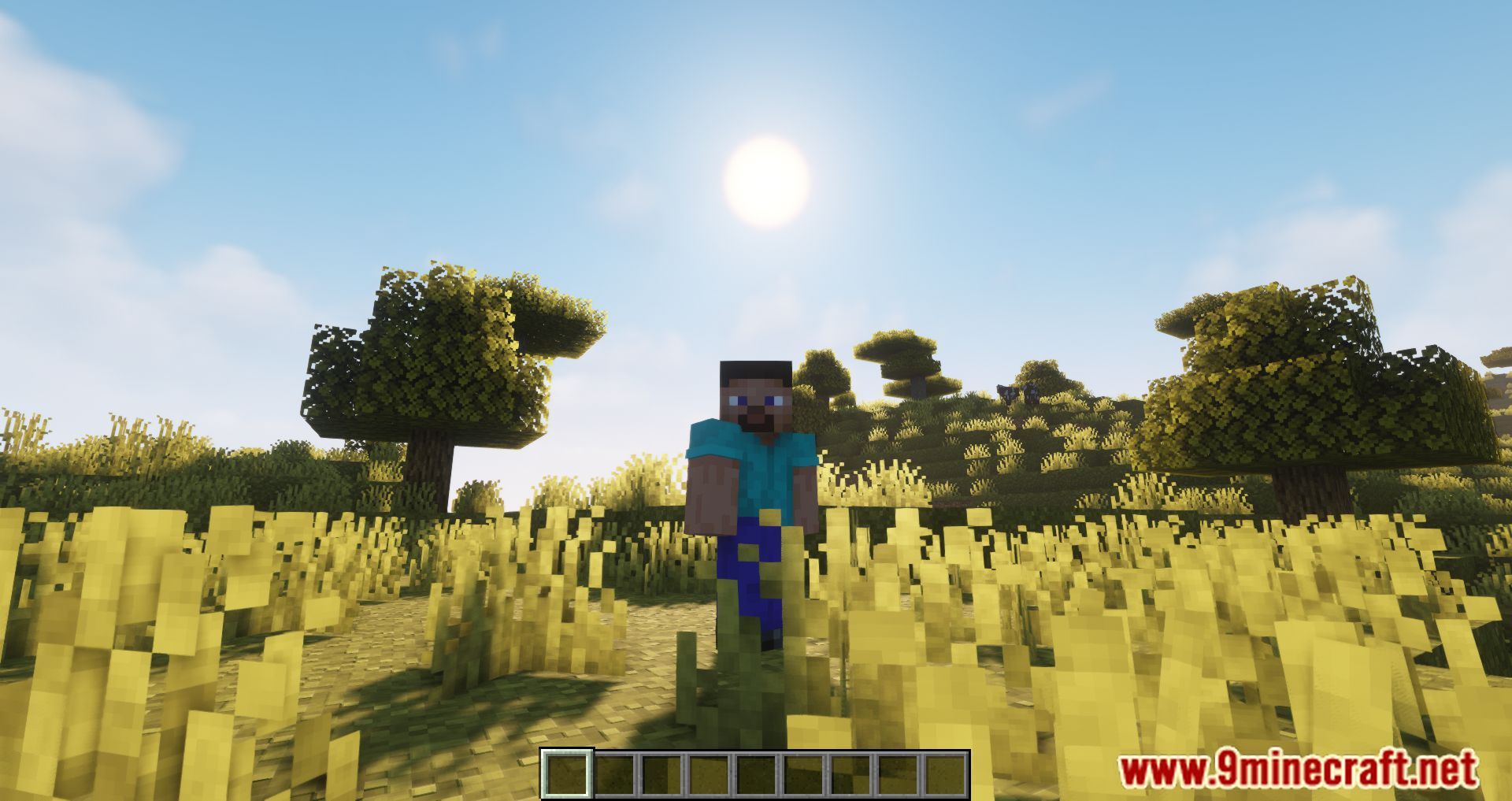
10 images from the Biome Spawn Point Mod page.
You May Also Like
Wikis that share the most with this one
Wikis on the same theme: biome
More mod wikis on the site
The most downloaded mods that have a wiki here
A few wikis from each of the other kinds