

 DownloadBiomeInfo Mod
Get the files on 9Minecraft
Guides
Step-by-step, in-game.
Customize Biome Name Display Position and ColorAdjust Display Settings The mod allows you to reposition the biome name text and change its color to suit your…Display the Biome You're Looking AtEnable Crosshair Biome Display BiomeInfo Mod can show you the name of the biome your crosshair is pointing at, useful…Find Specific Biomes in Your WorldSearch Systematically Using BiomeInfo While BiomeInfo doesn't have a built-in search or teleport feature, you can use…Identify Multiple Biomes While ExploringUse Both Display Modes Together Combine the current biome display with the look-at feature to efficiently map and…
Frequently asked questions
How do I turn on the biome display?
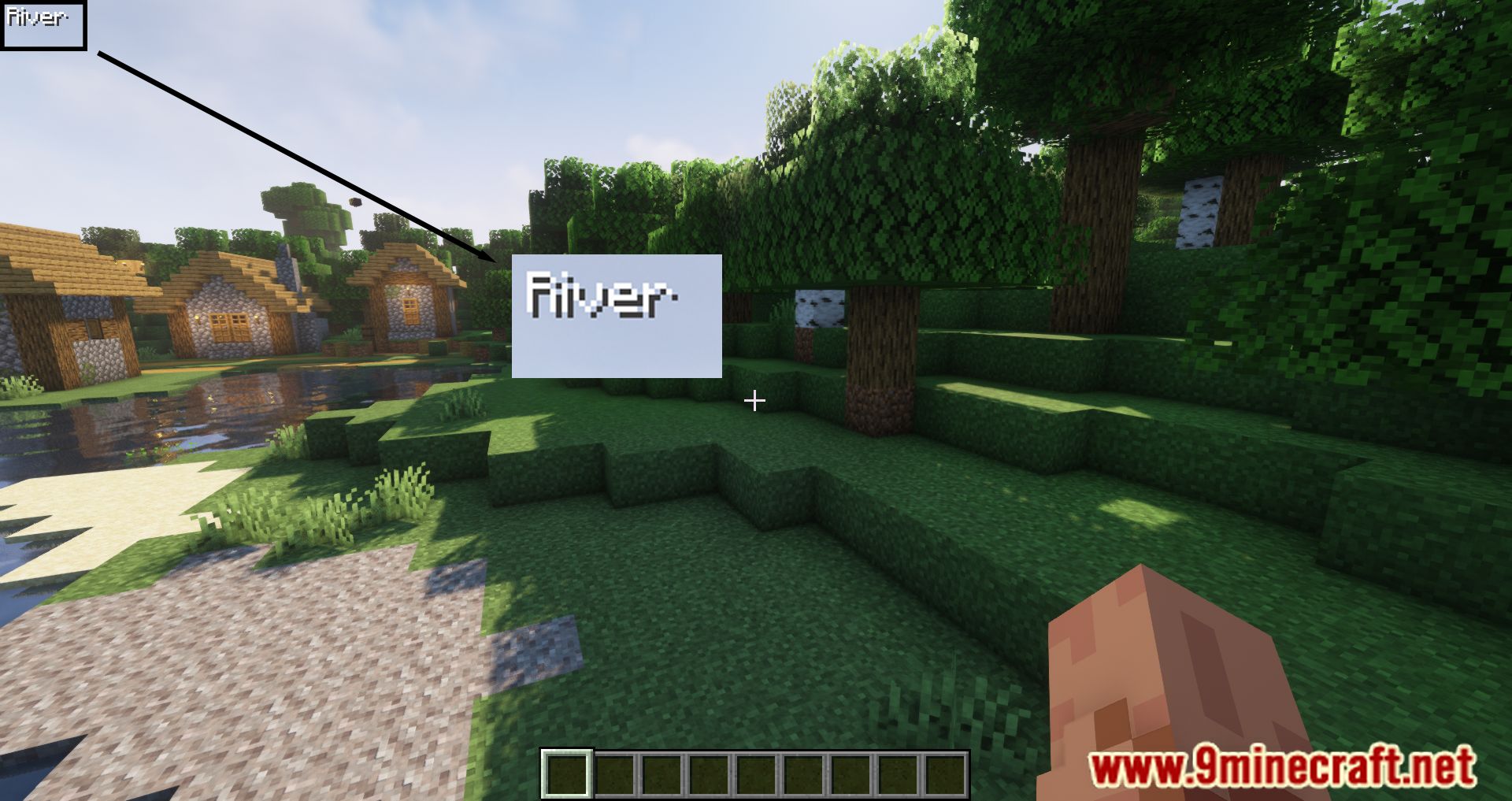
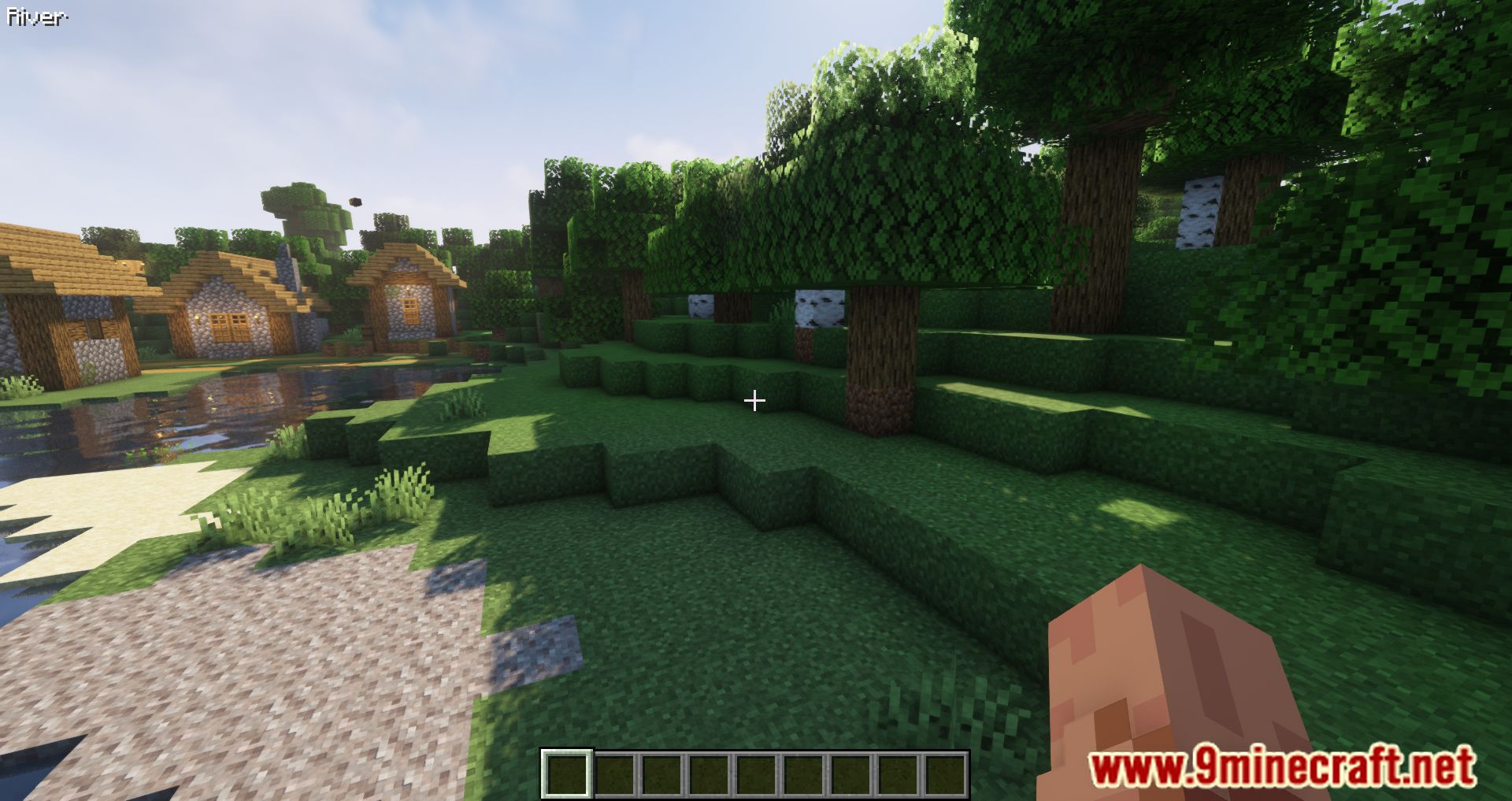
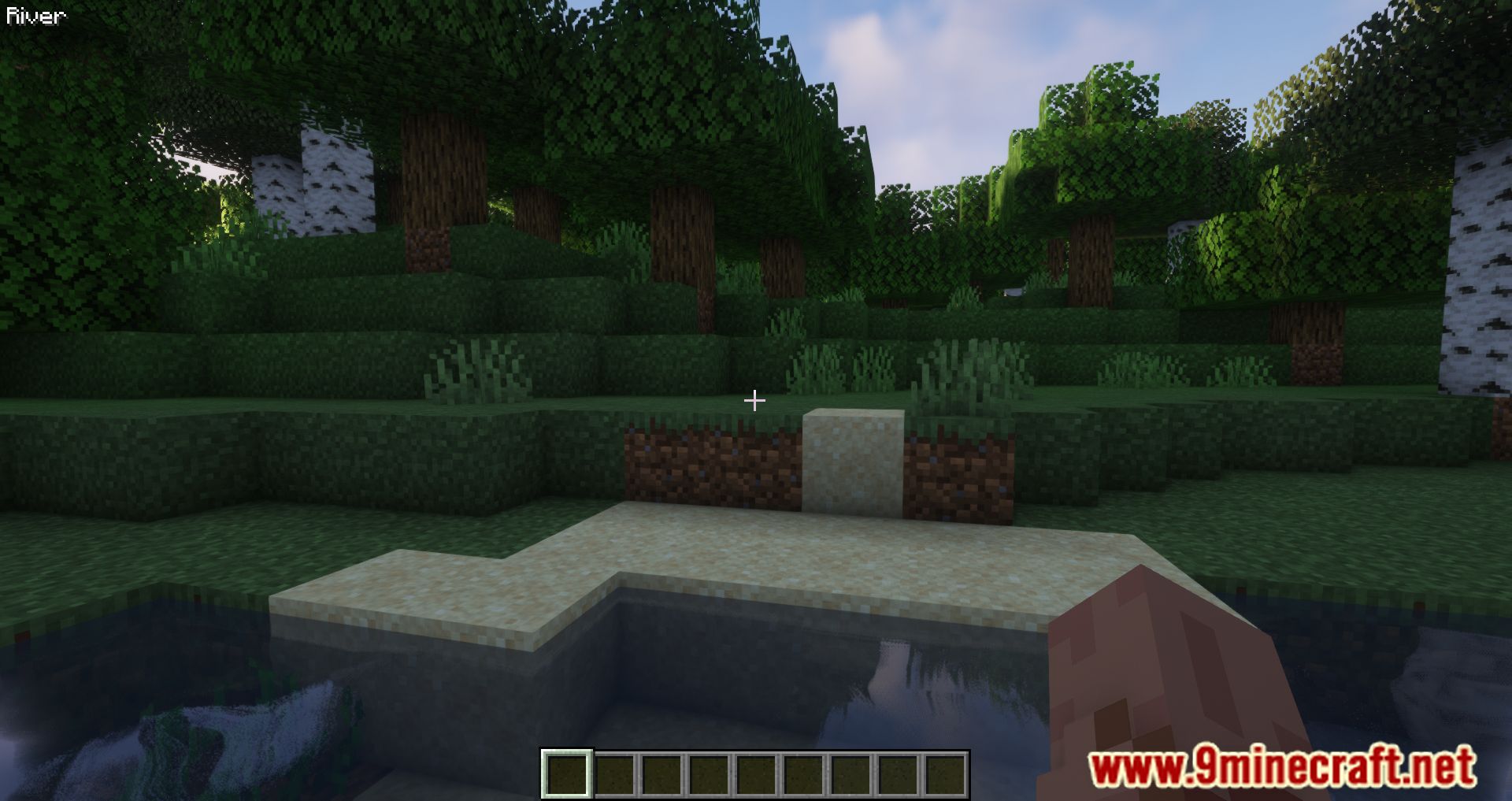
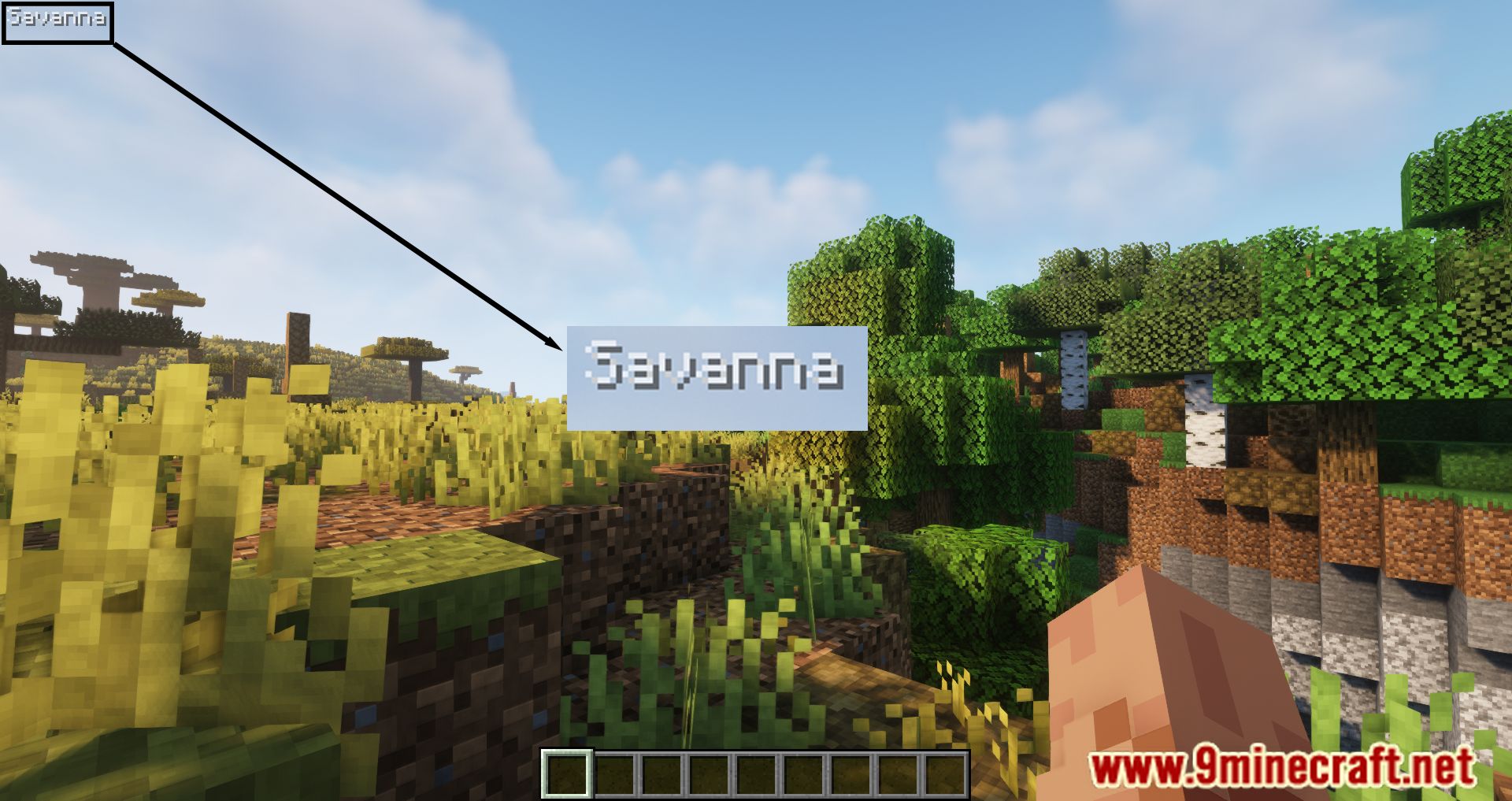
The biome name display is enabled by default when you install the mod. If it's not showing, check your mod configuration file to ensure the mod is active, or look for a toggle keybind in your controls settings.
How do I see what biome I'm looking at instead of where I'm standing?
Open the mod's configuration menu and enable the "Display Looked-At Biome" option. Once active, the mod will show the biome name of the block or terrain you're pointing your crosshair at.
Can I move the biome name text to a different corner of my screen?
Yes, access the mod's configuration settings and look for the position or anchor option. You can typically choose from corners (top-left, top-right, bottom-left, bottom-right) or adjust exact coordinates depending on your mod version.
How do I change the color of the biome name text?
Open the mod configuration and find the color settings. You can usually input a hex color code or select from preset colors to customize how the biome name appears on your screen.
See all 10 BiomeInfo questions ›
Gallery
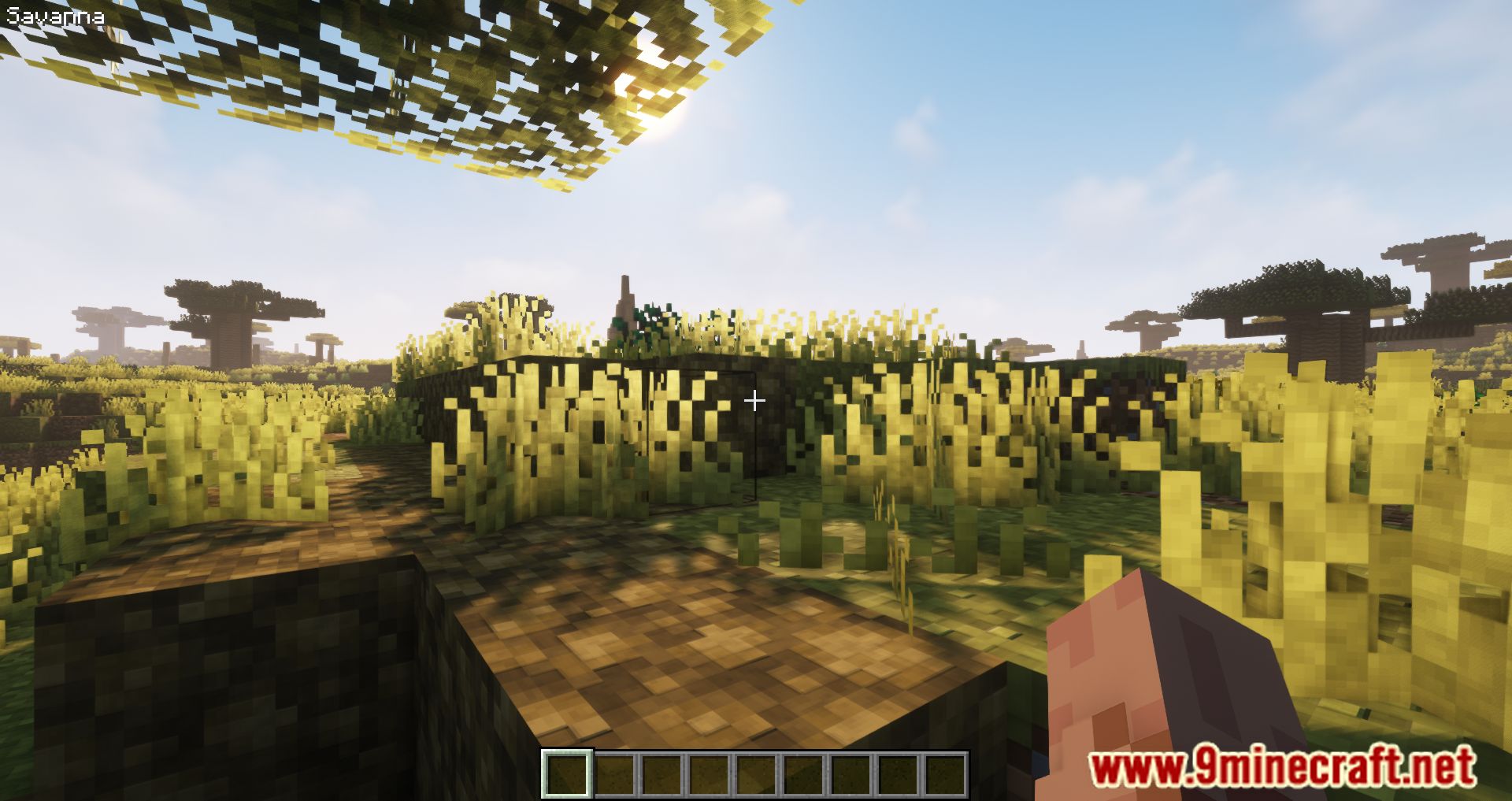
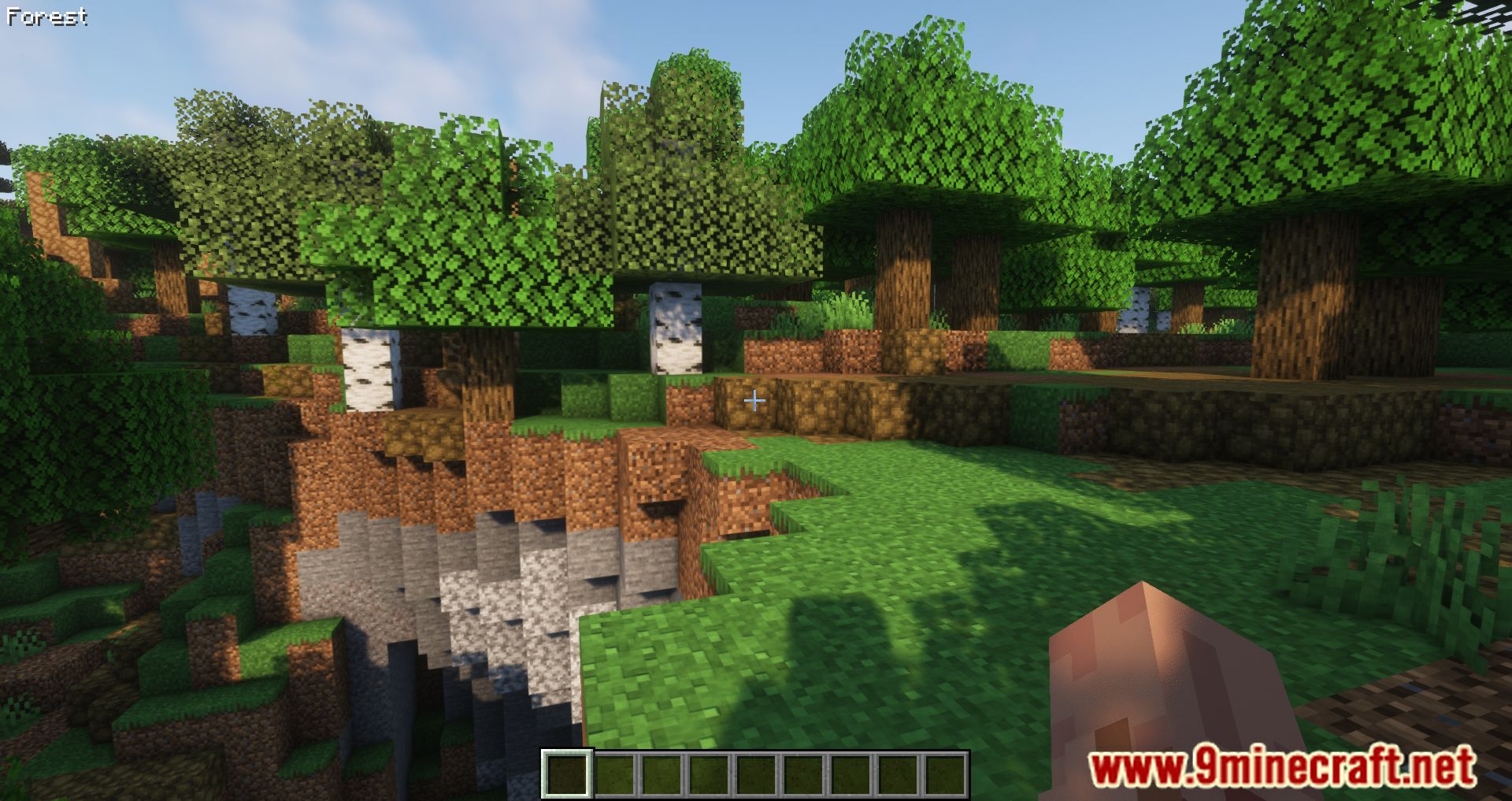
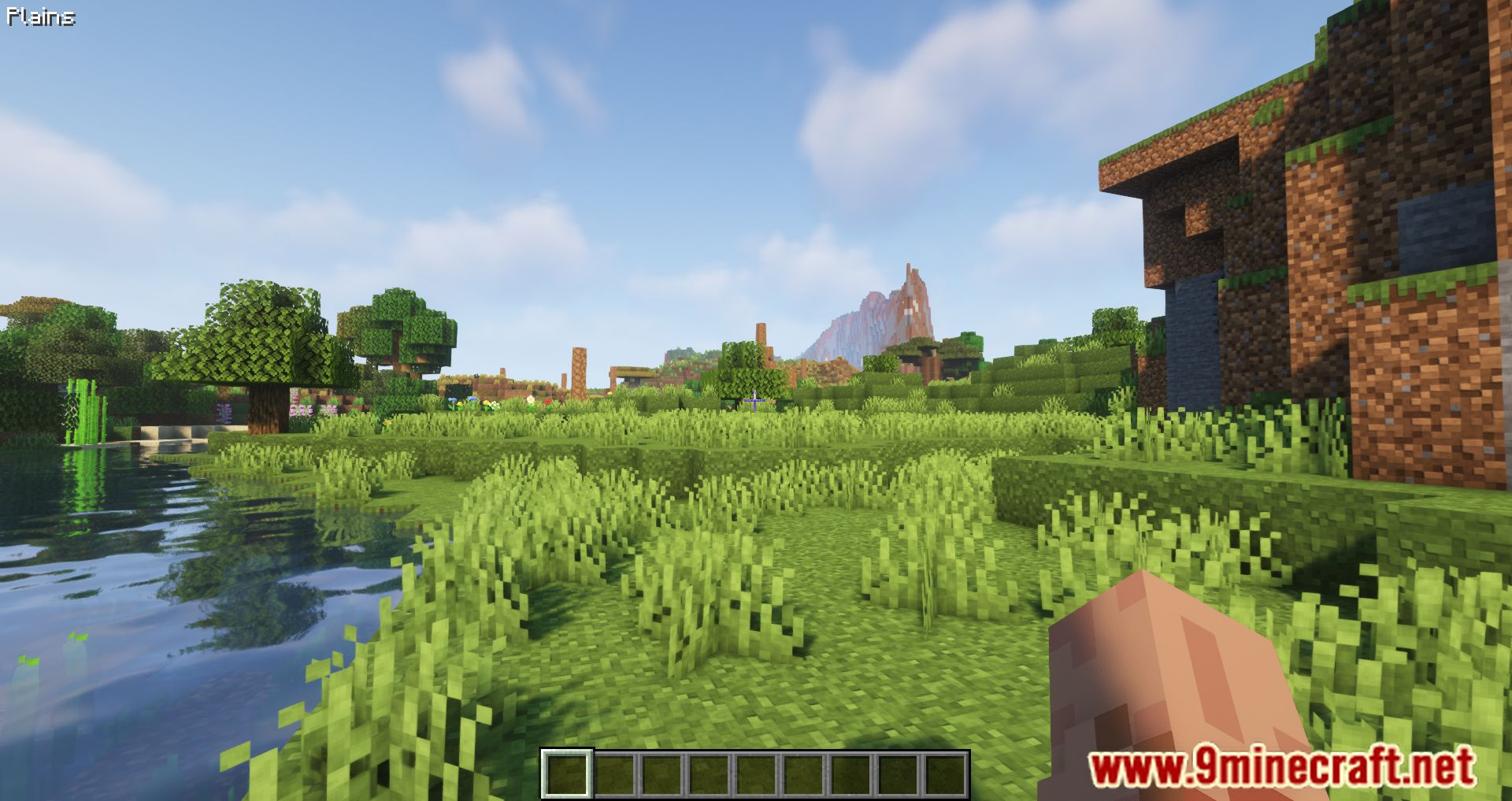
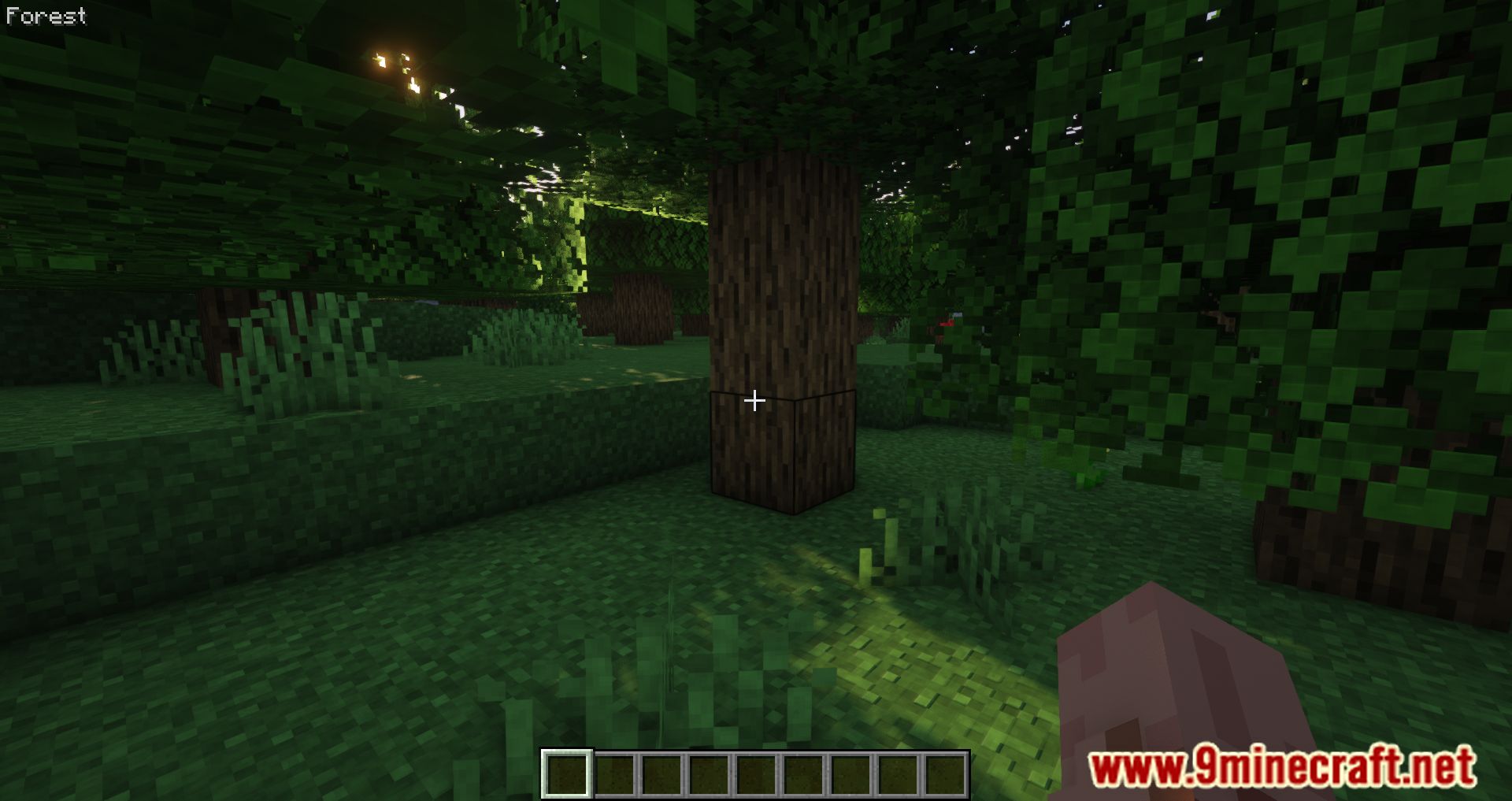
9 images from the Biomeinfo Mod page.

You May Also Like
Wikis that share the most with this one
Wikis on the same theme: biome
More mod wikis on the site
The most downloaded mods that have a wiki here
A few wikis from each of the other kinds