

 DownloadBetterHurtCam Mod
Get the files on 9Minecraft
Guides
Step-by-step, in-game.
How to Change Hurt Camera Intensity with the KeybindingThe On-the-Fly Approach BetterHurtCam's standout feature is that you don't have to leave the game to tune the hurt…How to Configure BetterHurtCam for PvP and Competitive PlayWhy the Hurt Camera Hurts Your Aim In vanilla, taking damage tilts and shakes your view. In PvP that tilt can cost…How to Disable Hurt Camera Bobbing Completely in BetterHurtCamUsing the In-Game Config Screen BetterHurtCam is built around a simple idea: the vanilla hurt camera tilt is…How to Fix BetterHurtCam Not Working or ResettingFirst Checks If the hurt camera still shakes after you changed settings, work through these in order. 1. Confirm…
Frequently asked questions
How do I open the BetterHurtCam config screen?
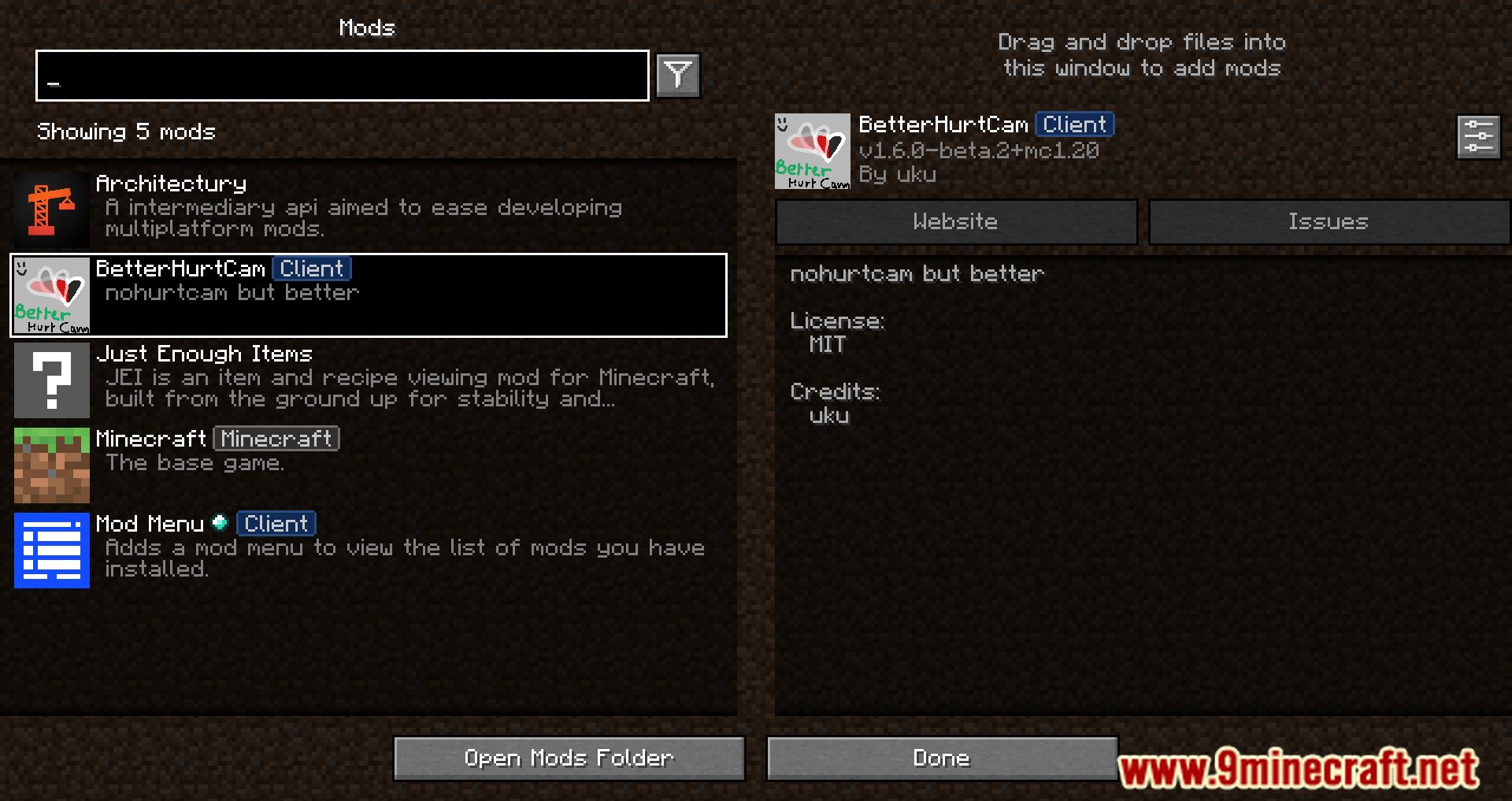
Open the mod list from the main menu or pause screen, find BetterHurtCam, and click its config button to launch the integrated settings screen. From there you can set the hurt  camera intensity to whatever value you prefer.
What key opens the BetterHurtCam settings in-game?
The mod adds a keybinding for adjusting hurt camera intensity on the fly, which you can find and rebind under Options > Controls > Key Binds. Press it during gameplay to cycle or toggle the intensity without leaving the world.
camera intensity on the fly, which you can find and rebind under Options > Controls > Key Binds. Press it during gameplay to cycle or toggle the intensity without leaving the world.How do I completely turn off hurt camera bobbing?
Set the hurt camera intensity to its minimum value in the config screen, which effectively disables the bobbing entirely. This gives you the same behavior as the original NoHurtCam mod.
camera intensity to its minimum value in the config screen, which effectively disables the bobbing entirely. This gives you the same behavior as the original NoHurtCam mod.Can I change hurt camera intensity without opening a menu?
Yes, the keybinding lets you adjust intensity directly while playing, so you can tune it mid-fight or mid-parkour. Check your key binds if the default key conflicts with another mod.
See all 10 BetterHurtCam questions ›
Gallery
11 images from the Betterhurtcam Mod page.
You May Also Like
Wikis that share the most with this one
More mod wikis on the site
The most downloaded mods that have a wiki here
A few wikis from each of the other kinds