

 DownloadBedrock Skins Mod
Get the files on 9Minecraft
Guides
Step-by-step, in-game.
Organize and Manage Your Skin CollectionMark Skins as Favorites Open the skin chooser menu (press K in-game or use the menu button) and browse your available…Switch Between Skins During GameplayOpen the Skin Chooser While playing in a world, press K to open the skin picker menu. This menu appears as an overlay…Use Custom Bedrock Skins with HD TexturesUnderstand Bedrock Skin Pack Format This mod loads native Bedrock Edition skin packs, which include JSON geometry…View Your Character's 3D Model and AnimationsCheck the Paper Doll Display Your character appears as an animated paper doll on both the main menu and the pause…
Frequently asked questions
How do I open the skin picker menu?
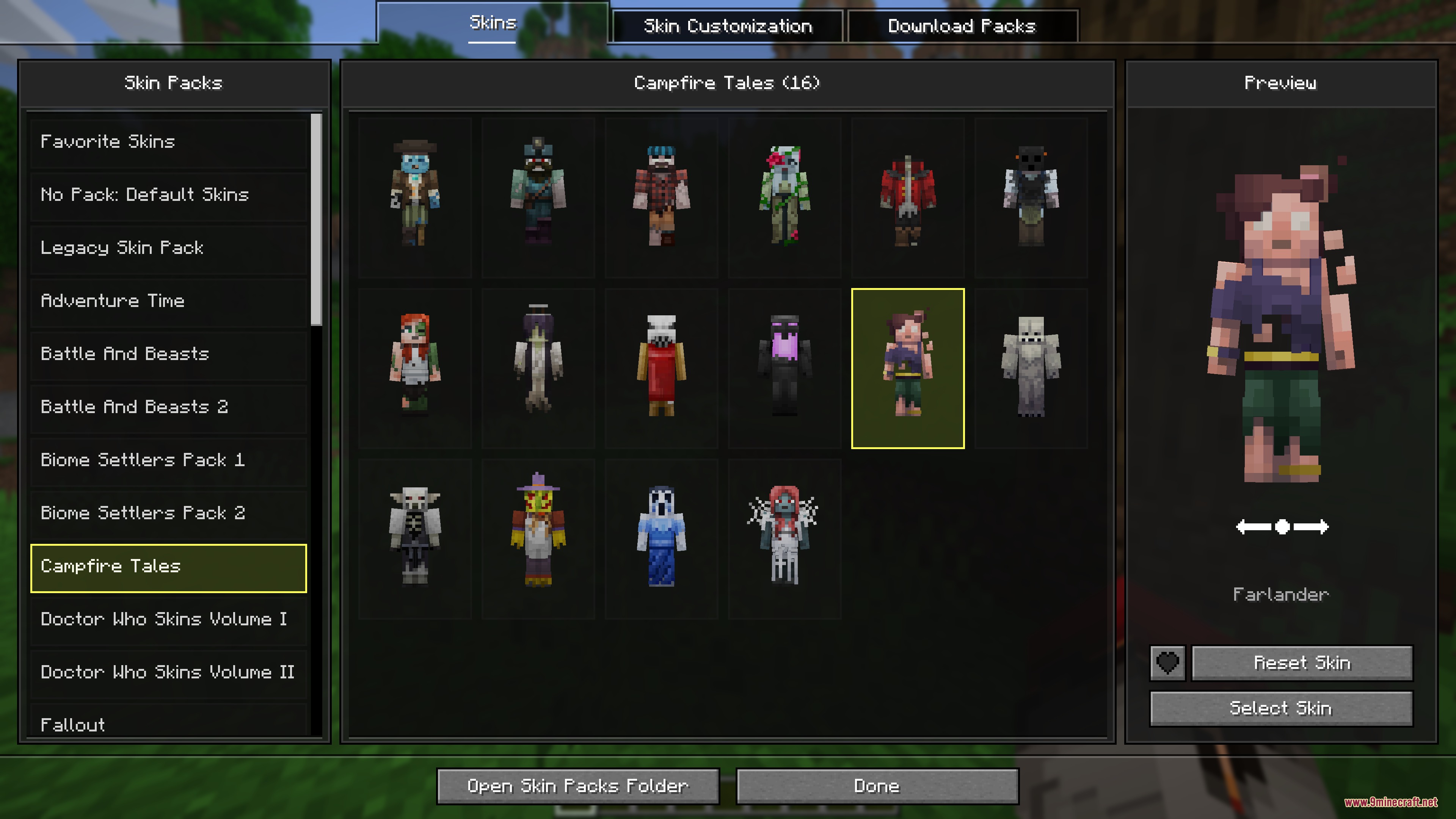
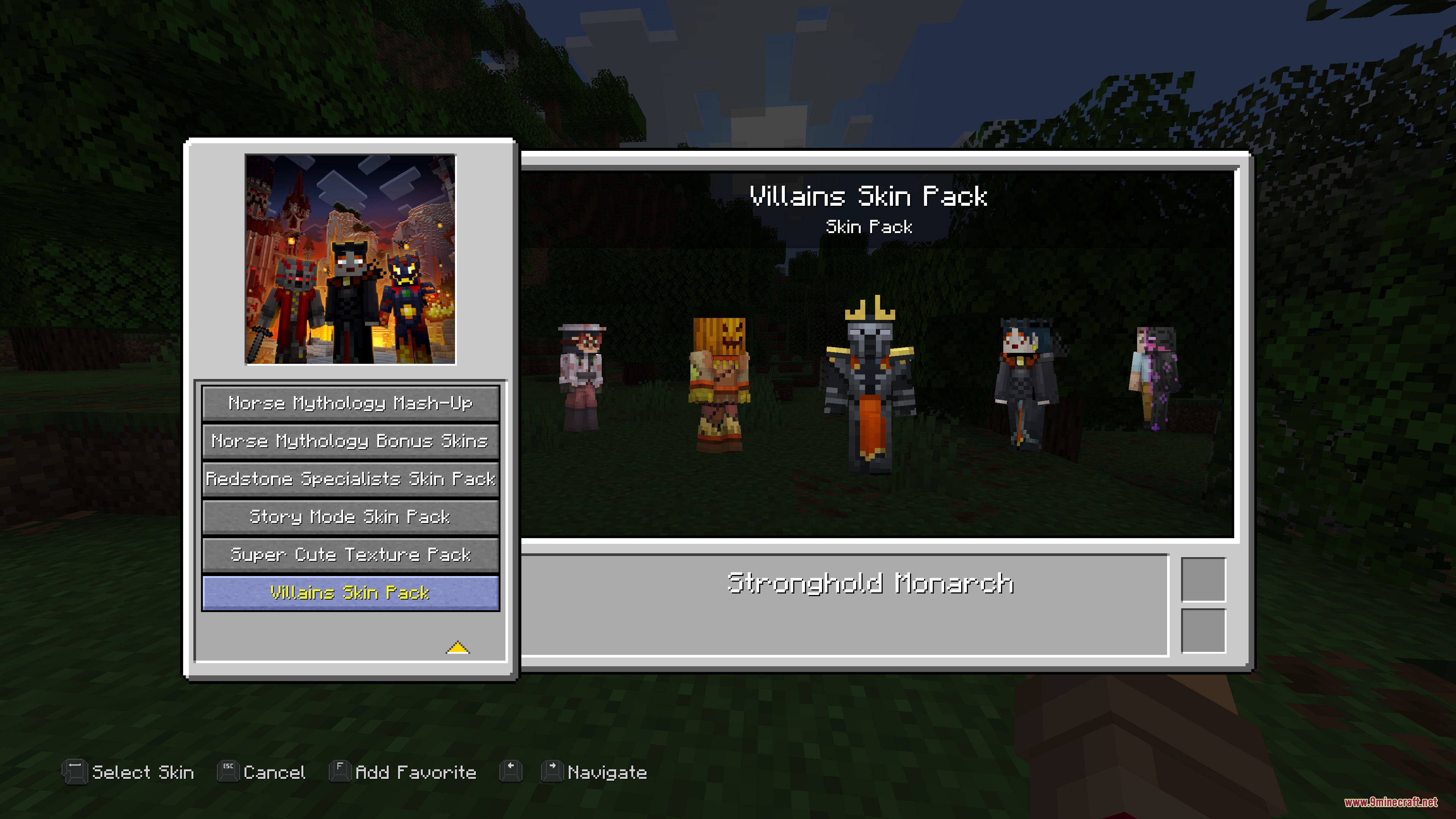
Press K while in-game to open the skin chooser menu, or click the skin button on the main menu or pause screen. The menu will display all available skins from your installed skin packs.
Why aren't my Bedrock skins showing up?
Make sure your skin pack files are in the correct mod folder and formatted as valid Bedrock skin packs (with JSON geometry files and textures). The mod only loads skins from compatible skin pack sources; incompatible formats won't appear in the menu.
Can I use skins with custom 3D models and animations?
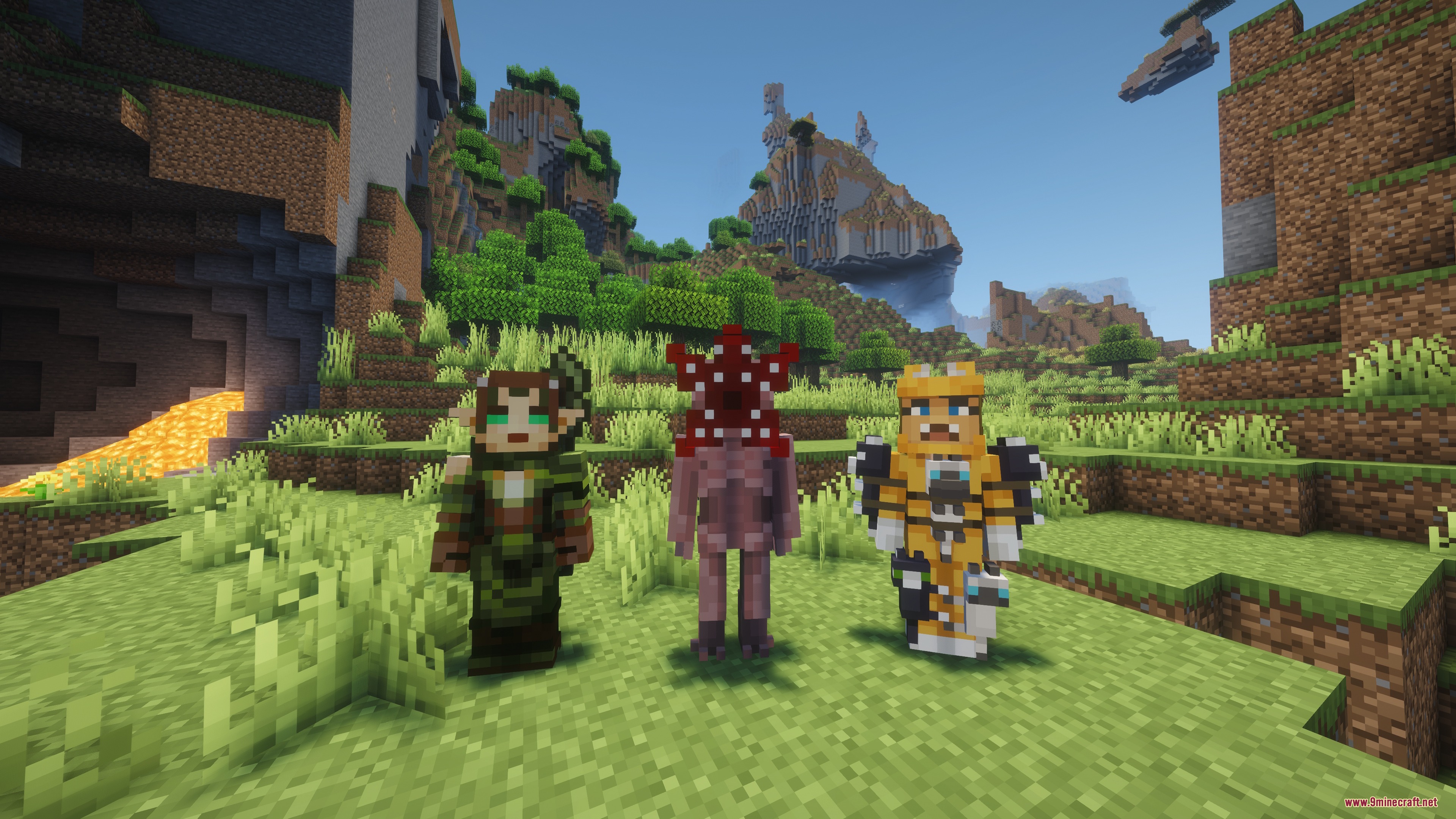
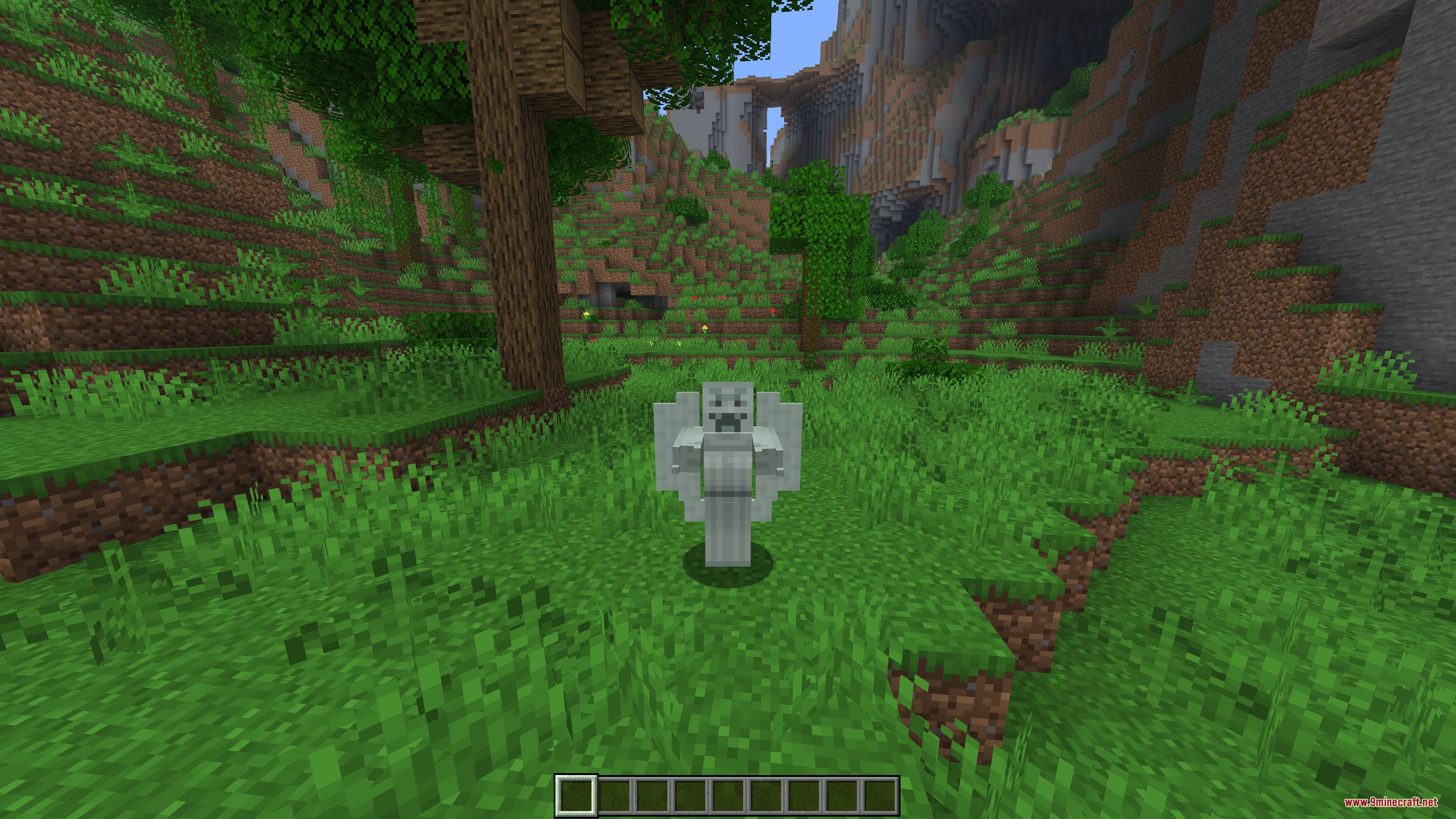
Yes, that's the main feature of this mod. Any Bedrock skin pack with custom geometry and animations will display those 3D models and play the animations when you wear it, both in-game and on the paper doll preview.
What's the paper doll and where do I see it?
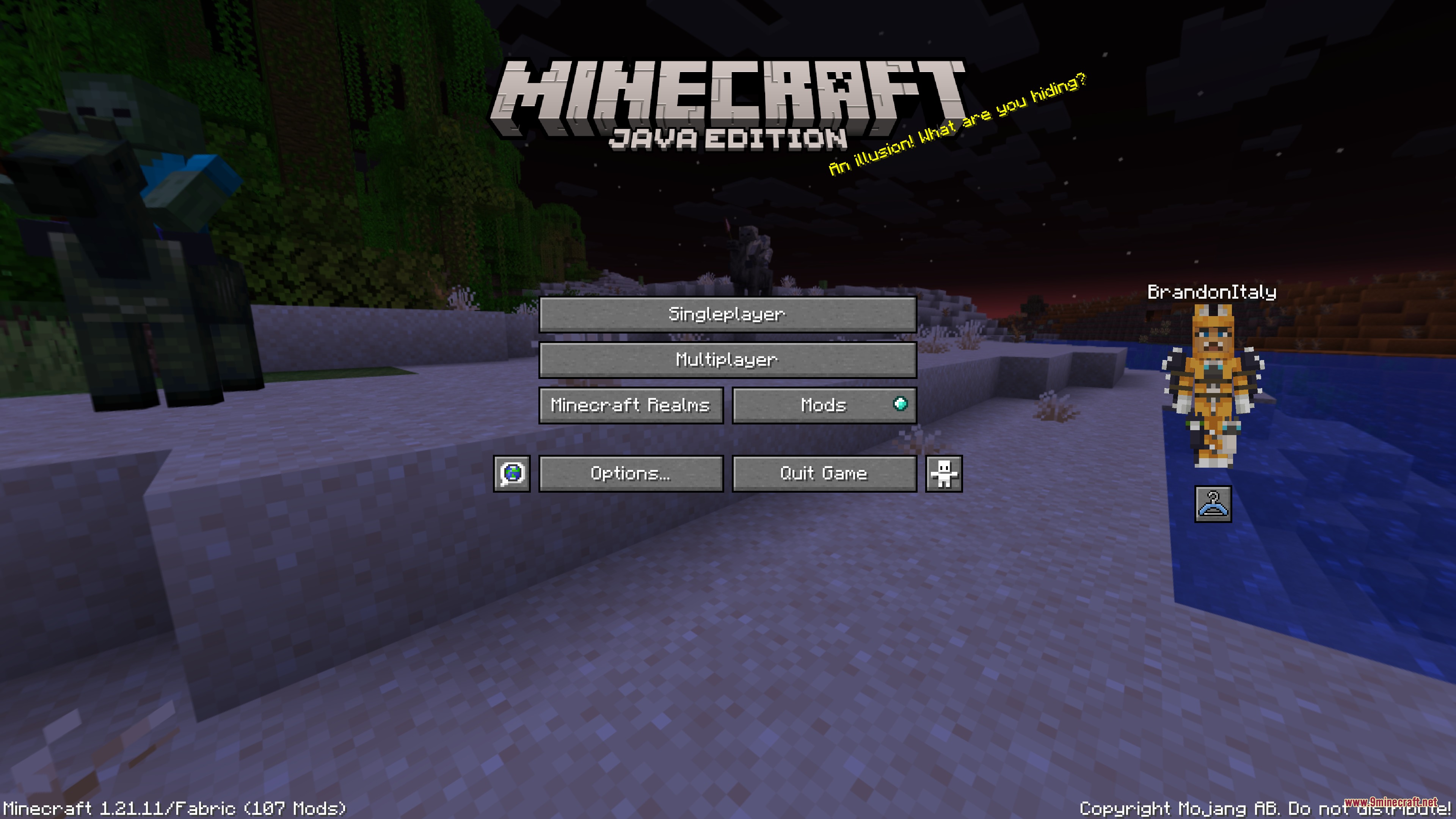
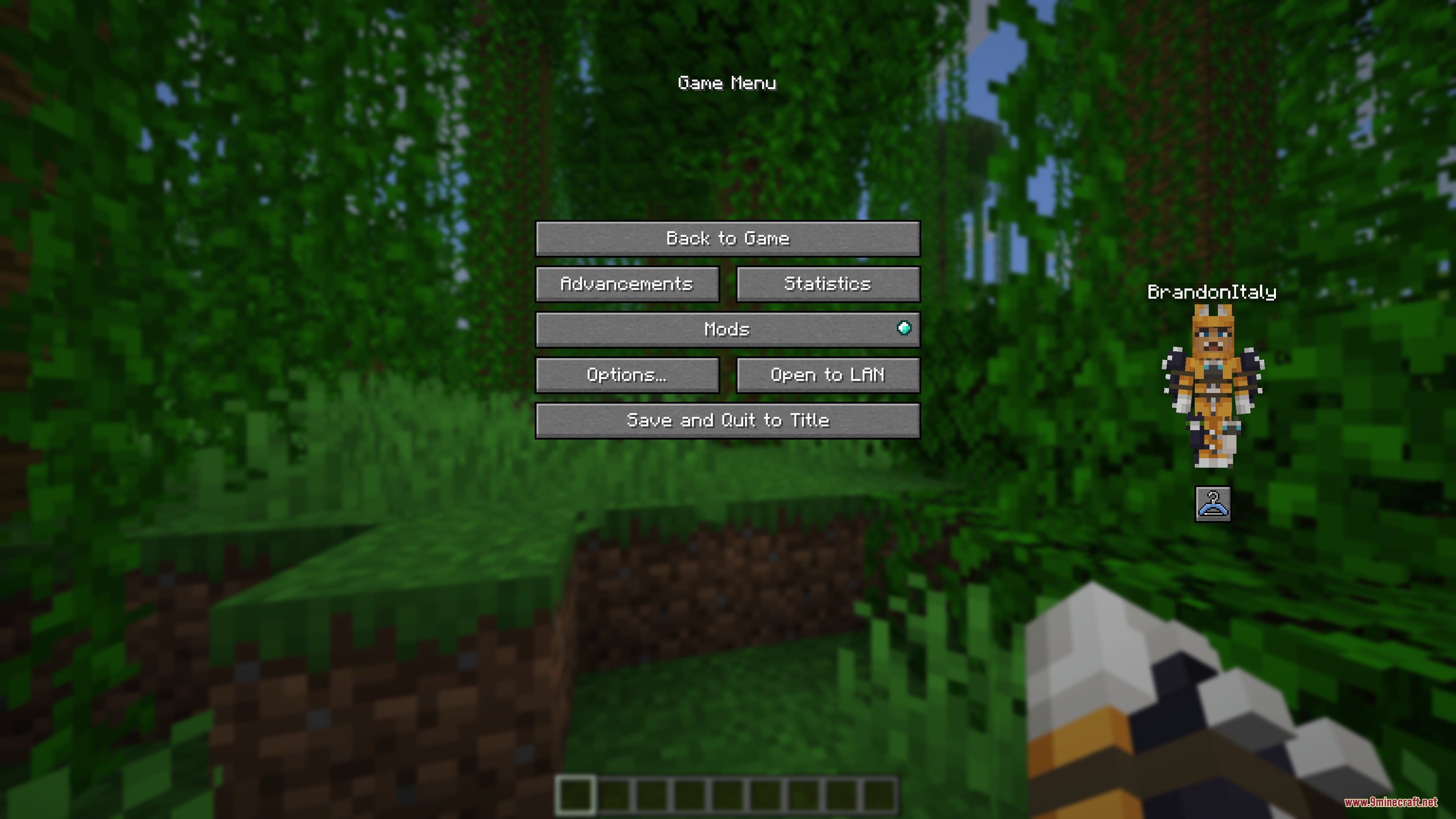
The paper doll is an animated preview of your current character model that appears on the main menu and pause screen. It shows your skin's 3D geometry and plays any built-in animations so you can see how your character looks before joining a world.
See all 10 Bedrock Skins questions ›
Gallery
7 images from the Bedrock Skins Mod page.
You May Also Like
Wikis that share the most with this one
More mod wikis on the site
The most downloaded mods that have a wiki here
A few wikis from each of the other kinds