

 DownloadBeautified Chat Server Mod
Get the files on 9Minecraft
Guides
Step-by-step, in-game.
How to Change the Chat Message Format in Beautified Chat ServerThe whole point of this mod is reshaping how chat looks, and the chatMessageFormat config option is where that…How to Recolour Chat Messages with Colour CodesBeyond rearranging text, the mod lets you colour the different parts of a chat line — the timestamp, the username,…How to Remove the Timestamp from ChatTimestamps are on by default, but plenty of servers prefer a cleaner look. Removing them is a config-only change and…How to Switch the Timestamp to AM/PM (12-Hour) FormatThe mod's timestamp defaults to 24-hour time. If your players expect AM/PM, you change the timestamp format pattern…
Frequently asked questions
How do I change the chat format on the server?
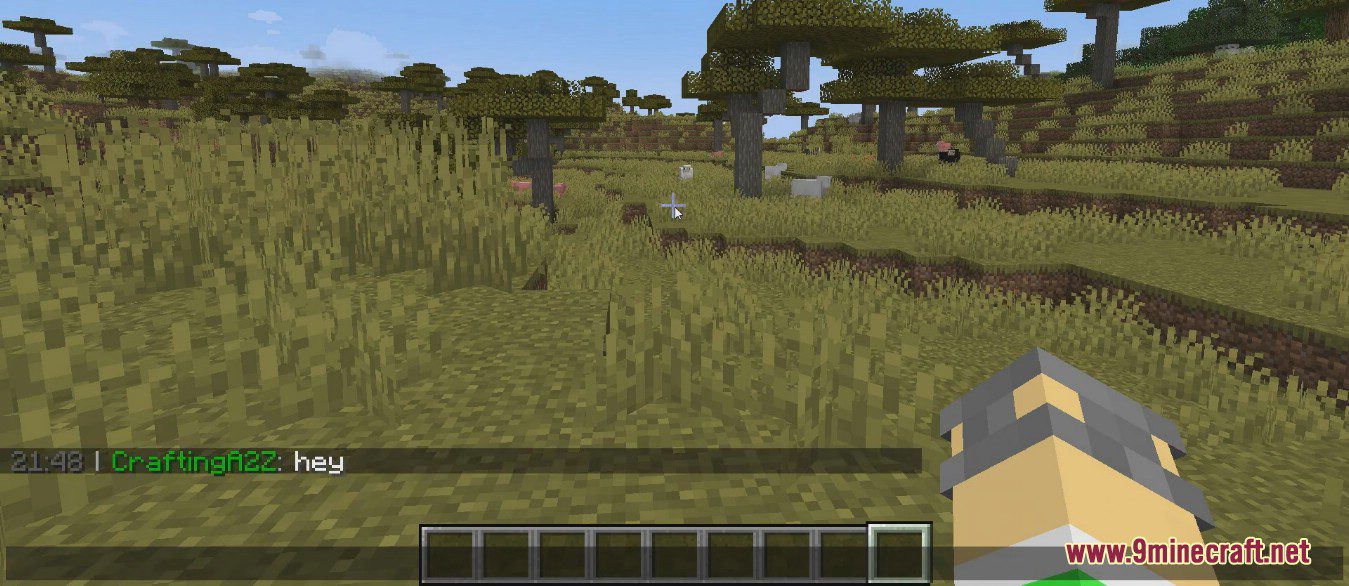
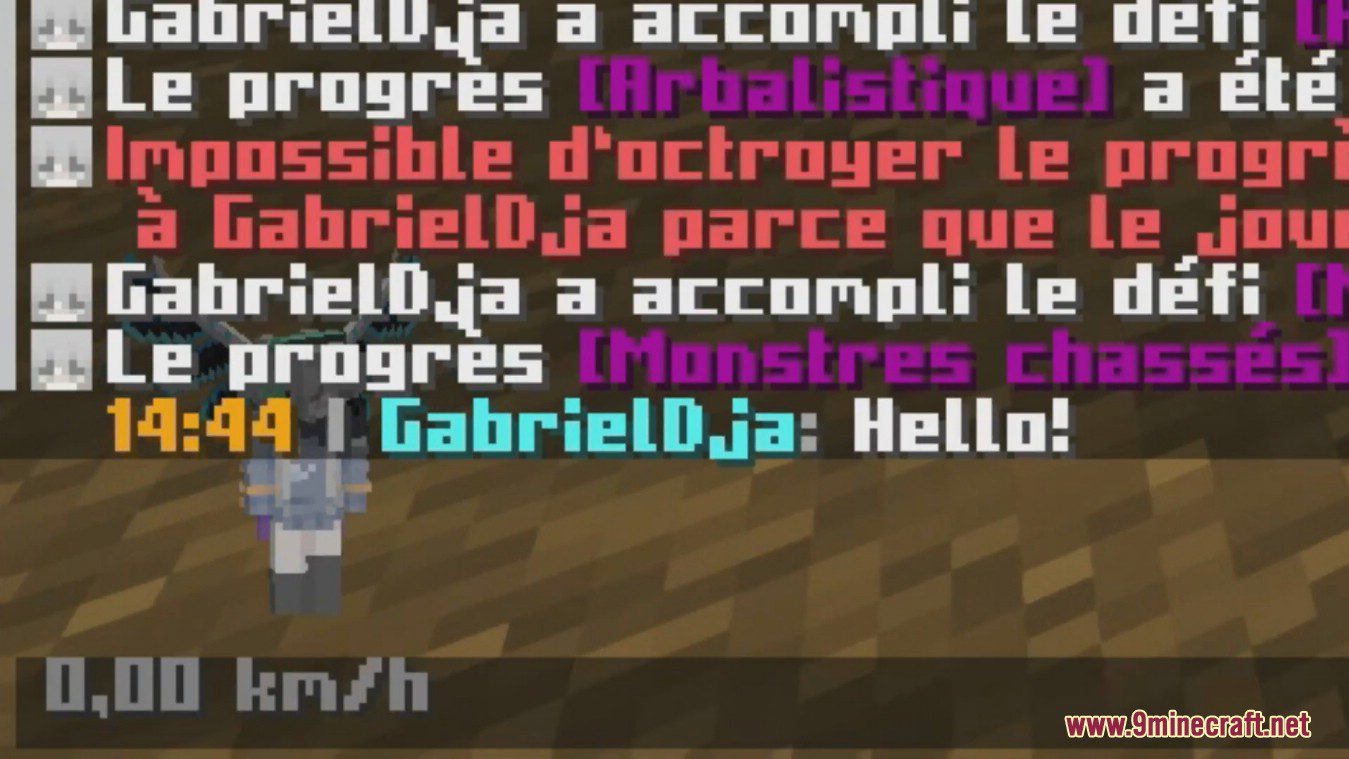
Open the mod's config file on the server and edit the chatMessageFormat option, then restart or reload the server. The format uses placeholders for the timestamp, username, and message, which you can rearrange however you like.
Do players need the mod installed on their client to see the chat changes?
No. This is the server variant, so only the server needs the mod in its mod list. All connected players see the  beautified chat automatically, even with a vanilla client.
How do I remove the timestamp from chat?
Edit the chatMessageFormat config option and delete the timestamp placeholder from the format string. Save the config and the timestamp will no longer appear in chat.
How do I make the timestamp show AM/PM instead of 24-hour time?
Change the timestamp format option in the config to use a 12-hour pattern with an AM/PM marker. The default is 24-hour, so you need to edit the timestamp format string yourself.
See all 10 Beautified Chat Server questions ›
Gallery
3 images from the Beautified Chat Server Mod page.
You May Also Like
Wikis that share the most with this one
More mod wikis on the site
The most downloaded mods that have a wiki here
A few wikis from each of the other kinds