

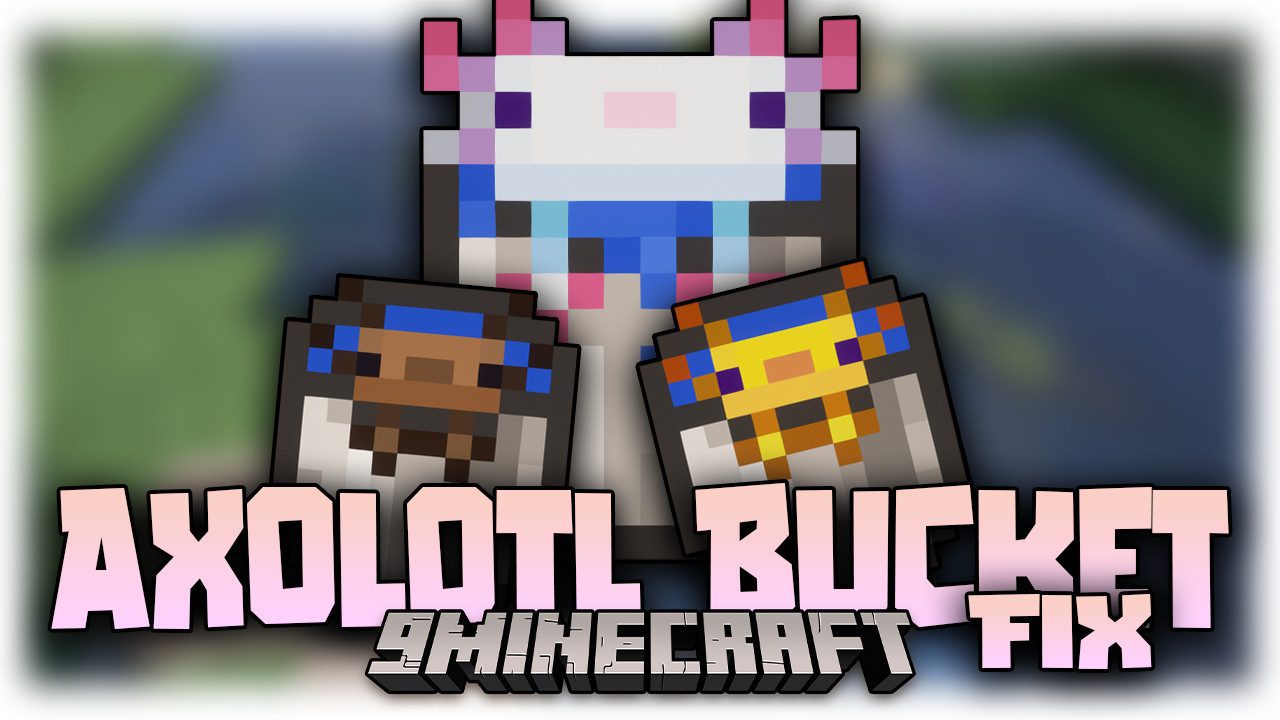
 DownloadAxolotl Bucket Fix Mod
Get the files on 9Minecraft
Guides
Step-by-step, in-game.
How to Identify Baby Axolotls in BucketsBaby vs. Adult Textures Baby axolotls are easy to confuse with adults once they are scooped into a bucket, since the…How to Sort and Store a Collection of Axolotl BucketsUsing Textures as Labels Once every bucket shows the correct axolotl variant and age, you can organize a chest or…How to Tell Which Axolotl Is in Your BucketWhy the Bucket Texture Matters In vanilla Minecraft, every axolotl bucket uses the same pink axolotl icon, so you…How to Verify the Mod Is Working CorrectlyWhat You Should See After installing the mod, the most obvious sign it is active is that axolotl buckets no longer…
Frequently asked questions
How do I know if the Axolotl Bucket Fix Mod is actually working?
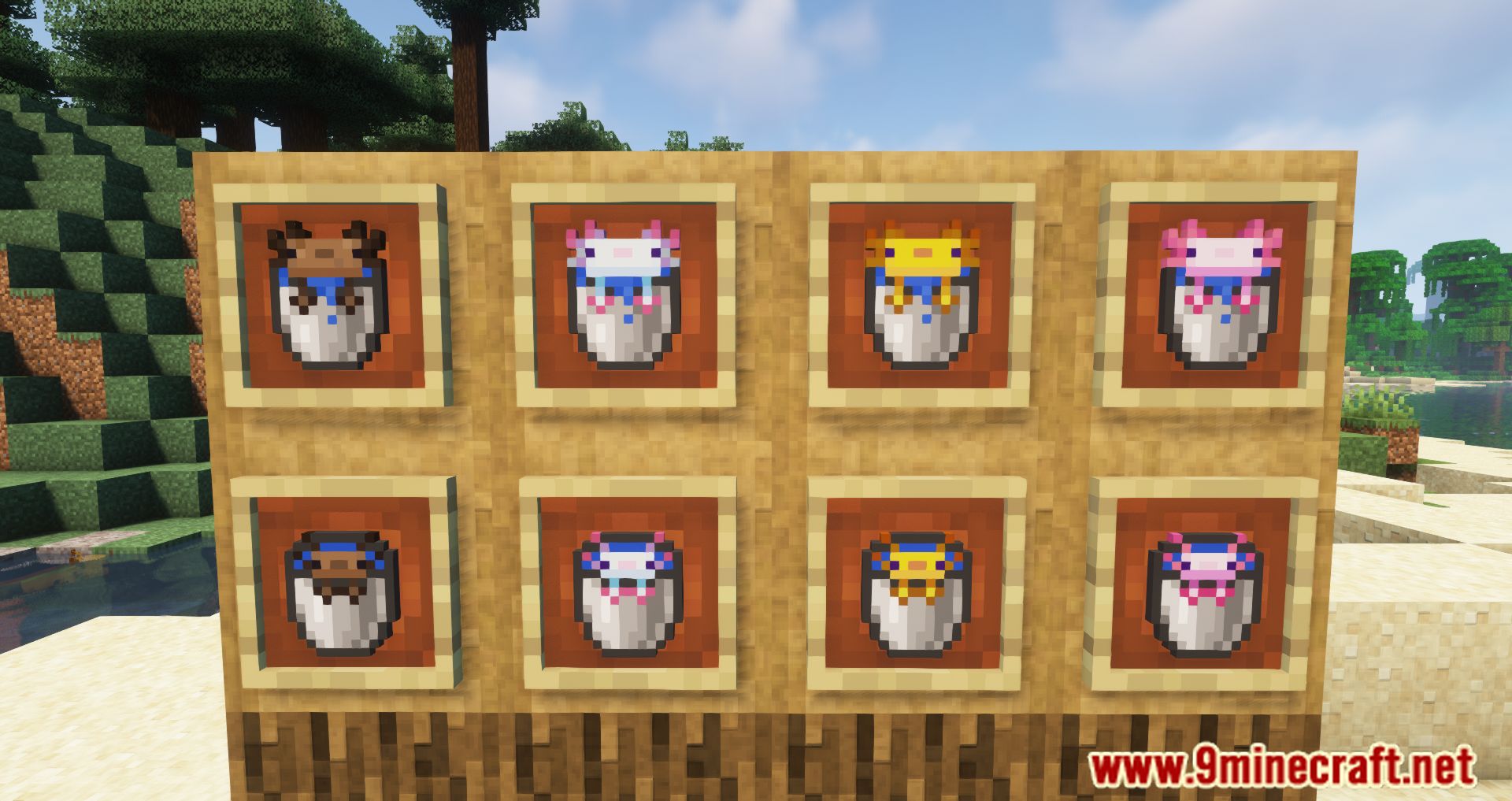
Why do all my axolotl buckets still look pink after installing this mod?
A resource pack loaded above the mod's textures can override the bucket icons, so check your pack order and move the mod's assets higher or disable conflicting packs. Also confirm the mod is actually enabled for the world you're playing, since a disabled or missing mod will fall back to vanilla pink buckets.
Does this mod work on a server, or do I need it on the server too?
It's a client-side mod, so you only need it on your own game to see the correct bucket textures. Servers don't need it installed, and other players without the mod will still see pink buckets on their end.
How do I tell which axolotl is in my bucket?
Just look at the bucket's icon in your inventory or hotbar. The mod changes the texture to match the axolotl's color, so a blue bucket means a blue axolotl and so on. Hovering over the item also shows the axolotl's variant in the tooltip.
See all 10 Axolotl Bucket Fix questions ›
Gallery
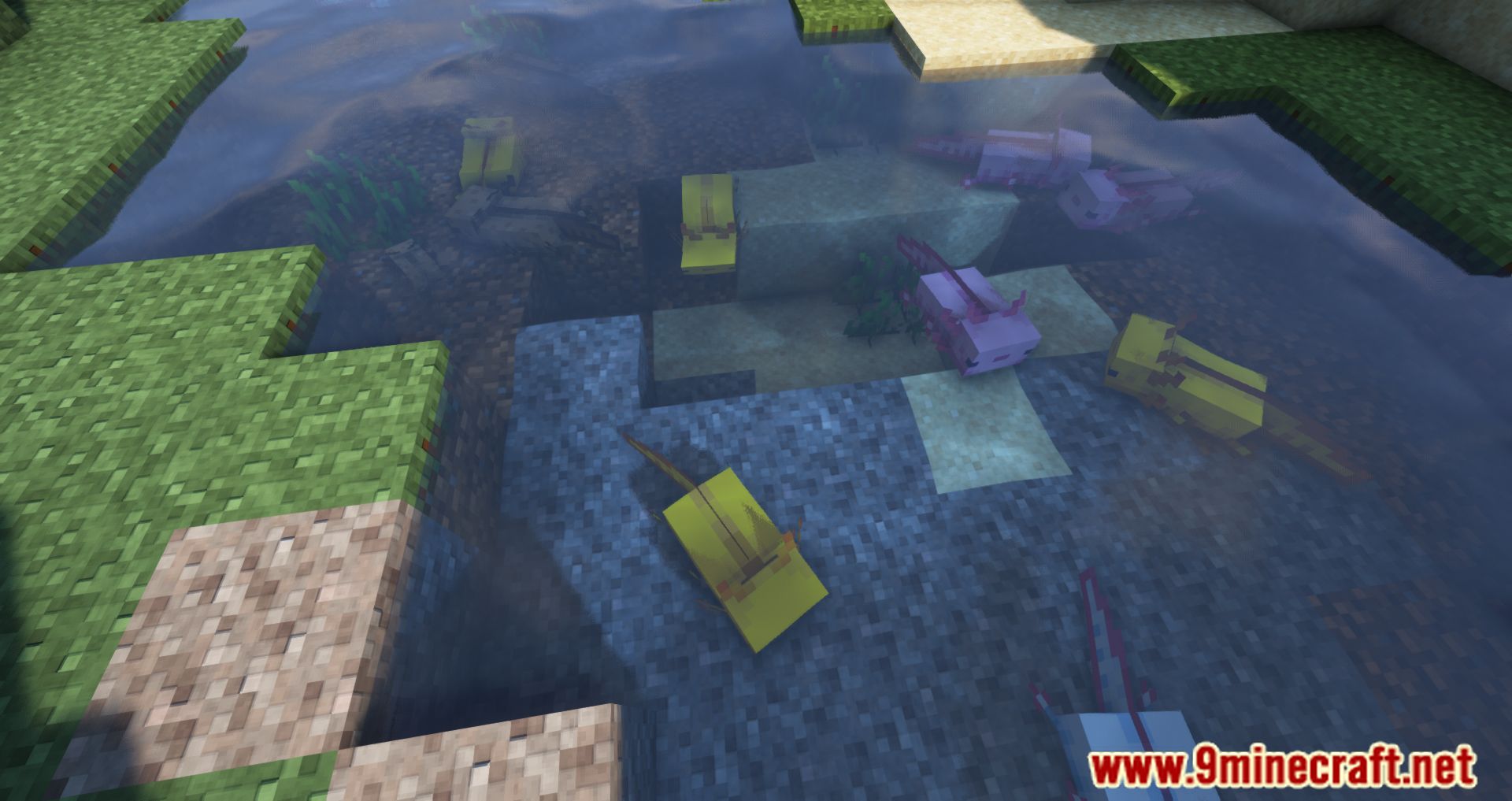
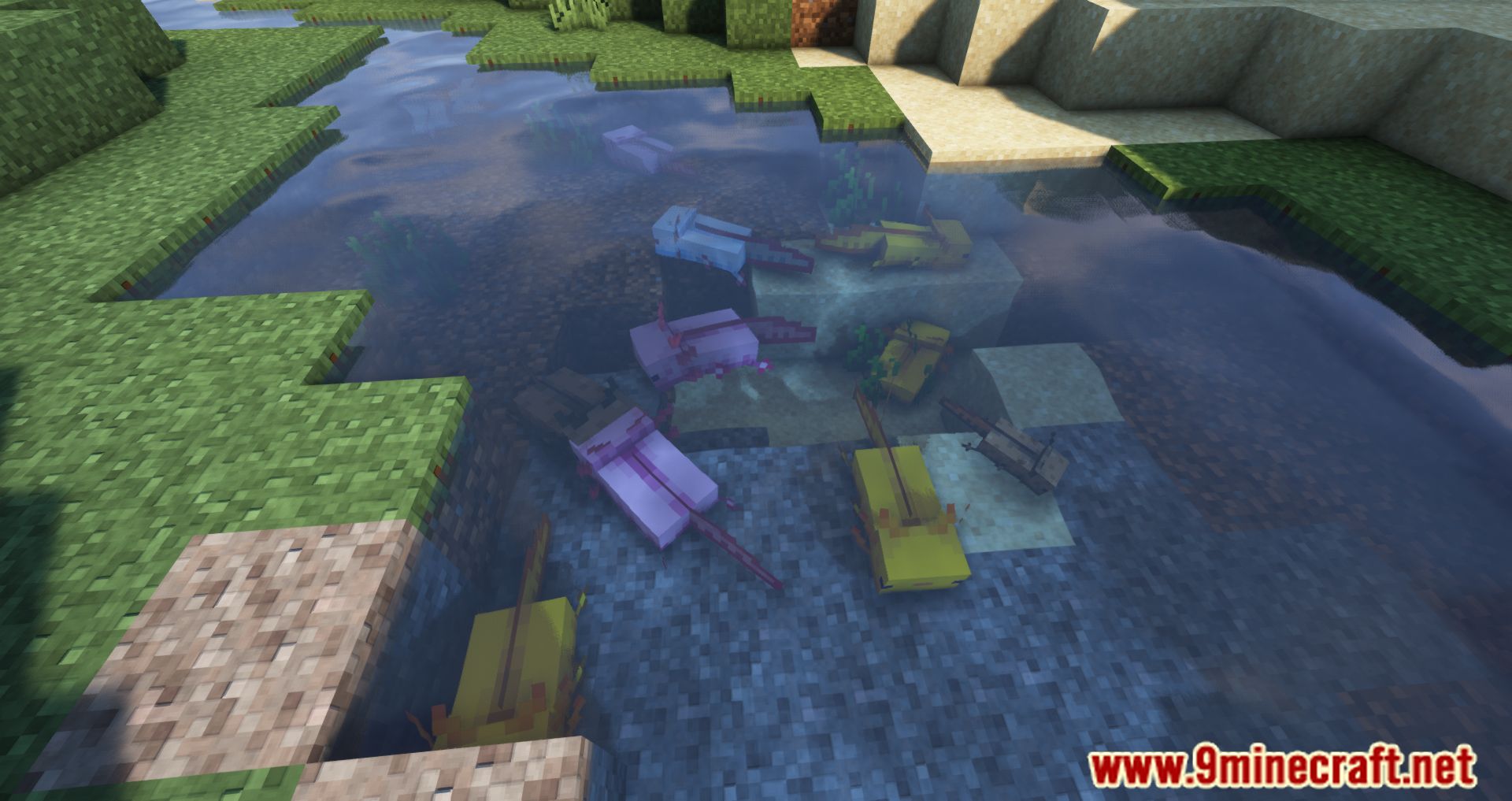
11 images from the Axolotl Bucket Fix Mod page.





You May Also Like
Wikis that share the most with this one
 Axo Chaos Axolotl Rpg Mod
More mod wikis on the site
The most downloaded mods that have a wiki here
A few wikis from each of the other kinds