

 DownloadAsteroid Mod
Get the files on 9Minecraft
Guides
Step-by-step, in-game.
Farm Mobs Efficiently with Auto Clicker and Auto ReplenishSet Up Auto Clicker for Continuous Damage Press Right-Shift to open the Asteroid Mod menu and enable Auto Clicker…Find Ores Quickly Using Xray and Block ESPEnable Xray for Ore Detection Press Right-Shift to open the Asteroid Mod menu. Navigate to the Display section and…Protect Important Blocks from Accidental DestructionEnable No Interact Press Right-Shift to open the Asteroid Mod menu and find the No Interact feature under Player…Set Up Waypoints to Navigate Your WorldCreate a Waypoint Press Right-Shift to open the Asteroid Mod menu and locate the Waypoints feature. Navigate to a…
Frequently asked questions
How do I open the mod menu?
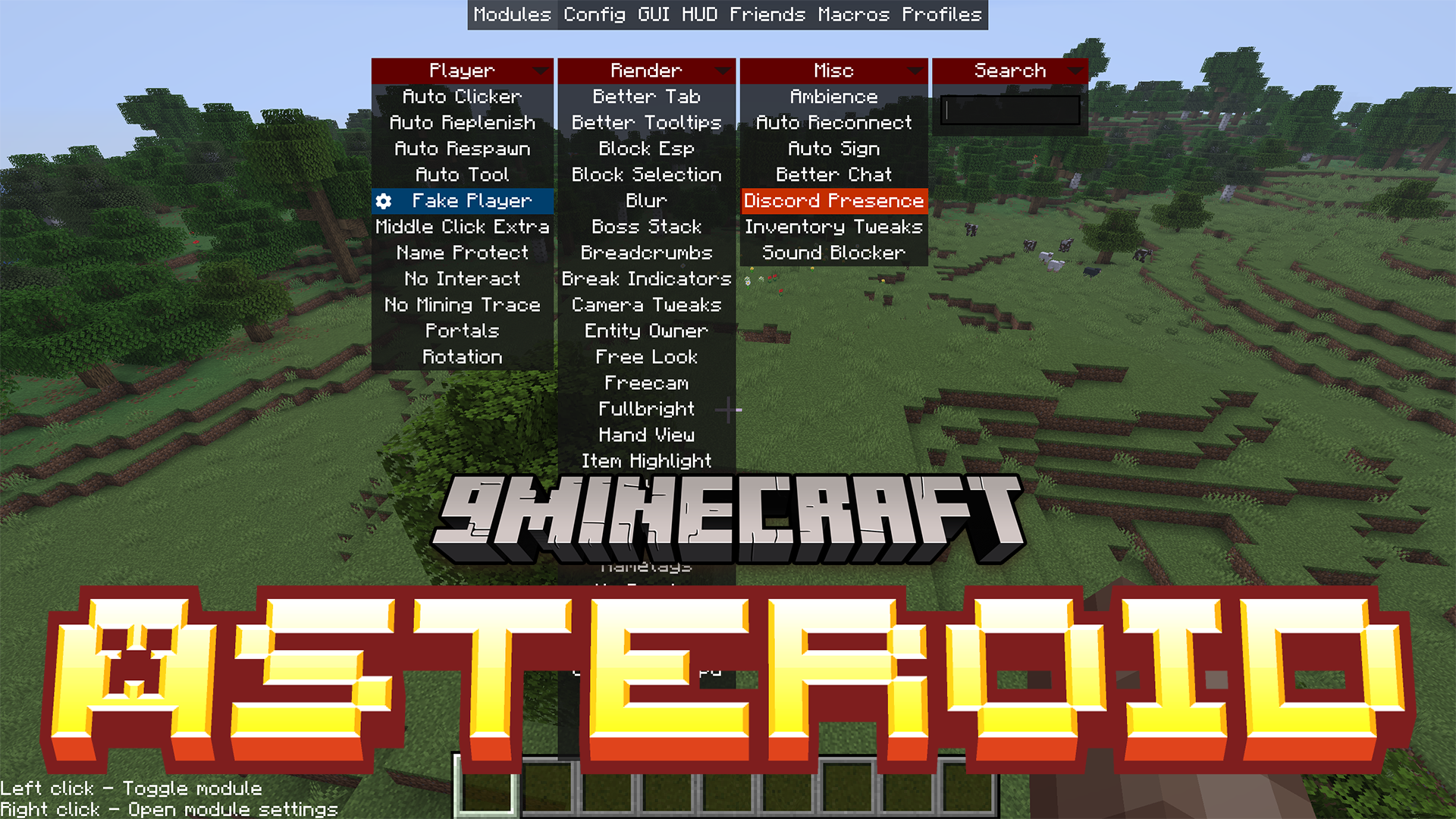
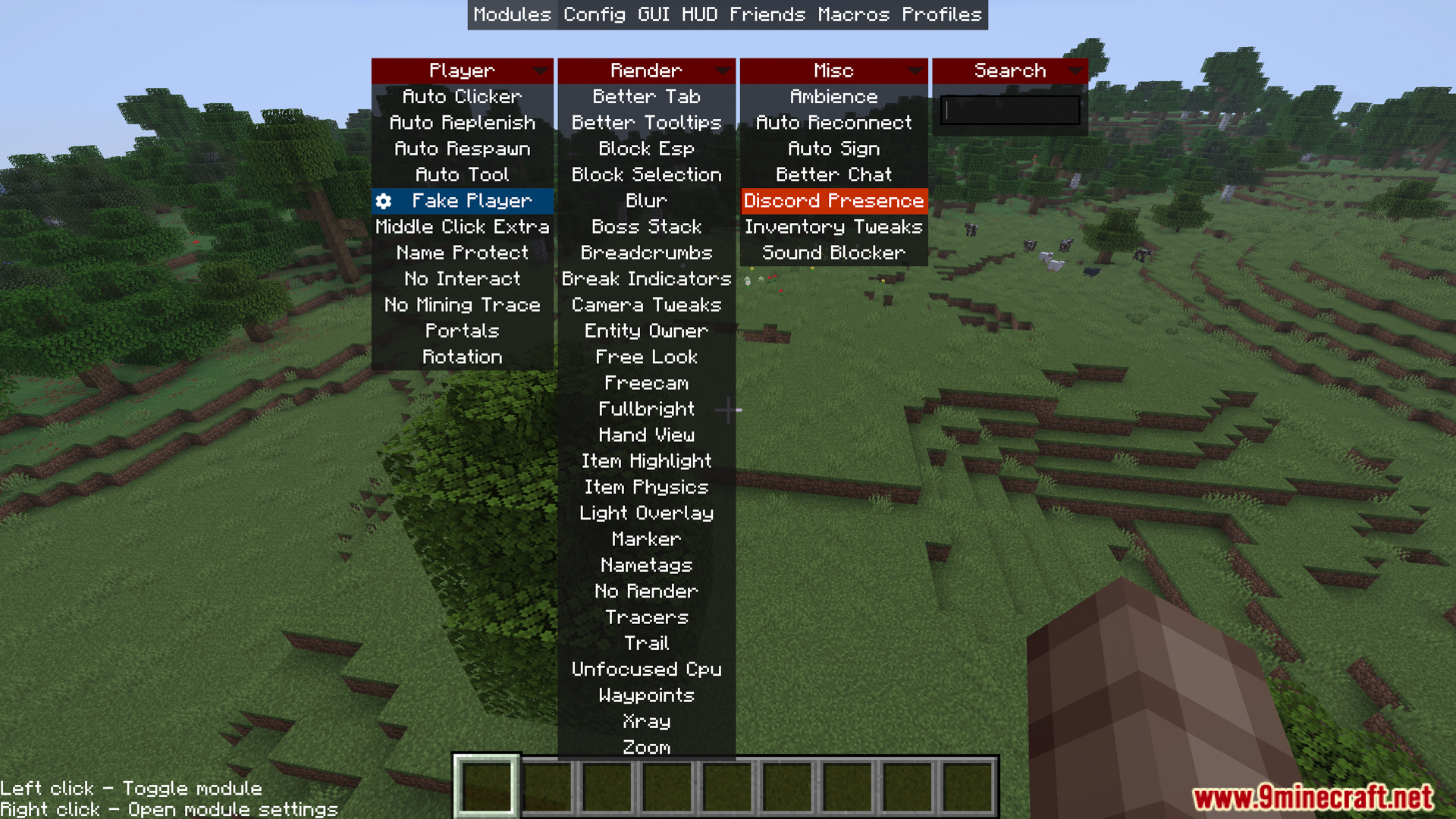
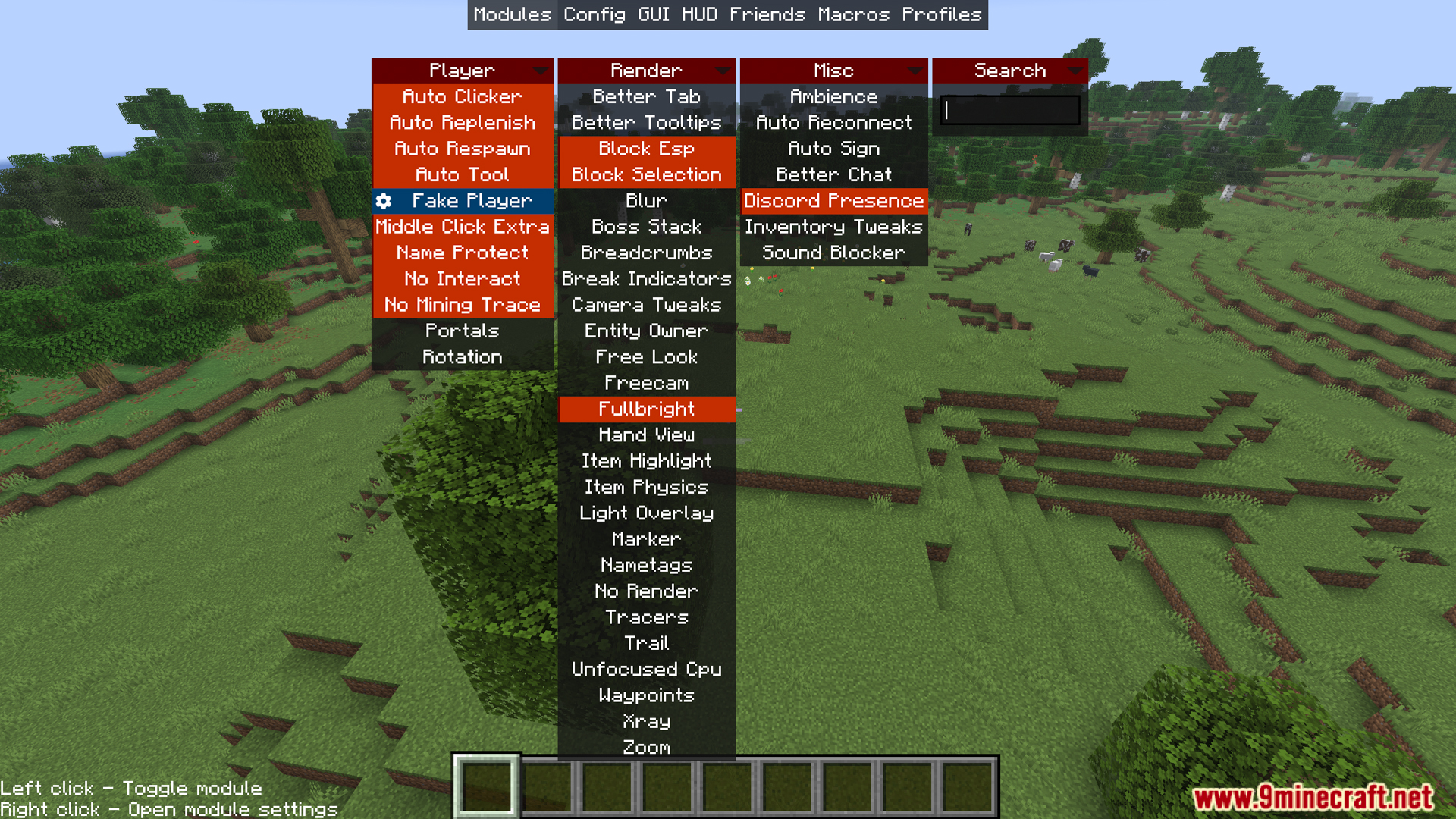
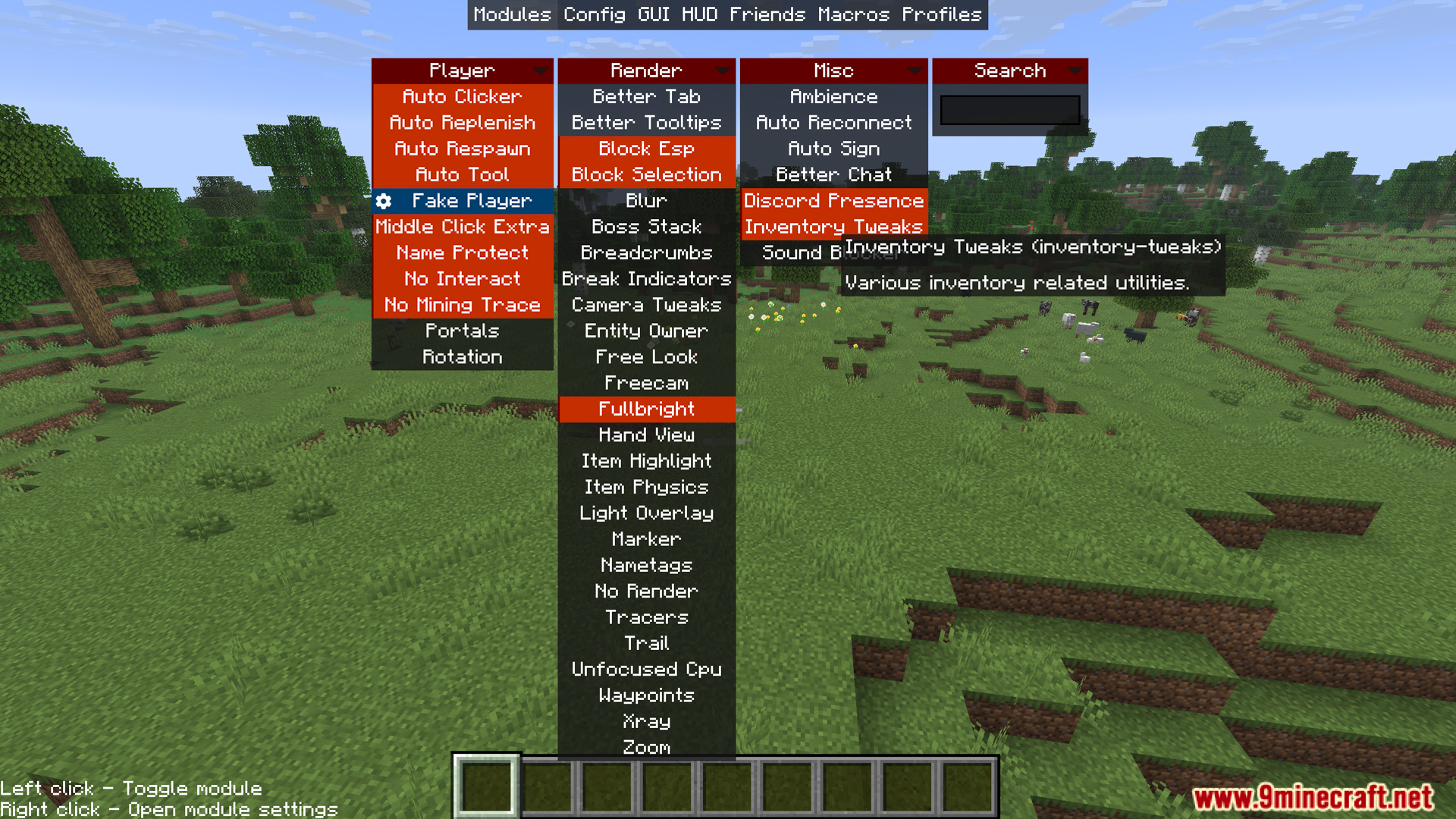
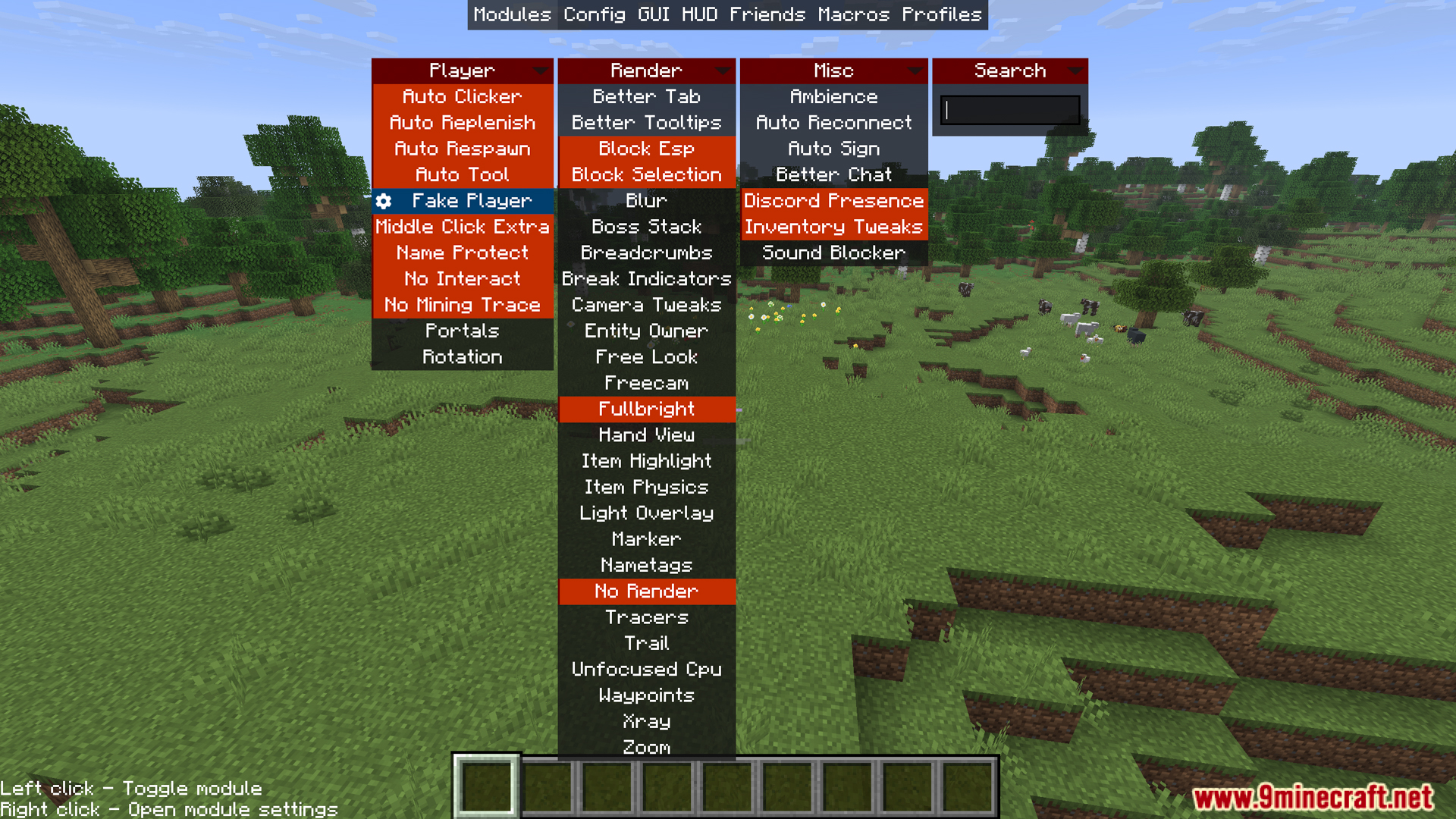
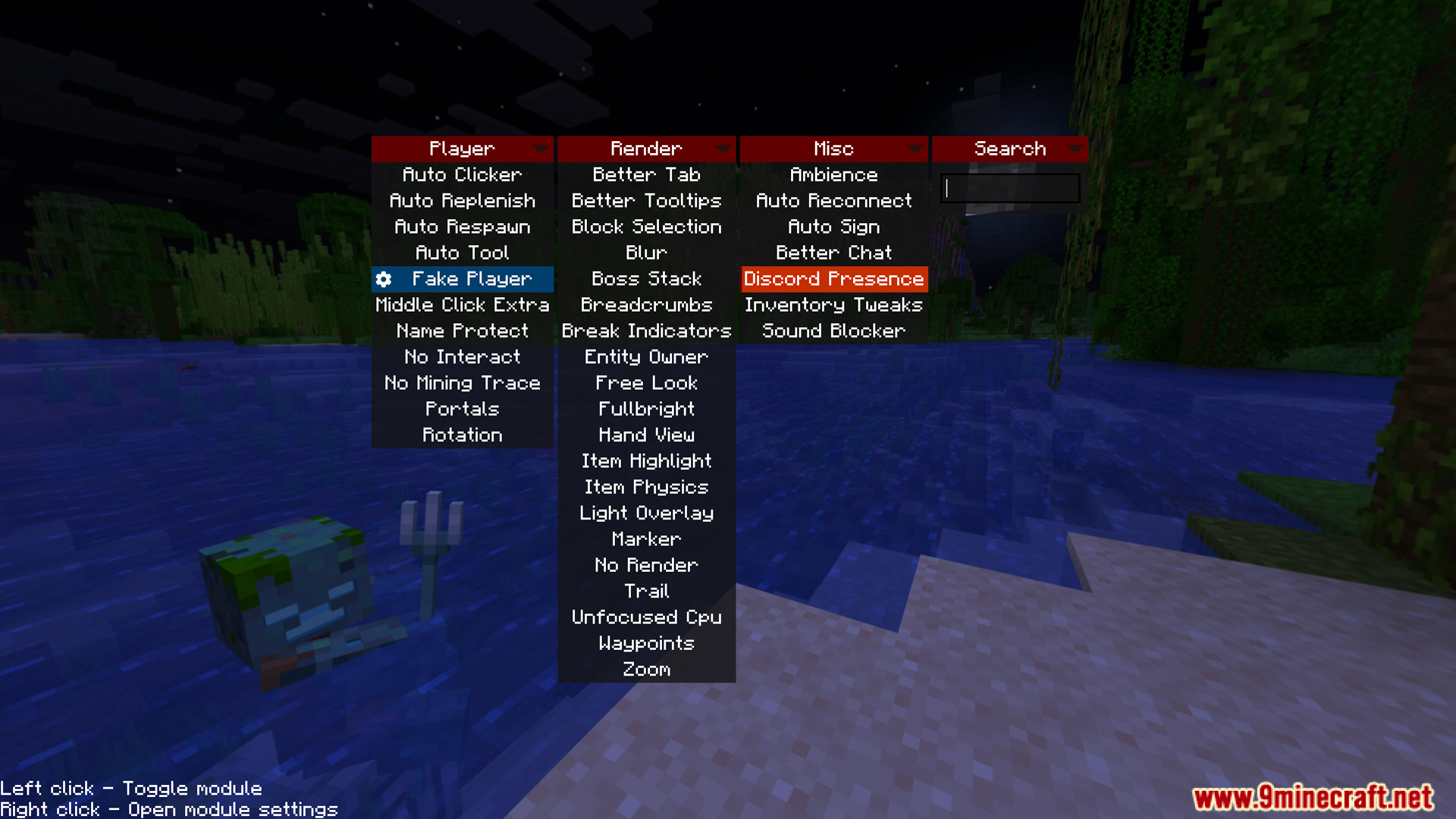
Press Right-Shift to open the in-game menu. From there you can enable, disable, and configure all mod features.
What's the difference between Freecam and Free Look?
Free Look lets you rotate your camera freely without moving your character, but your character stays in place. Freecam completely separates your camera from your character, letting you fly around and observe like spectator mode.
Does Auto Clicker work for fishing or just mining?
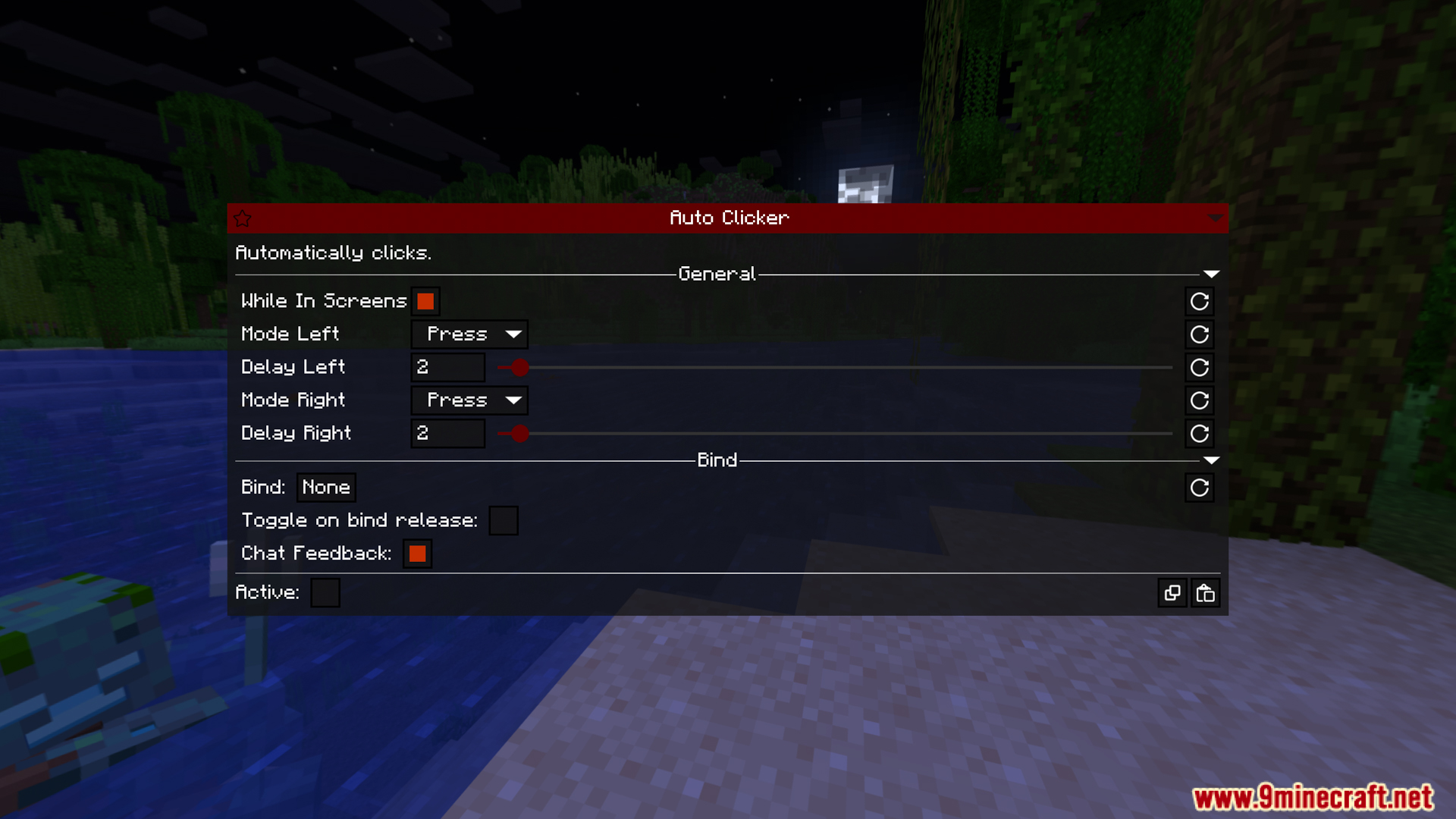
Auto Clicker performs automatic clicking at a preset speed, so it works for any activity that requires continuous clicking—farming mobs, fishing, or any other repetitive clicking task.
How do I stop accidentally breaking important blocks?
Use the No Interact feature to block interaction or destruction of designated blocks. You can configure which blocks to protect in the mod menu.
See all 10 Asteroid questions ›
Gallery
11 images from the Asteroid Mod page.
You May Also Like
Wikis that share the most with this one
Wikis on the same theme: world
More mod wikis on the site
The most downloaded mods that have a wiki here
A few wikis from each of the other kinds