

Contents (16)
Overview
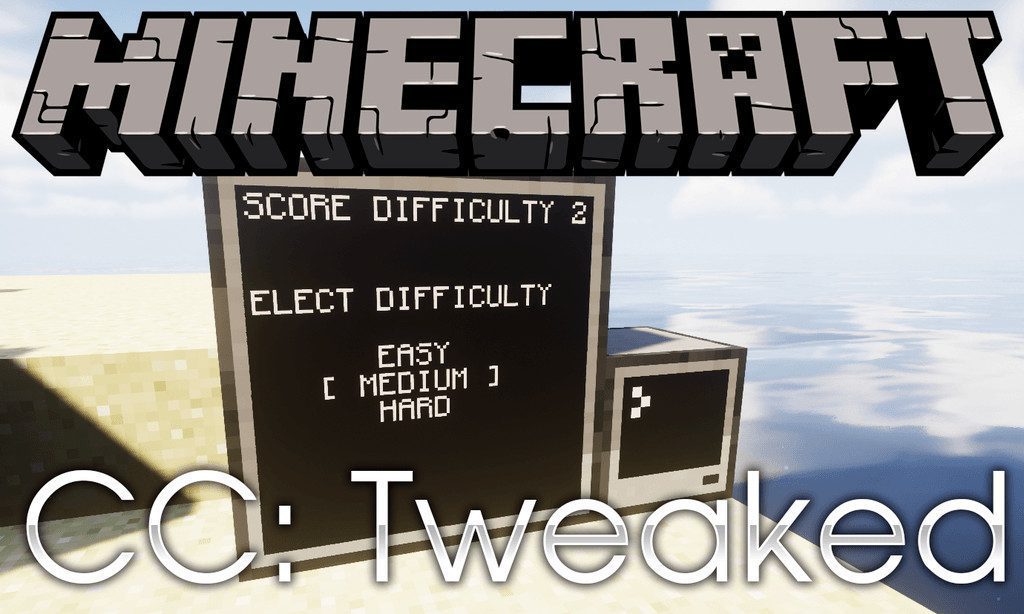
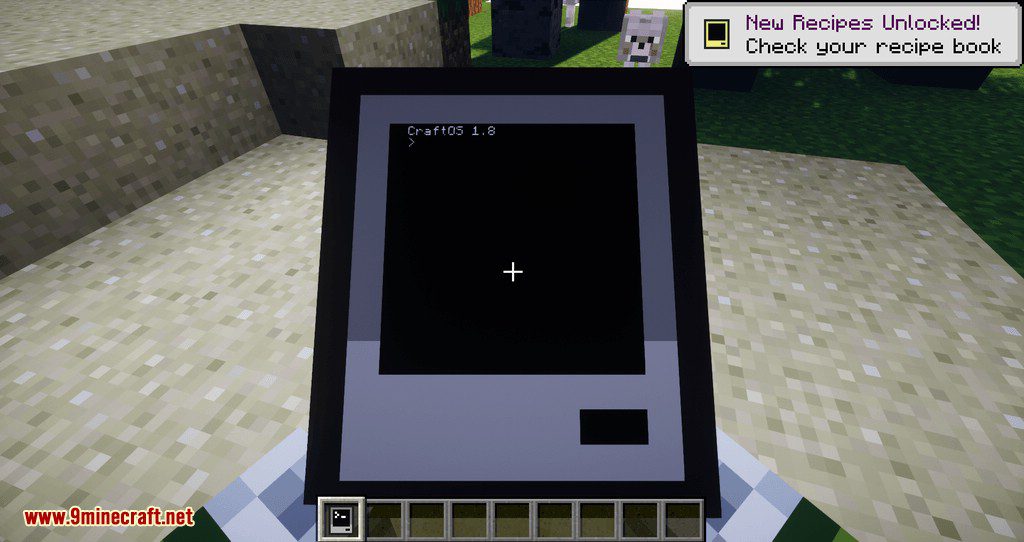
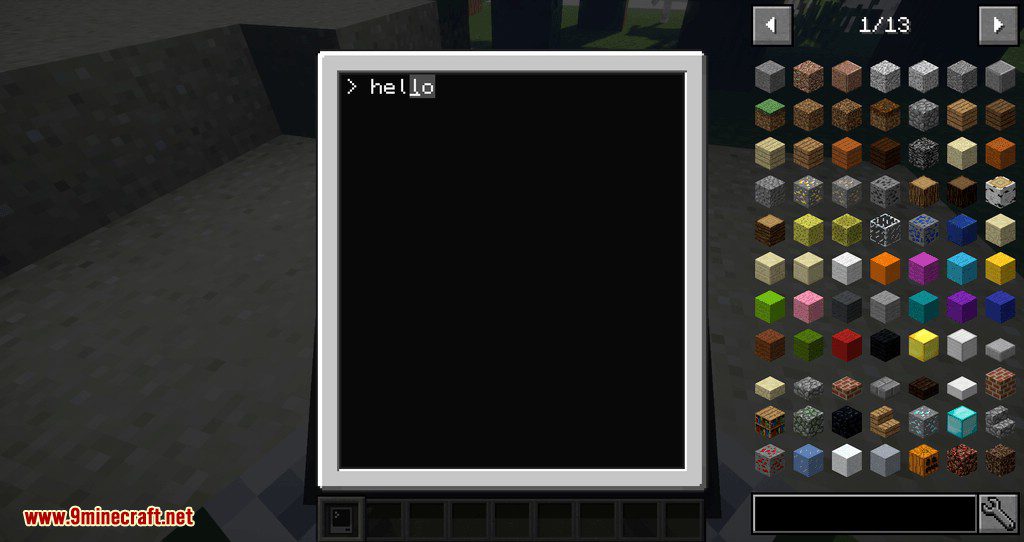
CC: Tweaked is a comprehensive overhaul and continuation of the classic ComputerCraft mod. It introduces fully functional, programmable computers into the Minecraft world, allowing players to automate tasks, manage complex inventories, and create intricate redstone systems using the Lua programming language.
The mod is built on the Cobalt Lua runtime, supporting features from Lua 5.1, 5.2, and 5.3. Whether you are building a simple automated door or a massive multi-turtle mining operation, CC: Tweaked provides the hardware and software tools necessary for high-level automation.
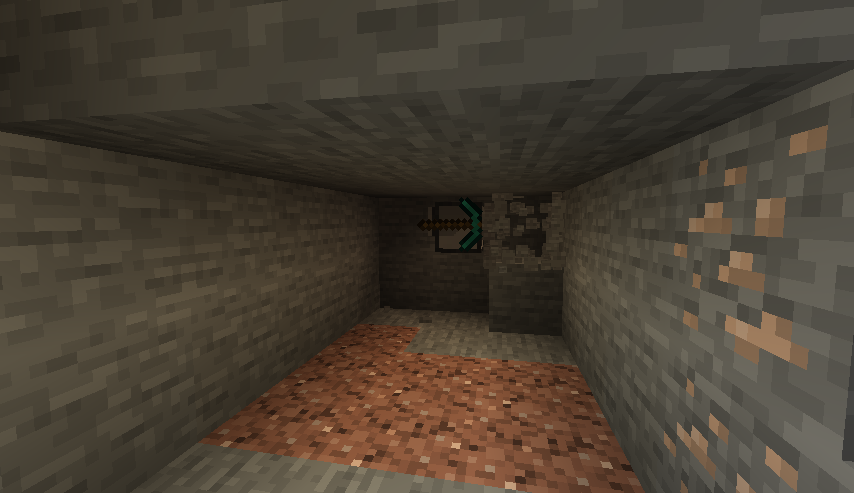
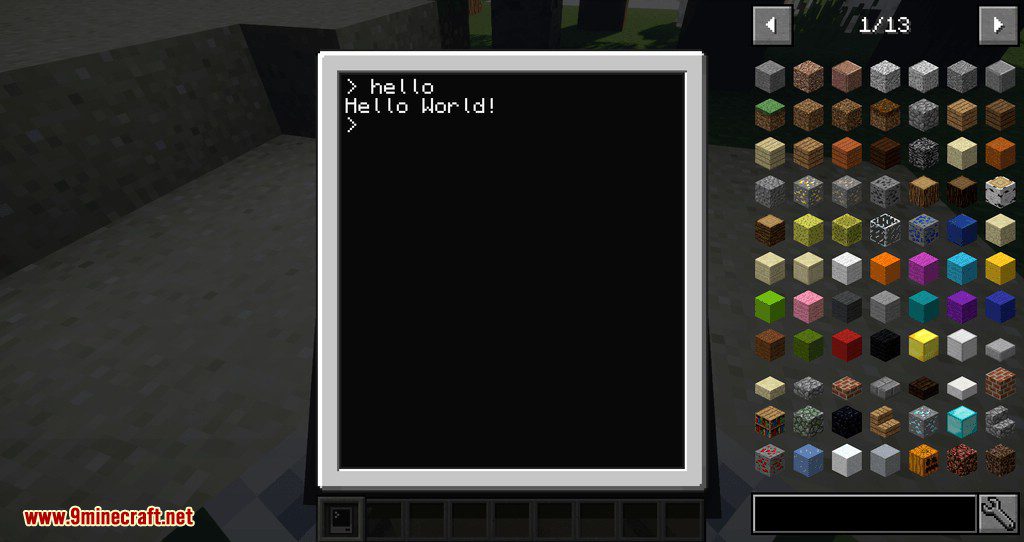
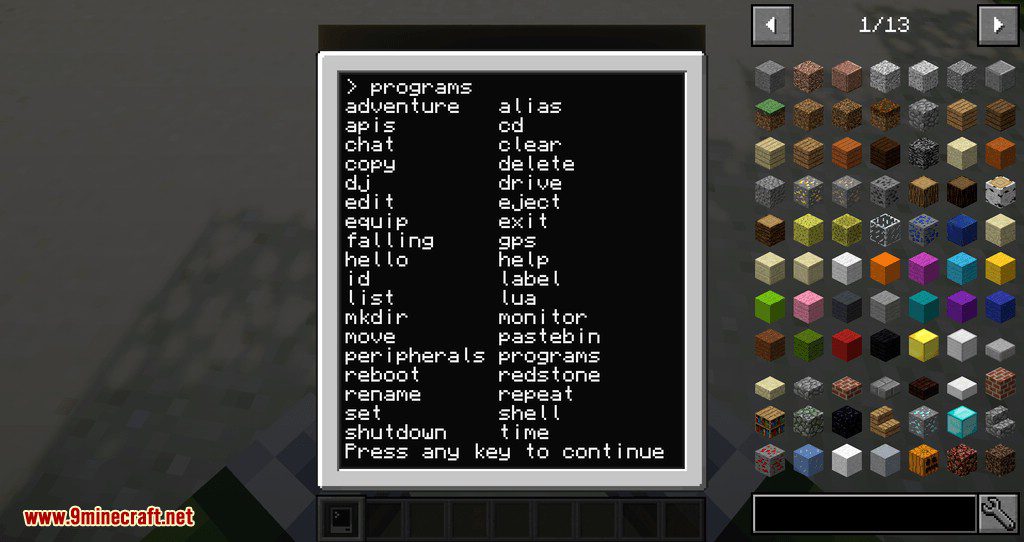
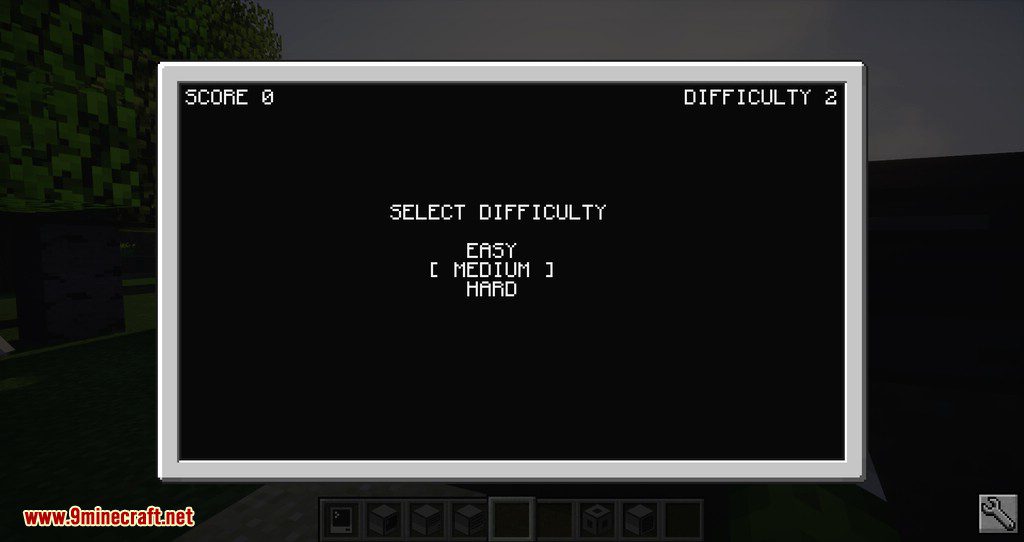
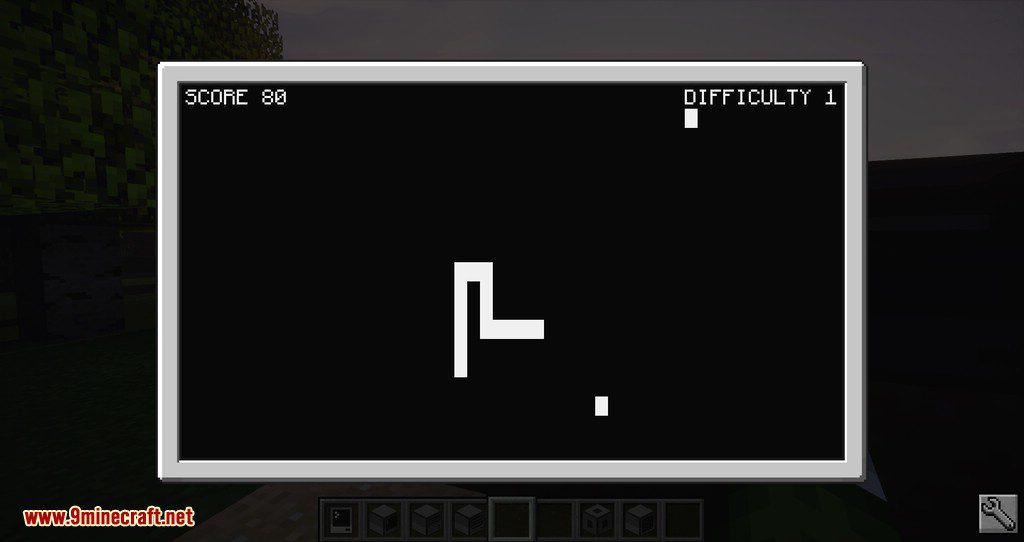
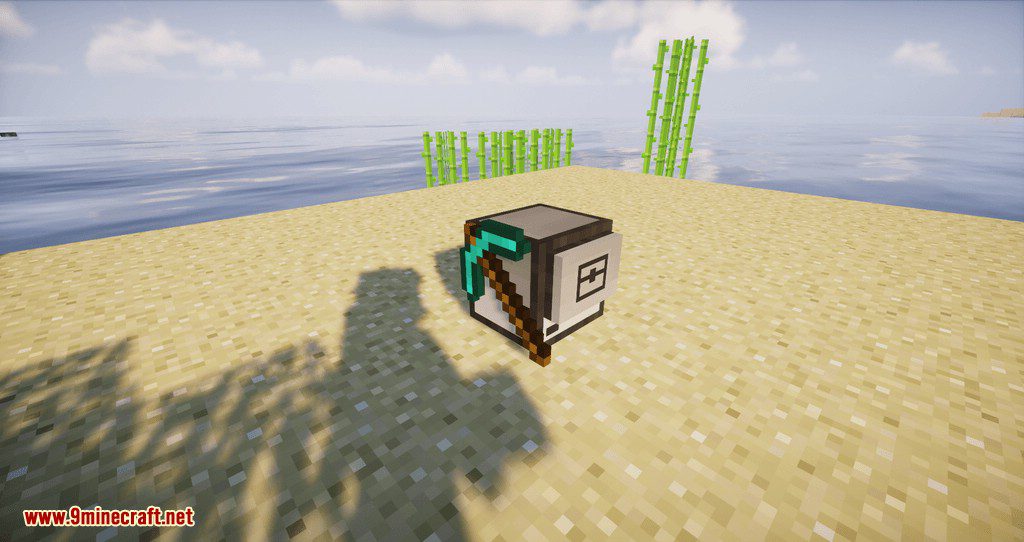
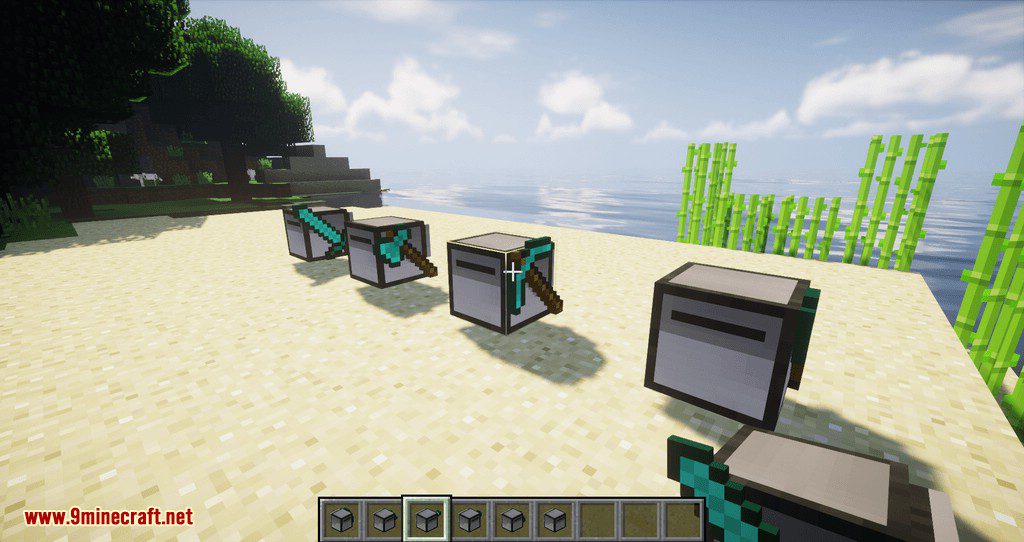
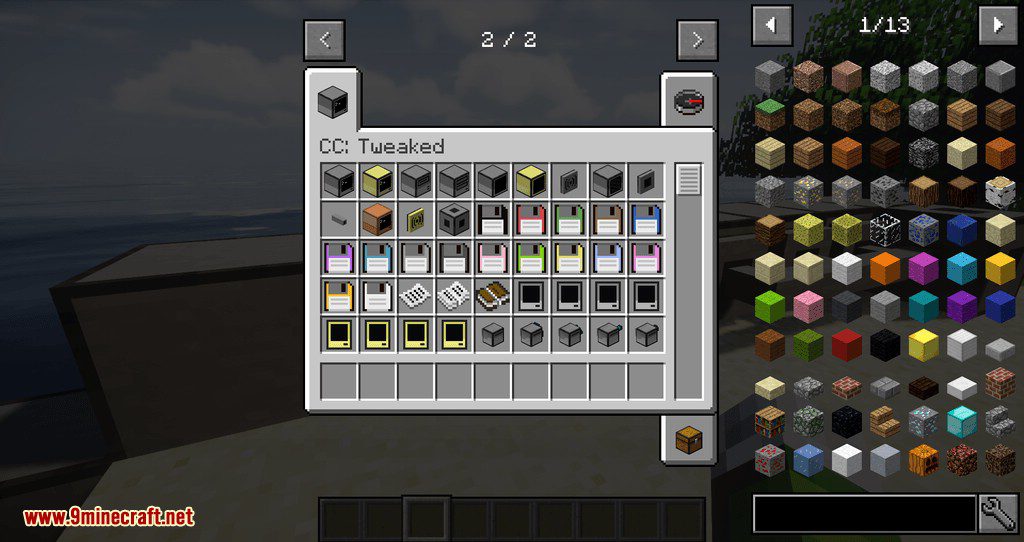
In-game Screenshots

Guides
Step-by-step, in-game.
Recipes
Every recipe the mod adds, grouped by how it is made.
Items
 Advanced Pocket Computer
 Floppy Disk (Treasure)
 Floppy Disk
 Pocket Computer
 Printed Book
 Printed Page
 Printed Pages
Blocks
 Advanced Computer
 Advanced Monitor
 Advanced Turtle
 Command Computer
 Computer
 Disk Drive
 Ender Modem
 Monitor
 Networking Cable
 Printer
 Speaker
 Turtle
 Wired Modem (Full)
 Wired Modem
 Wireless Modem
Commands
Chat commands this mod registers, and what each one does.
| Command | What it does |
|---|---|
/computercraft | The /computercraft command provides various debugging and administrator tools for controlling and interacting with computers. |
/computercraft dump | Display the status of all computers or specific information about one computer. You can specify the computer's instance id (e.g. 123), computer id (e.g #123) or label (e.g. "@My Computer"). |
/computercraft queue | Send a computer_command event to a command computer, passing through the additional arguments. This is mostly designed for map makers, acting as a more computer-friendly version of /trigger. Any player can run the comman |
/computercraft shutdown | Shutdown the listed computers or all if none are specified. You can specify the computer's instance id (e.g. 123), computer id (e.g #123) or label (e.g. "@My Computer"). |
/computercraft tp | Teleport to the location of a computer. You can either specify the computer's instance id (e.g. 123) or computer id (e.g #123). |
/computercraft track | Track how long computers execute for, as well as how many events they handle. This presents information in a similar way to /forge track and can be useful for diagnosing lag. |
/computercraft track dump | Dump the latest results of computer tracking. |
/computercraft track start | Start tracking all computers' execution times and event counts. This will discard the results of previous runs. |
/computercraft track stop | Stop tracking all computers' events and execution times |
/computercraft turn_on | Turn on the listed computers. You can specify the computer's instance id (e.g. 123), computer id (e.g #123) or label (e.g. "@My Computer"). |
/computercraft view | Open the terminal of a computer, allowing remote control of a computer. This does not provide access to turtle's inventories. You can either specify the computer's instance id (e.g. 123) or computer id (e.g #123). |
Configuration
Every setting in the mod config file, with what it changes.
| Option | What it does |
|---|---|
command_require_creative | Command computers require creative |
computer_space_limit | Computer space limit (bytes) |
default_computer_settings | Default Computer settings |
disable_lua51_features | Disable Lua 5.1 features |
disabled_generic_methods | Disabled generic methods |
execution | Execution |
upload_max_size | File upload size limit (bytes) |
floppy_space_limit | Floppy Disk space limit (bytes) |
http | HTTP |
log_computer_errors | Log computer errors |
maximum_open_files | Maximum files open per computer |
monitor_distance | Monitor distance |
monitor_renderer | Monitor renderer |
peripheral | Peripherals |
term_sizes | Terminal sizes |
turtle | Turtles |
upload_nag_delay | Upload nag delay |
Command Require Creative
| Option | What it does |
|---|---|
tooltip | Require players to be in creative mode and be opped in order to interact with command computers. This is the default beh |
Computer Space Limit
| Option | What it does |
|---|---|
tooltip | The disk space limit for computers and turtles, in bytes. |
Default Computer Settings
| Option | What it does |
|---|---|
tooltip | A comma separated list of default system settings to set on new computers. Example: "shell.autocomplete=false,lua.autoco |
Disable Lua51 Features
| Option | What it does |
|---|---|
tooltip | Set this to true to disable Lua 5.1 functions that will be removed in a future update. Useful for ensuring forward compa |
Disabled Generic Methods
| Option | What it does |
|---|---|
tooltip | A list of generic methods or method sources to disable. Generic methods are methods added to a block/block entity when t |
Execution
| Option | What it does |
|---|---|
computer_threads | Computer threads |
tooltip | Controls execution behaviour of computers. This is largely intended for fine-tuning servers, and generally shouldn't nee |
Frequently asked questions
How do I craft a basic Computer?
How do I make a Monitor and connect it to my Computer?
How do I craft a Wired Modem and what does it do?
How do I use a Wireless Modem to connect computers remotely?
How do I craft a Turtle and what is it used for?
How do I make an Advanced Turtle?
How do I use a mining Turtle to dig automatically?
How do I craft a Disk Drive and Floppy Disk?
How do I use a Printer and Printed Pages?
How do I craft a Pocket Computer and what can it do?
How do I use a Speaker with my Computer?
What is the Command Computer and how do I get one?
Related mods
 A xess keycards mod
 Acme heavy industries pack mod
 Actually additions
 Ad astra
 Additional enchanted miner mod
 Advanced chimneys mod
 Advanced generators mod
 Advanced reborn
 Advanced tfc tech unofficial
 Advanced tower defense
 Advancedae
 Ae wireless transceiver
Gallery
10 images from the Cc Tweaked Mod page.
You May Also Like
Wikis that share the most with this one
Wikis on the same theme: machine
More mod wikis on the site
The most downloaded mods that have a wiki here
A few wikis from each of the other kinds