

 DownloadSelectable Painting
Get the files on 9Minecraft
Contents (9)
Overview
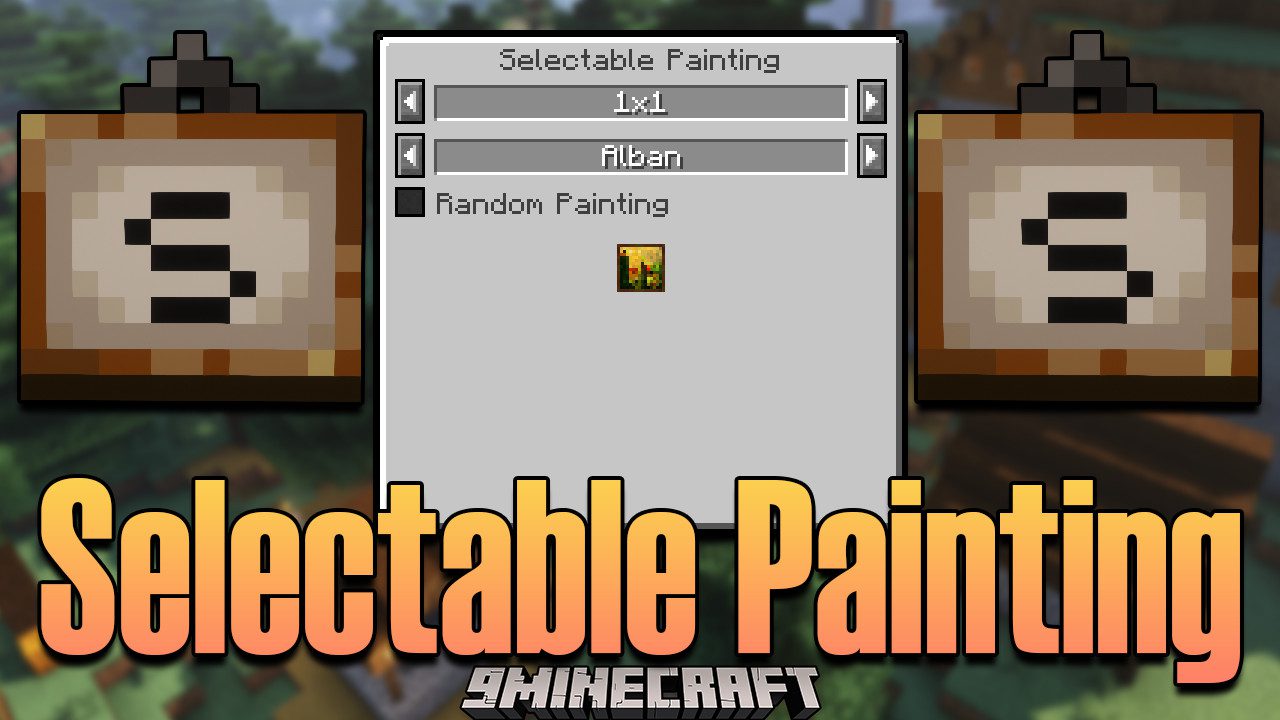
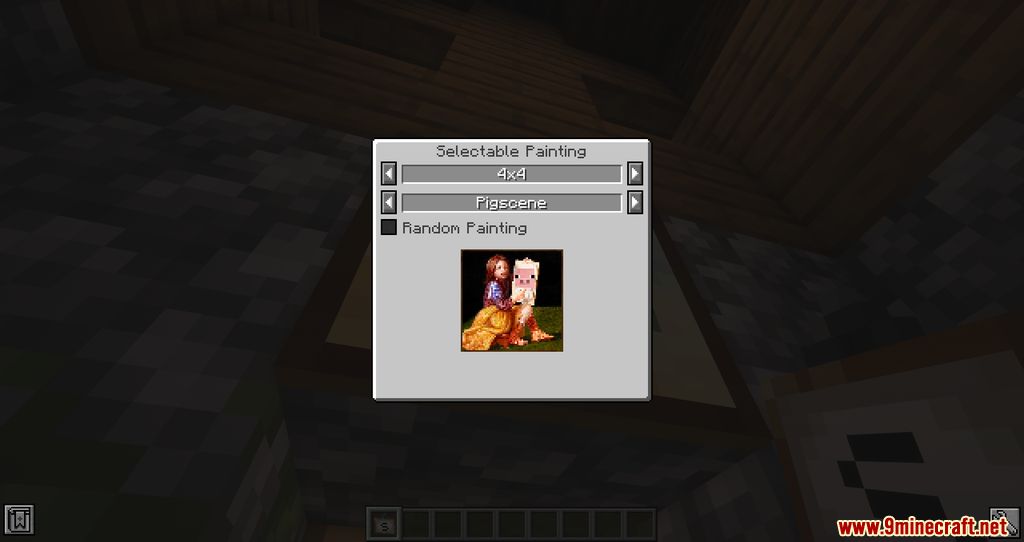
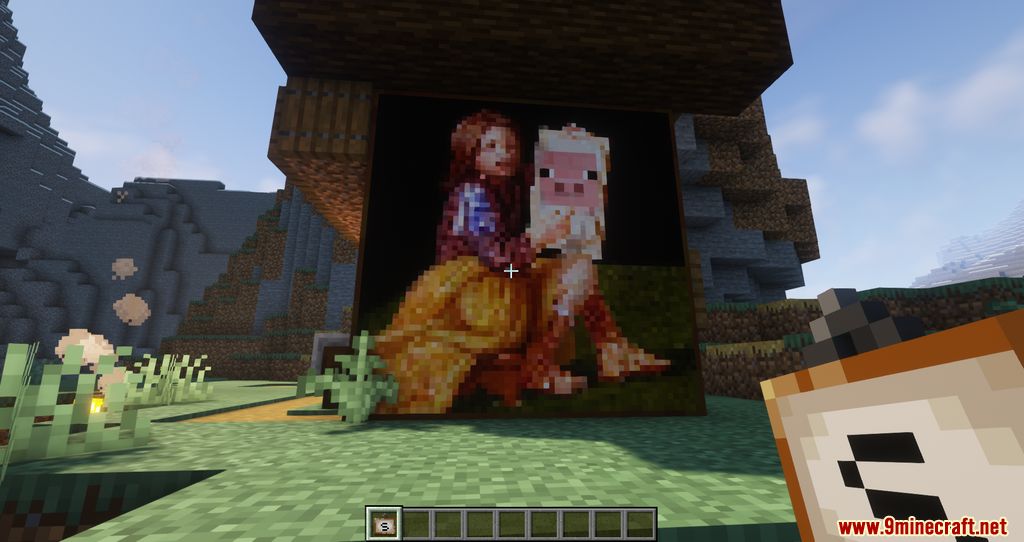
The Selectable Painting Mod is an essential decoration utility designed for Minecraft Forge and NeoForge. It addresses one of the most persistent frustrations in vanilla Minecraft: the inability to choose which painting design appears when placing a painting. Instead of repeatedly breaking and replacing paintings to find a specific piece of art, this mod introduces a specialized item and a custom GUI that gives players full control over the aesthetic of their builds.
Key Features
- Design Selection: Manually pick any painting design available in the game files.
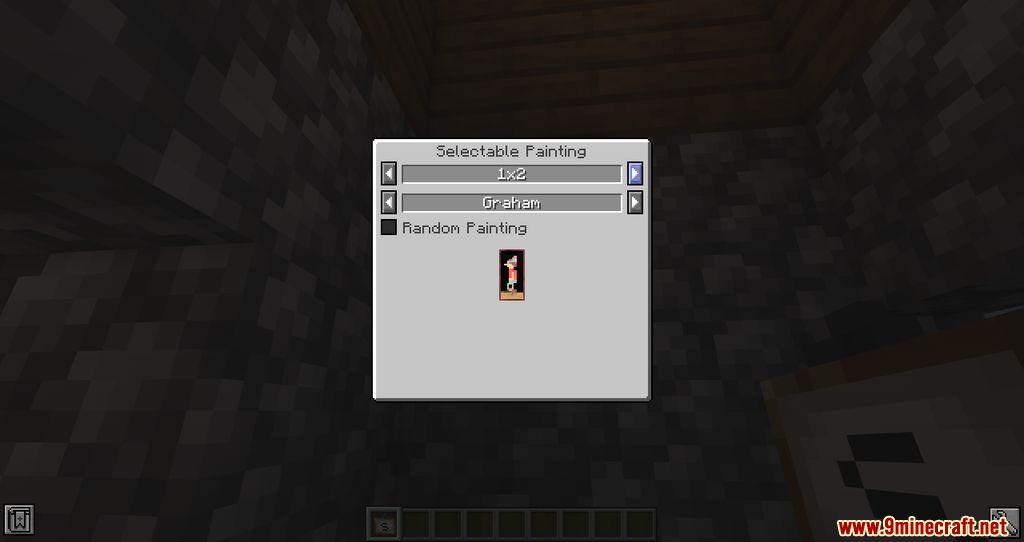
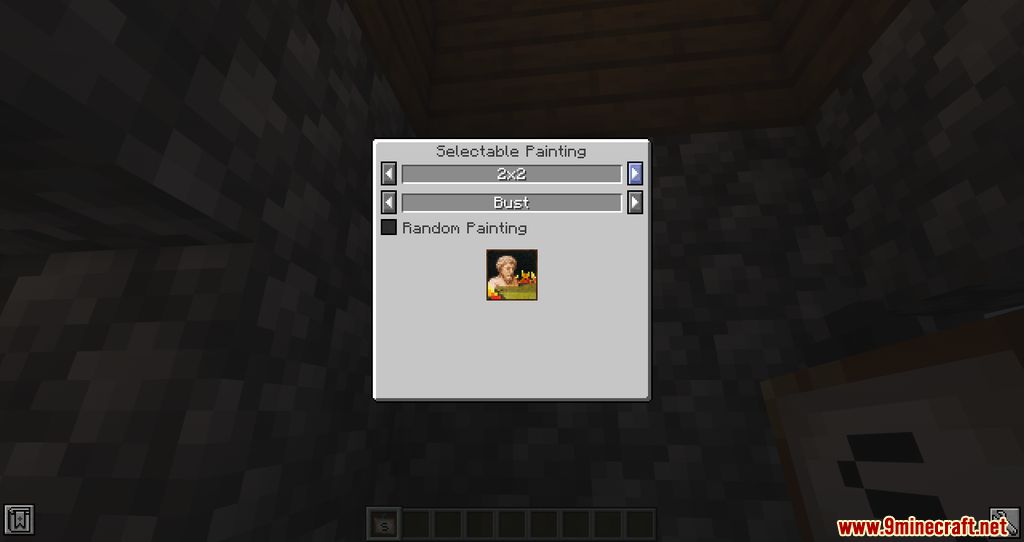
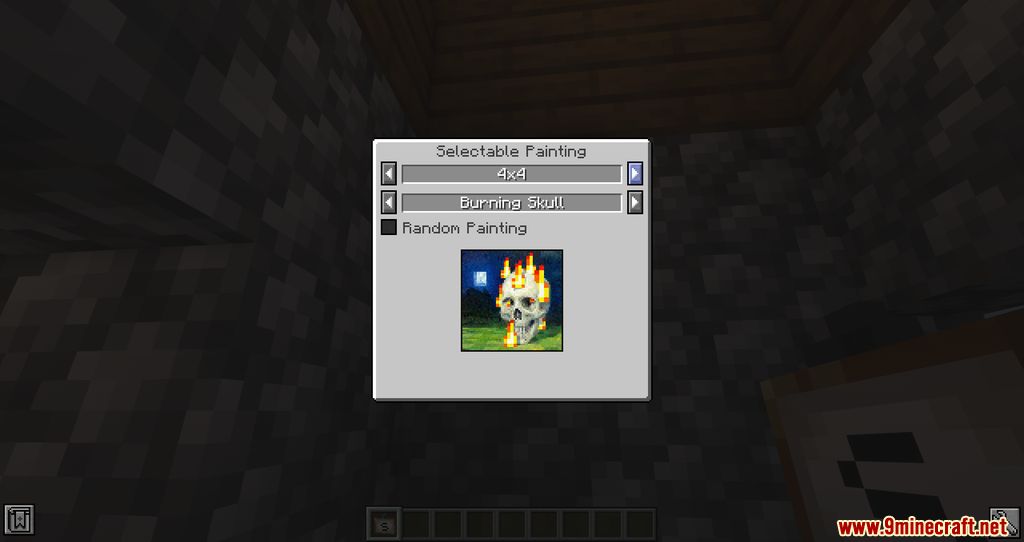
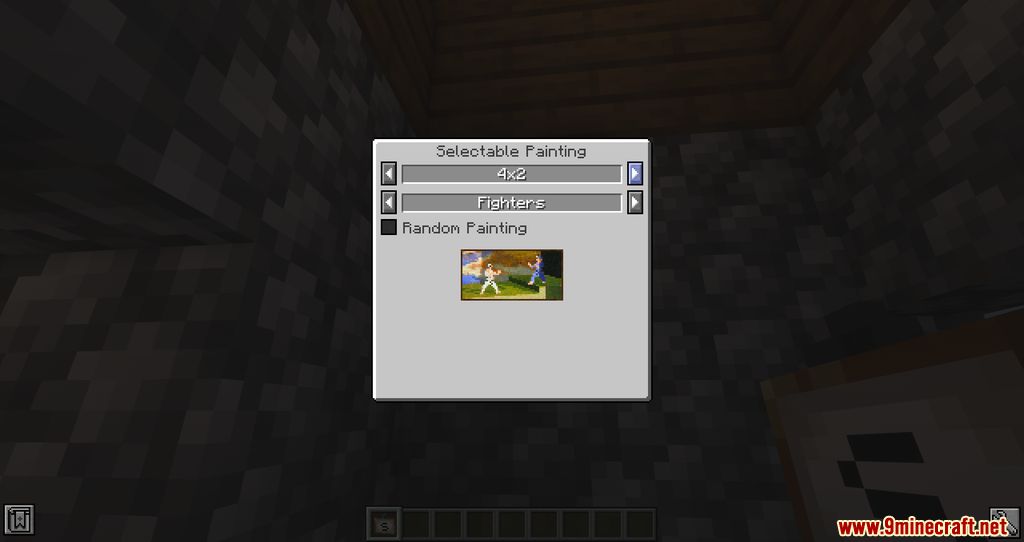
- Size Control: Filter paintings by their dimensions (e.g., 1x1, 2x1, 4x4).
- Mod Compatibility: Automatically detects and lists paintings added by other mods or resource packs.
- Persistence: Paintings broken while using this mod retain their selected design when picked back up.
- Placement Validation: Real-time error reporting if a selected painting is too large for the target wall space.
Guides
Step-by-step, in-game.
Recipes
Every recipe the mod adds, grouped by how it is made.
Items
Mobs
Creatures this mod adds.
 Selectable Painting
Frequently asked questions
How do I choose which painting gets placed?
Selectable Painting to open a GUI where you select the painting size and the painting itself. Right-clicking a block places the painting you selected.How do I change the size of a painting?
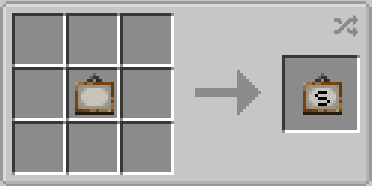
Selectable Painting, then pick the painting size there. The current size is also shown in the item's tooltip.How do I craft a Selectable Painting?
 crafting table. You can also craft a regular Painting back by putting a Selectable Painting in any slot of the crafting table.
How do I get a random painting?
See all 9 Selectable Painting questions ›
Gallery
9 images from the Selectable Painting Mod page.
You May Also Like
Wikis that share the most with this one
More mod wikis on the site
The most downloaded mods that have a wiki here
A few wikis from each of the other kinds