

 DownloadRaised Mod
Get the files on 9Minecraft
Overview
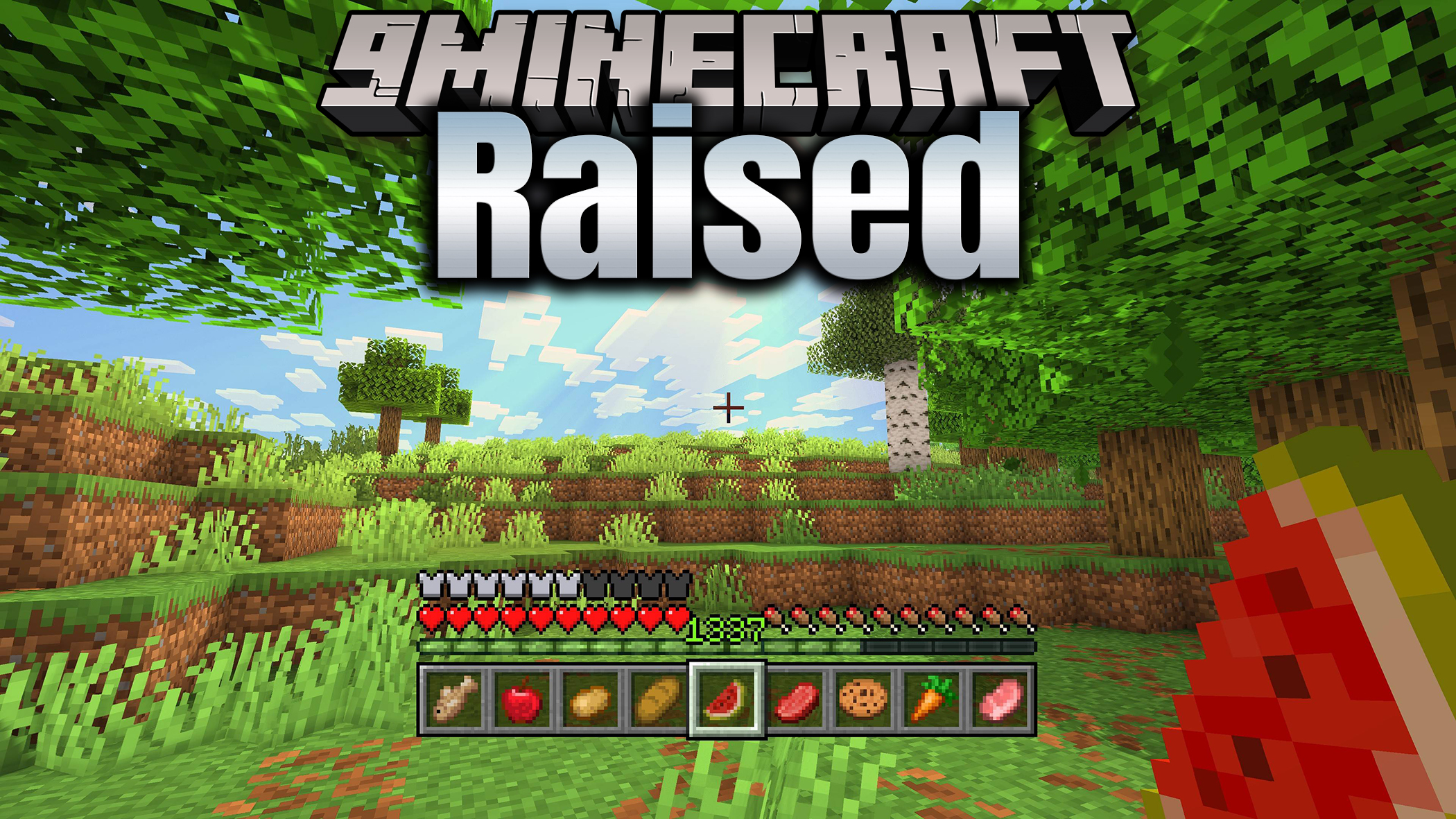
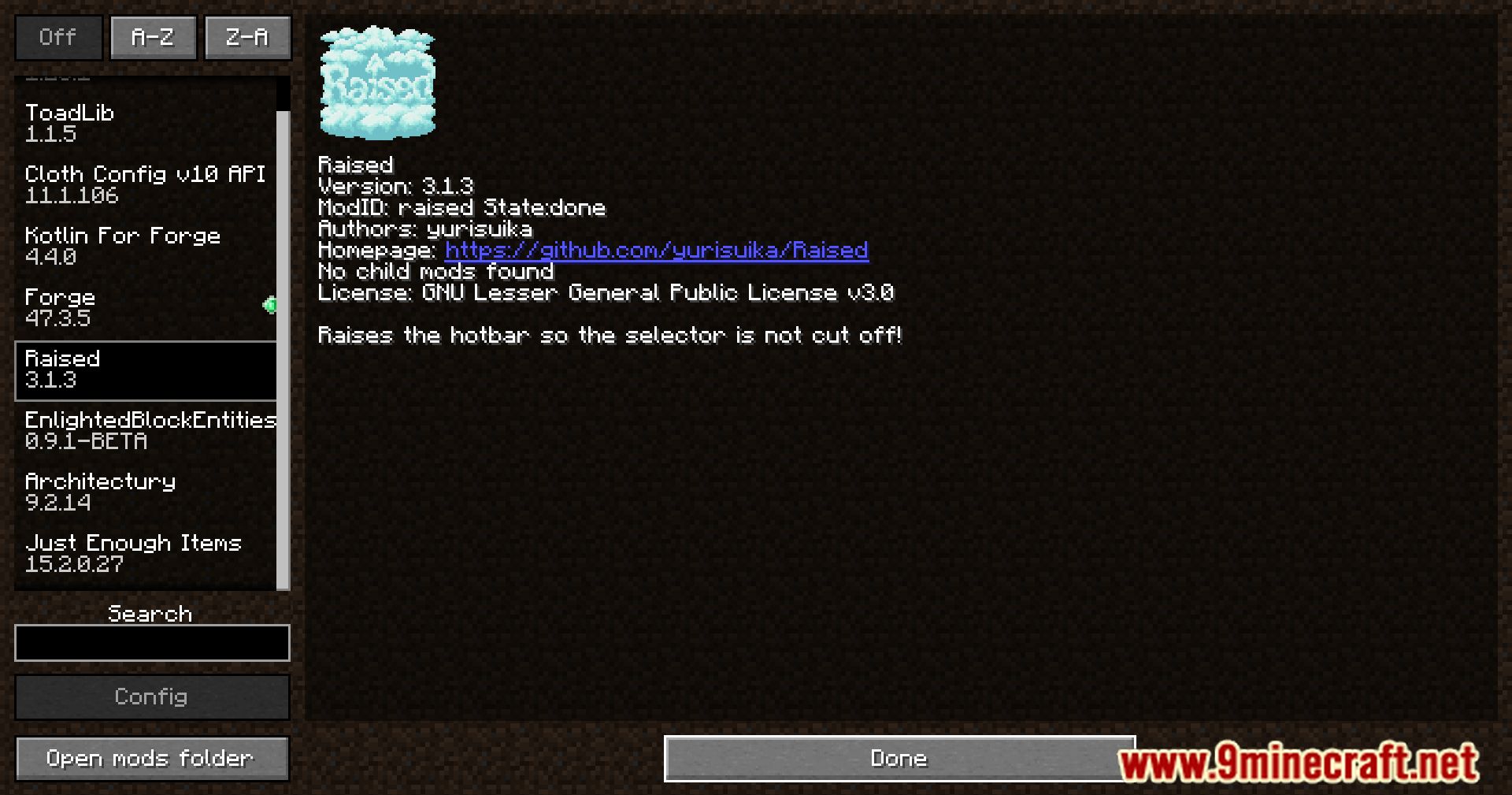
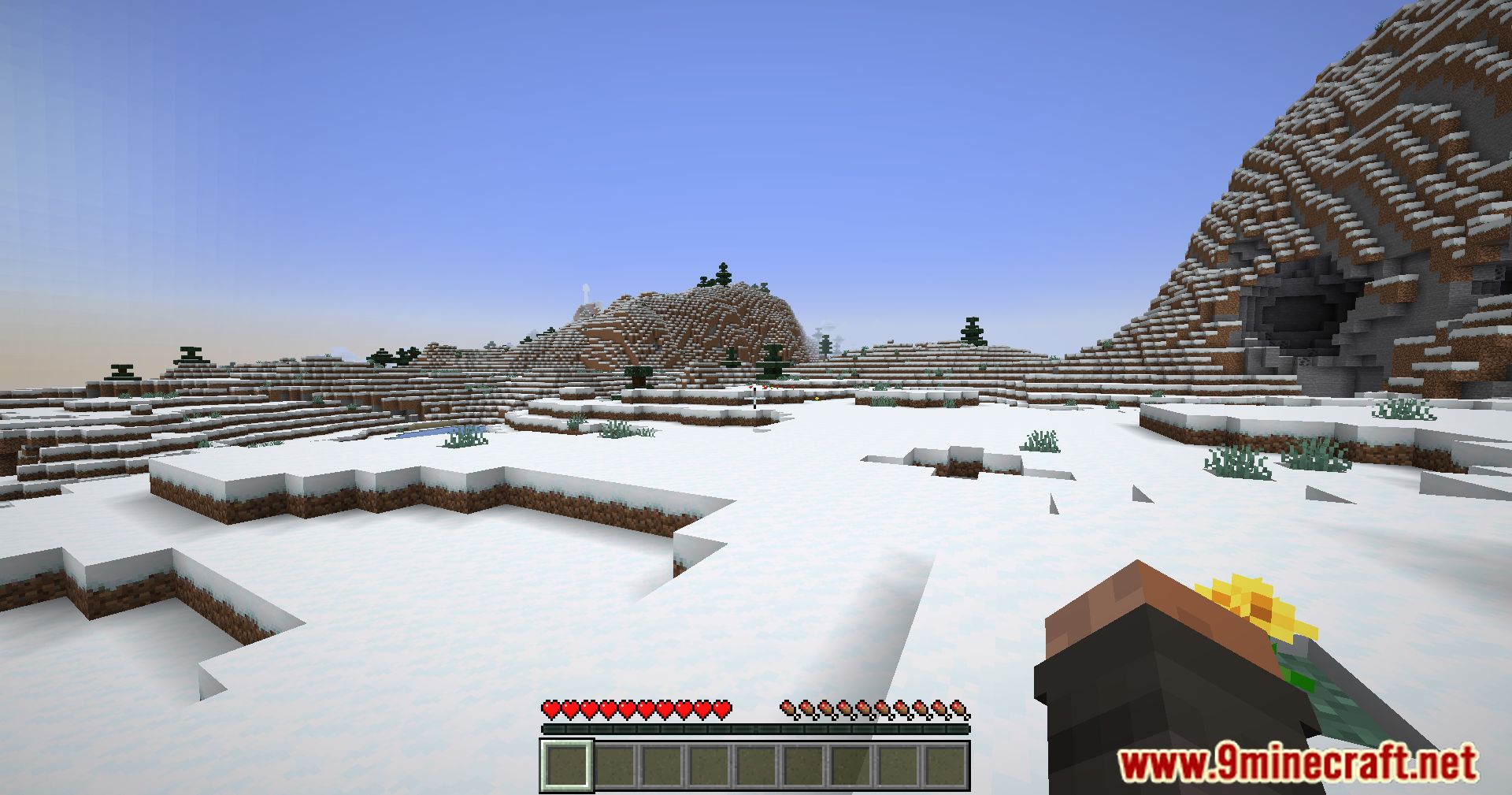
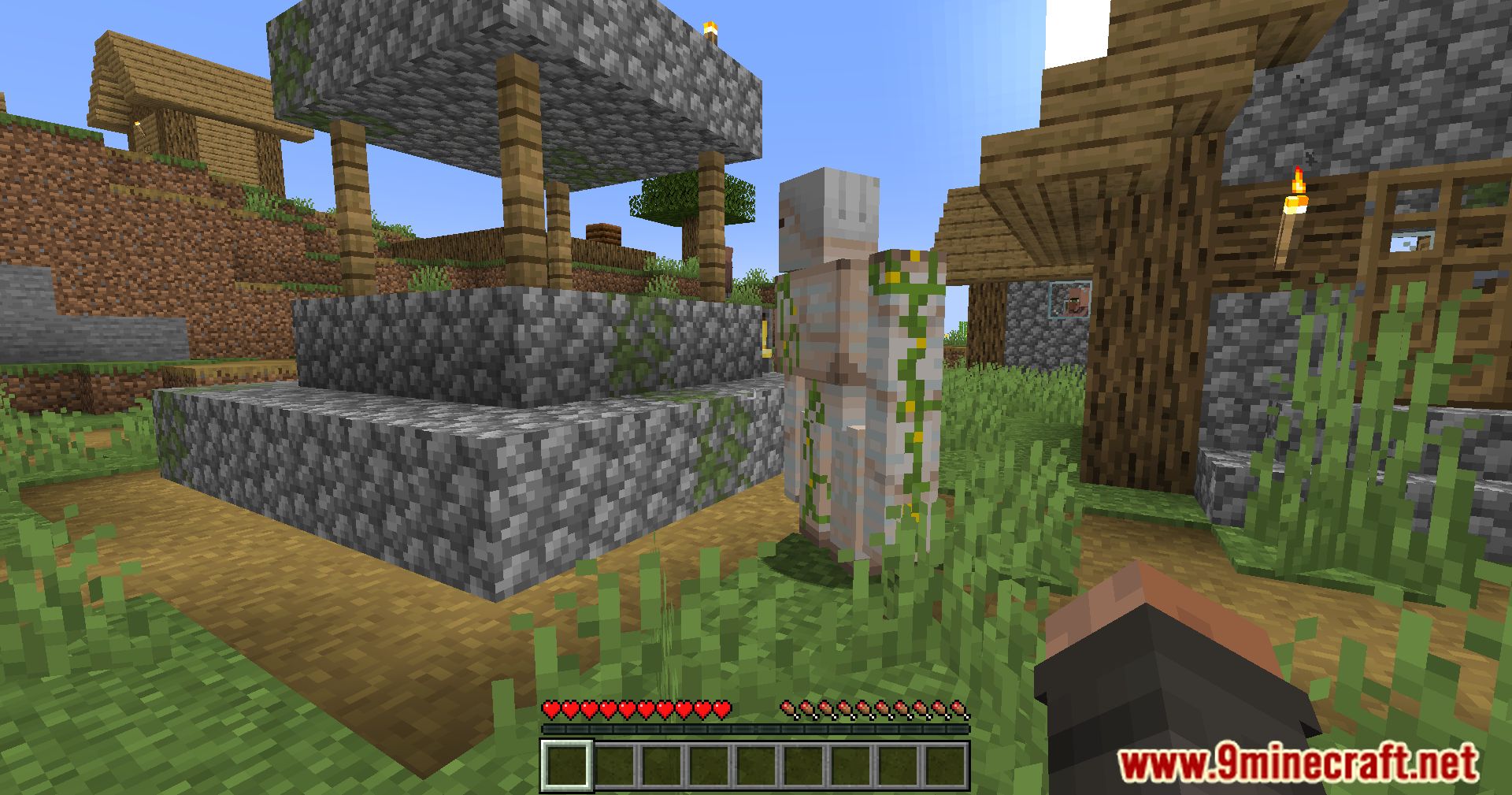
The Raised Mod is a specialized UI utility for Minecraft that addresses a common visual issue where the hotbar selector (the highlight box indicating the currently selected slot) or the hotbar itself overlaps with other screen elements or is positioned too low for certain display configurations.
Primarily used by players who utilize custom HUD mods or high-resolution resource packs, Raised provides granular control over the vertical offset of the hotbar. This ensures that the selection box remains perfectly aligned with the item slots, even when the hotbar is moved from its vanilla position. It is a client-side mod, meaning it does not need to be installed on servers to function.
Guides
Step-by-step, in-game.
Frequently asked questions
How do I open the GUI to move things around?
Can I move the hotbar left and right, or only up and down?
What HUD elements can I actually move with this mod?
I moved something and now I can't find it on screen—how do I reset?
Gallery
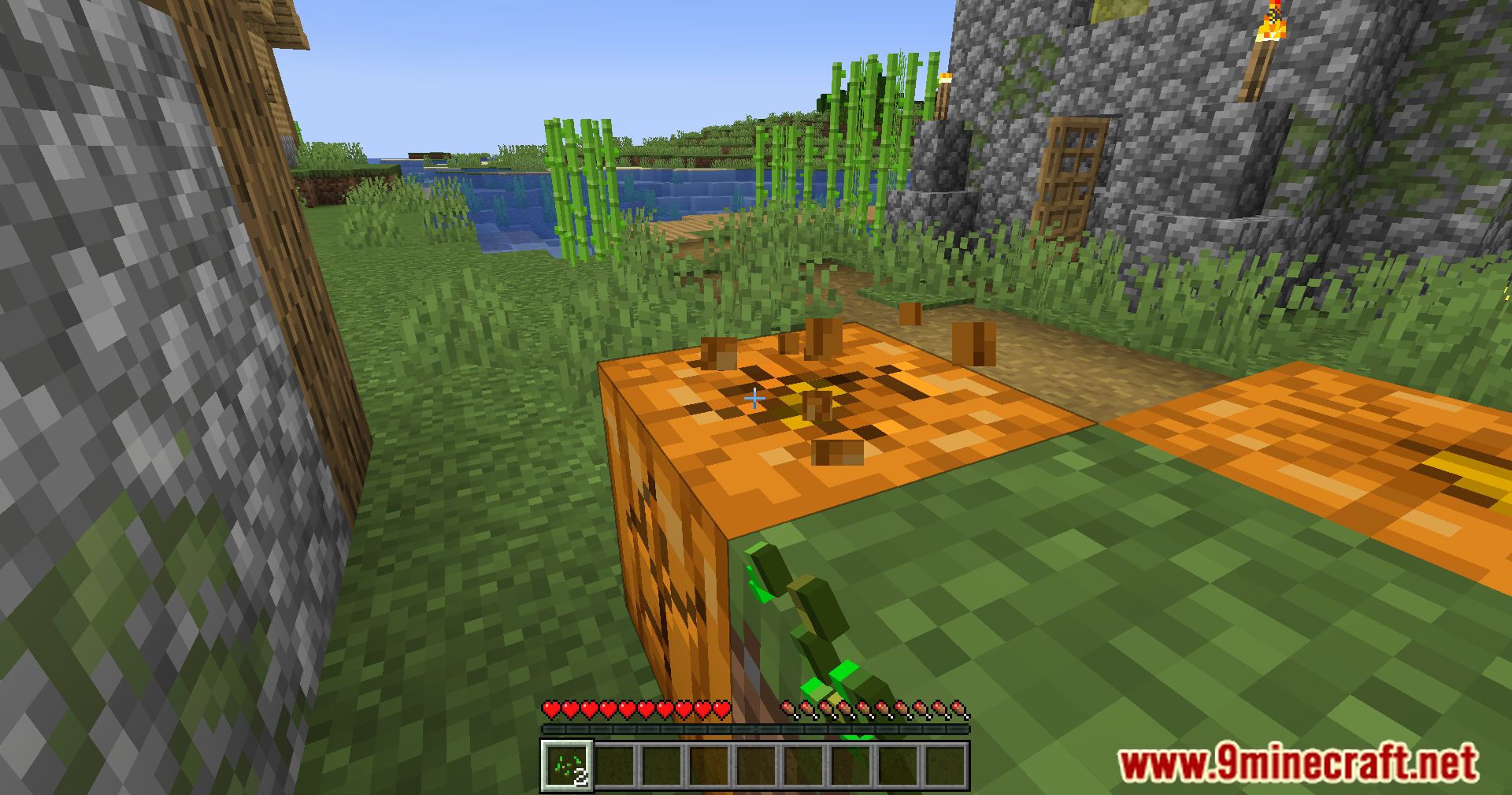
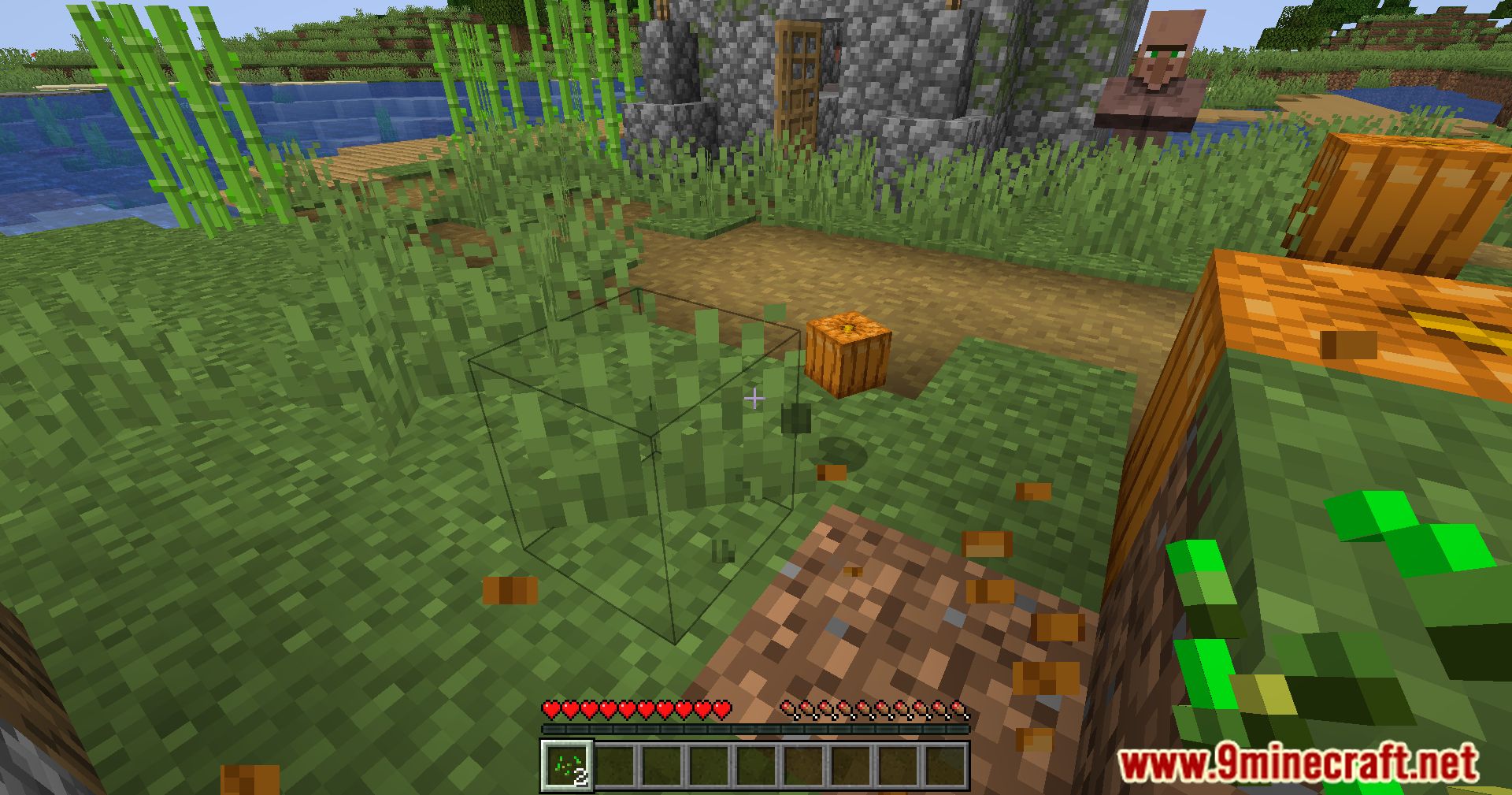
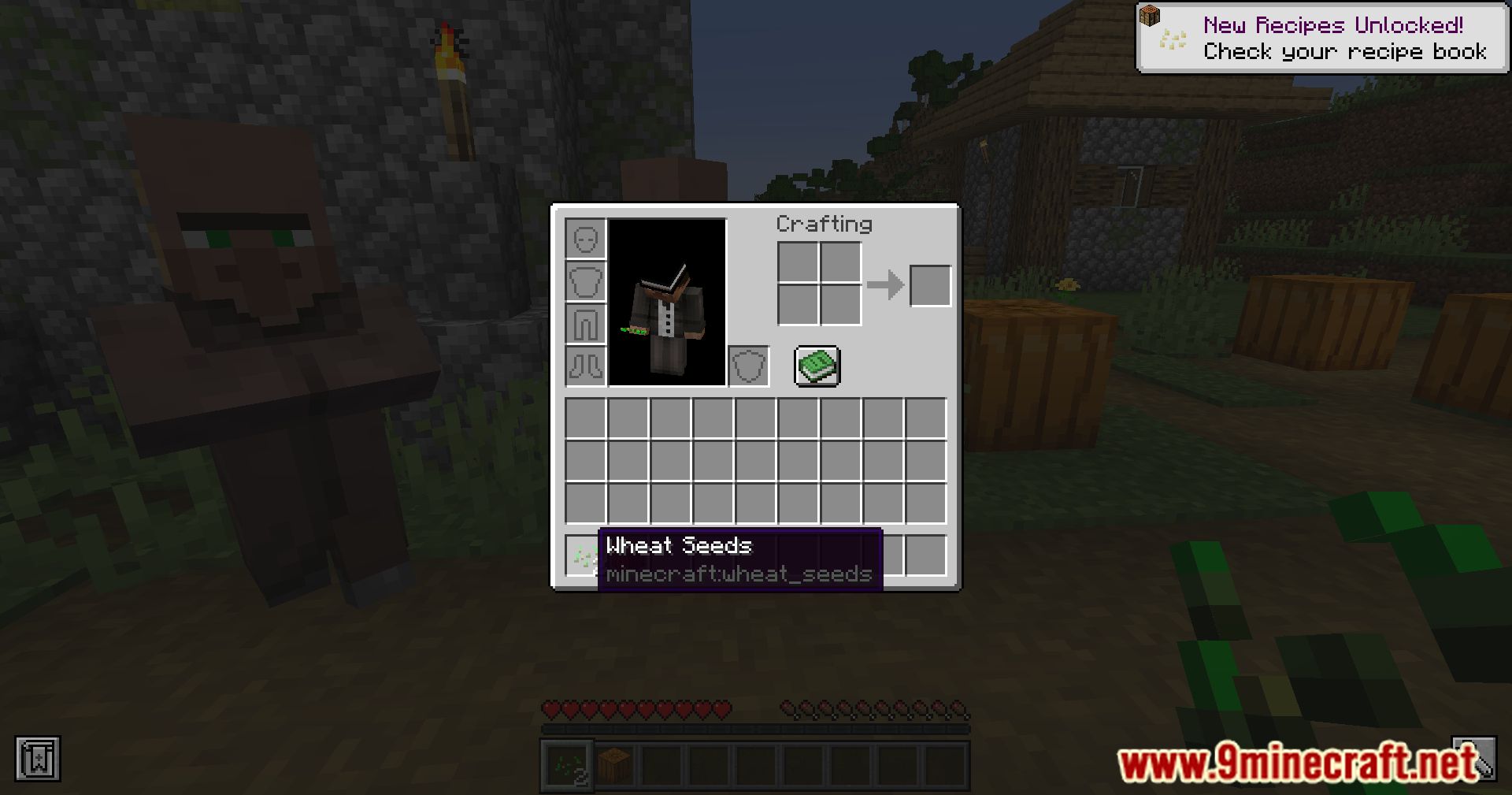
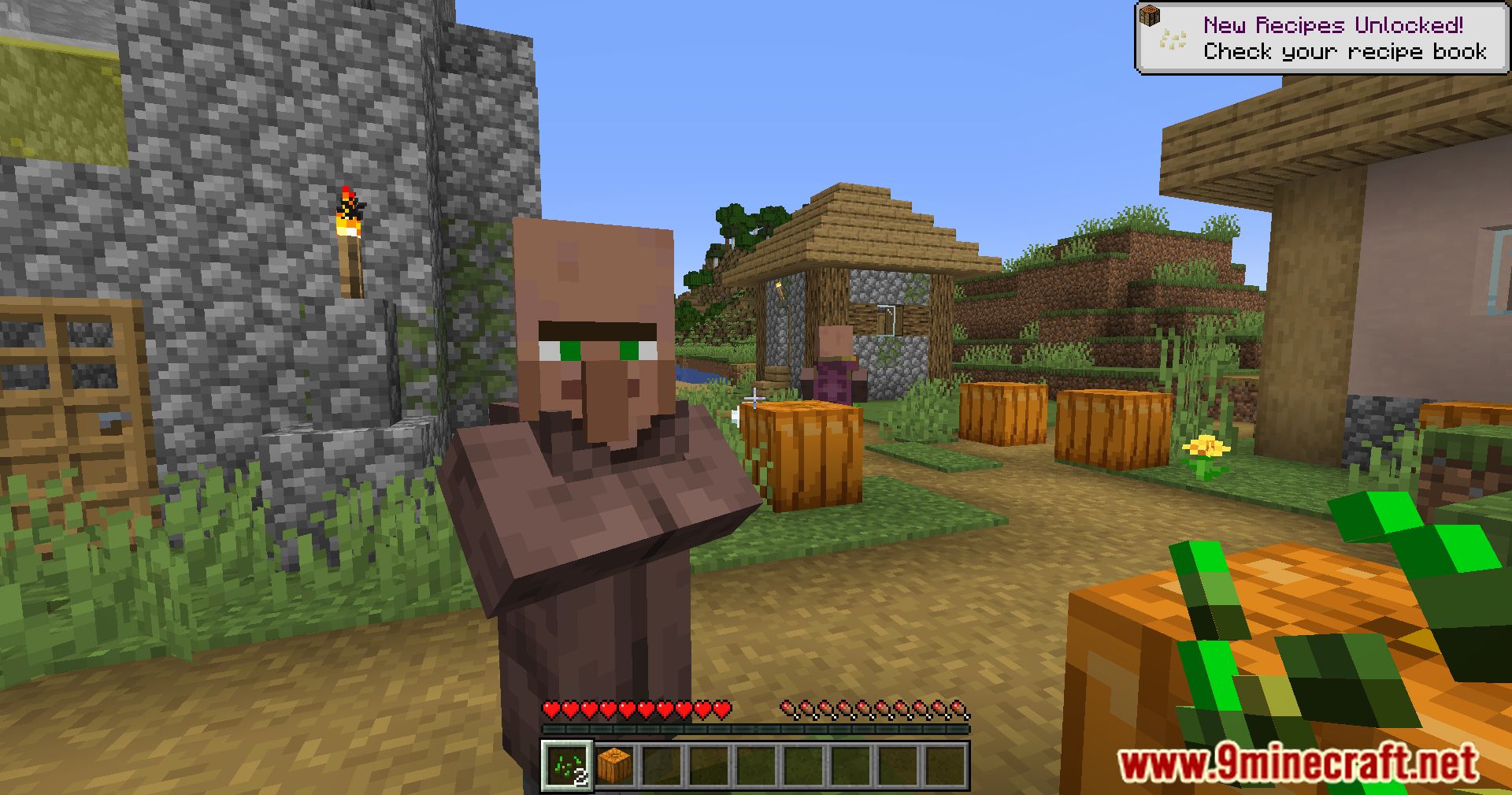
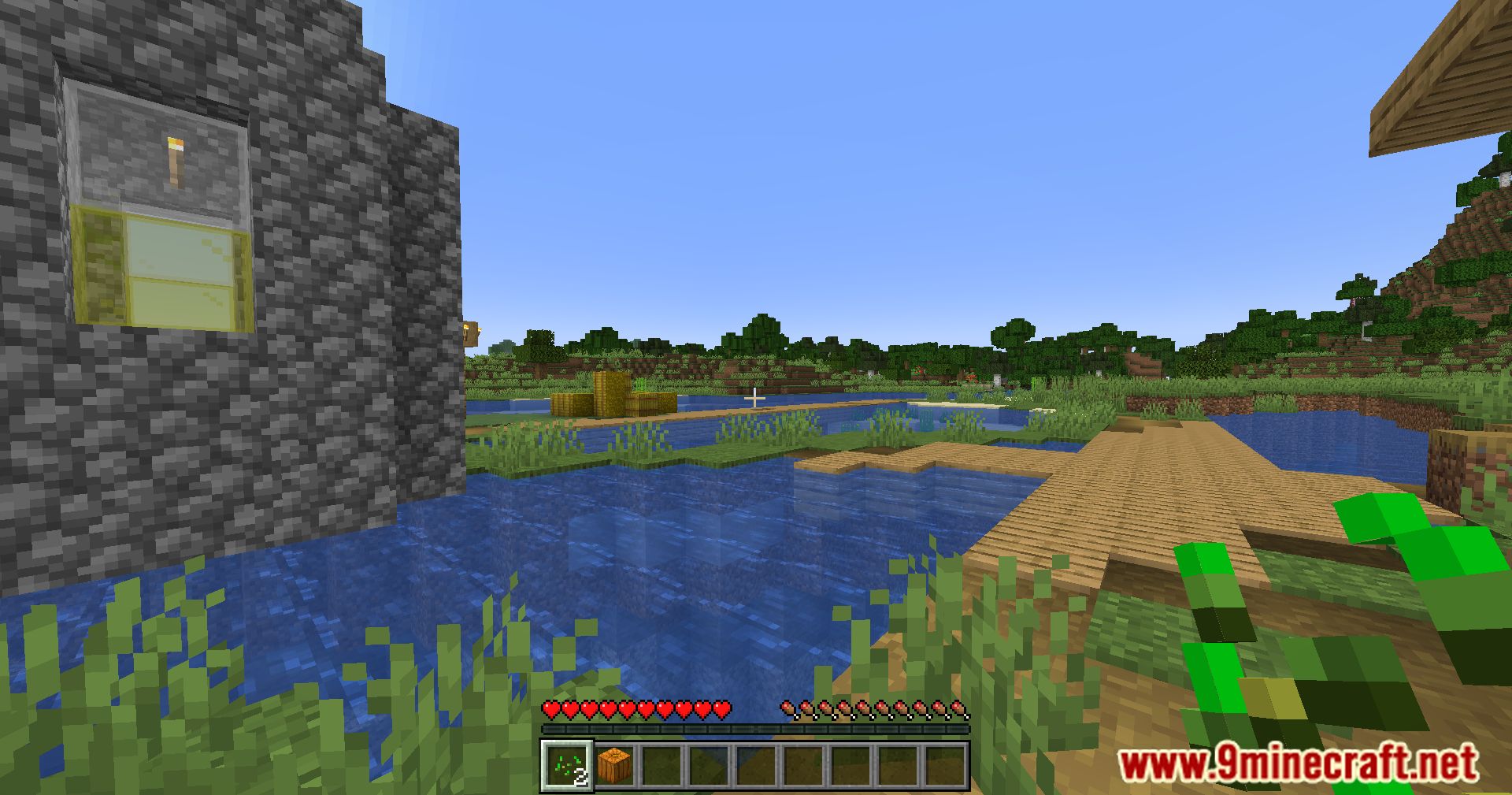
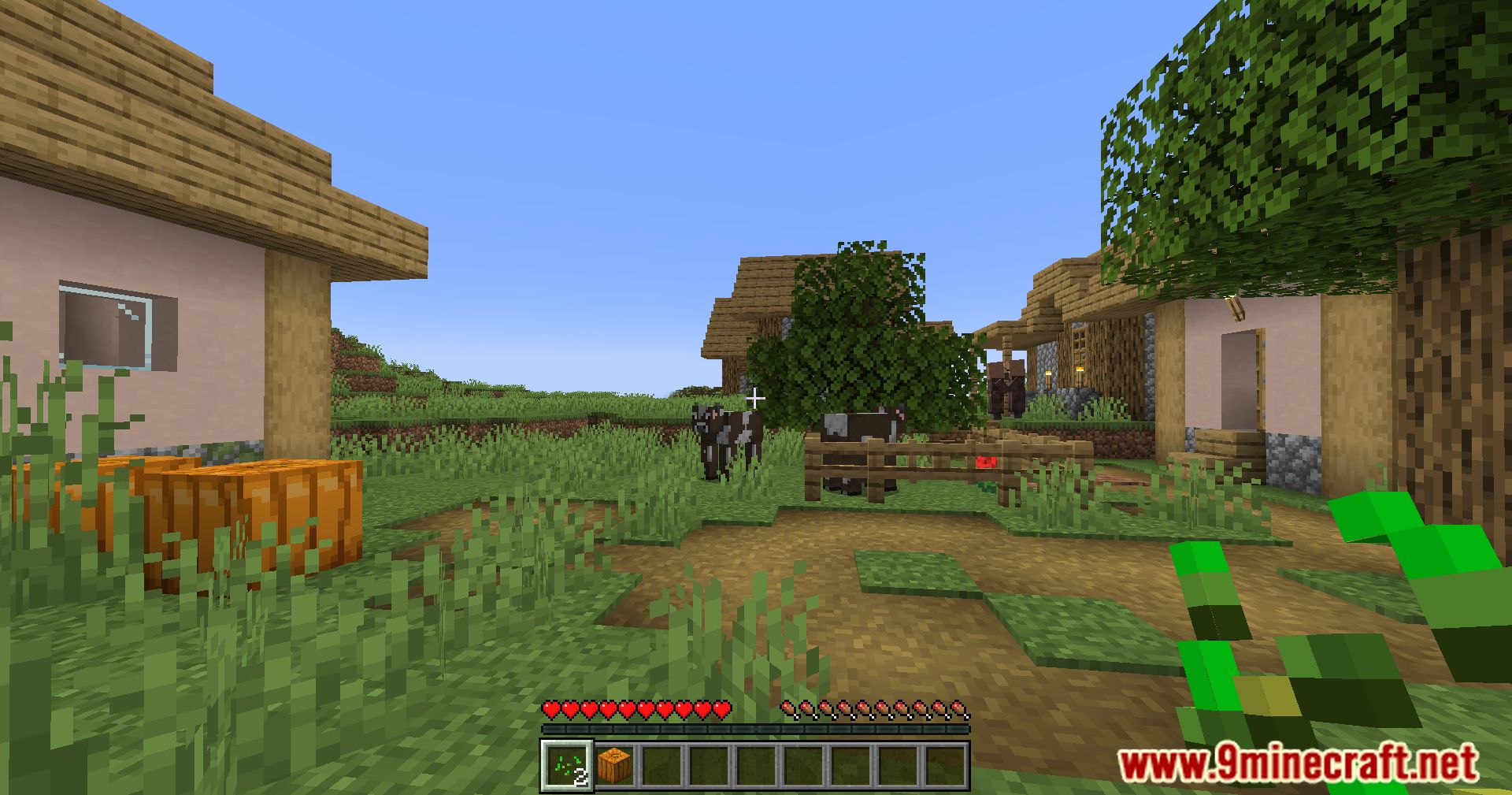
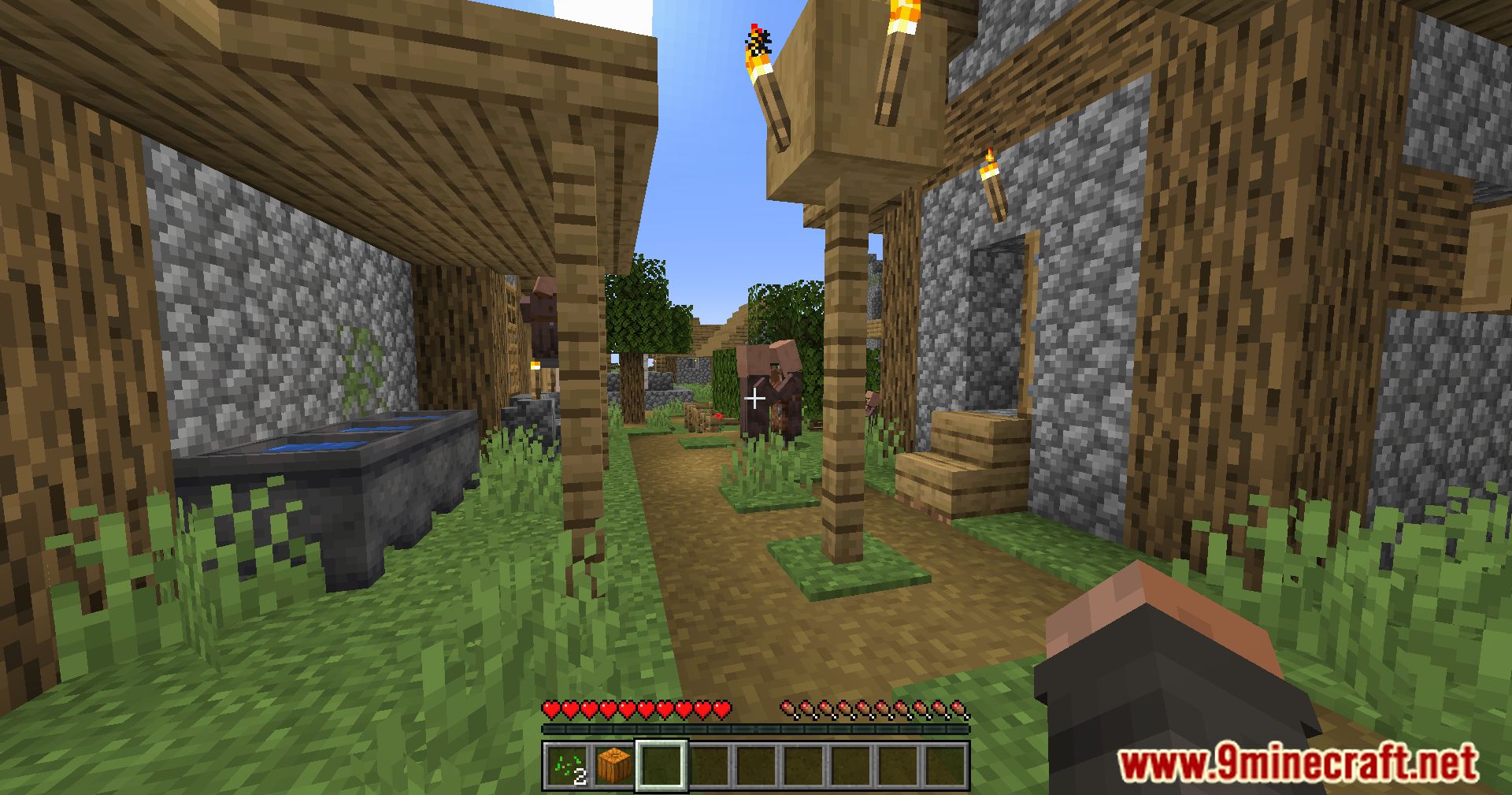
11 images from the Raised Mod page.
You May Also Like
Wikis that share the most with this one
Wikis on the same theme: level
More mod wikis on the site
The most downloaded mods that have a wiki here
A few wikis from each of the other kinds