

 DownloadJust Enough Items Mod
Get the files on 9Minecraft
Contents (7)
Guides
Step-by-step, in-game.
Bookmarking Items and RecipesWhy bookmarks exist A long build means looking up the same handful of recipes again and again. Bookmarks give those a…Cheat Mode and Give ModeWhat cheat mode changes Normally clicking an item in the JEI list opens its recipe. Cheat Mode changes that single…Hiding Items and Resizing the OverlayWhen the list is too full A big modpack can put tens of thousands of entries in the item list, and a lot of them are…Looking Up Recipes and UsesWhat the item list does JEI draws a list of every item in your game down the right-hand side of any open inventory or…Searching the Item List with PrefixesPlain search, then the prefixes Typing in the JEI search bar filters the item list by name, which is enough most of…
Configuration
Every setting in the mod config file, with what it changes.
| Option | What it does |
|---|---|
tagSearchMode | Sets how tag names are matched when searching for items |
tooltipSearchMode | Sets how item tooltip text is matched when searching |
creativeTabSearchMode | Sets how creative tab names are matched when searching |
identifierSearchMode | Sets how item registry identifiers are matched when searching |
modNameSearchMode | Sets how mod names are matched when searching for items |
colorSearchMode | Sets how item colors are matched when searching |
addBookmarksToFrontEnabledAdd Bookmarks to Front | Controls whether new bookmarks are added to the front of the list |
Advanced config options to change the way JEI functions. | Sets the formatting string for mod names in JEI tooltips |
bookmarkOutputAsRecipe | Controls whether bookmark outputs are shown as recipes |
bookmarkTooltipFeaturesBookmarks Tooltips Features | Toggles the extra tooltip features shown on bookmarked items |
catchRenderErrorsEnabledCatch Render Errors | Controls whether JEI catches and logs recipe rendering errors |
Other settings in this file
8 more options the mod ships without its own description. Names are taken straight from the config file.
- default
- interface
- mode
- valid
- advanced
- appearance
- bookmarkList
- bookmarks
Frequently asked questions
What is Just Enough Items?
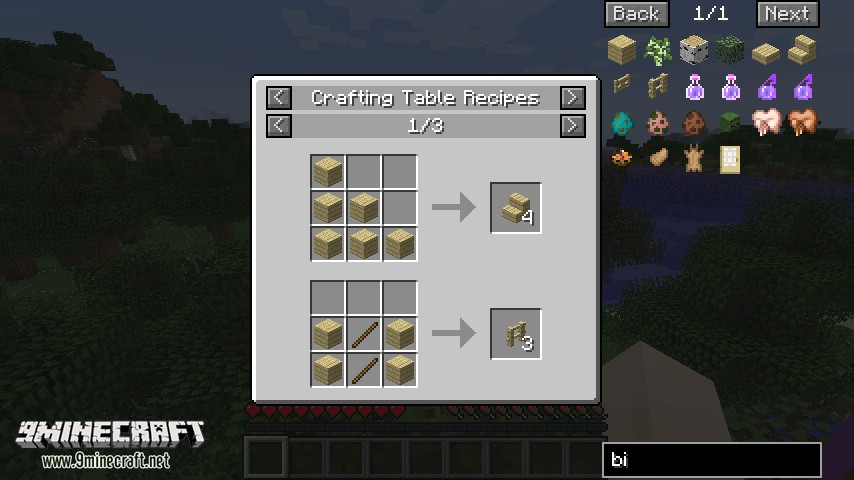
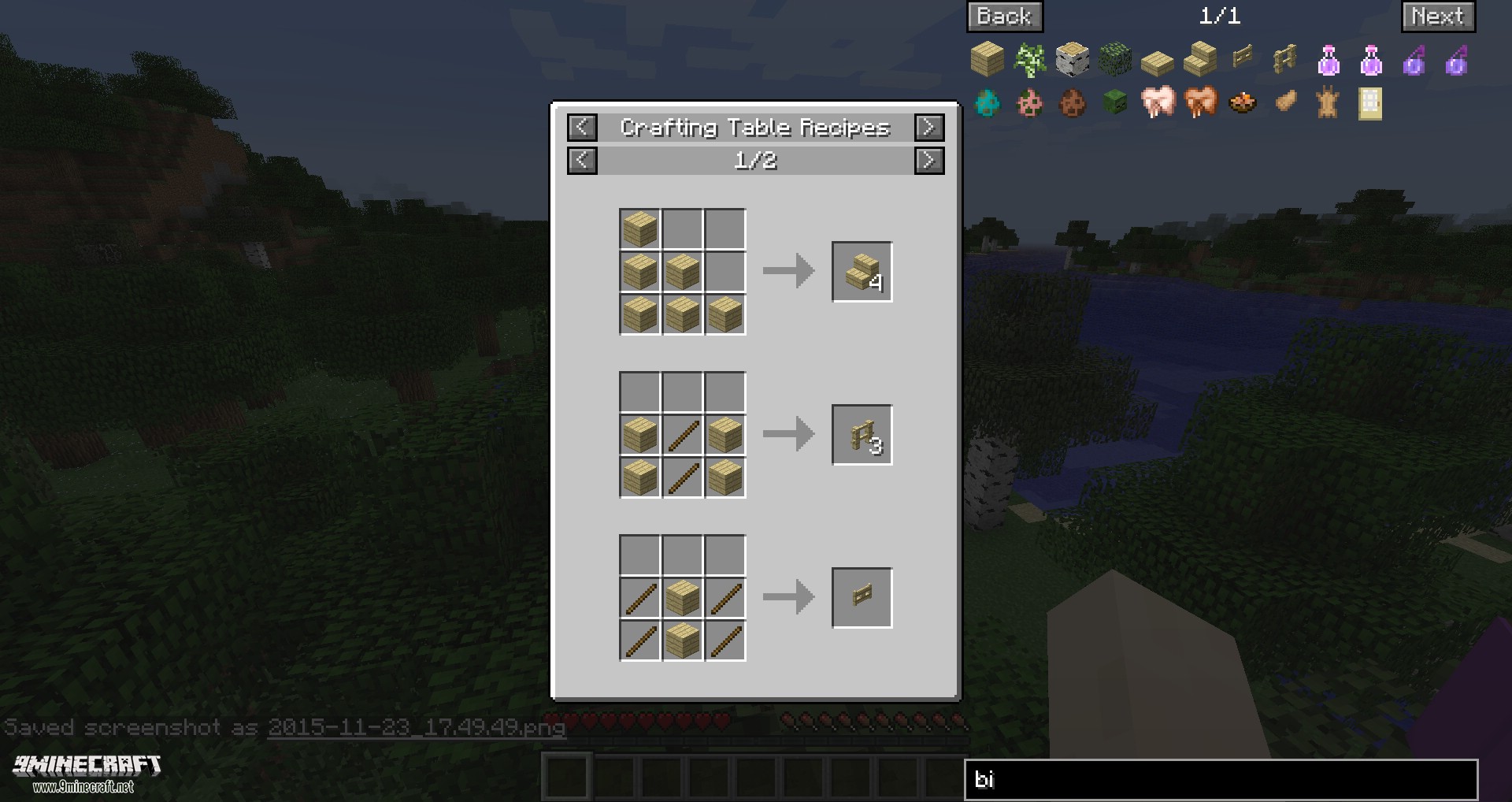
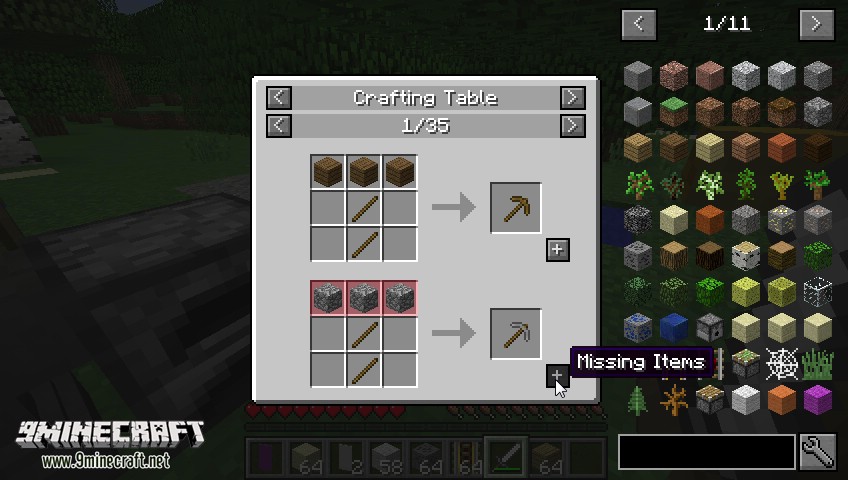
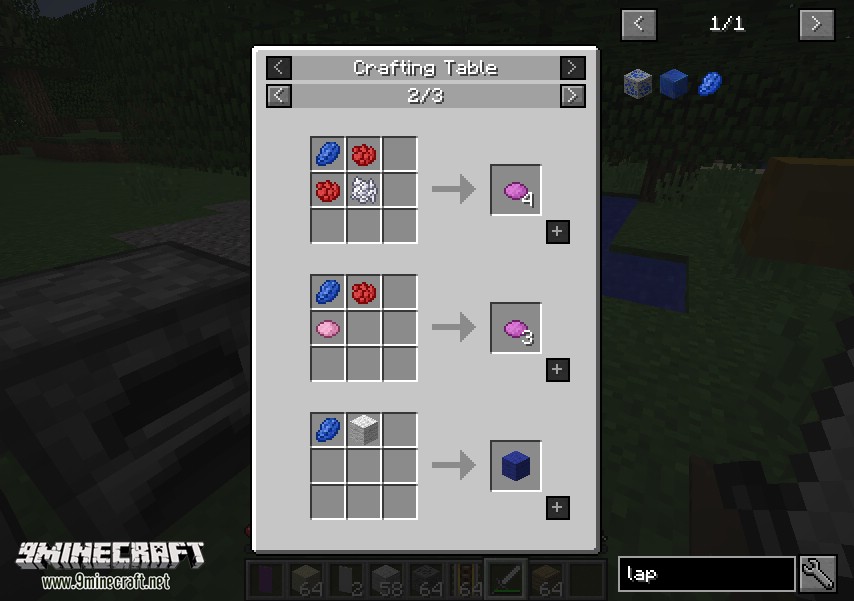
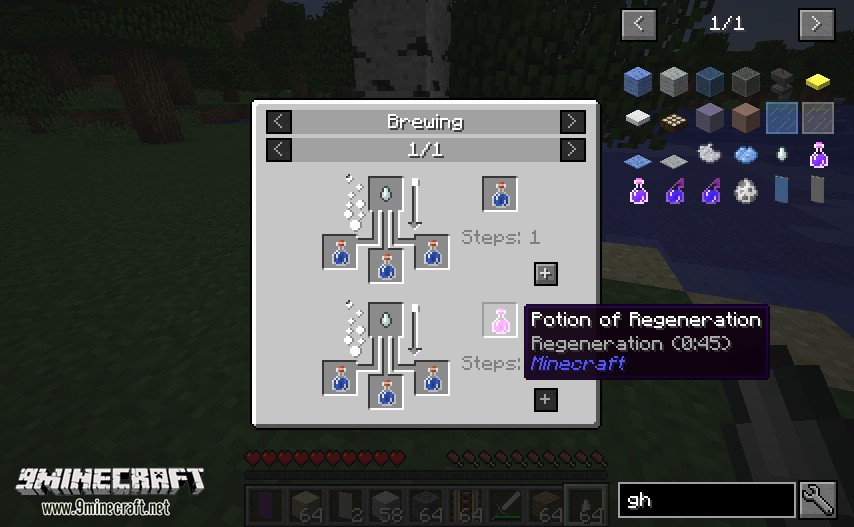
Just Enough Items is a utility mod that displays item and recipe information in a searchable in-game overlay. It lets you look up crafting recipes and see what an item is used for.
How do I look up a crafting recipe in JEI?
Hover over an item and press R to show its recipes. You can also click an item in the item list or type R while it is selected.
How do I see what an item is used for in JEI?
Hover over an item and press U to show its uses. Right-clicking an item in the item list or typing U also works.
How do I hide or show the JEI item list?
Press Control + O to toggle the item list overlay. If the interface does not appear after installing the mod, press O to show or hide it.
See all 10 Just Enough Items questions ›
Dependencies
Other mods needed to run this one.
Gallery
6 images from the Just Enough Items Mod page.
You May Also Like
Wikis that share the most with this one
Excalibur Just Enough Items JEI Support Resource PackExcalibur Just Enough Items JEI Support by Ruseki_ Resource PackJust Enough BookJust Enough Guns NewRoughly Enough Items ModJust Enough Resources ModJust Enough Characters ModJust Enough Calculation ModJust Enough Professions ModJust Enough Effect Descriptions ModJust A RaftJust Hammers
More mod wikis on the site
The most downloaded mods that have a wiki here
A few wikis from each of the other kinds