

 DownloadFSR Shaders
Get the files on 9Minecraft
Guides
Step-by-step, in-game.
Adjust FSR Upscaling Strength for Your HardwareFinding the FSR Settings Open your shader settings menu while in-game. Look for the FSR or upscaling section—this is…Enable or Disable Shadow EffectsLocating Shadow Settings Access the shader options menu in-game. Navigate to the lighting or shadows section. FSR…Maintain Sharp Visuals During Fast Camera MovementUnderstanding Motion Clarity FSR Shaders includes temporal techniques that track pixel movement across frames. This…Optimize Settings for Low-End DevicesStart with Conservative Defaults FSR Shaders includes low and medium profiles designed for weaker hardware. Open…
Frequently asked questions
How do I turn on FSR Shaders?
Open your shader settings menu in-game and select FSR Shaders from the available shader packs list. Once applied, the shader will activate immediately and you'll see the visual changes take effect.
What does fsr upscaling do?
FSR upscaling renders your game at a lower resolution internally, then intelligently scales it up to your monitor's native resolution, which boosts frame rates while keeping visuals sharp and clear.
Will FSR Shaders work on my old gpu?
Yes, FSR Shaders is specifically designed to run on low-end and mid-range graphics hardware by using efficient upscaling instead of demanding high native resolutions.
Why is my game blurry with FSR Shaders?
Reduce your FSR upscaling strength setting—higher strength values can blur the image more; finding the right balance for your hardware will restore sharpness while maintaining performance gains.
See all 10 FSR Shaders questions ›
Gallery
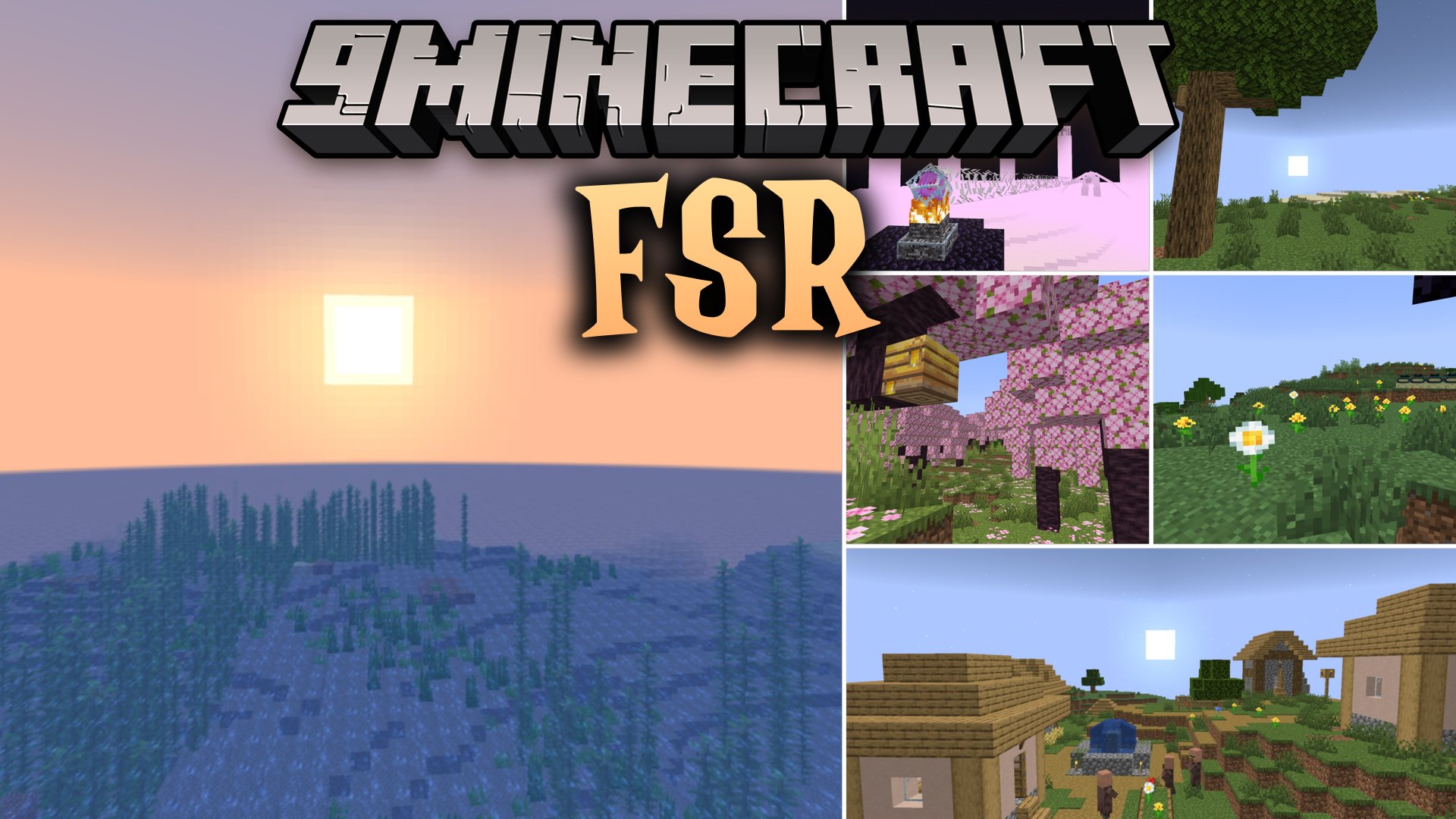
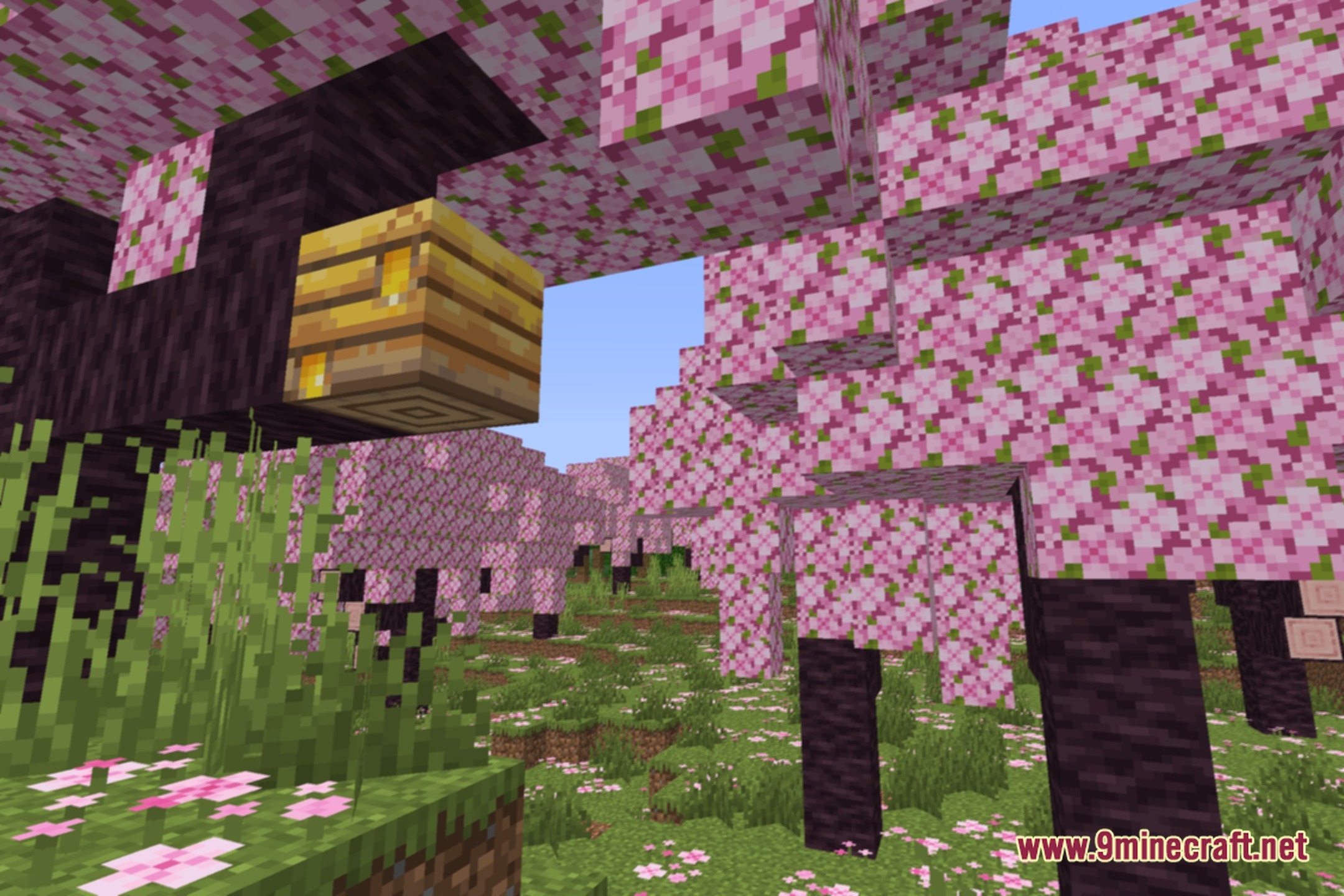
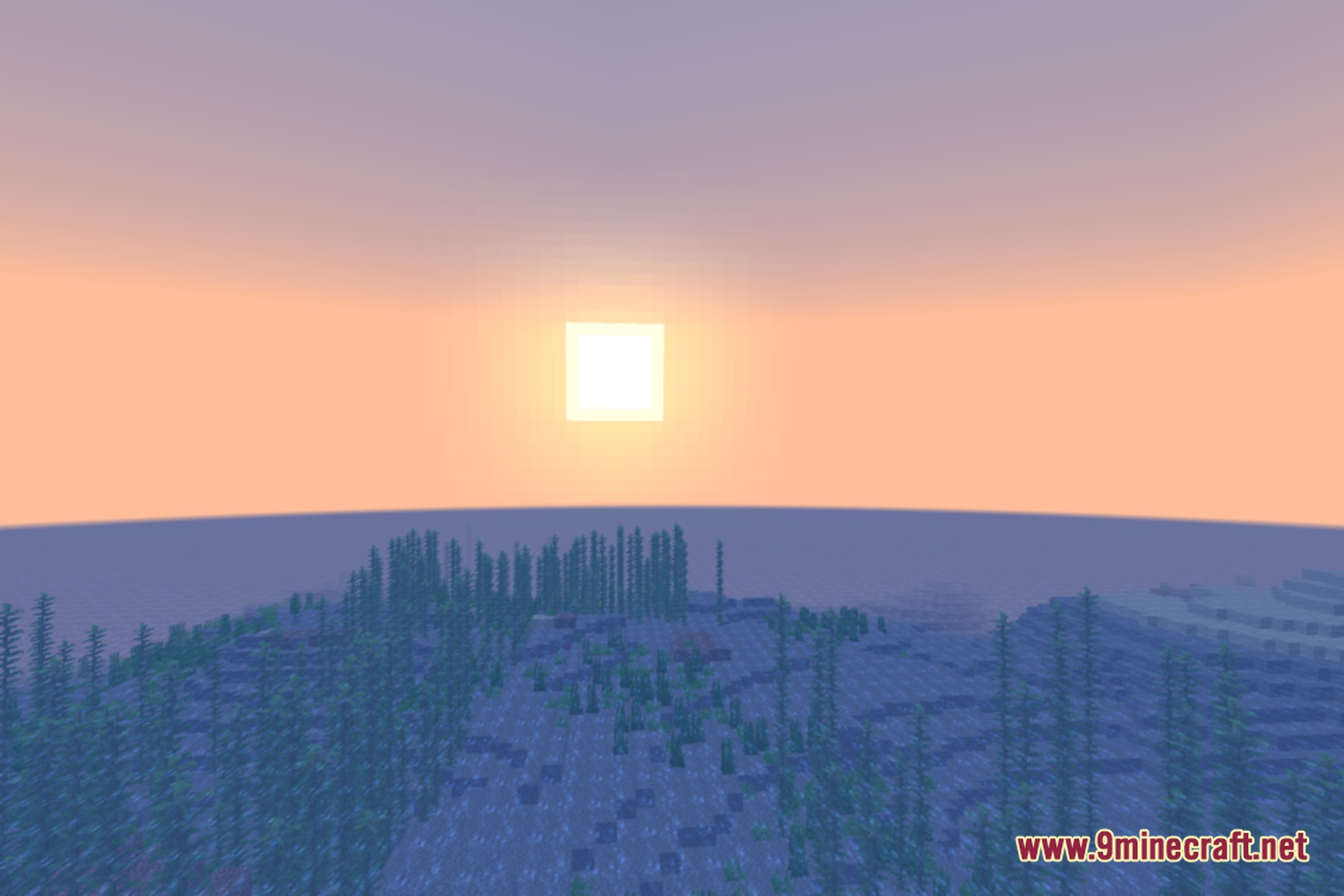
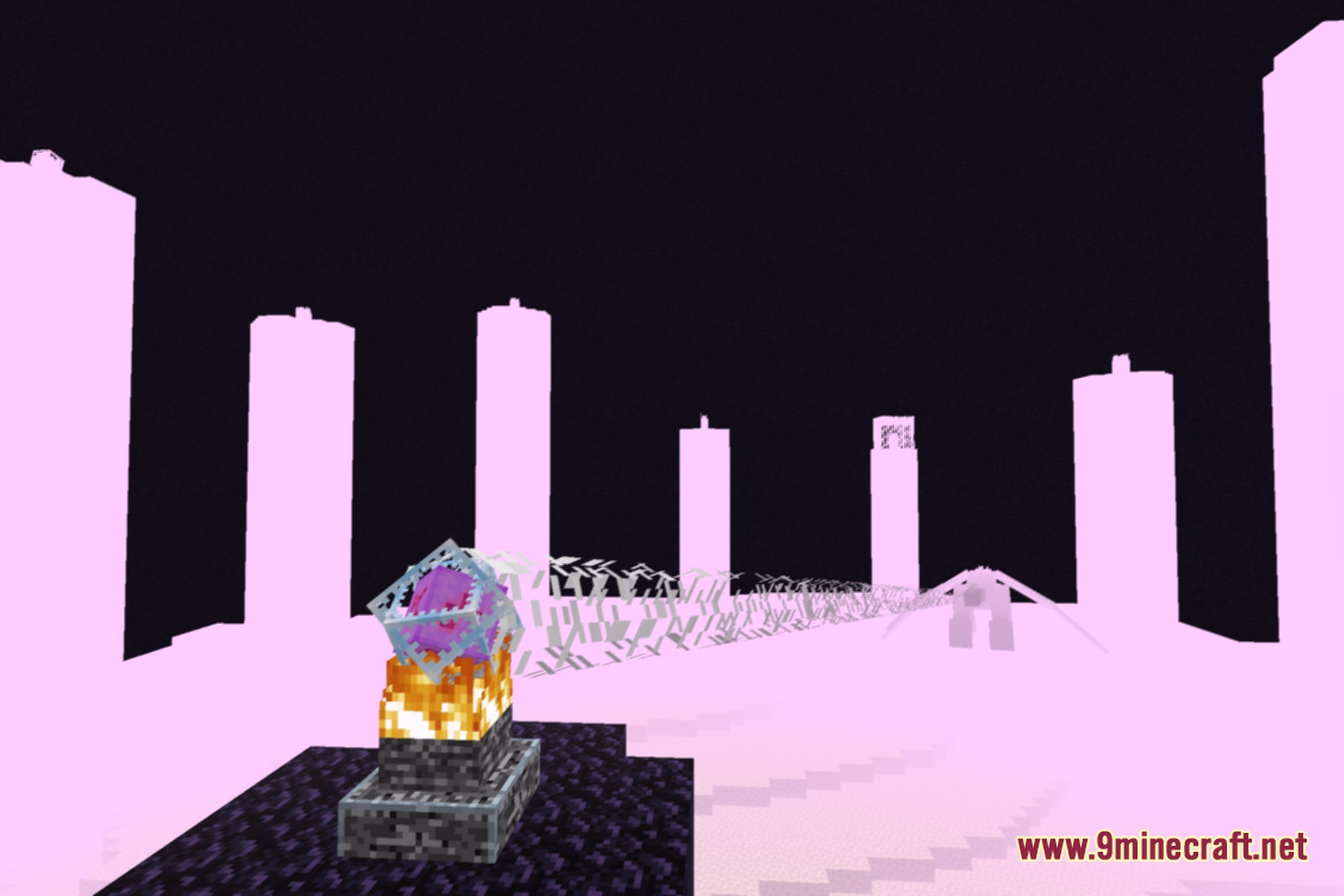
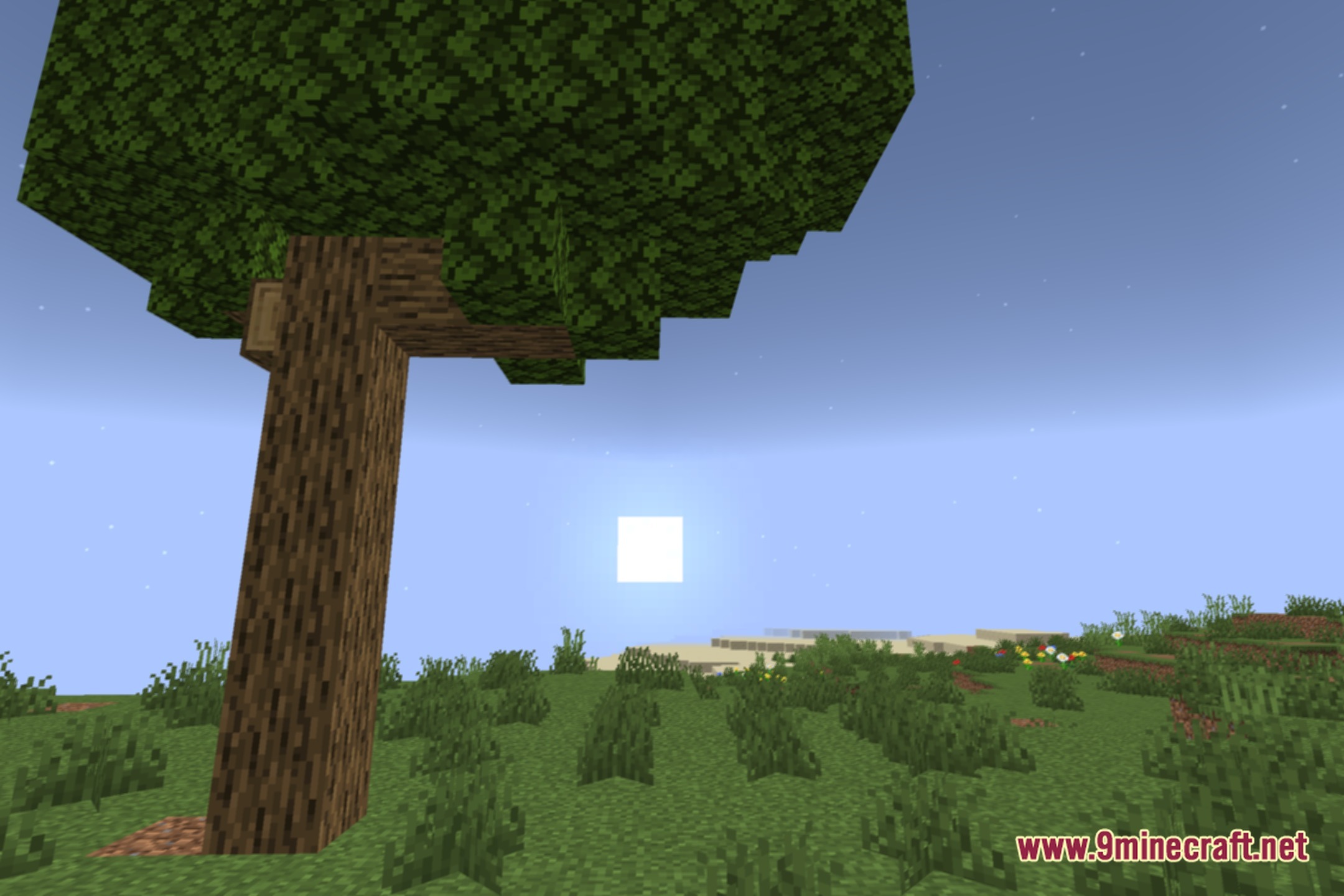
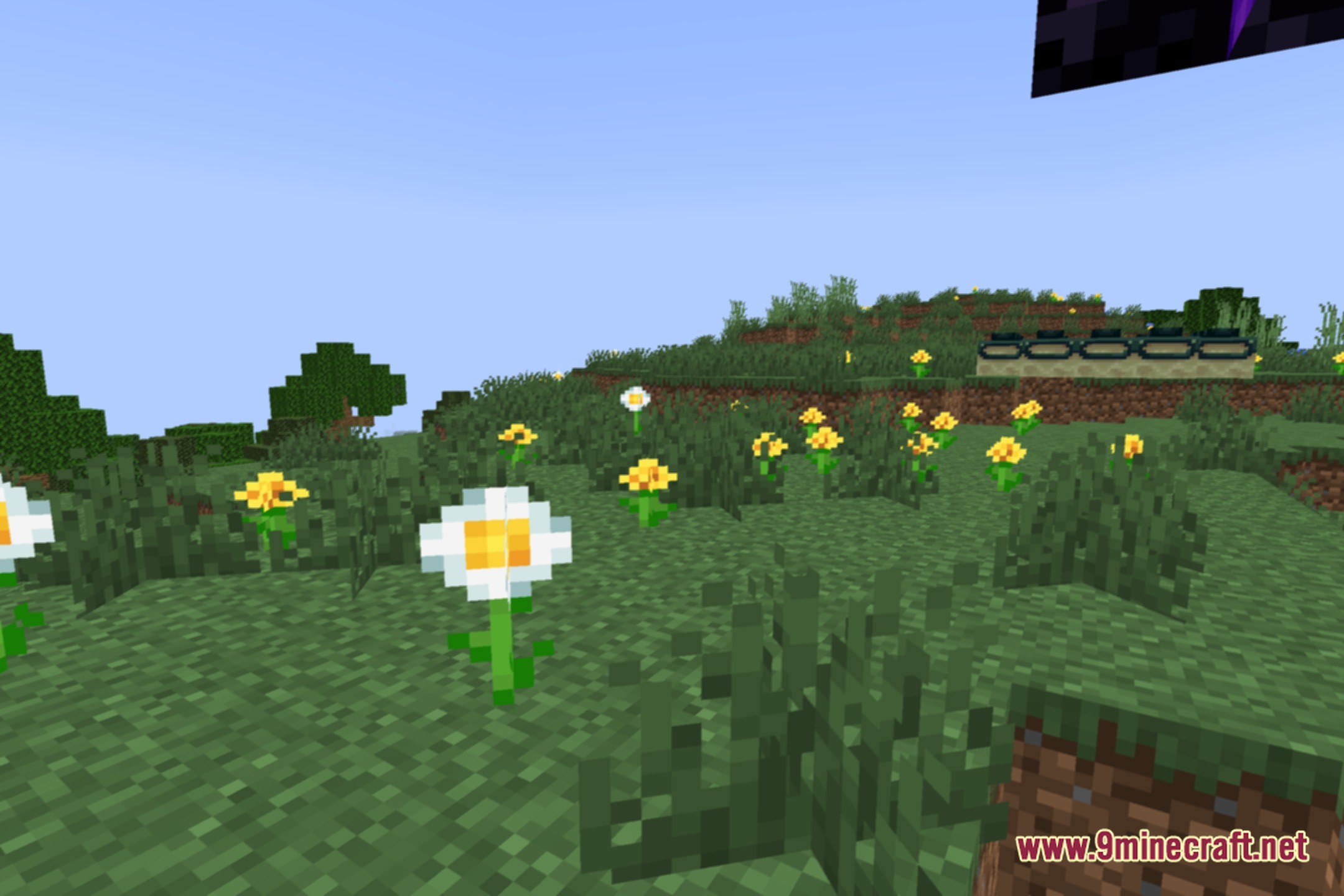
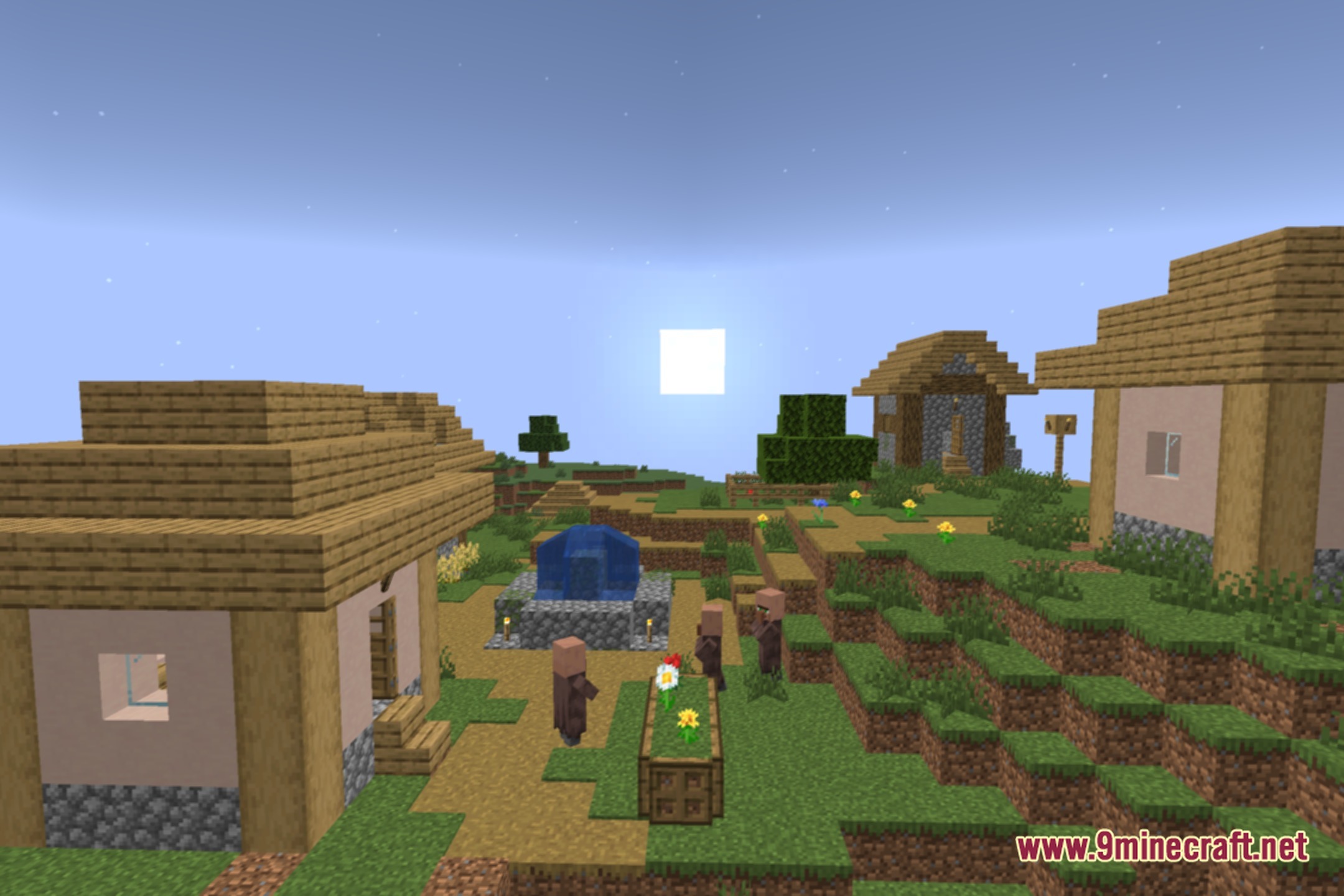
12 images from the Fsr Shaders page.
You May Also Like
Wikis that share the most with this one
More shader wikis on the site
 Flux Shaders
 Flow Reimagined Shaders
The most downloaded mods that have a wiki here