

 DownloadVisible Enchanted Books Resource Pack
Get the files on 9Minecraft
Contents (7)
Guides
Step-by-step, in-game.
Create Custom Named Books with Unique TexturesCustomize Book Appearance Using Anvil Names Beyond enchanted books, this pack lets you rename regular or written…Ensure the Resource Pack Works CorrectlyMeet Technical Requirements Visible Enchanted Books relies on advanced texture replacement features that vanilla…Find a Specific Enchanted Book in Your StorageUse Unique Cover Designs to Spot Books Instantly With Visible Enchanted Books, each enchantment has its own…Identify Enchantment Compatibility at a GlanceUnderstand Tool and Armor Icons The resource pack adds small compatibility icons next to enchantment names in your…
Items
What this pack changes
Every texture group the pack replaces, counted from the pack itself.
| Area | Textures replaced |
|---|---|
| Font | 55 |
| Particles | 26 |
| Misc | 4 |
| Items | 2 |
Pack format 34 (Minecraft 1.21.2)87 texture files in total
Extra features
Custom font
Frequently asked questions
Why can't I see the custom book textures?
This resource pack requires either OptiFine or CIT Resewn to display the custom  enchanted book designs. Without one of these mods, the books will appear vanilla. Make sure you have one installed and enabled before loading the pack.
How do I know what enchantment a book has without hovering over it?
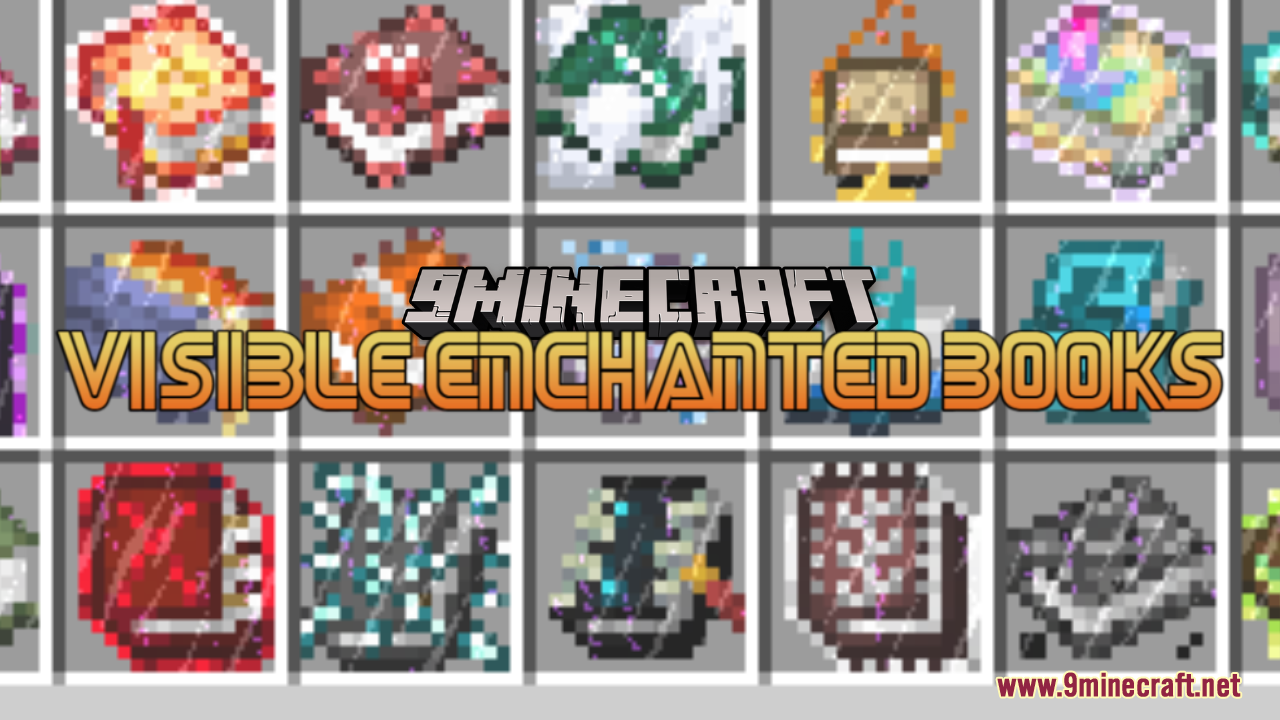
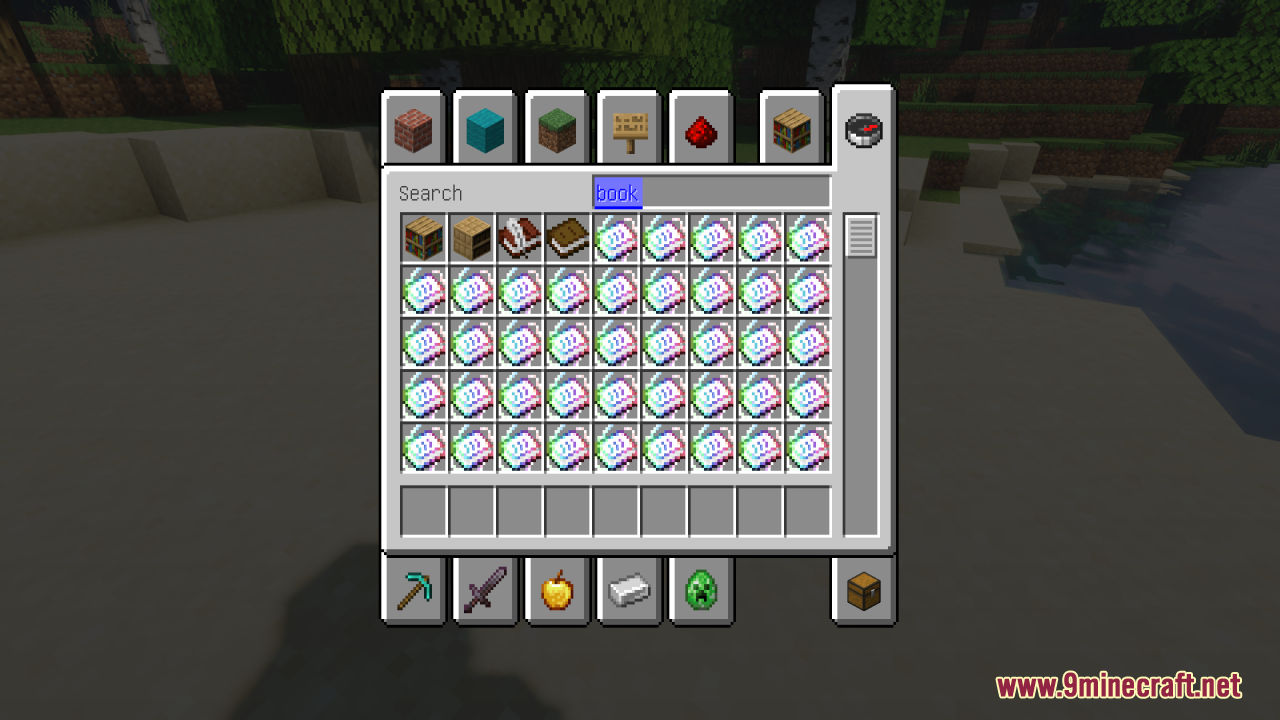
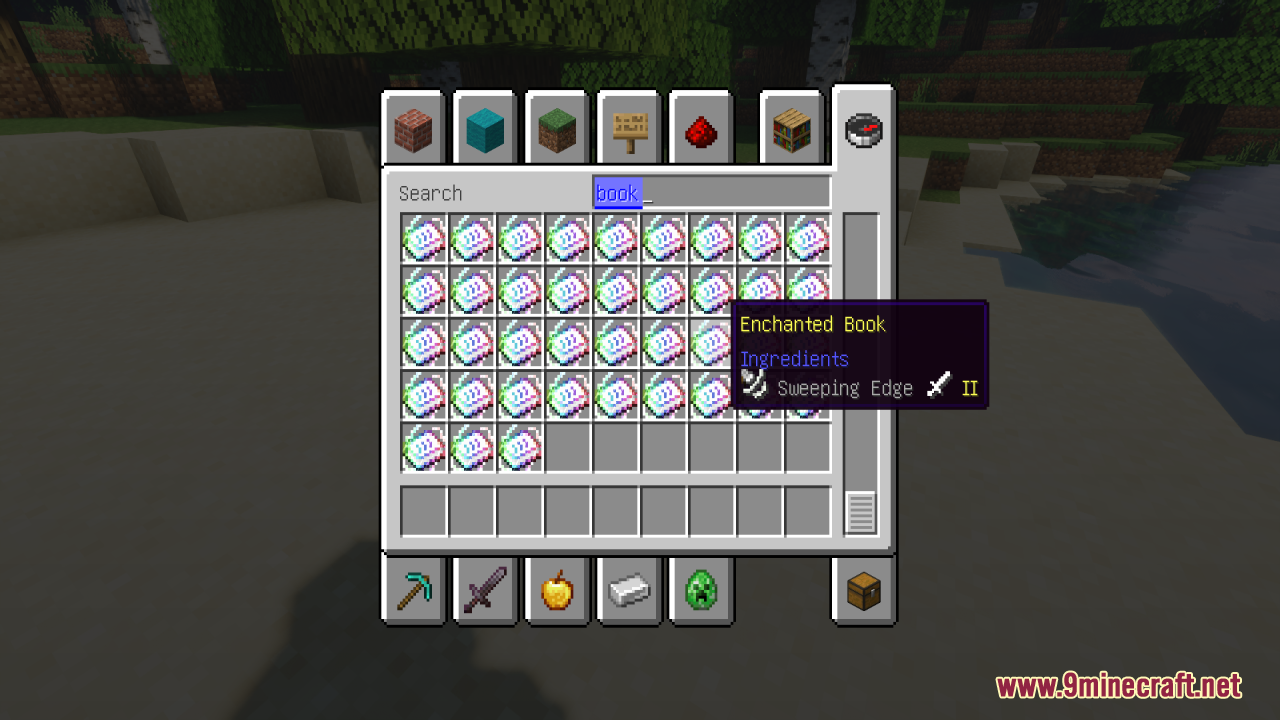
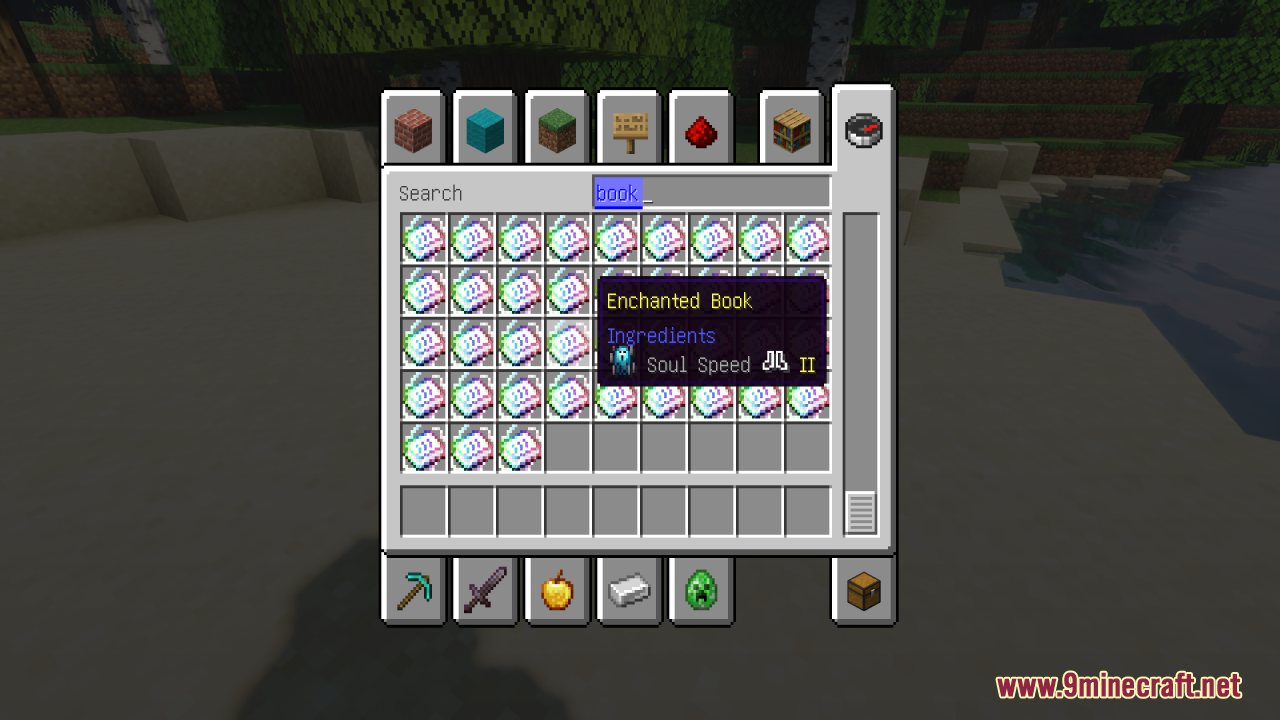
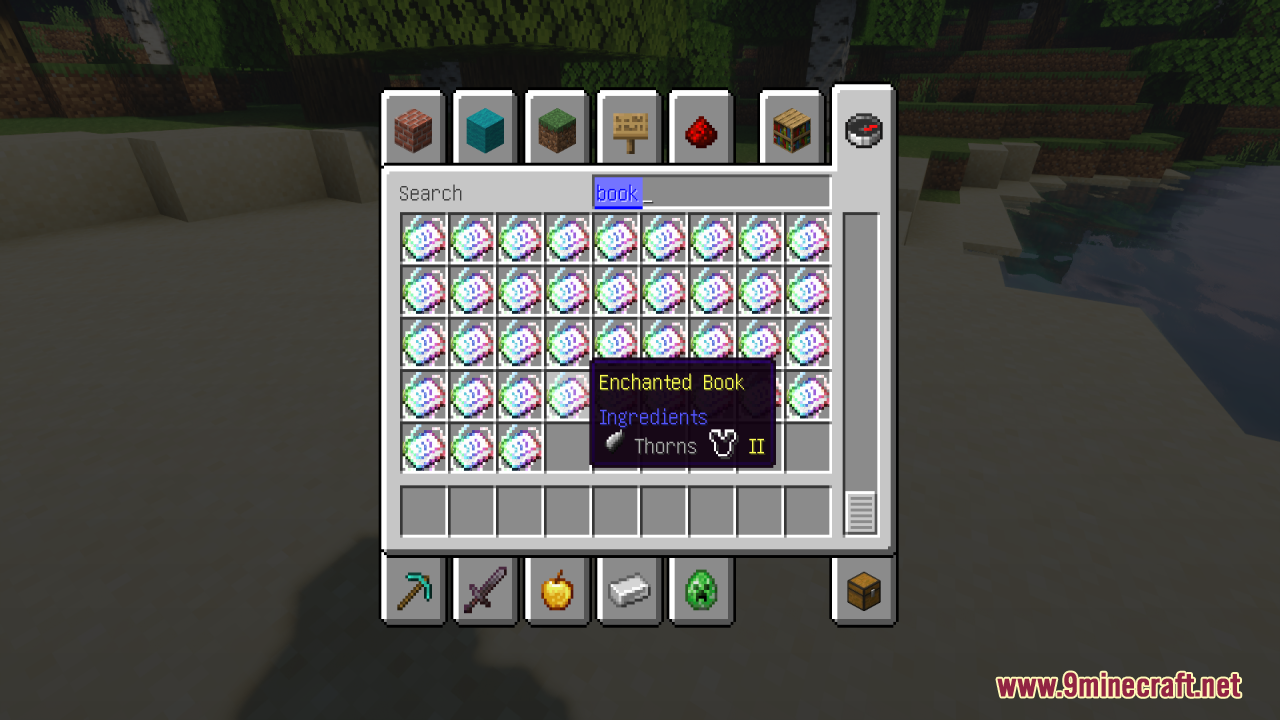
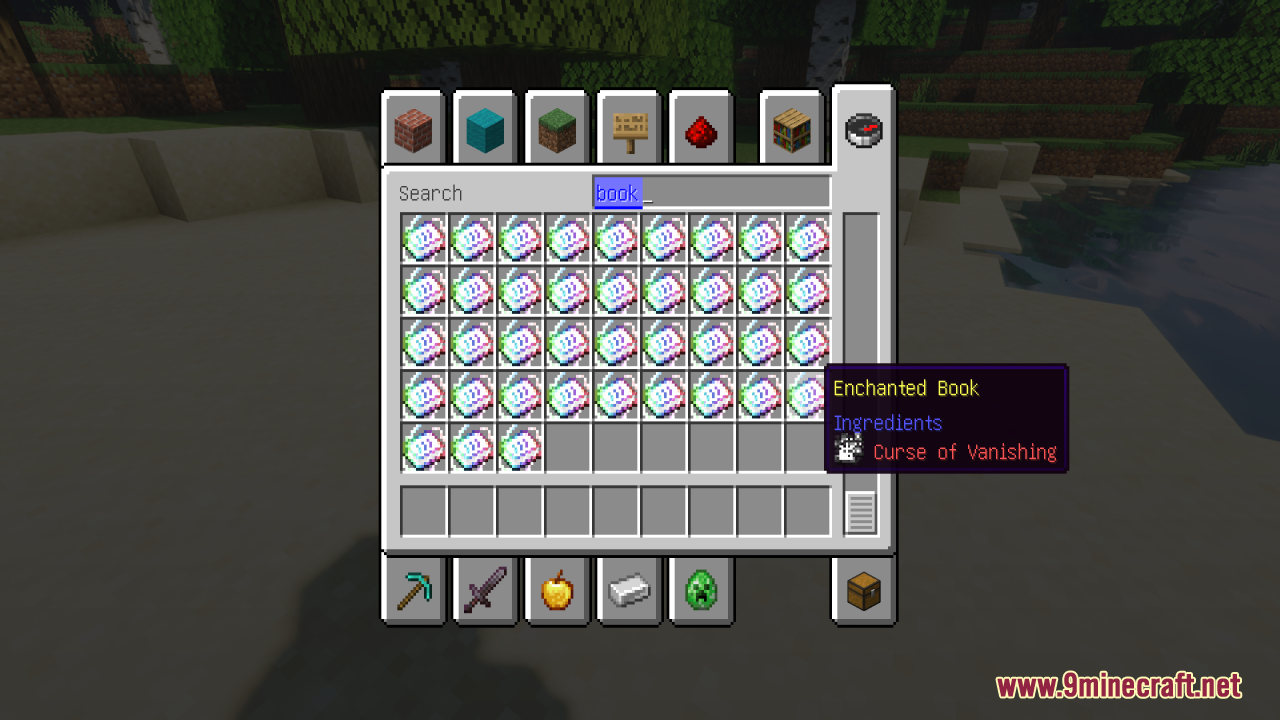
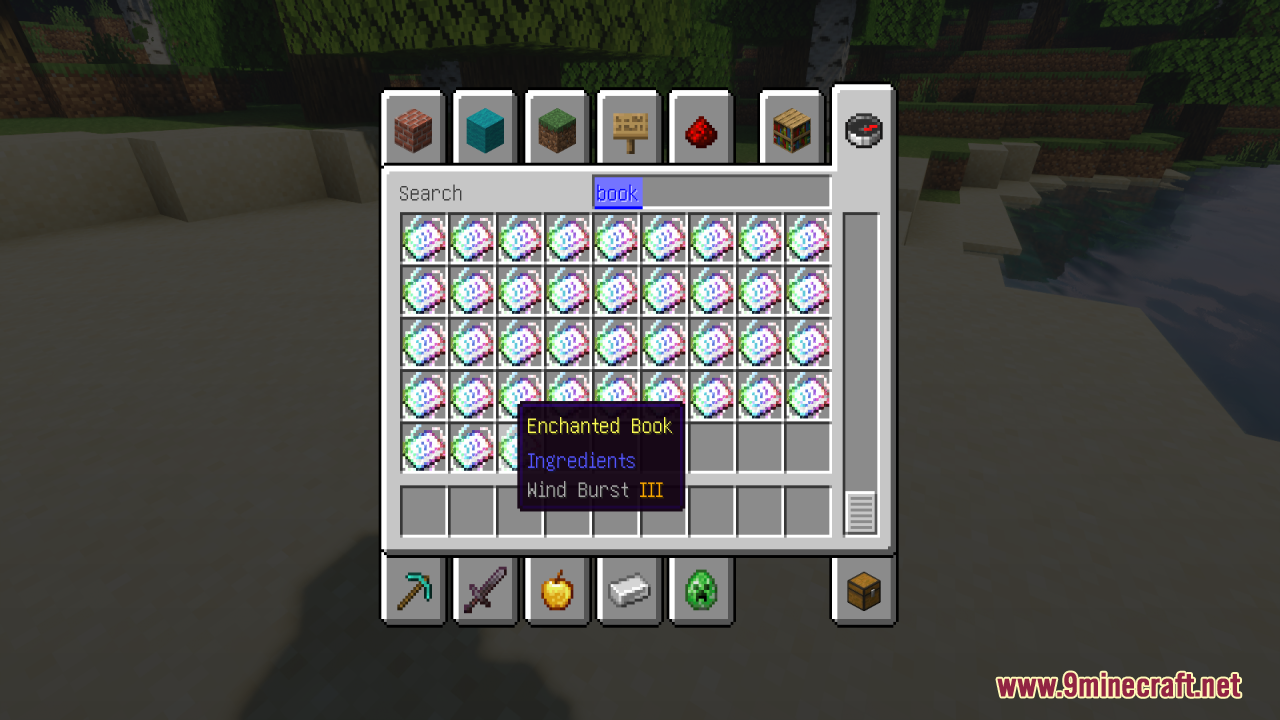
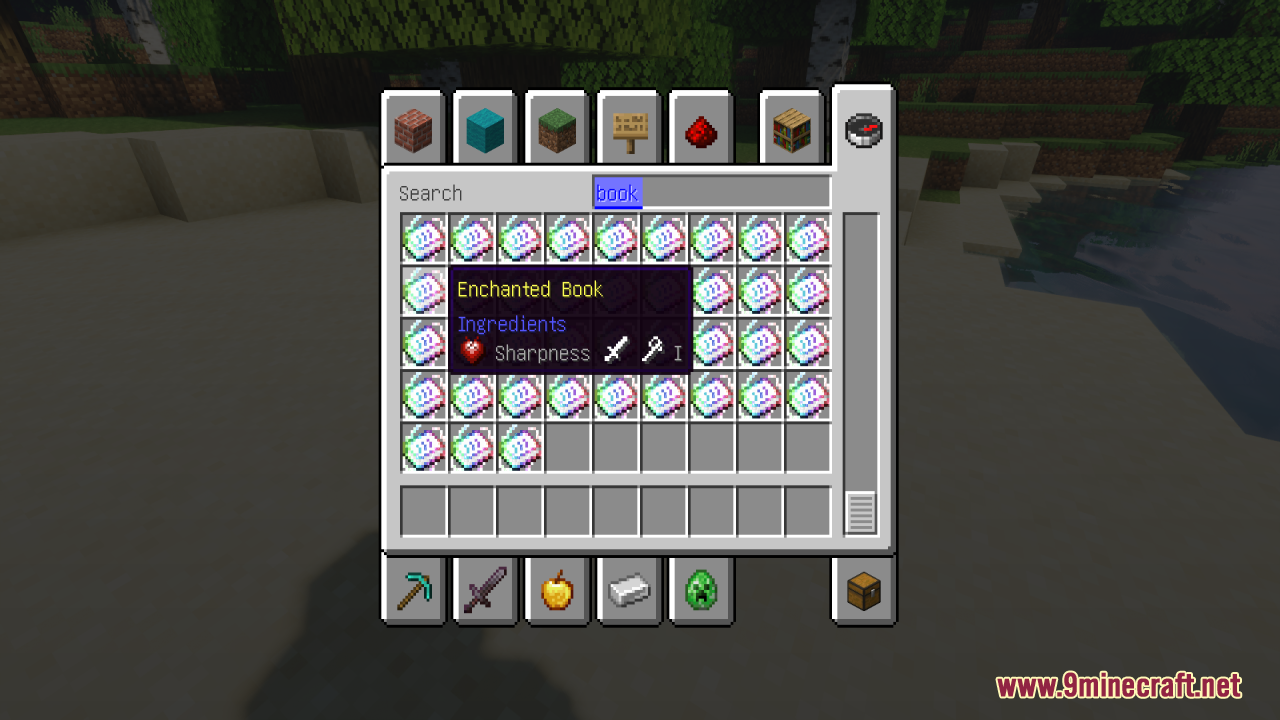
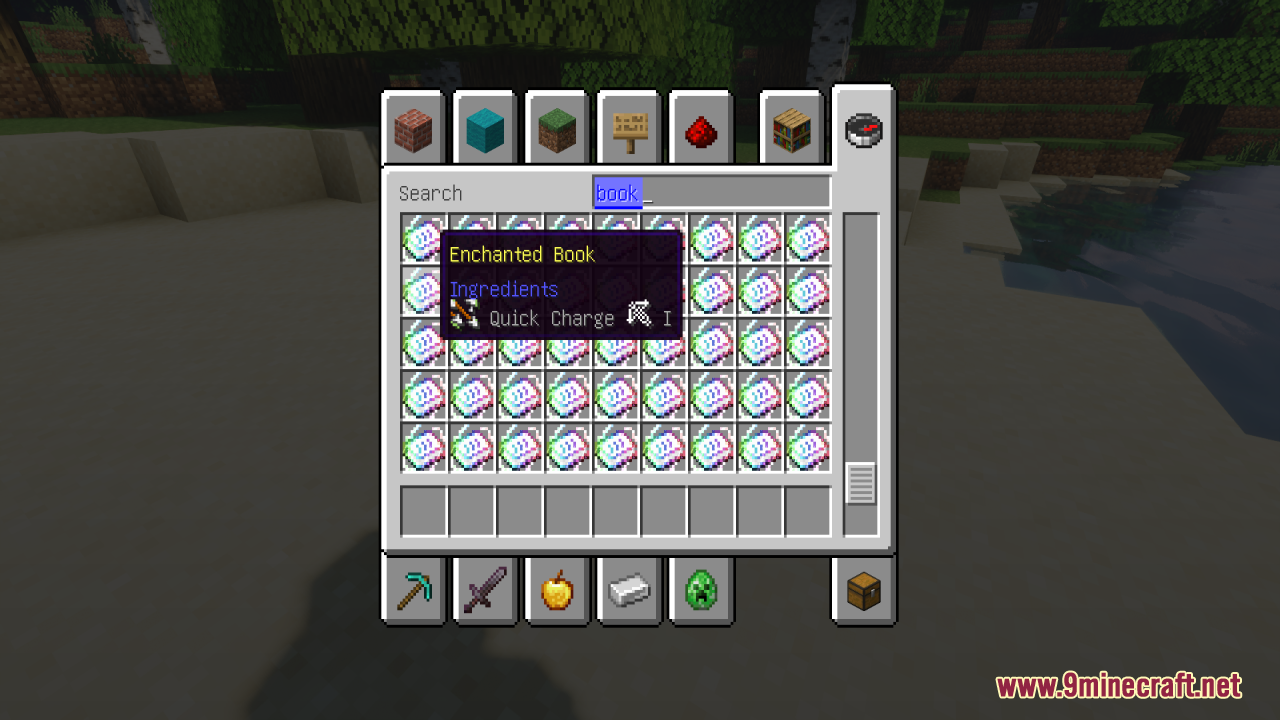
Each enchanted book has a unique cover design that matches its spell, and the enchantment level is color-coded so you can identify it at a glance. The item menu also displays small icons showing which tools or armor pieces are compatible with that enchantment.
enchanted book has a unique cover design that matches its spell, and the enchantment level is color-coded so you can identify it at a glance. The item menu also displays small icons showing which tools or armor pieces are compatible with that enchantment.Can I make custom named books with their own textures?
Yes—use an anvil to give any regular or written book a custom name, and the pack will assign it a unique texture based on the first letter of the name you type. This lets you create personalized books for your storage system.
Do the color-coded enchantment levels mean anything gameplay-wise?
No, the colors are purely visual and help you quickly identify enchantment strength at a glance. The actual mechanics and power of the enchantment remain unchanged.
See all 10 Visible Enchanted Books questions ›
Gallery
12 images from the Visible Enchanted Books Resource Pack page.
You May Also Like
Wikis that share the most with this one
Wikis on the same theme: enchant
Bunji 4K Resource PackAlices Box Resource PackFresh Food Resource PackClassic Glint Resource PackGlowing Items Resource PackLuminance Pvp Resource PackBrighter Glint Resource PackPurplefied Gui Resource PackVisual Enchants Resource PackEnchanted Covers Resource PackNo Enchant Glint Resource PackRefined Enchants Resource Pack
More resource pack wikis on the site
Visible Ancient Debris Resource PackVines & Leaves Hotbar Resource PackVillagers Plus PT BR Translation Resource PackVillager Girls X Fresh Animations Resource PackVillager Clothing Addition VCA for MCA Reborn Resource Pack Viking Armory Resource PackVibrant Title Refresh Resource PackVibrant Pbr Resource PackVibrant Fog Resource PackVery Big Spy Glass Resource PackVelocity Rail Streamline Resource PackVeinify Better Mining Resource Pack
The most downloaded mods that have a wiki here
A few wikis from each of the other kinds