

 DownloadSuren’s Sophisticated Storage Resource Pack
Get the files on 9Minecraft
Guides
Step-by-step, in-game.
How to Combine Suren's Pack With Other Resource Packs Without ConflictsWhy Conflicts Happen Resource packs work by overriding textures. If two enabled packs both contain a texture for the…How to Install and Apply Suren's Sophisticated Storage Resource PackPlacing the Pack in Your Resource Pack Folder Suren's Sophisticated Storage Resource Pack is a client-side resource…How to Make Sophisticated Storage Chests Match Your Build StyleUnderstanding What the Pack Changes Suren's pack only retextures the chest blocks from Sophisticated Storage . It…How to Tell Whether a Chest Texture Is From Suren's Pack or the Base ModComparing Against the Default Look The base Sophisticated Storage mod already gives its chests a distinct look.…
Frequently asked questions
What does Suren's Sophisticated Storage Resource Pack actually change?
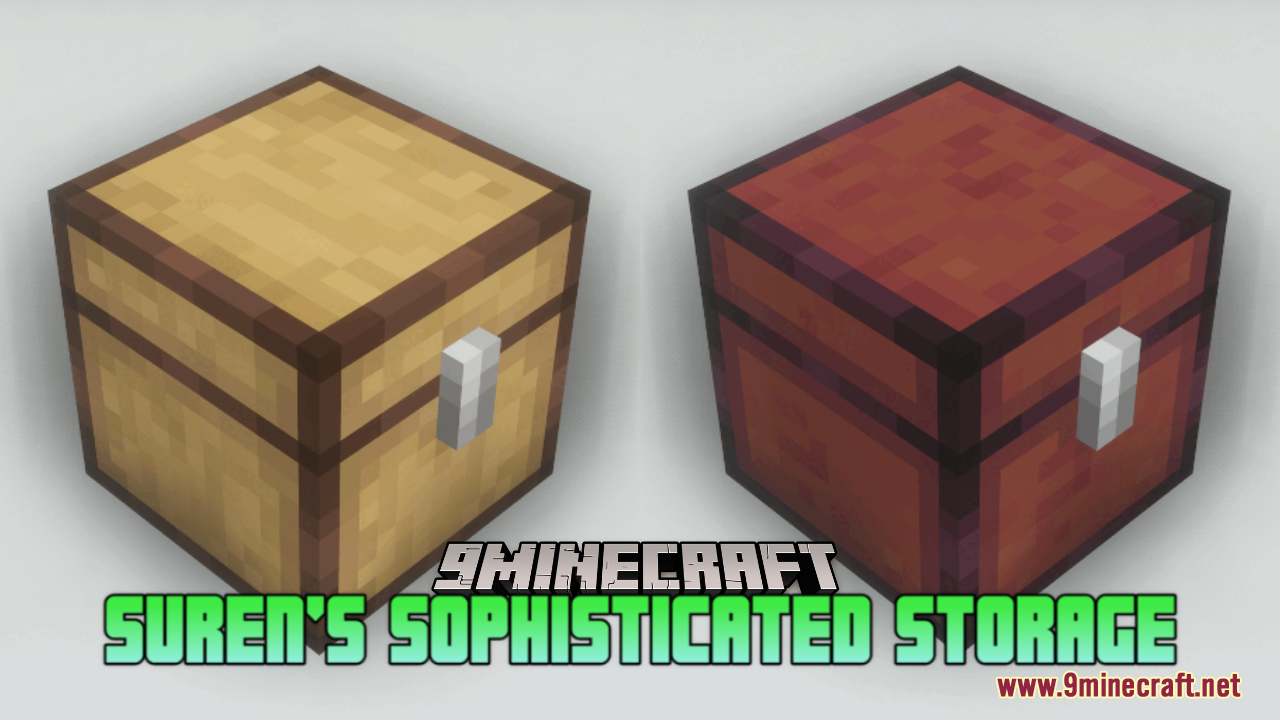
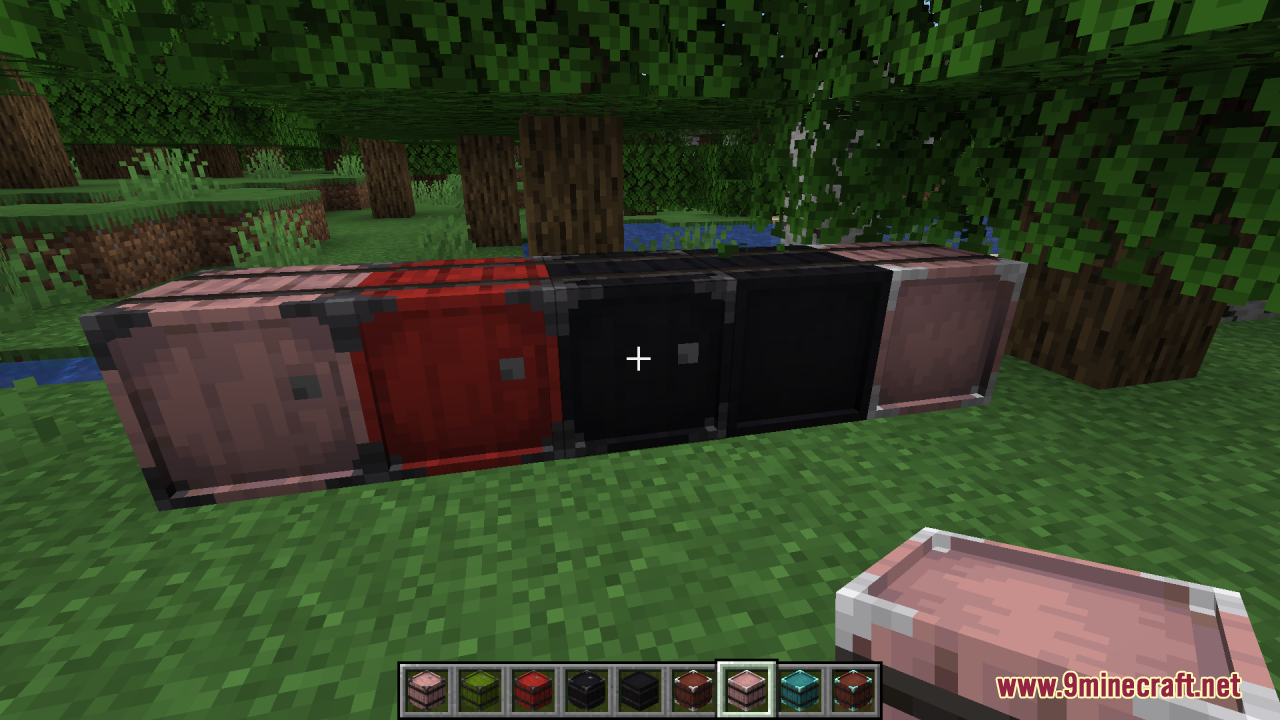
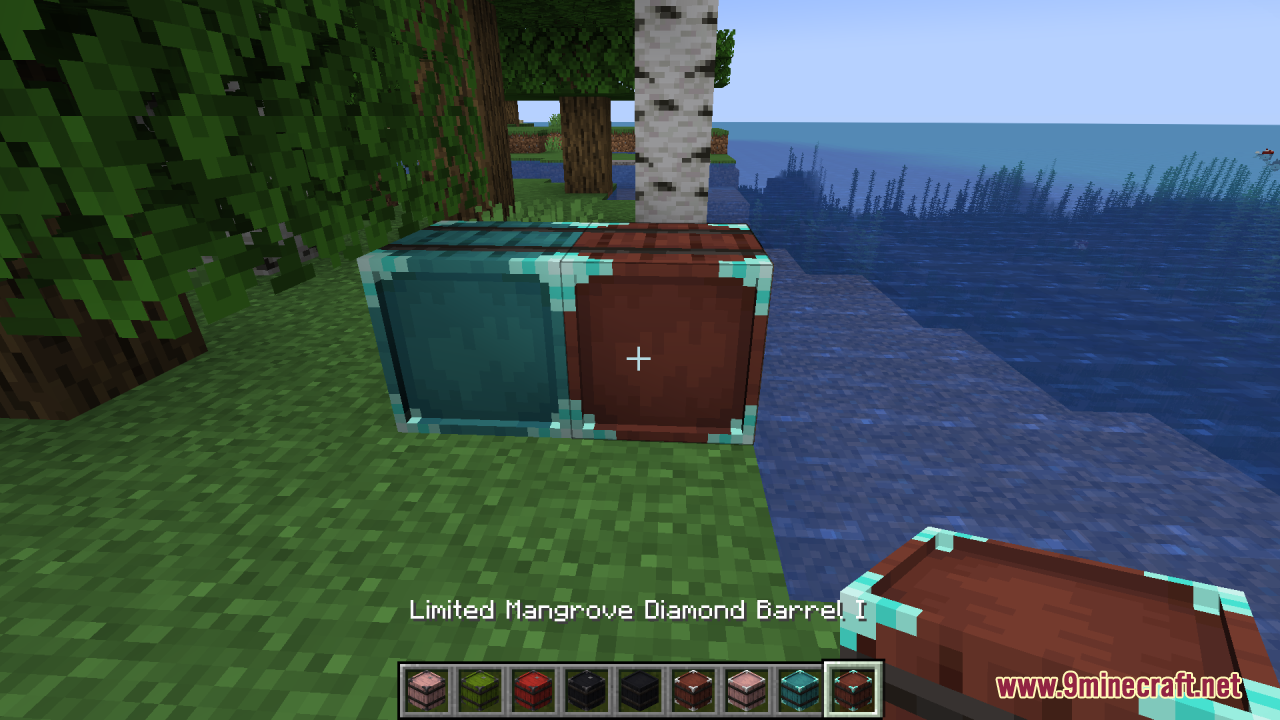
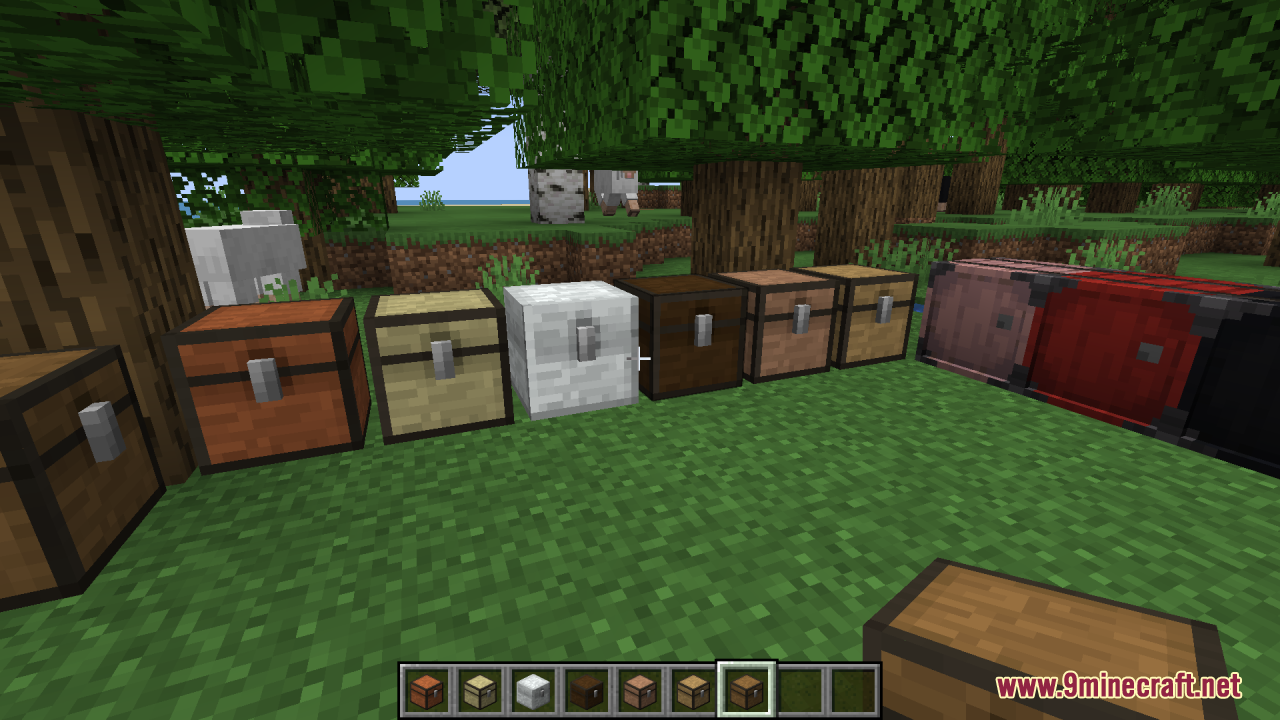
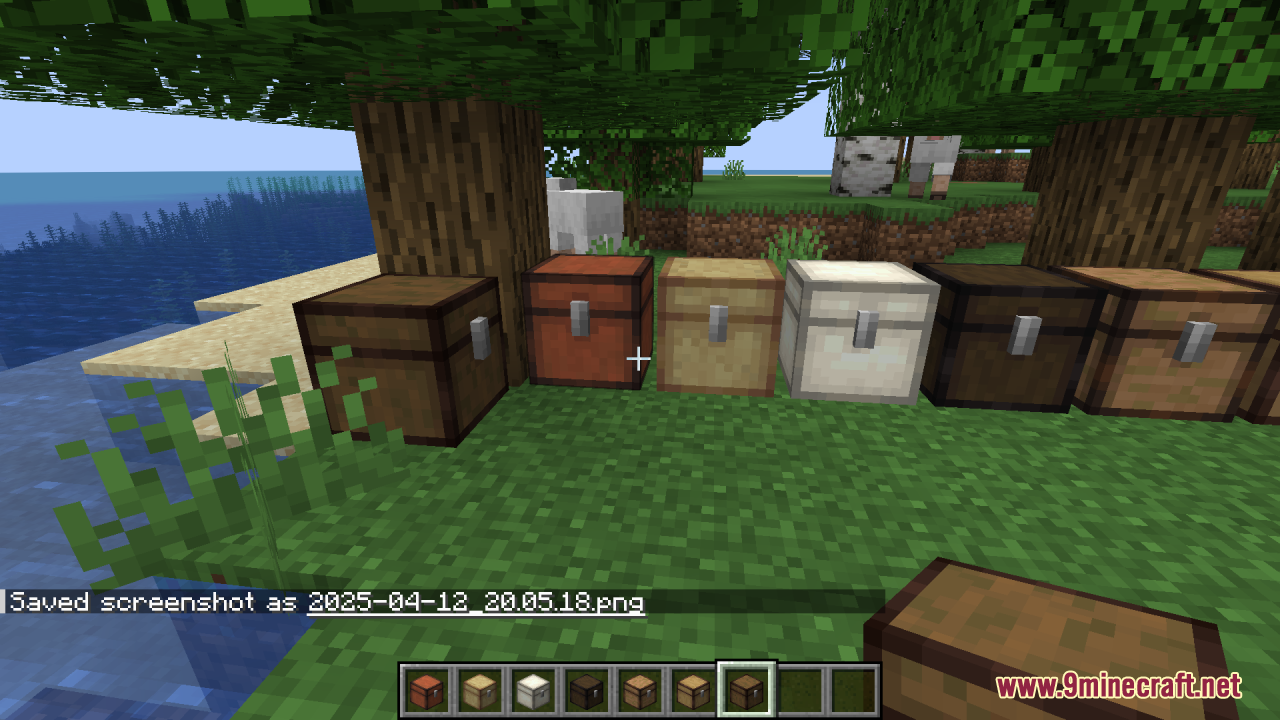
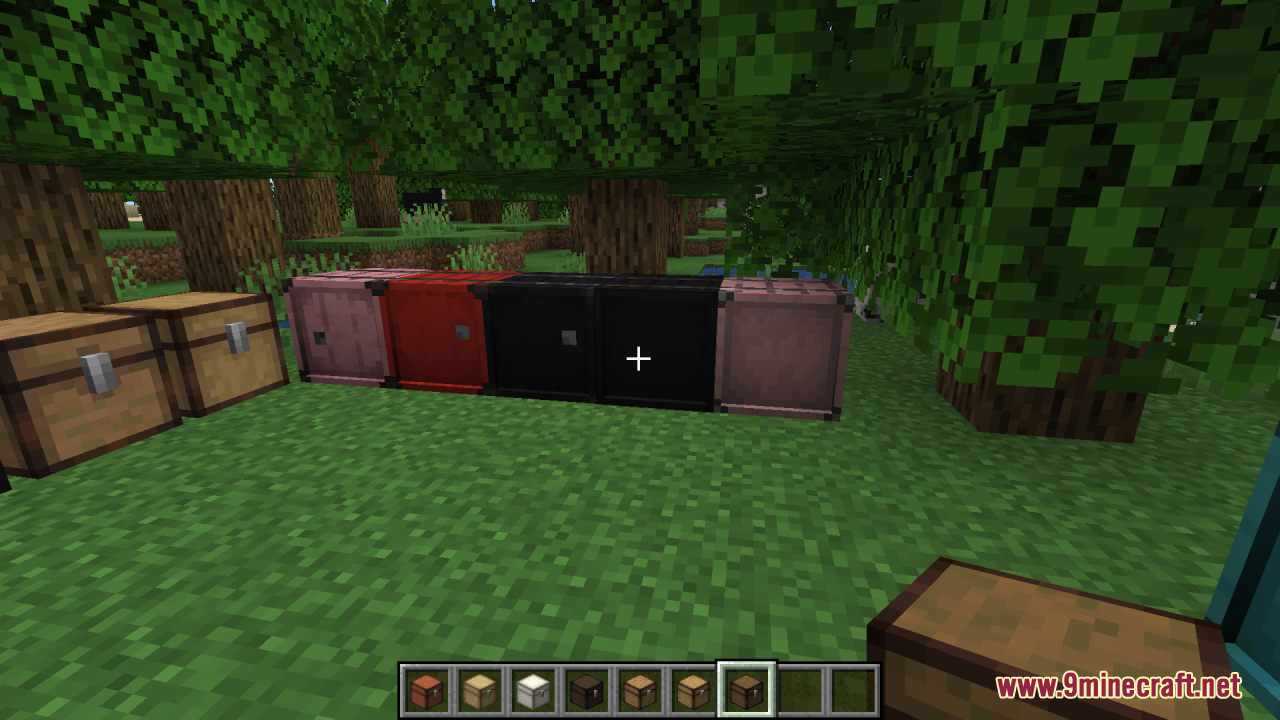
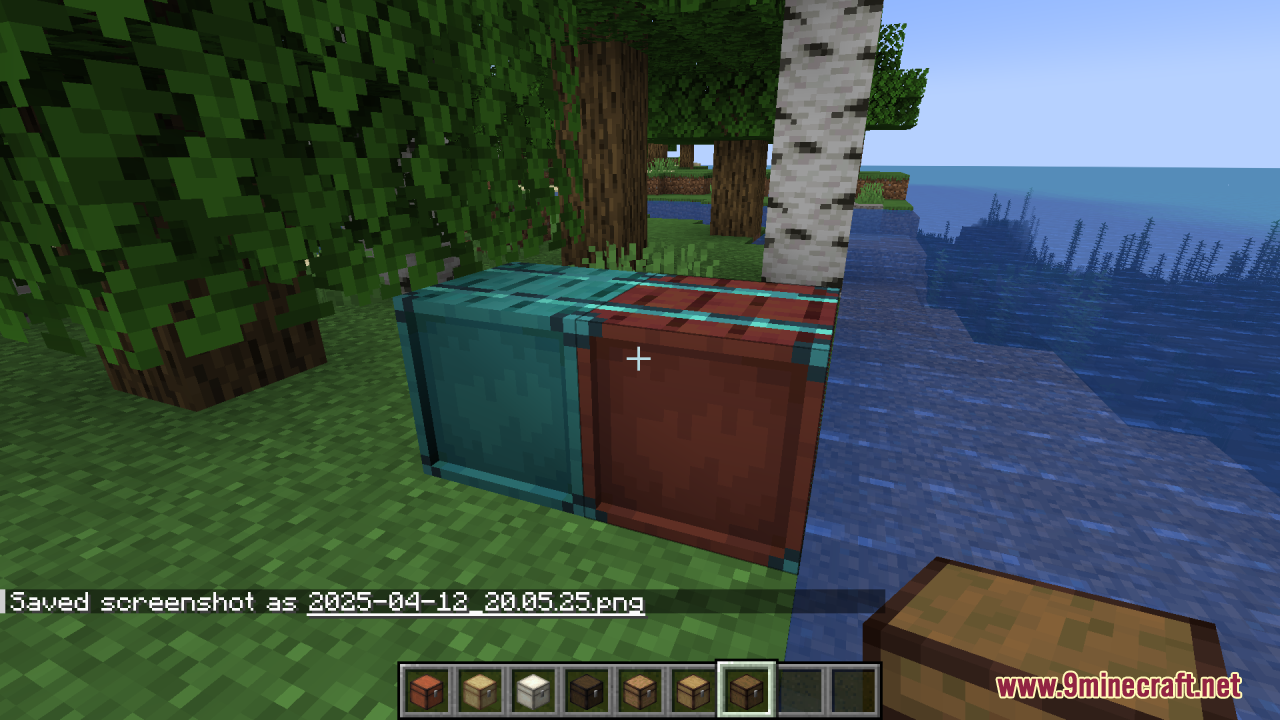
It only replaces the textures for the chests and storage blocks added by the  Sophisticated Storage mod, giving them cleaner lines, smoother shading, and a more polished look. It does not add new
 blocks, items, or functionality — everything stays the same gameplay-wise.
Sophisticated Storage mod, giving them cleaner lines, smoother shading, and a more polished look. It does not add new blocks, items, or functionality — everything stays the same gameplay-wise.Do I need the Sophisticated Storage mod installed for this pack to work?
Yes. The pack only retextures blocks from Sophisticated Storage, so without that mod installed you won't see any of the changed textures in-game. Install the mod first, then apply the resource pack.
Sophisticated Storage, so without that mod installed you won't see any of the changed textures in-game. Install the mod first, then apply the resource pack.How do I make the pack actually show up on my chests?
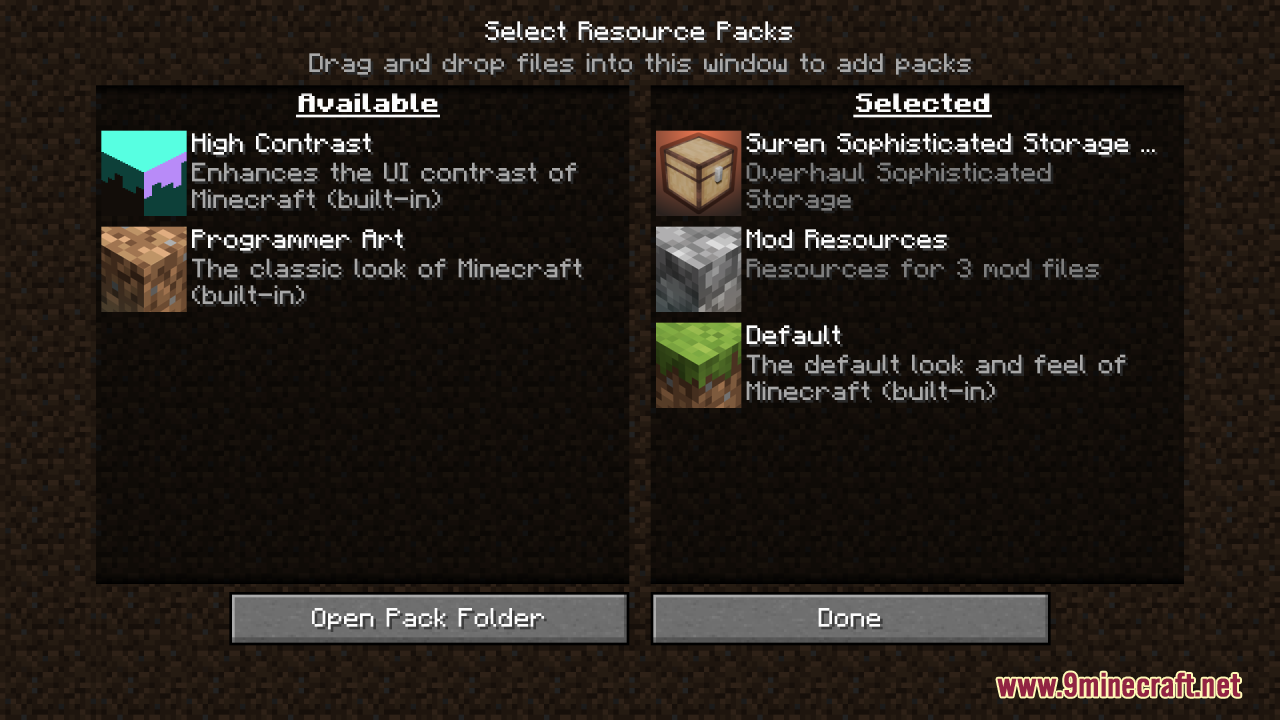
After enabling the pack in your resource pack list, make sure it sits above any other packs that also touch chest textures. If another pack overrides the same files, its textures will win and Suren's won't appear.
Why do my chests still look like the default Sophisticated Storage textures?
The most common cause is pack order — another resource pack is loading after Suren's and overwriting the same files. Drag Suren's pack to the top of your active packs list and reload with F3+T.
See all 10 Suren’s Sophisticated Storage questions ›
Gallery
12 images from the Surens Sophisticated Storage Resource Pack page.
You May Also Like
Wikis that share the most with this one
Wikis on the same theme: storage
More resource pack wikis on the site
Suren’s FTB Quests Resource PackSuper Simple 3D Dripstone Resource PackSuper RPG Font Resource PackSunbathing Godrays Resource PackSun & Moon Reimagined Resource PackSummit Resource PackSulfur Sport Balls Resource PackSubtly Glowing Ores Resource PackStylized Liquids Resource PackStupendous Visuals Resource PackStriderZ Resource PackStory Mode Leaves Resource Pack
The most downloaded mods that have a wiki here
A few wikis from each of the other kinds