

 DownloadRemodeled Fence And Gates Resource Pack
Get the files on 9Minecraft
Guides
Step-by-step, in-game.
Choosing the Right Fence Style for Your BuildUnderstanding Your Options This resource pack gives each wood type its own distinct fence design. Before building,…Creating Decorative Fence Patterns and DesignsPlanning Your Pattern The unique models in this pack allow for more visually interesting fence designs than vanilla…Designing Fence Gates and EntrancesMatching Gates to Fences Each fence type includes a corresponding gate model that shares the same visual style. This…Mixing Fence Types for Visual VarietyUnderstanding Color and Style Compatibility Each remodeled fence has its own visual character. Warm-toned woods like…
Blocks
A
 Acacia Log
 Acacia Planks
B
 Bamboo Planks
 Birch Log
 Birch Planks
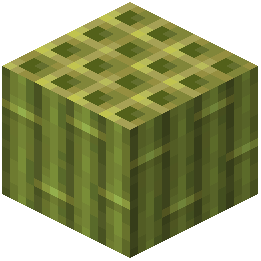 Block of Bamboo
C
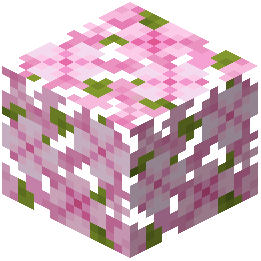 Cherry Leaves
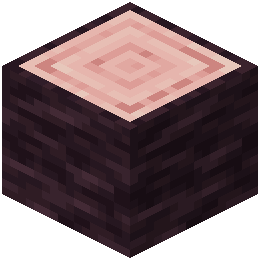 Cherry Log
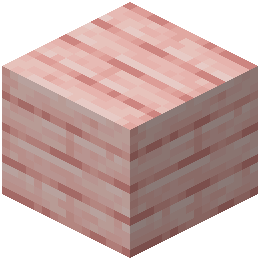 Cherry Planks
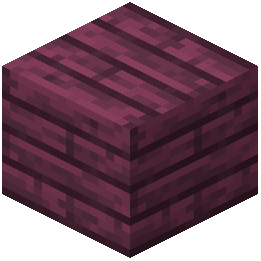 Crimson Planks
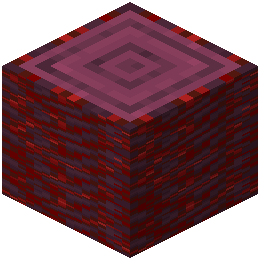 Crimson Stem
D
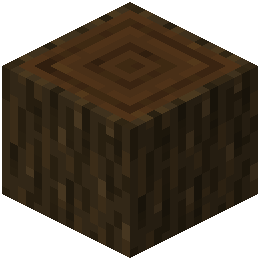 Dark Oak Log
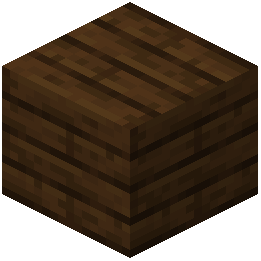 Dark Oak Planks
J
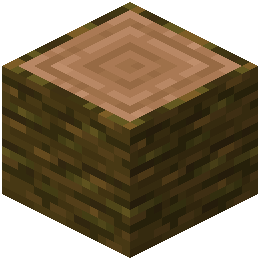 Jungle Log
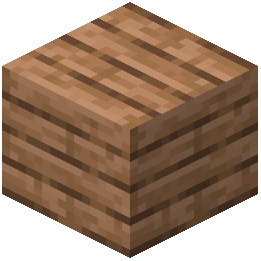 Jungle Planks
M
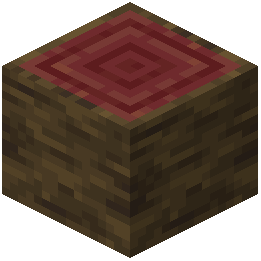 Mangrove Log
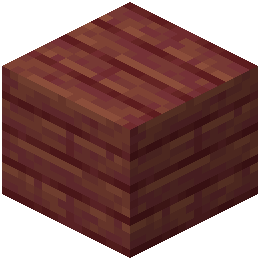 Mangrove Planks
N
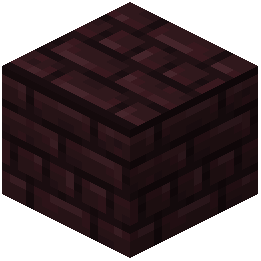 Nether Bricks
O
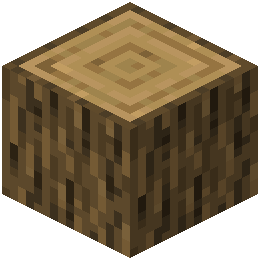 Oak Log
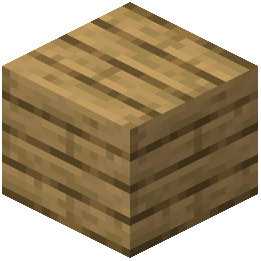 Oak Planks
P
 Pale Oak Log
S
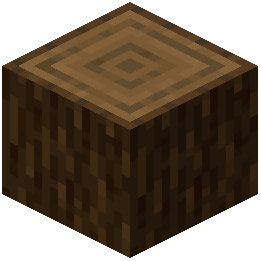 Spruce Log
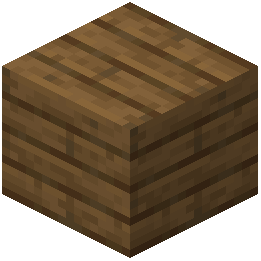 Spruce Planks
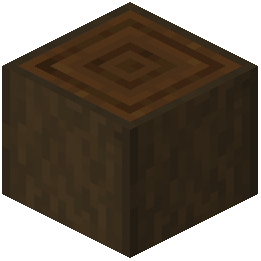 Stripped Dark Oak Log
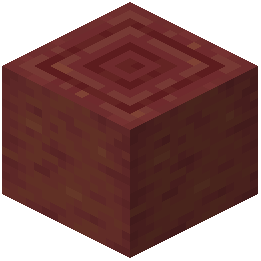 Stripped Mangrove Log
 Stripped Pale Oak Log
W
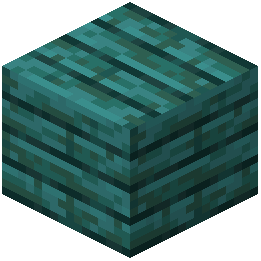 Warped Planks
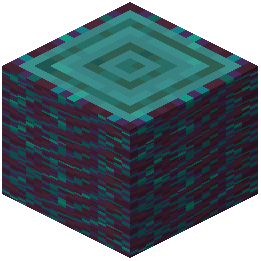 Warped Stem
What this pack changes
Every texture group the pack replaces, counted from the pack itself.
| Area | Textures replaced |
|---|---|
| Blocks | 43 |
Pack format 84–999 (Minecraft 1.21.9)43 texture files in total
Extra features
Custom block/item models
Frequently asked questions
Do I need to restart my world to see the new fence models?
No, the resource pack applies immediately to existing worlds and new ones. If you don't see the changes, try pressing F3 + T to reload textures, or restart your client.
Will this pack work with other resource packs?
Yes, but placement in your resource pack order matters—put this pack higher in the list if you want its fence models to override other packs, or lower if you want other packs to take priority.
Can I use this on a multiplayer server?
Yes, resource packs are client-side only, so you can use this on any server without the server needing to install it.
Why do my fence gates look different in my hand than when placed?
The pack changes both the placed block models and the inventory icons to match, so they should look consistent—if they don't, try reloading textures or checking your resource pack load order.
Does this pack change Nether Brick fence gates?
No, only Nether Brick fences are remodeled; Nether Brick fence gates keep their default appearance.
Can I mix different fence types in the same build with this pack?
Yes, each wood type now has a more distinct look, making it easier to create visually interesting patterns by combining different fence types.
Will this affect my game performance?
Resource packs have minimal performance impact; this pack only changes models and textures, not game mechanics, so you shouldn't notice any lag.
Does this work with fence types from other mods?
No, this pack only modifies the vanilla fence and gate blocks listed in the description—modded fences will keep their default appearance.
What if I only want to change some fence types, not all of them?
You would need to manually edit the resource pack files to remove the models for the fence types you want to keep vanilla, which requires basic file knowledge.
Do the new fence models change how fences connect to each other?
No, the pack only changes the visual appearance; fences still connect and function exactly the same way as vanilla fences.
You May Also Like
Wikis that share the most with this one
 Stargate Journey More Gates Addon Mod
Wikis on the same theme: wood
More resource pack wikis on the site
Reimagined Resource PackReimagined GUIReimagined GUIRefurbished Log Boat Resource PackRefined Vista Resource PackRefined Vanilla Interface Resource PackRefined Masonry Details Resource PackRefined Enchants Resource PackRefined Dogs Resource PackRefined Aesthetic Polish Resource PackReduce the Vignette Effect Resource PackRedstone Tweaks Resource Pack
The most downloaded mods that have a wiki here
A few wikis from each of the other kinds
Gallery
12 images from the Remodeled Fence And Gates Resource Pack page.


