DownloadPvp Essential Utilities Resource Pack
Get the files on 9Minecraft
Contents (8)
Guides
Step-by-step, in-game.
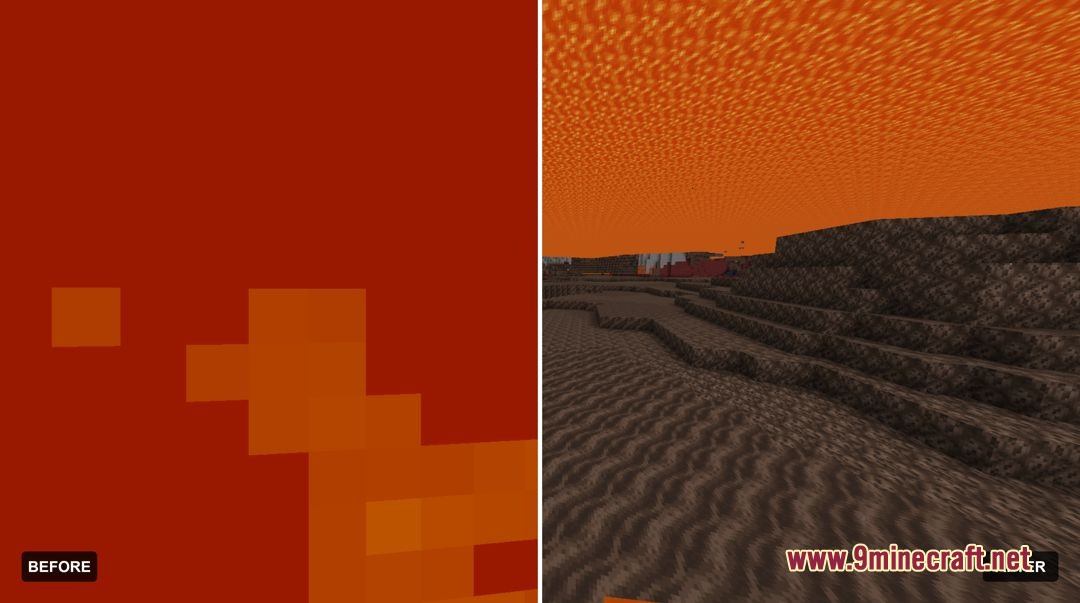
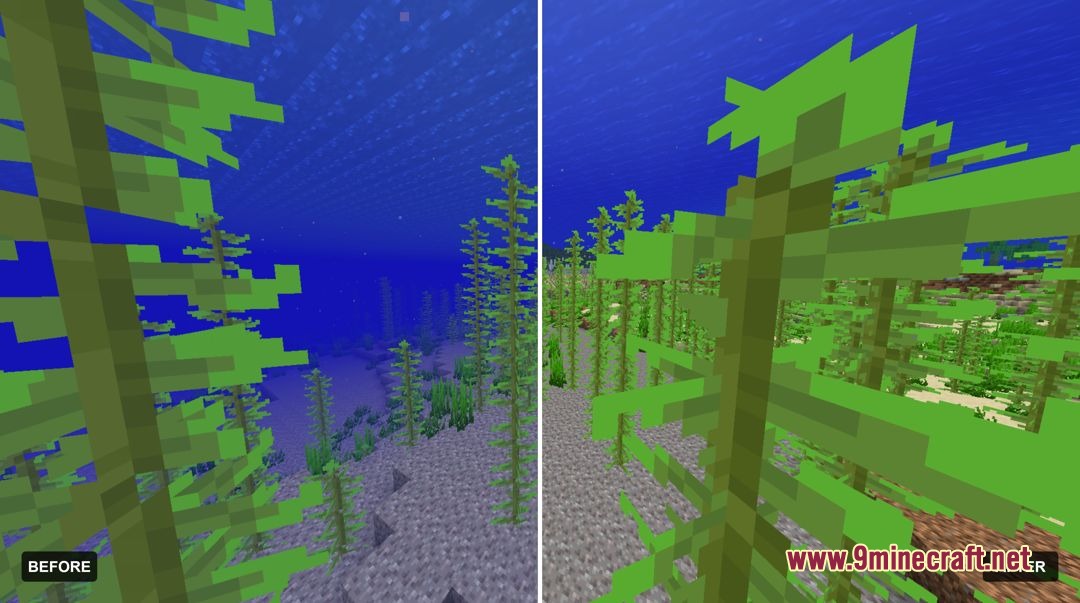
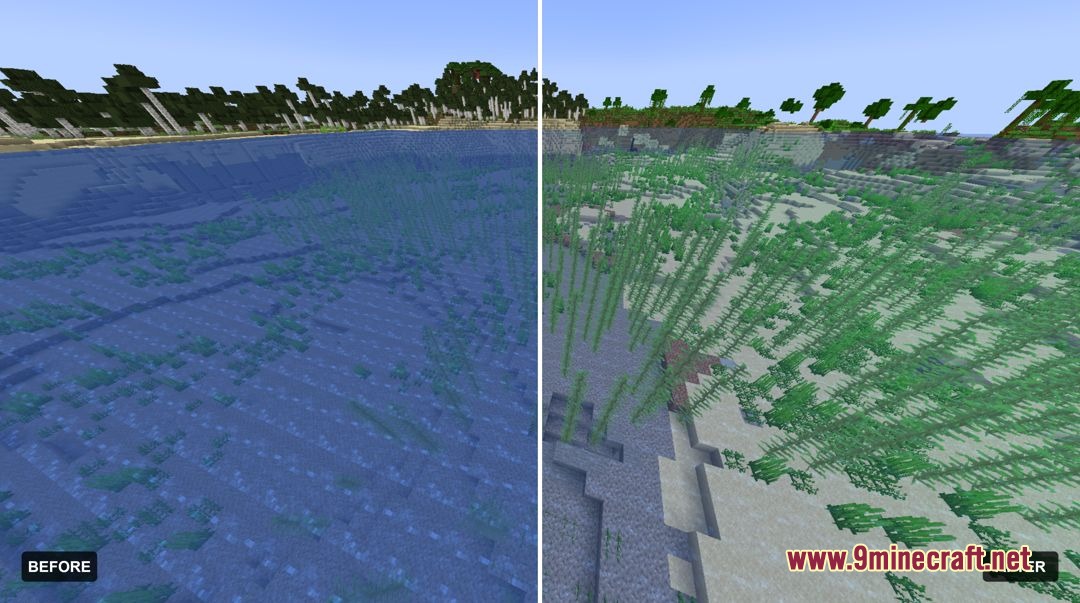
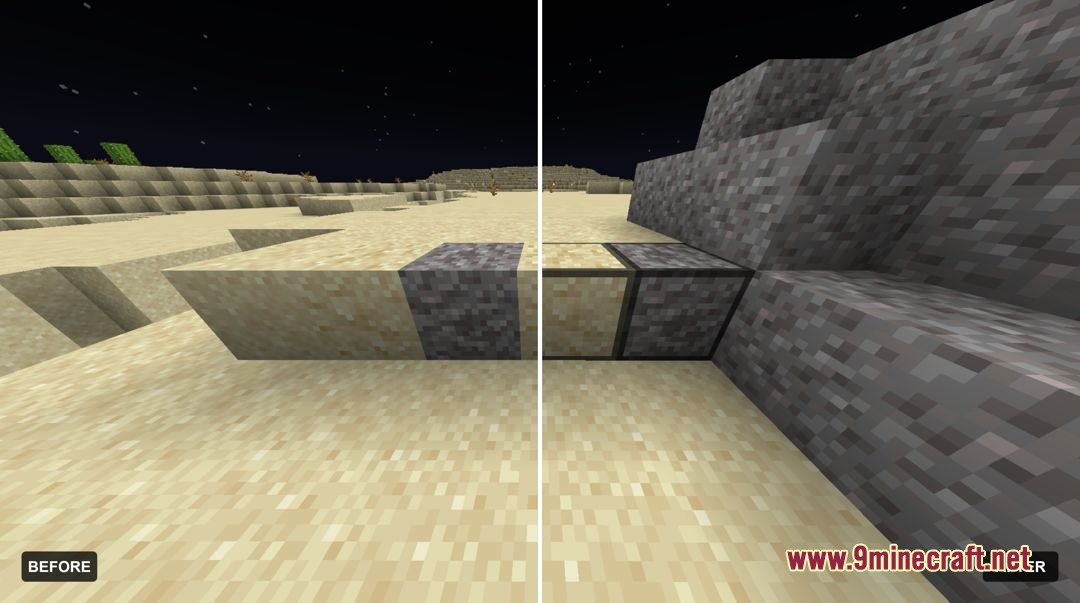
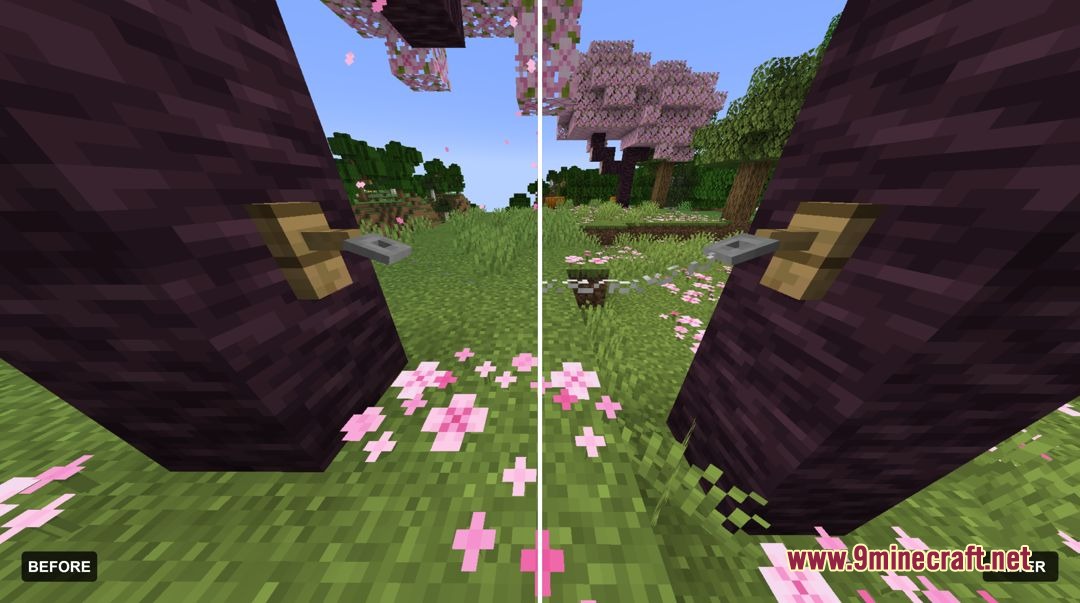
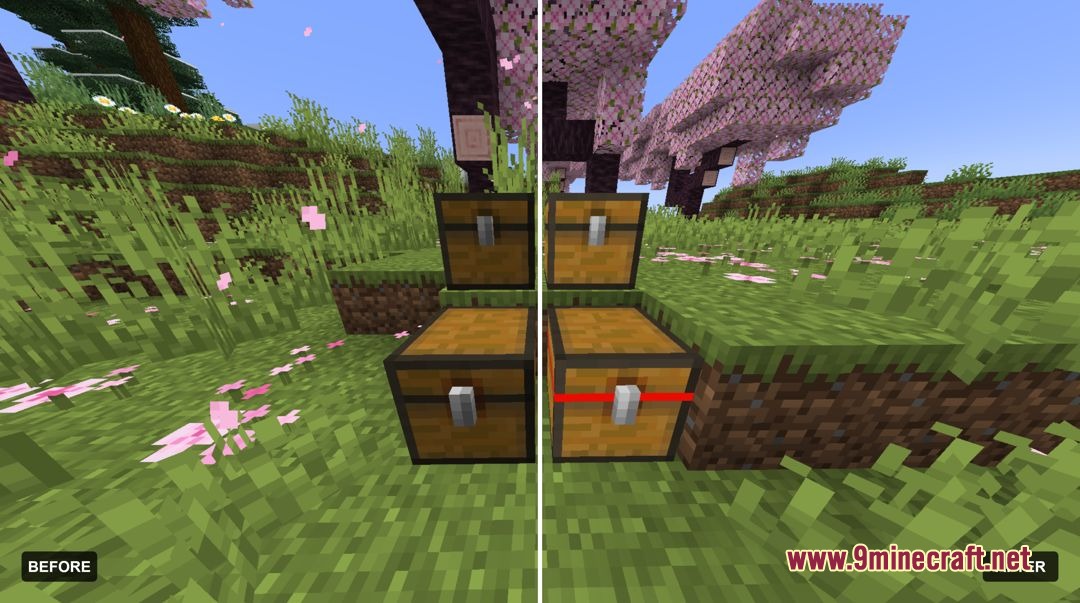
Improving Visibility During Combat EncountersClearing Visual Clutter The pack removes screen vignette, fog, and pumpkin blur effects that normally obscure your…Navigating Water and Lava SafelyMaking Water Completely Clear Water is rendered completely transparent with this pack, eliminating the murky blue…Reducing Audio Distractions During PvPRemoving Unnecessary Sound Effects The pack removes explosion, fire damage, death, cave ambient, and ender pearl…Spotting Traps and Hidden Blocks in CombatIdentifying Trapped Chests Trapped chests are now marked with clear red latch indicators on their texture, making…
Items
 Bow
 Tall Grass
 Totem of Undying
Blocks
B
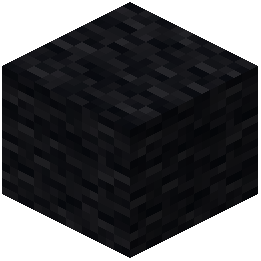 Black Wool
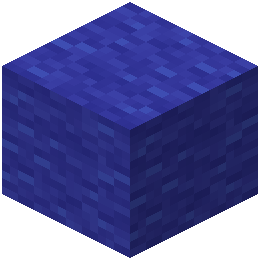 Blue Wool
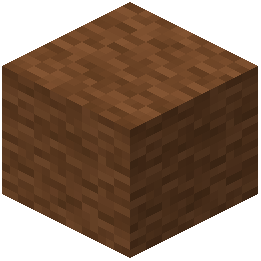 Brown Wool
C
 Chiseled Nether Bricks
 Cracked Nether Bricks
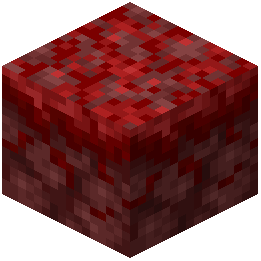 Crimson Nylium
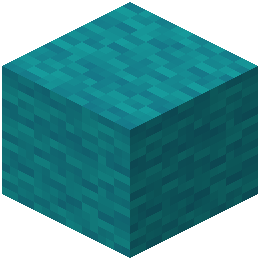 Cyan Wool
G
 Grass
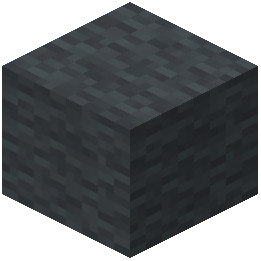 Gray Wool
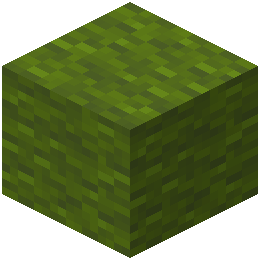 Green Wool
L
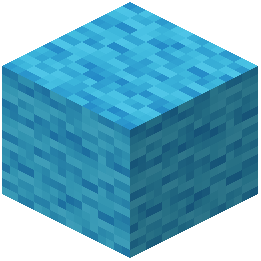 Light Blue Wool
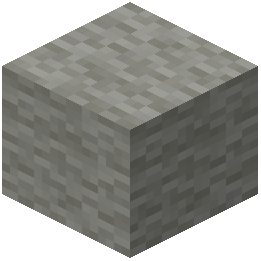 Light Gray Wool
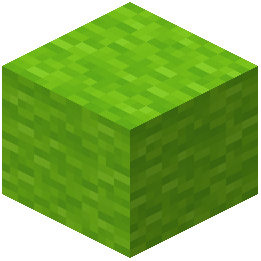 Lime Wool
M
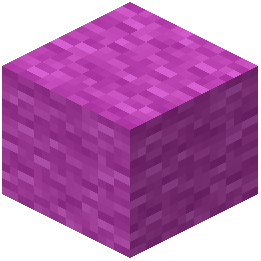 Magenta Wool
N
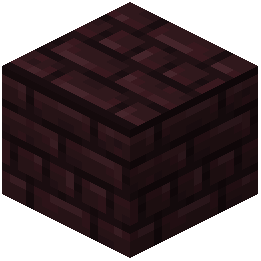 Nether Bricks
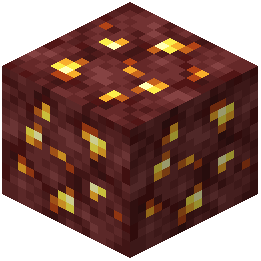 Nether Gold Ore
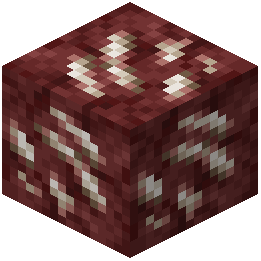 Nether Quartz Ore
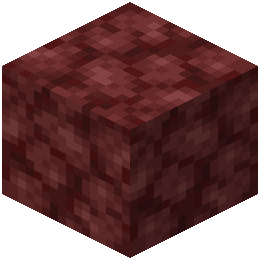 Netherrack
O
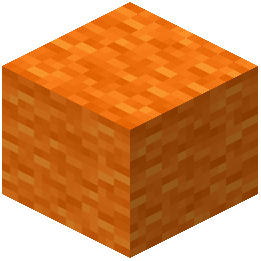 Orange Wool
P
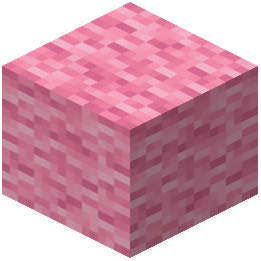 Pink Wool
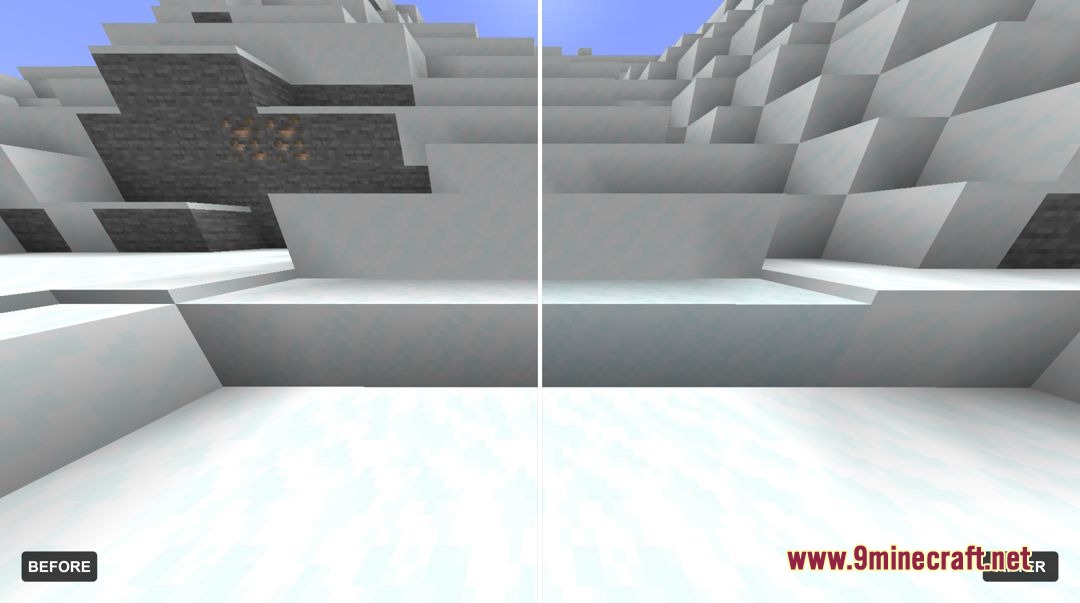
 Powder Snow
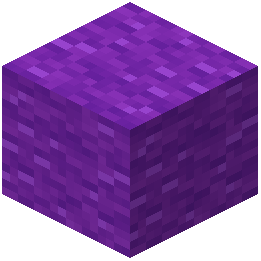 Purple Wool
R
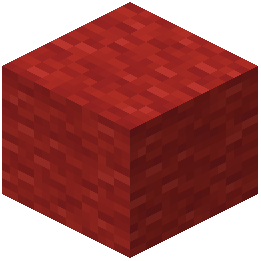 Red Wool
S
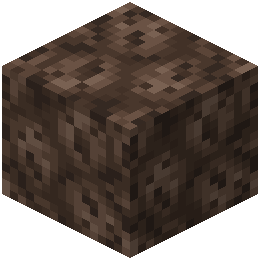 Soul Sand
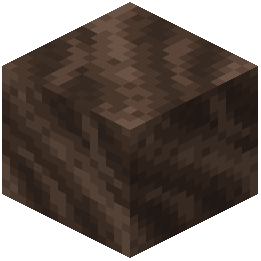 Soul Soil
T
 Tripwire
W
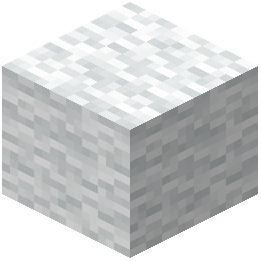 White Wool
Y
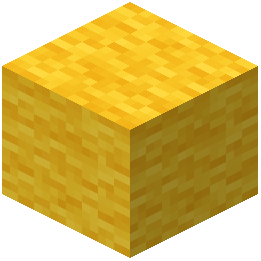 Yellow Wool
What this pack changes
Every texture group the pack replaces, counted from the pack itself.
| Area | Textures replaced |
|---|---|
| GUI & menus | 226 |
| Items | 138 |
| Particles | 65 |
| Blocks | 42 |
| Misc | 5 |
| Models | 2 |
Pack format 88 (Minecraft 1.21.9)478 texture files in total
Extra features
Custom shaders
Custom font
Custom sounds
Custom block/item models
Reworked GUI
Custom particles
Frequently asked questions
How do I enable or disable specific features in this pack?
This is a resource pack, not a mod with a config menu—features are built-in and apply automatically once installed. If you want to customize which features are active, you'll need to use a resource pack editor to modify the JSON files, or look for alternate versions of the pack that toggle different feature sets.
Why can't I see water and lava anymore?
The pack makes water and lava completely transparent so you can navigate and spot hazards more easily. This is intentional for combat clarity; if you want to revert this, you'll need to disable the pack or use a different resource pack.
Does this pack work in multiplayer servers?
Yes, resource packs are client-side only, so you can use this on any server without getting kicked. Other players won't see your changes—only you benefit from the improved visibility and reduced clutter.
How do I spot trapped chests with this pack?
Trapped chests now display clear red latch markings that make them instantly recognizable compared to regular chests. This lets you identify traps at a glance during combat or exploration.
Can I see tripwire traps more easily?
Yes, the pack replaces tripwire string with a high-visibility model that stands out against most backgrounds, making it much harder to miss trap lines during fights or navigation.
Does this pack reduce lag or improve performance?
Resource packs don't typically improve FPS, but this one removes visual clutter and lowers particle opacity, which may help slightly on lower-end systems. The main benefit is clarity, not performance.
Why is my fire animation so low on screen?
The pack lowers on-screen fire height so flames don't block your view during combat. This is intentional and helps you track enemies and projectiles without visual obstruction.
How do I know when my bow or crossbow is fully charged?
The pack adds visible charge state animations to bows and crossbows, so you can see exactly how drawn they are without relying on sound or guesswork.
Will this pack work with other resource packs?
You can only have one resource pack active at a time in Minecraft. If you want to combine features from this pack with another, you'd need to manually merge their files using a resource pack editor.
You May Also Like
Wikis that share the most with this one
 RenderKit Utilities Shaders
Wikis on the same theme: nether
 Viking Armory Resource Pack
More resource pack wikis on the site
Pvp Basics Resource PackPurplefied Gui Resource PackPuff Radio Resource PackPseudo Localization Language Pack Resource Pack Prominence Of Minecraft Resource PackProgrammer Art x Fresh Animations Resource PackProgrammer Art Panorama Resource PackProgrammer Art Fix Resource PackProgrammatic Command Blocks Resource PackPrivate’s Skies Resource PackPristine Vein Deposits Resource PackPrismic Patterned Depth Resource Pack
The most downloaded mods that have a wiki here
A few wikis from each of the other kinds
Gallery
8 images from the Pvp Essential Utilities Resource Pack page.