

 DownloadEssential Blueprint Framework Mod
Get the files on 9Minecraft
Guides
Step-by-step, in-game.
Link Your Custom Cape to Player UUIDsPrepare Your Remote JSON File Create or update a JSON file hosted on a remote server that your mod can access. This…Prevent Duplicate Cape Repository Checks Across Multiple ModsUnderstand Repository Sharing When multiple mods in your modpack use the Essential Blueprint Framework, they can all…Preview and Rotate Your Custom Cape in 360 DegreesAccess the Cape Preview Menu Open your cosmetics or capes menu from the mod's interface. Select the custom cape you…Test How Your Cape Looks as Elytra WingsOpen Cape Preview Settings Access your custom cape in the cosmetics menu and enter preview mode. Look for a toggle or…
Frequently asked questions
How do I set up a custom cape for my player UUID?
Create a remote JSON file that maps player UUIDs to cape texture URLs, then link that file in the mod's configuration. The mod will fetch and apply capes to matching players automatically when they join.
Can I use animated capes? How do I make one?
Yes, the mod supports animated cape frames. Prepare your cape texture as a vertical spritesheet where each frame stacks on top of the previous one, then reference it in your JSON configuration with frame timing settings.
What's the difference between cape and elytra preview modes?
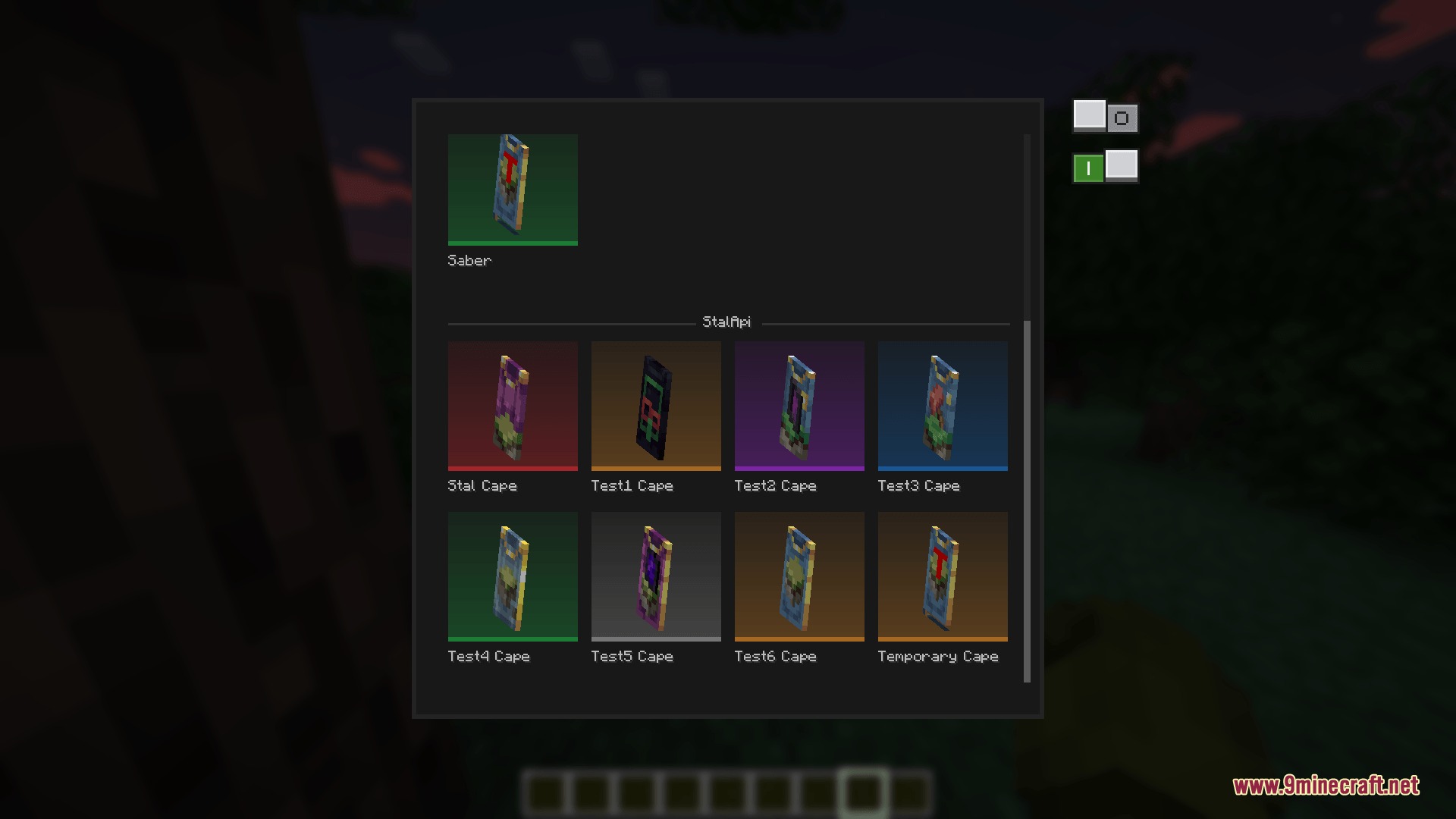
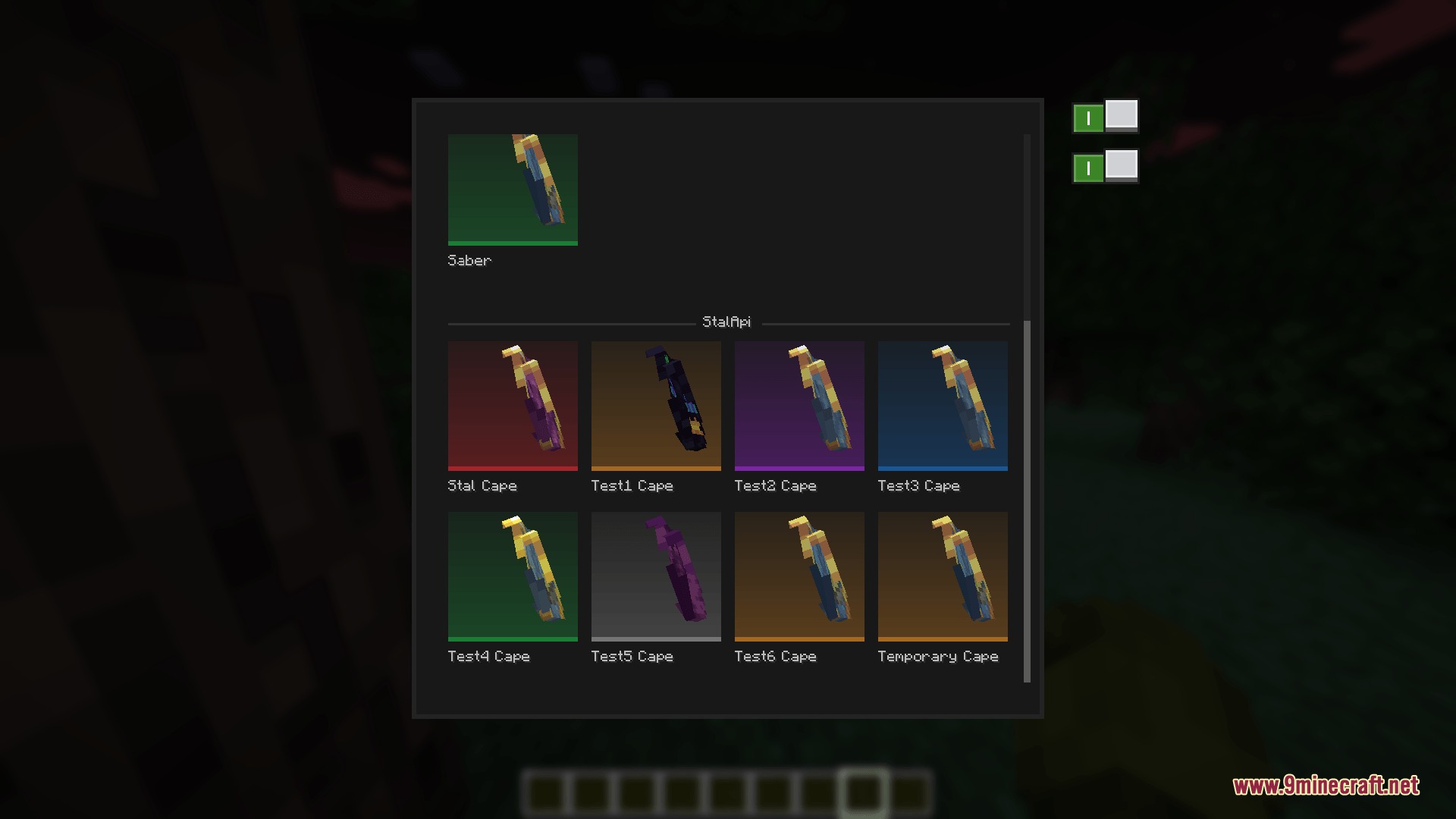
Cape mode shows how your cosmetic drapes on the player's back in a standard cloak style, while elytra mode displays how the same texture would look if equipped as wings during flight.
Why do some capes look weird or conflict with each other?
The mod uses Mojang's default cape as a baseline to prevent visual conflicts; if your custom cape uses incompatible dimensions or transparency, it may overlap awkwardly with other cosmetics or the player model.
See all 10 Essential Blueprint Framework questions ›
Gallery
6 images from the Essential Blueprint Framework Mod page.
You May Also Like
Wikis that share the most with this one
More mod wikis on the site
The most downloaded mods that have a wiki here
A few wikis from each of the other kinds