

 DownloadMy Resource Pack My Choice Mod
Get the files on 9Minecraft
Guides
Step-by-step, in-game.
Create a Custom Override to Mix Textures From Multiple PacksMixing Packs Selectively You can combine textures from different sources—keep some from the server pack, some from…Disable a Server Resource Pack Without Breaking Custom ItemsThe Problem Servers often bundle custom item textures with unwanted visual changes—ugly GUIs, replaced default…Prevent Servers From Replacing Default Minecraft TexturesWhy This Matters Servers sometimes replace standard Minecraft textures (dirt, stone, tools, etc.) with custom…Reorder Resource Packs to Control Which Textures DisplayUnderstanding Pack Priority When multiple resource packs are active, the mod determines which textures appear based…
Frequently asked questions
How do I start using this mod after installing it?
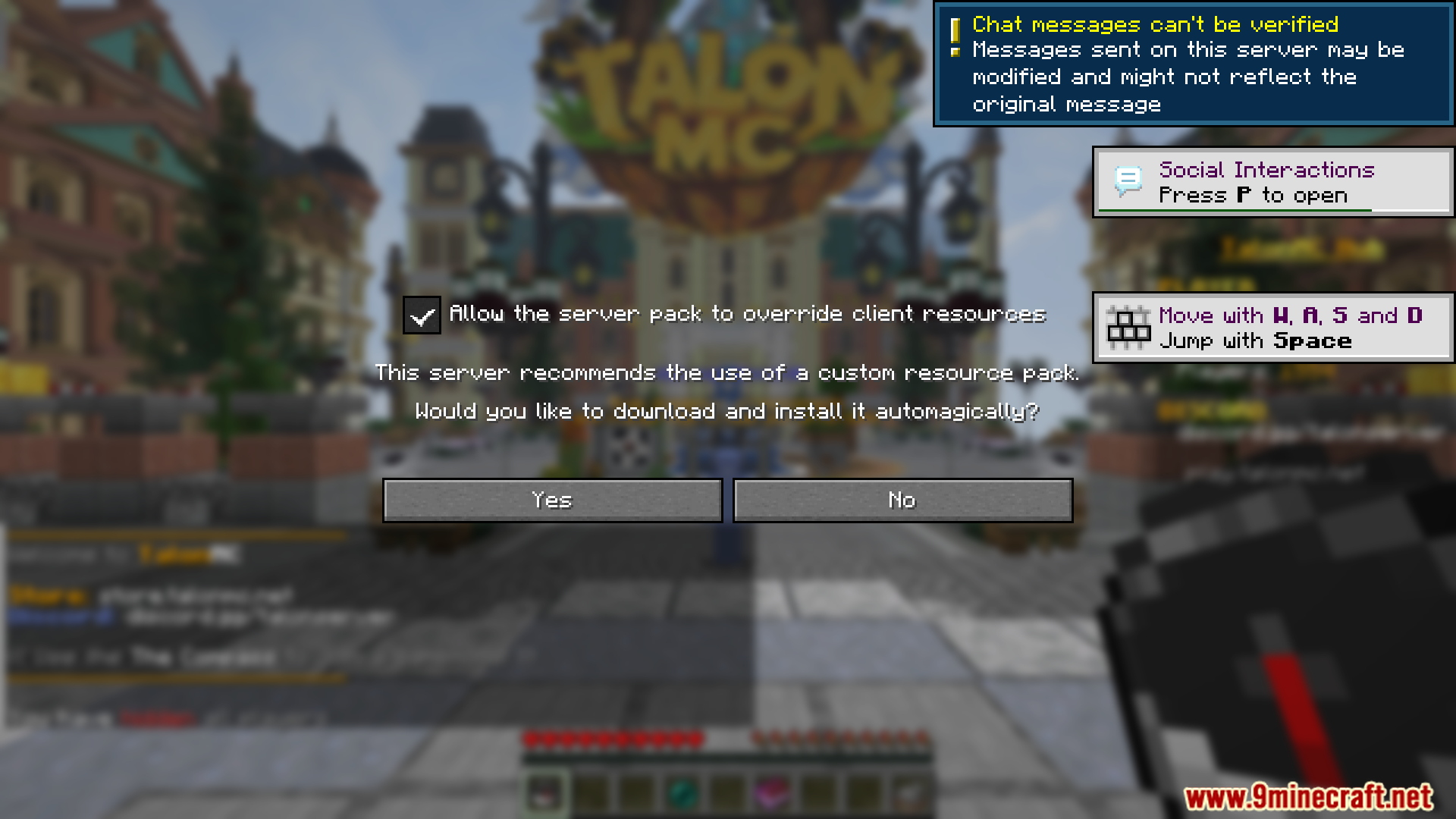
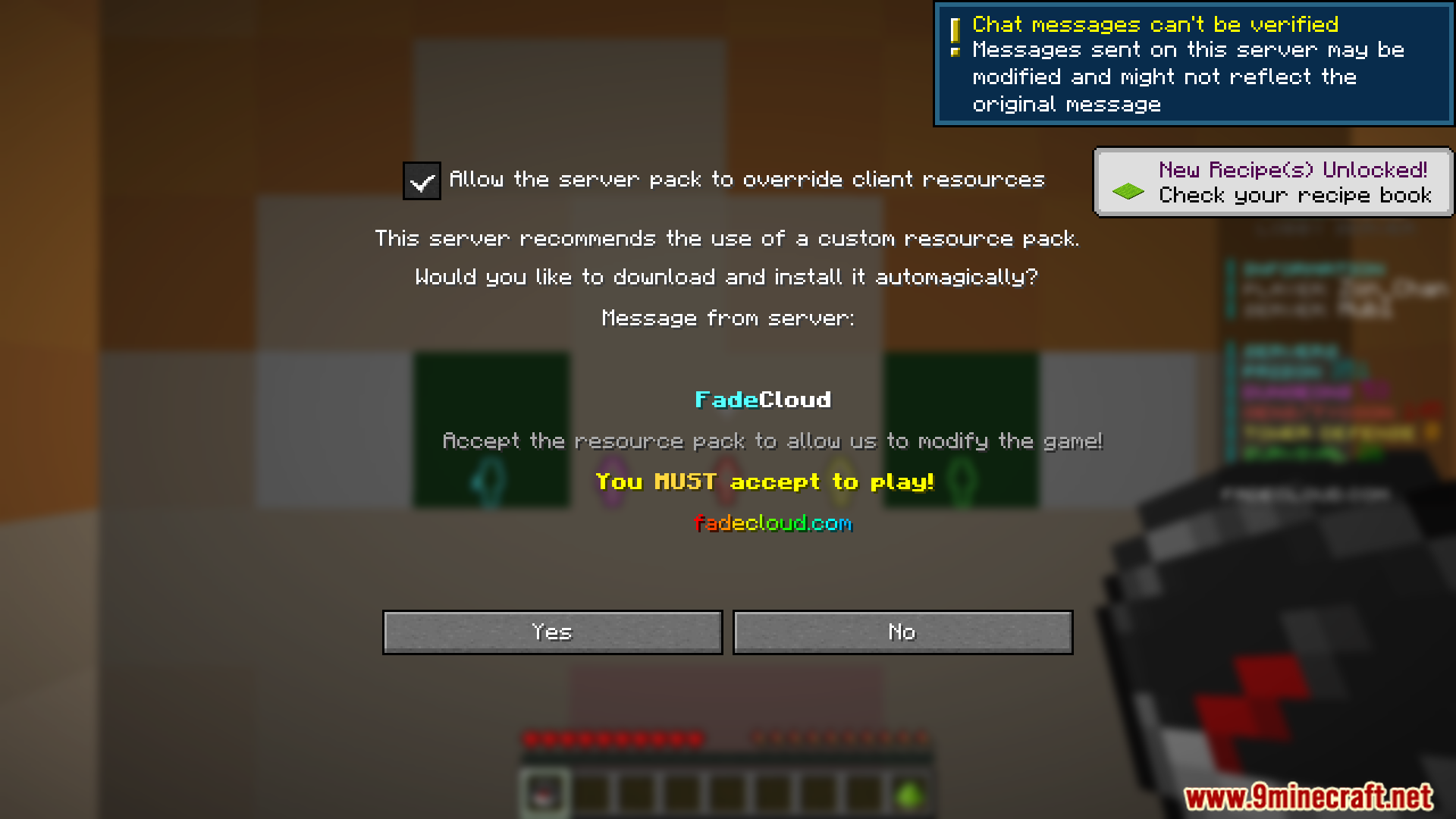
Launch Minecraft with the mod loaded, then join a server that has a resource pack. You'll see a new screen or menu option (instead of the default accept/decline prompt) that lets you configure which parts of the server's resource pack to apply. From there, you can toggle individual assets on or off before entering the world.
Can I disable a server resource pack but still see custom items?
Yes—that's the main purpose of this mod. You can selectively disable textures and assets you don't want while keeping the custom item models and textures that the server requires to function properly. Use the override system to pick exactly which resources load.
What's the difference between disabling a pack and creating an override?
Disabling a pack removes it entirely, which might break custom items. Creating an override lets you keep the pack active but swap out specific textures or assets with alternatives from your own files or lower-priority packs, giving you fine-grained control.
How do I reorder resource packs to change which textures show up?
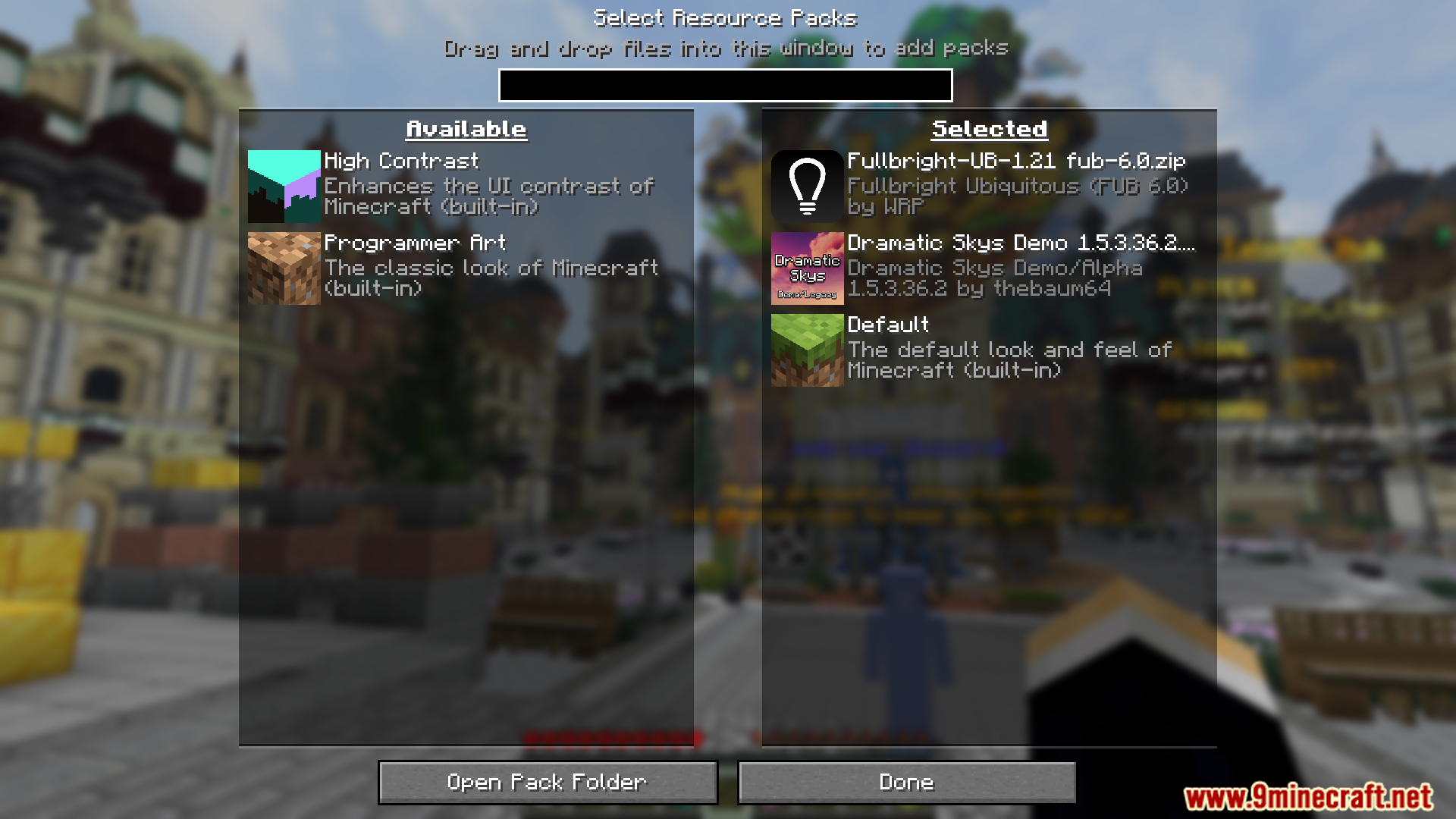
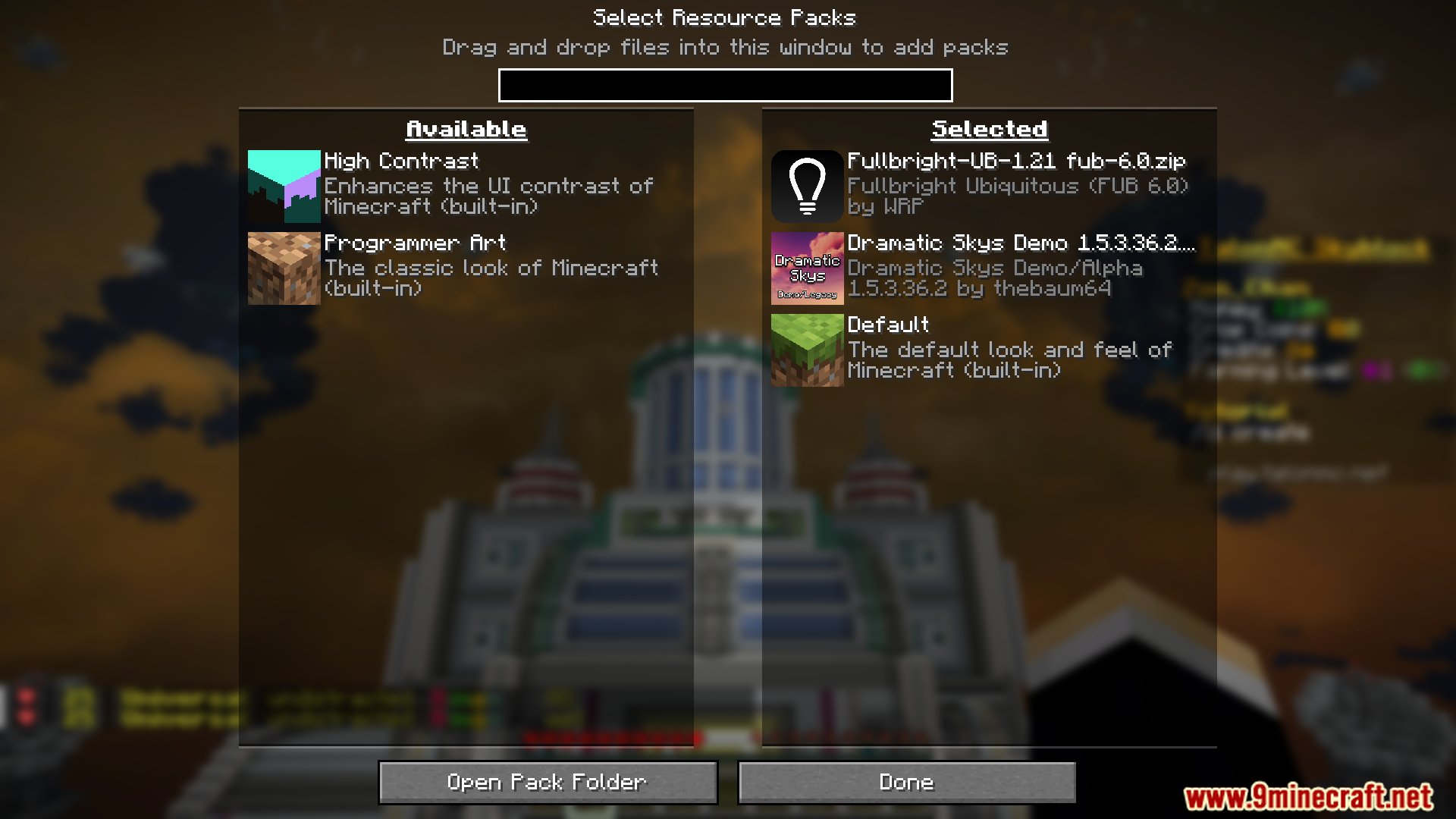
The mod provides a reordering interface where you can drag packs up or down in priority. Packs higher in the list override those below them, so if two packs provide the same texture, the one on top wins. Experiment with the order until your preferred visuals appear.
See all 10 My Resource Pack My Choice questions ›
Gallery
12 images from the My Resource Pack My Choice Mod page.
You May Also Like
Wikis that share the most with this one
Identity Spectrum ChoiceMTR4 Tokyo Metro 06 Series Resource PackMTR4 Ultimate Briddle Rail Pack Resource PackMush 3D Pack Resource PackMushrooms Plus Resource PackMusic Disc Maker Retextured Resource PackMy Little Pony Girl Bed Resource PackMy Minimal Armor by CountXD Resource PackMy Minimal Armor Resource PackMythic Mounts PT BR Translation Resource PackNatural Texture Pack Resource PackNature X
More resource pack wikis on the site
MTR4 My Fantasy Trains Collection Resource PackMTR4 CP 2600 2620 ARCO Coaches Resource PackMTR4 British Rail Class 80X IET Series Resource PackMTR3 Tianjin Metro DKZ7 Pack Resource PackMTR3 4 CP Lisbon Suburban Trains Pack Resource PackMTR TGV PSE TGV Postal Resource PackMTR NTE MTR 34 Zatopinsk Pack Resource PackMTR NTE International Train Pack Resource PackMrswords Tools 3D Glowing Resource PackMrblueyeti’s Better Cats Resource PackMr Swords Tools 3D Vanilla Glowing Resource PackMotschen's Better Leaves Resource Pack
The most downloaded mods that have a wiki here
A few wikis from each of the other kinds