

 DownloadPulse Trims Mod
Get the files on 9Minecraft
Guides
Step-by-step, in-game.
Create a Custom Armor Trim Light PatternOpen the Style Creator Bind and press your config key, then navigate to the style menu. Look for the "add style" or…Set Up Your First Pulsing Armor TrimBind the Config Key Before you can customize your armor trims, you need to set up a keybind. Open your game controls…Share Your Custom Trim Styles with FriendsCopy Your Style to Clipboard Once you've created a custom armor trim pattern you love, the mod lets you share it…Troubleshoot Armor Trims Not GlowingVerify Your Lighting Mode Is Active Open your config menu with your bound key. Check that you've selected either…
Frequently asked questions
How do I open the mod menu if nothing happens when I press keys?
The Open Config key has no default binding. Go to your Controls settings, search for "Open Config," and bind it to a key you want to use. Once set, press that key in-game to access the Pulse Trims menu.
What's the difference between Pulse, Glow, and Off modes?
Pulse creates a rhythmic light effect that brightens and dims over time, Glow provides a steady constant light without animation, and Off disables all custom lighting on your armor trims.
Can I use this mod with armor trims from other mods?
Yes, Pulse Trims works with standard Minecraft armor and is compatible with many popular trim additions, though some mods may have limited compatibility depending on how they implement trims.
Why aren't my armor trims glowing even though I turned on Pulse mode?
Make sure you've selected a style from the style menu—the mod needs a pattern applied to show the glow effect. Also check that your armor actually has trims on it, as the mod only affects trimmed armor.
See all 10 Pulse Trims questions ›
Gallery
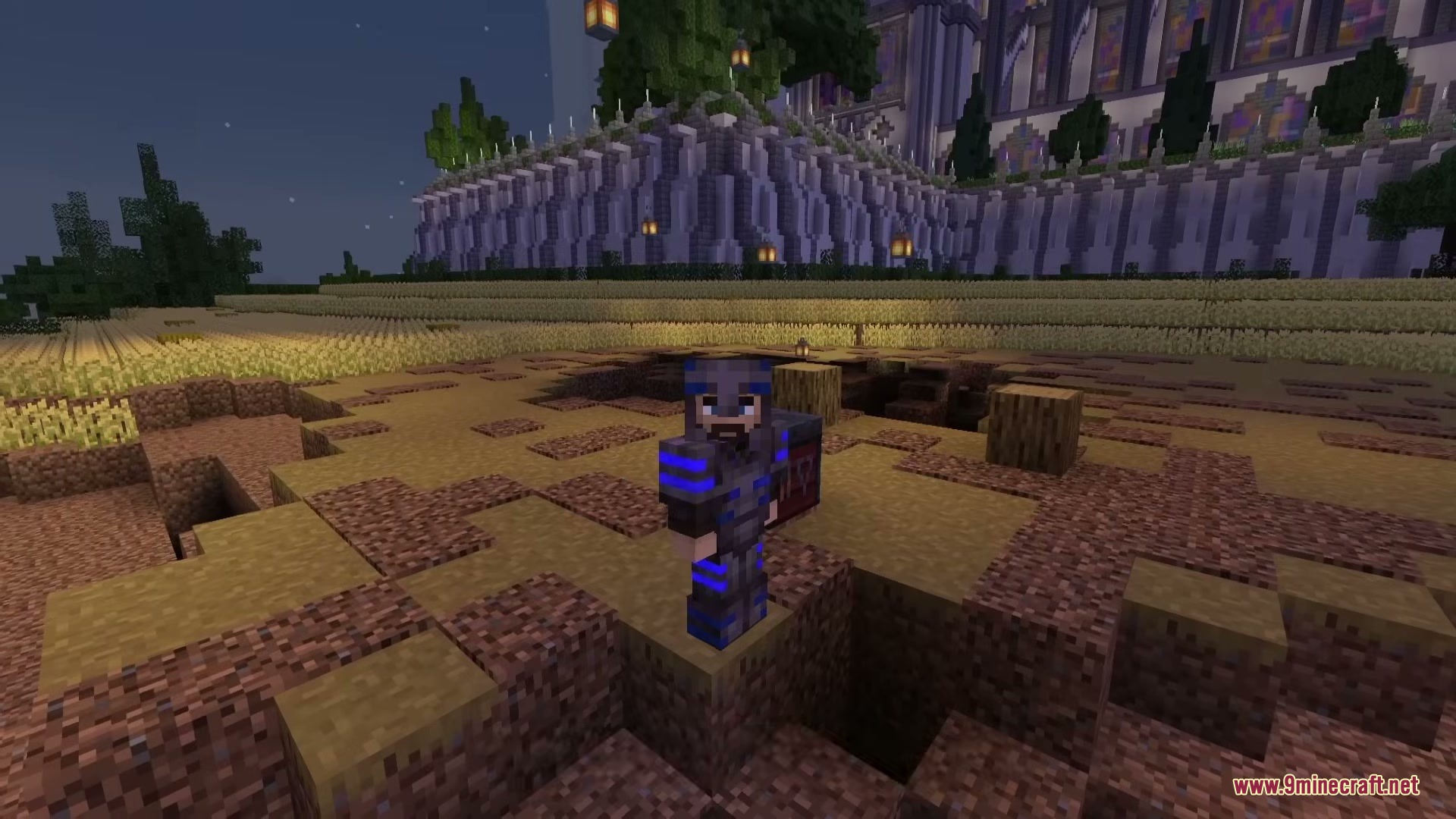
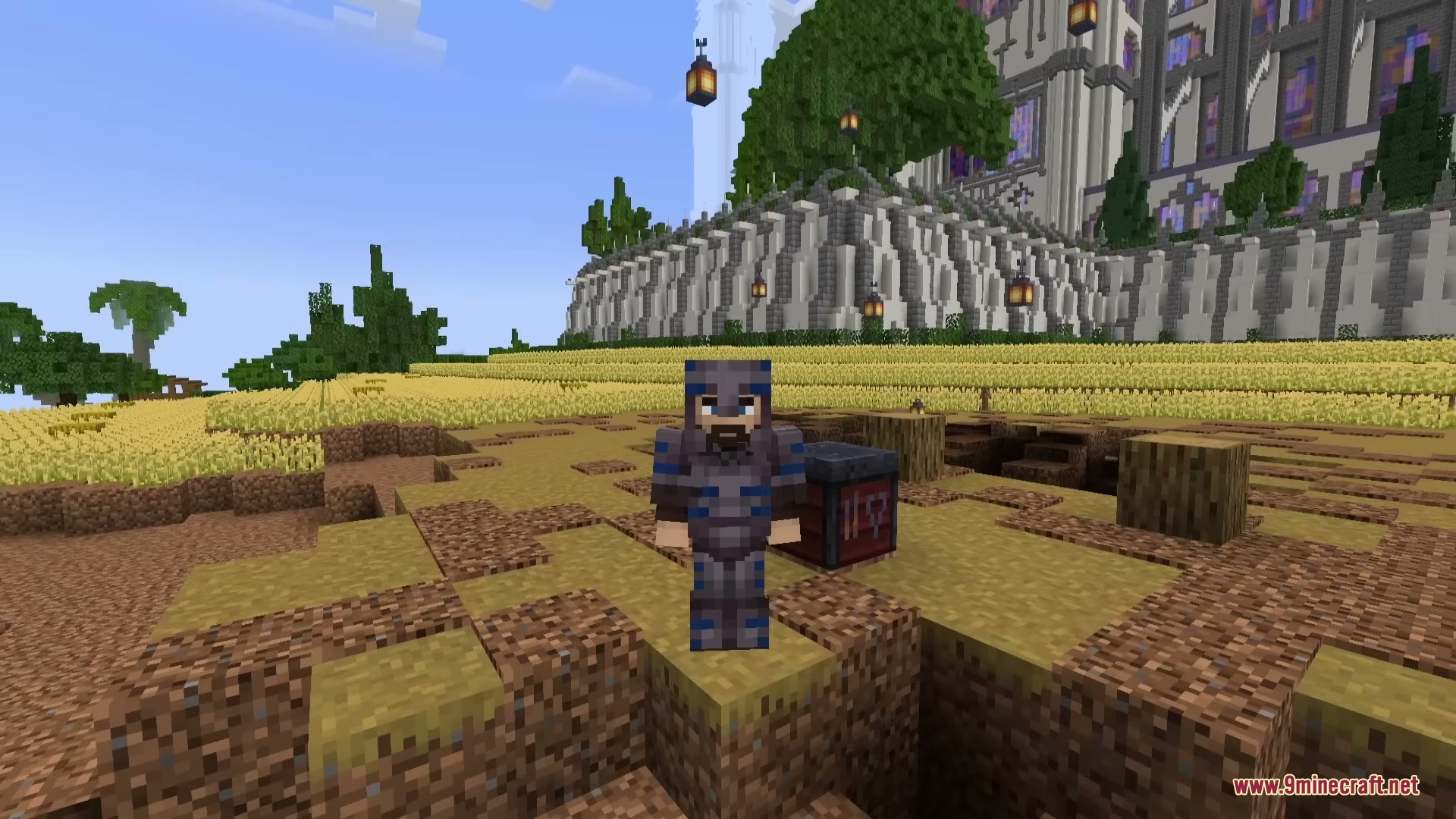
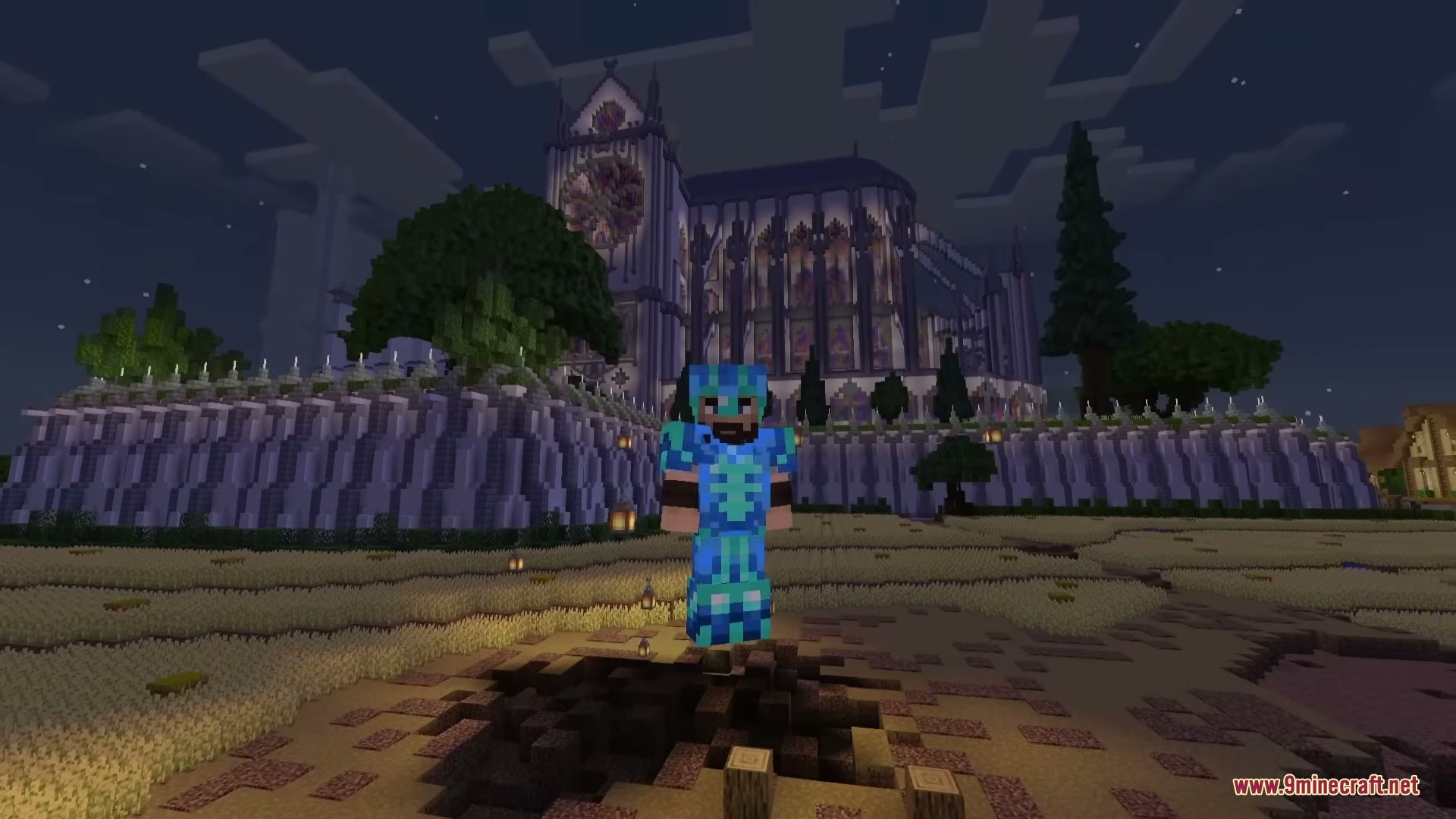
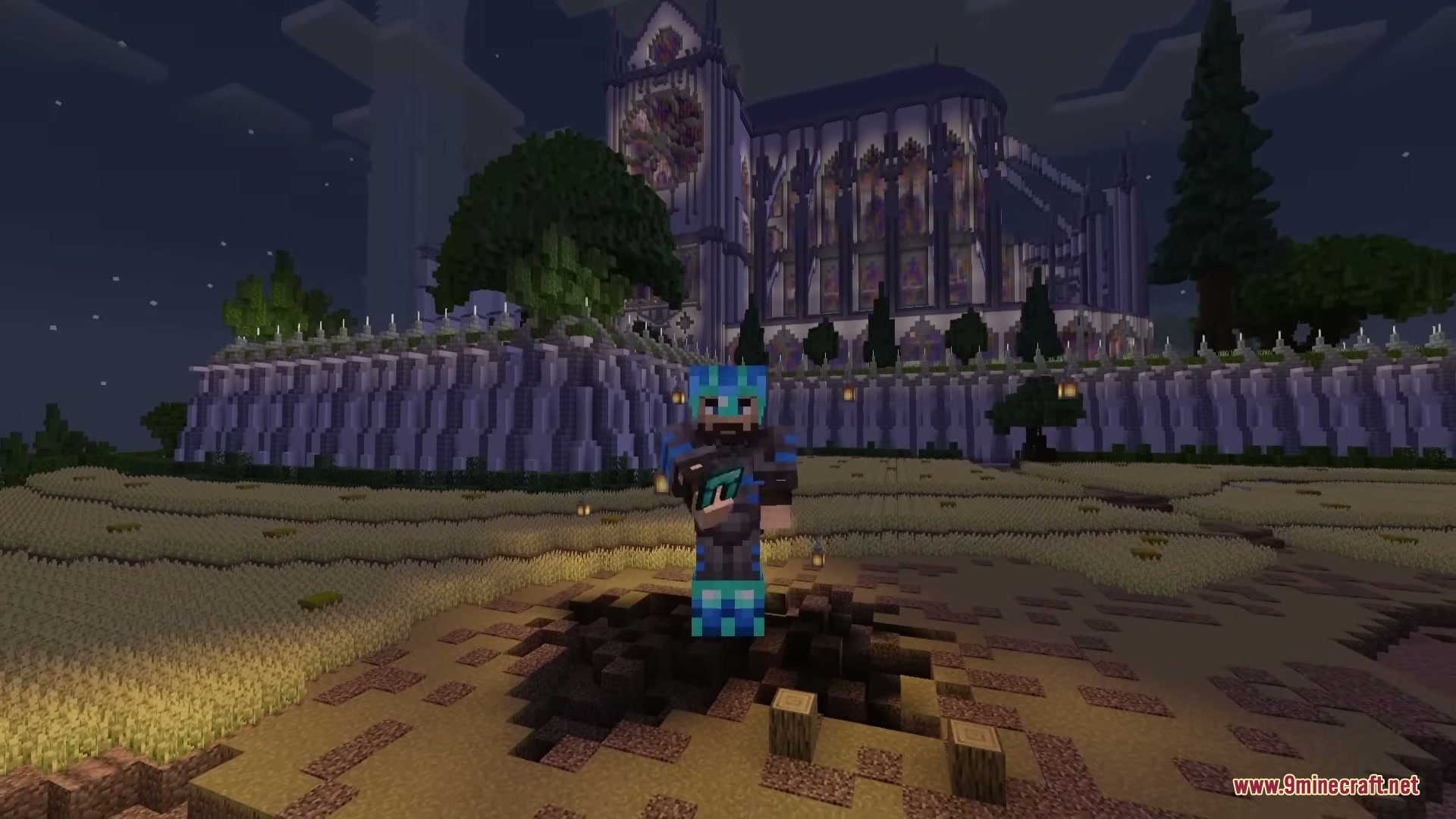
5 images from the Pulse Trims Mod page.

You May Also Like
Wikis that share the most with this one
Wikis on the same theme: armor
More mod wikis on the site
The most downloaded mods that have a wiki here
A few wikis from each of the other kinds