

 DownloadJust Expressions Resource Pack
Get the files on 9Minecraft
Guides
Step-by-step, in-game.
Combining Just Expressions with Fresh Animations Without Breaking EitherLoad Order Matters Fresh Animations animates mobs; Just Expressions animates the player. They touch different model…Fixing Just Expressions Not Showing on Your PlayerFirst Checks Most "it doesn't work" reports come down to three things : the pack is disabled, another pack overrides…How to Make Your Player's Eyes Show Emotions with Just ExpressionsWhat the Pack Actually Changes Just Expressions is a resource pack, not a mod, so it does not add new items or…Using Just Expressions on a Server or in MultiplayerIt's Client-Side Only Just Expressions is a resource pack, so it changes only what you see. Other players will not…
Frequently asked questions
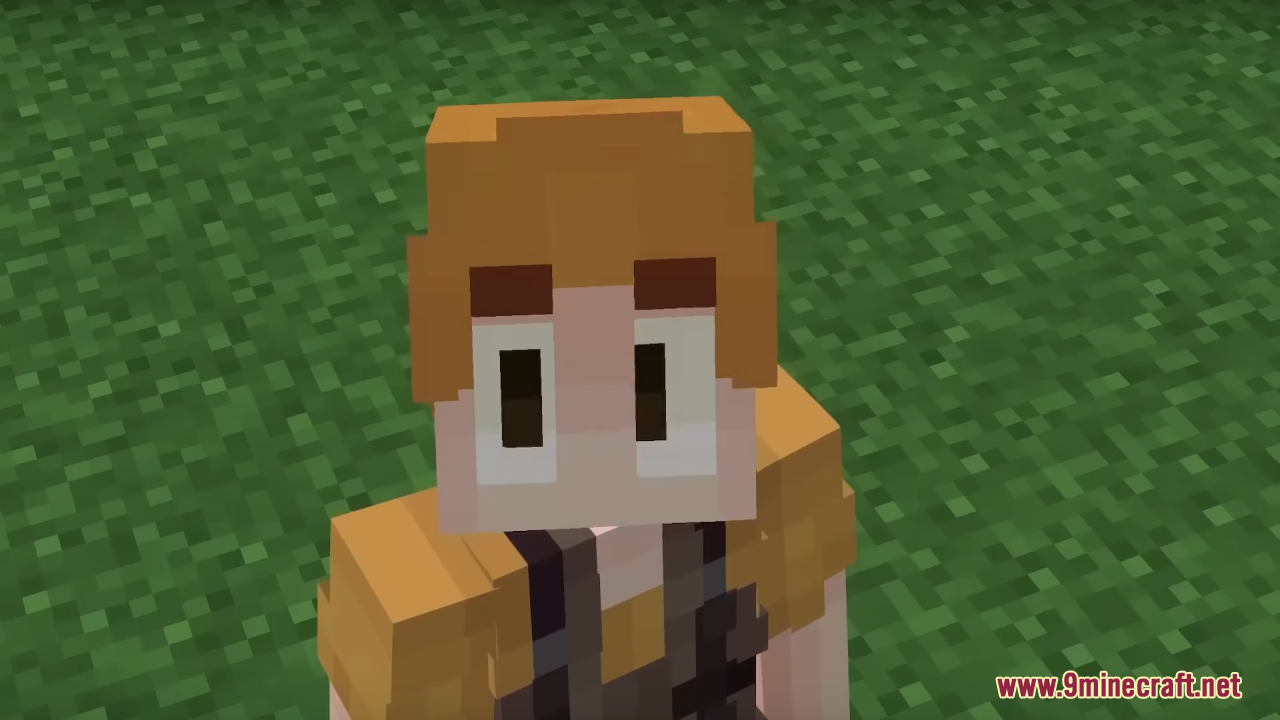
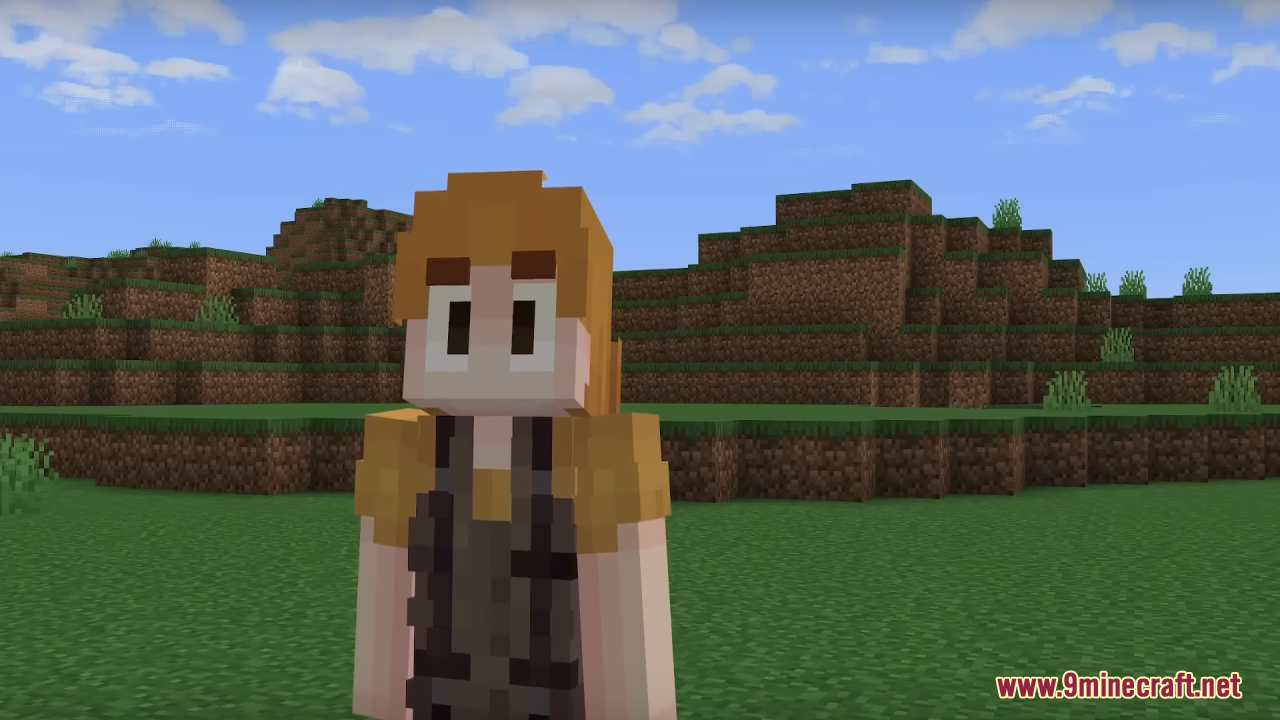
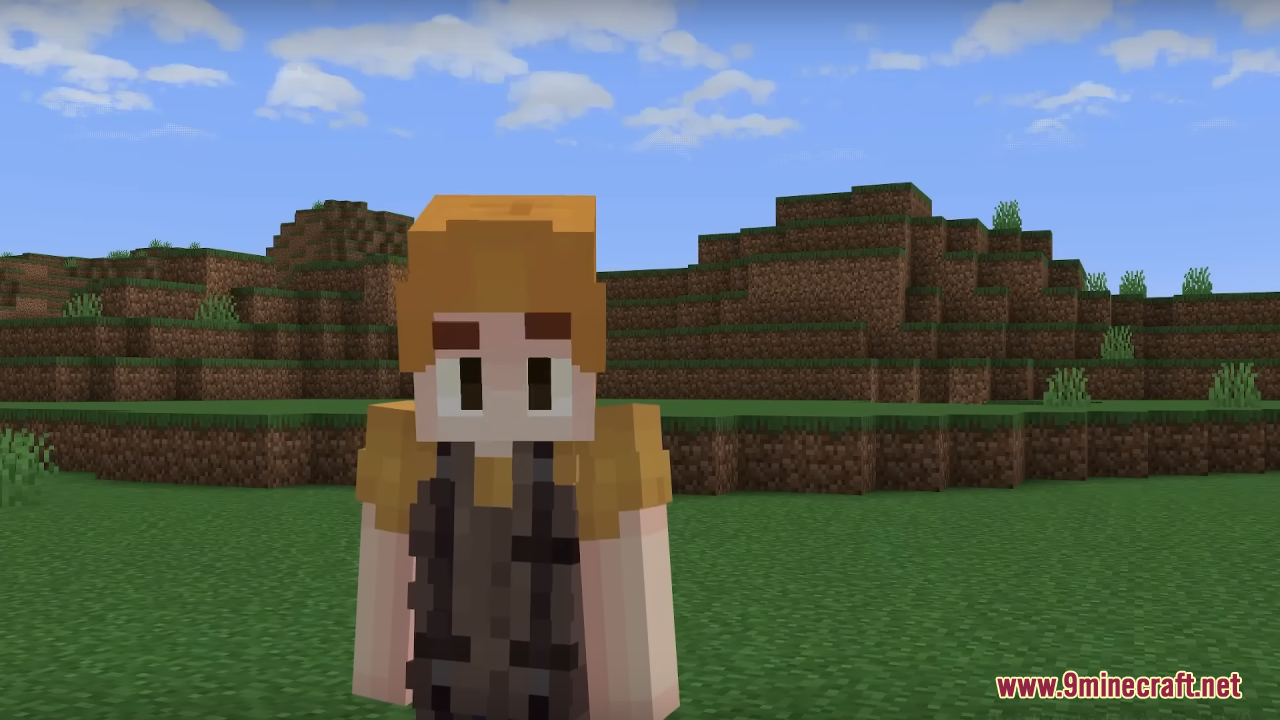
How do I get the eye expressions to show up on my player?
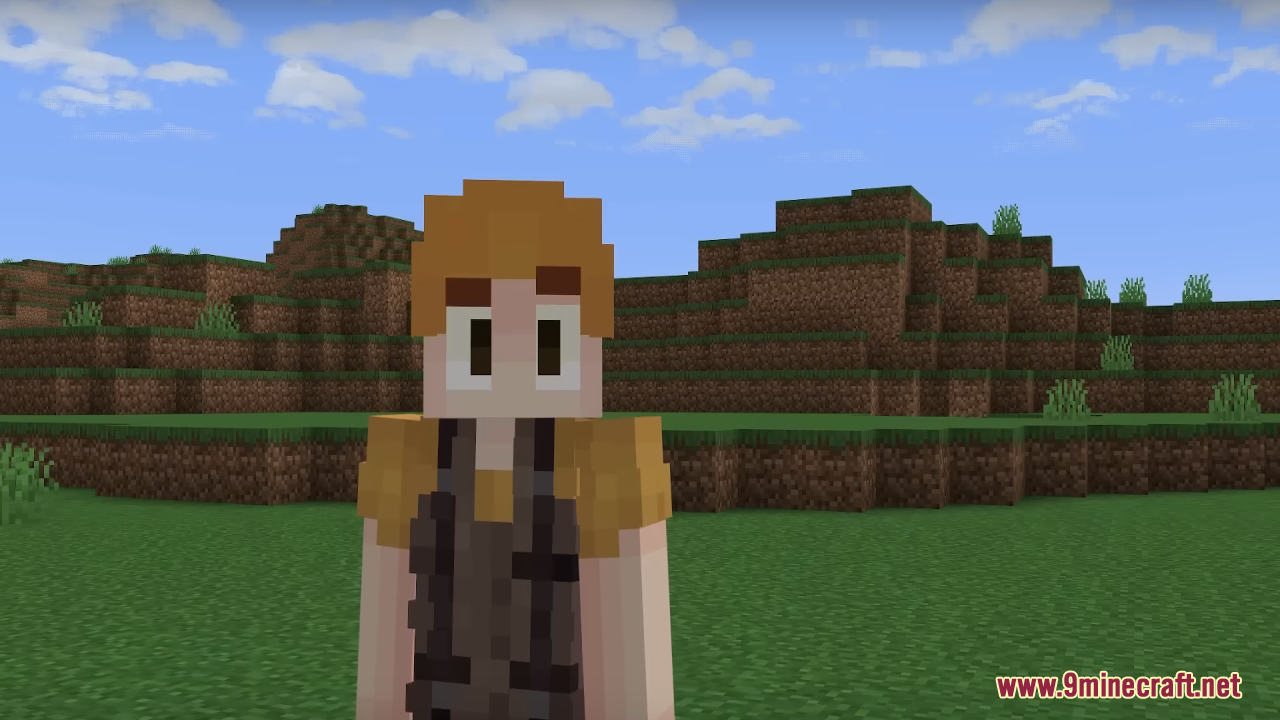
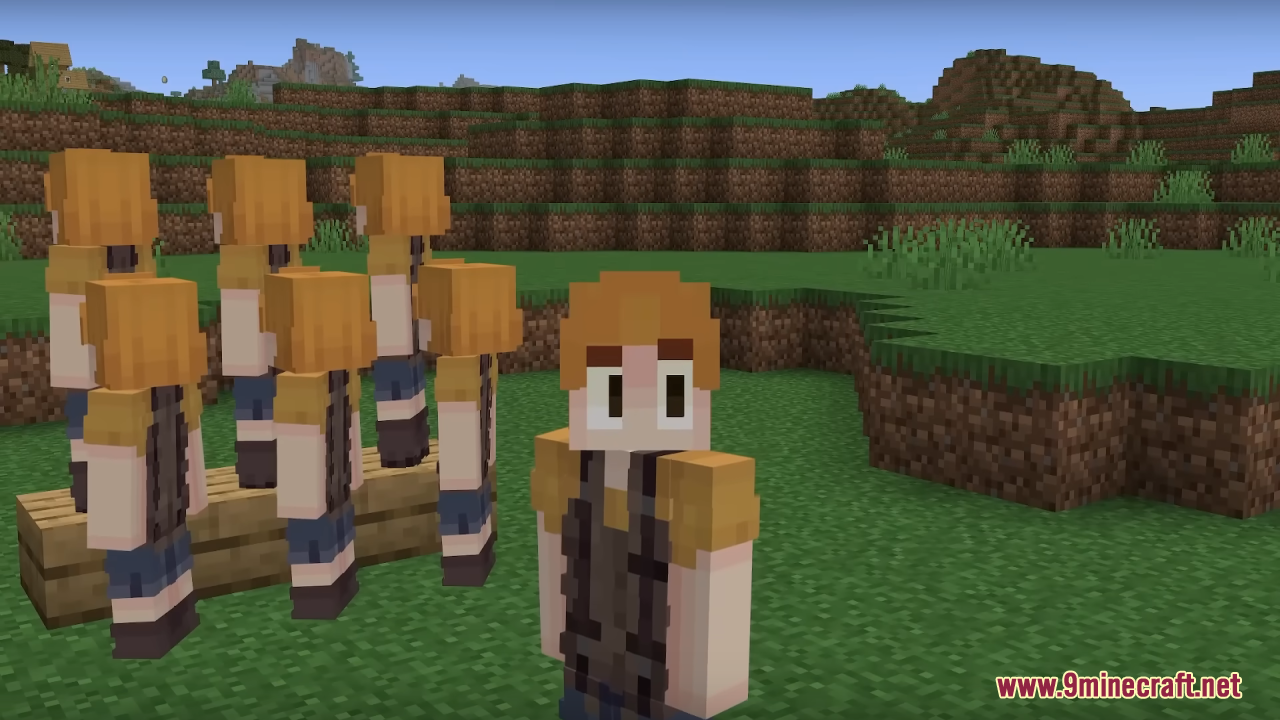
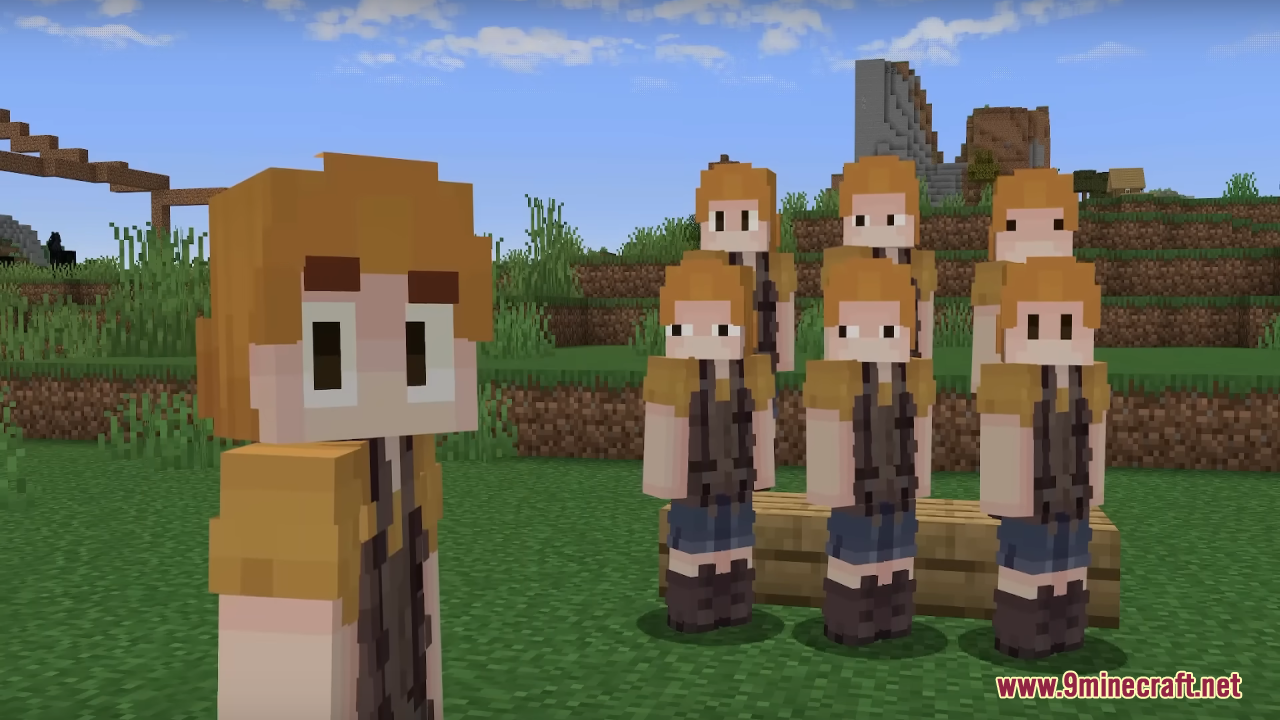
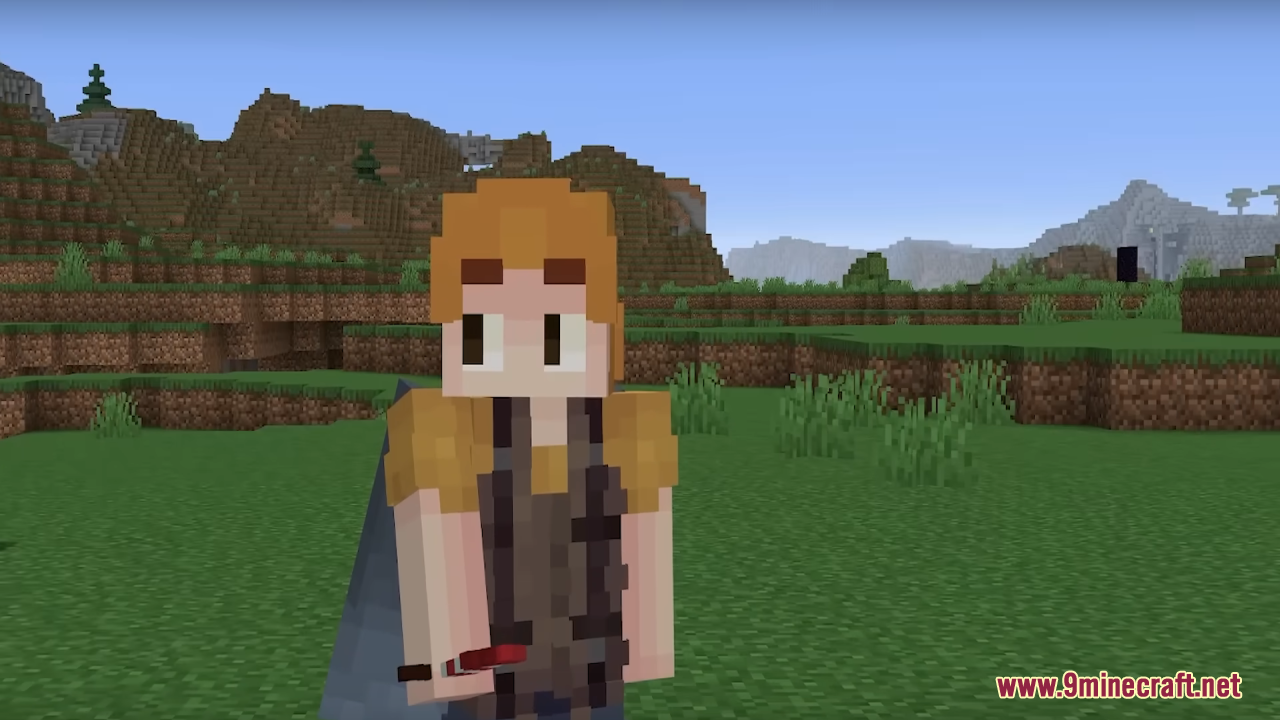
Make sure Just Expressions is enabled in your resource pack list and placed above any pack that also edits the player model or textures. The eyes only animate when the pack is actually active, so check the pack is not greyed out or overridden.
Does Just Expressions need OptiFine or a specific mod to work?
It relies on the same entity model features that  Fresh Animations uses, so you need a client that supports those animations, such as OptiFine or an equivalent mod. Without that support the eyes will stay static.
Why are my player's eyes not blinking or moving?
The most common cause is another resource pack loading after Just Expressions and overwriting the player model files. Move Just Expressions to the top of your pack list and reload with F3+T.
Can I use Just Expressions together with Fresh Animations?
Yes, they are designed to work together, but load order matters. Put Just Expressions above Fresh Animations so its player eye changes are not overwritten by the mob animation pack.
Fresh Animations so its player eye changes are not overwritten by the mob animation pack.See all 10 Just Expressions questions ›
Gallery
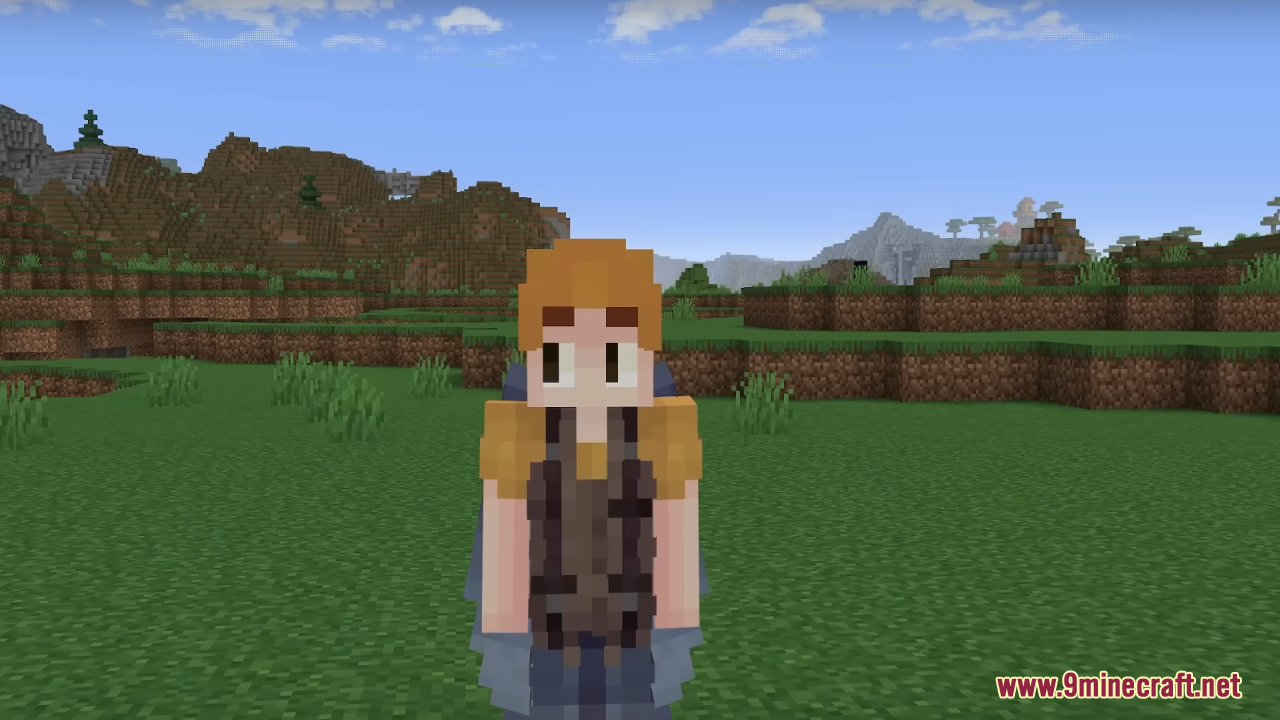
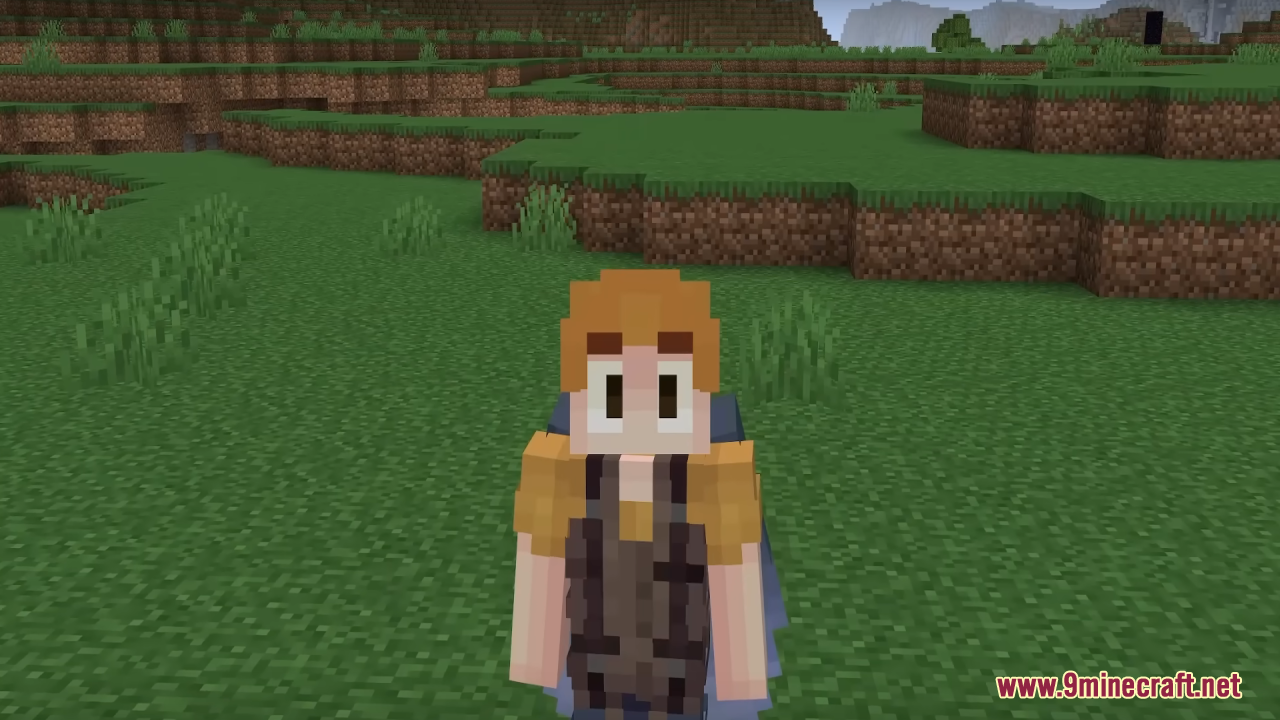
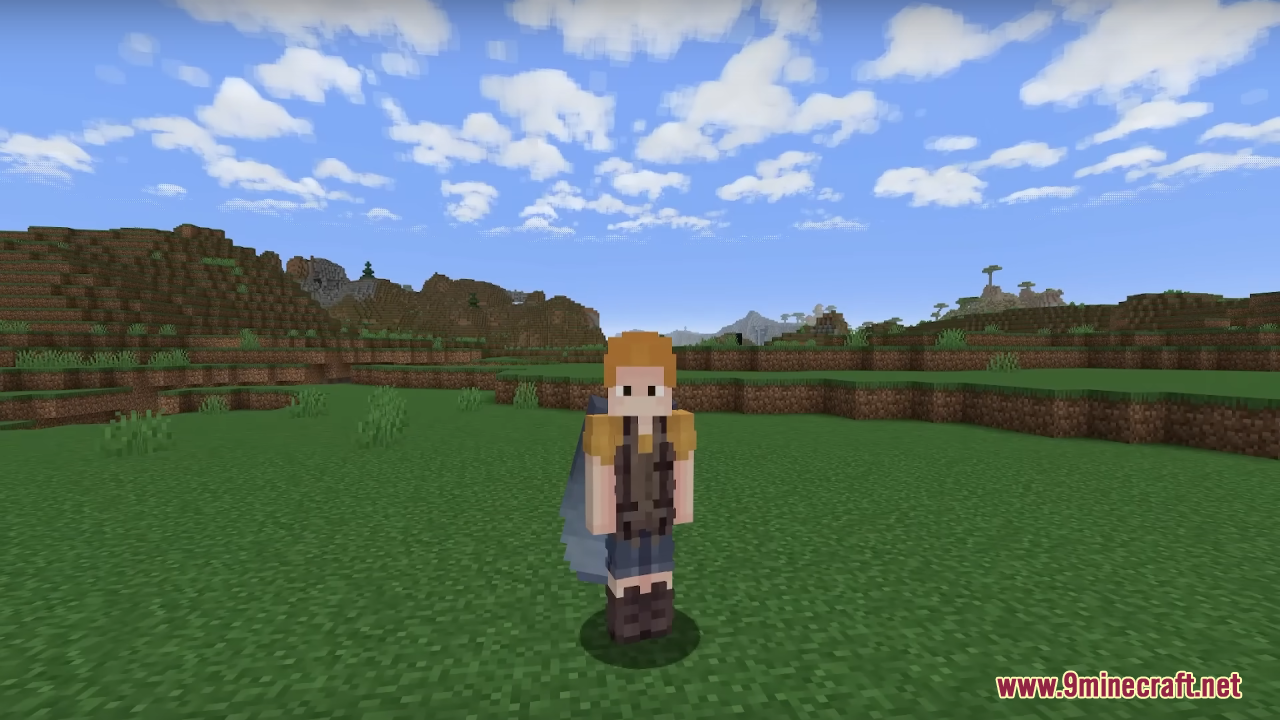
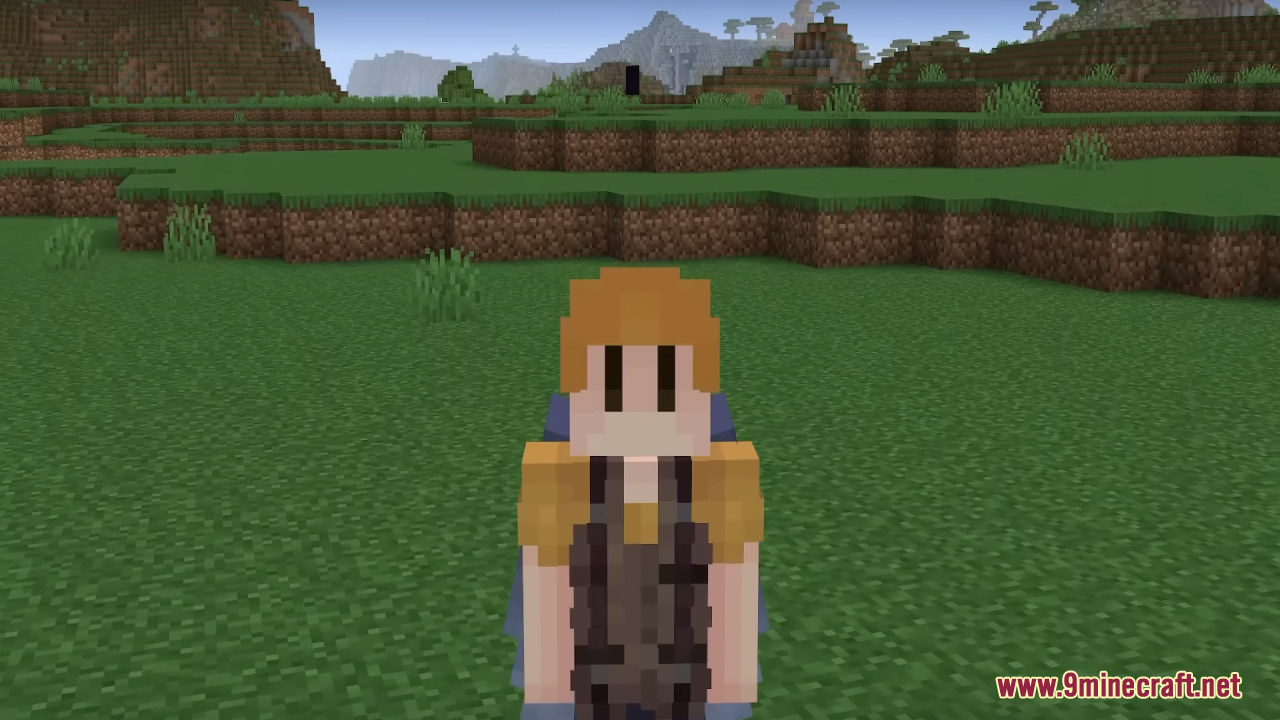
12 images from the Just Expressions Resource Pack page.
You May Also Like
Wikis that share the most with this one
More resource pack wikis on the site
Just 3 D Stuffs Resource PackJurassic Franchise Paintings Resource PackJors Cobblemon Music Pack Resource PackJicklusJesus Totem of Undying Resource PackJellie Cake Resource PackJef’s Better Bedwars Jefwars Resource PackIt’s All Connected Resource PackIron’s Spells ‘n Spellbooks Reimagined Resource PackIron’s Spells ‘n Spellbooks Armors Overhaul Resource PackIron Blooded Crafts Urdr Hunt Pomkots Mechs Extension Resource PackIR RTLC Railroad Addon Resource Pack
The most downloaded mods that have a wiki here
A few wikis from each of the other kinds