

 DownloadEnderman Enhanced Resource Pack
Get the files on 9Minecraft
Guides
Step-by-step, in-game.
Choose Between the Two Enderman Texture VersionsUnderstanding Your Options Enderman Enhanced Resource Pack includes two distinct visual styles. Both maintain the…Enable Animations with Fresh Animations PackWhy You Need Both Packs Enderman Enhanced Resource Pack provides updated textures, while Fresh Animations adds…Troubleshoot Textures Not Appearing CorrectlyCommon Issues and Solutions Textures Look Wrong or Vanilla 1. Verify the pack is actually enabled in Resource Packs…Use Enderman Enhanced Without Animation PacksStandalone Usage Enderman Enhanced Resource Pack works perfectly on its own without Fresh Animations or other…
Frequently asked questions
Why don't my Endermen look different after installing the pack?
Make sure the Enderman Enhanced Resource Pack is placed at the top of your resource pack list in the resource packs menu. Resource packs load in order, so packs listed below this one will override its textures.
How do I switch between the two Enderman texture versions?
Open the resource pack folder and look for the version options included with the pack. You can enable or disable different texture variants depending on which visual style you prefer, then reload your resource packs in-game.
Do I need Fresh Animations to use this pack?
No, the pack works on its own and will display the updated textures without Fresh Animations. However, Fresh Animations will add smooth mob movements that complement the new textures if you want that extra polish.
Why aren't the animations showing up even with Fresh Animations installed?
Animations require OptiFine or entity animation mods to display properly. Install one of these and make sure the Enderman Enhanced pack is positioned above Fresh Animations in your resource pack list.
See all 10 Enderman Enhanced questions ›
Gallery
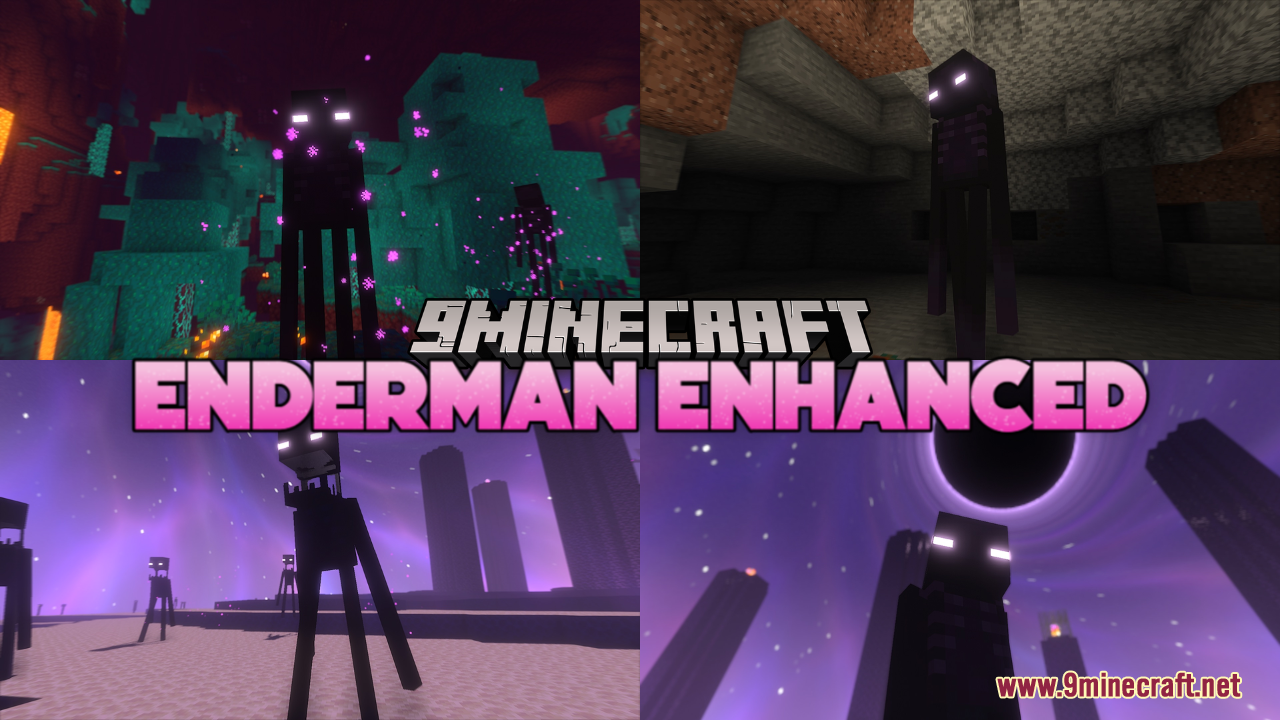
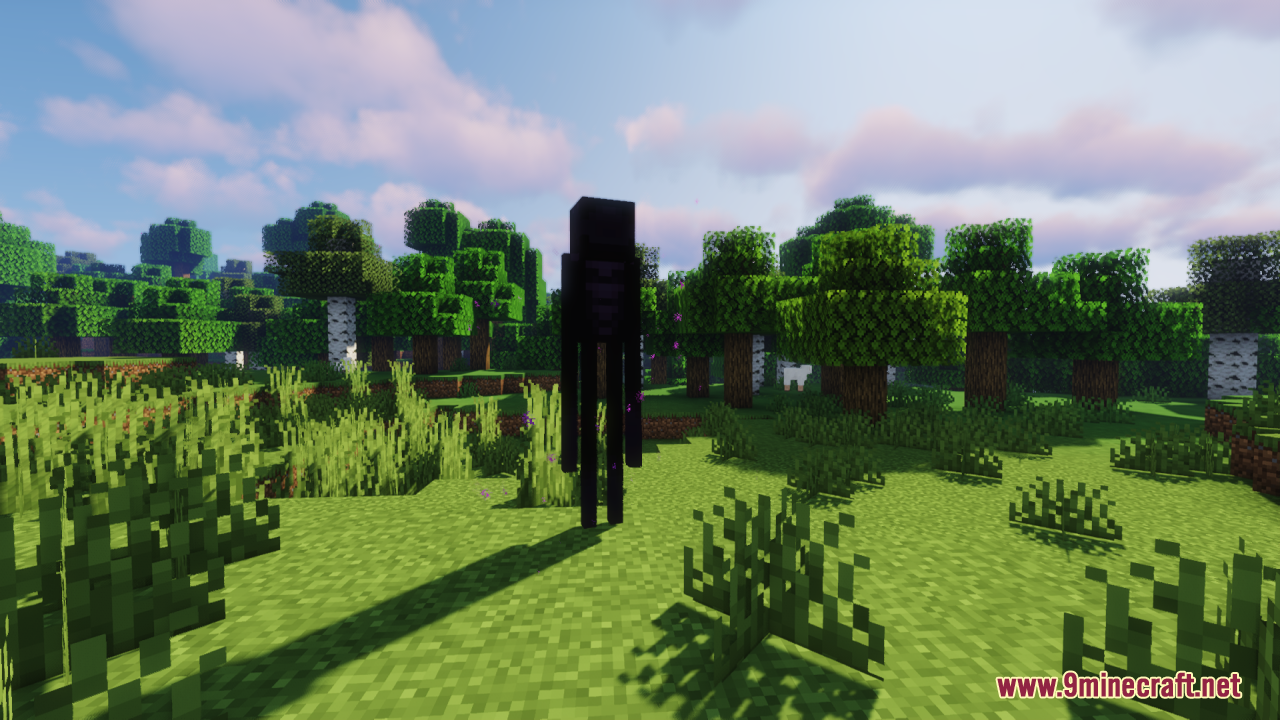
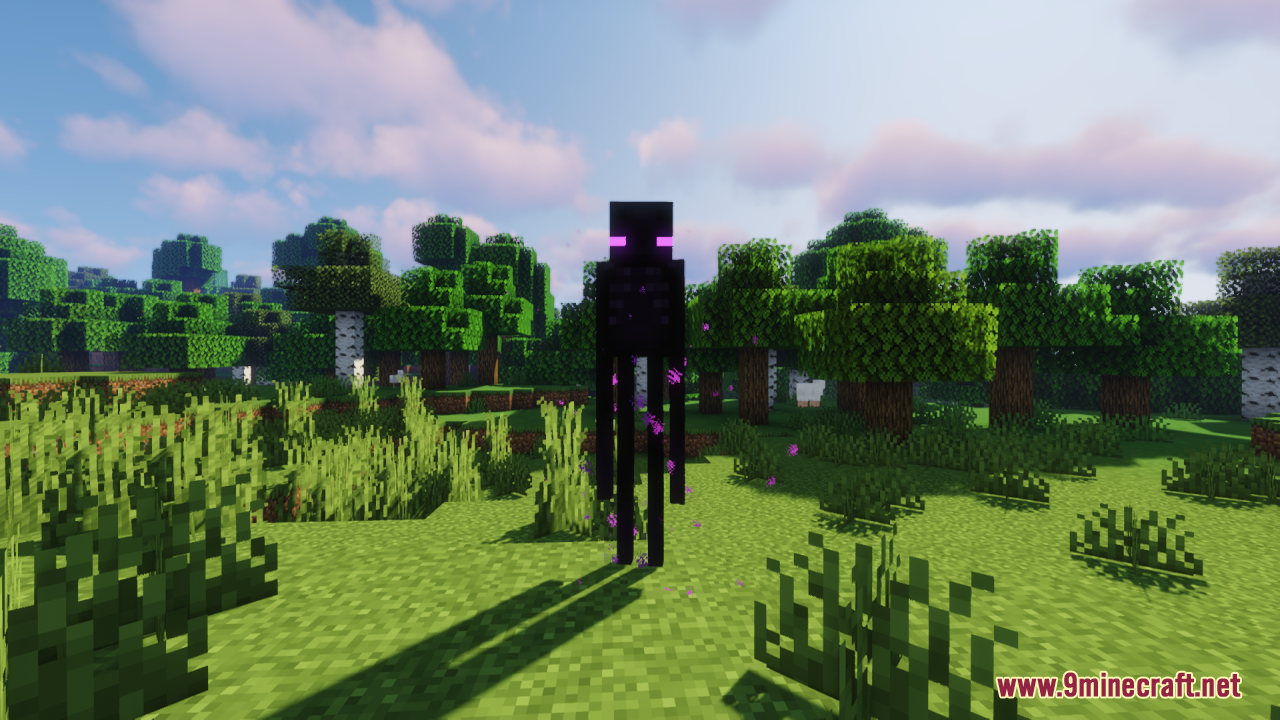
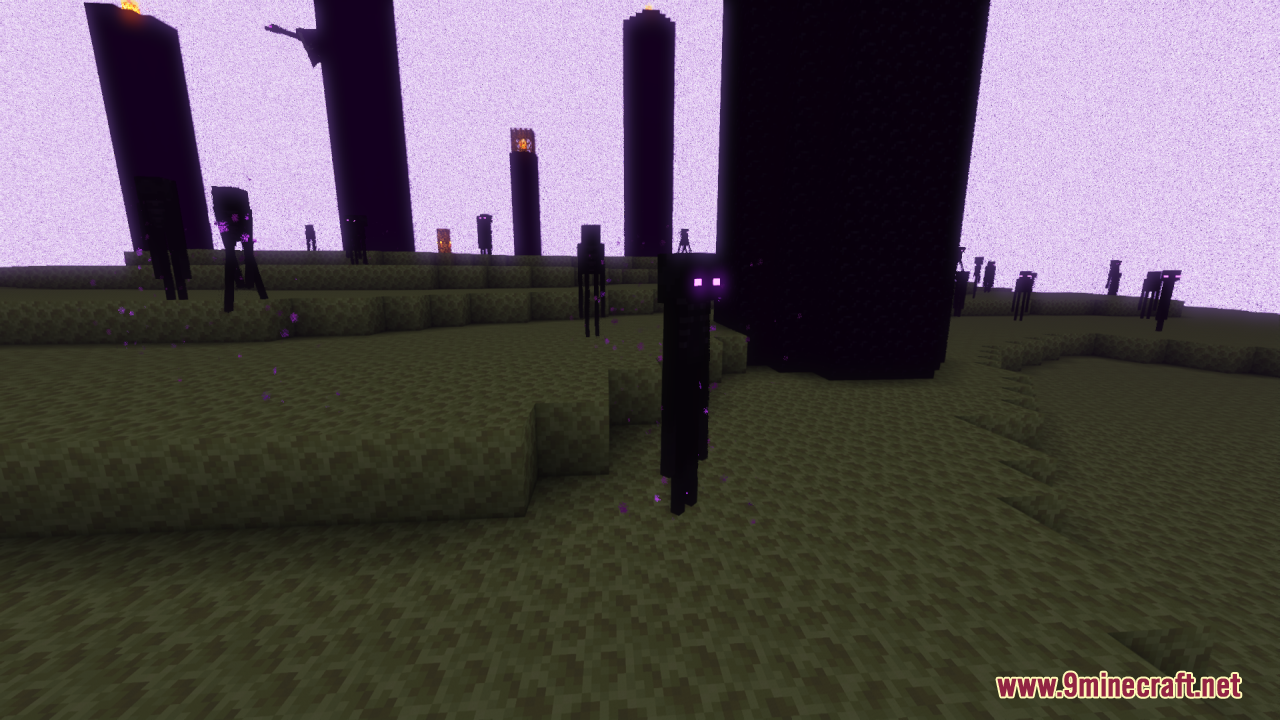
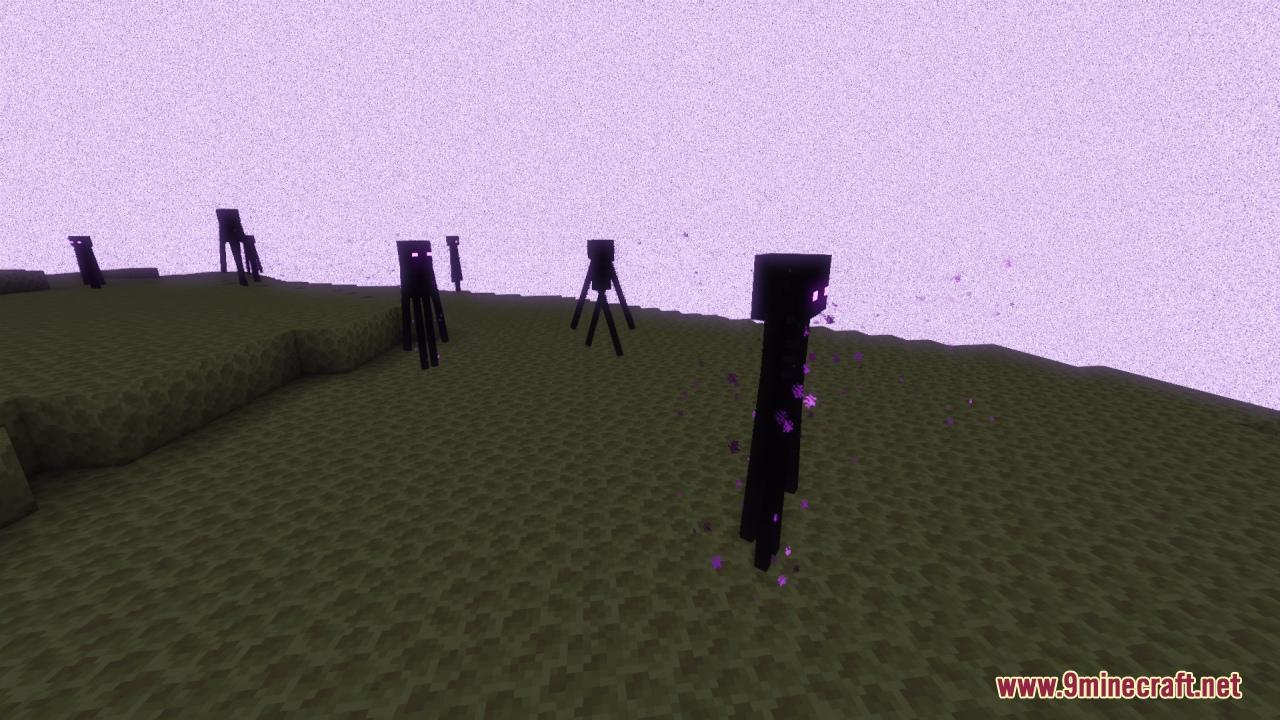
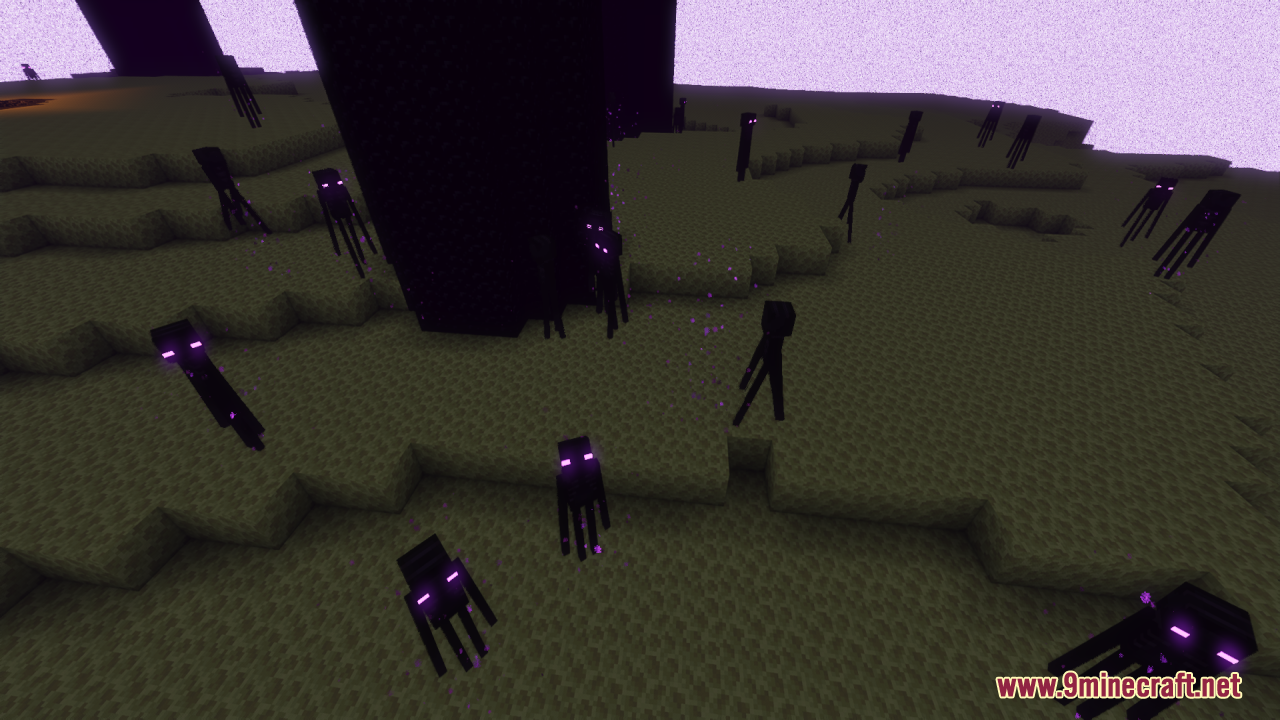
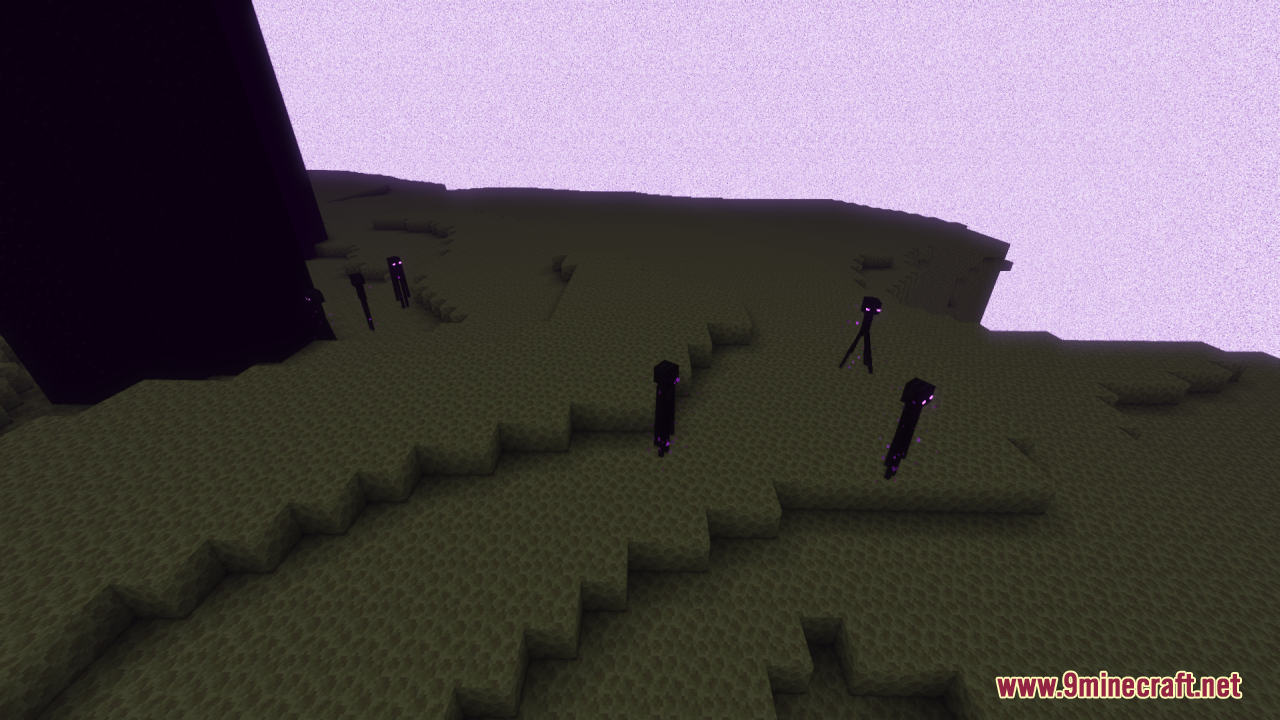
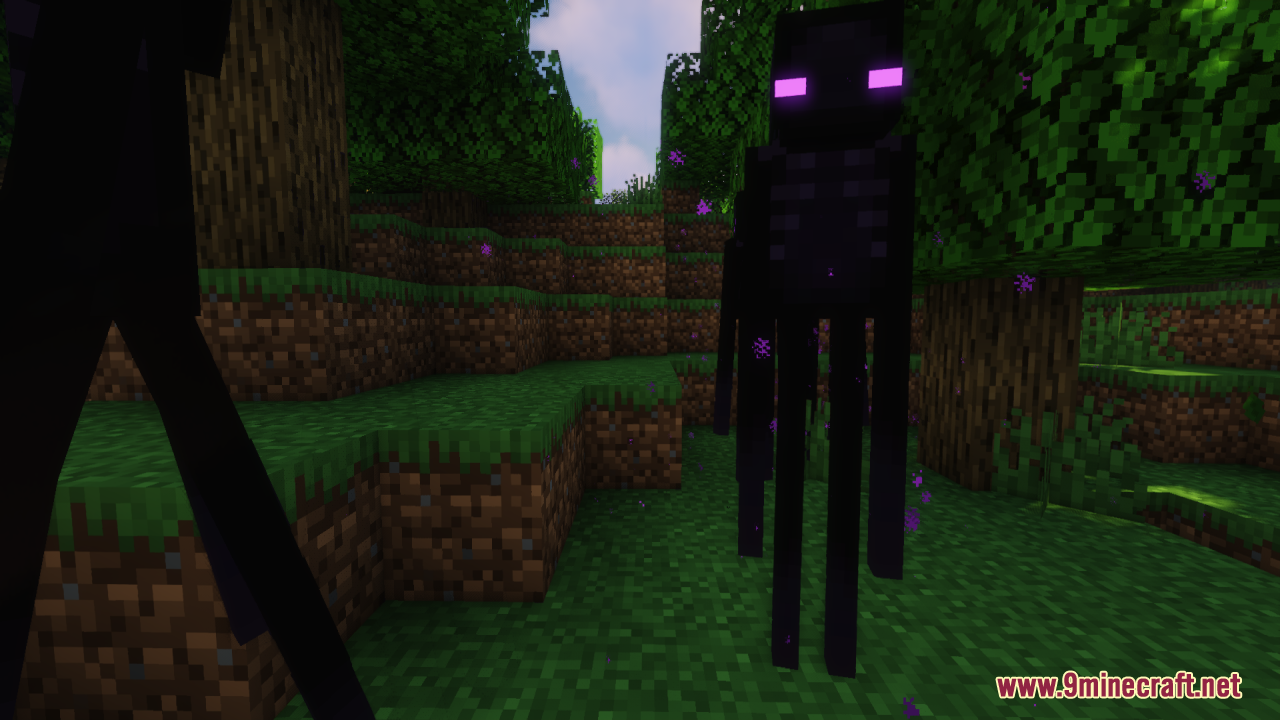
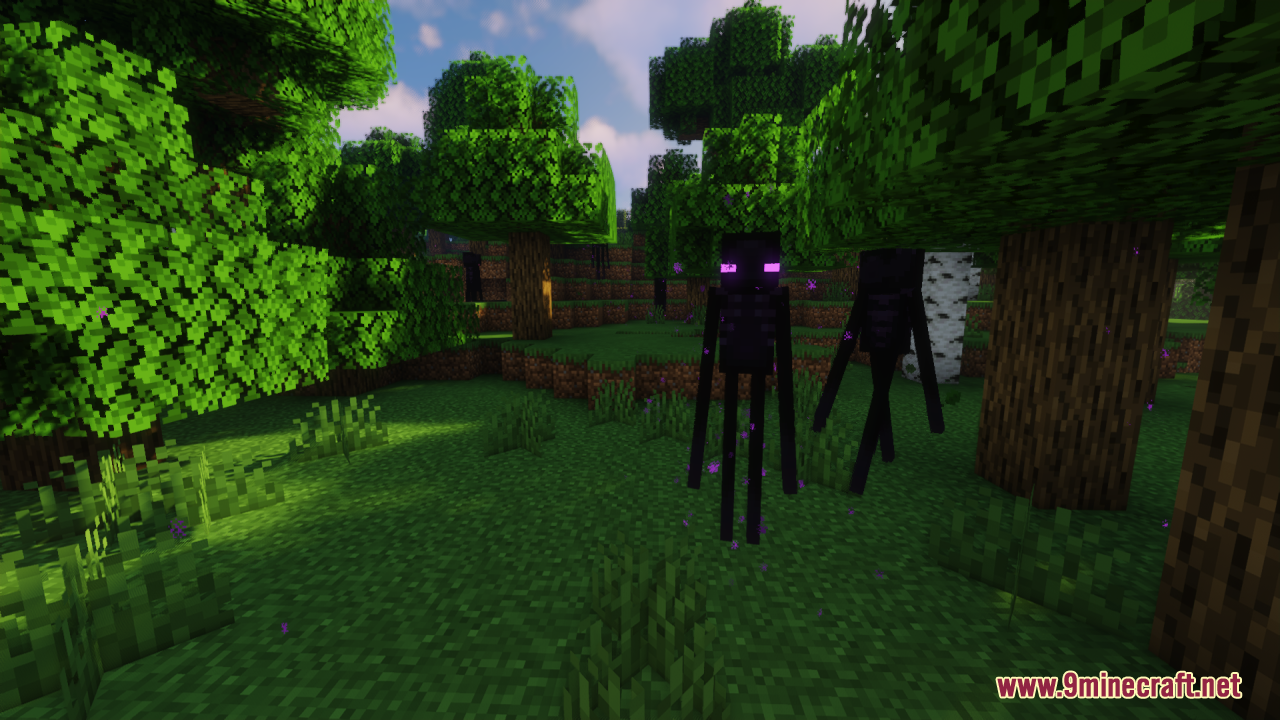
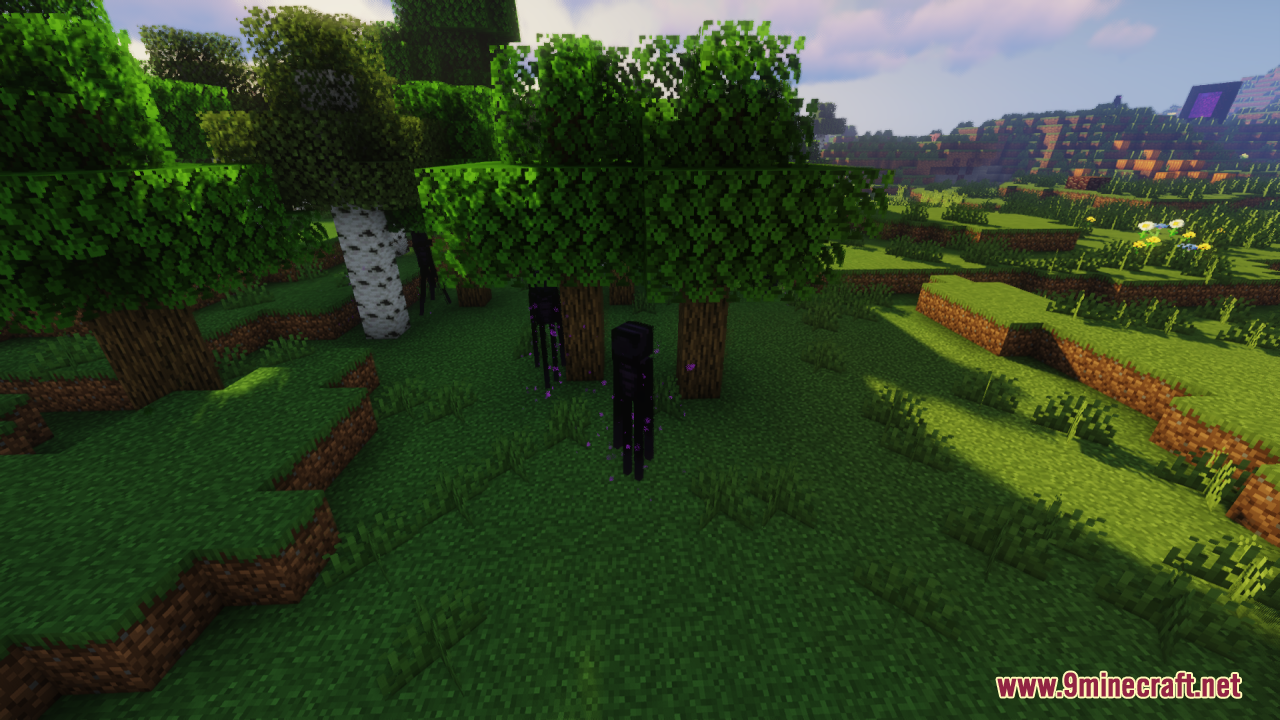
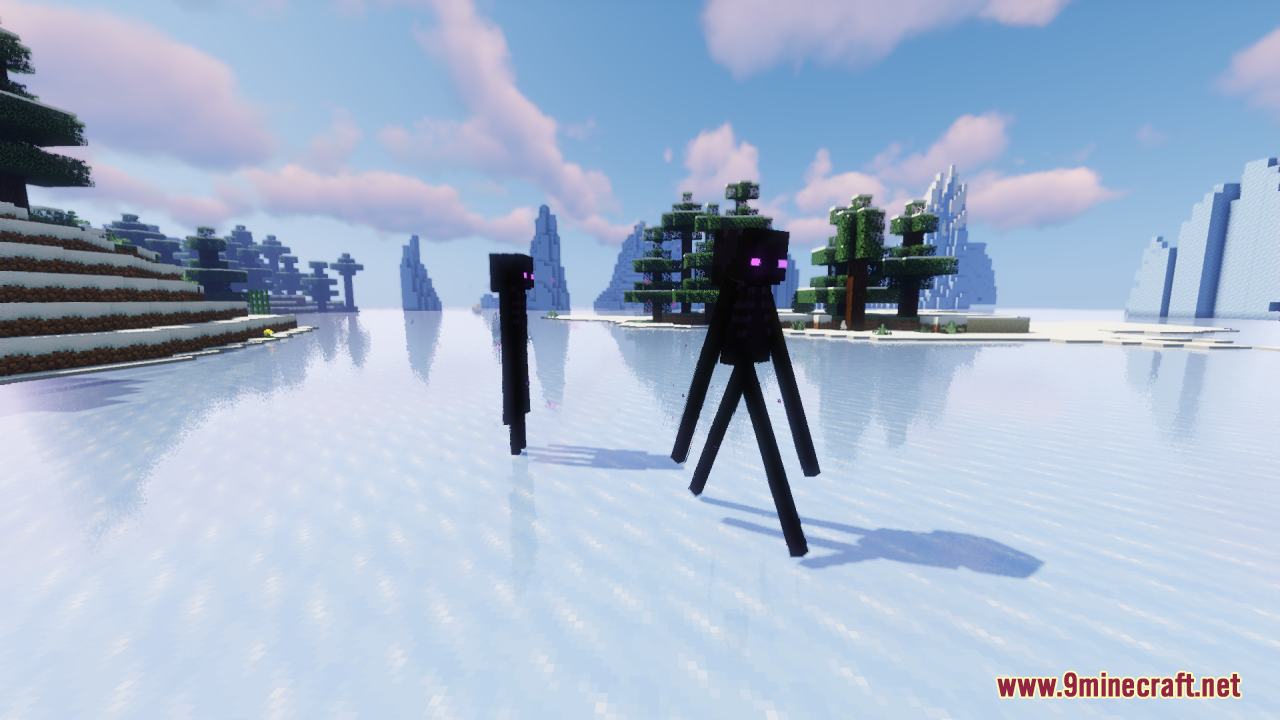
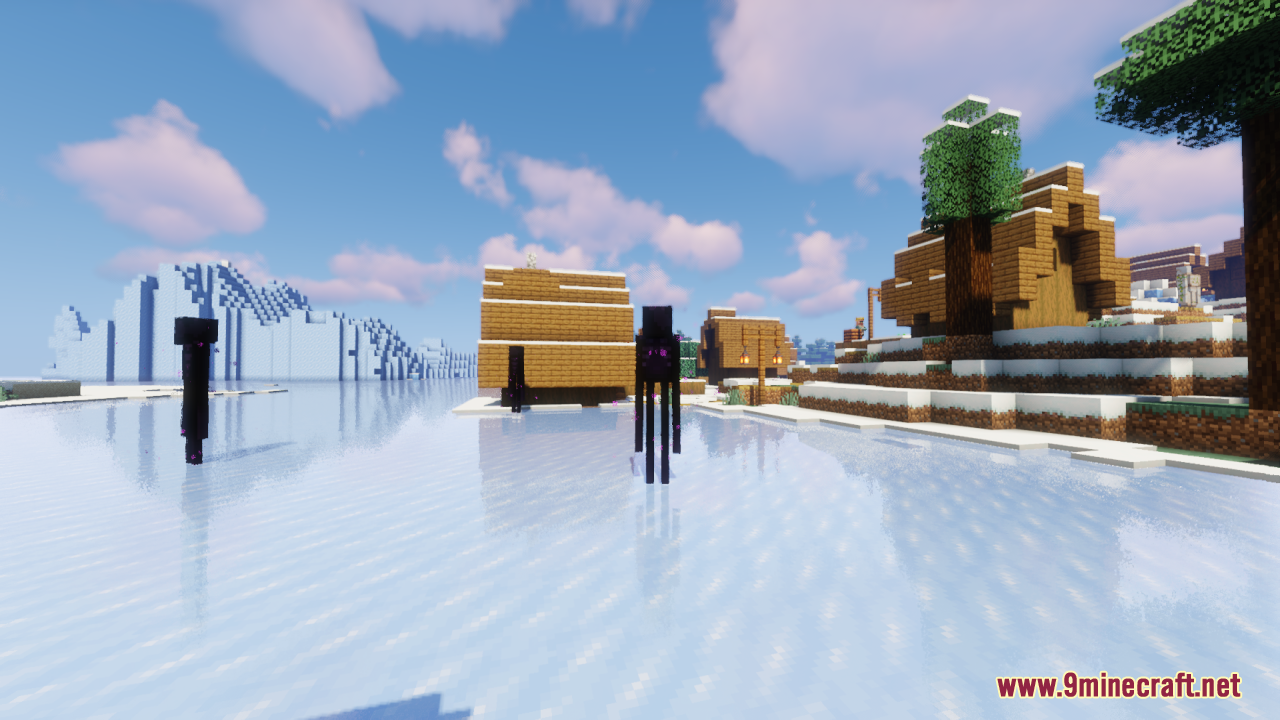
12 images from the Enderman Enhanced Resource Pack page.
You May Also Like
Wikis that share the most with this one
Wikis on the same theme: end
UltimacraftShaded Font Resource PackVibrant Pbr Resource PackMatralys 16X Resource PackX-Ray Vision Resource PackLiving Dragon Resource PackNew End Stone Resource Pack3d Entity Eggs Resource PackCapeless Wings Resource PackShield by Side Resource PackA7Mds 3D Potions Resource PackAuthentic Shadows Resource Pack
More resource pack wikis on the site
 Ender IO Into the Void Resource PackEnder Dragon Wings Resource PackEnder Dragon Revamp Resource PackEnder Dragon Revamp 9minecraft Resource PackEnder Dragon Reborn Resource PackEnchantment Glows Thin Outlines Resource PackEnchantment Glows Resource PackEnchanting Reimagined Resource PackEnchanted Covers Resource PackEmerald Interface Vibe Resource PackEmbers Resource PackEmbellished Stone Resource Pack
The most downloaded mods that have a wiki here
A few wikis from each of the other kinds