

 DownloadCrazy Pvp Pack Resource Pack
Get the files on 9Minecraft
Contents (8)
Guides
Step-by-step, in-game.
Create a Custom Legendary Netherite AxePrepare Your Materials Obtain a Netherite Axe and locate an Anvil. You'll need enough experience levels to complete…Create a Custom Legendary Netherite SwordPrepare Your Materials Obtain a Netherite Sword and access an Anvil. You'll also need enough experience levels to…Identify Trap Chests Before OpeningRecognize Trap Chests Instantly The Crazy PvP Pack adds a clear red indicator to trap chests, making them instantly…Spot Ores Quickly in Dark CavesUnderstanding Ore Glow The Crazy PvP Pack adds glowing colored outlines to all ore blocks, making them visible even…
Items
167 items · showing 24. Browse all →
 Acacia Hanging Sign
 Amethyst Shard
 Apple
 Bamboo
 Bamboo Hanging Sign
 Bamboo Sign
 Banner Pattern (Flower)
 Banner Pattern (Skull)
 Banner Pattern (Flow)
 Banner Pattern (Mojang)
 Banner Pattern (Creeper)
 Banner Pattern (Globe)
 Banner Pattern (Piglin)
 Banner Pattern (Guster)
 Beetroot Soup
 Birch Hanging Sign
 Black Bed
 Black Dye
 Blaze Powder
 Blaze Rod
 Blue Bed
 Blue Dye
 Bottle o' Enchanting
 Bow
Blocks
72 blocks · showing 24. Browse all →
 Acacia Leaves
 Attached Melon Stem
 Attached Pumpkin Stem
 Azalea Leaves
 Bedrock
 Birch Leaves
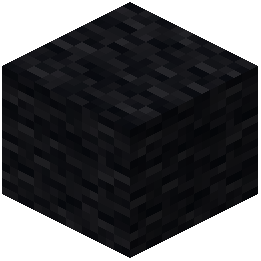 Black Wool
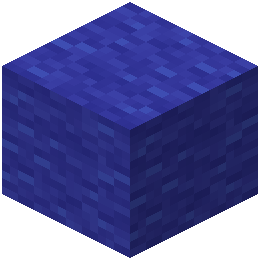 Blue Wool
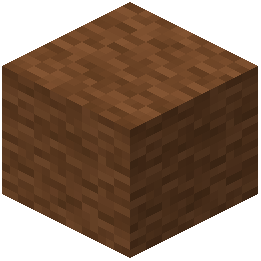 Brown Wool
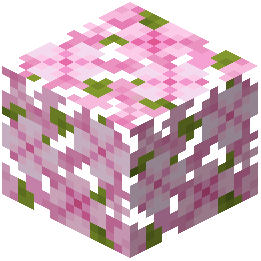 Cherry Leaves
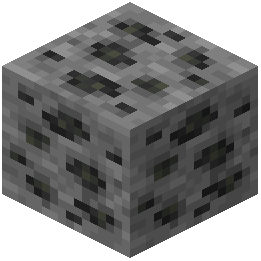 Coal Ore
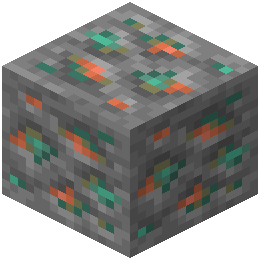 Copper Ore
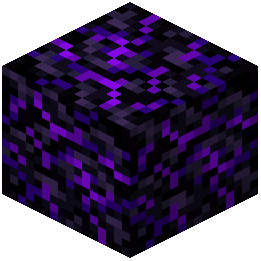 Crying Obsidian
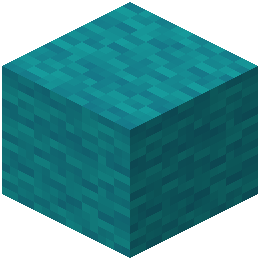 Cyan Wool
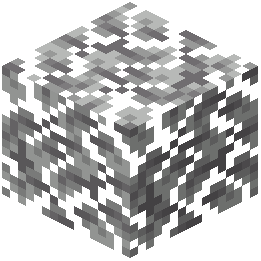 Dark Oak Leaves
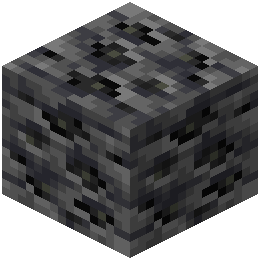 Deepslate Coal Ore
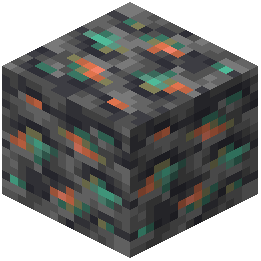 Deepslate Copper Ore
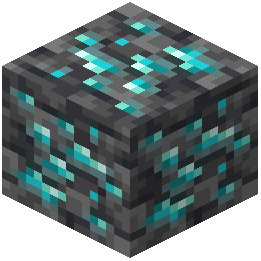 Deepslate Diamond Ore
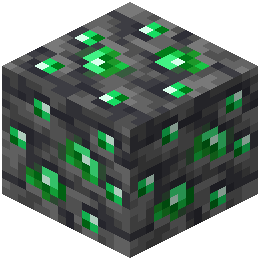 Deepslate Emerald Ore
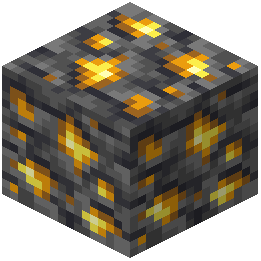 Deepslate Gold Ore
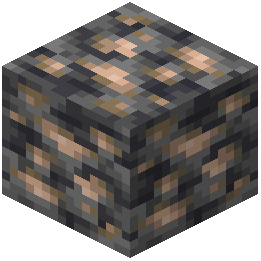 Deepslate Iron Ore
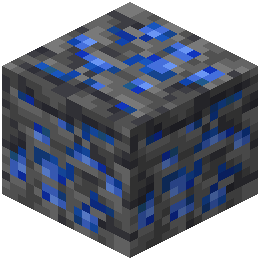 Deepslate Lapis Lazuli Ore
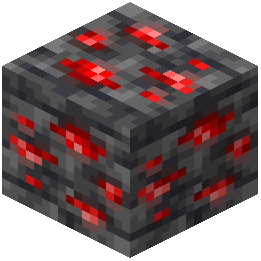 Deepslate Redstone Ore
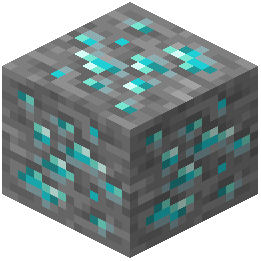 Diamond Ore
What this pack changes
Every texture group the pack replaces, counted from the pack itself.
| Area | Textures replaced |
|---|---|
| GUI & menus | 588 |
| Items | 375 |
| Blocks | 293 |
| Particles | 150 |
| Mobs & entities | 68 |
| Maps | 36 |
| Jei | 19 |
| Trim Preview | 18 |
| Sky & weather | 13 |
| Slot | 11 |
| Misc | 9 |
| Status effects | 6 |
| Paintings | 1 |
Pack format 84 (Minecraft 1.21.9)1,587 texture files in total
Extra features
Custom shaders
Custom font
Custom block/item models
Reworked GUI
Custom particles
Frequently asked questions
How do I unlock the legendary 3D weapon forms?
Take a Netherite Sword or Netherite Axe to an anvil and rename it to one of the special names like "Ancient Sword", "Jisanz's Blade", "Ancient Scythe", or "Jisanz's Scythe". Once renamed, the weapon will display its custom 3D model in your hands and in item frames.
Why can't I see the glowing ore outlines?
Make sure the resource pack is loaded and ranked above any conflicting packs in your resource pack list. Ore outlines work best in darker lighting conditions like caves; they may be subtle in bright daylight.
How do I tell a trap chest from a real one?
Trap chests have a bright red indicator overlay on them, while normal chests appear without this marking. Always look for the red warning before opening any chest you find.
Do the custom weapon names affect gameplay or just visuals?
The renaming is purely visual—it only changes how the weapon looks, not its damage, enchantments, or stats. The weapon functions identically to a regular Netherite tool.
Will this pack make my game lag less during PvP?
Yes, the pack includes optimized block textures designed to reduce lag during combat. However, actual performance depends on your hardware and other mods; the pack removes visual clutter rather than changing game mechanics.
Can I see invisible players with this pack?
The pack makes invisible players slightly visible so they cannot completely hide, giving you a better chance to detect sneaky opponents during PvP.
What does the dark mode UI do?
The dark mode theme changes your interface colors to be easier on your eyes during long gaming sessions, especially useful during intense PvP battles.
How do I know when my armor is about to break?
The pack adds a visual breaking animation to armor pieces, so you can see when your gear is damaged and needs repair before it completely breaks.
Does this pack work with other resource packs?
You can use multiple resource packs together, but place the Crazy PvP Pack higher in your resource pack list so its textures take priority over conflicting ones.
What's the potion brewing guide for?
The visual guide appears directly in the brewing stand menu and shows you potion recipes so you don't have to memorize ingredient combinations or look them up while brewing.
You May Also Like
Wikis that share the most with this one
Crazy Weapons RpgCrazy Warp ShadersCrazy Crates PluginCozy Nook Beds Resource PackCpvp Alya Kujo Anime Sky Resource PackCpvp Essentials Resource PackCpvp Miku Nakano Anime Sky Resource PackCpvp Umi Asanagi Anime Sky Resource PackCpvp Waguri Kaoruko Pack Anime Sky Resource PackCracker’s Wither Storm Mod Programmer Art Fix Resource Pack Crayon Craft Resource PackCreate New Age PT BR Translation Resource Pack
More resource pack wikis on the site
Cozy Bees! Resource Pack Cozy Beds Resource PackCotcotpack Resource PackConsumability Resource PackConsistent Signs Resource PackConsistent Dark Oak Resource PackConquest ReforgedConnected Paths Resource PackConnected Glasses Resource PackComputer Craft Greg Flavored Resource PackComprogrammer Programmer Art Mod Compat Compliation Resource PackComprogrammer Programmer Art Mod Compat Compliation
The most downloaded mods that have a wiki here
A few wikis from each of the other kinds
Gallery
9 images from the Crazy Pvp Pack Resource Pack page.


