

 DownloadBetter Rainbow Outlines Resource Pack
Get the files on 9Minecraft
Guides
Step-by-step, in-game.
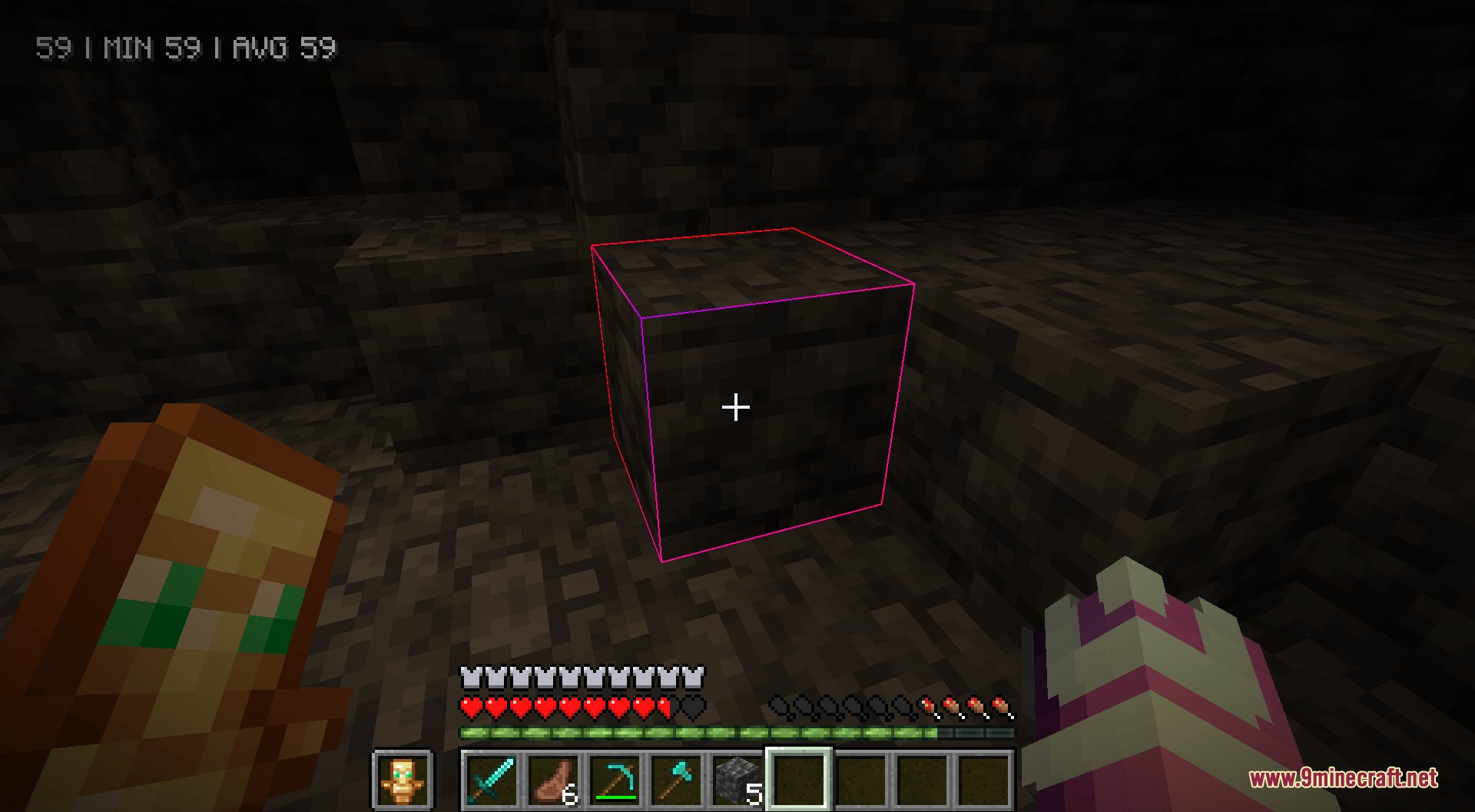
Enable Rainbow Outlines on Block SelectionHow It Works Better Rainbow Outlines automatically replaces your standard white block selection border with a smooth,…Improve Visibility When Mining or BuildingBetter Target Tracking The rainbow outline makes it significantly easier to track which block your crosshair is…Use Rainbow Outlines Across Different Game ModesCompatibility Across Modes Better Rainbow Outlines works seamlessly in every Minecraft game mode and environment:…View Rainbow Hitboxes for Mobs and BlocksActivating Debug Hitboxes Press F3 + B while in-game to toggle the debug hitbox display. This shows the collision and…
Frequently asked questions
How do I turn on the rainbow block outline?
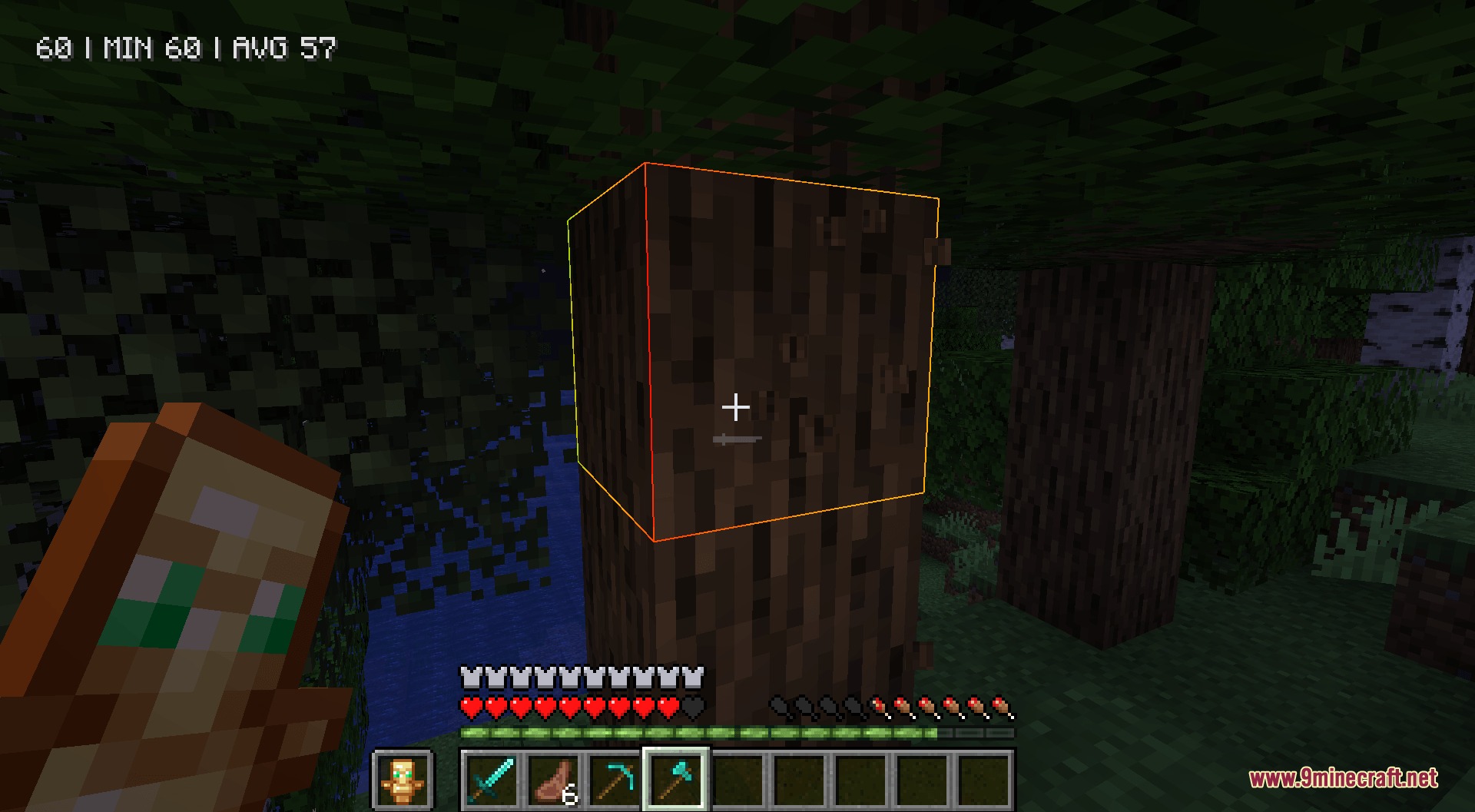
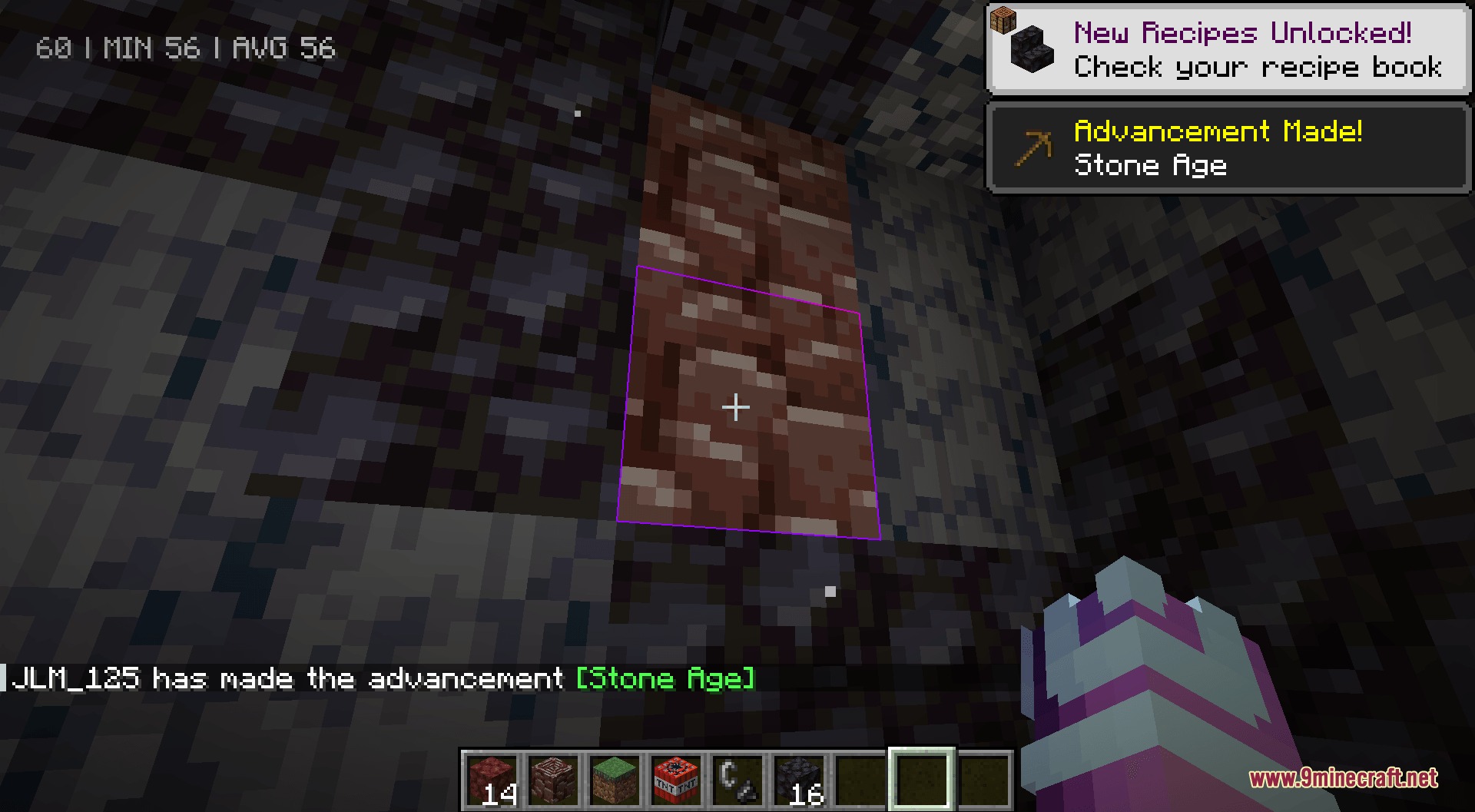
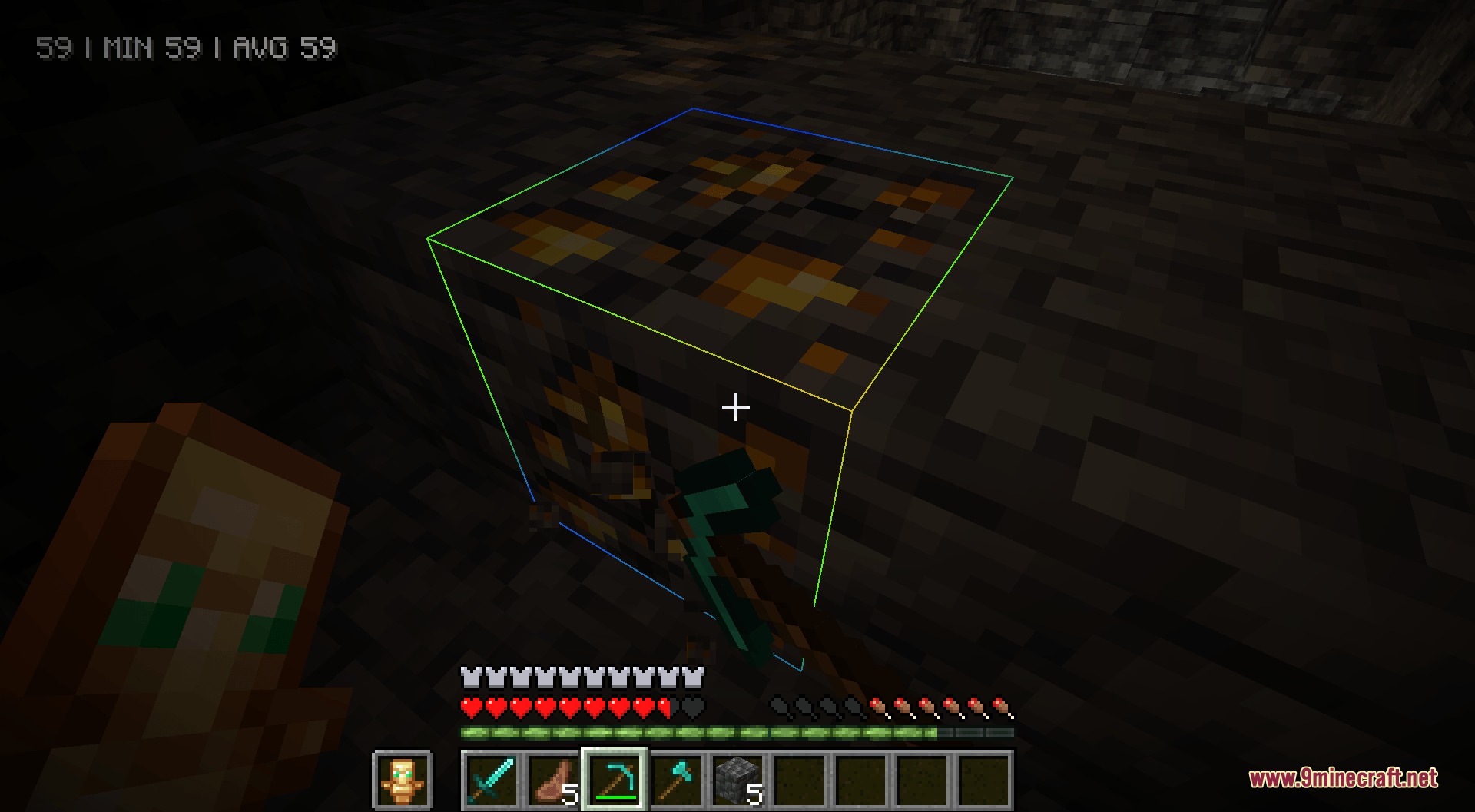
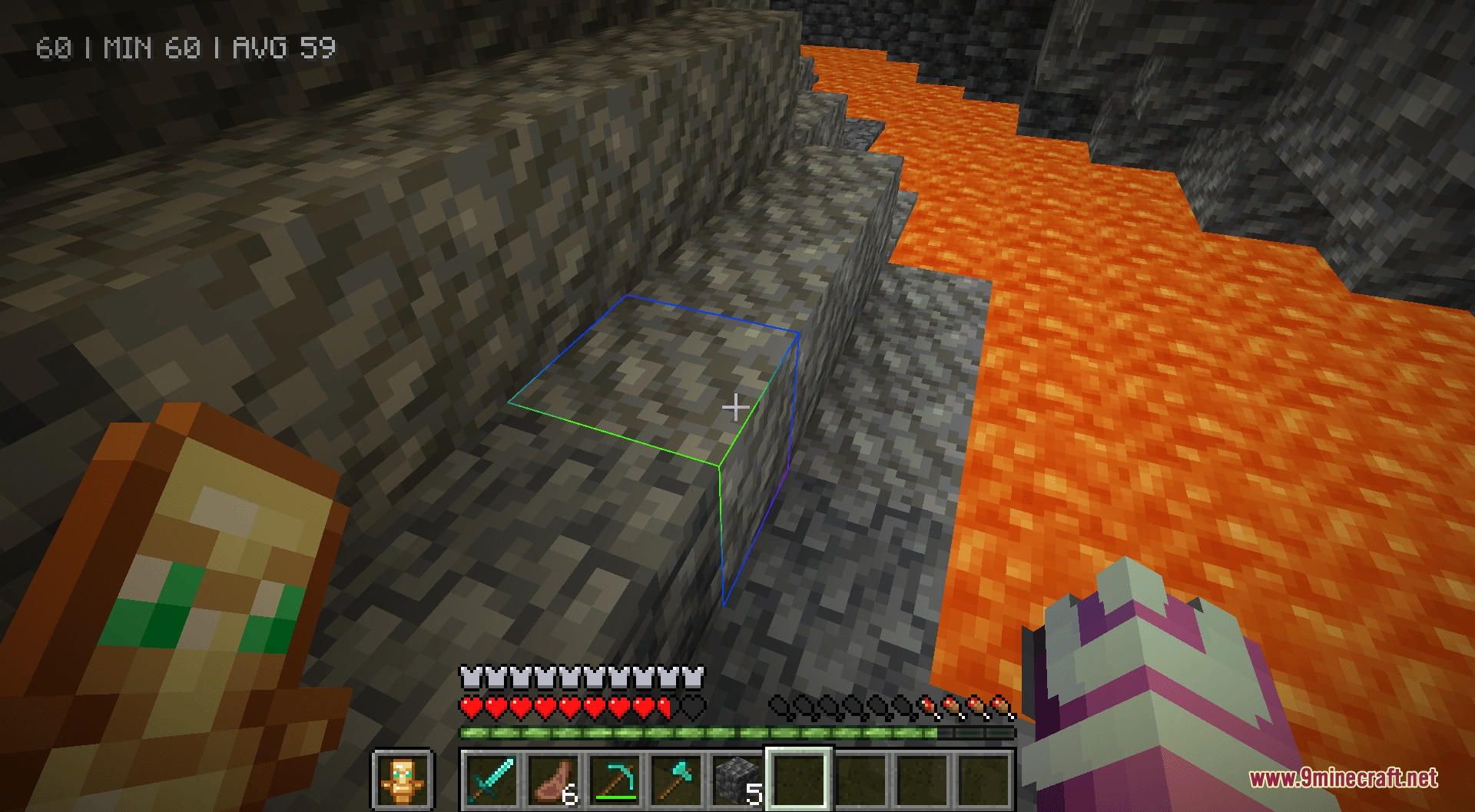
The rainbow outline activates automatically once the resource pack is loaded—simply point your crosshair at any block and you'll see the colored border instead of the default white line. If you don't see it, verify the resource pack is enabled in your resource pack menu.
Can I see rainbow outlines on mobs and entities?
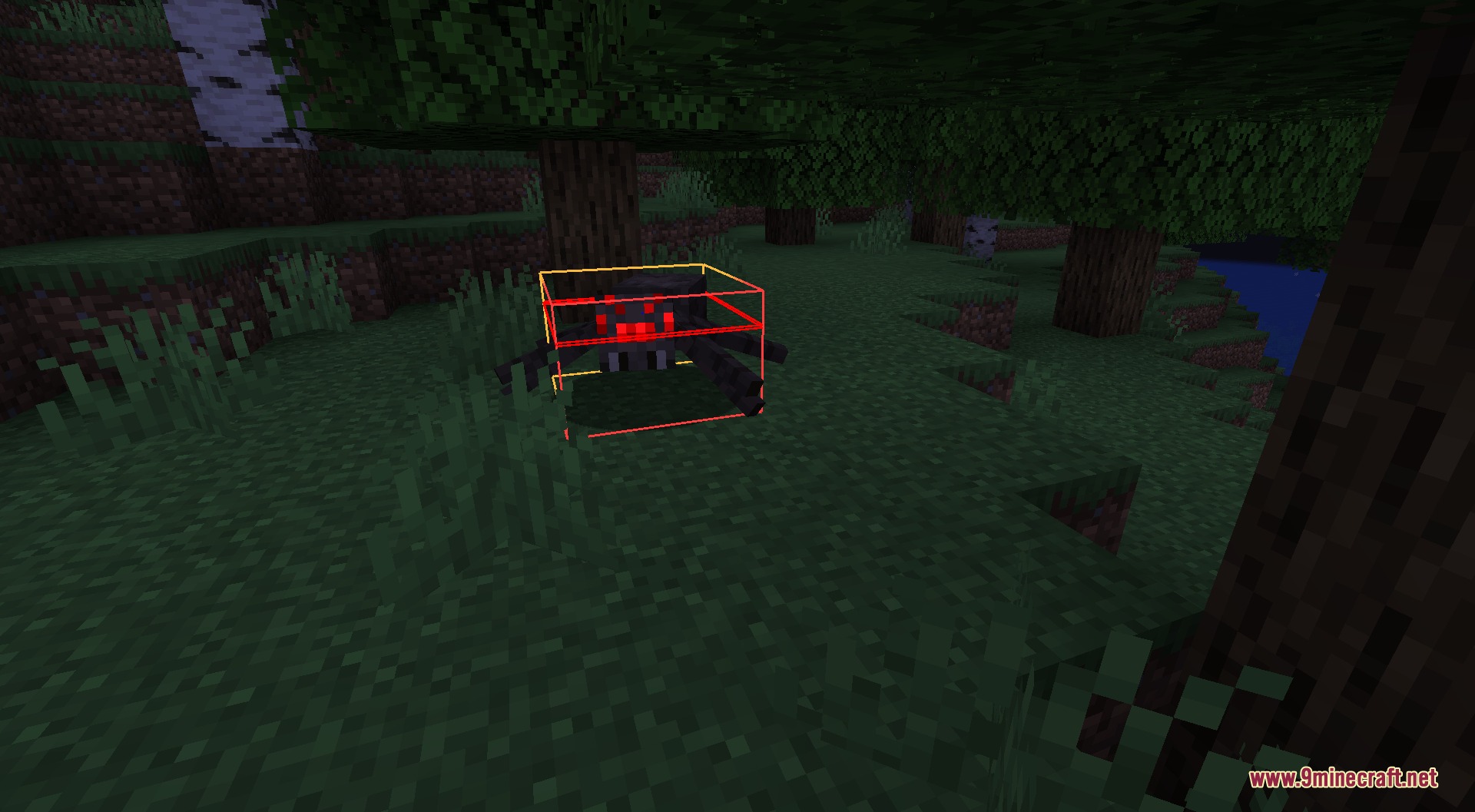
Yes, enable debug hitboxes by pressing F3 + B during gameplay, and mobs will display rainbow-colored hitbox outlines instead of the standard lines. This works for all entities including animals, monsters, and other players.
Does this work on modded blocks?
Yes, the rainbow outline applies to both vanilla and modded blocks since it replaces the universal block selection line rather than targeting specific blocks.
Will this resource pack change my block textures or other visuals?
No, it only modifies the selection outline and debug hitboxes—all standard block textures, items, and other visuals remain completely unchanged.
See all 10 Better Rainbow Outlines questions ›
Gallery
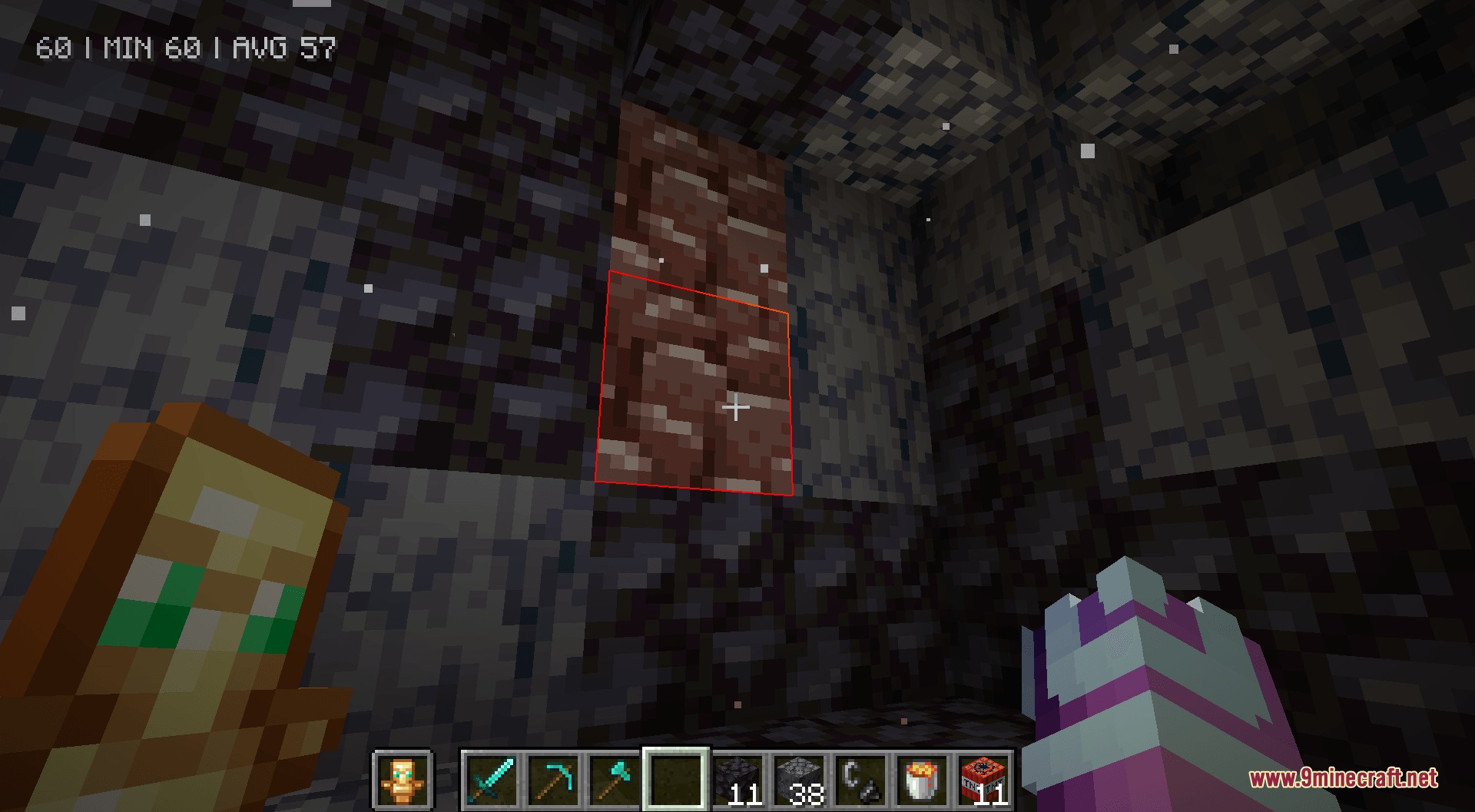
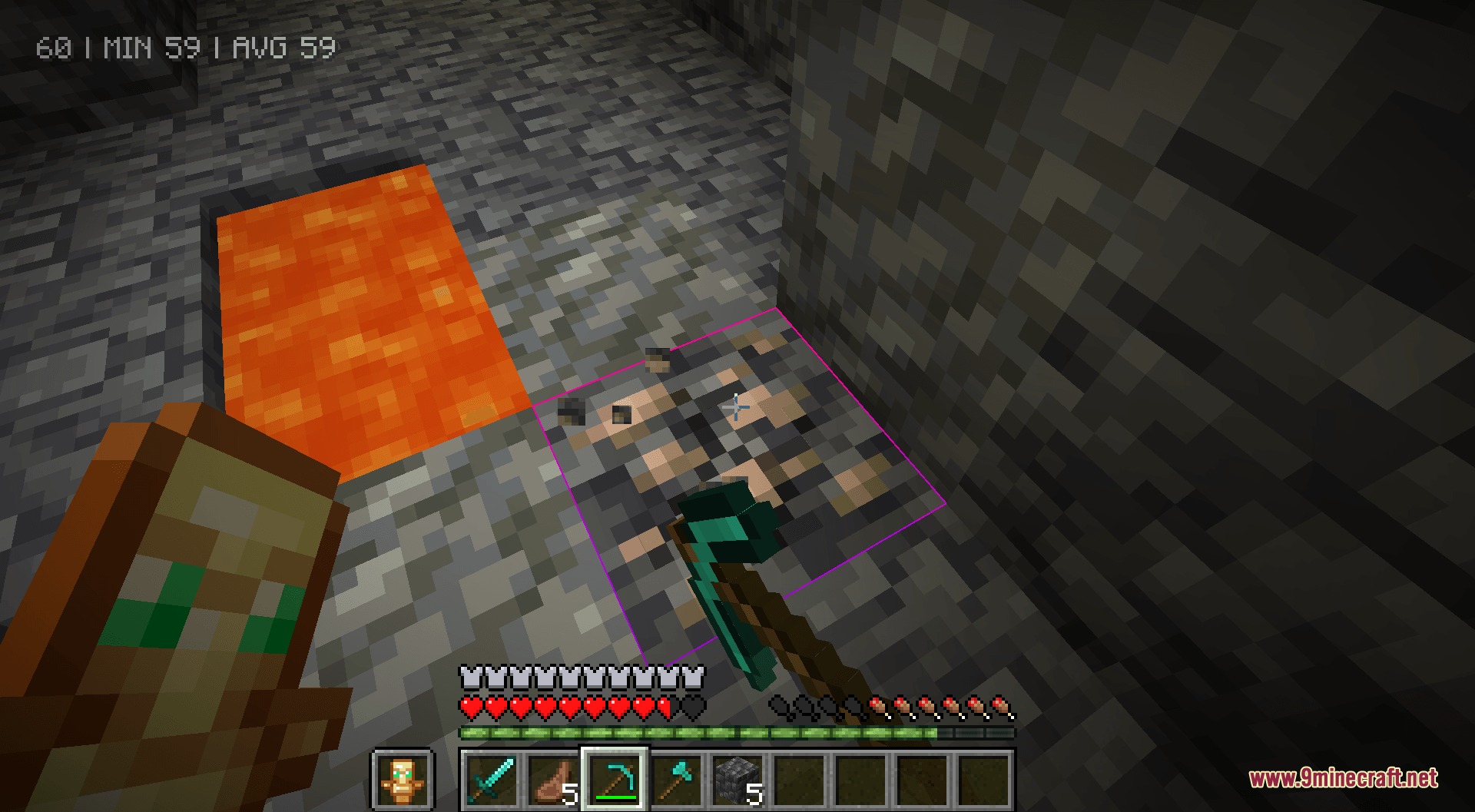
9 images from the Better Rainbow Outlines Resource Pack page.
You May Also Like
Wikis that share the most with this one
Wikis on the same theme: end
UltimacraftShaded Font Resource PackVibrant Pbr Resource PackMatralys 16X Resource PackX-Ray Vision Resource PackLiving Dragon Resource PackNew End Stone Resource Pack3d Entity Eggs Resource PackCapeless Wings Resource PackShield by Side Resource PackA7Mds 3D Potions Resource PackAuthentic Shadows Resource Pack
More resource pack wikis on the site
Better Pvp Visual Resource PackBetter Nether PT BR Translation Resource PackBetter Nether Portal Resource PackBetter Nautilus Armor Resource PackBetter Minecraft Vanilla Items And Textures Resource PackBetter Lights Resource PackBetter Lanterns Resource PackBetter GUI Workbench Villagers… Resource PackBetter Grass Without Flowers Resource Pack Better Glass Edges Resource PackBetter Foliage Add-on Resource PackBetter Flame Particles Resource Pack
The most downloaded mods that have a wiki here
A few wikis from each of the other kinds