

 DownloadRealm Tint AFK Plugin
Get the files on 9Minecraft
Guides
Step-by-step, in-game.
Disable Chat or Player List Coloring IndependentlyLocate Toggle Settings Open the plugin's configuration file. Look for separate boolean options (usually true / false…Set Up Custom Colors for Your Server's DimensionsAccess the Configuration File Locate the Realm Tint AFK Plugin config file in your server's plugin folder. This is…Troubleshoot Color Display Issues Across DimensionsVerify Dimension Names in Config Check that your configuration file uses the exact dimension identifiers your server…Understand and Manage AFK Status DetectionHow Automatic AFK Detection Works The plugin monitors player activity and automatically marks inactive players with…
Frequently asked questions
What counts as AFK and how long does it take to be marked away?
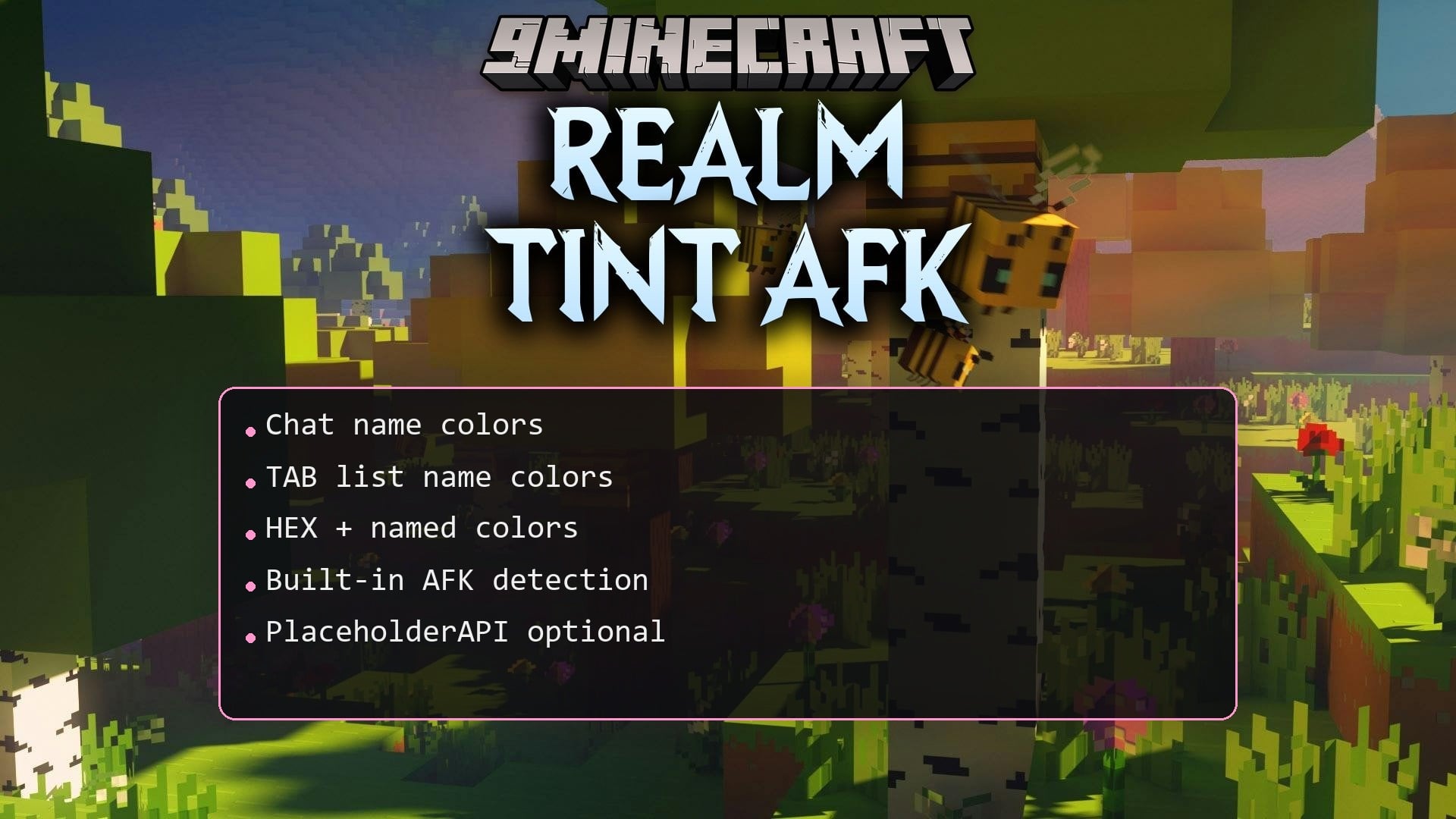
The plugin detects inactivity automatically—when a player stops moving or interacting for a set period, their name turns gray in the player list and chat. You can adjust the inactivity timer or disable auto-detection entirely in the configuration.
Can players manually toggle their away status without waiting?
Yes, players can use a command (typically `/afk` or similar) to manually mark themselves as away or return to active status, which immediately updates their name color.
See all 10 Realm Tint AFK questions ›
Gallery
1 image from the Realm Tint Afk Plugin page.
You May Also Like
Wikis that share the most with this one
 Job X Plugin
Wikis on the same theme: cat
More plugin wikis on the site
 R Authorization Plugin
The most downloaded mods that have a wiki here
A few wikis from each of the other kinds