

 DownloadUpper Shell Shift
Get the files on 9Minecraft
Guides
Step-by-step, in-game.
Create a Custom Loot Case from ScratchSetting Up Your Casing Station Place a Casing Station block in your world and open its menu. This is your workspace…Edit an Existing Loot CaseAccessing Your Saved Cases Open your Casing Station block and look for your existing case in the menu. Unlike…Find and Open Loot Cases in Your WorldNatural Case Spawning Loot cases spawn naturally in several vanilla structures: Dungeon chests in underground…Understand Rarity Tiers and Drop RatesThe Four Rarity Tiers Upper Shell Shift Mod uses four rarity levels to control how often items appear when you open a…
Recipes
Every recipe the mod adds, grouped by how it is made.
Items
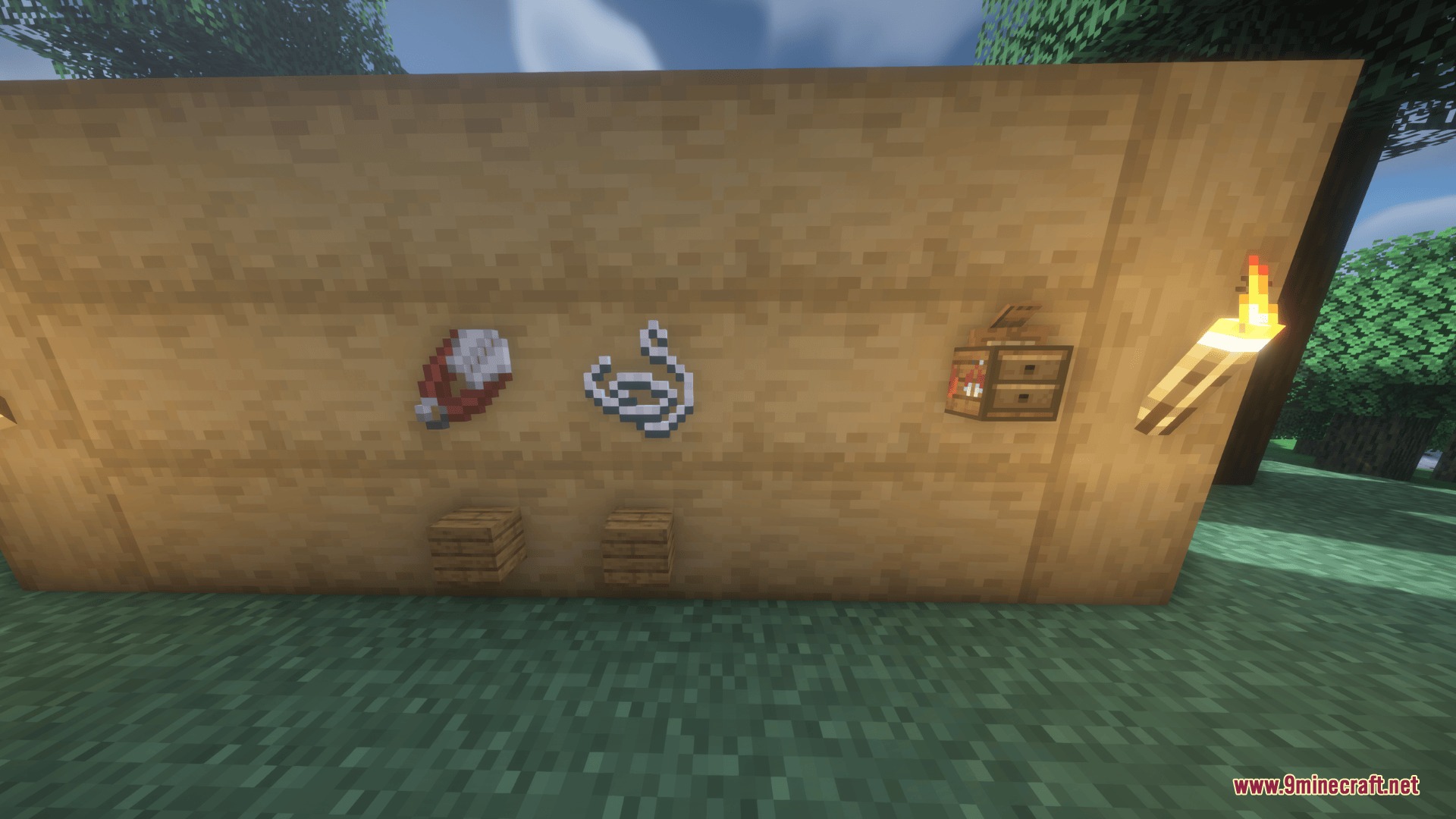
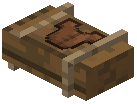 Armor Loot Case
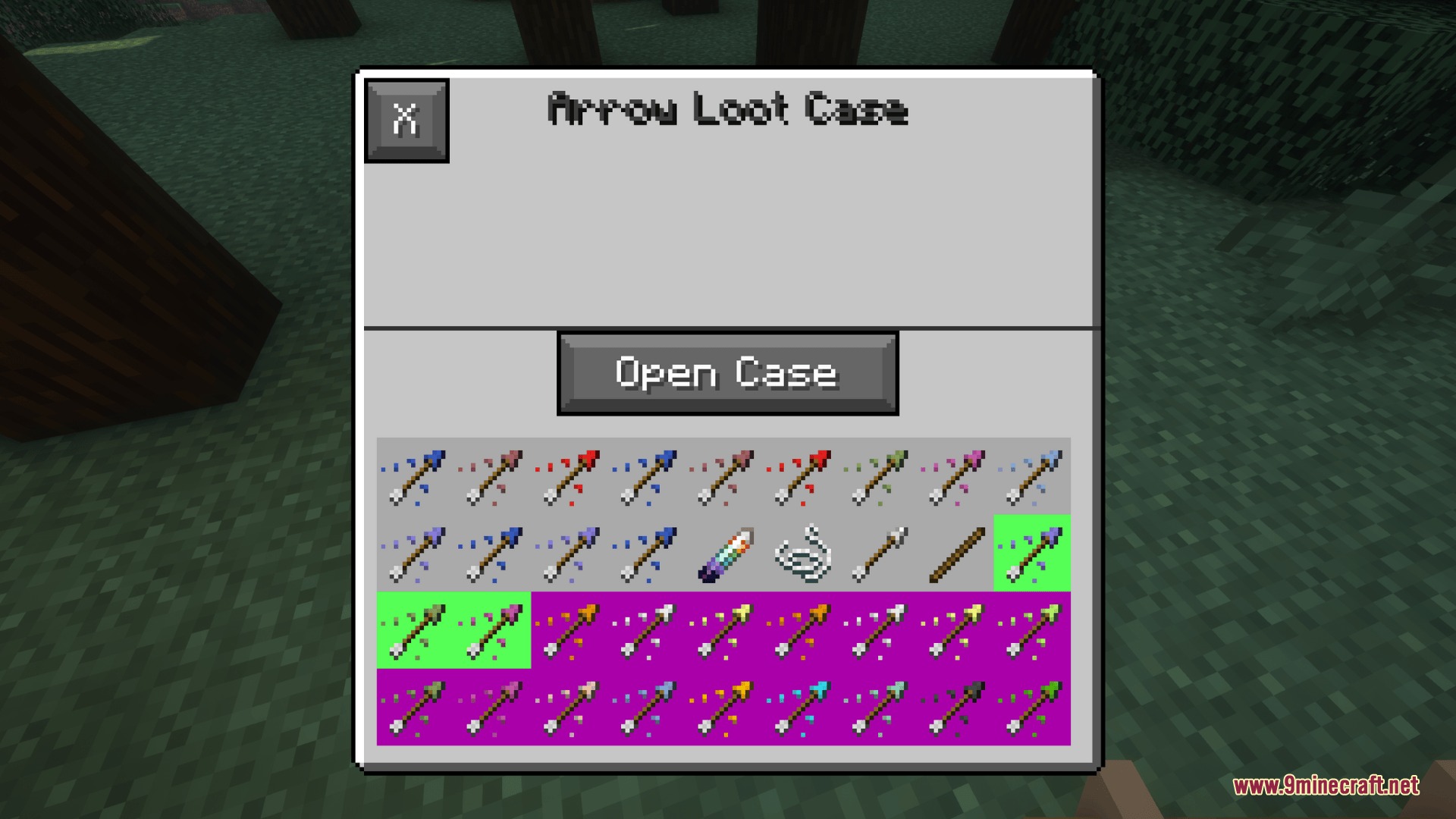
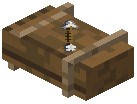 Arrow Loot Case
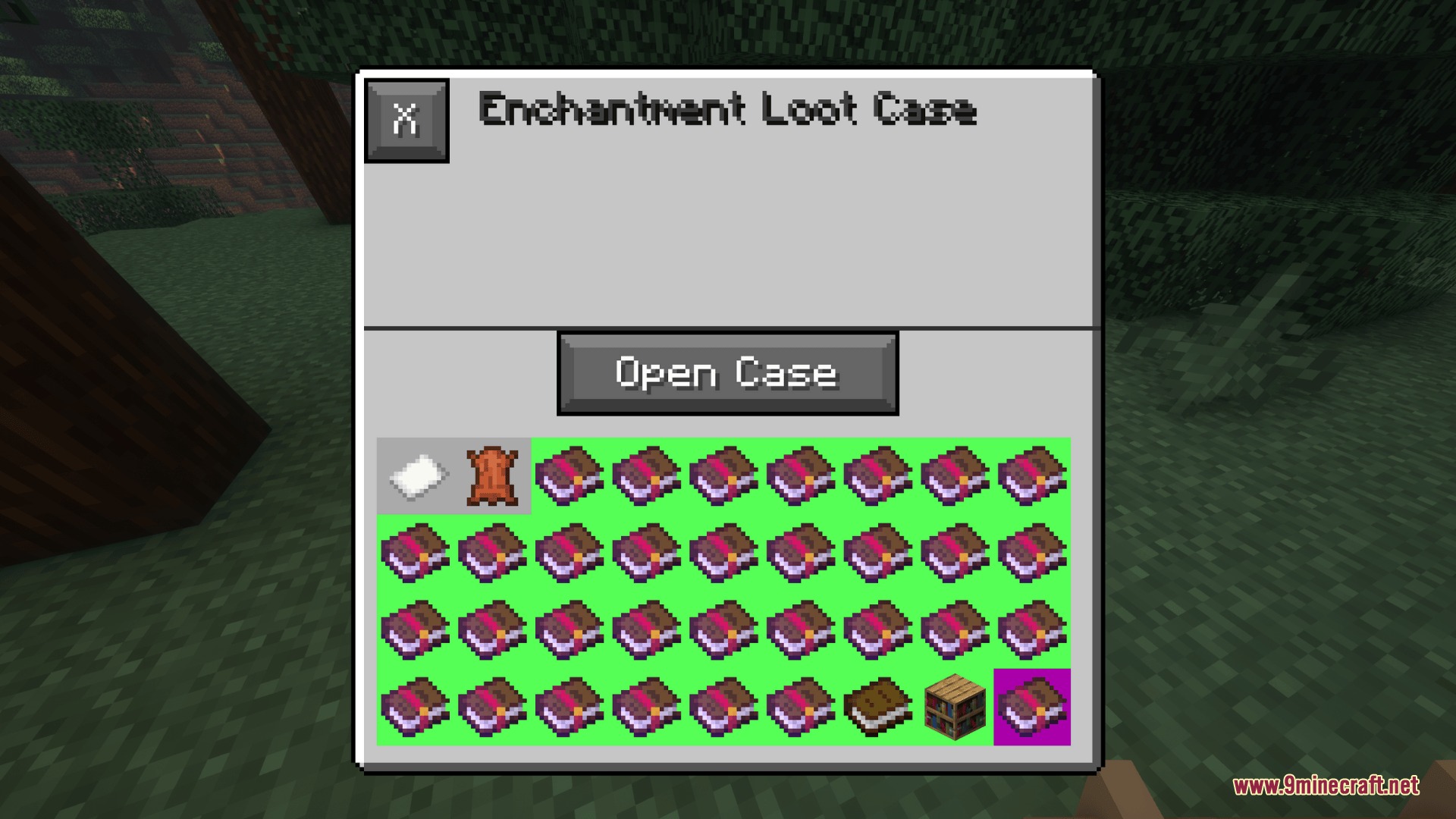
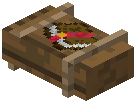 Enchantment Loot Case
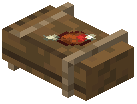 Food Loot Case
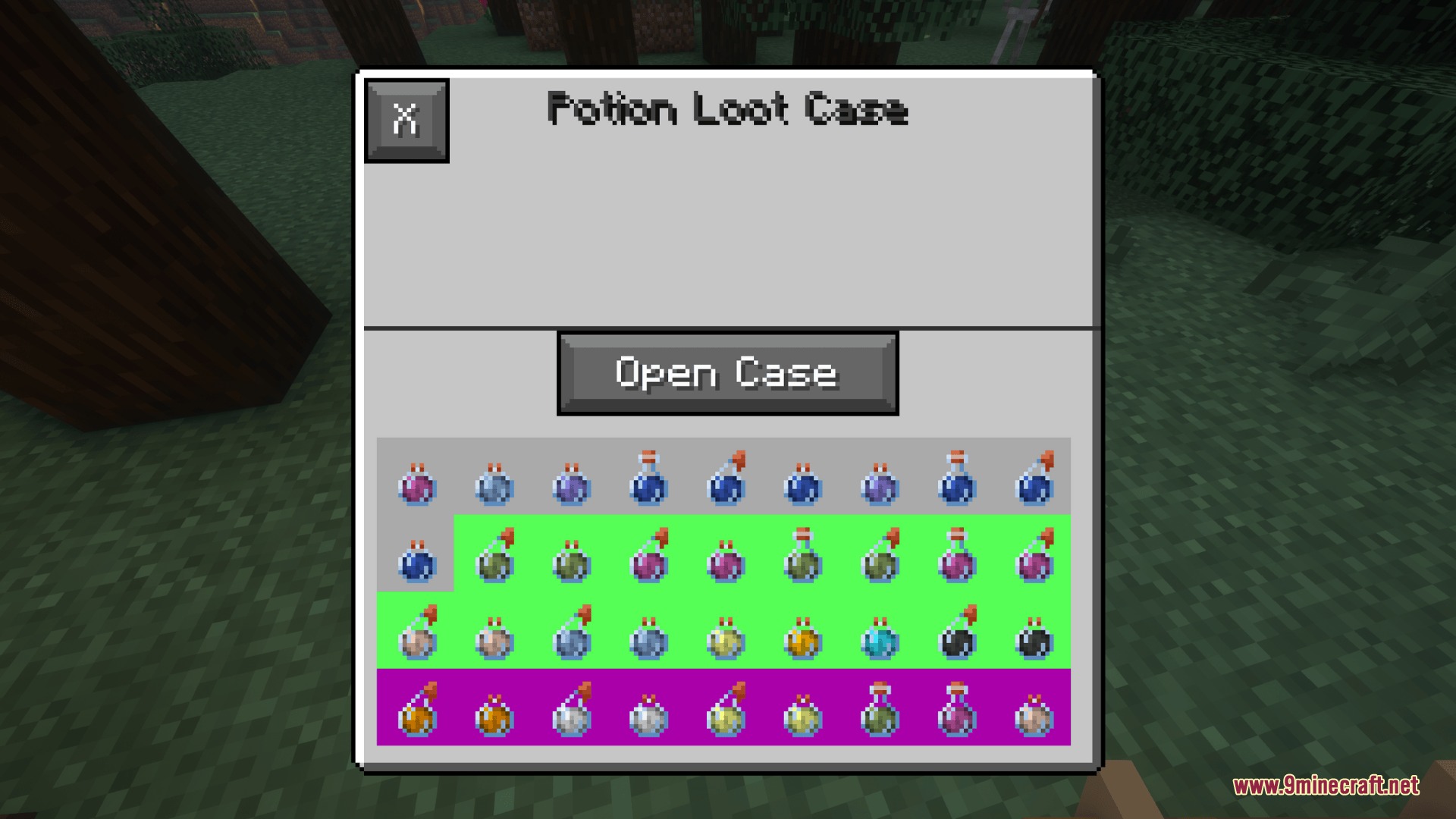
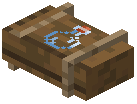 Potion Loot Case
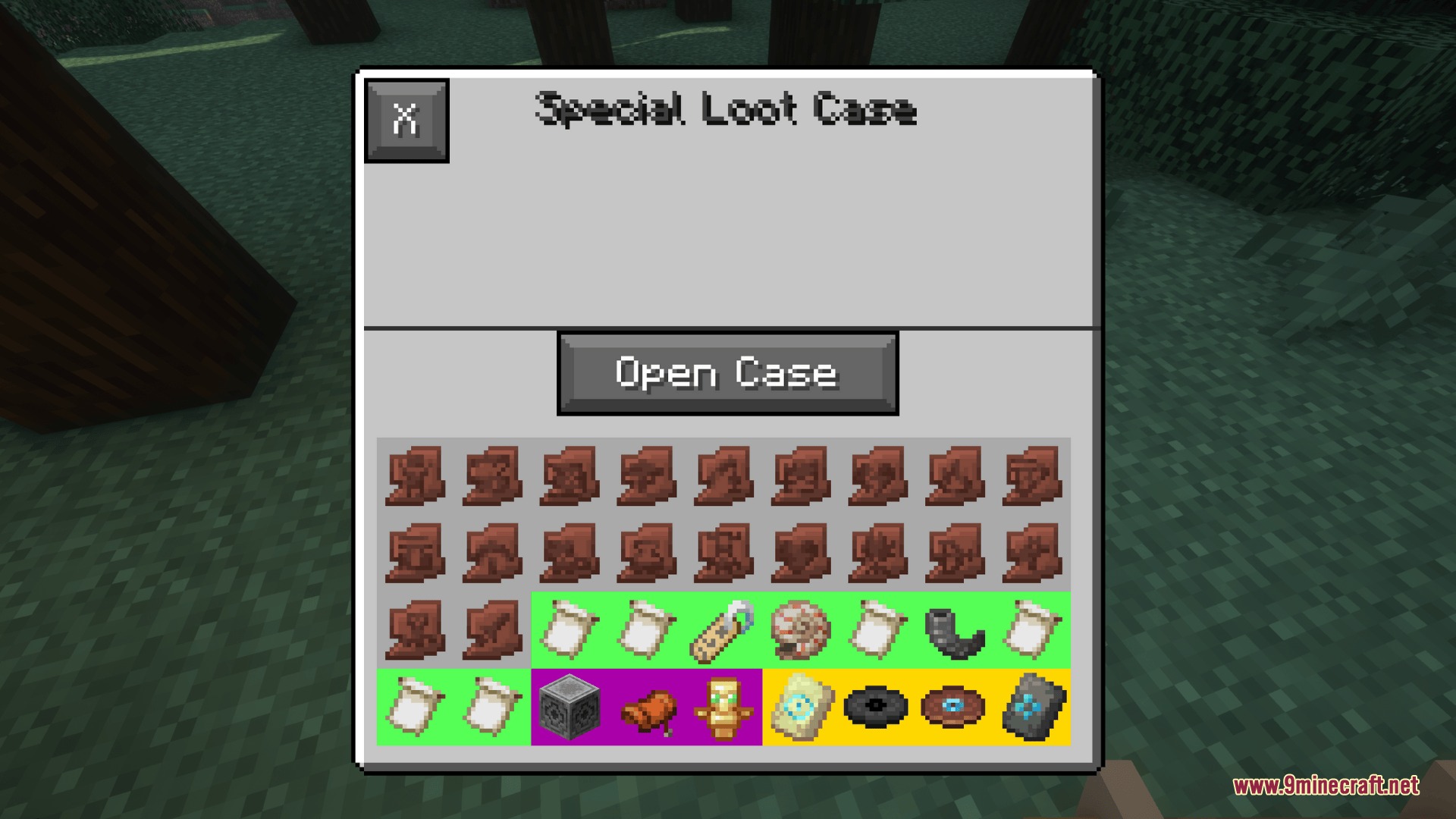
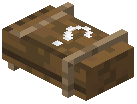 Special Loot Case
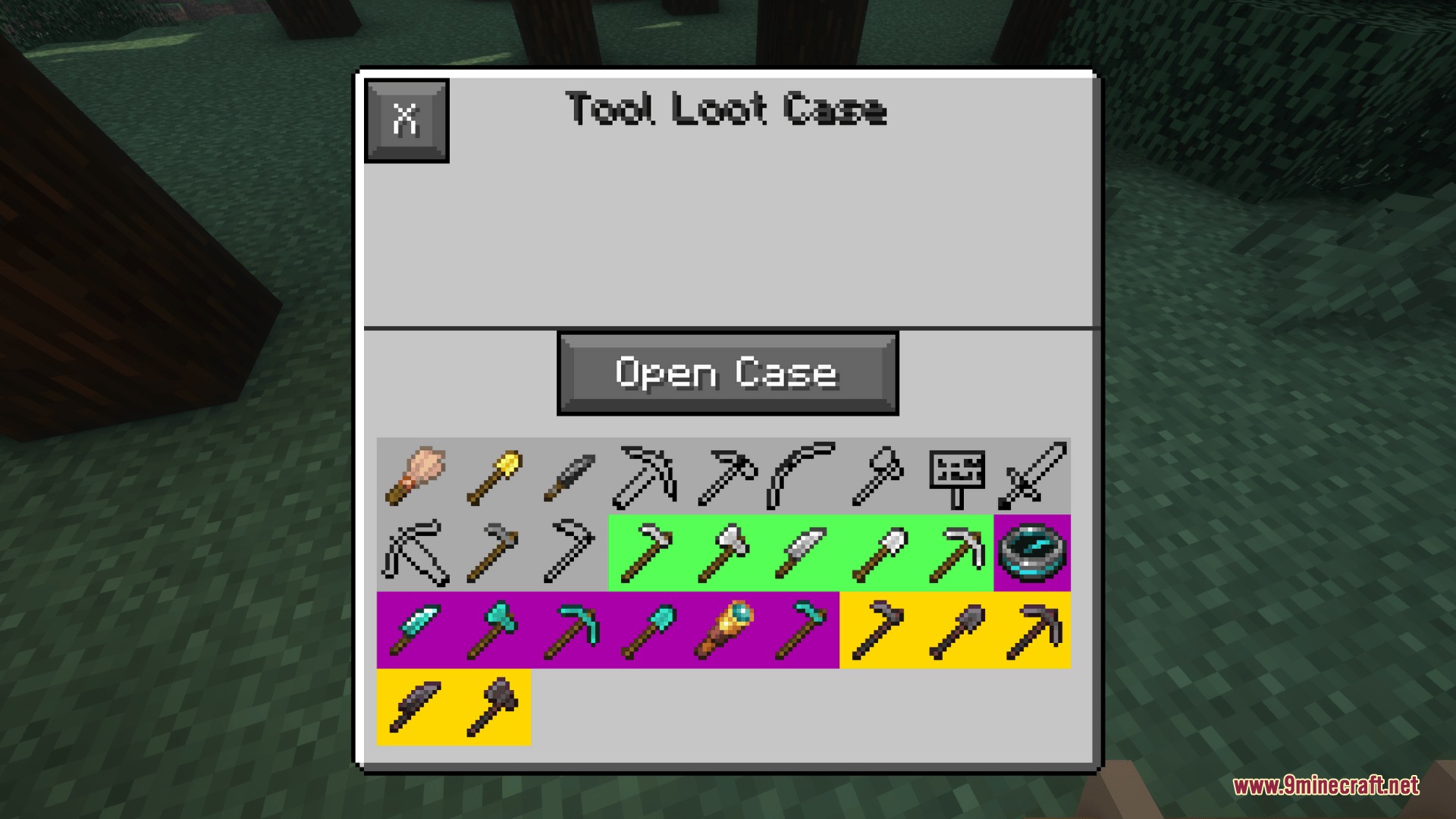
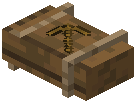 Tool Loot Case
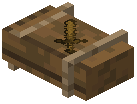 Weapon Loot Case
Blocks
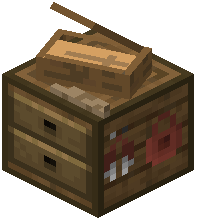 Casing Station
Advancements
Advancements this pack adds, and how to earn them.
Loot GoblinOpen 100 loot cases.
Ready for RollinObtain one type of loot crate in your inventory.
Underground GamblingOpen 10 loot cases in a single night.
Frequently asked questions
How do I get my first loot case?
You can find loot cases naturally spawning inside dungeon chests, abandoned mineshafts, and strongholds, or use the command /give @s recased:<case_name> to give yourself a specific case type. You can also trade with Case Trader villagers found in dedicated trader houses in villages.
What's the difference between the rarity tiers?
The mod includes four rarity tiers—Common, Rare, Epic, and Legendary—that determine how often an item drops from a loot case. When you create or edit a case, you assign each item to one of these tiers to control its drop chance.
Can I put modded items into custom loot cases?
Yes, the mod automatically scans your installed mods and sorts their items into loot pools that you can add to custom cases. Any item from another mod can be placed into a Casing Station just like vanilla items.
How do I create a custom loot case?
Place a Casing Station block, open its menu, and click the plus icon to create a new case. Click items from your inventory to add them to the loot table, then select each item to adjust its drop chance and drop amount range before closing the menu to save.
Do enchantments and potion effects stay on items when I open a case?
Yes, the mod retains full custom data including enchantments, custom potion effects, and durability levels on all stored items when they drop from a case.
Can I edit a loot case after I've created it?
Yes, open the Casing Station menu and select an existing case from the list to edit its contents, drop chances, and drop amounts at any time.
Where do I find the Case Trader villagers?
Case Trader villagers spawn in dedicated Case Trader houses that generate in all five village types, making them accessible in any village you find.
What happens if I have conflicting items from multiple mods with the same name?
The mod automatically sorts items by their mod source when scanning, so items from different mods are kept separate in the loot pools even if they share similar names.
What's the best way to farm loot cases efficiently?
Focus on exploring dungeons, mineshafts, and strongholds for natural spawns, or set up a village with Case Traders and trade with them repeatedly for a steady supply of cases.
Gallery
7 images from the Upper Shell Shift Mod page.
You May Also Like
Wikis that share the most with this one
Wikis on the same theme: enchant
More mod wikis on the site
The most downloaded mods that have a wiki here
A few wikis from each of the other kinds