

 DownloadUpdating World Icon Mod
Get the files on 9Minecraft
Guides
Step-by-step, in-game.
Fixing a World Icon That Is Not UpdatingConfirm the Mod Is Active If your icon still looks like the original generation screenshot, first make sure the mod…How to Get a Fresh World Icon Every Time You Load Your WorldWhat the Mod Actually Does This mod hooks into the world-loading process. Every time you open a singleplayer world,…Making a Specific Build or Base Show Up as Your World IconWhy the Icon Looks the Way It Does The icon is captured when the world finishes loading, from the player's position…Using the Updating Icon to Track Your Progress Across a Long WorldA Simple Visual History Because the icon refreshes on every load, your world list becomes a rolling snapshot of where…
Frequently asked questions
How do I make my world icon update?
Just load the world normally — the mod regenerates the icon automatically each time the world is loaded. No keybind, command, or config change is needed to trigger it.
Does the icon update when I quit or when I load?
The new icon is captured when the world is loaded, so the image you see in the world list reflects the state of the world at that moment. The previous icon is replaced rather than kept as a history.
Why is my world icon still the same after loading?
Make sure the mod is actually loaded for that world's session and that you fully exited and re-entered the world list. If the icon still looks identical, the view at load time may simply be very similar to the old one.
Can I choose which build shows up as my world icon?
The icon is taken from wherever the player is positioned when the world loads, so stand at or near the build you want featured before loading in. Positioning yourself so the build is in view is the practical way to control it.
See all 10 Updating World Icon questions ›
Gallery
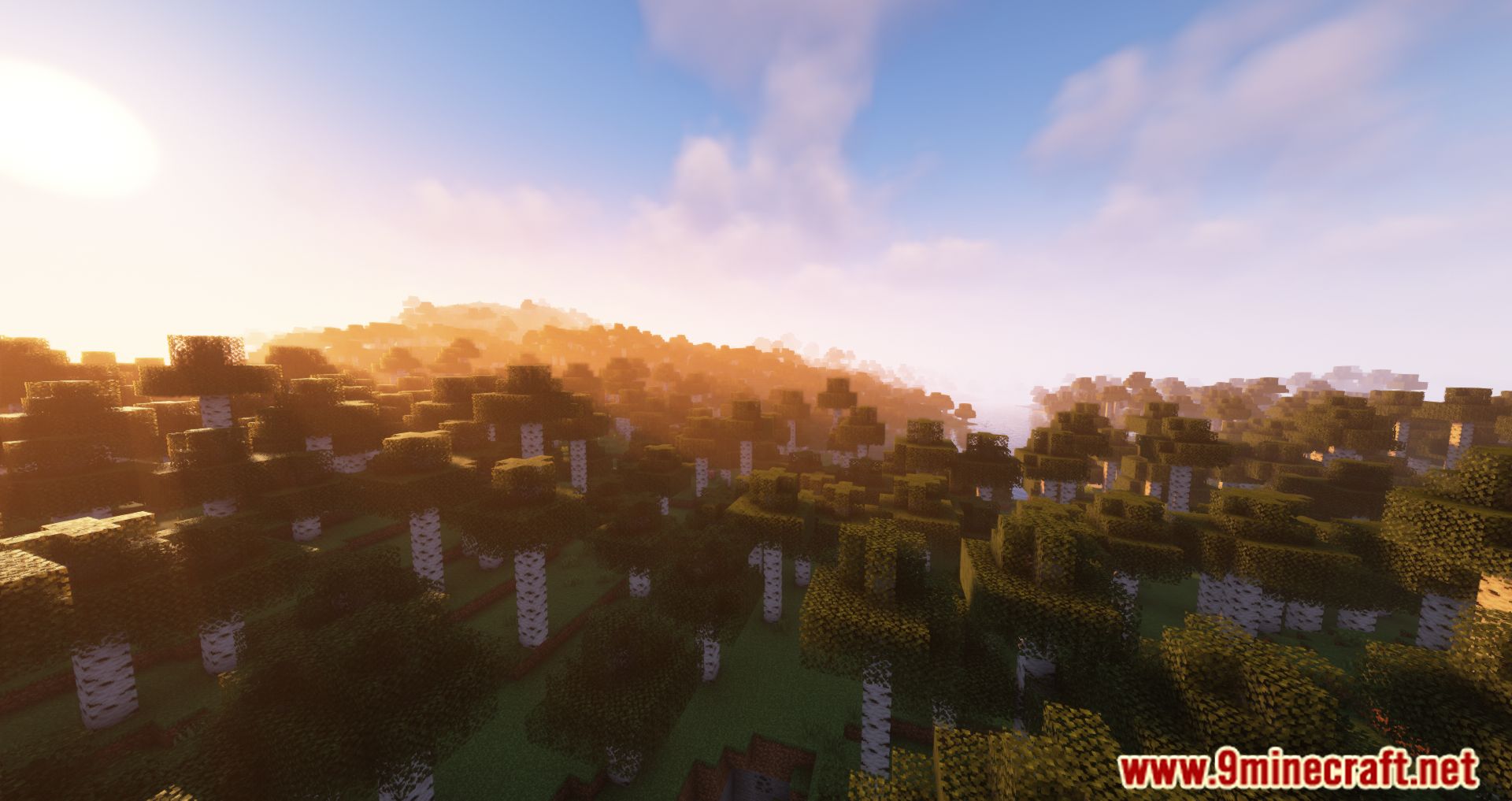
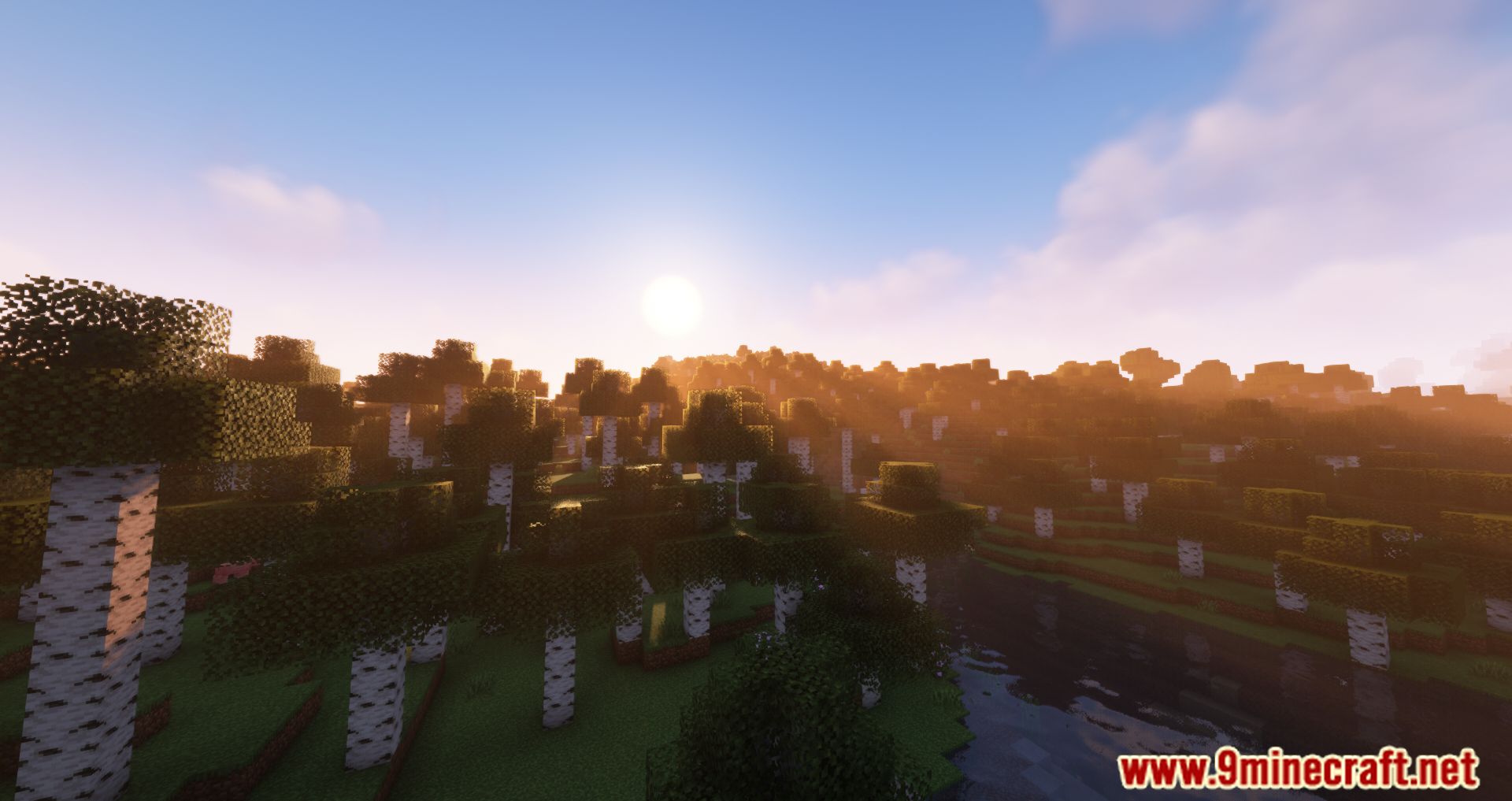
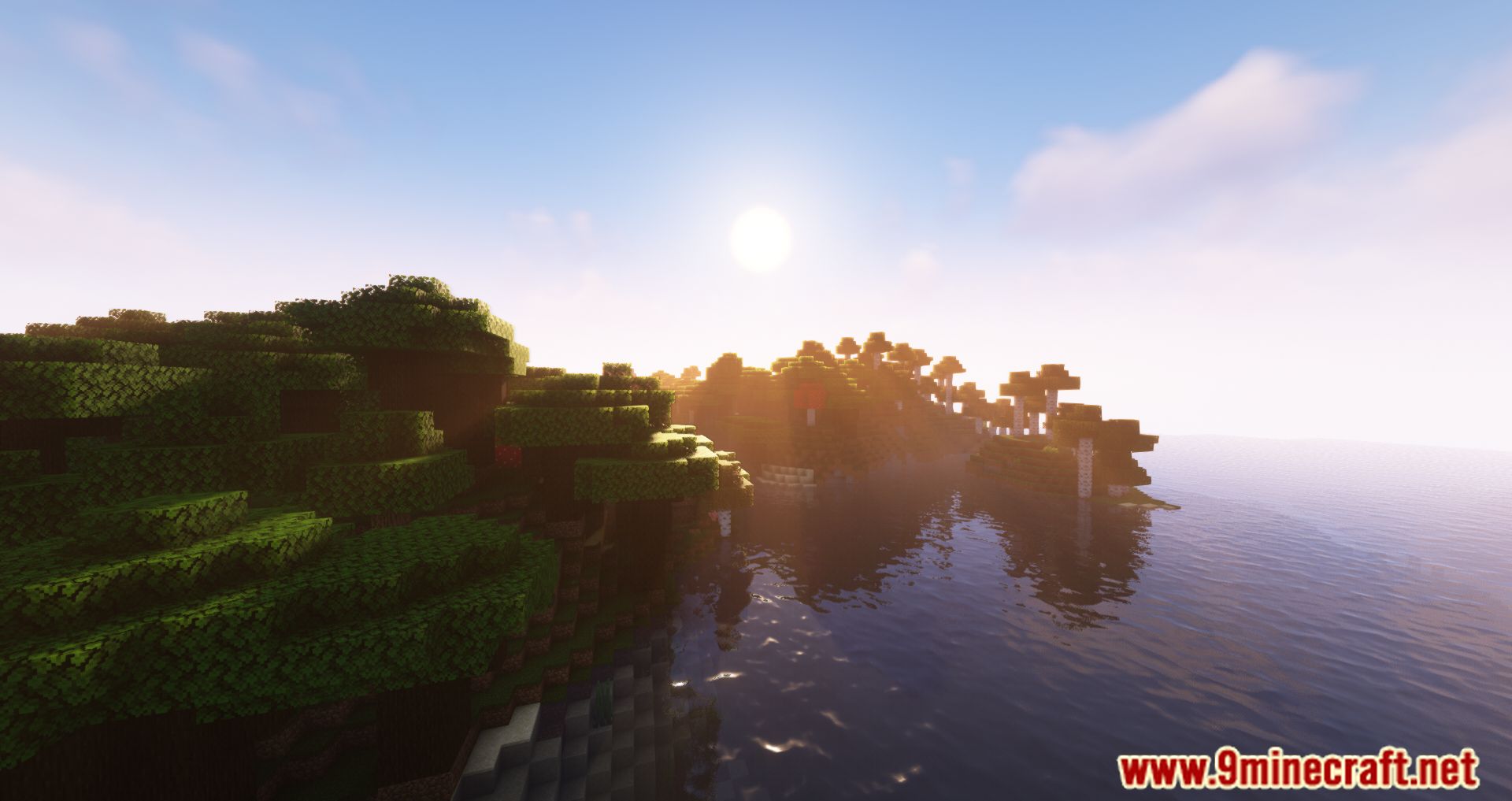
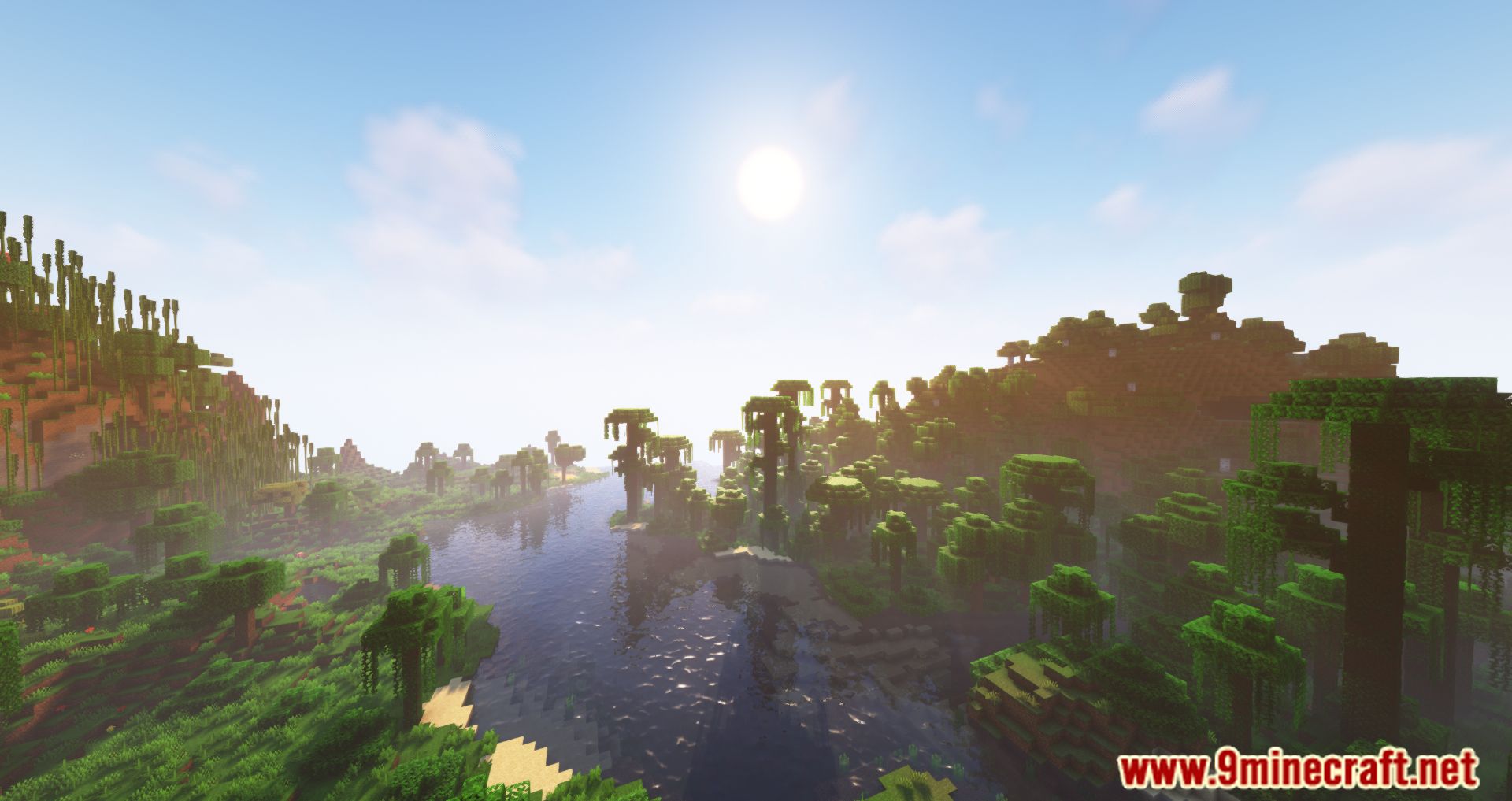
11 images from the Updating World Icon Mod page.
You May Also Like
Wikis that share the most with this one
Wikis on the same theme: world
More mod wikis on the site
The most downloaded mods that have a wiki here
A few wikis from each of the other kinds