

 DownloadTiers Mod
Get the files on 9Minecraft
Guides
Step-by-step, in-game.
How to Check Your Own Tier In-GameQuick HUD Check Once the mod is installed, your current tier for the active gamemode is shown on your HUD by default.…How to Customize the Tier HUD and Switch GamemodesChanging What's Displayed Open the mod's config screen to control two main things : Gamemode shown — pick which…How to Look Up Any Player's Tier with a CommandUsing /tiers When you want details on a specific player rather than whoever is nearby, use the chat command: ` /tiers…How to See the Tier of the Player Nearest to YouThe H Key Screen Instead of typing a name, you can inspect whoever is closest to you in the world: 1. Stand near the…
Frequently asked questions
How do I get the tier display to show up on my screen?
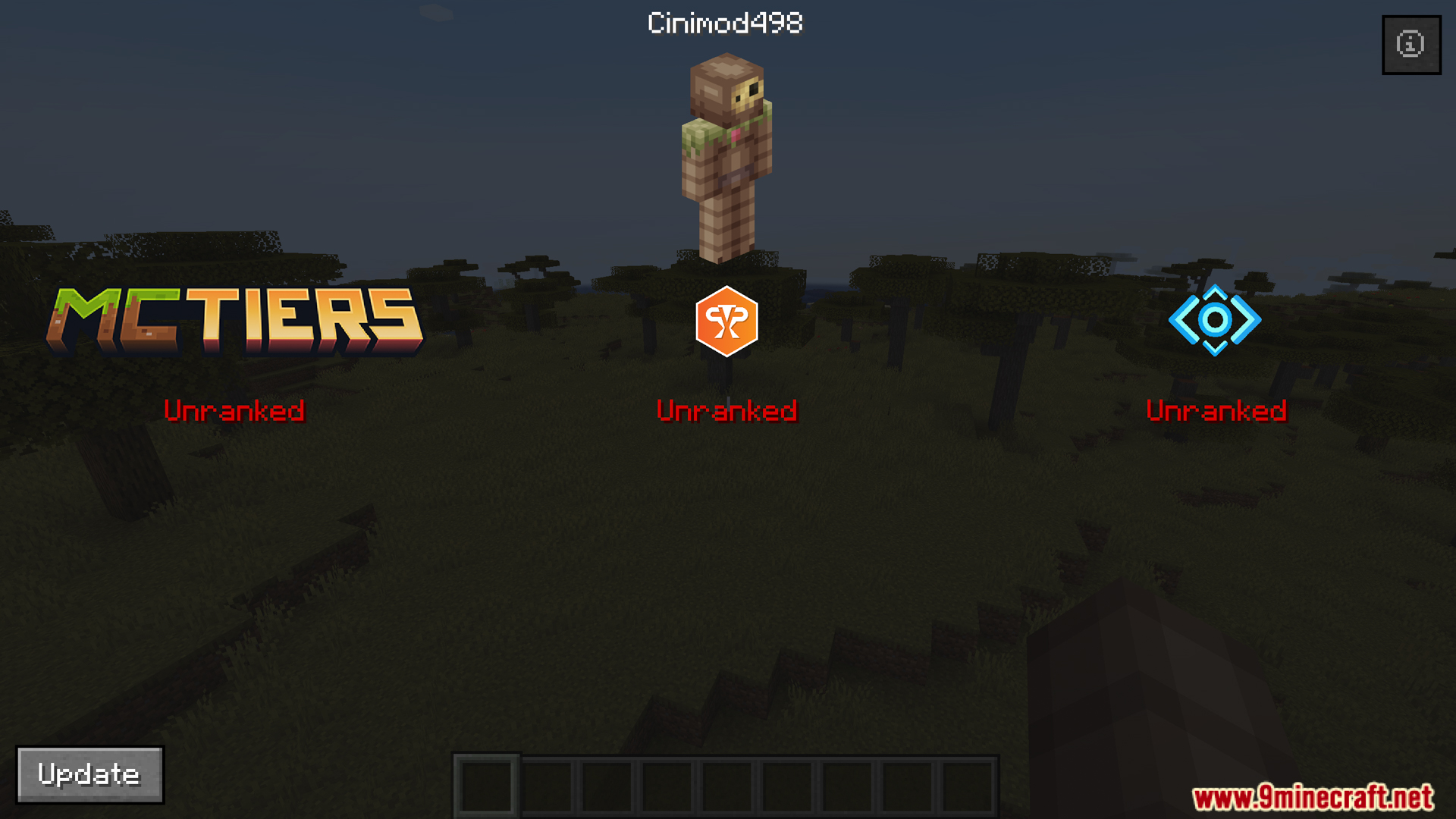
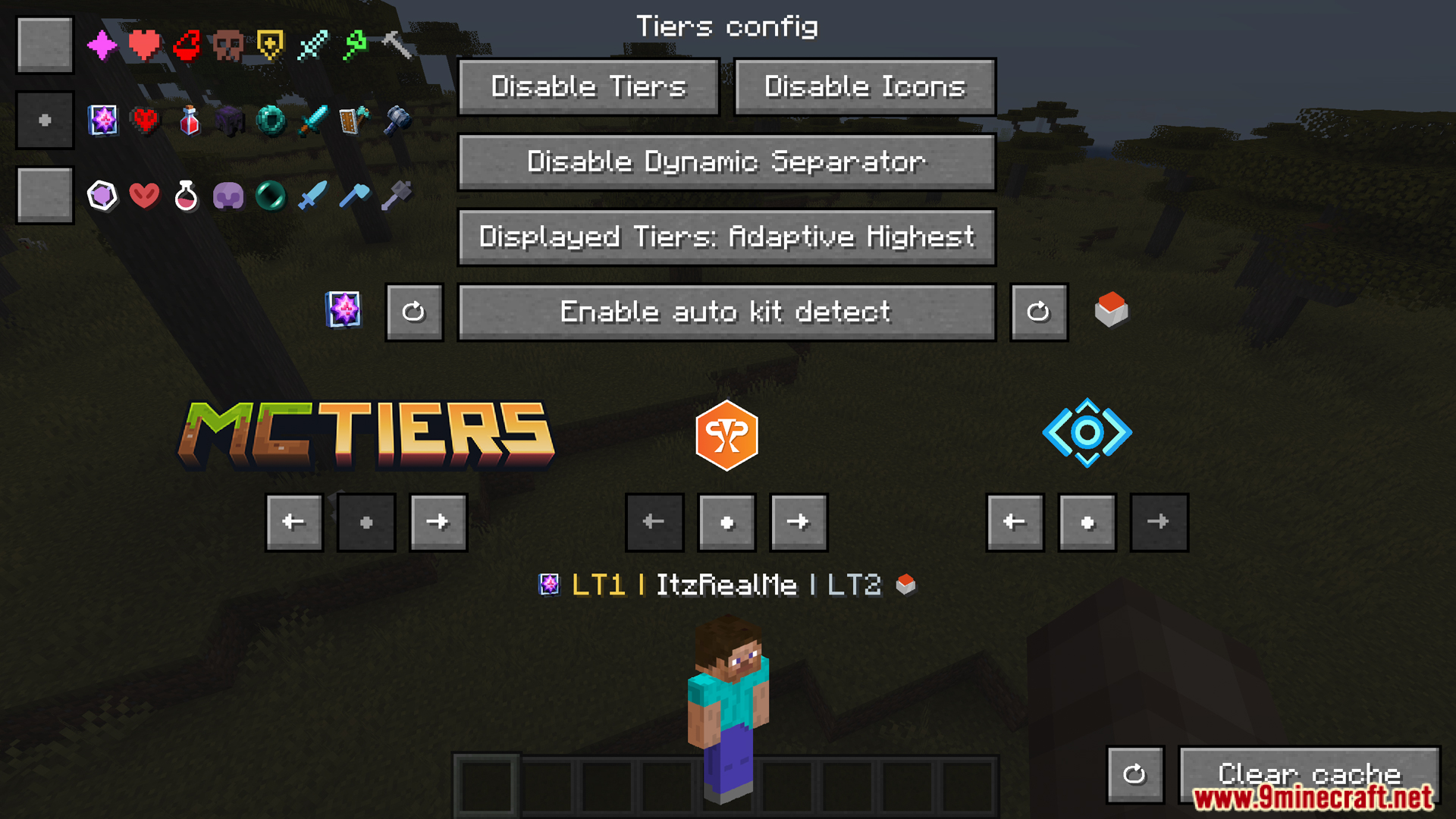
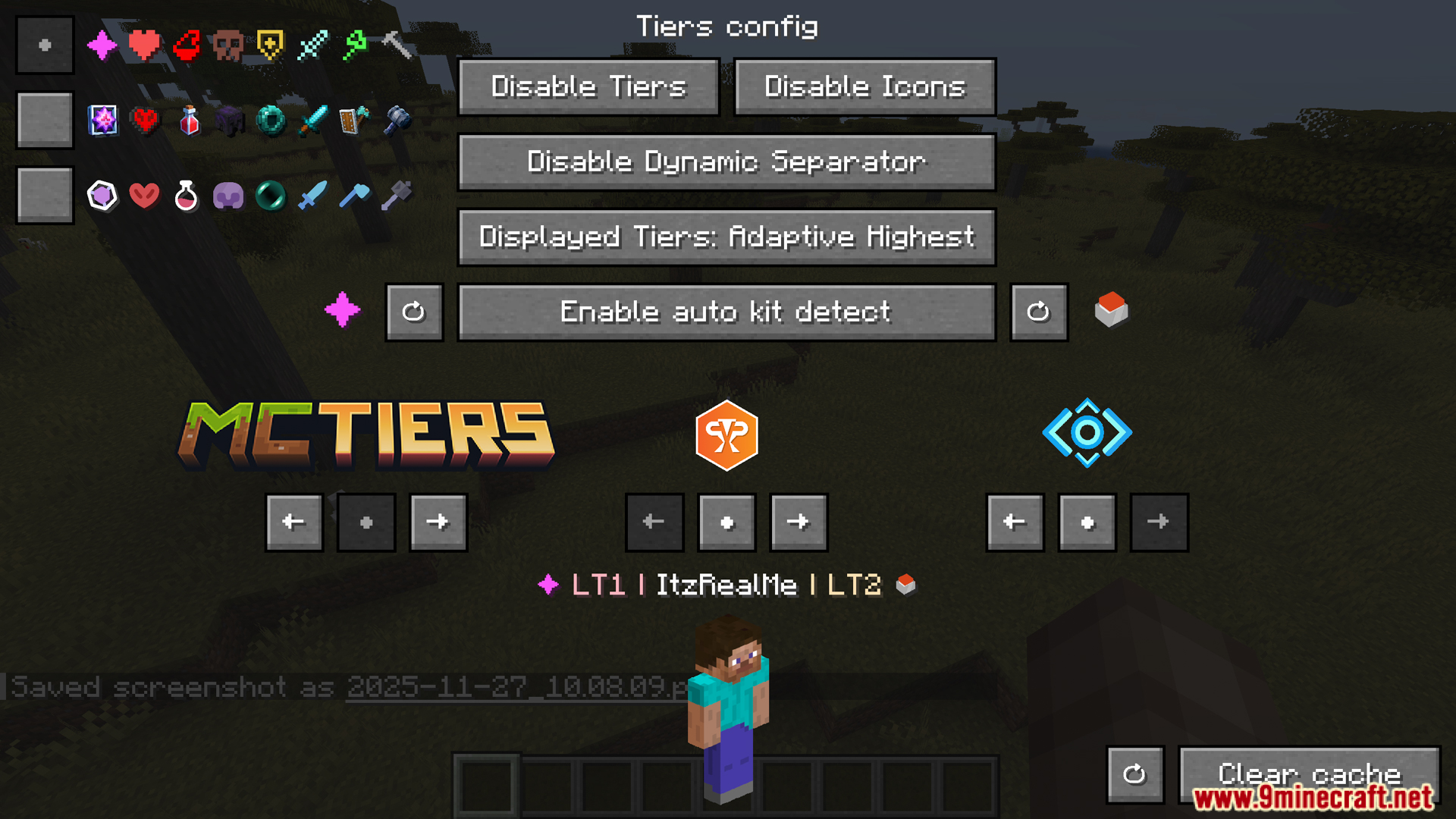
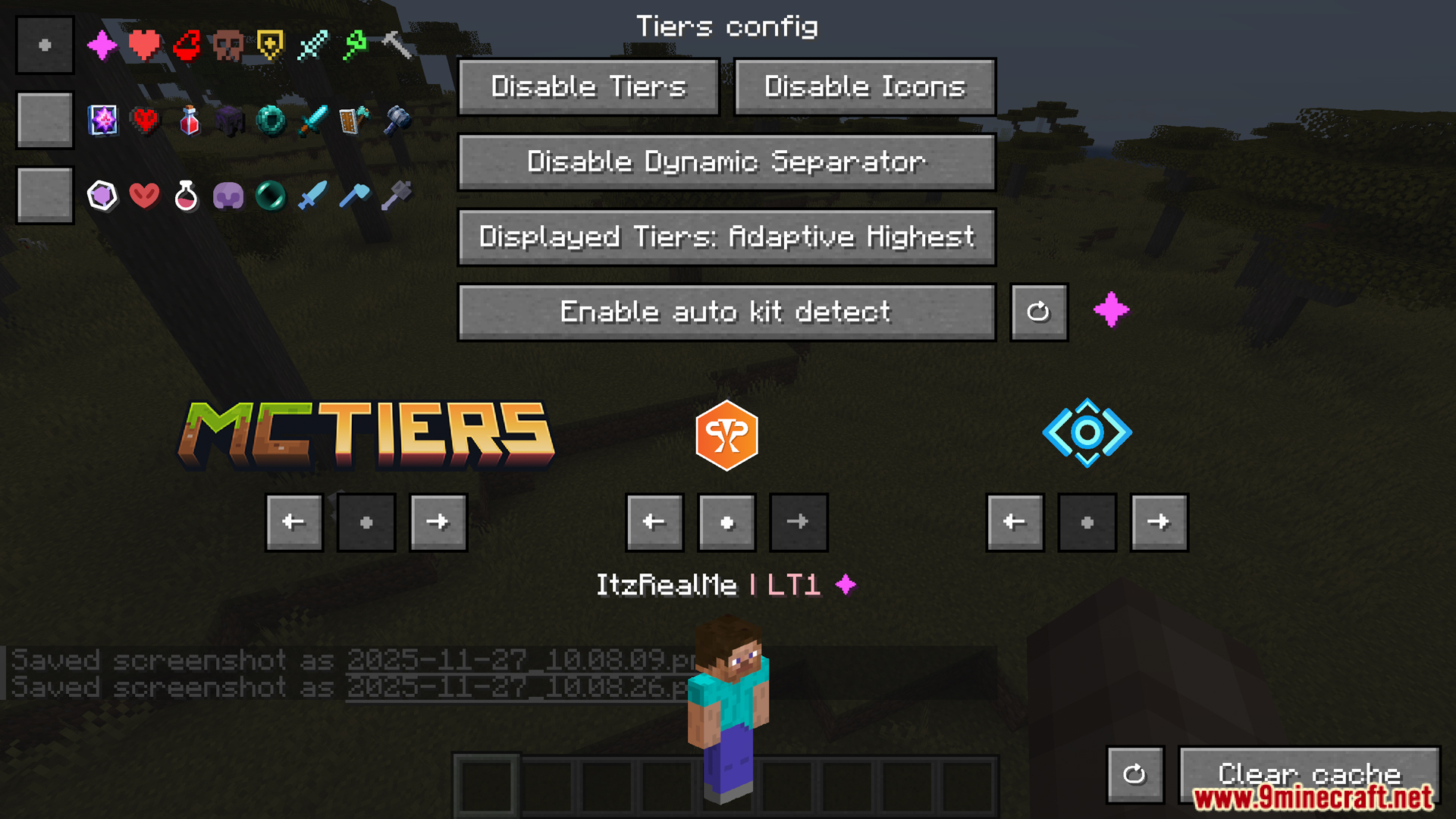
The HUD appears automatically once the mod detects a supported gamemode. If nothing shows, press Y to trigger automatic gamemode detection, or open the mod's config screen to enable the HUD and set its display position.
What does pressing Y actually do?
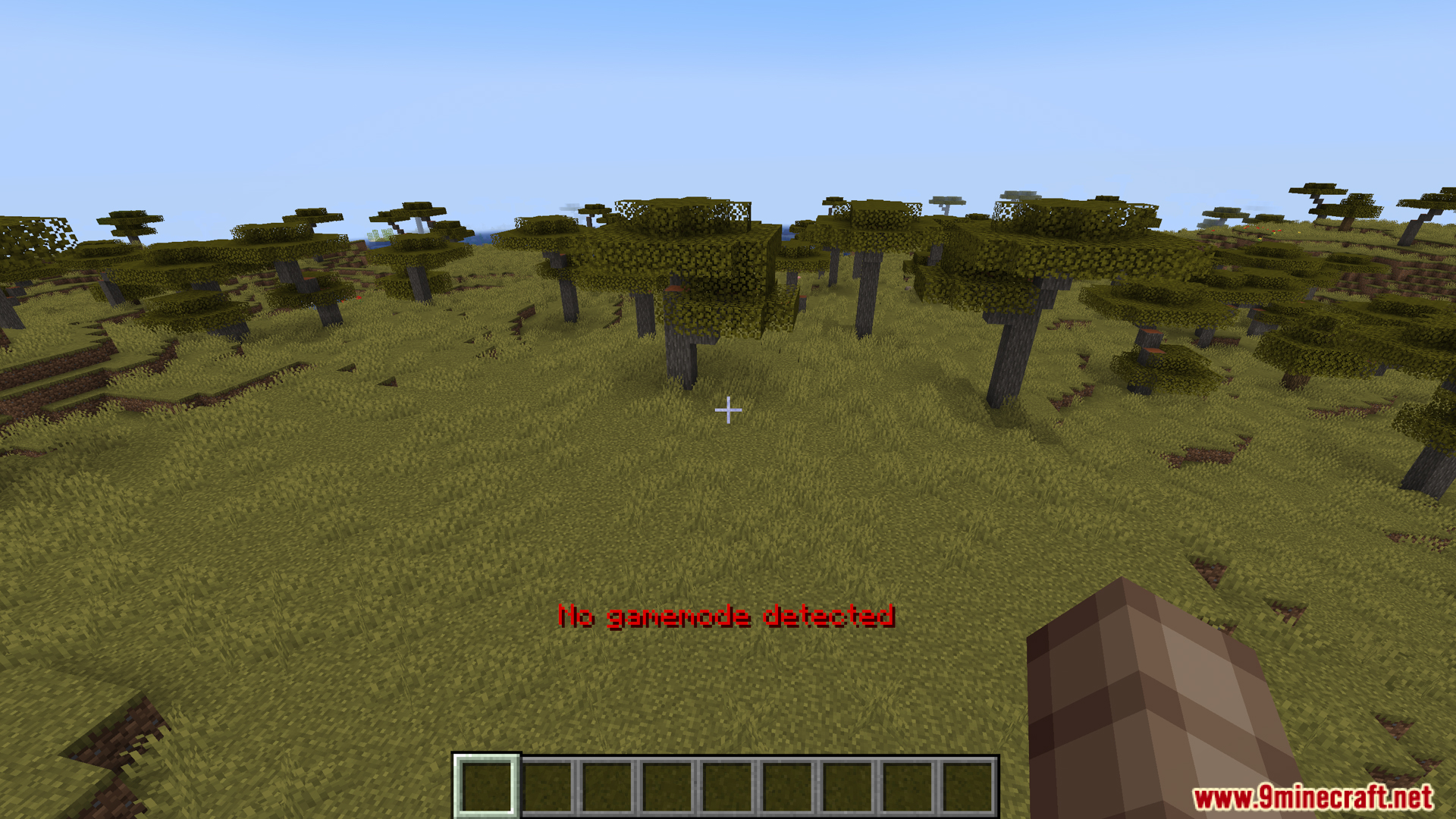
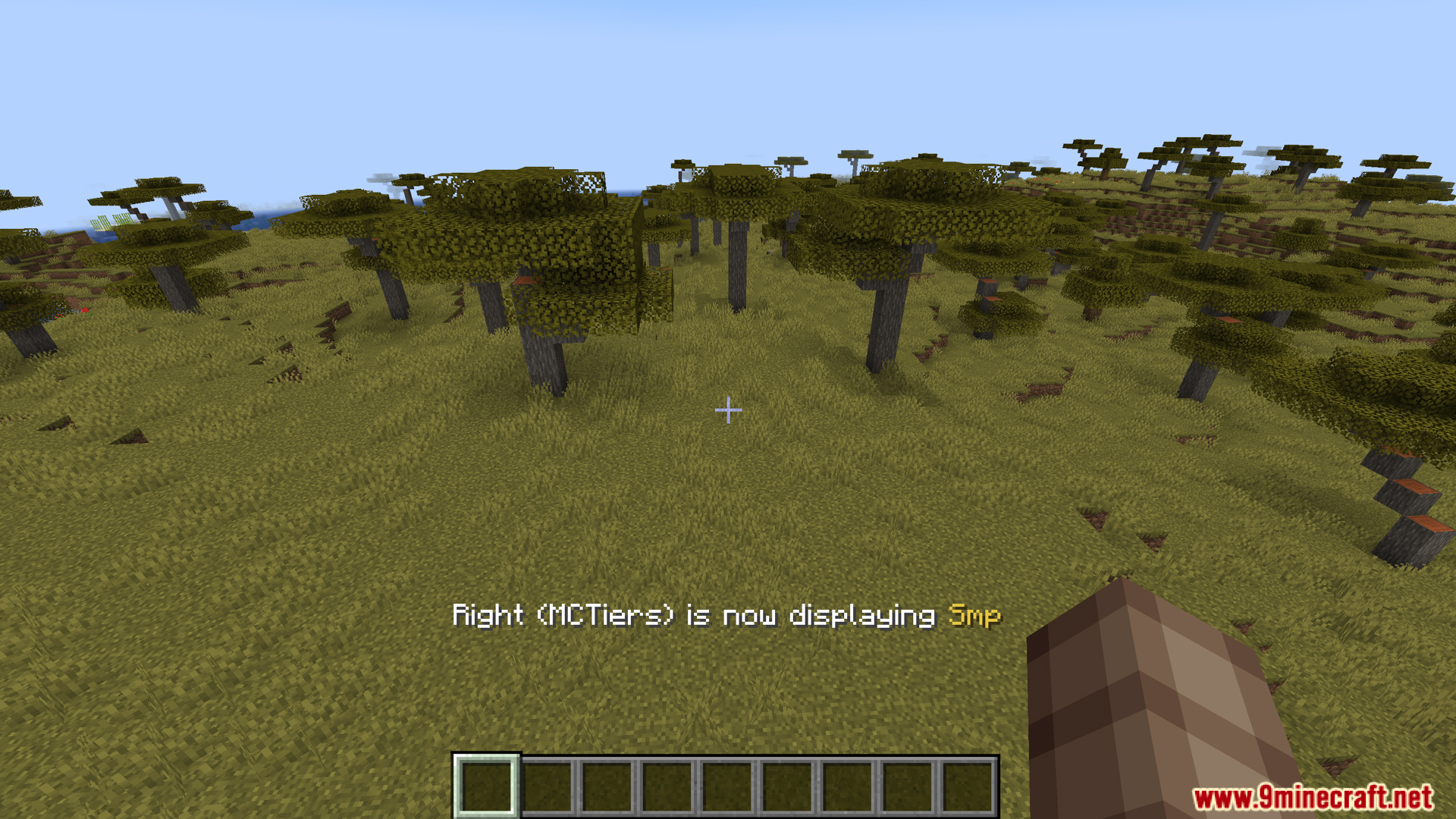
Y runs automatic gamemode detection, which identifies which ranking system (PvPTiers, MCTiers, or Subtiers) applies to your current server or game mode and switches the HUD to display that tier. It's the quickest way to get the correct tier showing without digging through settings.
How do I check another player's tier?
Use the command /tiers with the player's username. It returns their tier, points, global rank, region, and skin for the currently selected ranking system.
How do I see the tier of the player standing next to me?
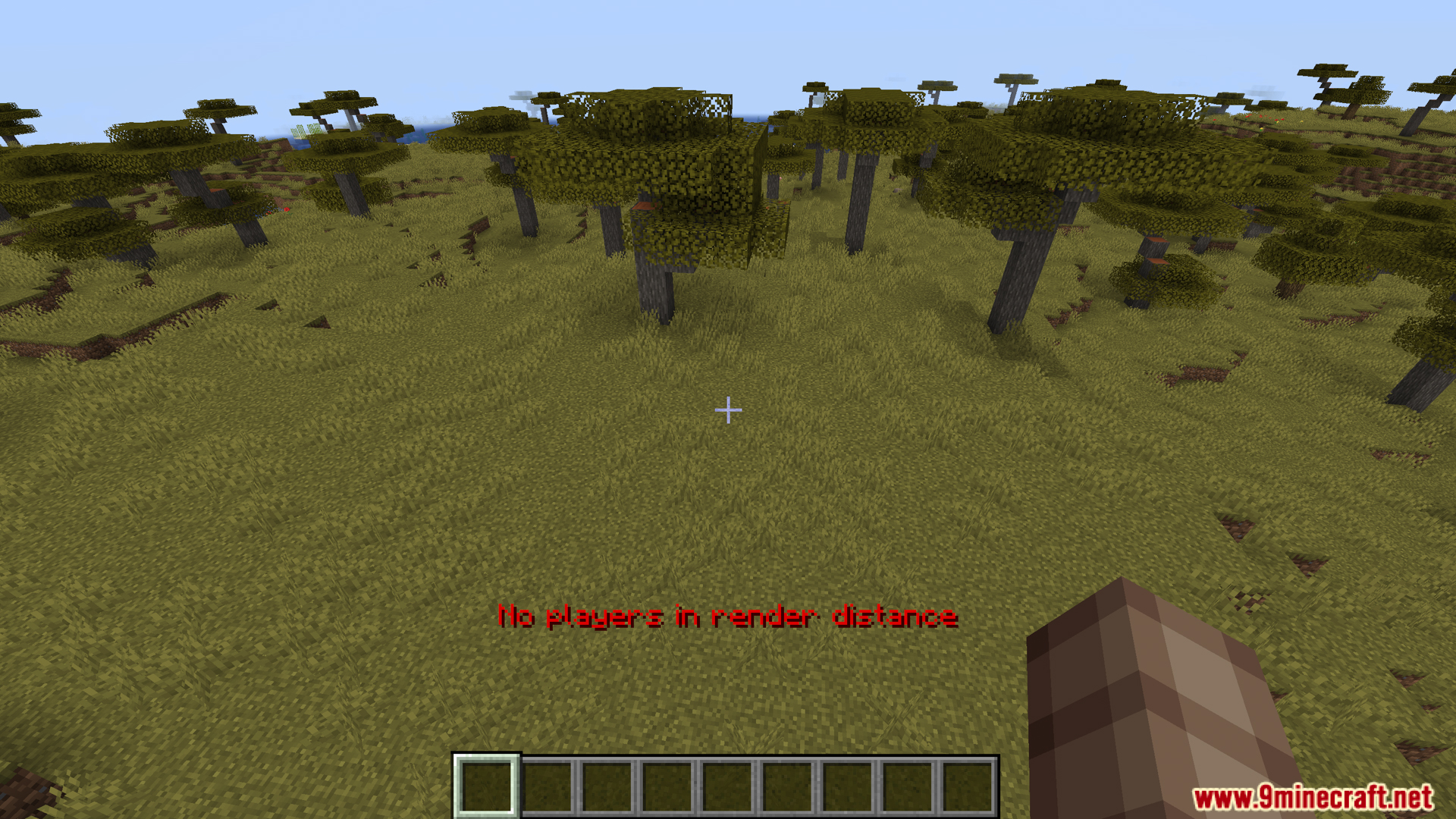
Press H to open the nearby player screen, which shows the tier, points, rank, and other parameters of the closest player to you. This is handy in lobbies or duels where you want a quick read on an opponent.
Gallery
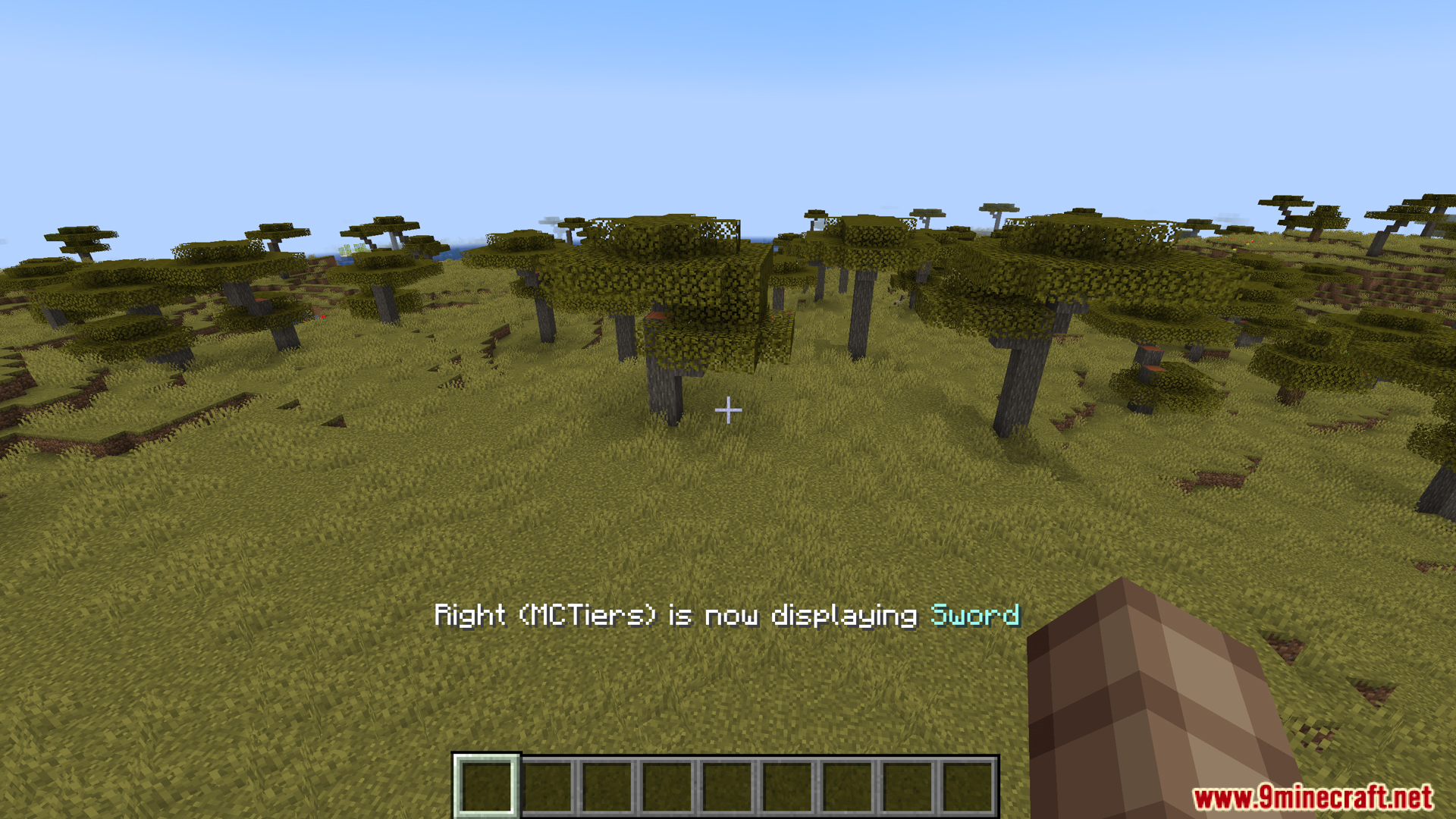
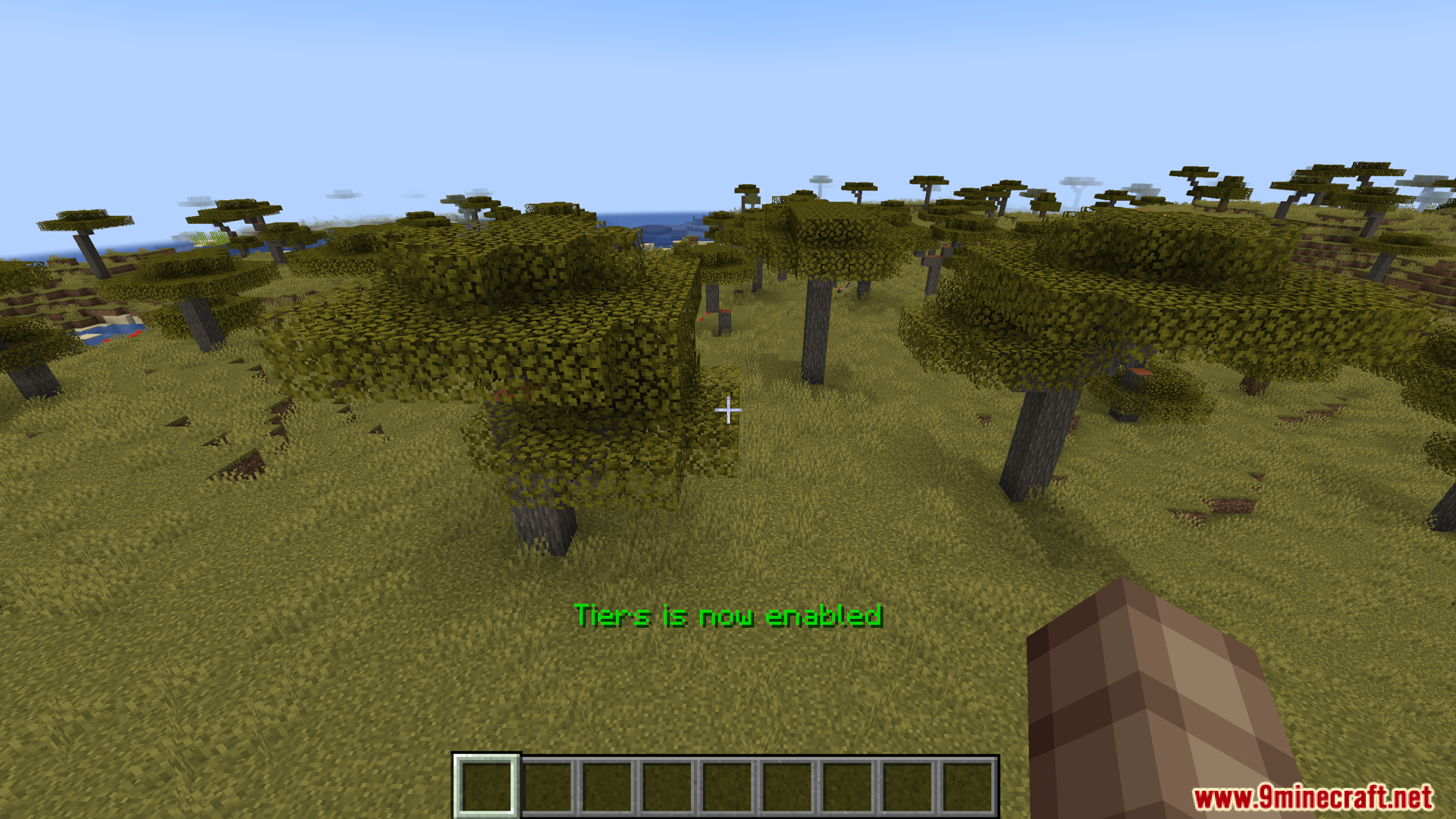
11 images from the Tiers Mod page.
You May Also Like
Wikis that share the most with this one
More mod wikis on the site
The most downloaded mods that have a wiki here
A few wikis from each of the other kinds