

 DownloadThorough Keybindings Mod
Get the files on 9Minecraft
Guides
Step-by-step, in-game.
Create a Custom Modifier Key Combination (Ctrl+Shift+Key)Open the Keybindings Configuration Access Options → Controls and find the keybinding you want to customize. This mod…Rebind the Debug Menu (F3) to a Custom KeyAccess the Keybindings Menu Open your game settings and navigate to Options → Controls . Scroll through the list to…Rebind the Escape Menu (Esc) to Open the Pause ScreenLocate the Menu Keybinding Open Options → Controls and search for the binding labeled Pause Game or Open Menu . This…Unbind a Key or Disable a KeybindingAccess the Keybindings List Open Options → Controls and locate the keybinding you want to remove or disable. Clear…
Frequently asked questions
How do I open the keybindings config screen?
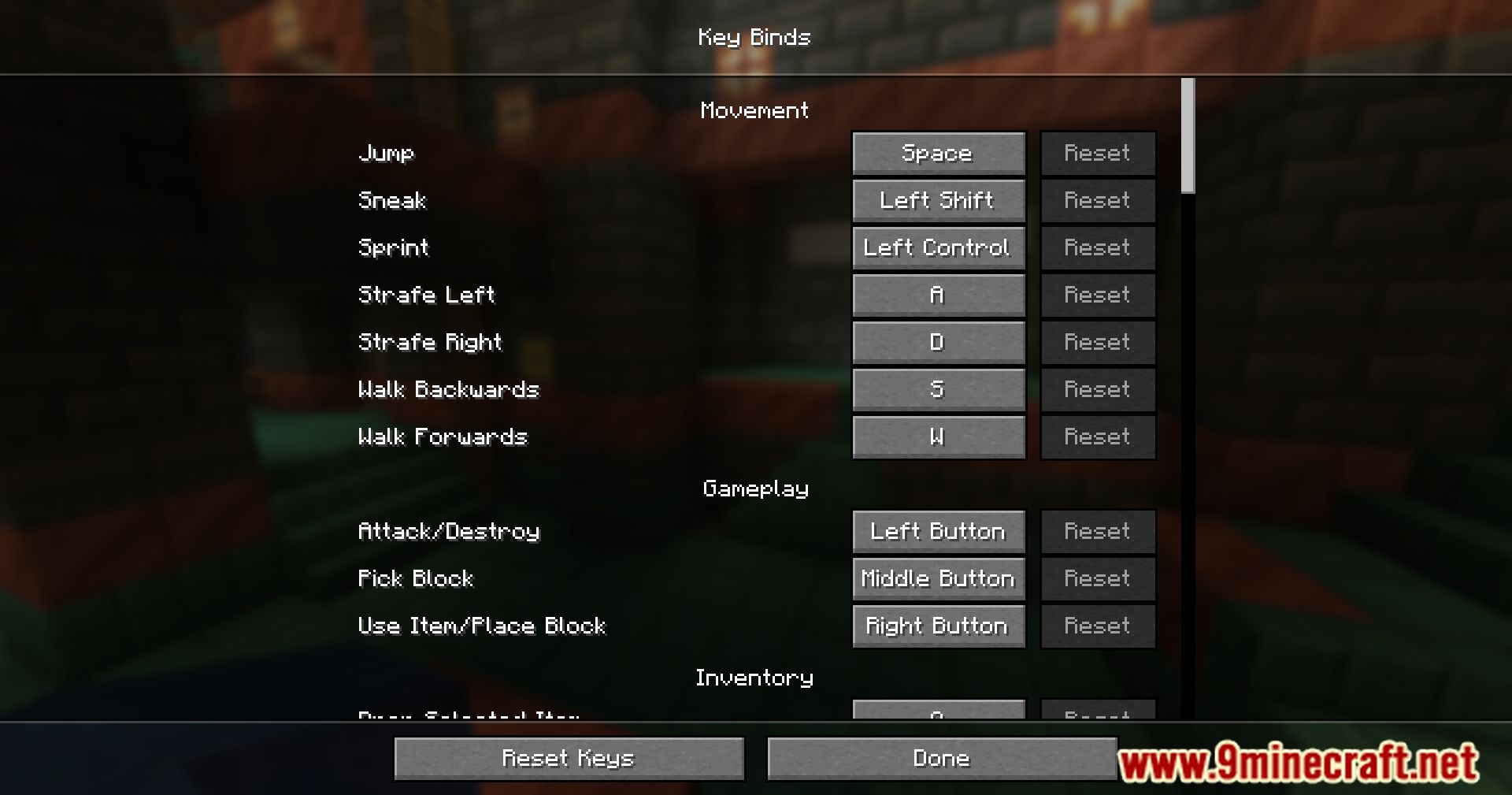
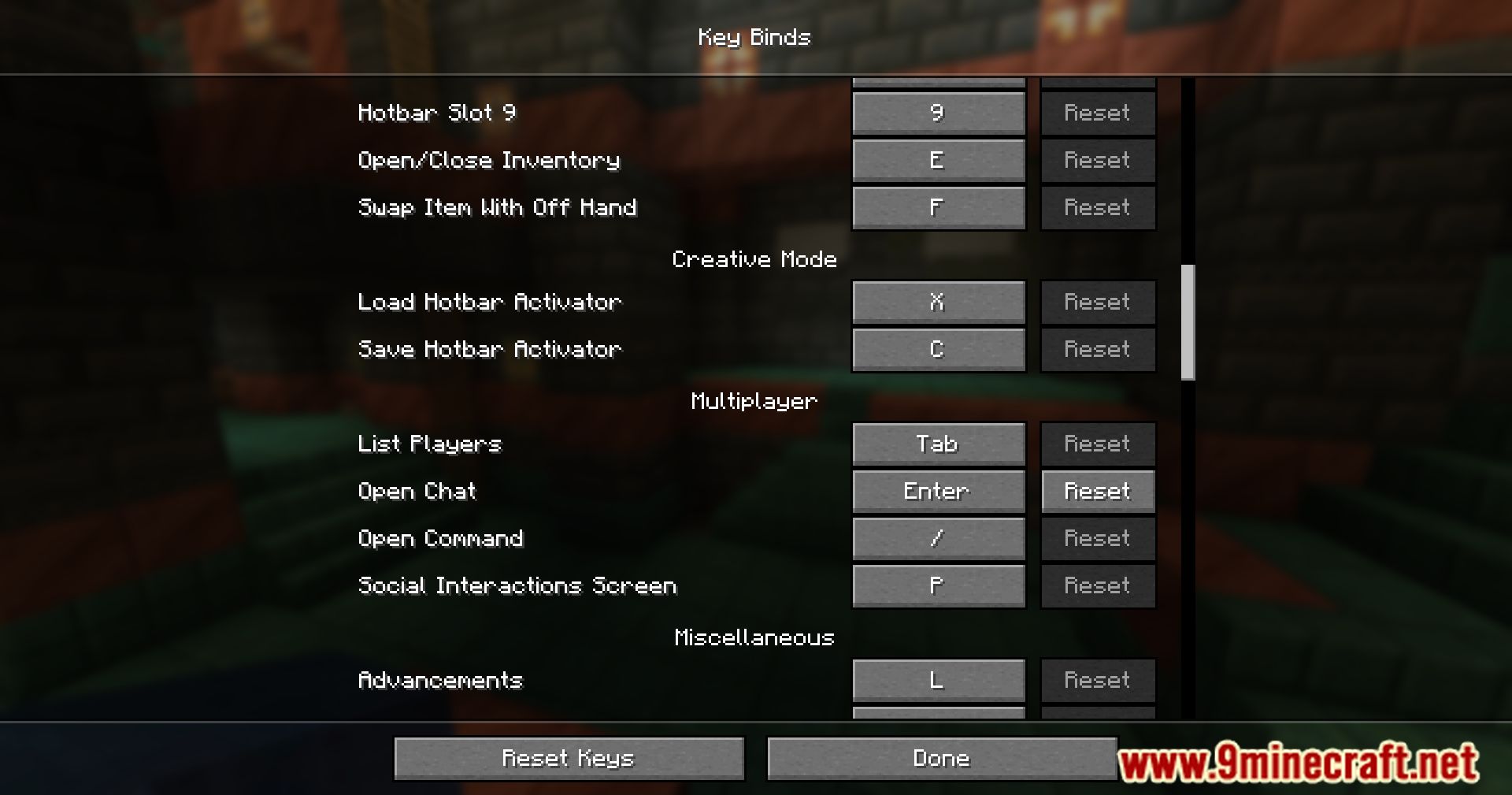
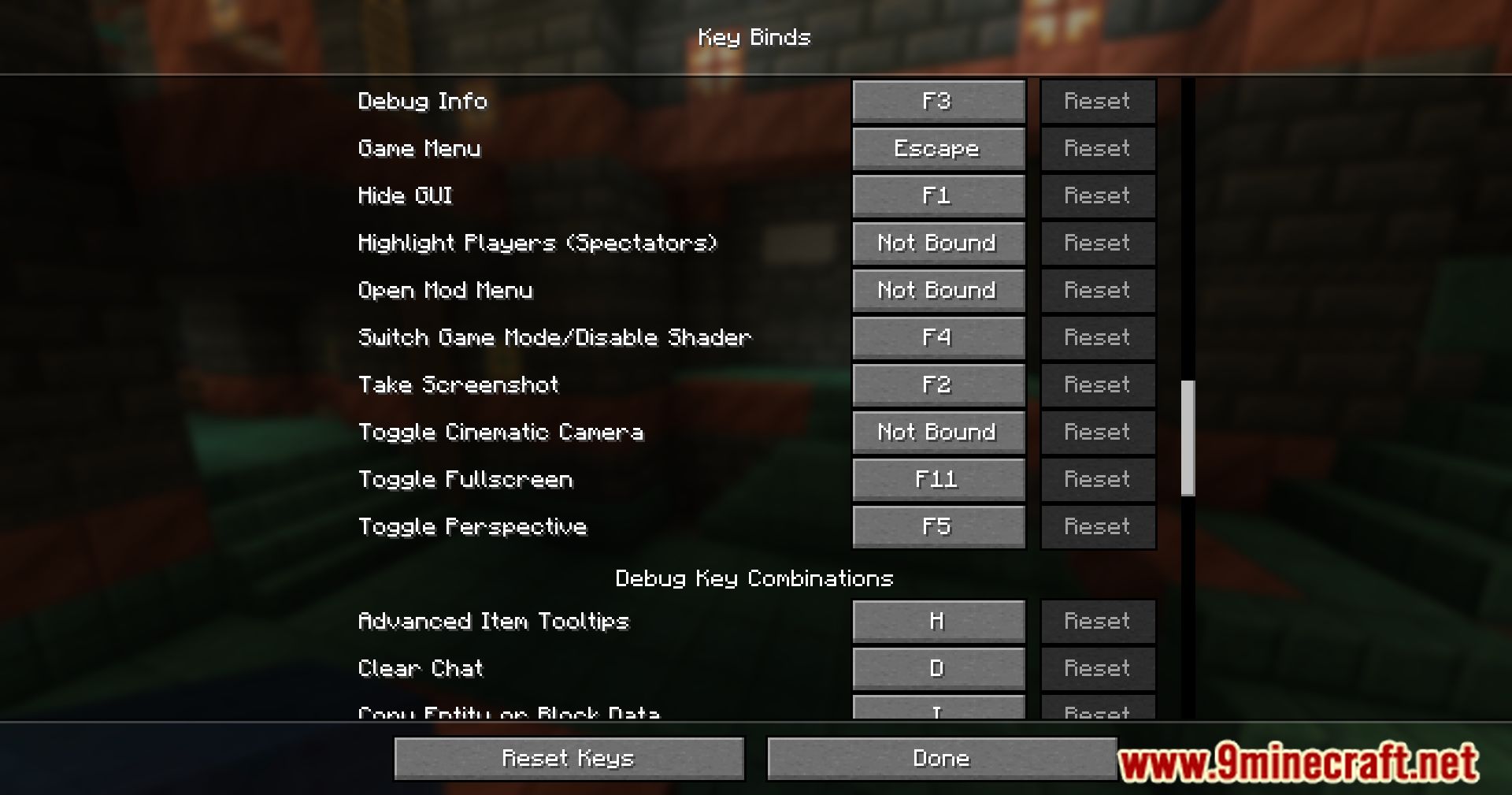
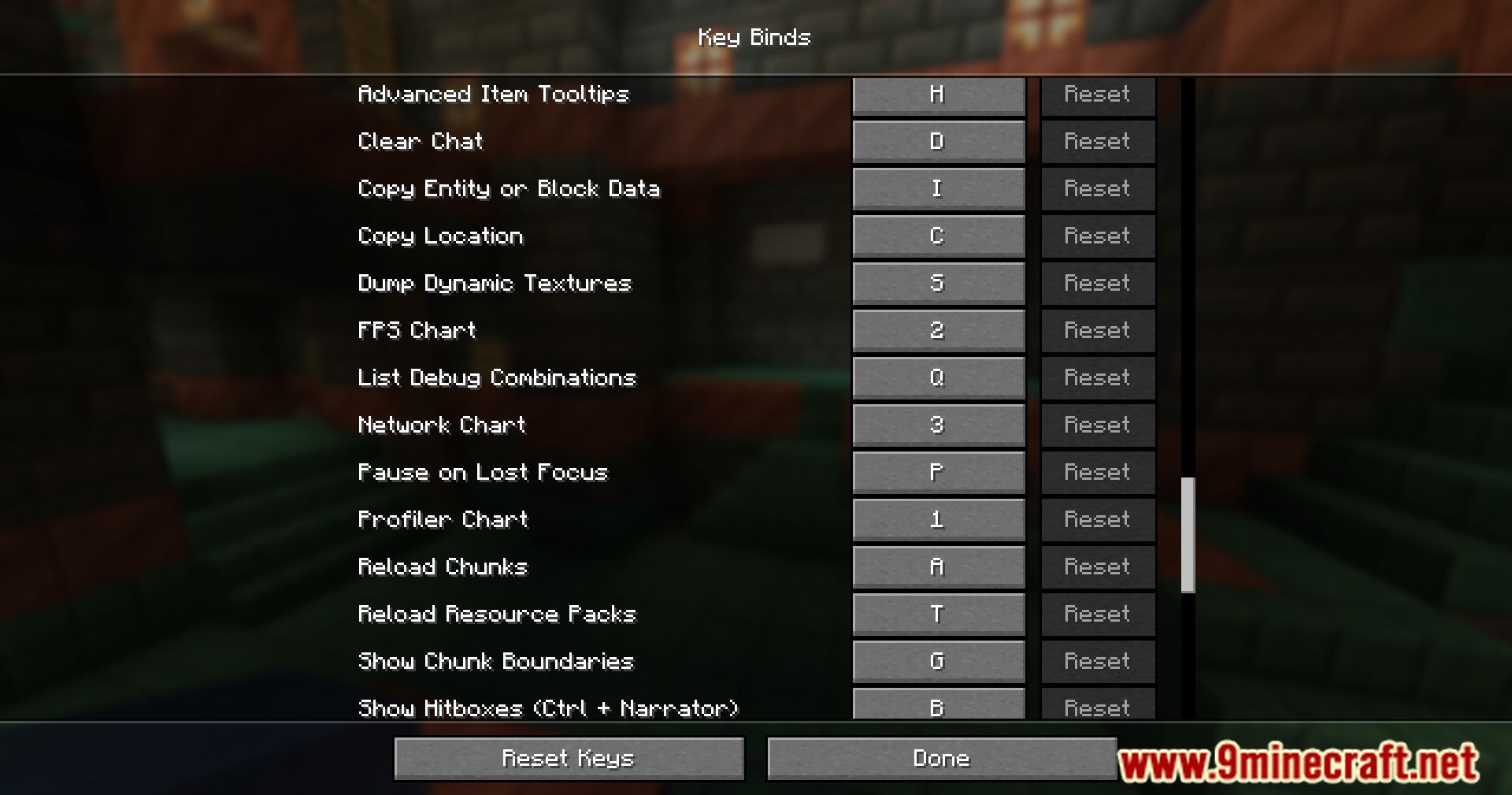
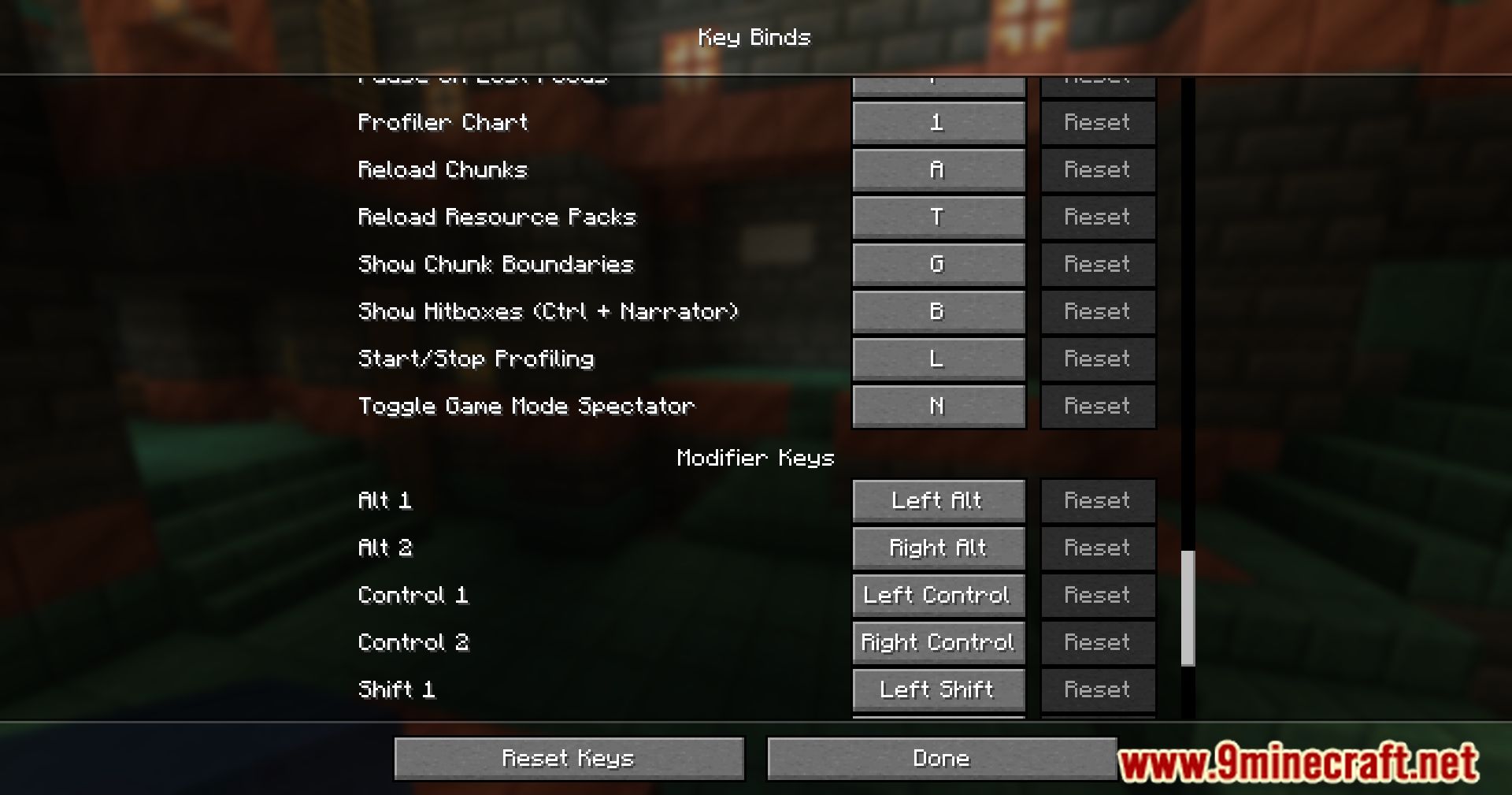
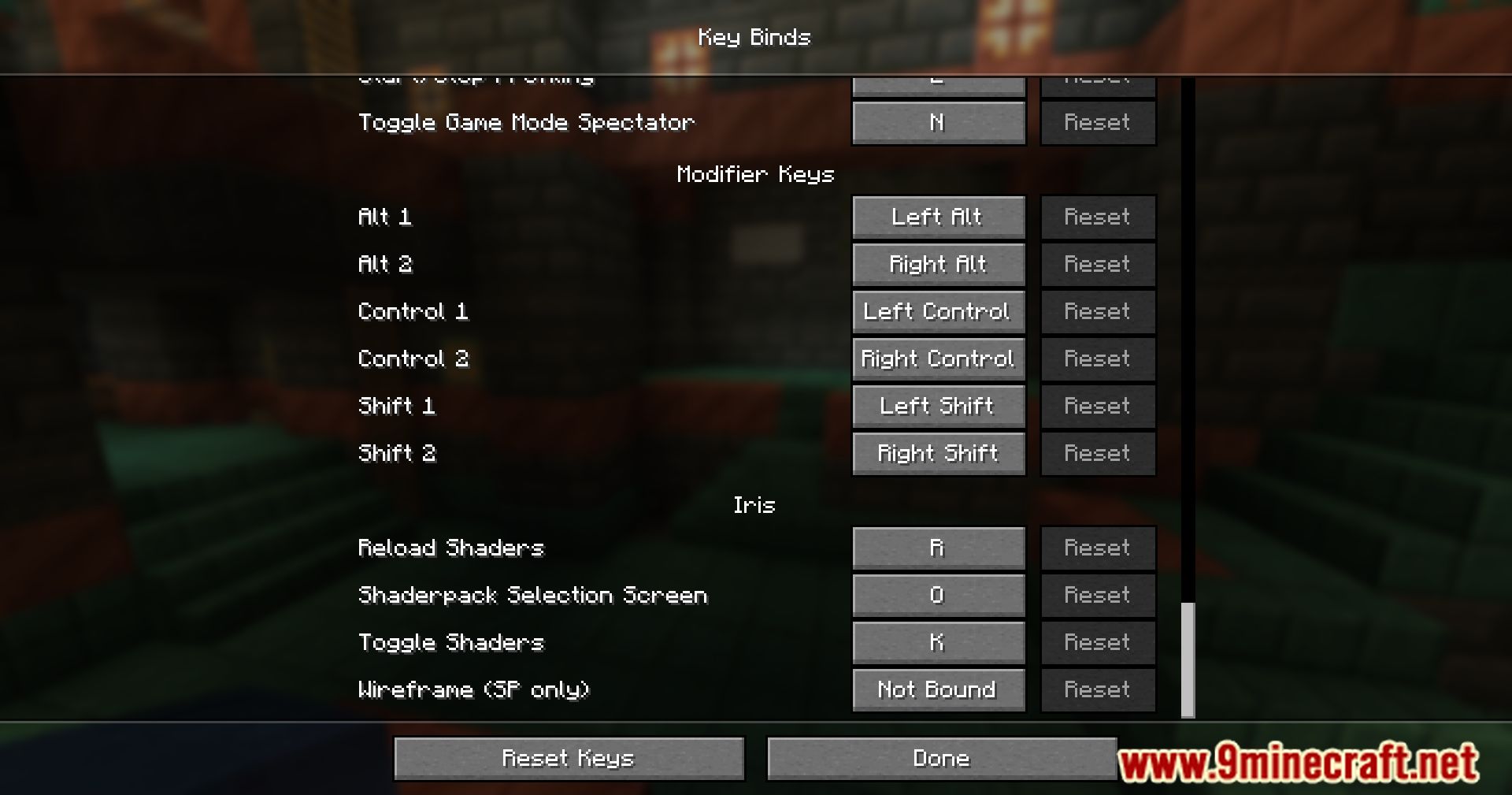
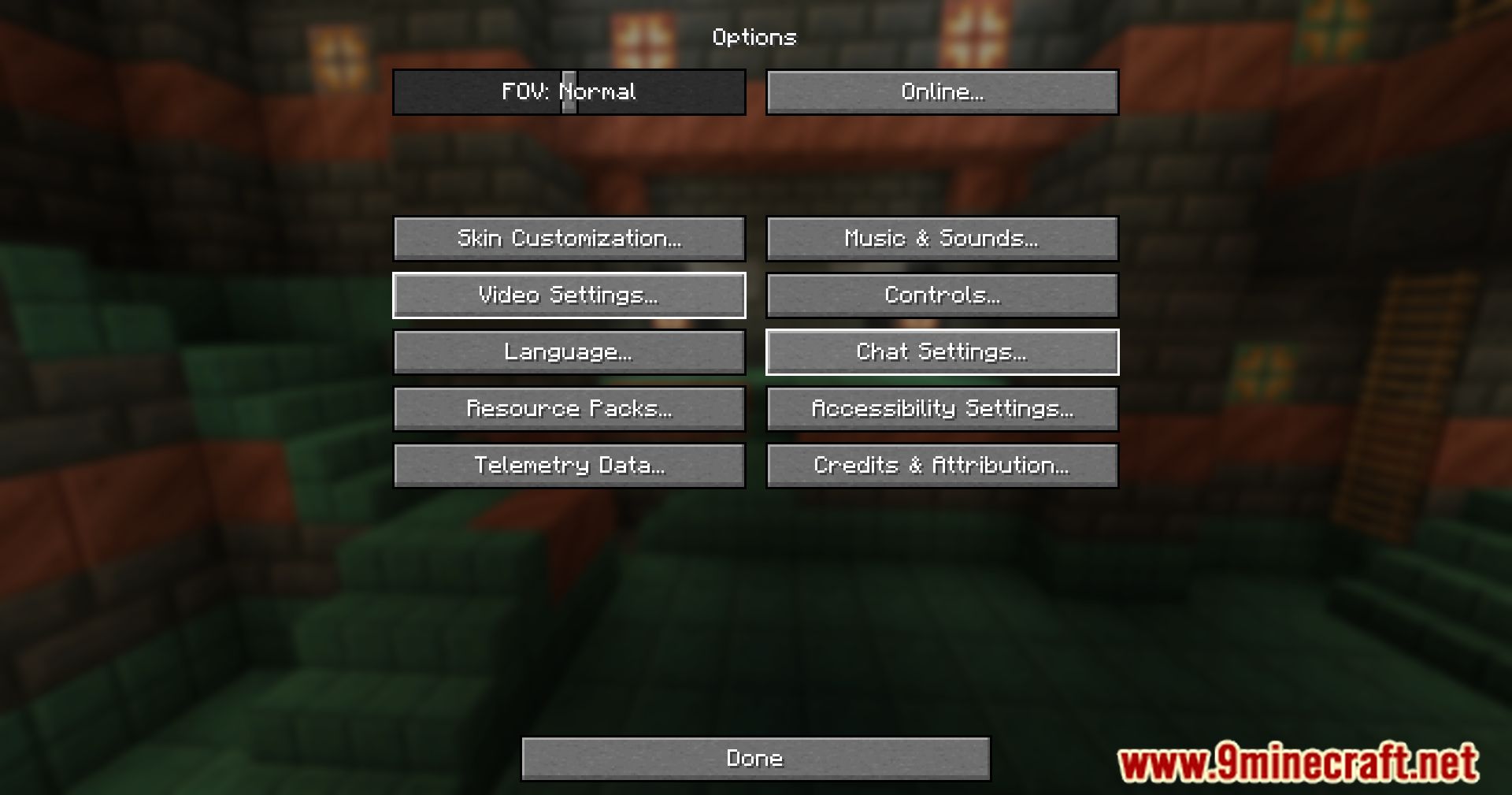
Open your Controls settings in the main menu or pause screen, then look for the keybindings configuration option provided by this mod. You'll see a list of all bindable actions, including normally hardcoded keys.
Can I really rebind F3 and Esc?
Yes, that's the main feature of this mod. Both F3 (debug menu) and Esc (pause/menu access) appear in the keybindings list and can be rebound to any key you choose.
What happens if I unbind a key completely?
If you unbind a key, that action simply won't trigger when you press any key. You can rebind it later by opening the keybindings config again.
How do I set up a key combination like Ctrl+Shift+Z?
In the keybindings config, select the action you want to bind, then press and hold your modifier keys (Ctrl, Shift, Alt) while pressing your desired key. The mod will register the full combination.
See all 10 Thorough Keybindings questions ›
Gallery
9 images from the Thorough Keybindings Mod page.
You May Also Like
Wikis that share the most with this one
Wikis on the same theme: ore
More mod wikis on the site
The most downloaded mods that have a wiki here
A few wikis from each of the other kinds