

 DownloadSovereign Survival Tools Mod
Get the files on 9Minecraft
Guides
Step-by-step, in-game.
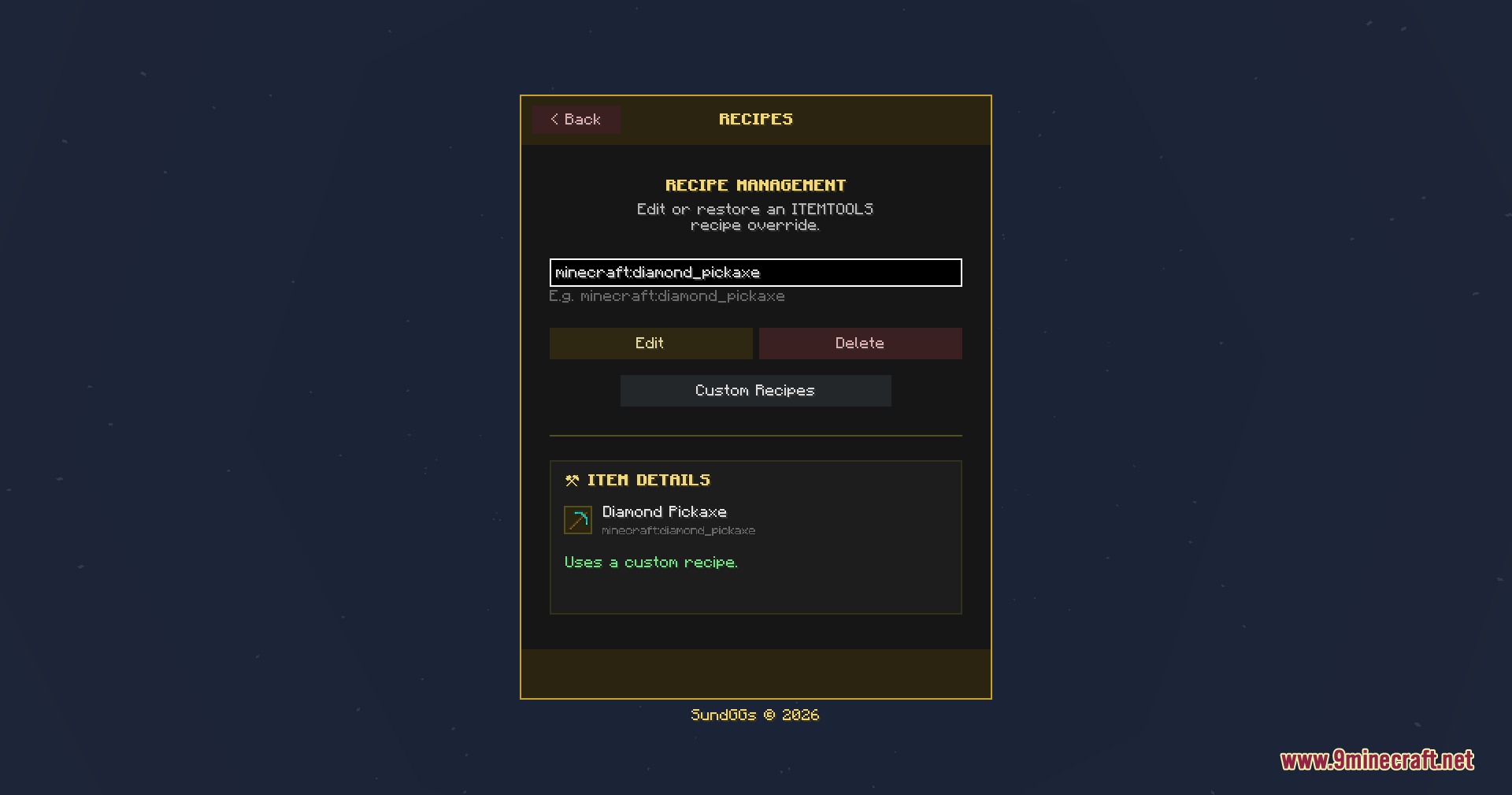
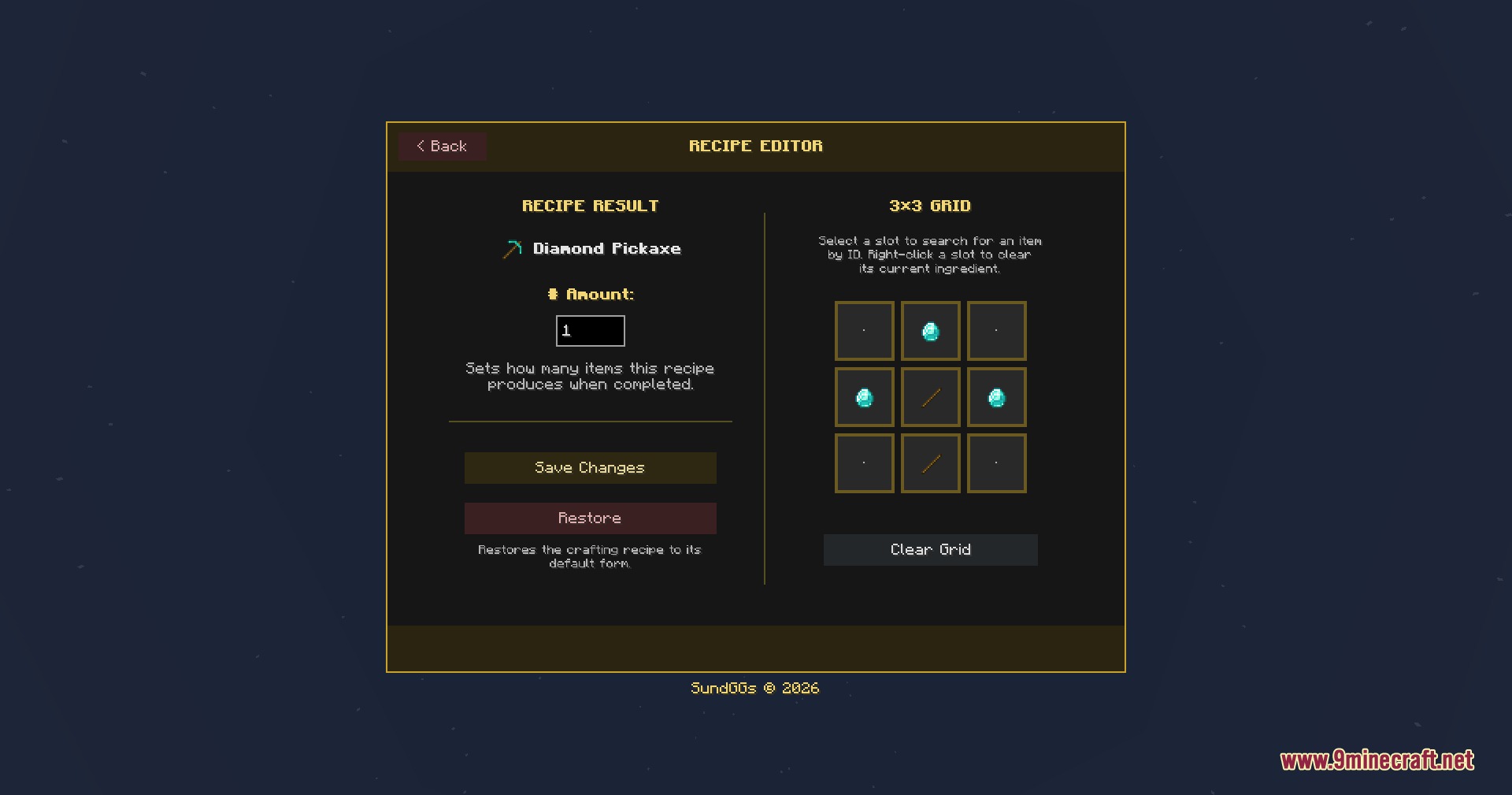
Ban an Item Across Your Entire ServerOpen the Administration Panel Type /it gui in chat and press Enter. This opens the central hub where all server…Create a Custom Crafting RecipeAccess the Recipe Editor Open /it gui and navigate to the Recipe Editor tab. You'll see a menu showing items…Move Illegal Items Out of Player HotbarsOpen the Restriction Menu Type /it gui in chat and click the Restriction tab to view all server items. Select the…Restrict an Item to Specific Dimensions OnlyOpen Restrictions and Select Your Item Type /it gui and go to the Restriction tab. Find and click the item you want…
Frequently asked questions
How do I open the admin menu for the first time?
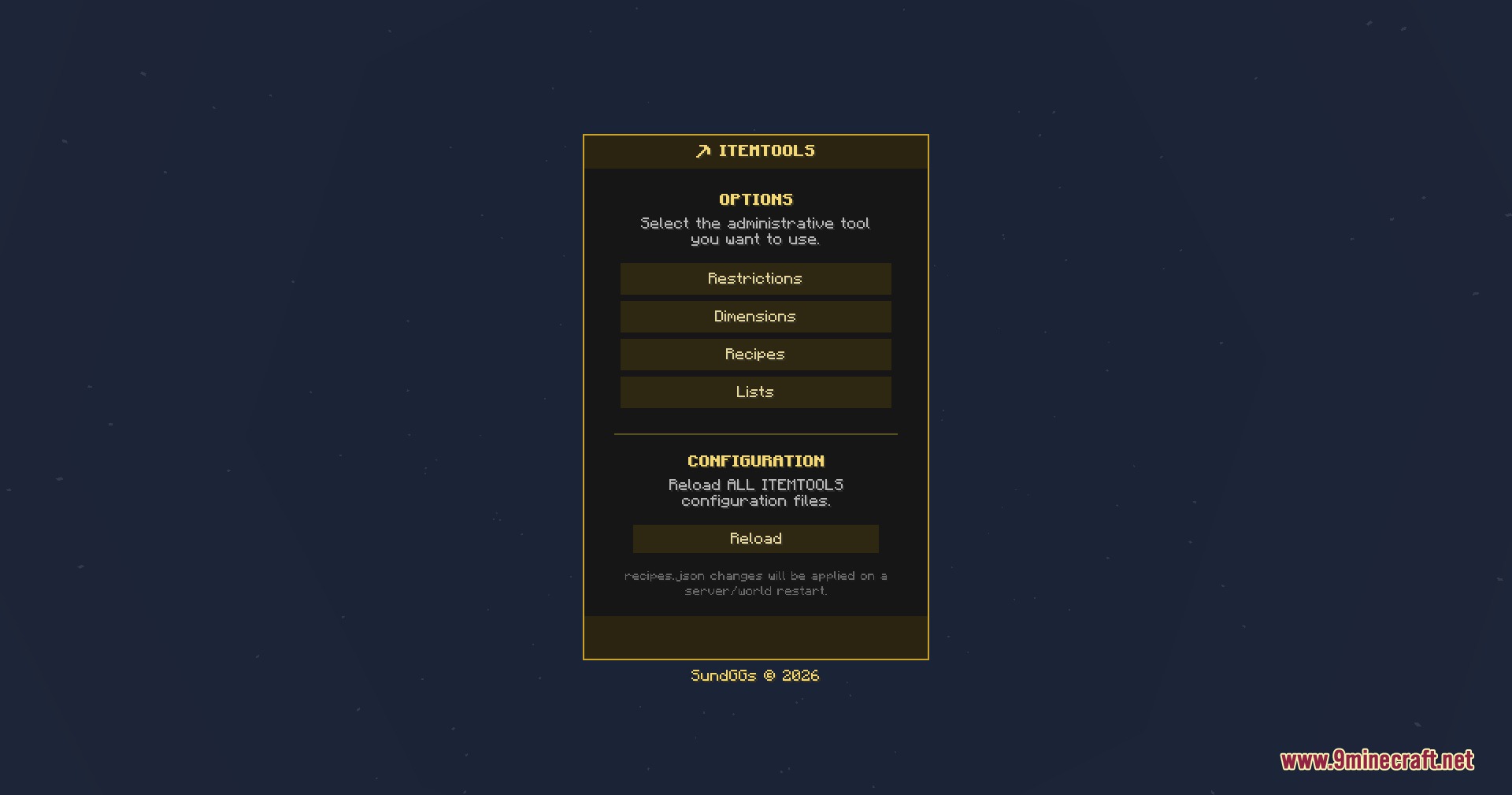
Open your chat window and type /it gui, then press Enter. This opens the central hub where you can access all restriction, recipe, and dimension settings.
What's the difference between Banned and Illegal items?
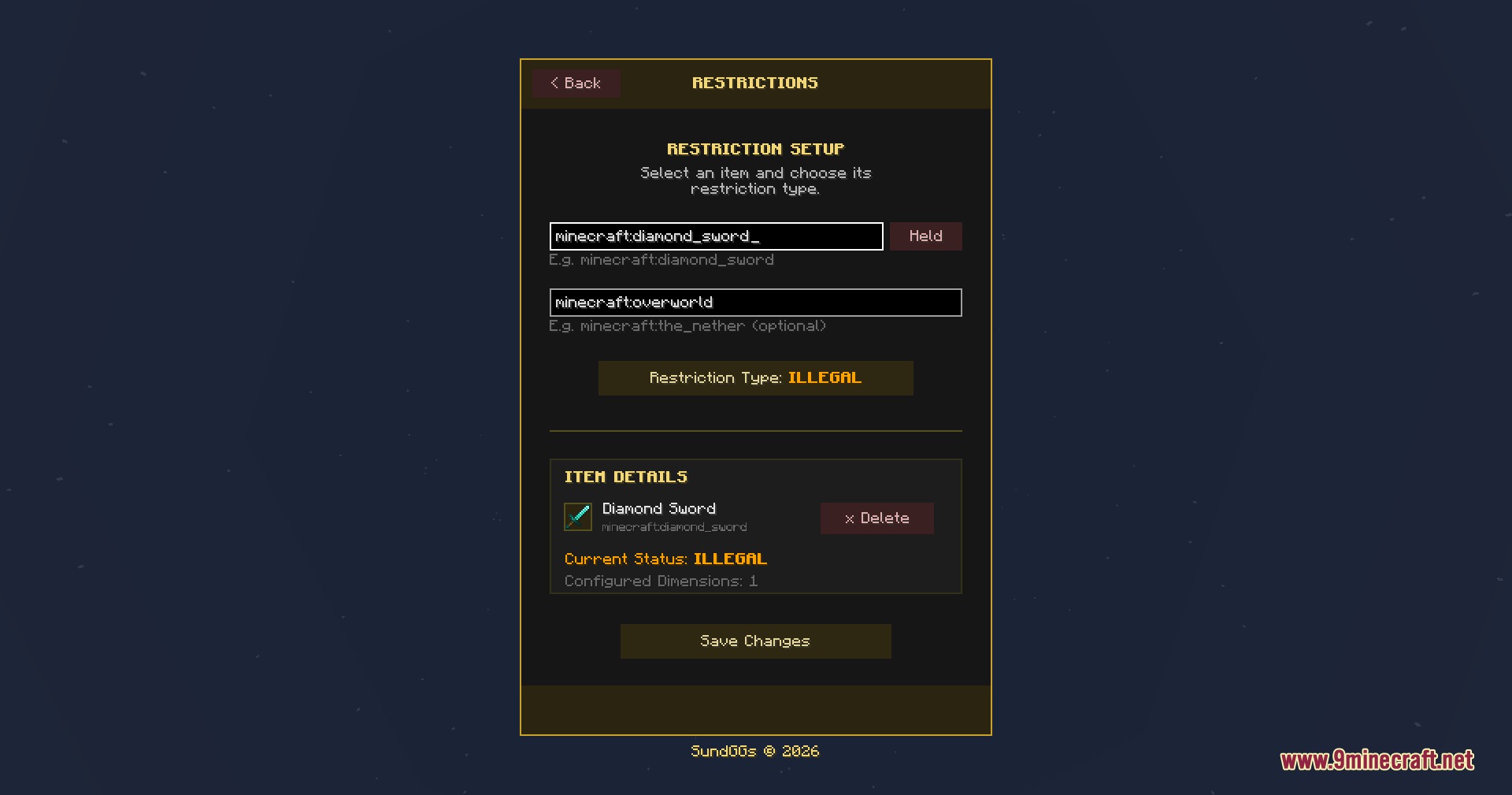
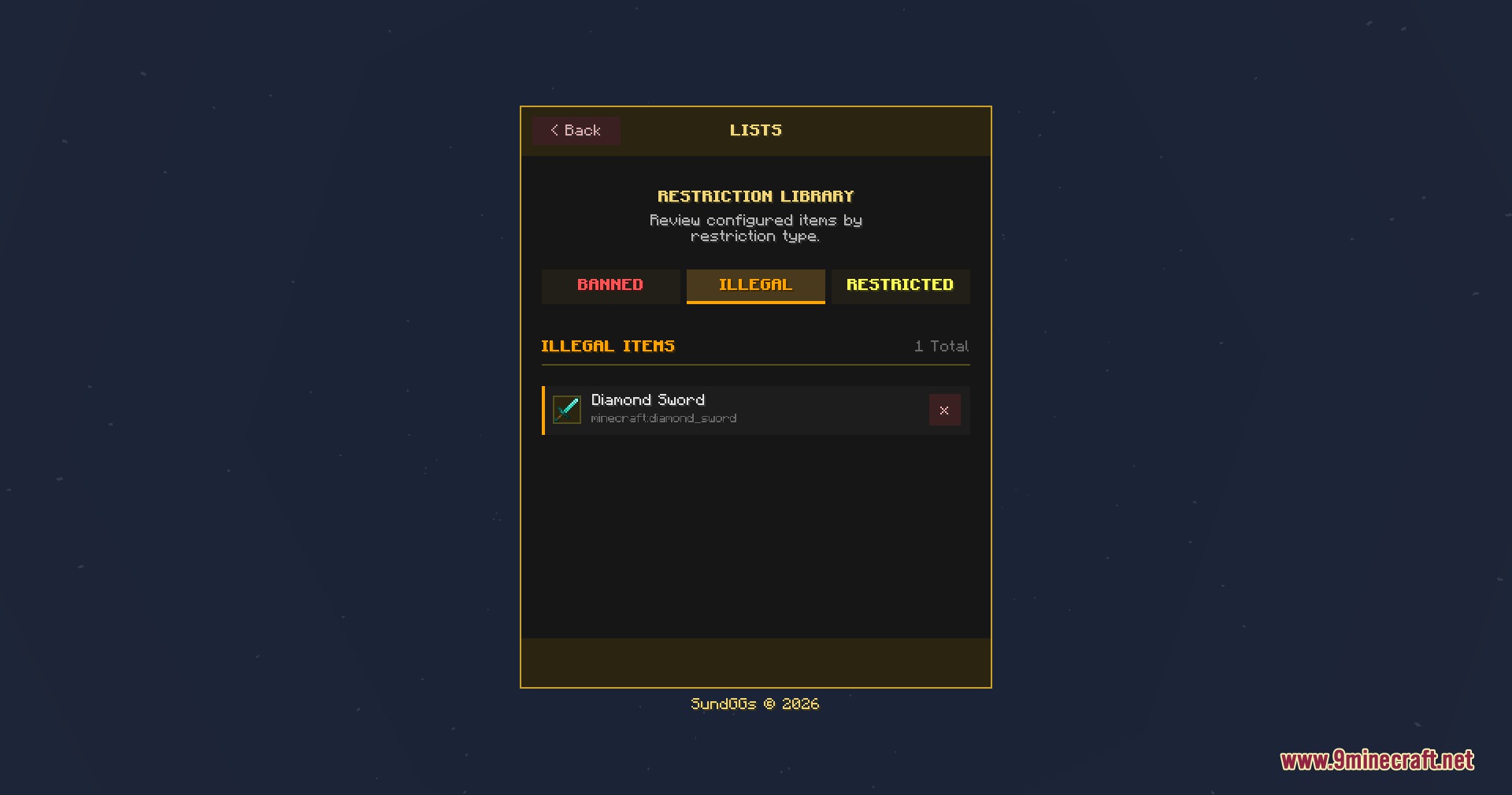
Banned items are deleted from player inventories and storage containers automatically. Illegal items stay in the main inventory but are removed from hotbars and off-hand slots to prevent active use.
Can I restrict items in only one dimension?
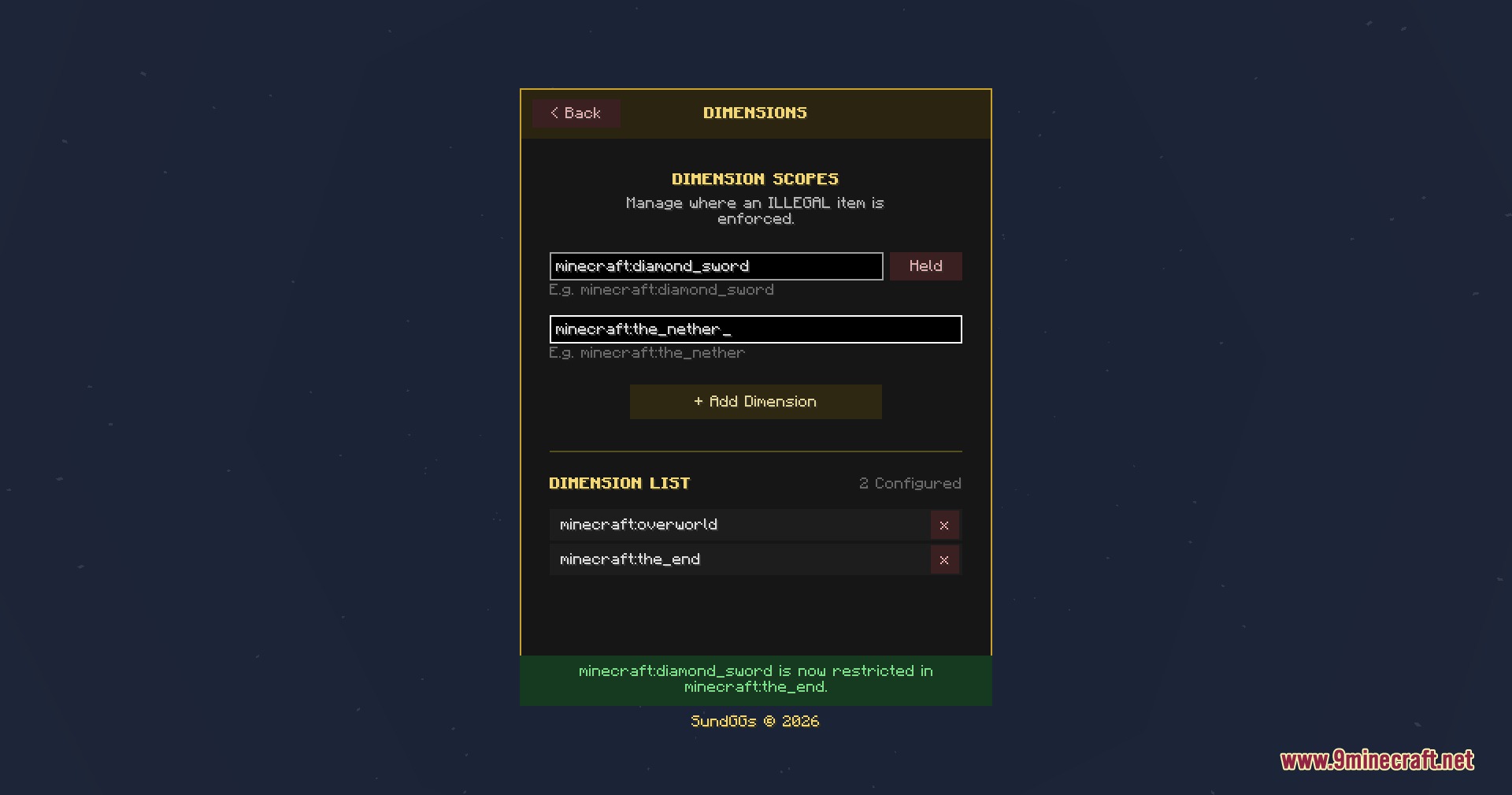
Yes. In the restriction tab, select the item you want to limit, then open the dimension selection interface and choose which specific worlds the rule applies to. The item will remain usable in other dimensions.
Do I need to restart the server when I ban or restrict an item?
No. The mod checks connected players and applies restrictions automatically without requiring a server restart.
See all 10 Sovereign Survival Tools questions ›
Gallery
7 images from the Sovereign Survival Tools Mod page.
You May Also Like
Wikis that share the most with this one
Wikis on the same theme: tool
More mod wikis on the site
The most downloaded mods that have a wiki here
A few wikis from each of the other kinds