

 DownloadSmooth Boot Reloaded Mod
Get the files on 9Minecraft
Guides
Step-by-step, in-game.
Configure Thread Count for Your CPUUnderstanding Thread Allocation Smooth Boot Reloaded lets you manually set how many CPU threads Minecraft uses during…Reduce Mouse Stutter During Game StartupWhy Mouse Stutter Happens When Minecraft loads, it uses all available CPU threads to initialize the game world,…Speed Up Game Startup on Older ComputersWhy Startup Is Slow Older computers with limited CPU cores struggle when Minecraft tries to parallelize loading…Use Your Computer While Minecraft LoadsMultitasking During Startup By default, Minecraft monopolizes your CPU during the loading screen, making it nearly…
Frequently asked questions
Does this mod actually make Minecraft load faster?
Smooth Boot Reloaded primarily reduces CPU strain during startup rather than dramatically cutting load times. You'll notice the biggest improvement on older computers or when you're trying to use other programs while the game loads—the startup may be slightly faster on CPUs with eight threads or fewer.
Why is my mouse stuttering when I start Minecraft?
The game normally uses all available CPU power during startup, which causes your mouse cursor to freeze or lag. Smooth Boot Reloaded fixes this by limiting how much processing power the game demands while loading, so your mouse stays responsive.
How do I change the number of threads the mod uses?
You can configure thread count through the mod's settings, which are typically found in your config folder or accessible through a mod menu. Adjust this value based on your CPU's core count—fewer threads means less CPU usage but potentially slower loading.
See all 10 Smooth Boot Reloaded questions ›
Gallery
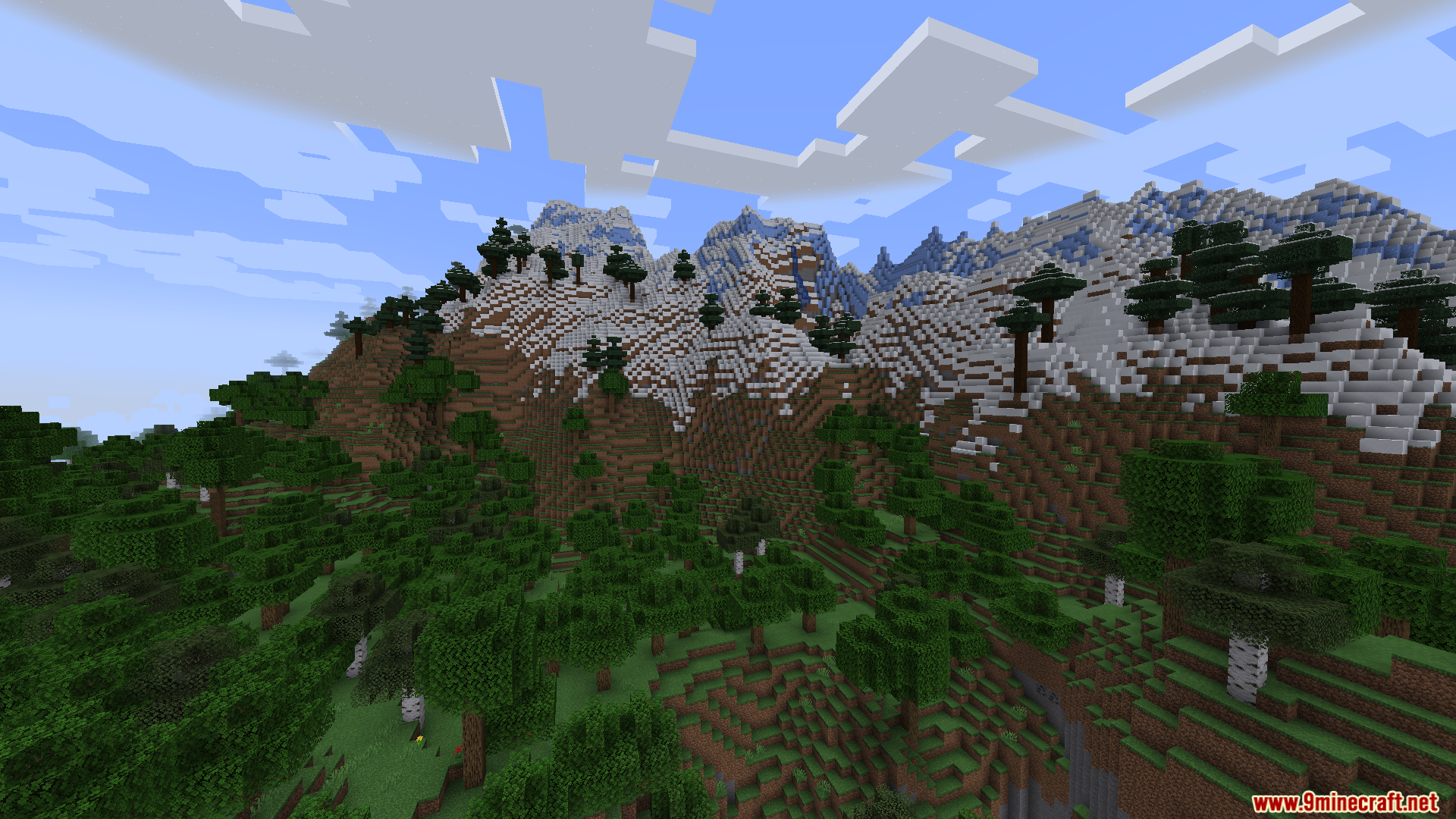
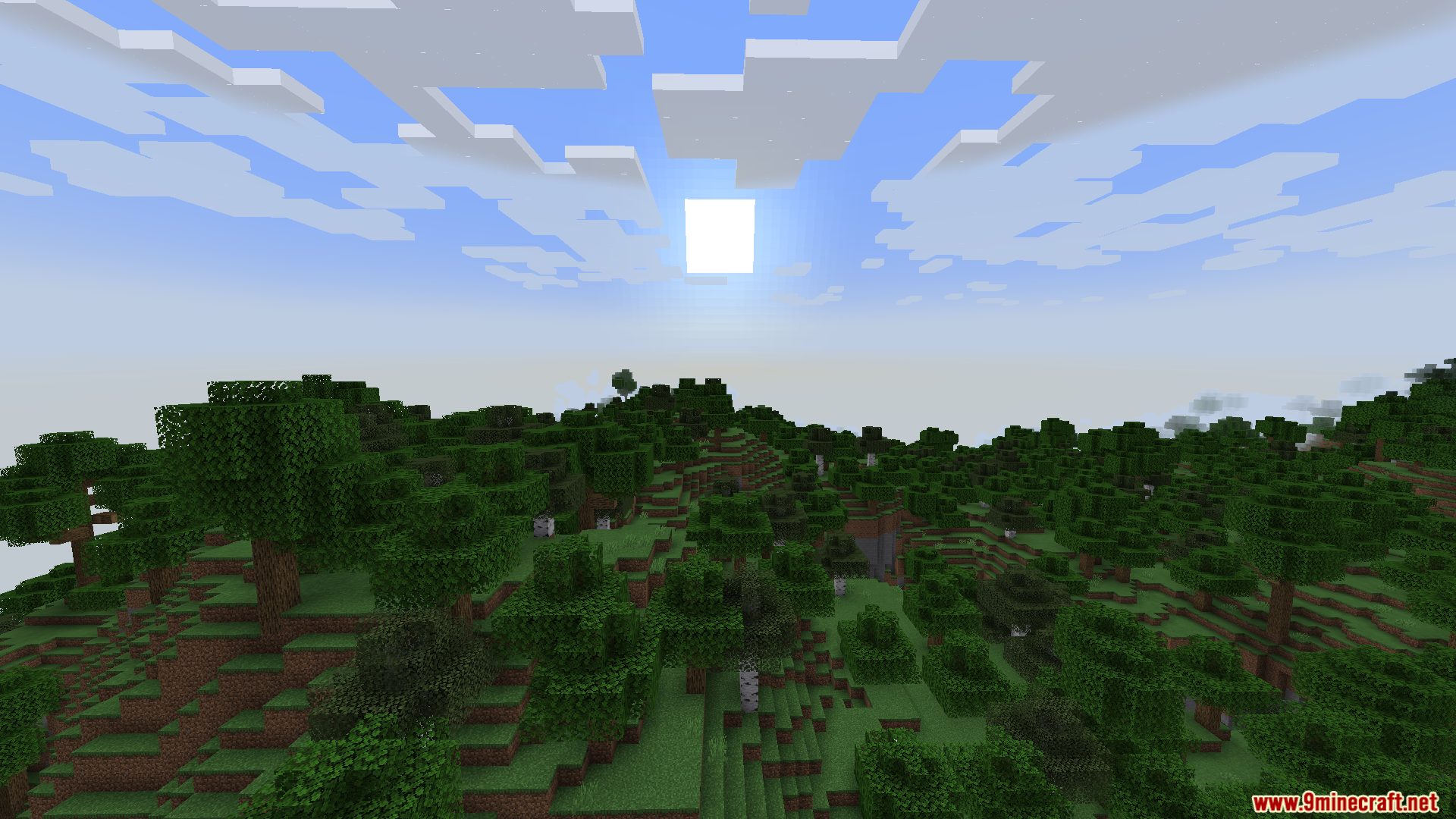
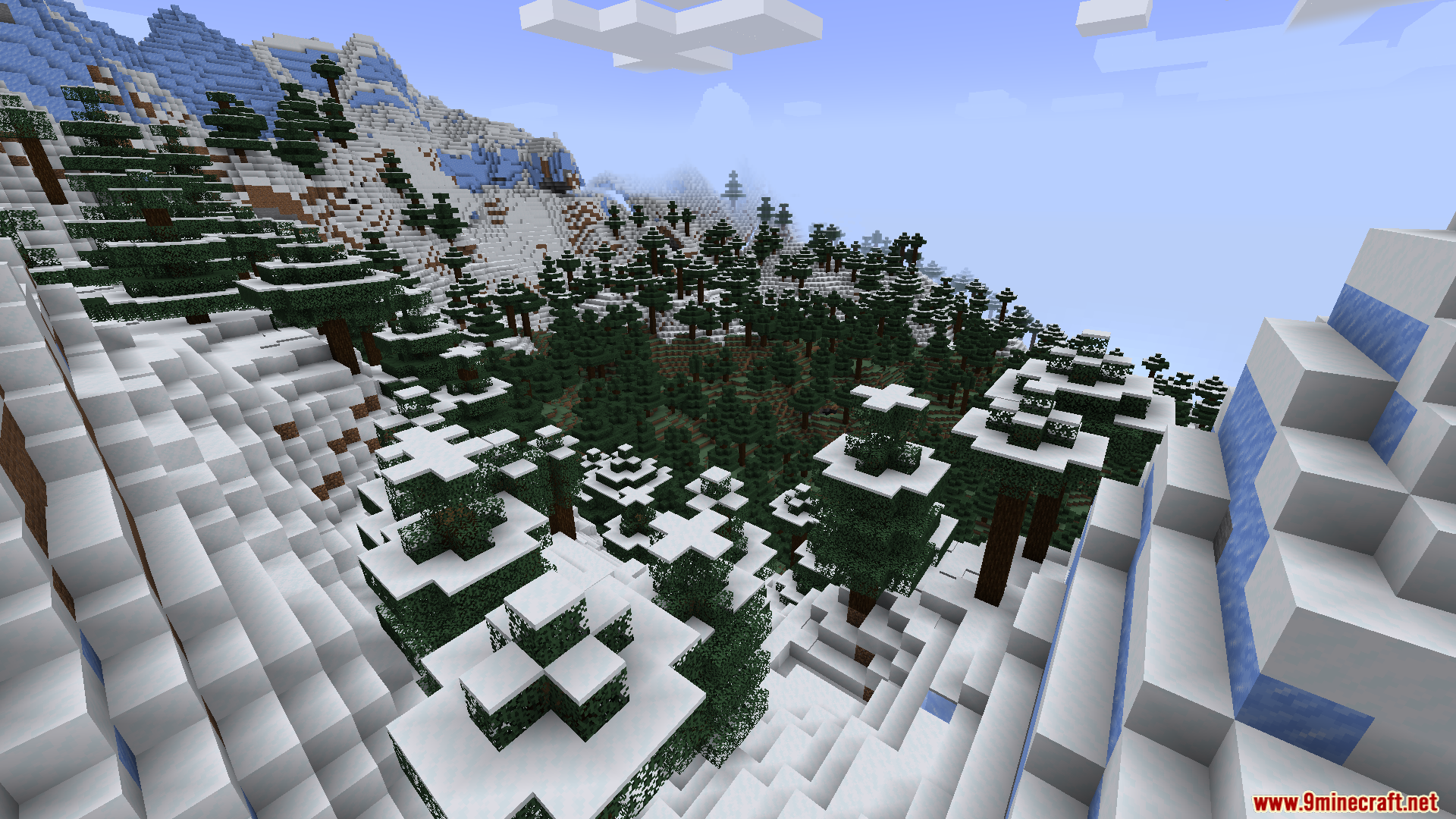
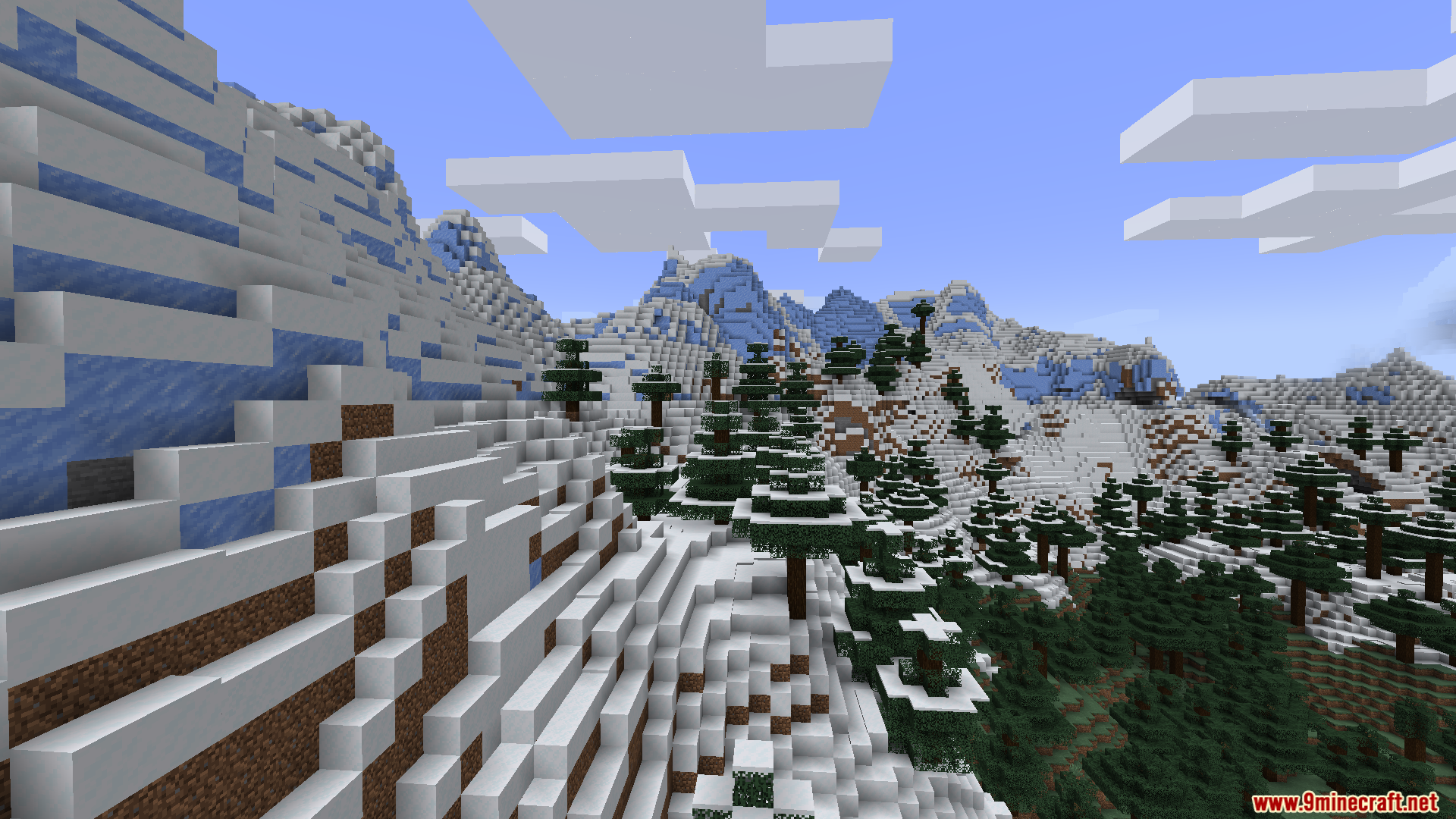
9 images from the Smooth Boot Reloaded Mod page.
You May Also Like
Wikis that share the most with this one
 Smooth Font
More mod wikis on the site
Smoke Suppression ModSmithing Template Viewer for JEI/EMI ModSmitherySmelting Touch ModSmelting Sand In A Blast Furnace ModSmelting Plus ModSmelting Enchantment ModSmelter The Hedgehog ModSmelt Raw Ore Blocks ModSmelt Netherite Scrap In To A Netherite Ingot ModSmarter FarmersSmarter Farmers 9minecraft Mod
The most downloaded mods that have a wiki here
A few wikis from each of the other kinds