

 DownloadShared Resources Mod
Get the files on 9Minecraft
Guides
Step-by-step, in-game.
Set Up a Global Directory for Shared ResourcesCreate Your Global Directory First, decide where you want to store your shared game files. This can be anywhere on…Share Data Packs Between InstancesOrganize Data Packs Globally Create a datapacks folder in your global directory. Place any data packs you want to…Share Resource Packs Across Multiple Game VersionsPlace Resource Packs in Your Global Directory Once your global directory is set up, create a resourcepacks folder…Sync Mod Configurations Across InstancesUnderstand Config Sharing Limitations The Shared Resources Mod supports sharing the Fabric config folder for…
Frequently asked questions
How do I set up the global directory for the first time?
Launch Minecraft with the mod installed, and you'll see a prompt asking you to select or create a global directory—this is where shared files will be stored. Choose a location outside your instance folders (like a dedicated folder on your drive), and the mod will handle the rest. After selection, restart Minecraft to begin using shared resources.
Can I use the same resource pack in multiple game versions?
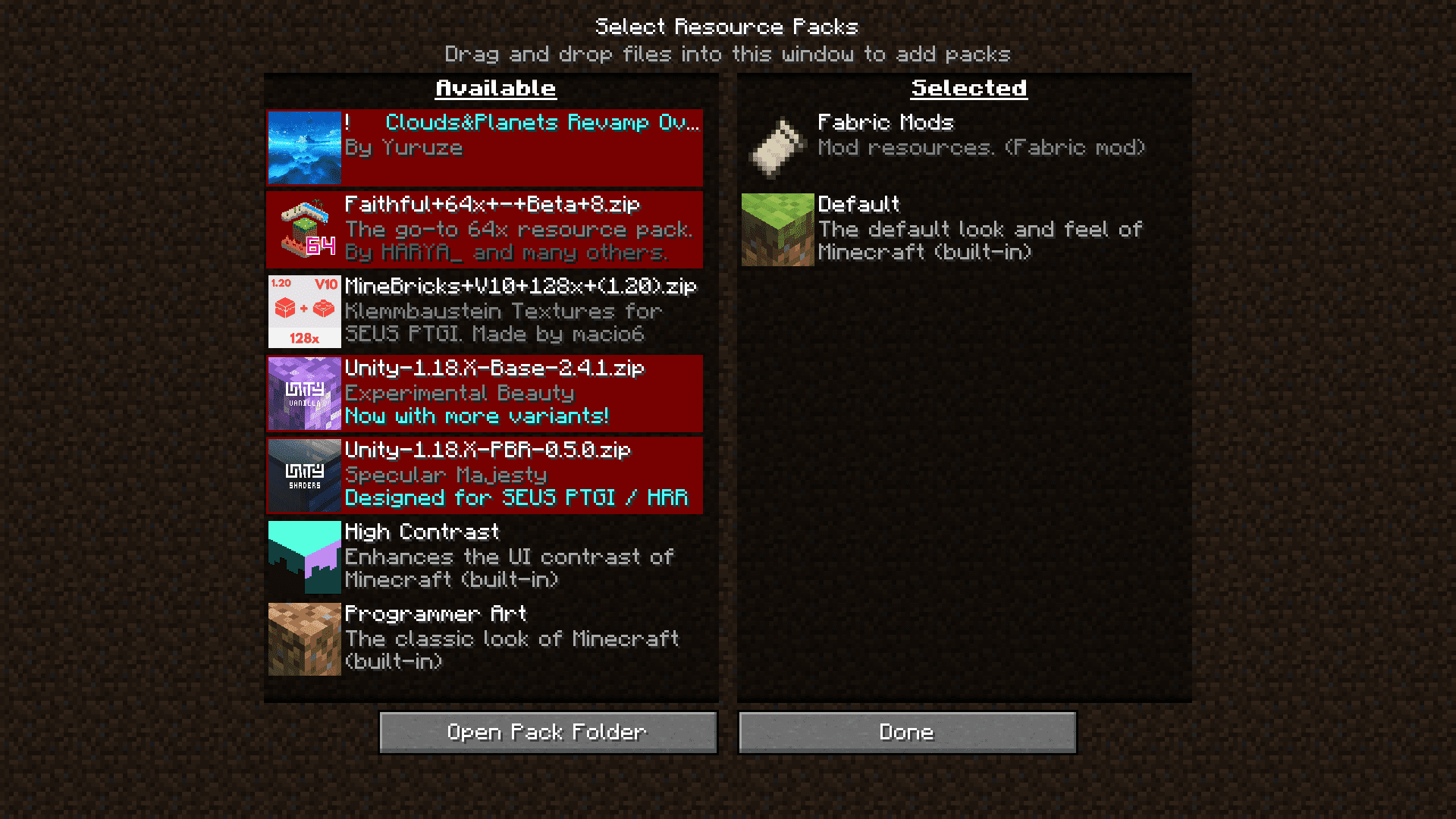
Yes, if the resource pack is compatible with both versions. Place it in the global resource packs folder, and it will appear in the resource pack selection screen for all instances that use the shared directory. The mod merges global and local packs, so you can also keep version-specific packs in individual instance folders.
What happens if I have the same file in both global and local folders?
The mod attempts to merge them—for most files, you'll see both options available and can choose which to use. If merging isn't possible, local files typically take priority, but the exact behavior depends on the file type.
Do mod configs actually sync across instances, or just game settings?
Only well-coded mods that store configs in the standard Fabric config folder will sync. The mod shares the config directory itself, so mods following proper conventions will automatically share settings, but poorly-coded mods that store configs elsewhere won't be affected.
See all 10 Shared Resources questions ›
Gallery
6 images from the Shared Resources Mod page.
You May Also Like
Wikis that share the most with this one
More mod wikis on the site
The most downloaded mods that have a wiki here
A few wikis from each of the other kinds