

 DownloadShadow Drop Mod
Get the files on 9Minecraft
Guides
Step-by-step, in-game.
Adjust Shadows for Custom Resource PacksUnderstand Slot Color Detection Shadow Drop automatically detects the color of your inventory slot backgrounds and…Enable Shadow Drop Across All Menu ScreensWhere Shadows Appear Shadow Drop applies shadows to three main screens by default: your hotbar (the item bar at the…Fix Shadow Drop Performance IssuesIdentify Performance Loss If you notice frame rate drops after installing Shadow Drop, the mod is likely the cause.…Understand How Shadows Adapt to Different ItemsShadow Opacity Varies by Item Type Shadow Drop doesn't apply a uniform shadow to every item. Instead, it…
Frequently asked questions
Do I need to do anything to enable Shadow Drop after installing it?
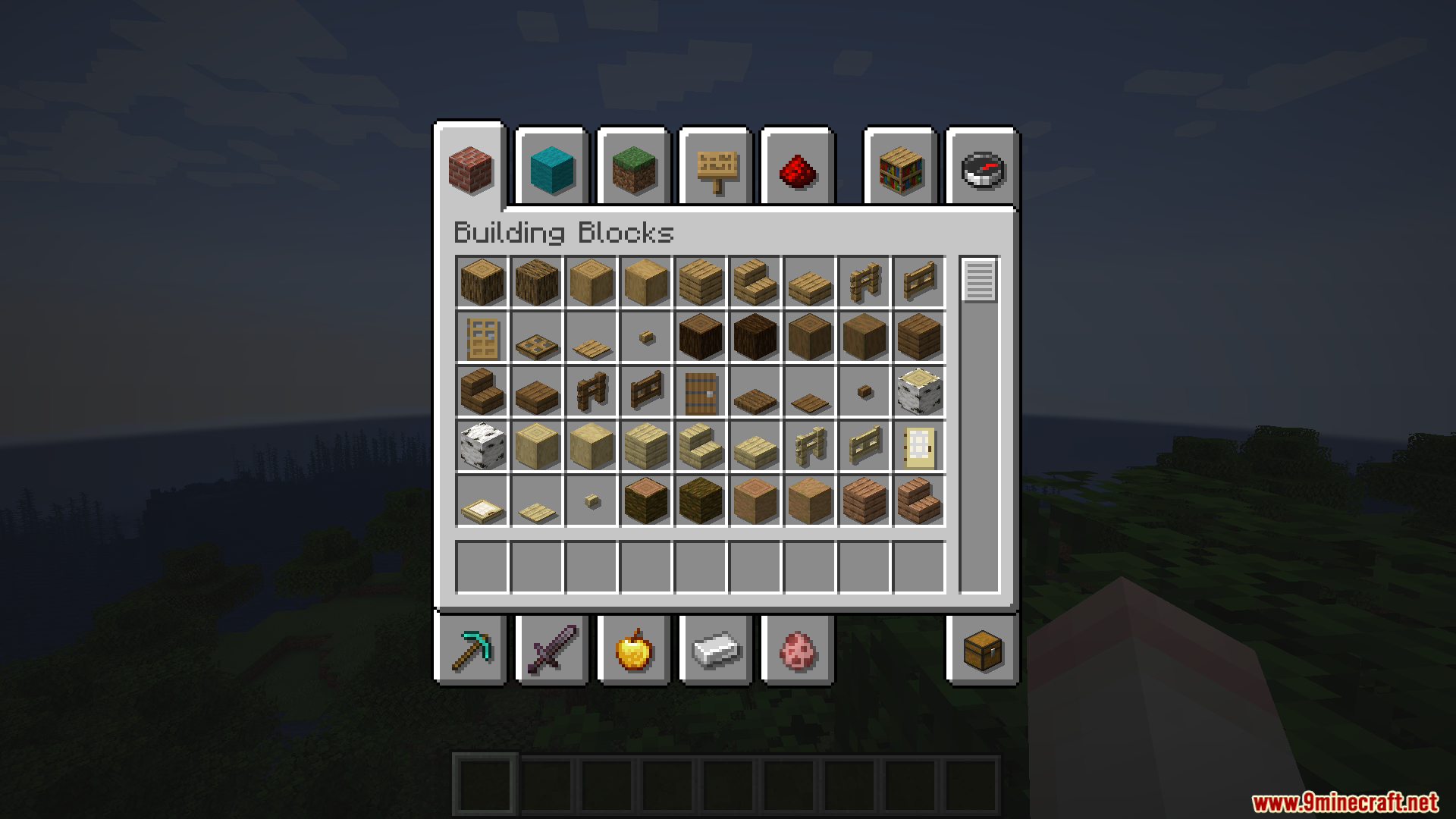
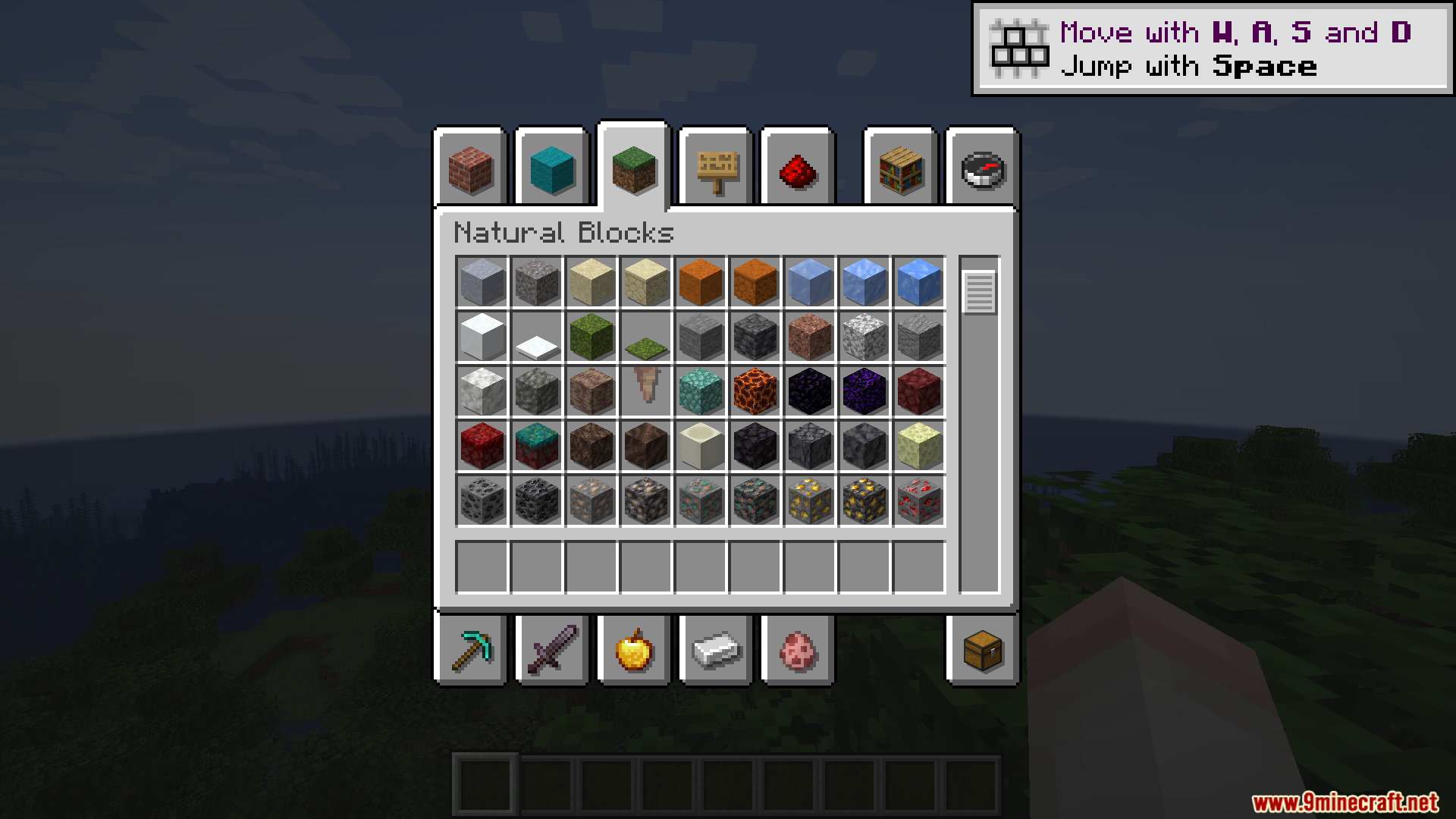
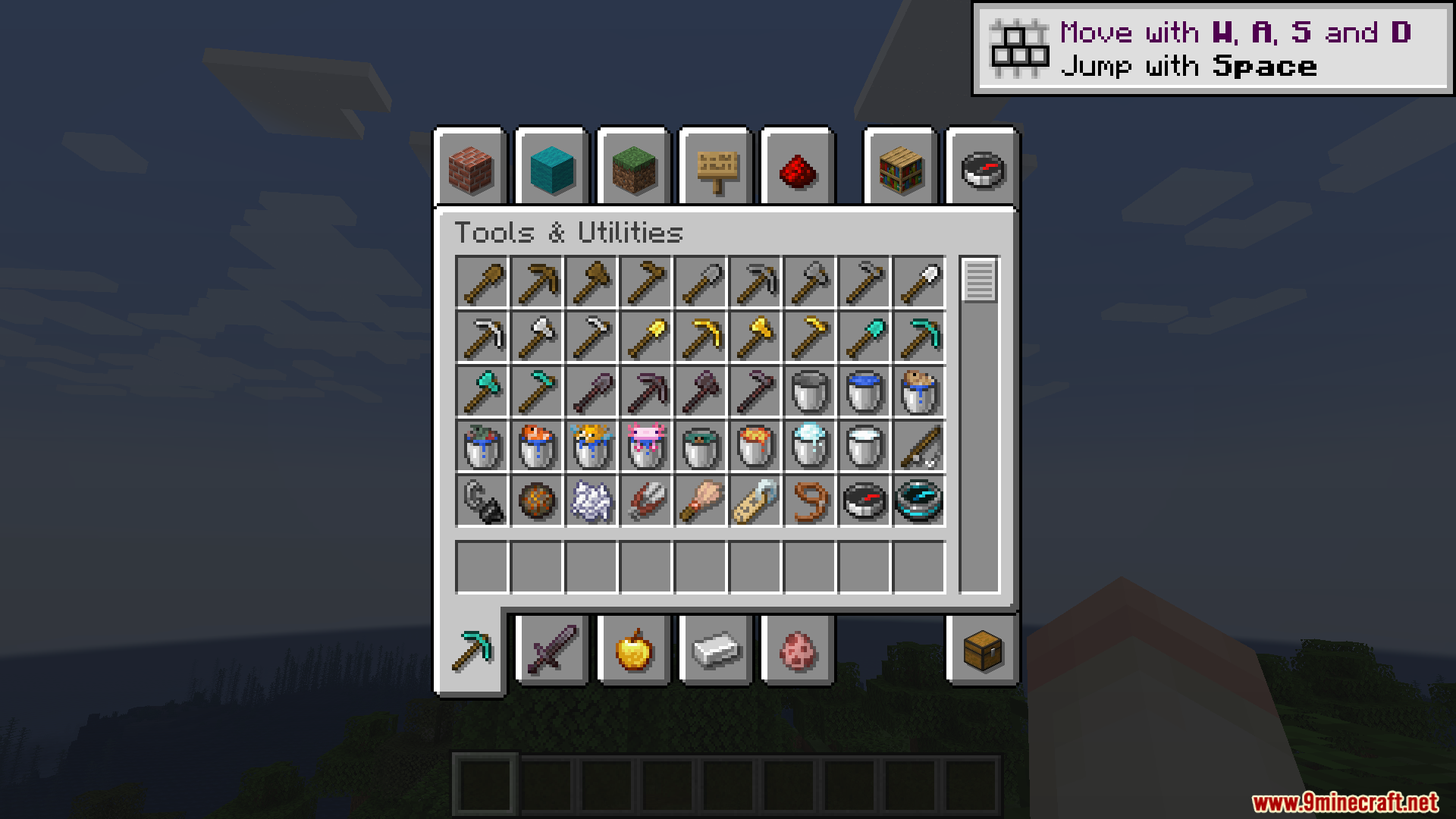
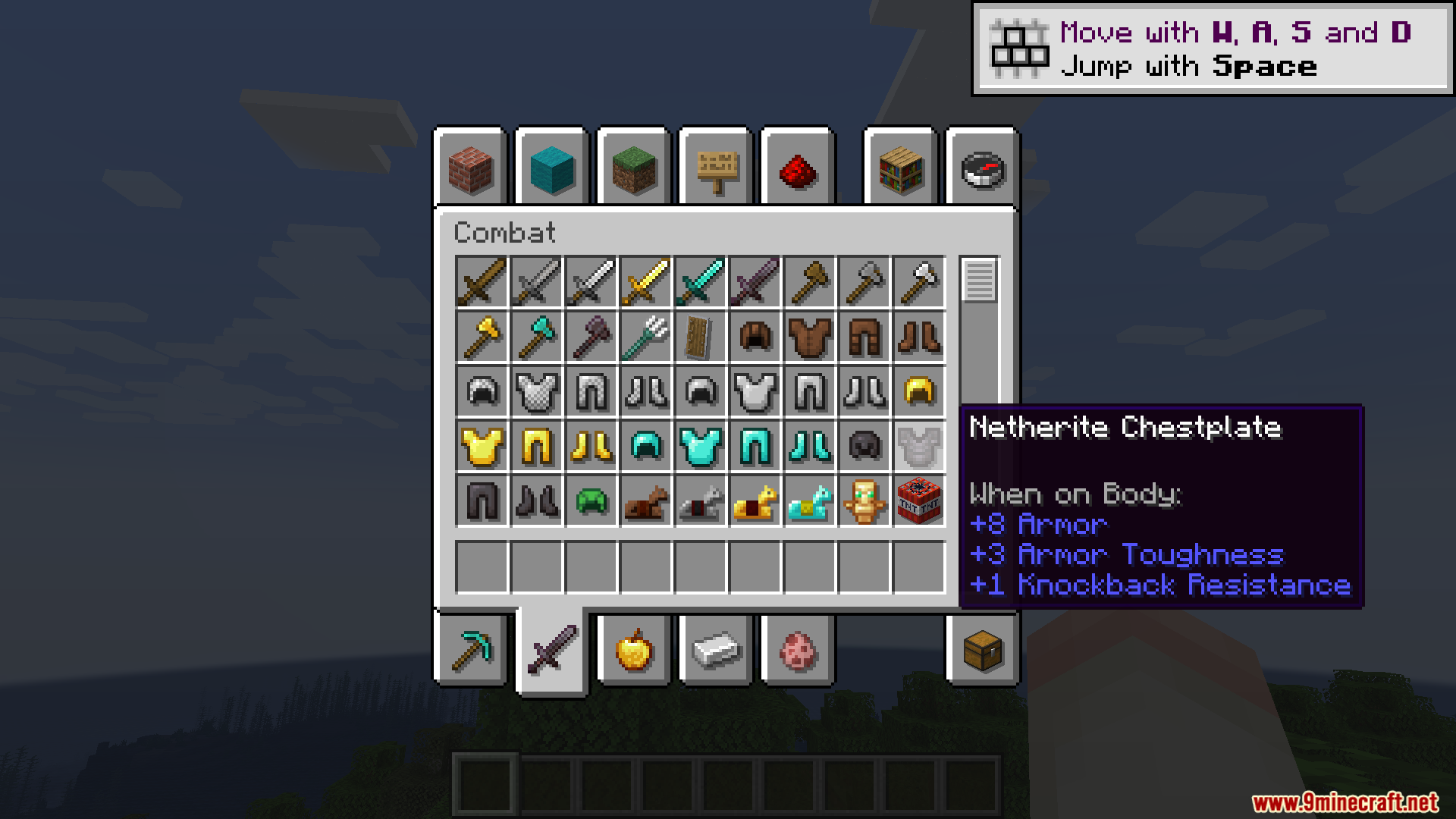
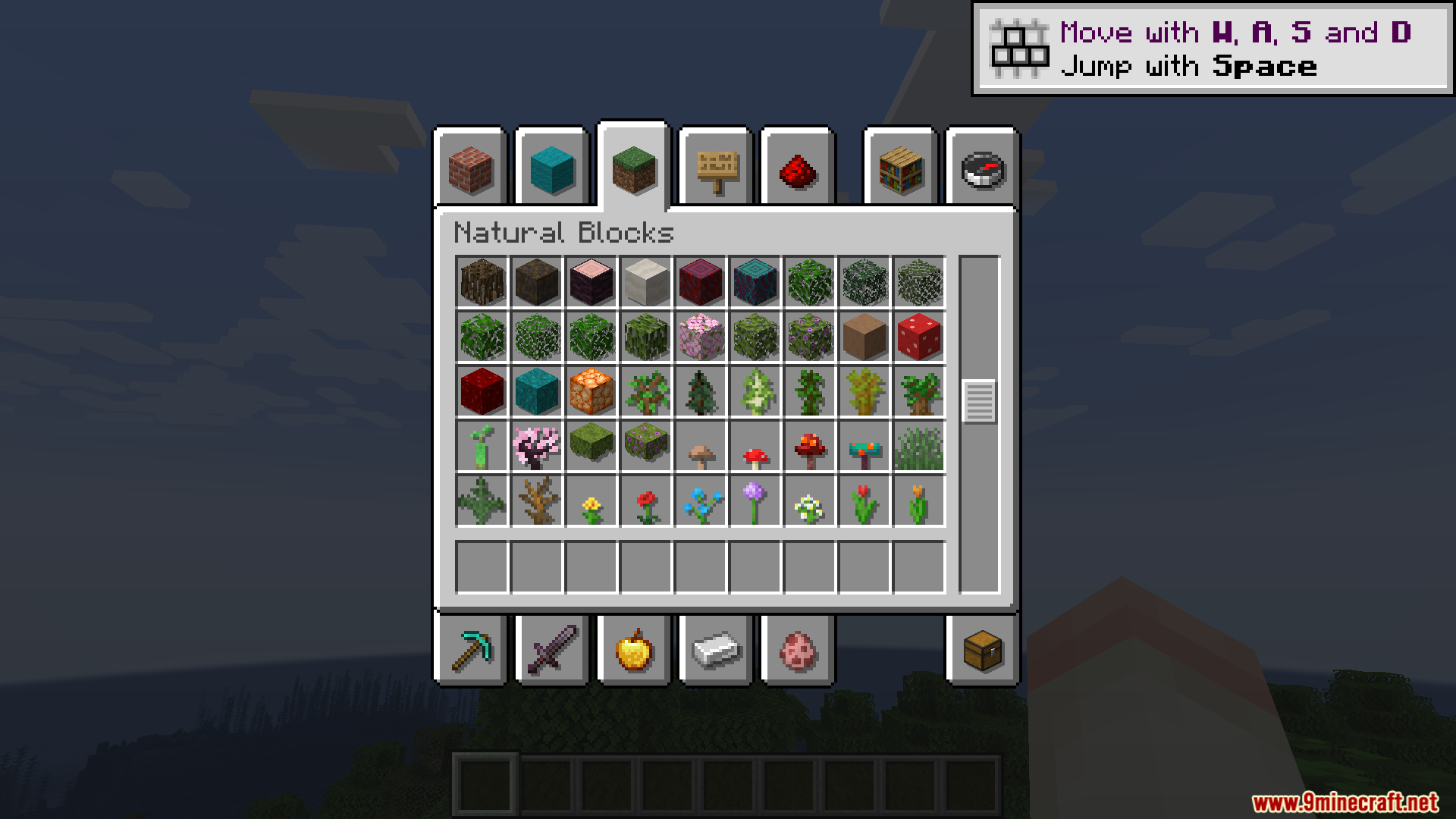
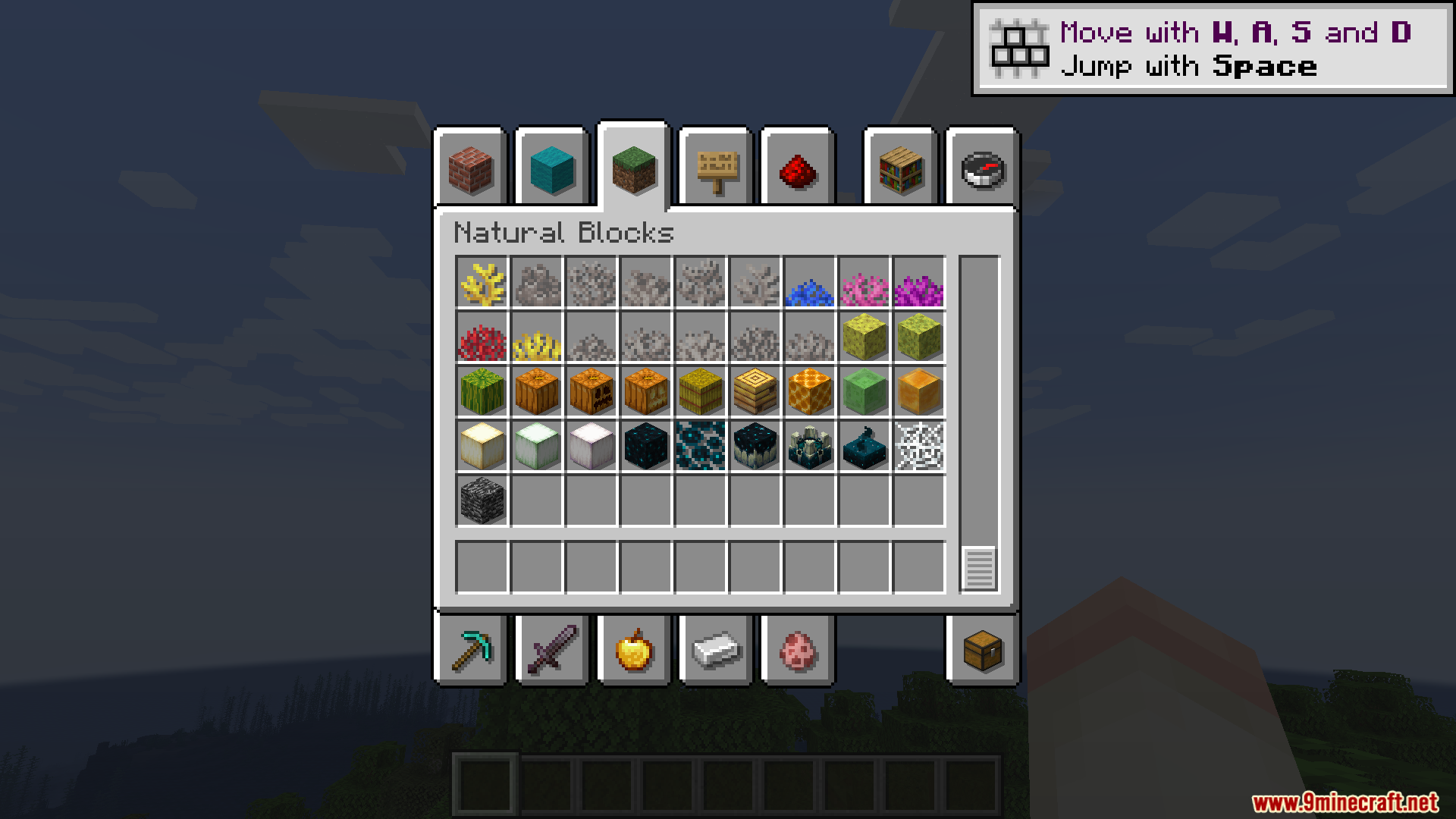
No, Shadow Drop works automatically once installed—shadows will appear behind all items in your inventory, hotbar, and advancement screens without any setup required.
Why do some items have darker shadows than others?
Shadow Drop adjusts shadow darkness based on the item's appearance; transparent or light-colored items like glass get lighter shadows, while solid dark blocks get darker shadows, creating a more realistic depth effect.
My shadows look wrong with my resource pack. How do I fix this?
Open the shadowdrop-client.toml file and adjust the slotBrColors setting to match the color scheme of your resource pack's inventory slots.
Shadow Drop is making my game lag when I open big chests. What can I do?
The mod draws twice as many items on screen, which impacts performance with large inventories; try disabling use-batched-renderer in shadowdrop-client.toml, or disable the mod temporarily when working with massive chests.
See all 10 Shadow Drop questions ›
Gallery
12 images from the Shadow Drop Mod page.
You May Also Like
Wikis that share the most with this one
 Drop Highlighter Mod
Wikis on the same theme: mobs
More mod wikis on the site
The most downloaded mods that have a wiki here
A few wikis from each of the other kinds