DownloadRFTools Utility
Get the files on 9Minecraft
Guides
Step-by-step, in-game.
How to Automate Redstone Signals WirelesslyPairing Transmitter and Receiver Place a Redstone Transmitter and a Redstone Receiver . These two form a wireless…How to Build a Basic Screen DisplayPlacing the Screen Place a Screen block where you want the display. Screens are the output surface; they show nothing…How to Build Logic and Counting CircuitsLogic Blocks Place a Logic block and power it. The Logic block evaluates redstone inputs and produces an output based…How to Monitor Inventories and Machines on a ScreenInventory Monitoring Place an Inventory Checker next to the inventory you want to watch, then connect it to a Screen…How to Set Up Matter TransmissionBuilding the Receiver End Place a Matter Receiver where you want to arrive. Give it power by running Wire from your…How to Use the Environmental Controller with ModulesPlacing and Powering the Controller Place an Environmental Controller and power it with Wire . This block applies…
Recipes
Every recipe the mod adds, grouped by how it is made.
Items
A
 Advanced Charged Porter
B
 Blindness Module
 Button Screen Module
C
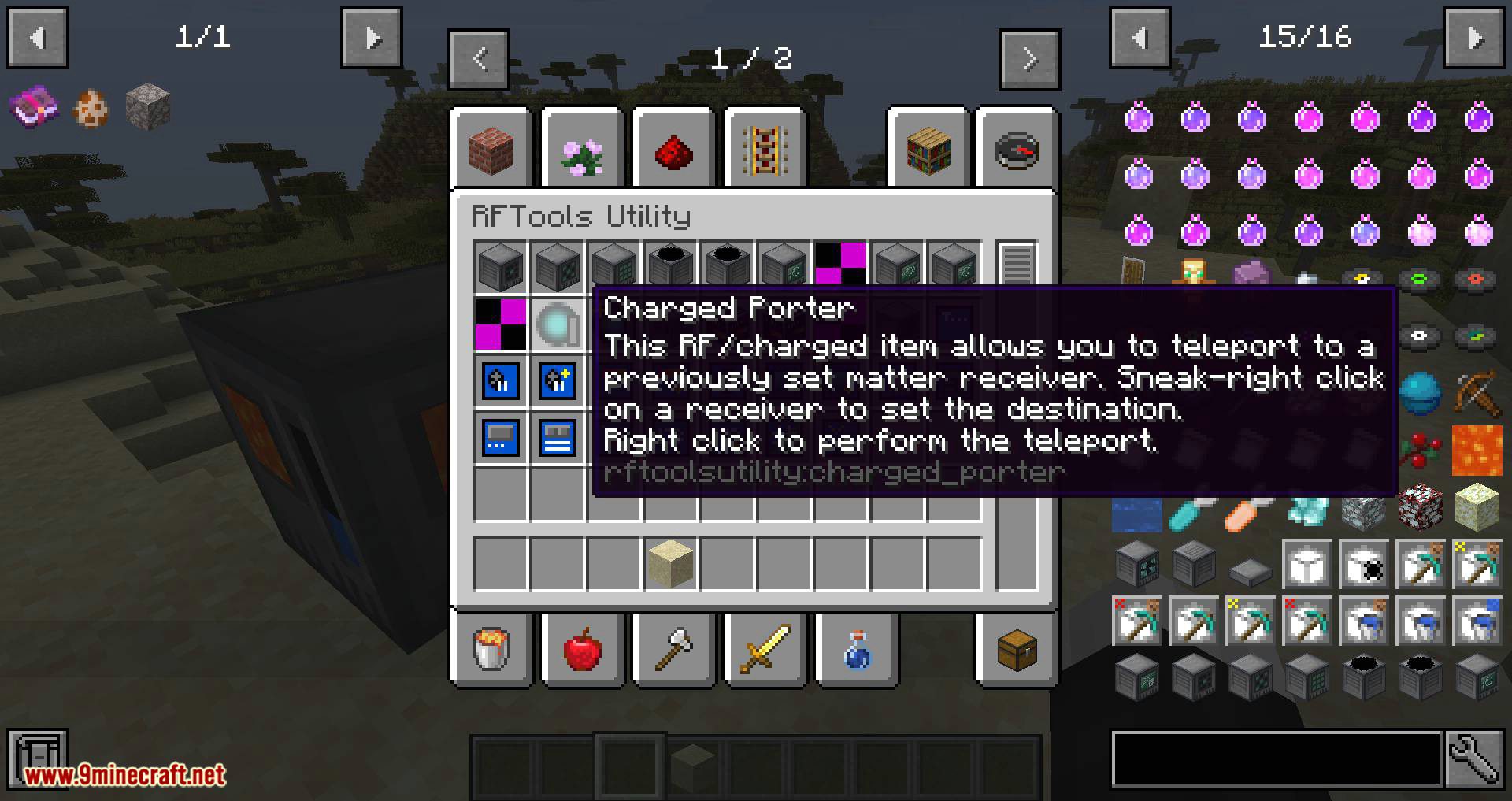
 Charged Porter
 Clock Screen Module
 Counter Plus Screen Module
 Counter Screen Module
E
 Energy Plus Screen Module
 Energy Screen Module
F
 Featherfalling Module
 Featherfalling+ Module
 Flight Module
 Fluid Plus Screen Module
 Fluid Screen Module
G
 Glowing Module
H
 Haste Module
 Haste+ Module
I
 Inventory Plus Screen Module
 Inventory Screen Module
L
 Luck Module
M
 Machine Information Screen Module
 Module Template
 ModulePlus Template
N
 Nightvision Module
 Noteleport Module
P
 Peaceful Module
 Poison Module
R
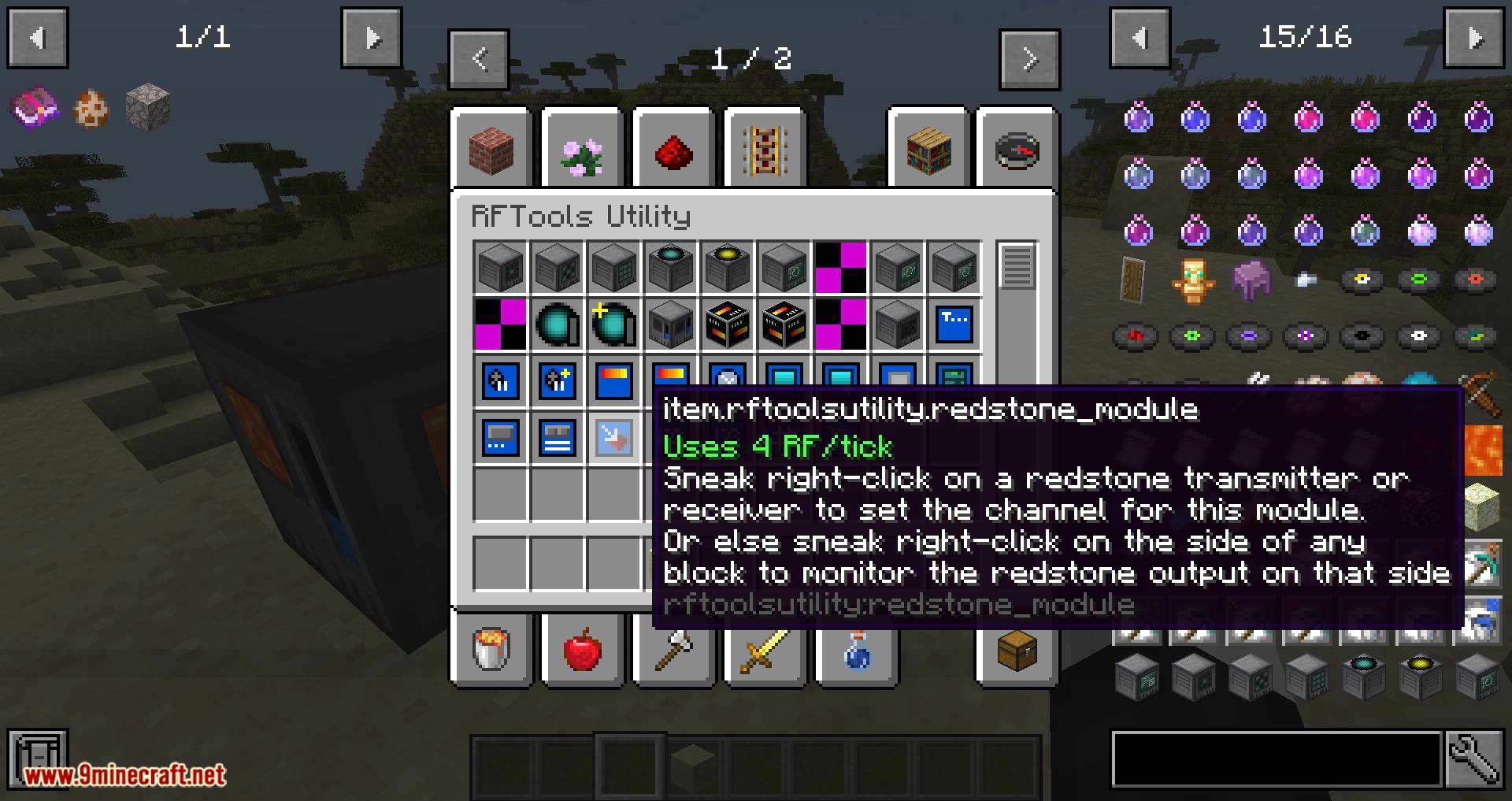
 Redstone Module
 Redstone Screen Module
 Regeneration Module
 Regeneration+ Module
S
 Saturation Module
 Saturation+ Module
 Screen Link
 Slowness Module
 Speed Module
 Speed+ Module
 Syringe
T
 Text Screen Module
W
 Waterbreathing Module
 Weakness Module
Blocks
A
 Analog
C
 Counter
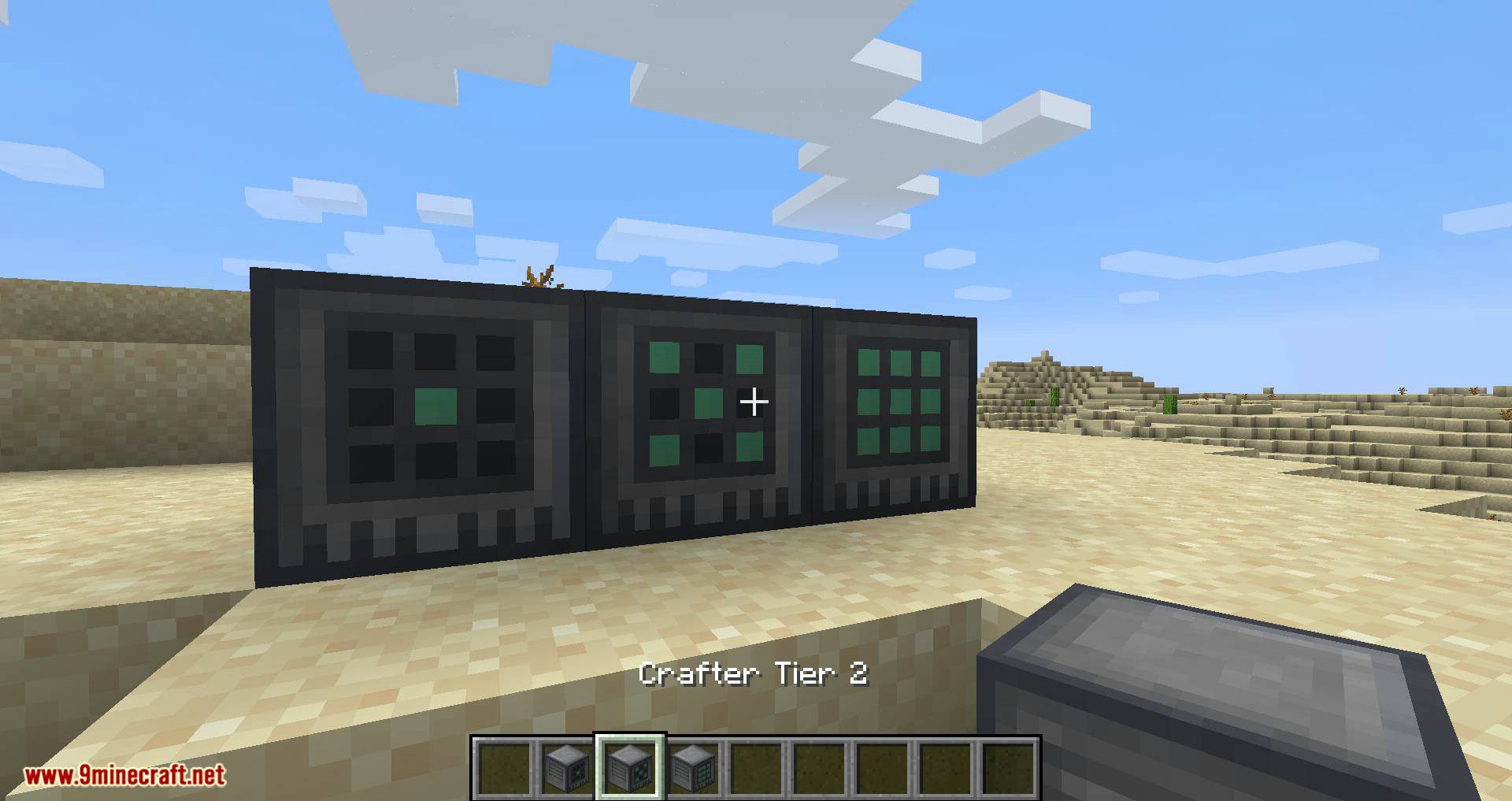
 Crafter Tier 1
 Crafter Tier 2
 Crafter Tier 3
D
 Destination Analyzer
 Dialing Device
 Digit
E
 Environmental Controller
I
 Inventory Checker
L
 Logic
M
 Matter Beamer
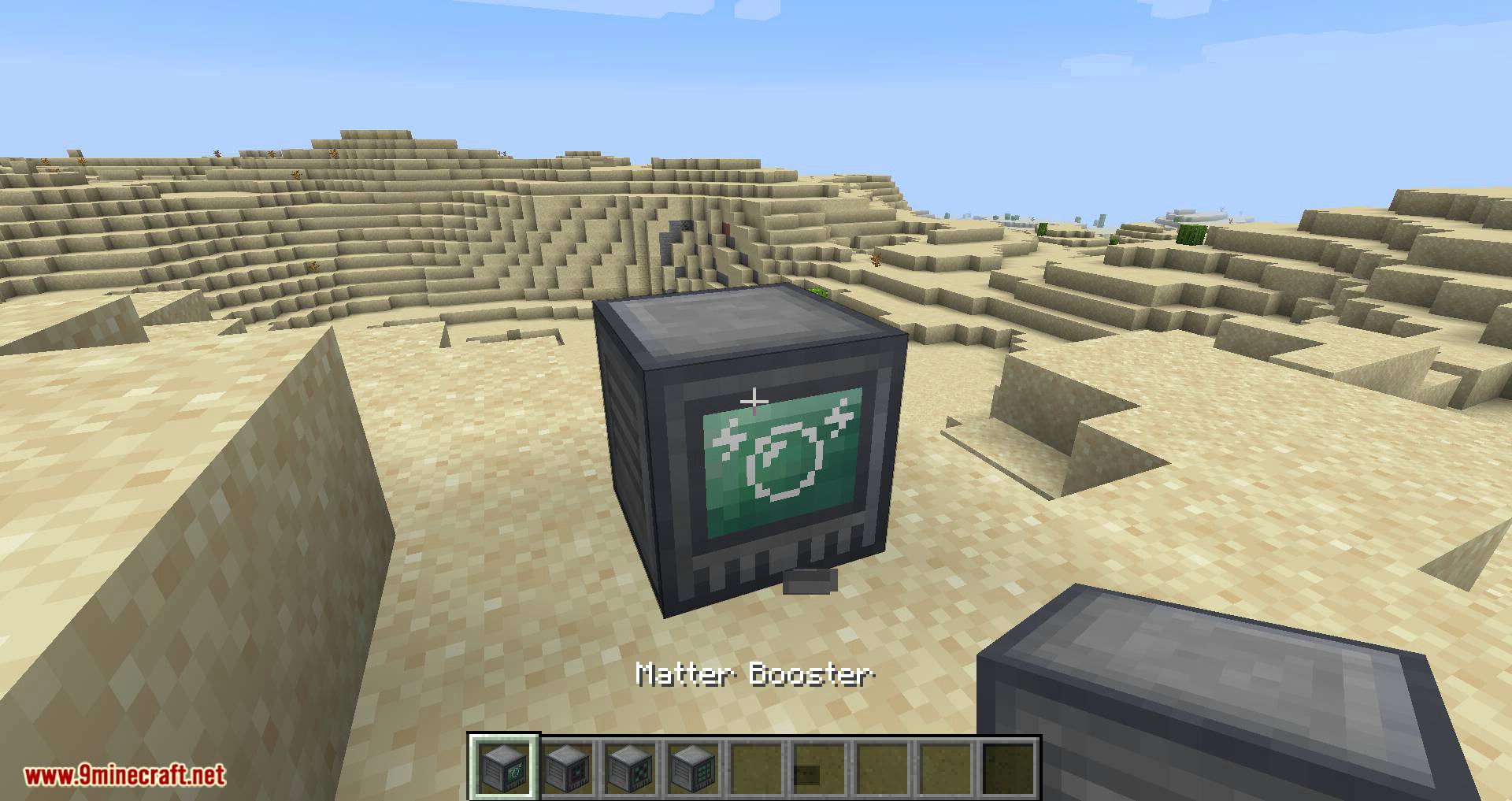
 Matter Booster
 Matter Receiver
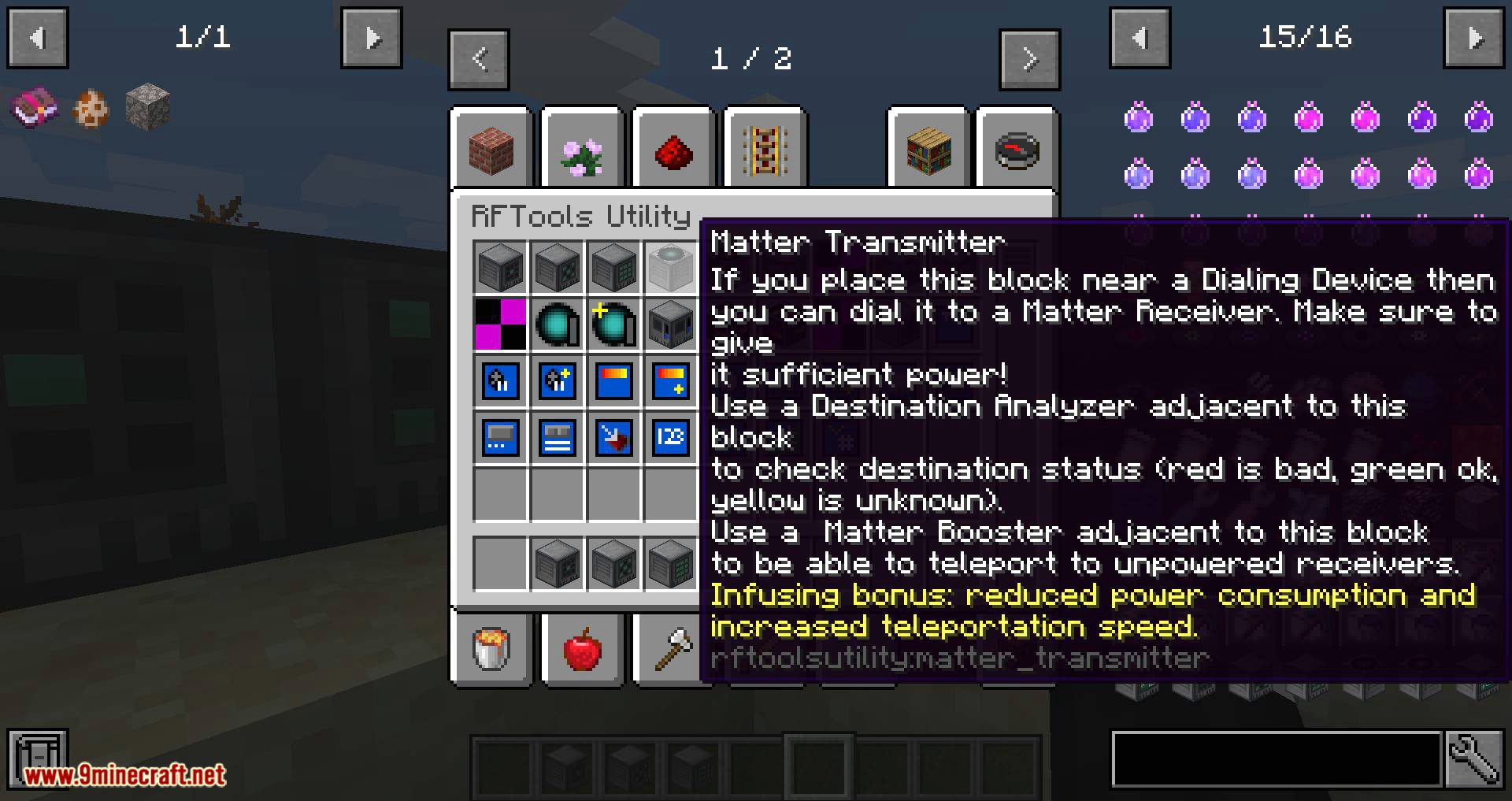
 Matter Transmitter
R
 Redstone Receiver
 Redstone Transmitter
S
 Screen
 Screen Controller
 Sensor
 Sequencer
 Simple Dialer
 Spawner
T
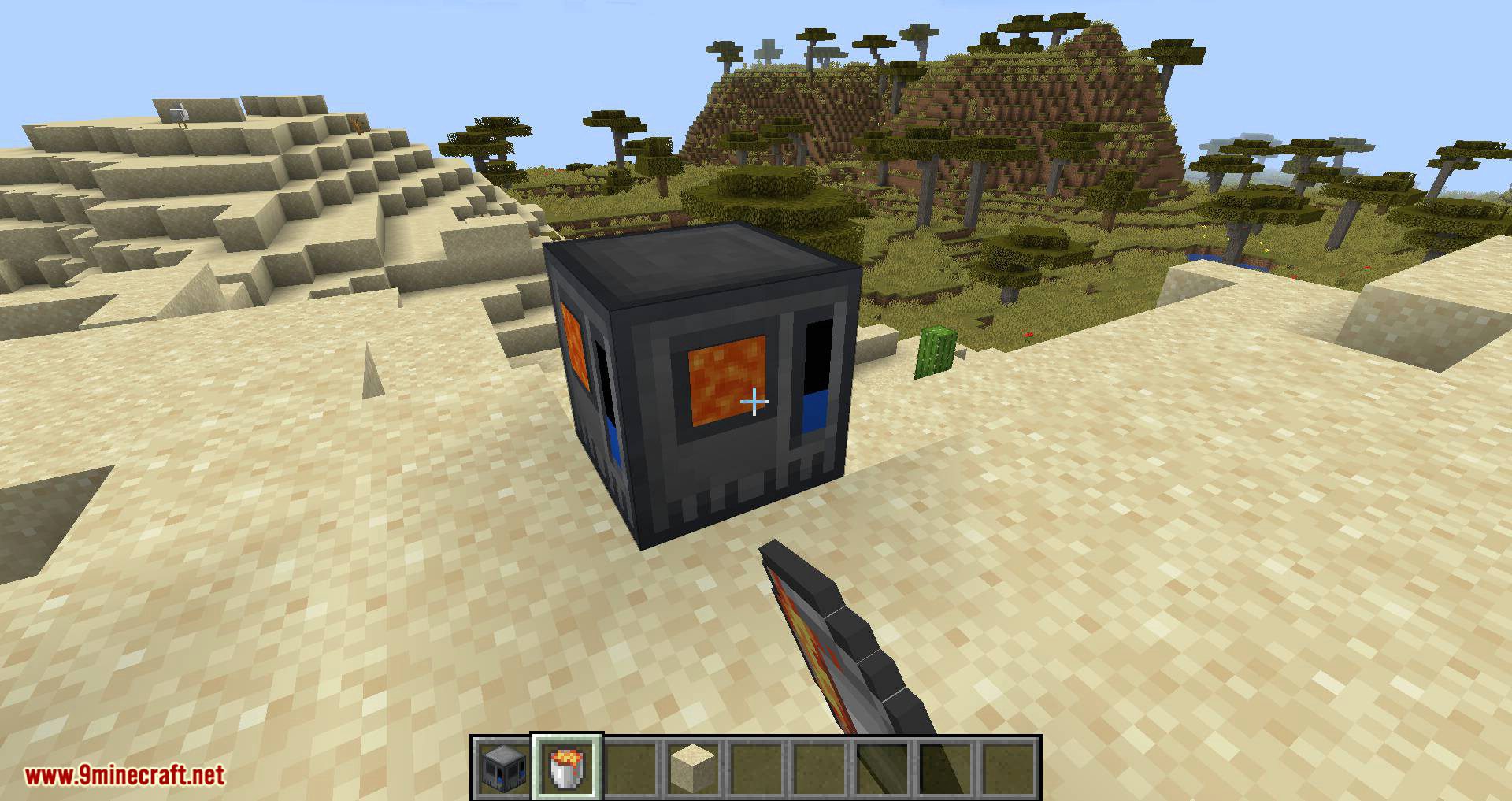
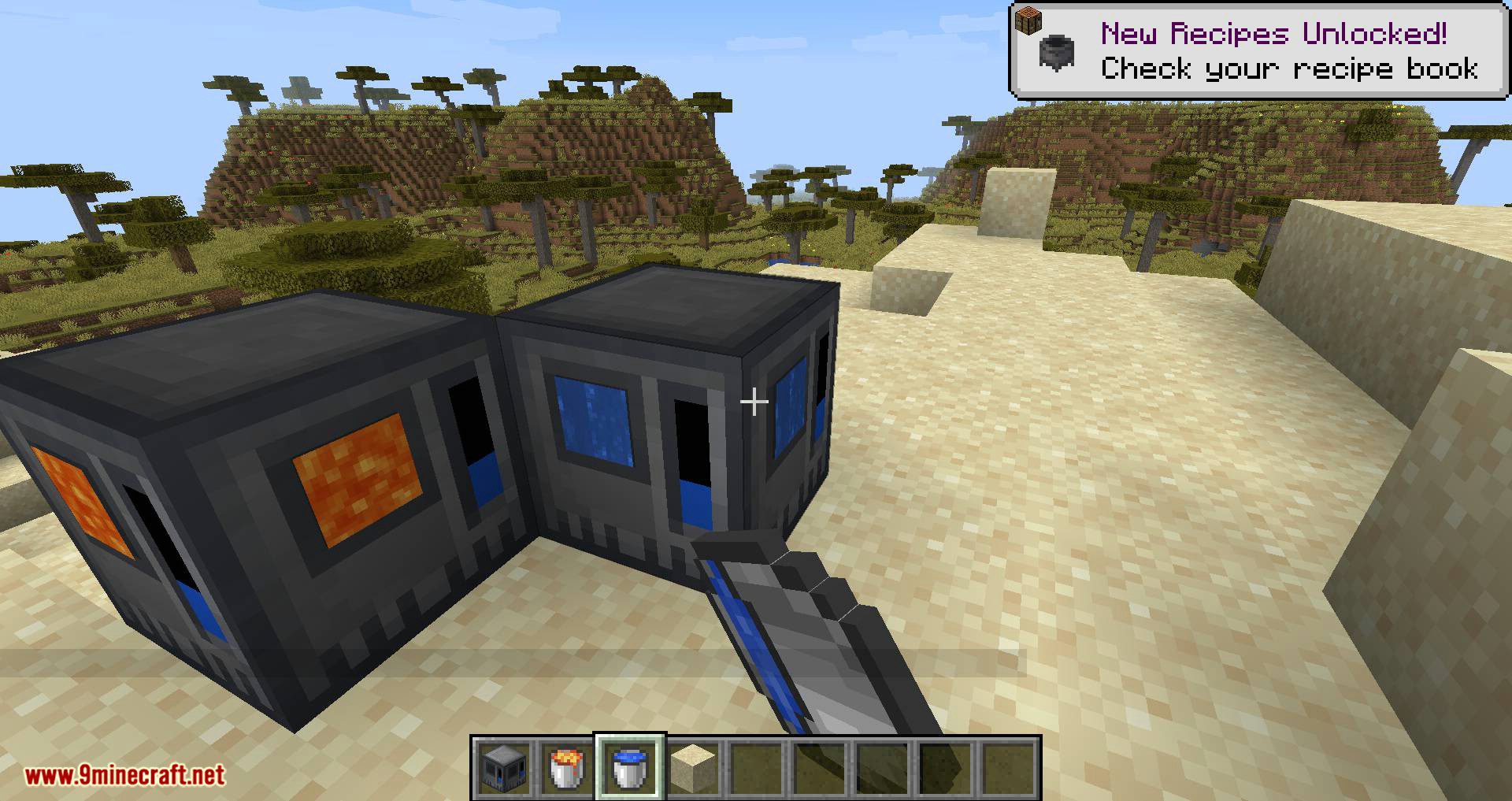
 Tank
 Timer
W
 Wire
Frequently asked questions
How do I craft a Matter Receiver?
Craft it using a shaped crafting recipe. Place the completed Matter Receiver block where you want to teleport to, then link it with a Dialing Device or Simple Dialer.
How do I teleport between two points?
Place a Matter Receiver at the destination and a Matter Transmitter at the origin, then use a Dialing Device or Simple Dialer to establish the link. A Destination Analyzer can be used to check the target.
What is the Dialing Device used for?
The Dialing Device is a block used to dial and manage connections between Matter Transmitters and Matter Receivers. Place it near your teleport network and interact with it to select destinations.
How do I make a Syringe?
Syringes are produced using the rftoolsutility:syringe recipe type. They are used to apply modules such as Speed Module, Haste Module, or Regeneration Module to yourself or entities.
How do I use a Syringe with a module?
Combine a Syringe with a module item via the syringe recipe type to create a loaded syringe. Then use the syringe on a player or entity to apply the module's effect.
What does the Environmental Controller do?
The Environmental Controller is a block that applies module effects to players in its area. Insert modules such as Speed Module, Haste Module, or Nightvision Module into it to grant those effects.
How do I build a Screen setup?
Place a Screen block, then link it to a Screen Controller using a Screen Link. Insert Screen Modules (such as Energy Screen Module or Inventory Screen Module) into the Screen Controller to display information.
How do I display energy or fluid info on a screen?
Insert an Energy Screen Module or Fluid Screen Module into a Screen Controller linked to a Screen. The module reads from the connected block and renders the value on the screen.
What is the Crafter Tier 1 used for?
Crafter Tier 1 is a block that performs automatic crafting. Feed it items and a recipe via its interface to produce crafted outputs.
How do Redstone Transmitter and Redstone Receiver work together?
Place a Redstone Transmitter and a Redstone Receiver, then link them so the transmitter sends a redstone signal wirelessly to the receiver. Use Wire to connect them to redstone circuits.
What does the Spawner block do?
The Spawner is a block that spawns entities. Configure it in-world to control what it spawns and under what conditions.
What are Logic, Counter, Timer, Sequencer, and Analog blocks used for?
These are redstone logic blocks: Logic performs boolean operations, Counter counts pulses, Timer emits timed signals, Sequencer runs ordered steps, and Analog outputs variable signal strength. Connect them with Wire to build redstone circuits.
You May Also Like
Wikis that share the most with this one
Wikis on the same theme: redstone
More mod wikis on the site
The most downloaded mods that have a wiki here
A few wikis from each of the other kinds
Gallery
11 images from the Rftools Utility Mod page.