
 DownloadReward Claim Mod
Get the files on 9Minecraft
Guides
Step-by-step, in-game.
How to Claim Your Hypixel Daily Reward In-GameOpening the Reward Screen To claim your daily reward without leaving Minecraft, go to the Hypixel lobby and interact…How to Read and Confirm Reward Details Before ClaimingWhat the Confirmation Screen Shows When you click your Daily Reward token with Reward Claim Mod installed, the mod…How to Stop the Daily Reward Browser Tab From OpeningWhy the Browser Opens By default, clicking your Daily Reward token in the Delivery Man menu sends you to the Hypixel…Troubleshooting the Reward Claim GUI Not WorkingThe Browser Still Opens If clicking the Daily Reward token still launches a browser, the mod is not intercepting the…
Frequently asked questions
How do I claim my Hypixel Daily Reward with this mod?
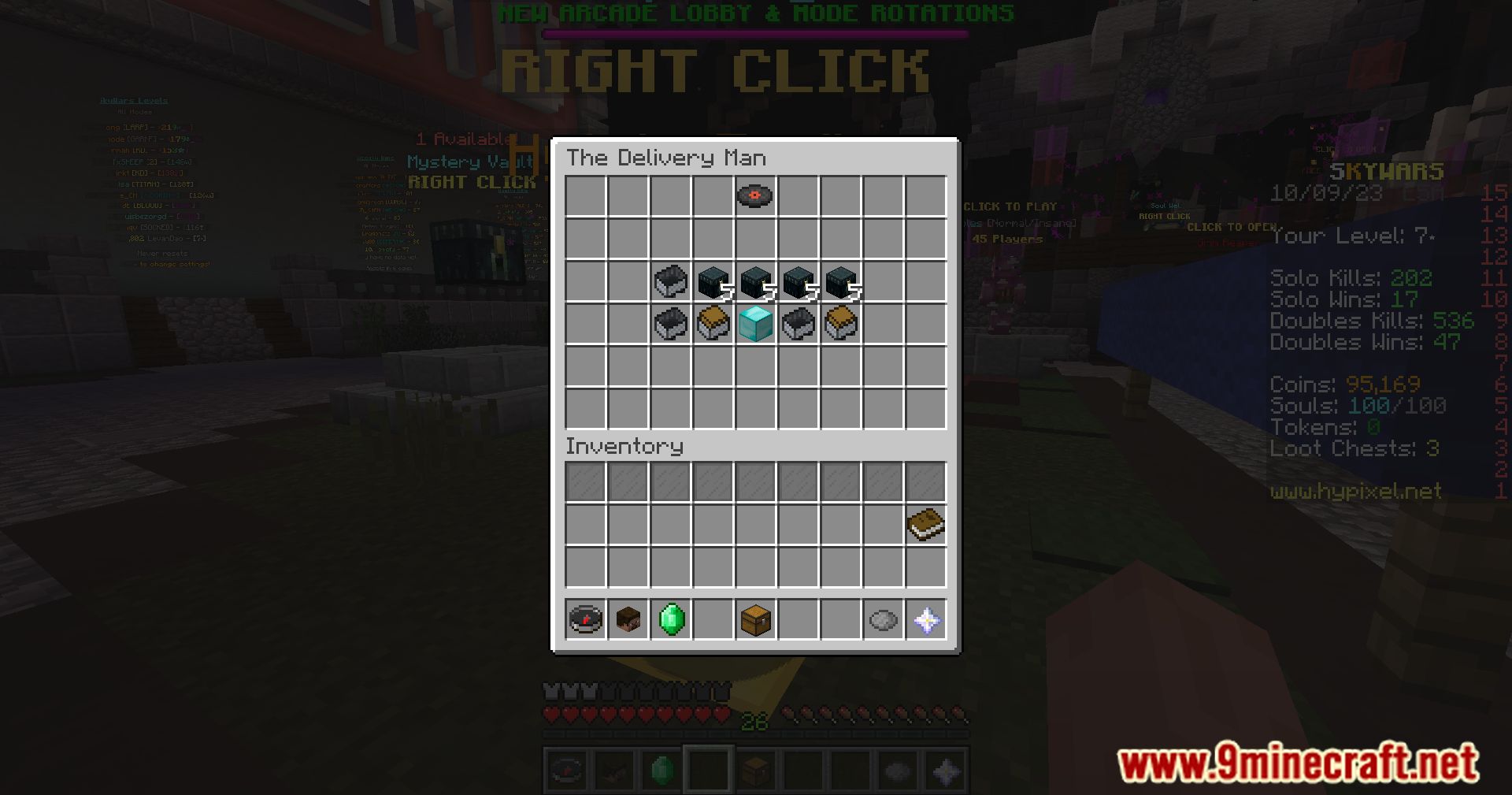
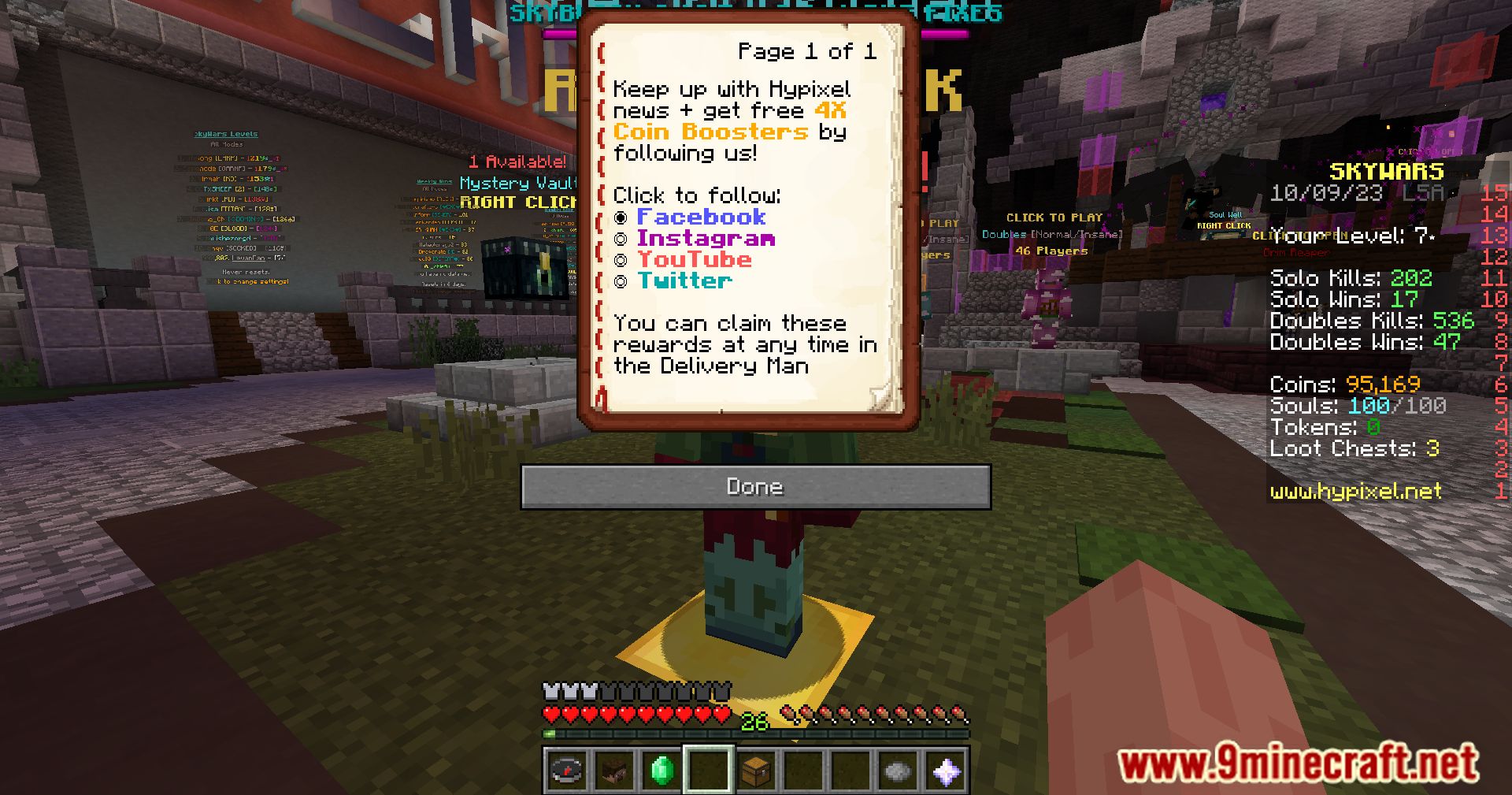
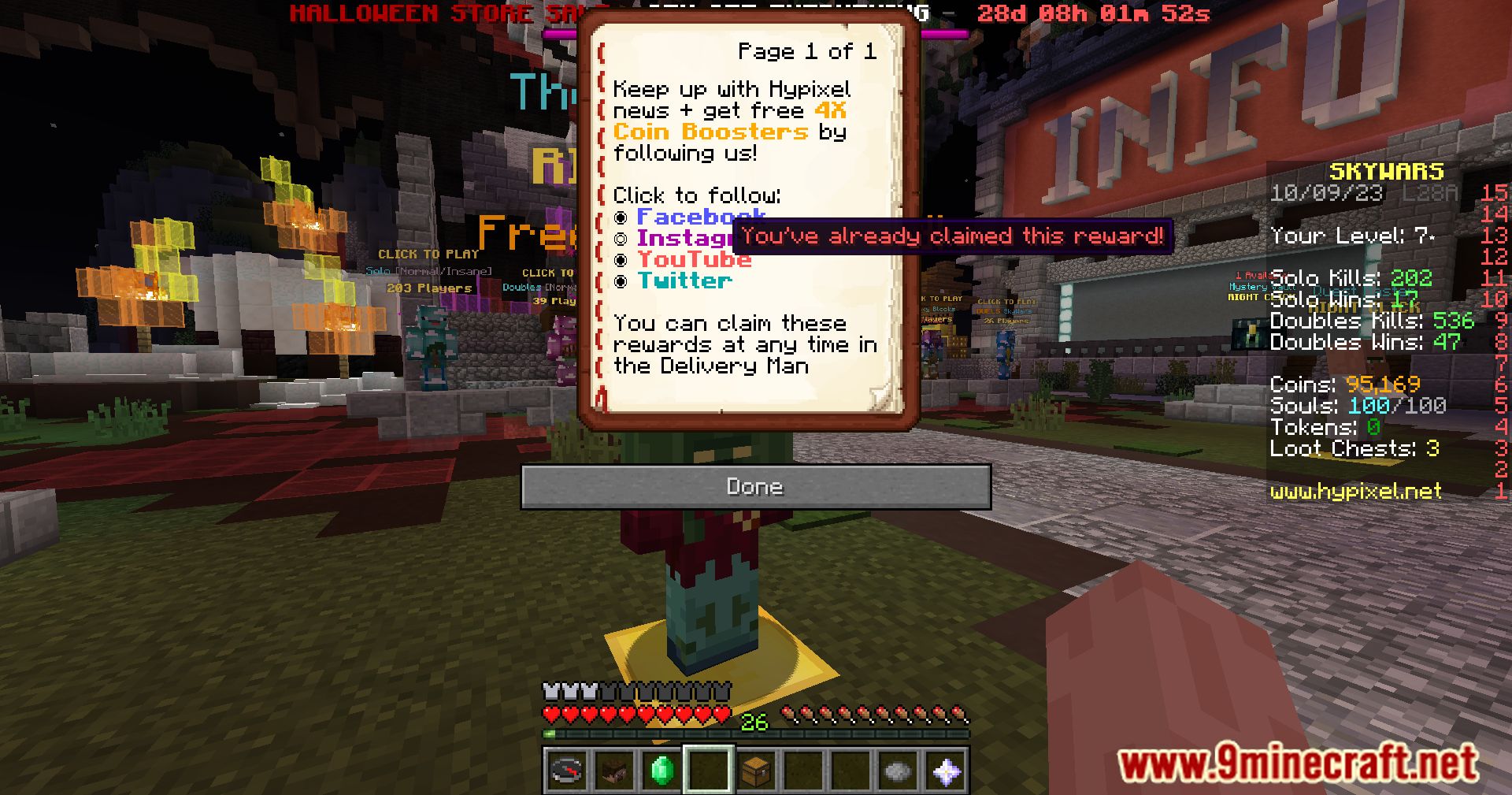
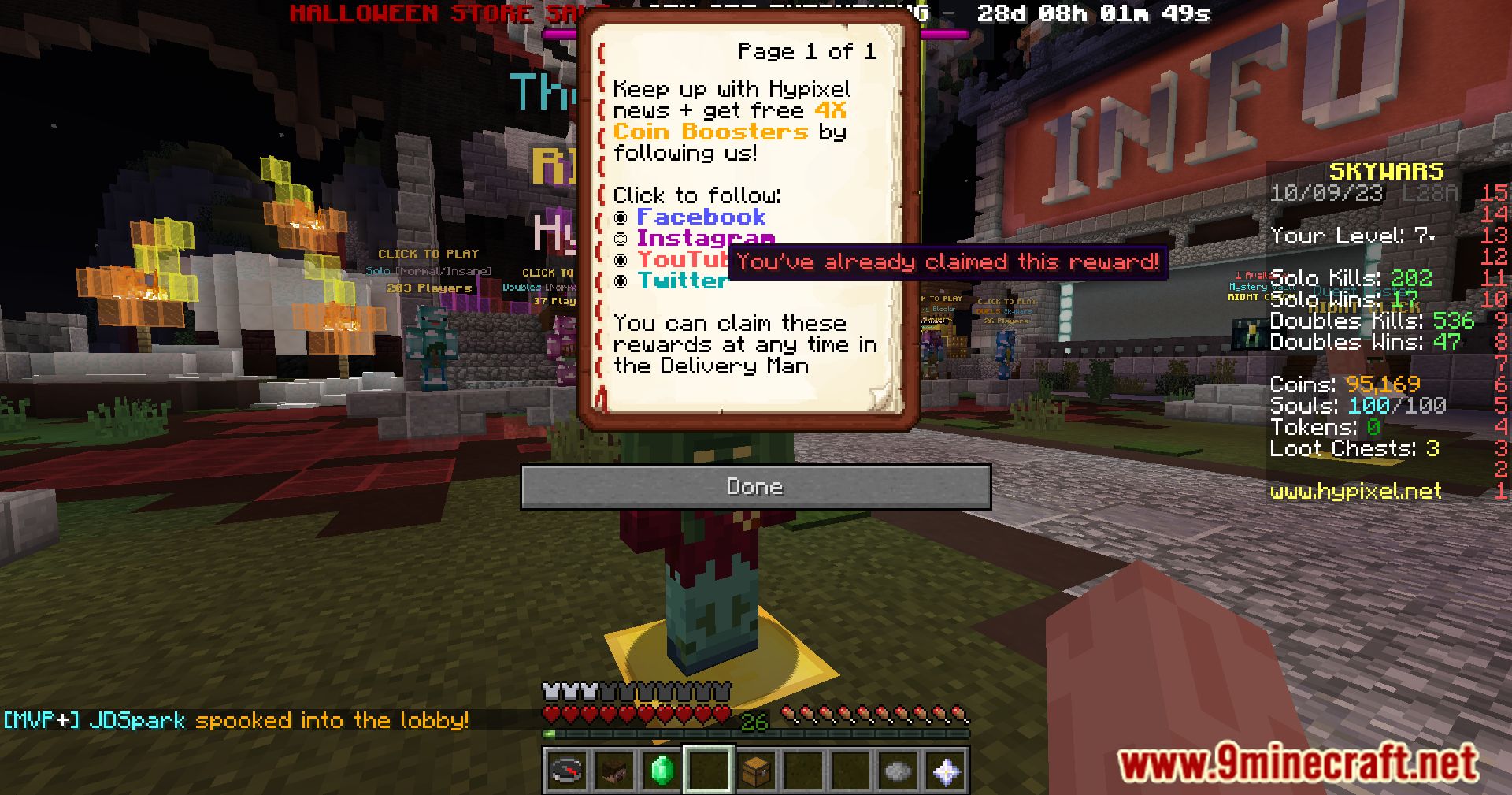
Open the Delivery Man menu and click your Daily Reward token as usual. The mod intercepts the click and opens its own in-game GUI instead of a browser tab, where you confirm the reward.
Why does the reward GUI open instead of the website now?
The mod intercepts the default token click action before it can launch the reward URL. That interception is the whole point of the mod, so the GUI appearing means it is working correctly.
How do I stop the browser tab from opening when I click the Daily Reward token?
You don't need to do anything extra once the mod is active, since it replaces the browser-opening action entirely. If a tab still opens, the mod isn't intercepting the click, so check that it's loaded and enabled.
Can I still see the reward details before I claim it?
Yes, the GUI shows the reward details on a confirmation screen before you commit. Read them there and confirm only when you're happy with what's offered.
See all 10 Reward Claim questions ›
Gallery
9 images from the Reward Claim Mod page.
You May Also Like
Wikis that share the most with this one
More mod wikis on the site
The most downloaded mods that have a wiki here
A few wikis from each of the other kinds