DownloadRapid Rail Artisan
Get the files on 9Minecraft
Guides
Step-by-step, in-game.
Items
 Building Placer
 Building Selector
 Rail Builder
Blocks
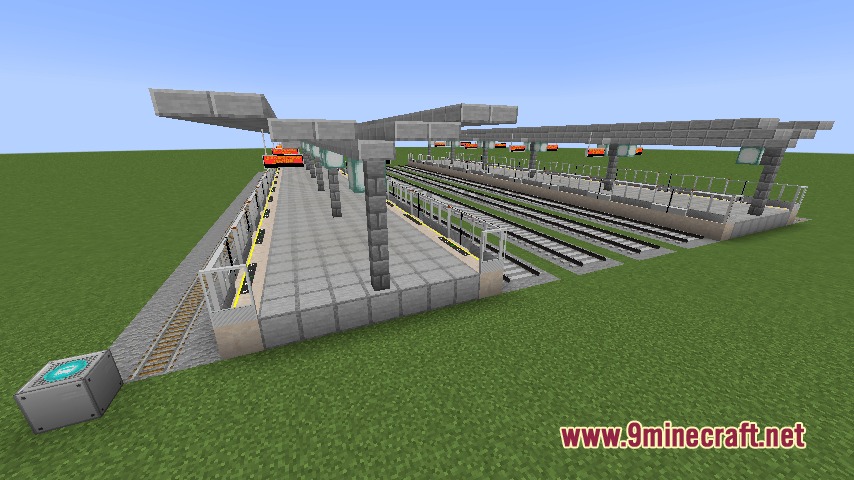
 Station builder
Frequently asked questions
What is the main purpose of the Rapid Rail Artisan Mod?
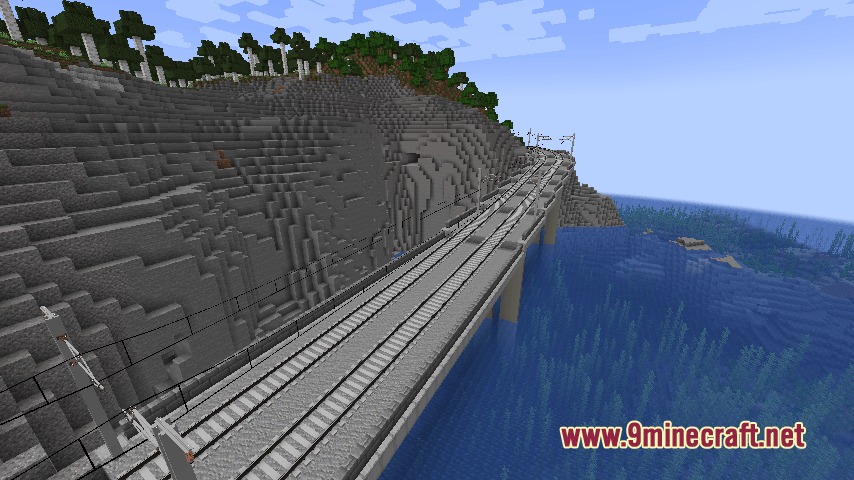
The mod provides quick building tools to place decorated tracks and full train stations with just a few clicks, automating the placement of platforms, bridges, tunnels, and other railway infrastructure.
How do you start building a station with this mod?
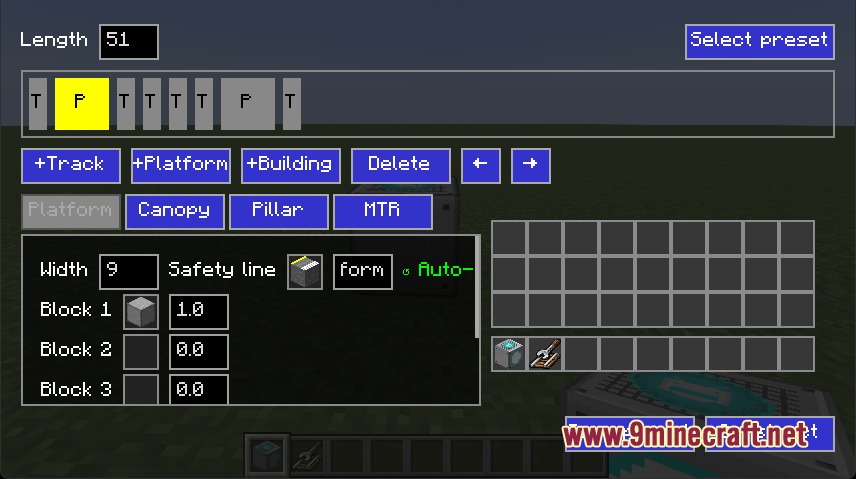
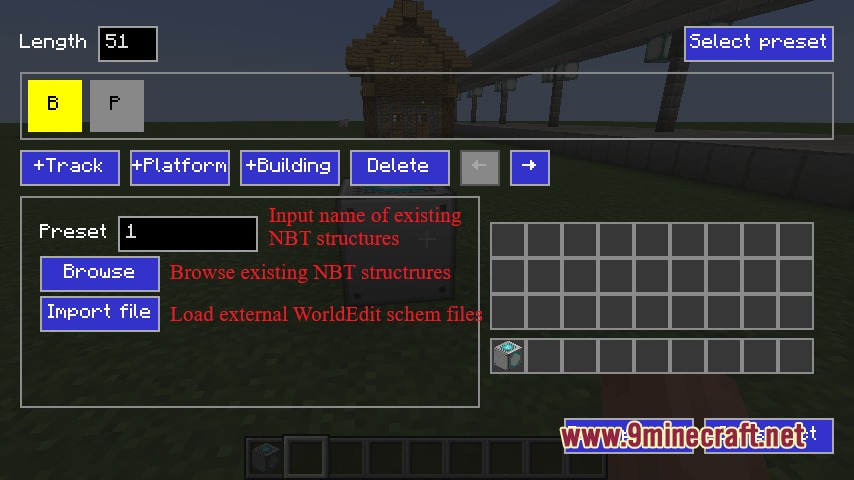
Place the Station Builder block on the ground and right-click it to open the setup screen, then select your station layout or load a saved schematic file before confirming to build.
What is the Rail Builder Tool used for?
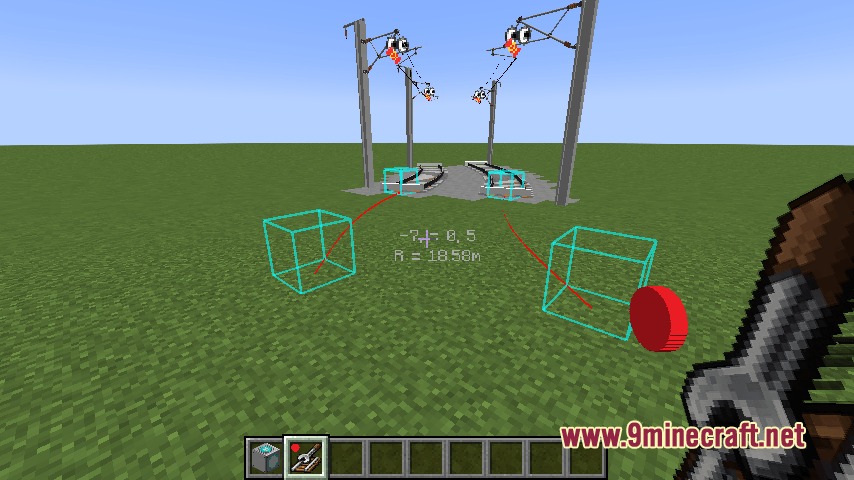
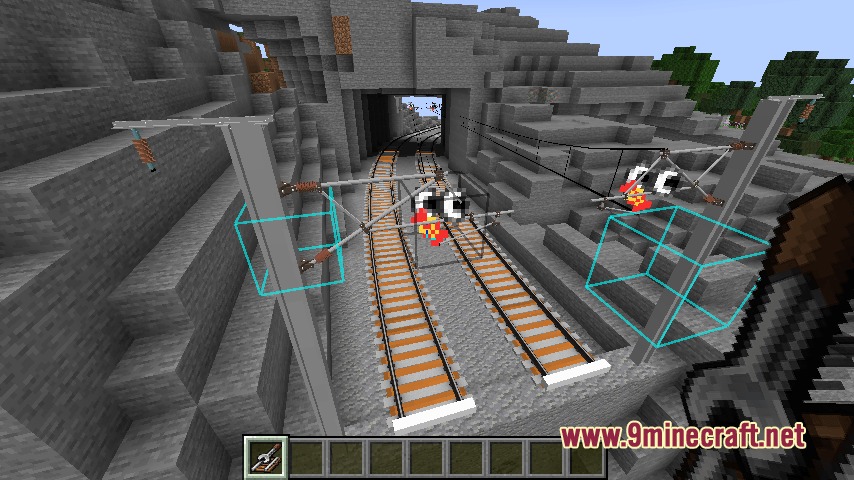
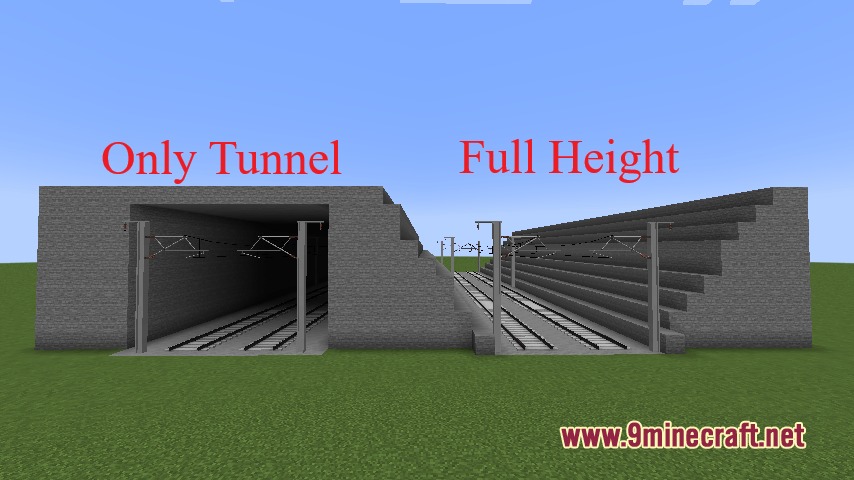
The Rail Builder Tool places continuous parallel tracks across open ground, bridges, and tunnels automatically when you hold it and right-click on the ground.
How do you customize track spacing and tunnel options?
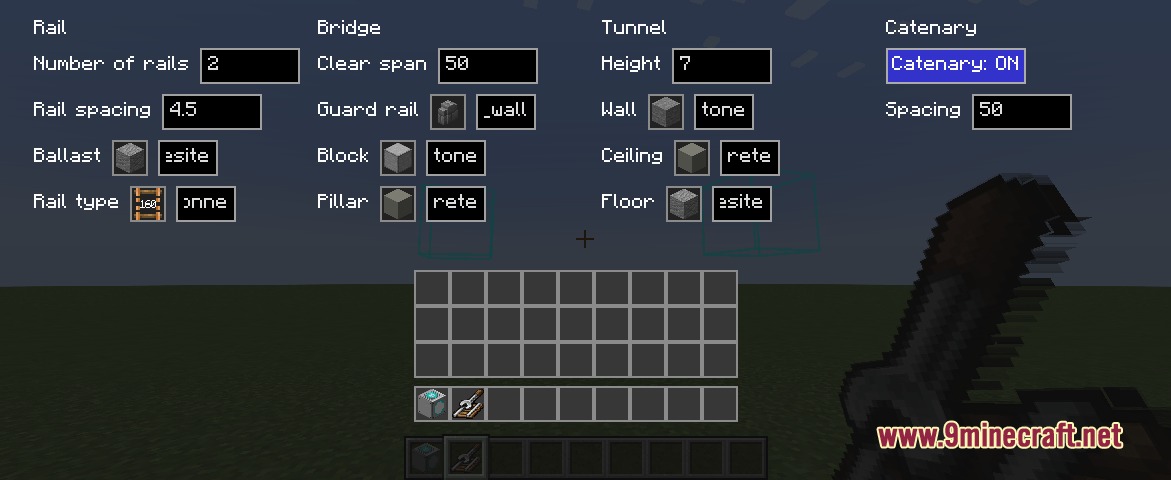
Hold the Rail Builder item, press Shift and right-click to open customization options for track spacing, bridge styles, or tunnel configurations.
What mod does Rapid Rail Artisan connect with for additional features?
The mod connects with the Minecraft Transit Railway mod to generate working station doors and passenger displays automatically.
How do you stop continuous track placement?
Press the V key on your keyboard at any time to stop the continuous track placement process.
You May Also Like
Wikis that share the most with this one
More mod wikis on the site
The most downloaded mods that have a wiki here
A few wikis from each of the other kinds
Gallery
9 images from the Rapid Rail Artisan Mod page.