

 DownloadRazuuu’s Advanced HUD Mod
Get the files on 9Minecraft
Guides
Step-by-step, in-game.
Check Server Connection Quality with the Ping DisplayEnabling Ping Monitoring Turn on the ping indicator in the mod settings. This displays your connection latency to the…Enable and Position HUD Elements on Your ScreenAccessing HUD Settings Open your mod configuration menu (usually accessed via the mods menu or a dedicated config…Monitor Your Game Performance Using the FPS CounterUnderstanding FPS Display The FPS (frames per second) counter shows how smoothly your game is running. Higher numbers…Use Coordinates to Navigate and Mark Important LocationsEnabling the Coordinates Display Activate the coordinates HUD element from the mod settings. Your current X, Y, and Z…
Frequently asked questions
How do I turn on the HUD after installing the mod?
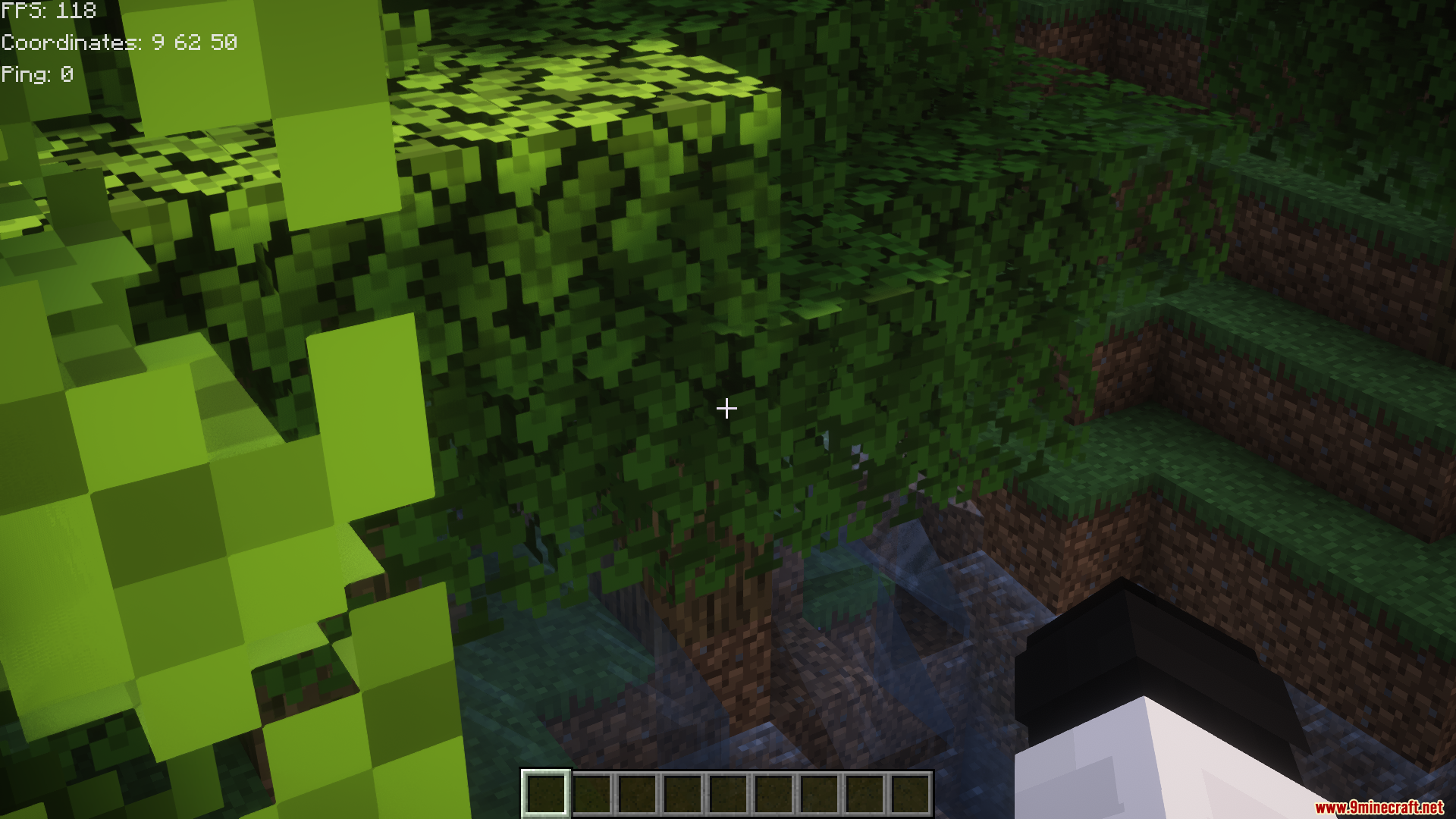
The HUD displays automatically when you load into a world. If you don't see it, check your config settings to ensure FPS, coordinates, or ping are enabled—at least one element must be turned on to see the HUD.
Can I move the HUD elements around the screen?
Yes, each HUD element can be repositioned individually through the mod's configuration menu. You can place FPS, coordinates, and ping in different corners or locations to suit your preference.
Why is my FPS counter showing very low numbers?
Low FPS usually means your computer is struggling to render the game—check your graphics settings, render distance, or close other programs. The FPS counter itself doesn't affect performance; it only displays what your system is actually achieving.
Do the coordinates shown match my actual location in the world?
Yes, the coordinates display your exact X, Y, and Z position in the world and update in real-time as you move. These are the same coordinates you'd see if you pressed F3 (or the debug screen on your version).
See all 10 Razuuu’s Advanced HUD questions ›
Gallery
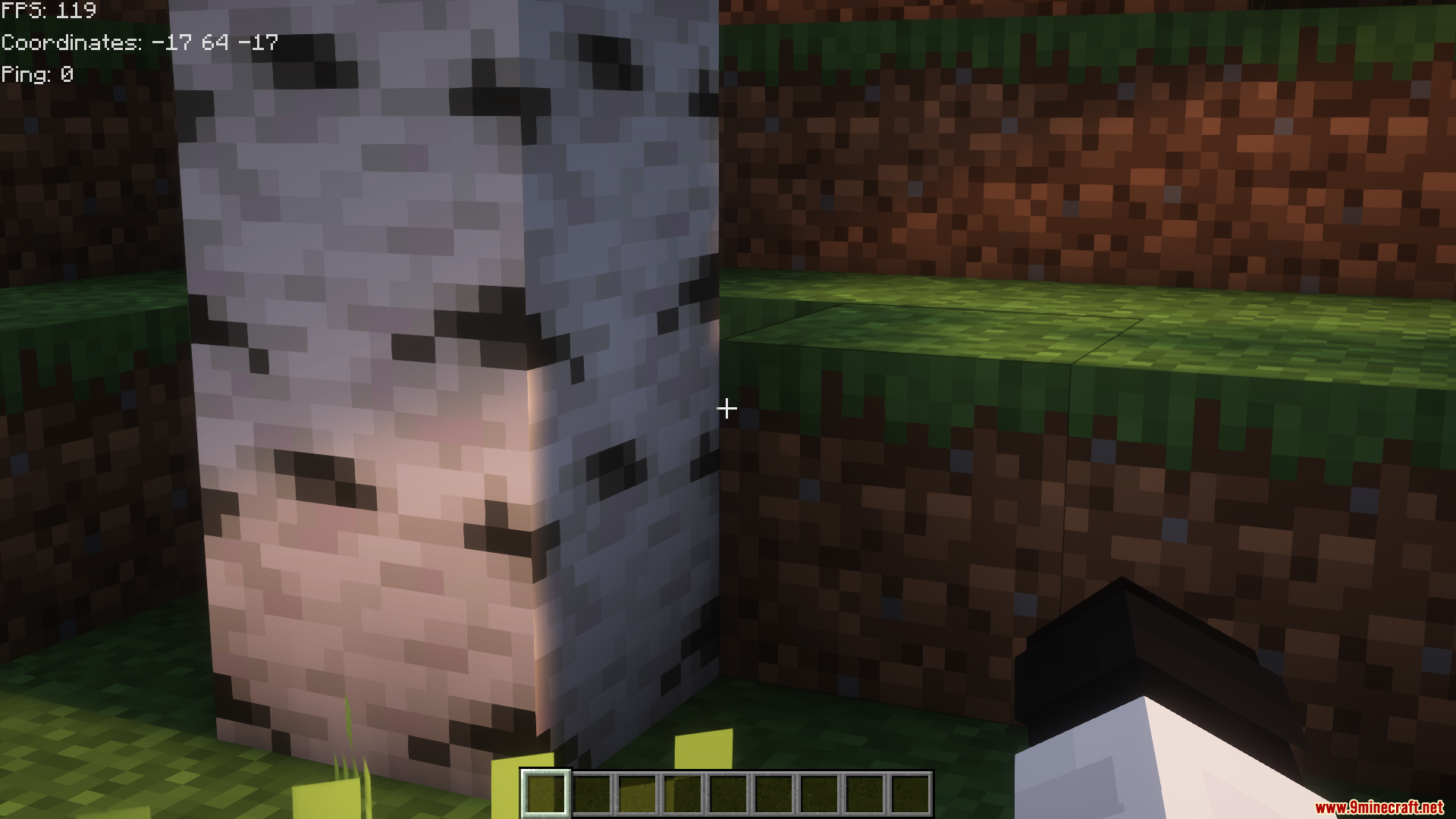
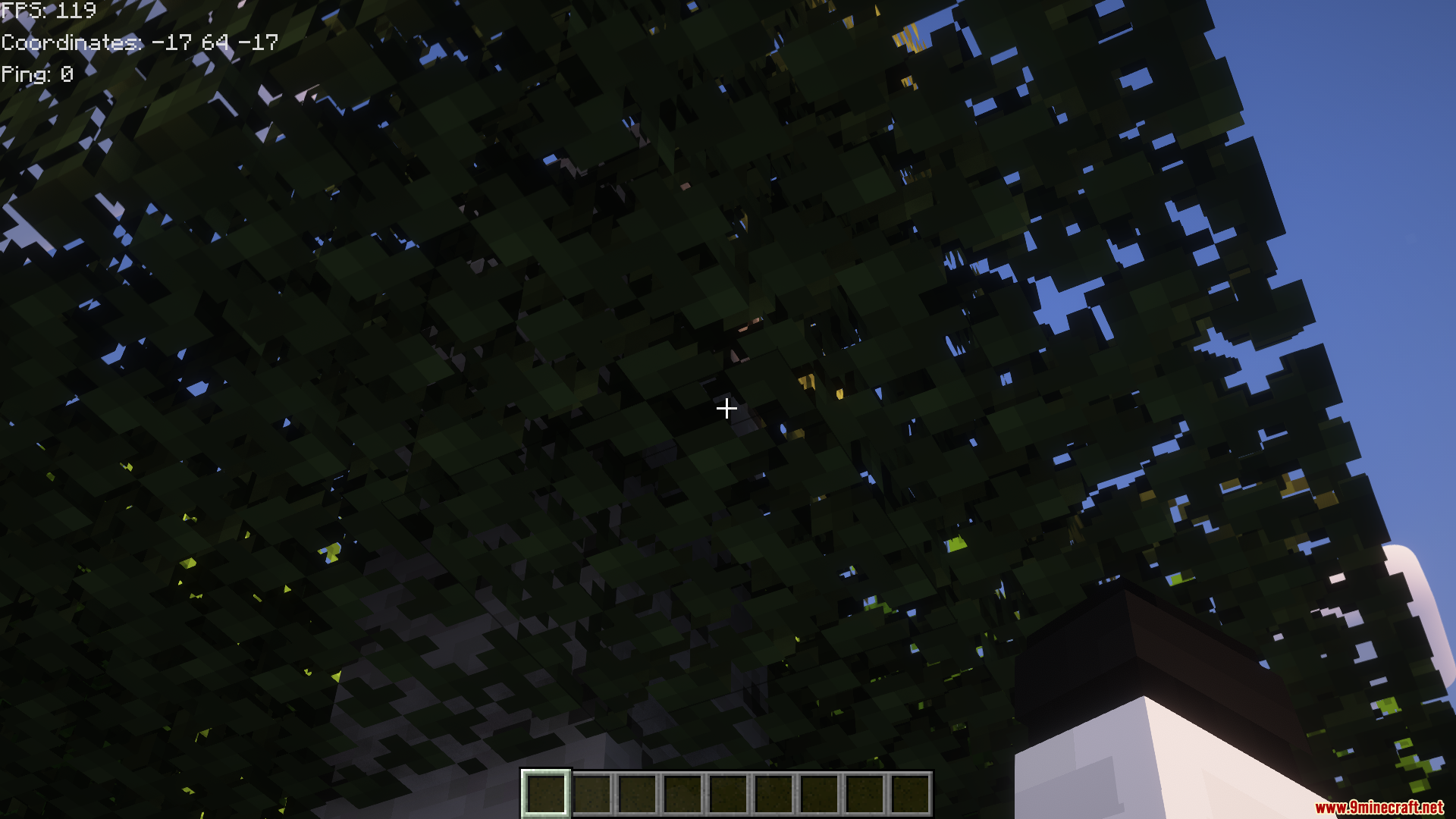
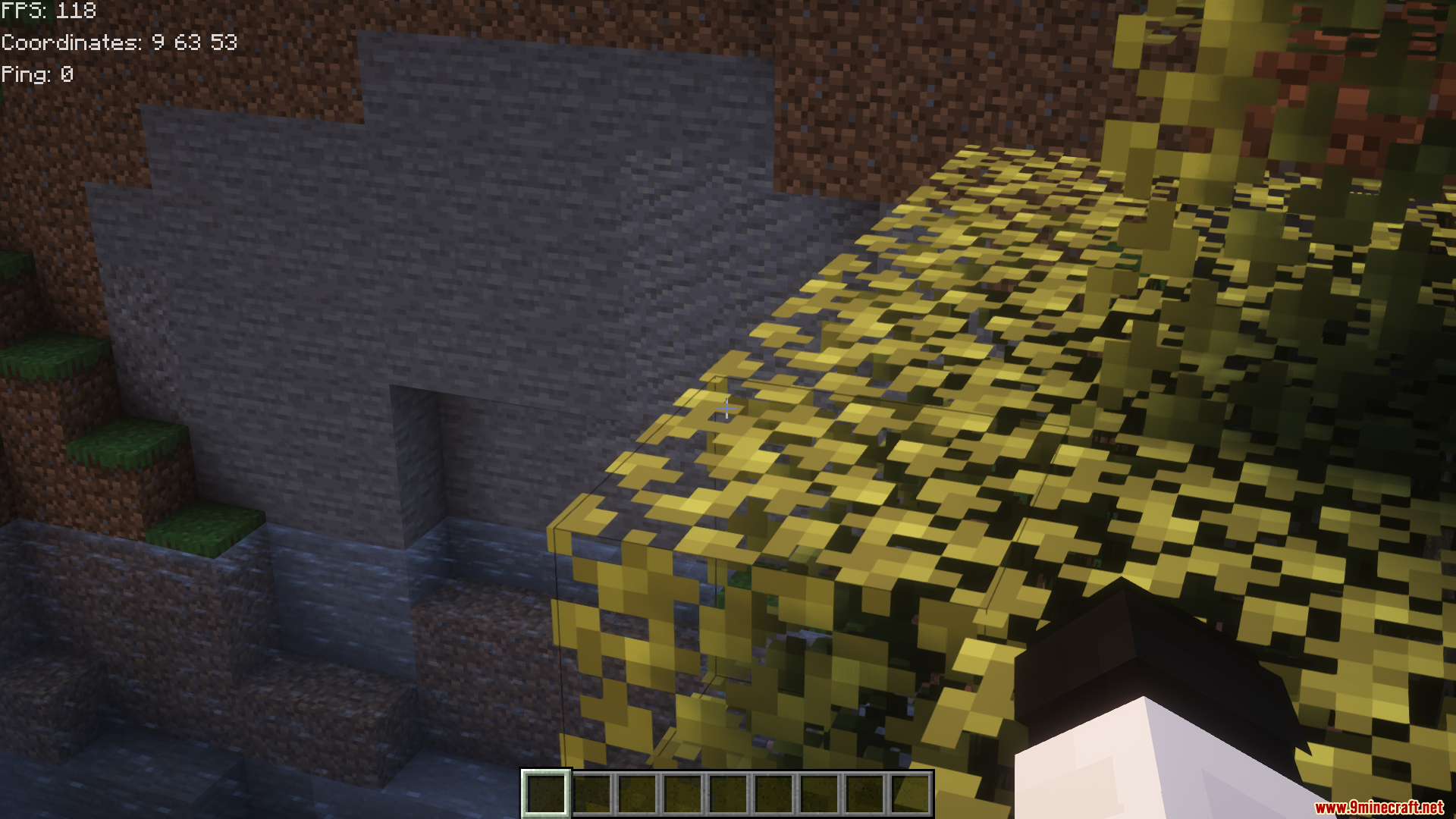
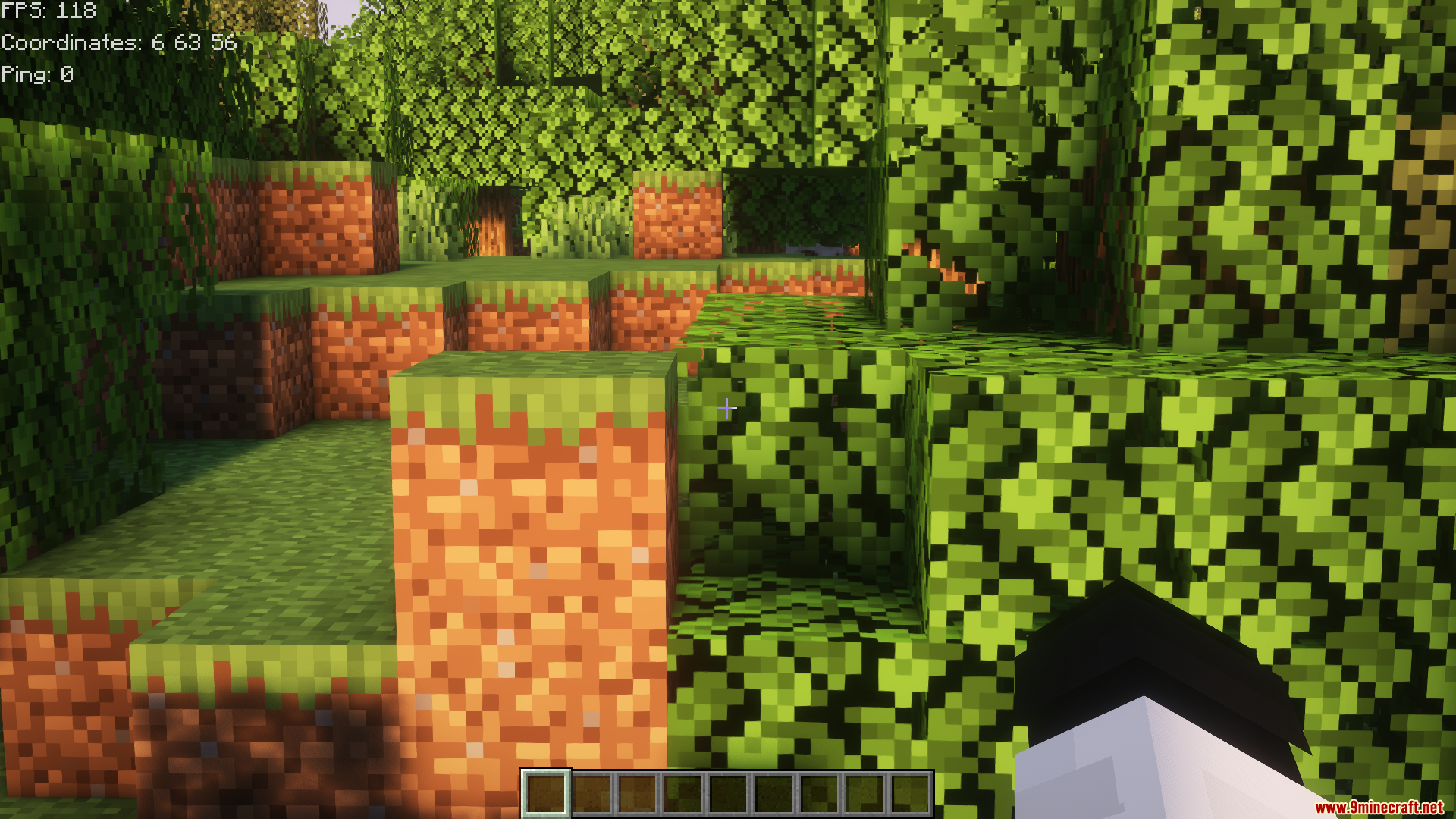
9 images from the Razuuus Advanced Hud Mod page.
You May Also Like
Wikis that share the most with this one
More mod wikis on the site
The most downloaded mods that have a wiki here
A few wikis from each of the other kinds