

 DownloadRadiant Notification Cobblemon Addon Mod
Get the files on 9Minecraft
Guides
Step-by-step, in-game.
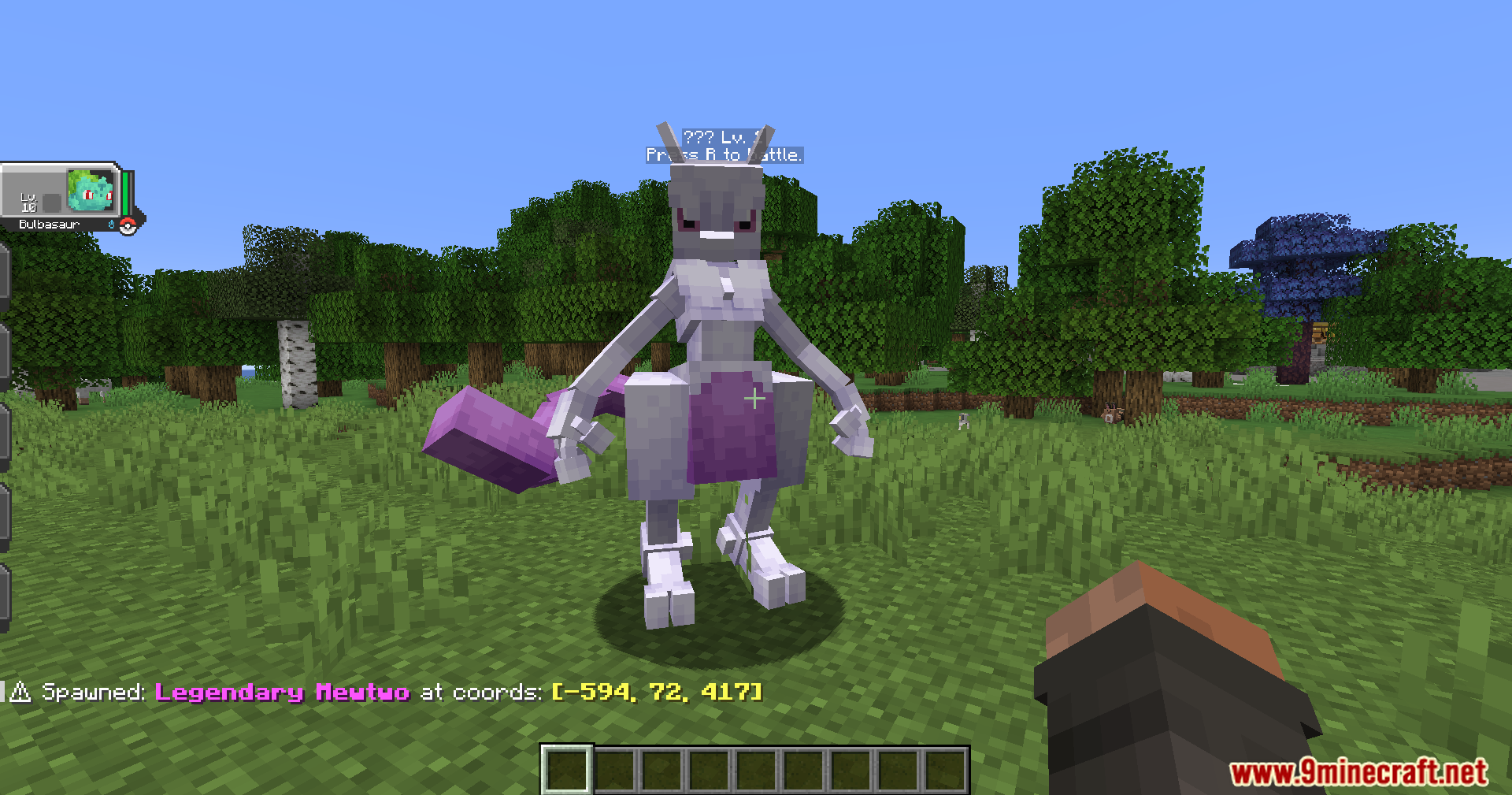
Reduce Alert Spam and Customize NotificationsAccess Configuration Settings Open the Radiant Notification mod menu from your main Minecraft settings. Look for…Set Up Alerts for Shiny PokémonTrack Legendary and Mythical SpawnsActivate Legendary Detection Access the Radiant Notification configuration panel and enable alerts for Legendary…Use Coordinates to Navigate and Catch Rare SpawnsRead the Chat Alert Correctly When a rare Pokémon spawns, the Radiant Notification message displays coordinates in…
Frequently asked questions
How do I turn on alerts when I first install the mod?
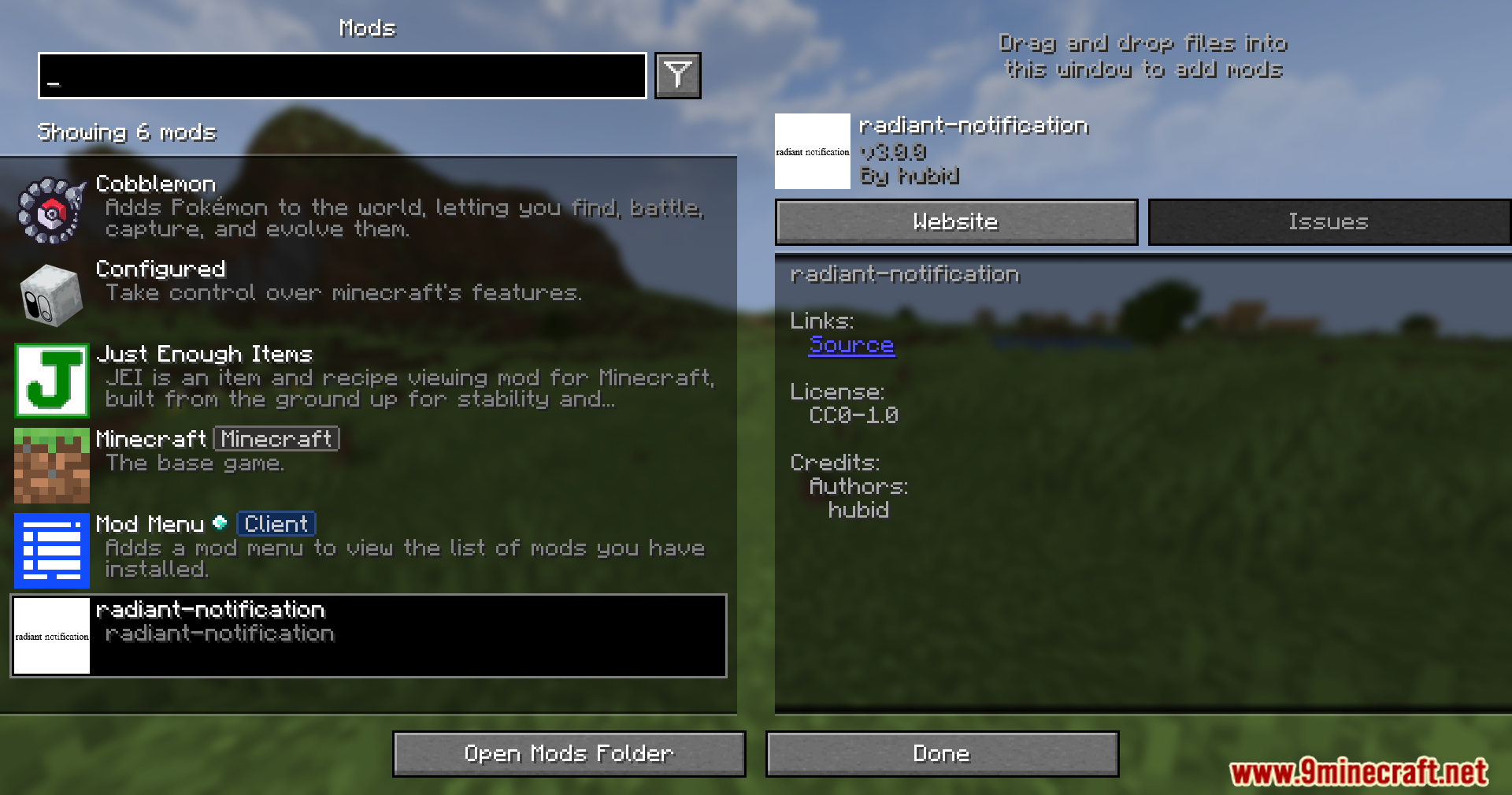
Open your mod menu and locate the Radiant Notification settings. Enable chat alerts in the configuration panel, then choose which spawn types you want to be notified about (Shiny, Legendary, Mythical, or a mix). Once saved, alerts will start appearing in your chat when rare creatures spawn nearby.
What's the difference between Shiny, Legendary, and Mythical alerts?
Shiny Pokémon are color variants of normal creatures and spawn more frequently. Legendary Pokémon are powerful, rare creatures that spawn occasionally. Mythical Pokémon are the rarest type and spawn very infrequently. You can enable or disable alerts for each category separately based on what you want to hunt.
How do I use the coordinates the mod gives me to find the Pokémon?
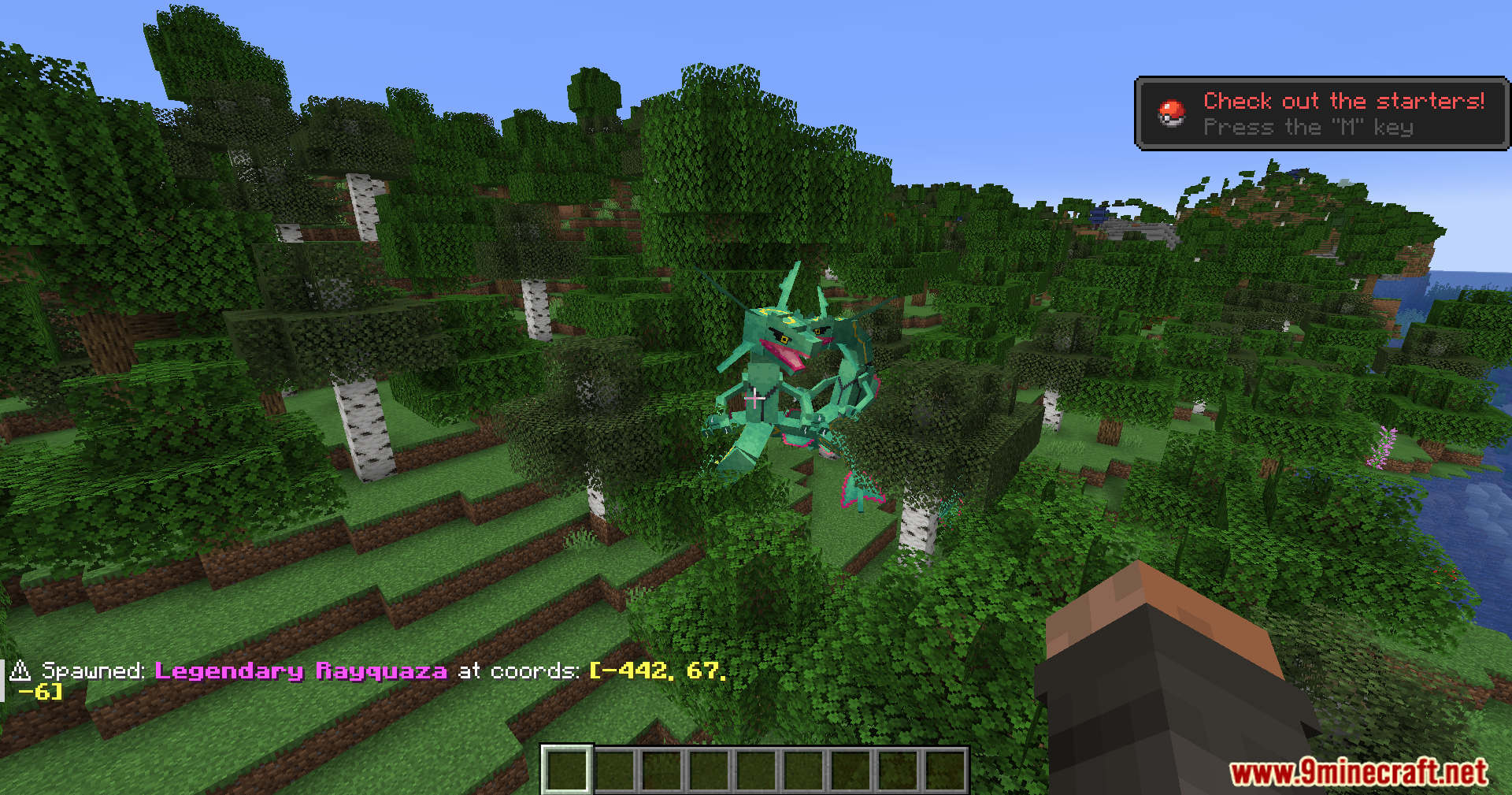
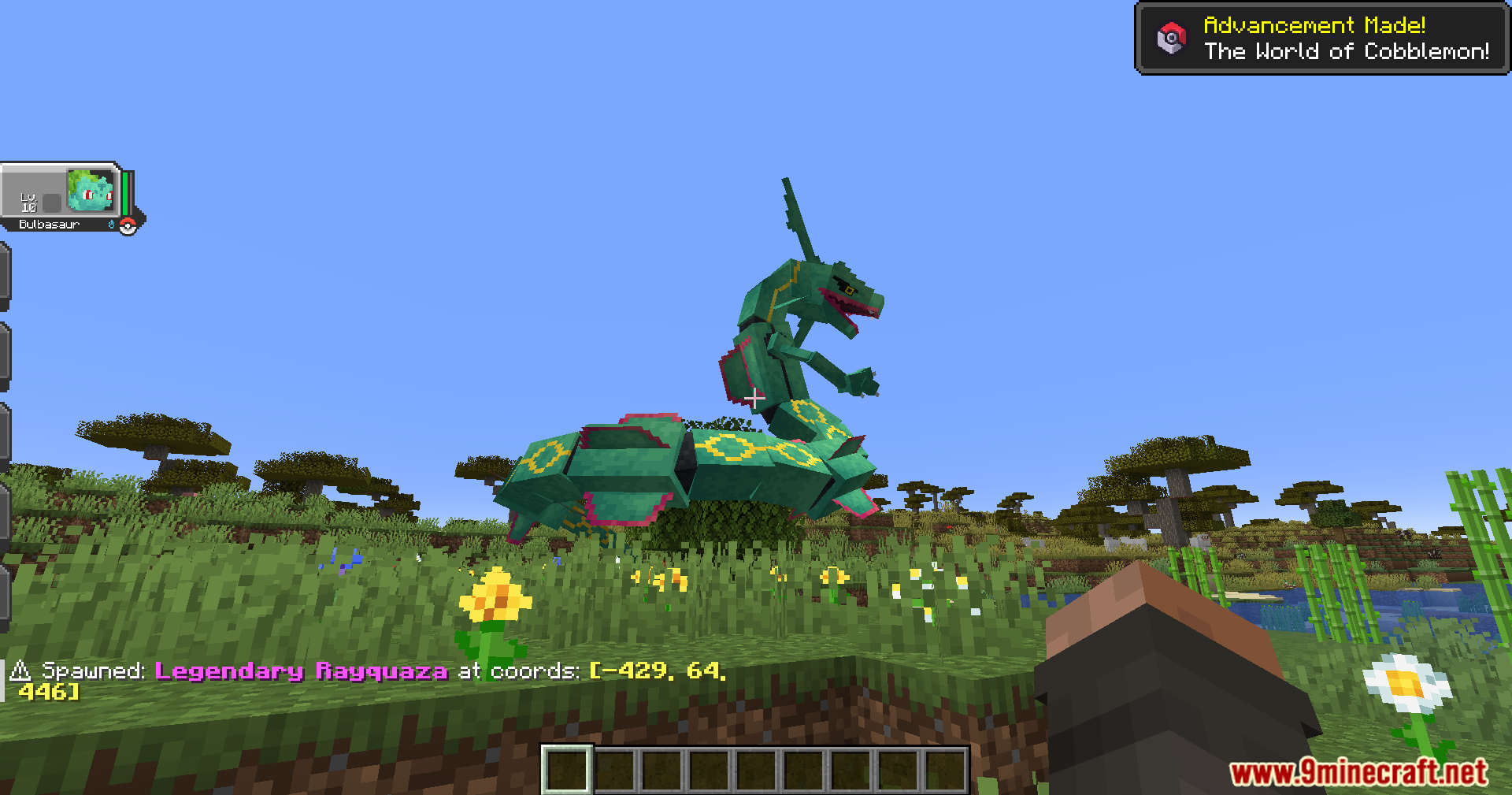
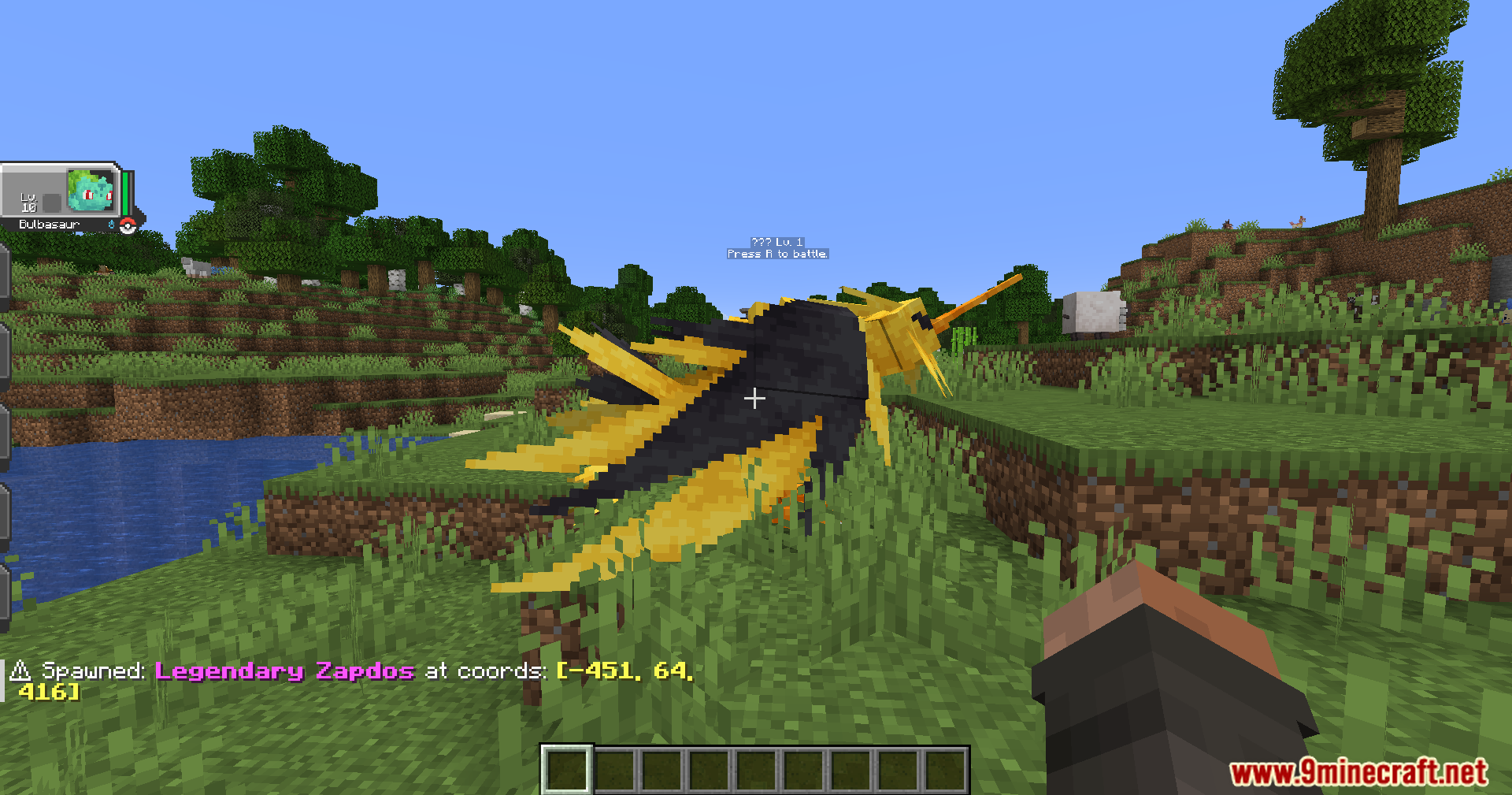
When an alert appears in chat, it includes exact X, Y, and Z coordinates. Open your map or use F3 (or your debug screen) to see your current position, then navigate toward the coordinates shown in the alert. The mod removes the guesswork of searching empty terrain.
See all 10 Radiant Notification Cobblemon questions ›
Gallery
10 images from the Radiant Notification Cobblemon Addon Mod page.



You May Also Like
Wikis that share the most with this one
Wikis on the same theme: cat
More mod wikis on the site
The most downloaded mods that have a wiki here
A few wikis from each of the other kinds