

 DownloadQuickskin Mod
Get the files on 9Minecraft
Guides
Step-by-step, in-game.
Flip Your Main Hand Between Left and RightLocate the Main Hand Keybind In the Quickskin Mod keybind settings, find the option labeled for main hand or dominant…Set Up Keybinds for Skin Part TogglingAccess Keybind Settings Open your Minecraft controls menu and locate the Quickskin Mod keybind section. This is where…Toggle Individual Arm and Leg Visibility or PositionUnderstand Skin Part Options Quickskin Mod lets you independently control your left arm, right arm, left leg, and…Troubleshoot Keybinds Not WorkingCheck for Key Conflicts Verify that your assigned Quickskin keybind isn't already bound to another action in…
Frequently asked questions
How do I open the keybinds menu?
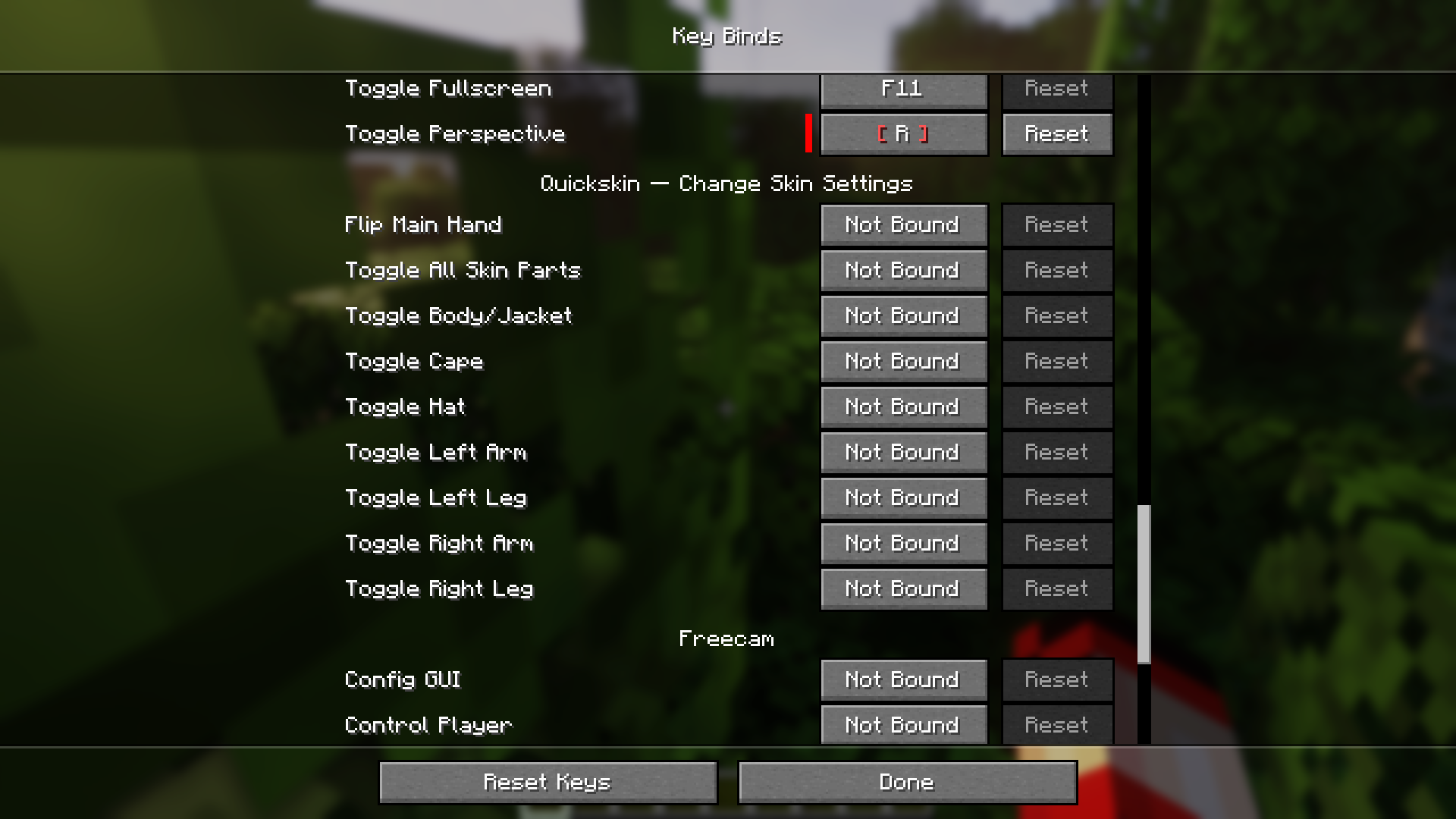
Open your main game settings, navigate to Controls, then find Keybinds. Look for the Quickskin section to see all available skin-related keybinds and assign keys to them.
Can I toggle my skin parts on and off, or just flip them?
You can do both—flip skin parts to reverse their position (like switching your main hand) or toggle them on/off to hide/show them entirely, depending on which keybind you set.
Do other players see my skin changes?
No, skin changes made with Quickskin are client-side only, so only you see them on your screen; other players see your original skin.
Why aren't my keybinds working?
Make sure you've actually assigned a key in the Keybinds menu (don't leave it as 'Unbound'), and check that another mod or game setting isn't using the same key. Restart your game after changing keybinds to ensure they register.
See all 10 Quickskin questions ›
Gallery
6 images from the Quickskin Mod page.
You May Also Like
Wikis that share the most with this one
More mod wikis on the site
The most downloaded mods that have a wiki here
A few wikis from each of the other kinds