

 DownloadPlague’s Chat Timestamps Mod
Get the files on 9Minecraft
Guides
Step-by-step, in-game.
Change Your Timestamp Format to 12-Hour TimeAccess the Configuration Menu Open your mod configuration settings. This is typically found in your mod menu or…Customize Timestamp Colors and Text StylingNavigate to Style Settings Open your mod configuration and find the styling or appearance section for timestamps.…Display Milliseconds in Your Chat TimestampsOpen Timestamp Settings Access your mod configuration menu and navigate to the timestamp formatting options. Enable…Include the Date in Your Chat TimestampsAccess Date Display Options Open your mod settings and locate the date customization section. Enable Date Display…
Frequently asked questions
How do I turn on timestamps in chat?
Timestamps are enabled by default when you install the mod. If they're not showing, open the mod's config file and ensure the main toggle is set to enabled, then restart your game.
Where do I find the config file to change timestamp settings?
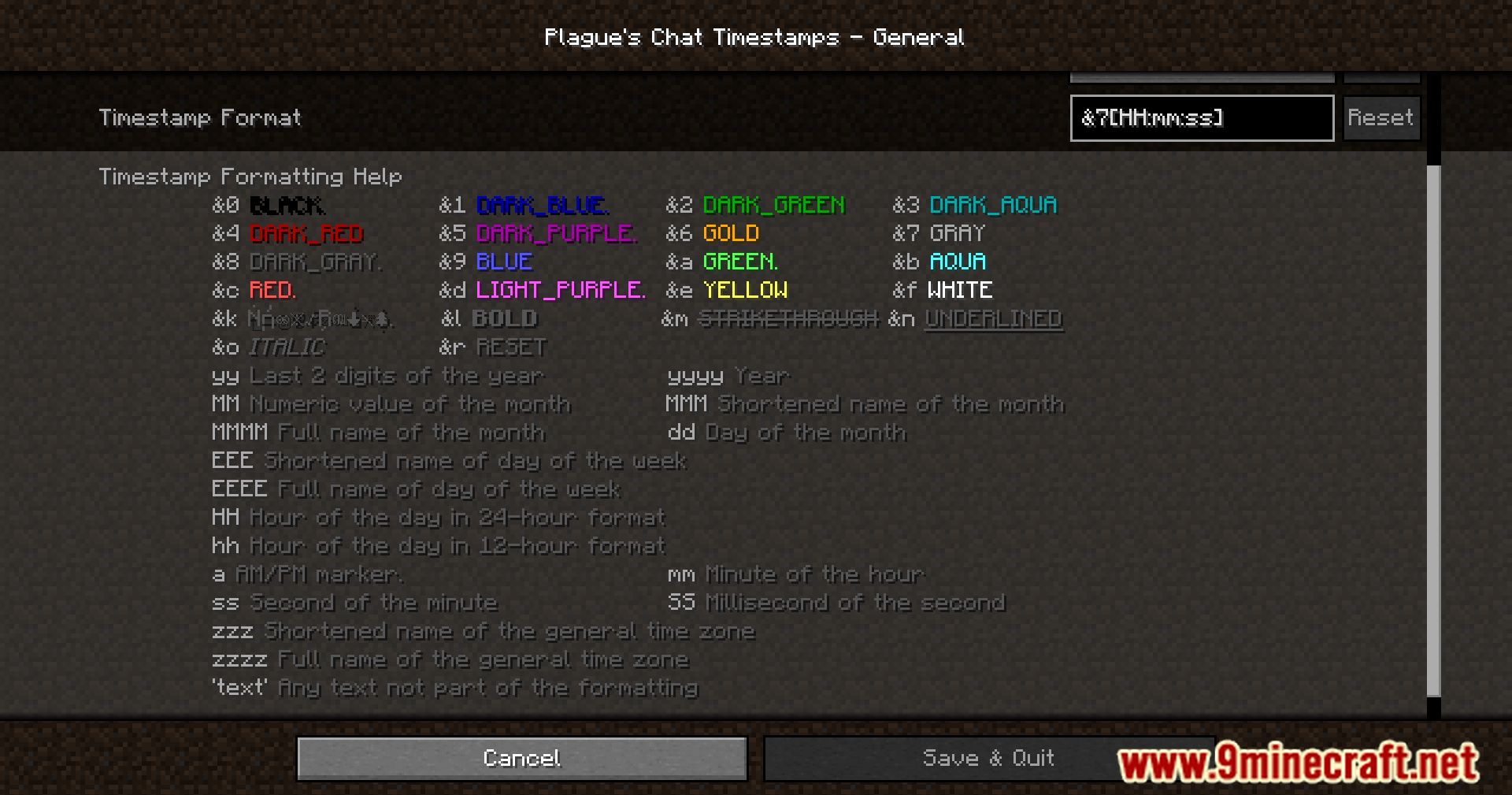
The config file is located in your `.minecraft/config` folder with a name related to the mod. Open it with any text editor to adjust format, colors, and display options.
Can I use 24-hour time instead of 12-hour?
Yes, the mod includes a 24-hour format option in the config file. Change the time format setting and restart your game to apply the change.
How do I add milliseconds to my timestamps?
Enable the milliseconds option in the config file by setting it to true, then restart your game. Your timestamps will now display millisecond precision.
See all 10 Plague’s Chat Timestamps questions ›
Gallery
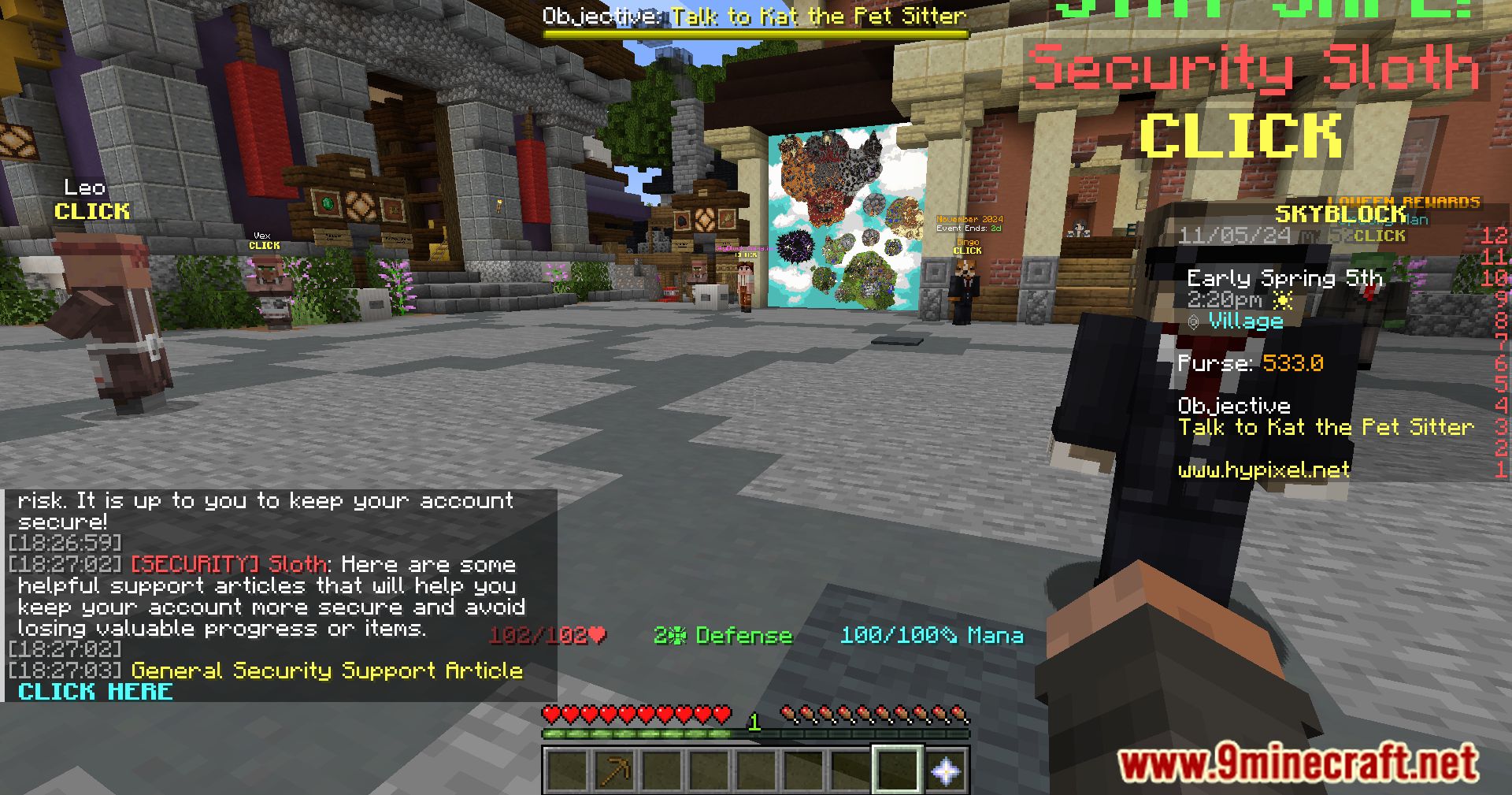
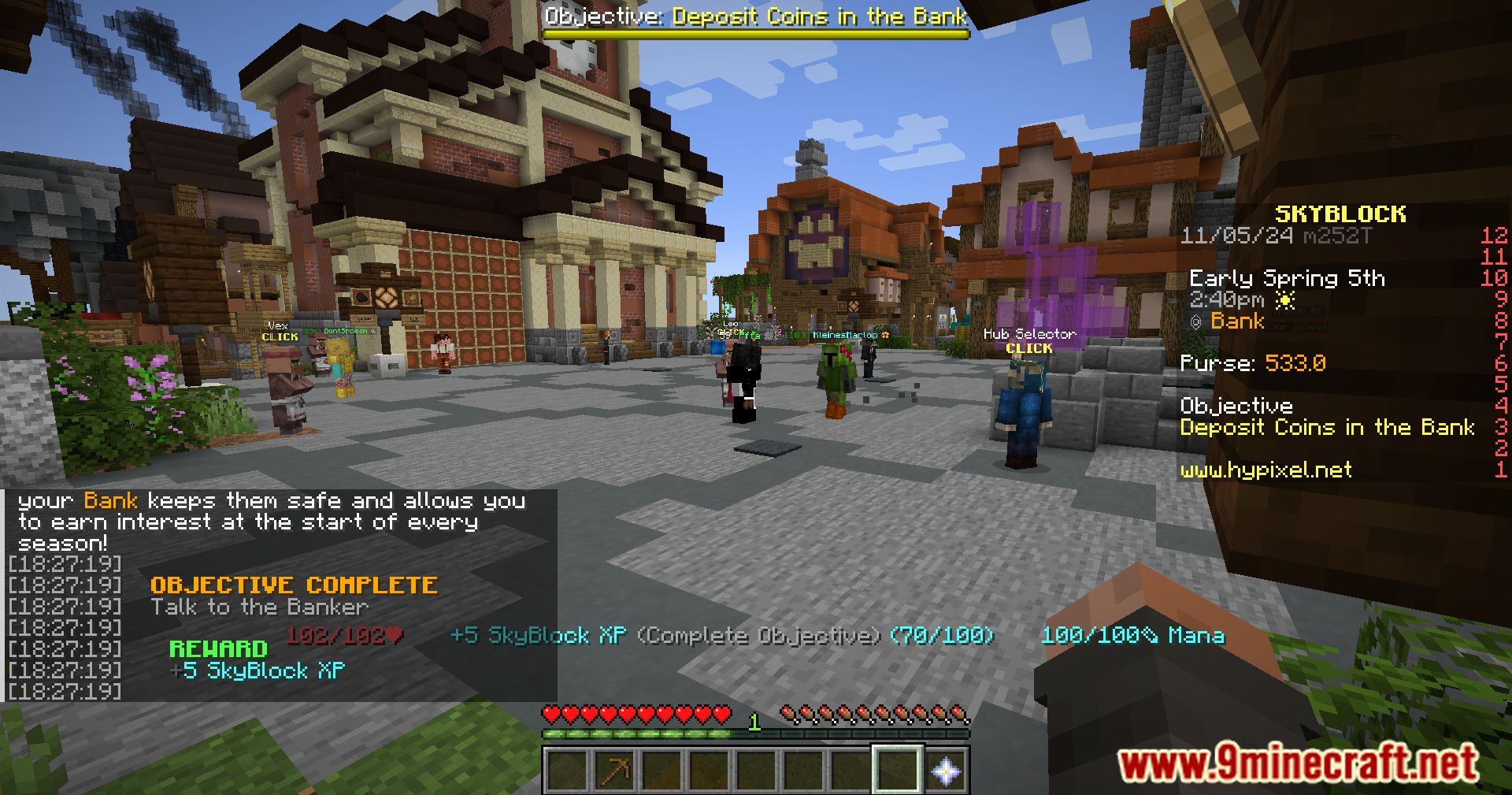
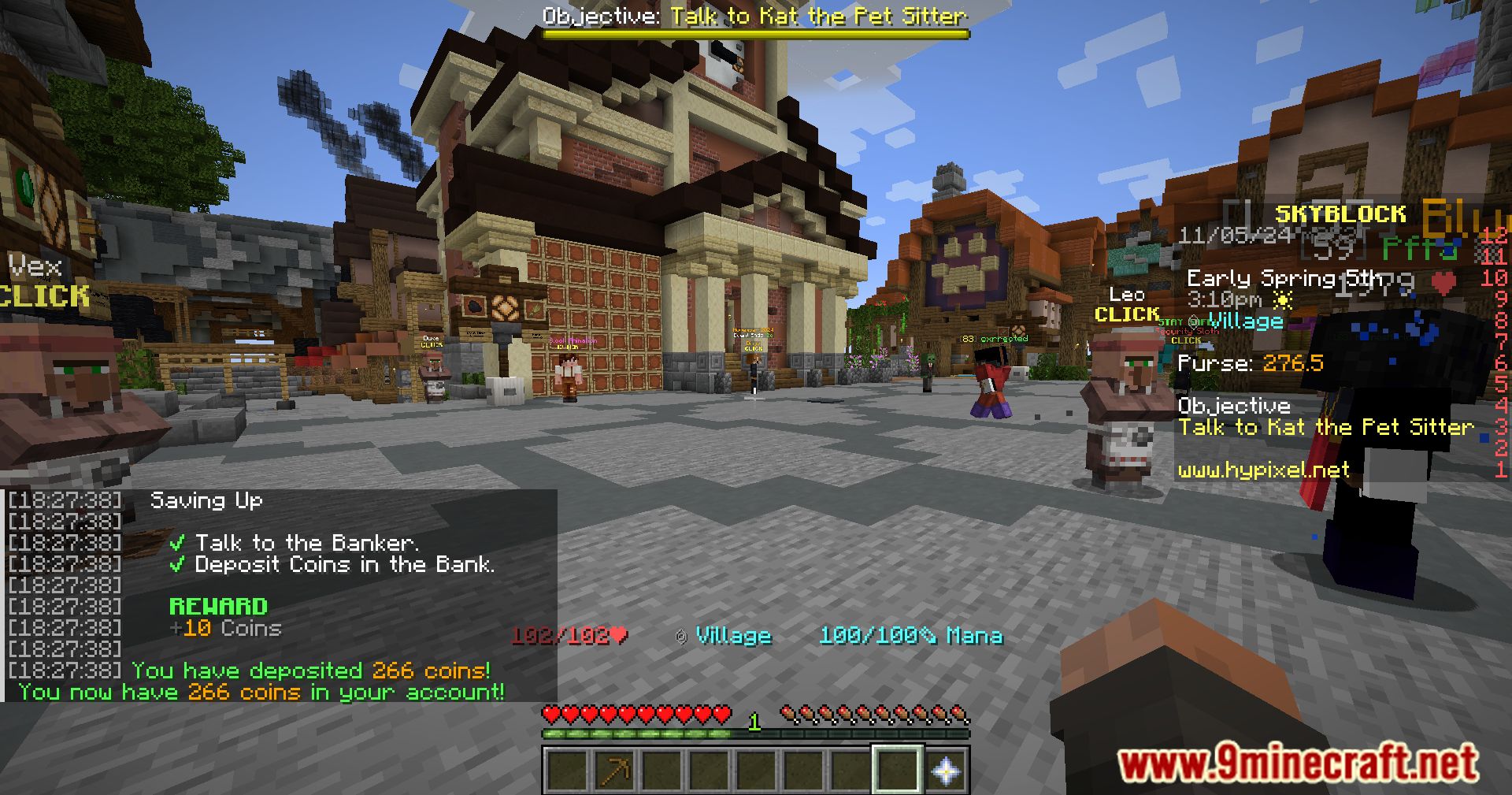
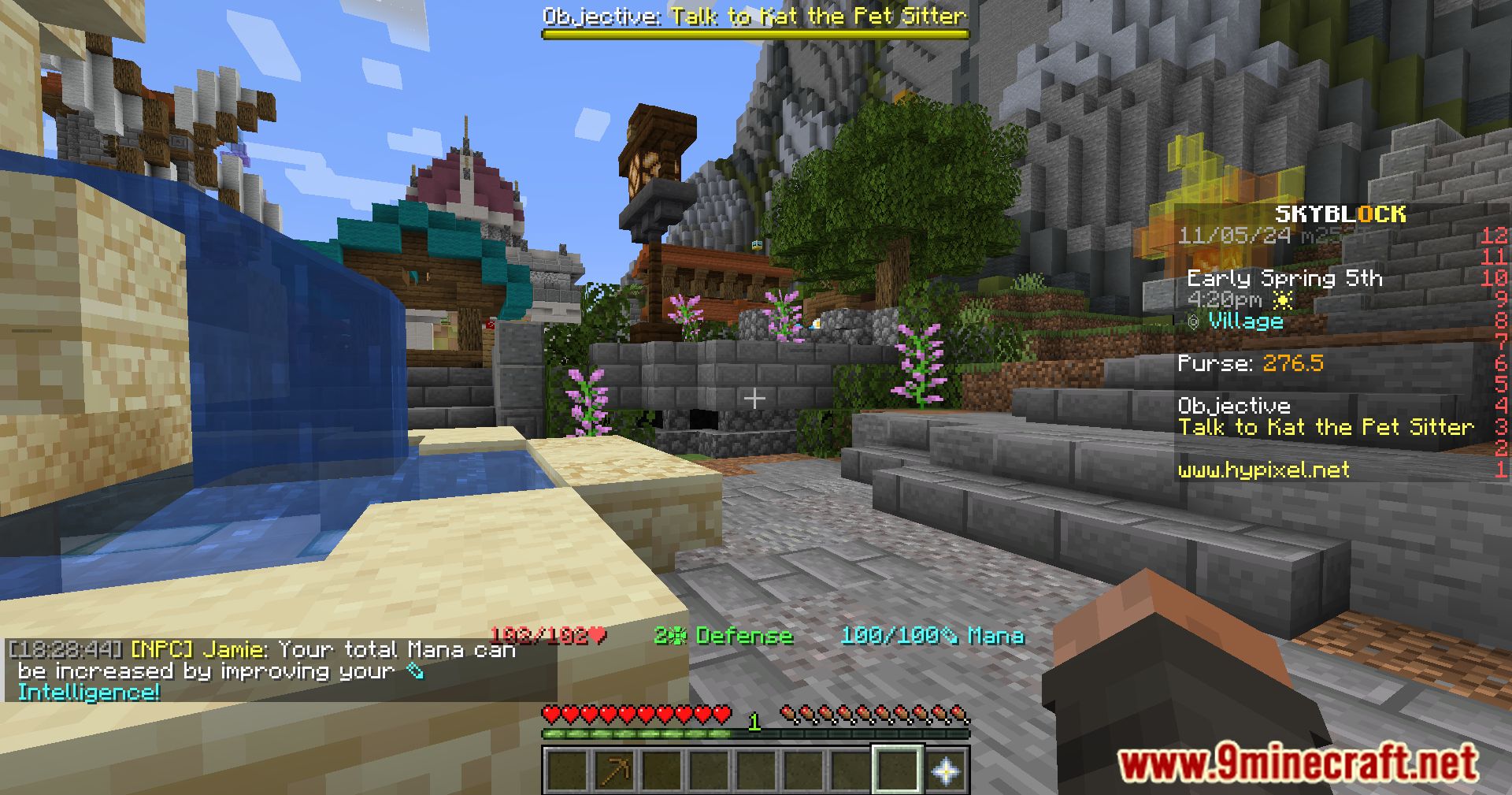
11 images from the Plagues Chat Timestamps Mod page.
You May Also Like
Wikis that share the most with this one
More mod wikis on the site
The most downloaded mods that have a wiki here
A few wikis from each of the other kinds