

 DownloadPerspektive Mod
Get the files on 9Minecraft
Guides
Step-by-step, in-game.
Capture Cinematic Shots and AnglesUsing Freelook for Content Creation Freelook is invaluable for recording or screenshotting Minecraft from angles that…Configure Your Freelook KeybindFinding the Controls Menu Perspektive Mod allows you to assign any key as your freelook activation button. To…Enable and Use Freelook ModeActivating Freelook Freelook mode lets you rotate your camera independently from your player's body direction. This…Troubleshoot Freelook Not WorkingVerify the Mod is Loaded If freelook isn't responding, first confirm the mod is active. Check mod status: 1. Open…
Frequently asked questions
How do I turn on freelook mode?
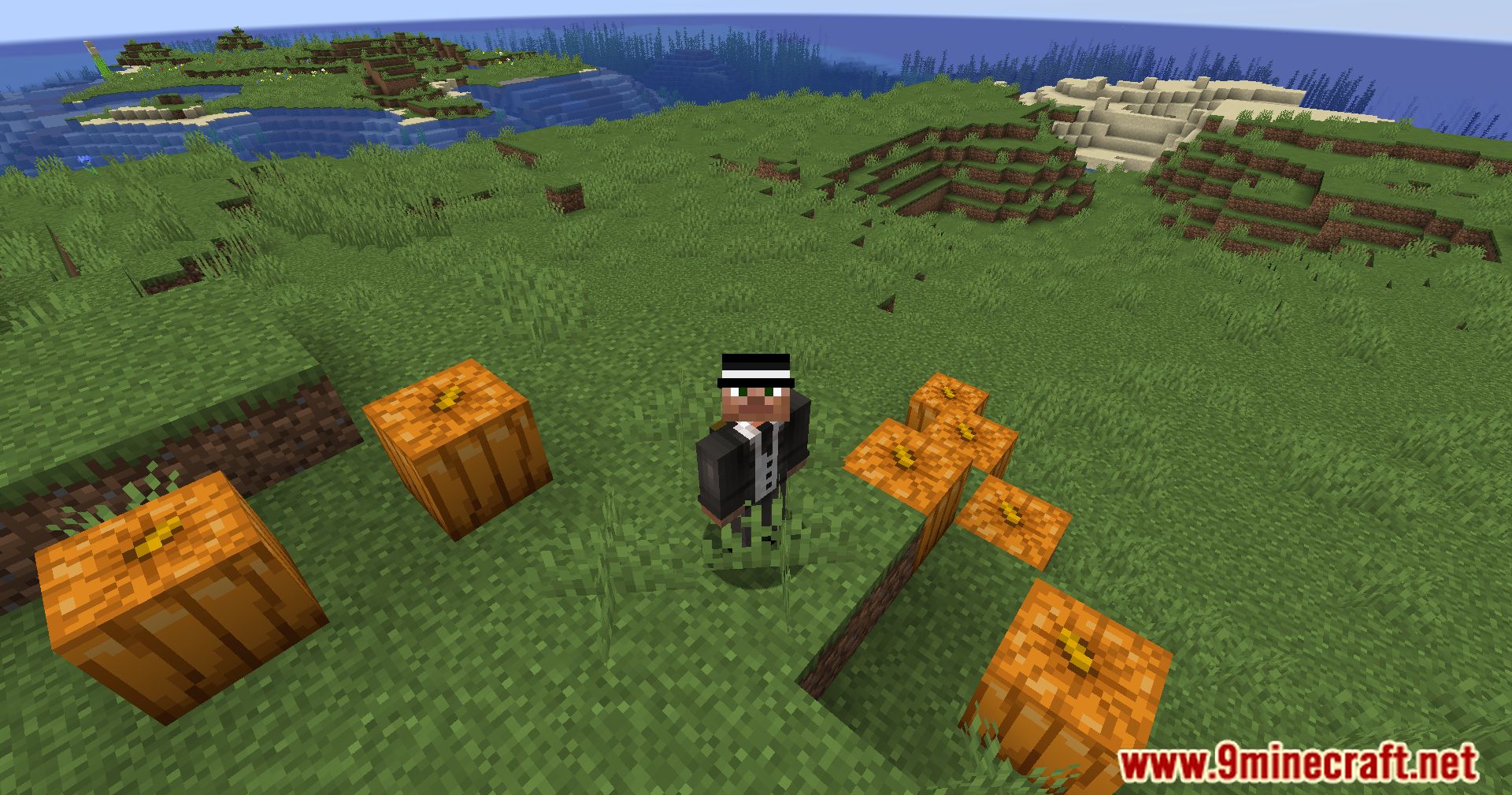
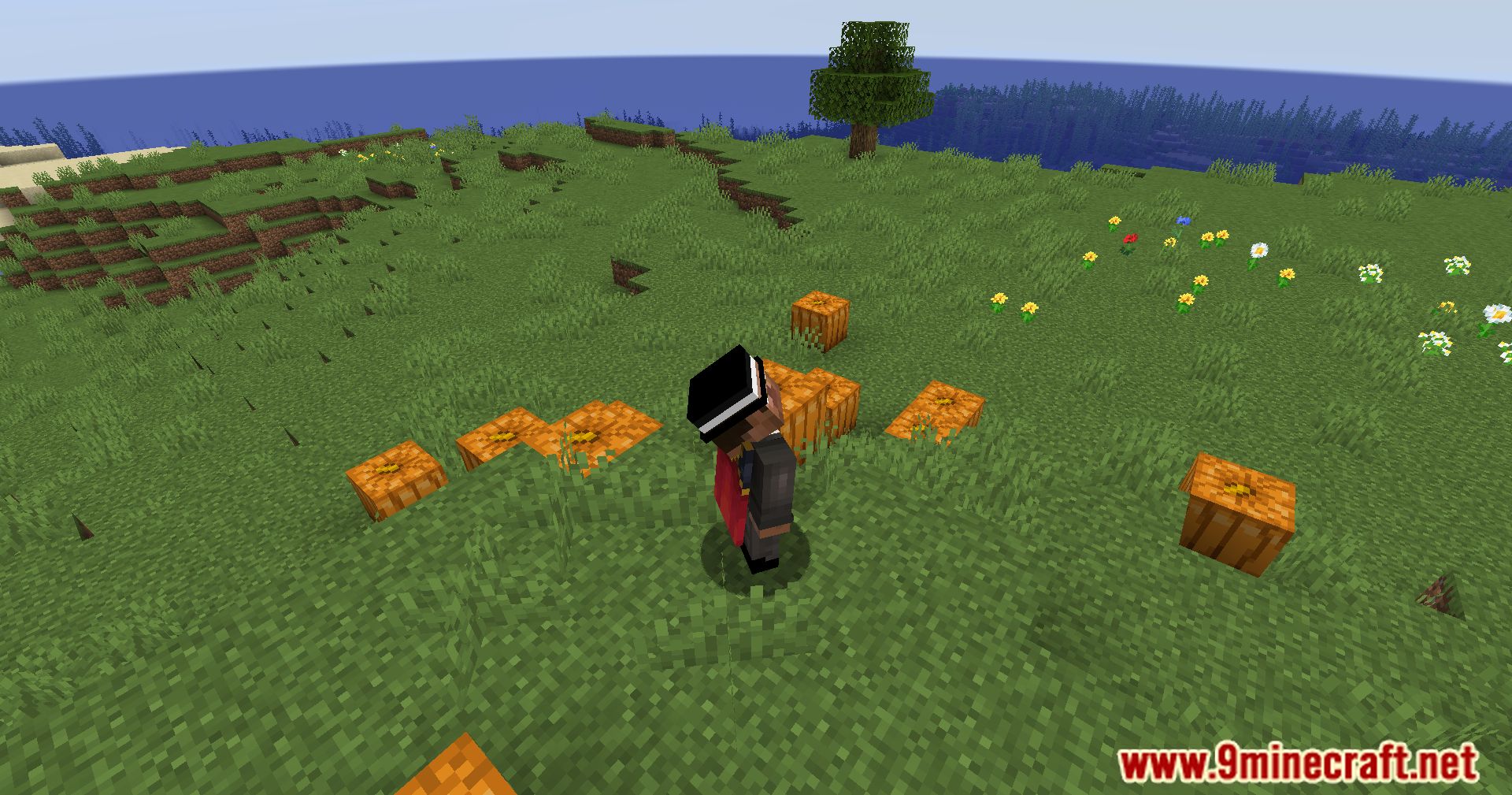
Press your freelook keybind (default is usually a mouse button or key you've configured) to enter perspective mode. Your camera will now move independently from your player's direction until you release the key or toggle it off.
Can I walk forward while using freelook?
Yes, you can move in any direction using WASD while freelook is active. Your character will walk in the direction you're moving, but your camera stays pointed wherever you're looking.
What key should I bind freelook to?
That's up to you—open your controls settings and assign freelook to whichever key feels comfortable. Many players use a mouse button (like middle-click or side buttons) or a modifier key like Alt or Shift.
Does freelook work in first-person and third-person?
Freelook is primarily designed for first-person view to let you look around without turning your body. In third-person, the feature may behave differently depending on your camera setup.
See all 10 Perspektive questions ›
Gallery
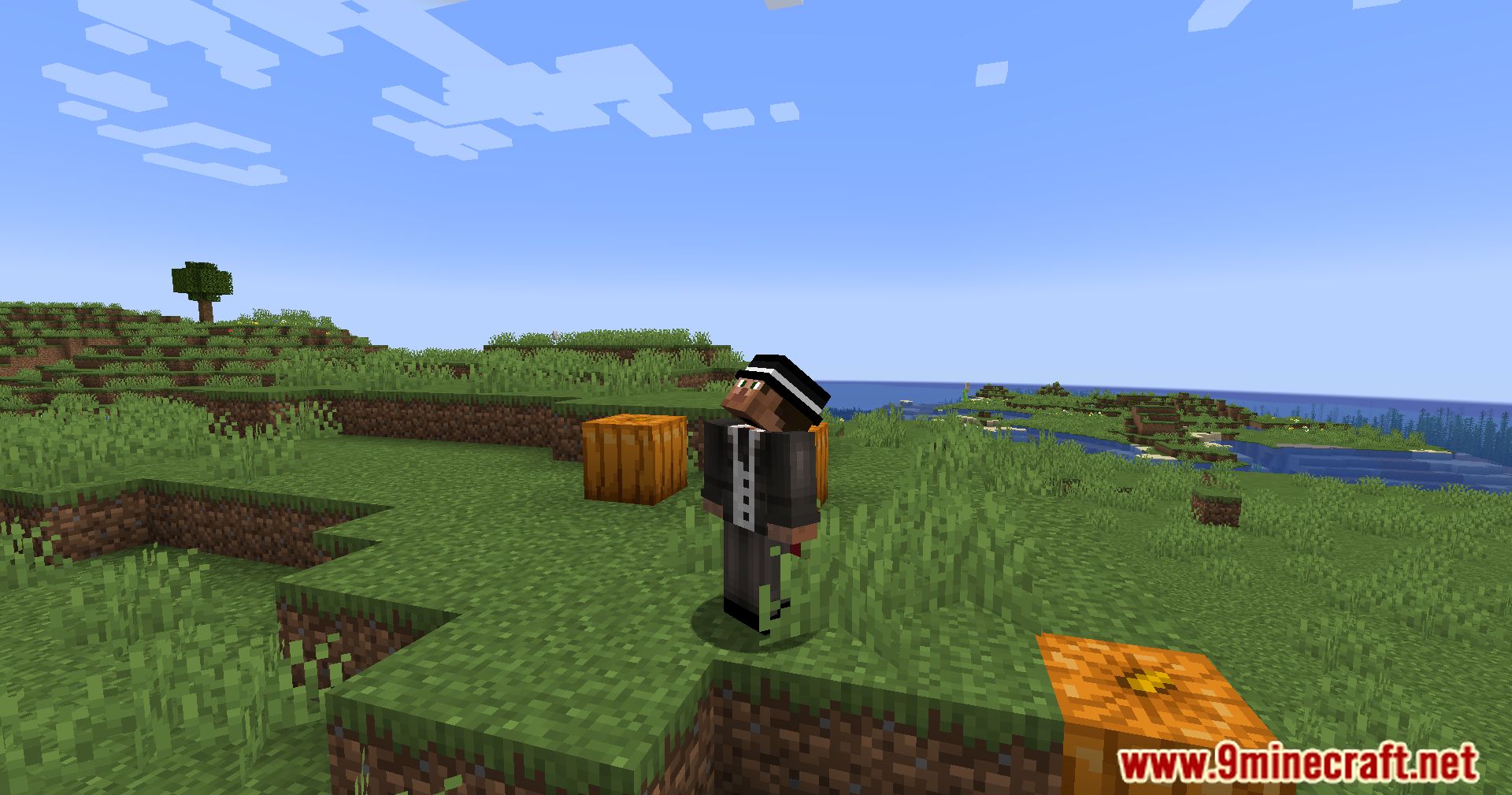
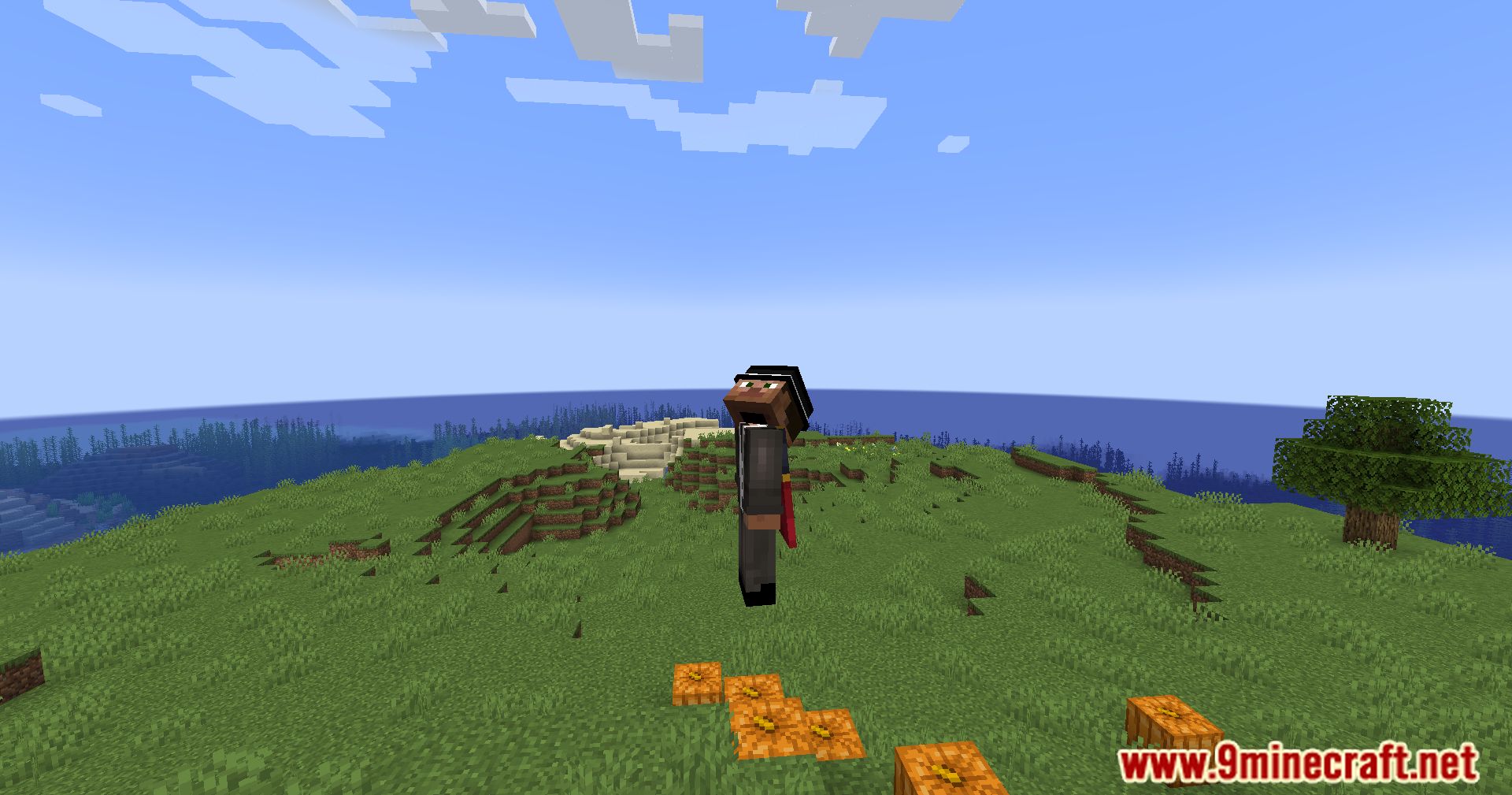
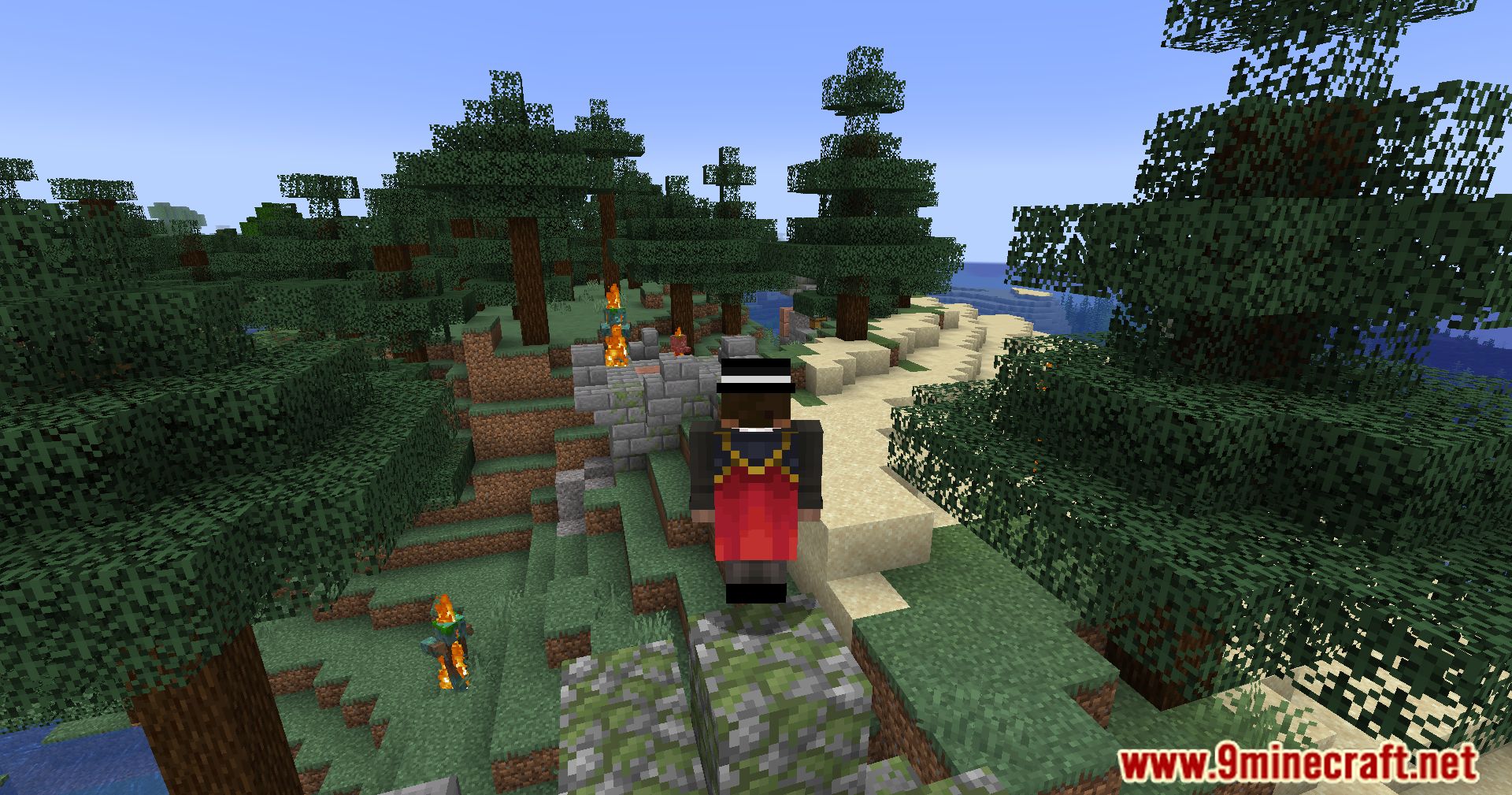
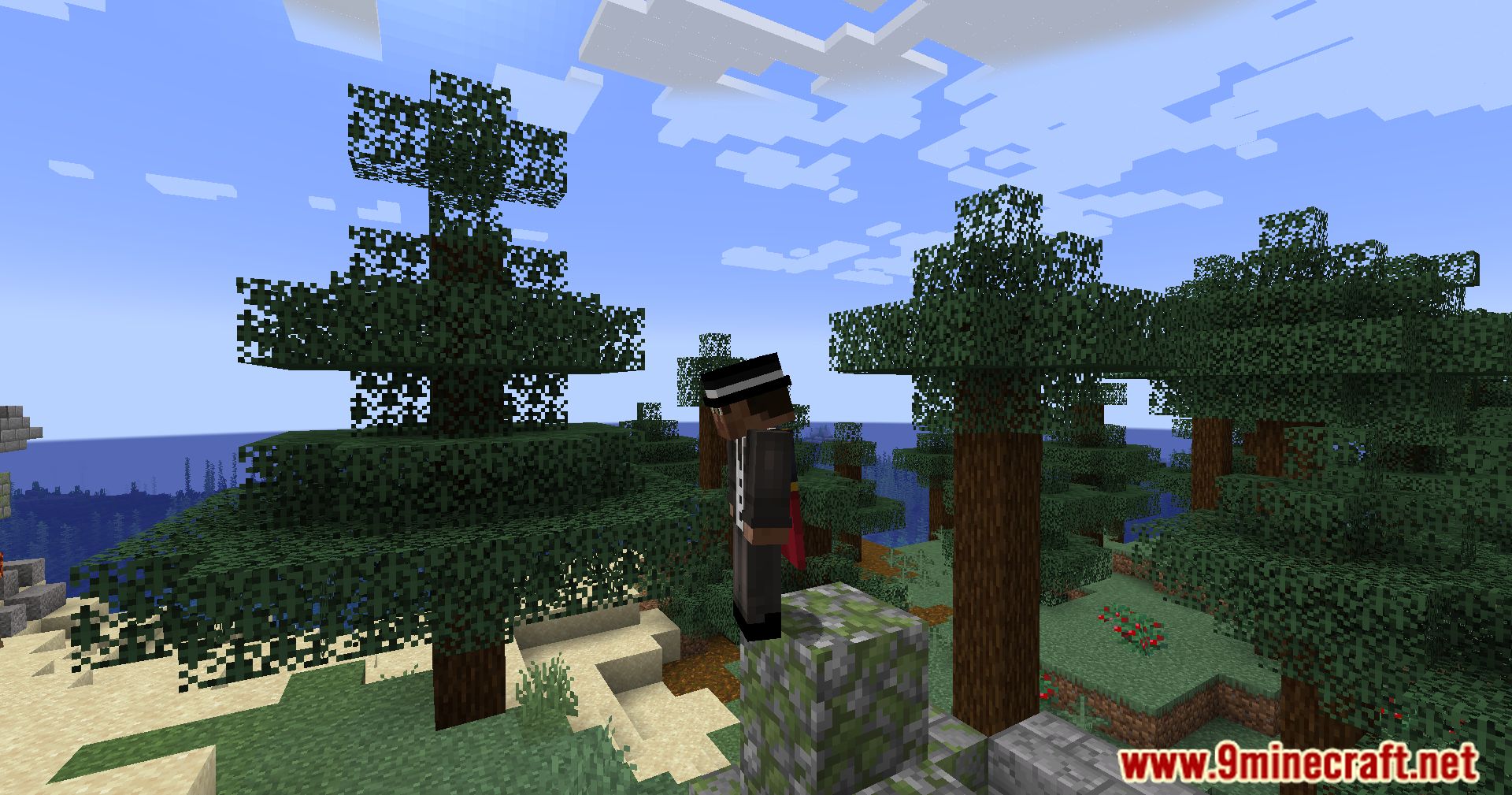
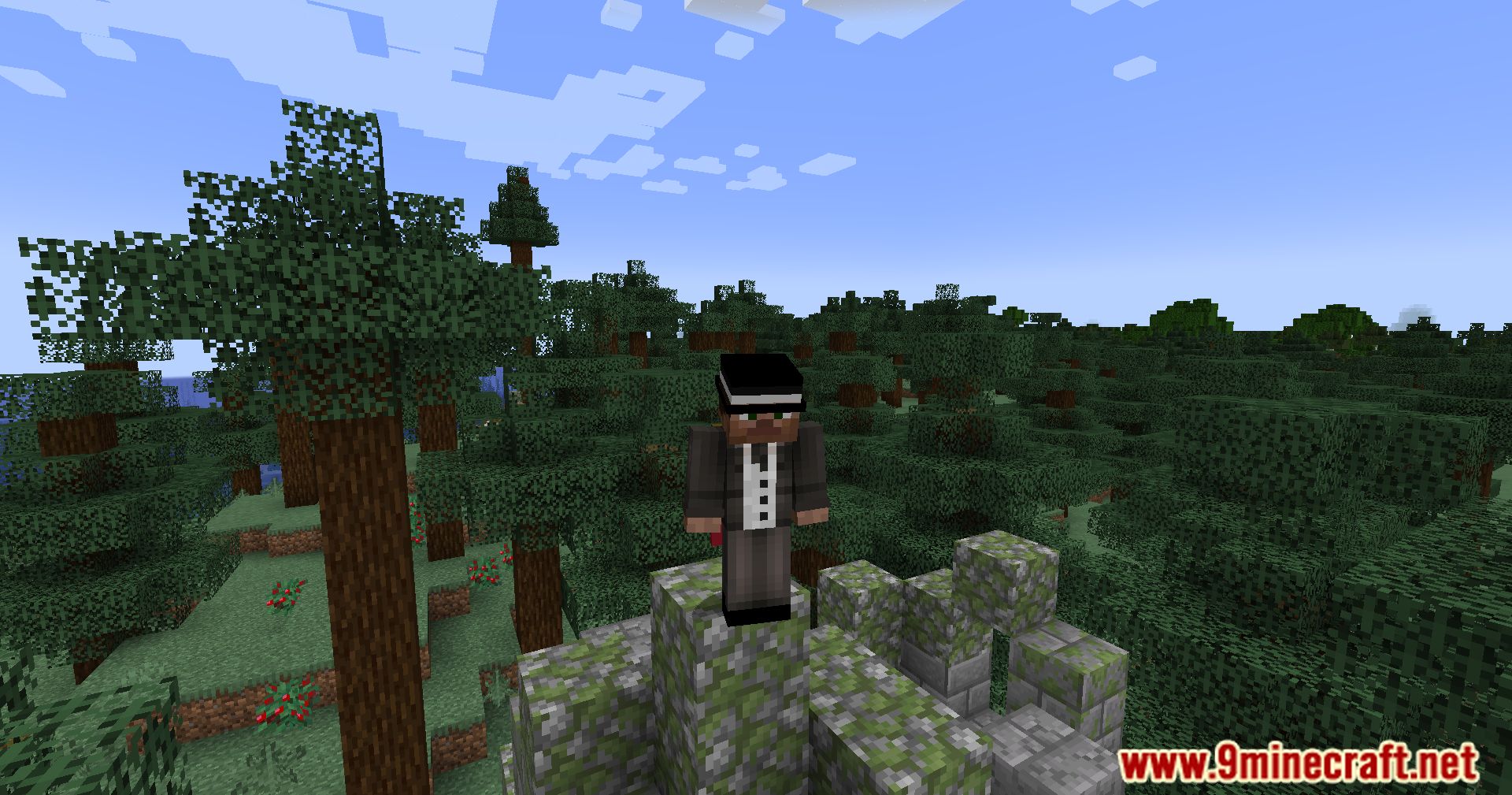
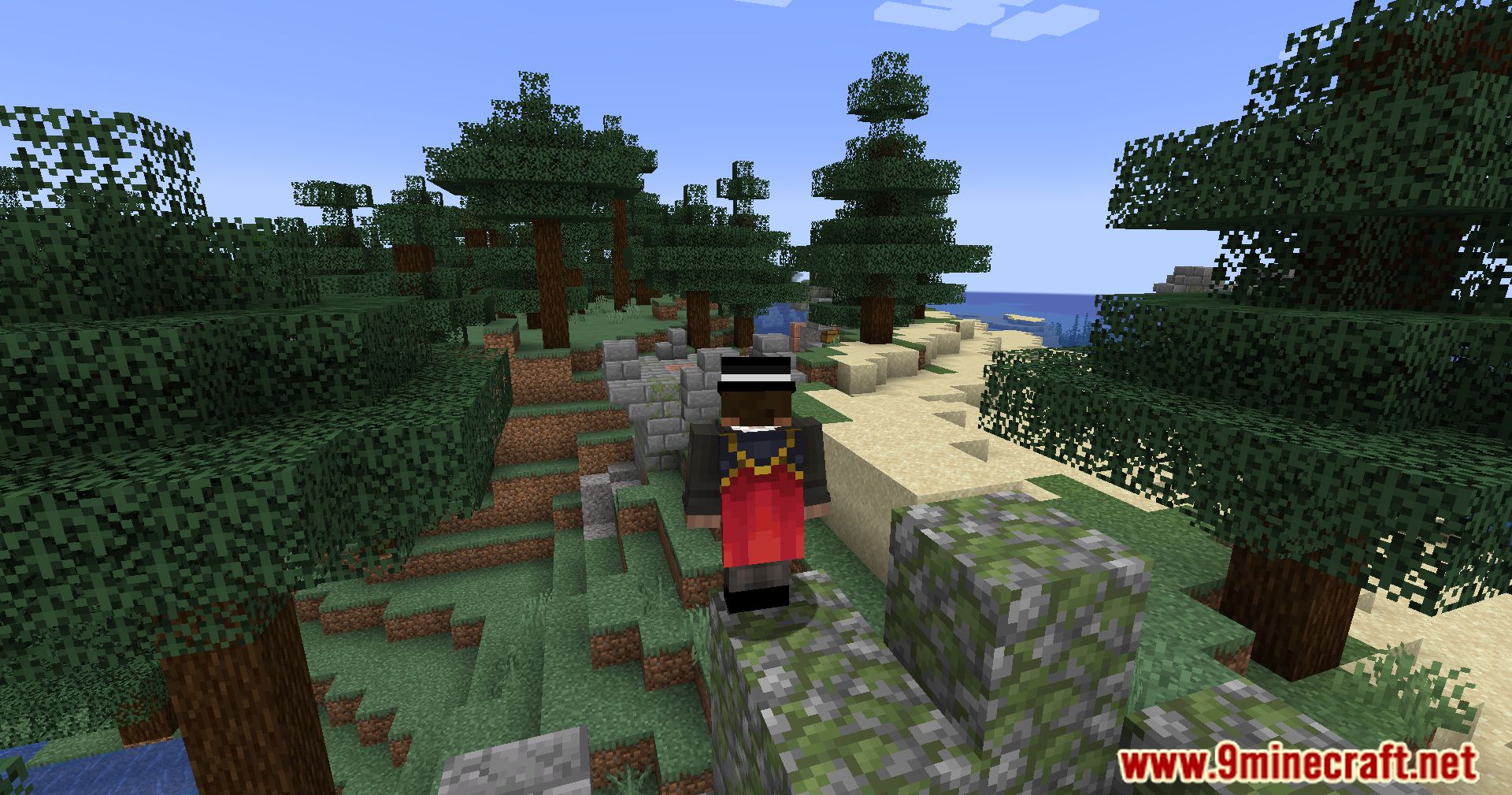
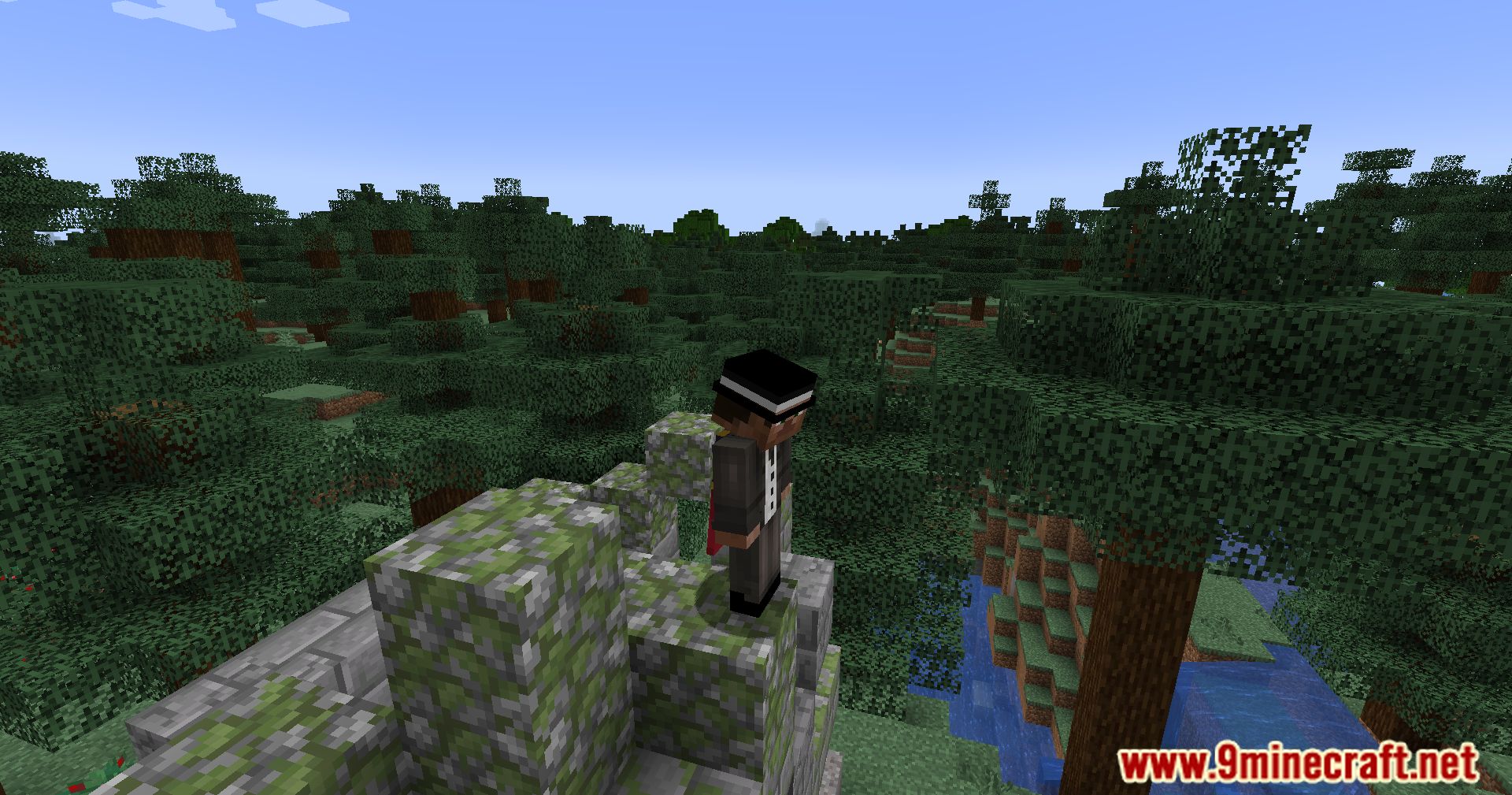
11 images from the Perspektive Mod page.
You May Also Like
Wikis that share the most with this one
More mod wikis on the site
The most downloaded mods that have a wiki here
A few wikis from each of the other kinds