

 DownloadPanorandom Mod
Get the files on 9Minecraft
Guides
Step-by-step, in-game.
Create a Custom Panorama Pack to Use With PanorandomUnderstanding Panorama File Structure A panorama in Minecraft consists of six separate image files that form a cube…Enable Panorandom to Cycle Through Your Panorama CollectionHow Panorandom Changes Panorama Selection By default, Minecraft only displays the panorama from whichever resource…Manage Multiple Panorama Packs for Maximum VarietyOrganizing Your Panorama Collection To get the most out of Panorandom, you can enable many resource packs…Troubleshoot When Panorama Isn't ChangingCommon Reasons Panoramas Don't Rotate If you're only seeing one panorama despite having multiple packs enabled, check…
Frequently asked questions
How do I turn on Panorandom?
Panorandom activates automatically once installed and enabled in your mod loader. There are no configuration steps needed—as long as the mod is loaded and you have multiple resource packs with panoramas active, the panorama will start cycling randomly each time you return to the main menu.
Why is my panorama still only showing one image?
Make sure you have at least two resource packs with panorama images both enabled in your resource pack menu. If only one pack contains a panorama, there's nothing to randomize—Panorandom needs multiple panorama sources to work.
Does Panorandom work with vanilla panoramas?
Yes. Vanilla Minecraft's default panoramas count as one source, so if you have custom panorama packs installed alongside vanilla, Panorandom will randomly select from all of them including the vanilla set.
How often does the panorama change?
The panorama is randomly selected each time you load the main menu screen, so it will change whenever you restart the game or return to the menu from a world.
See all 10 Panorandom questions ›
Gallery
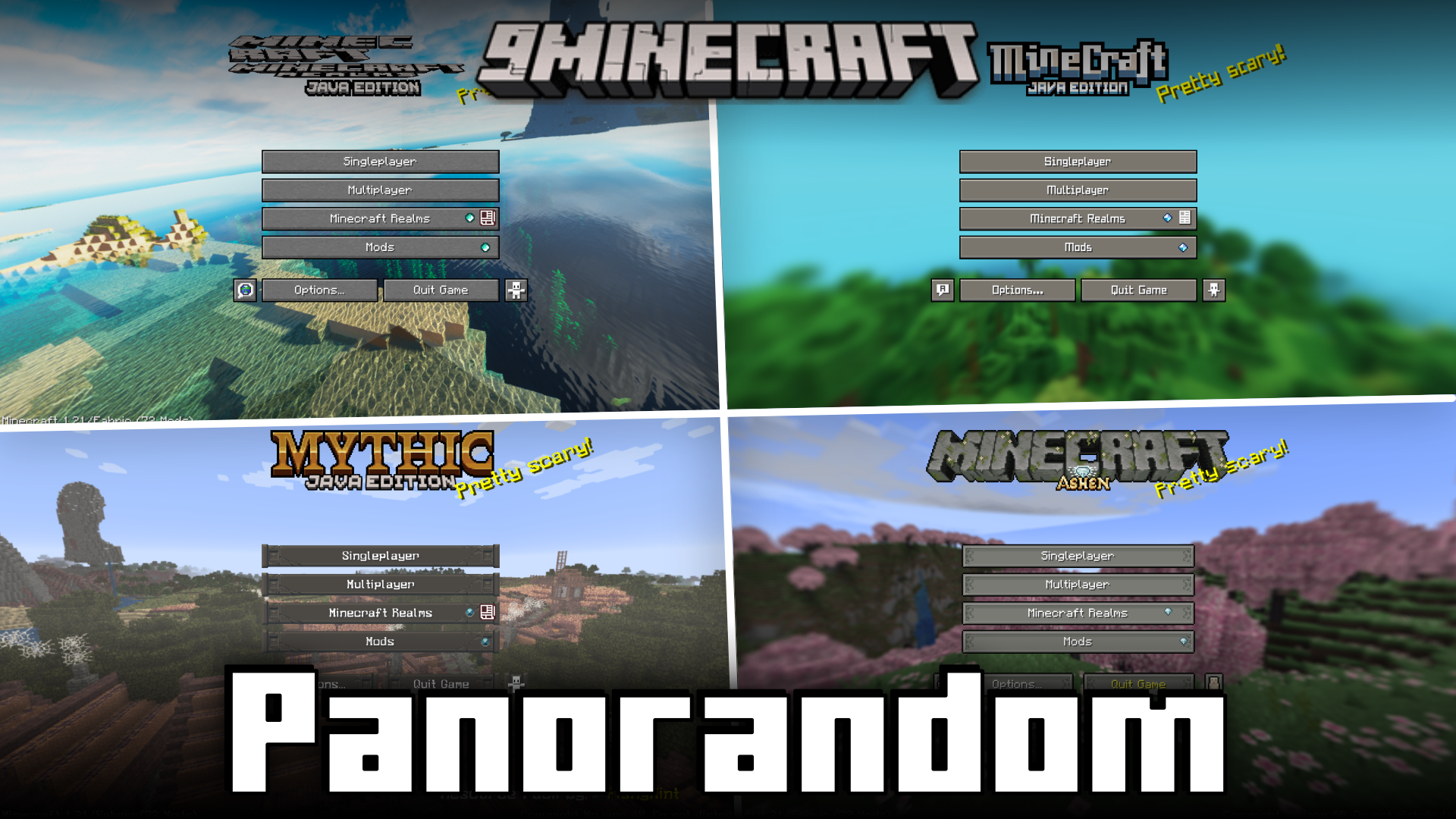
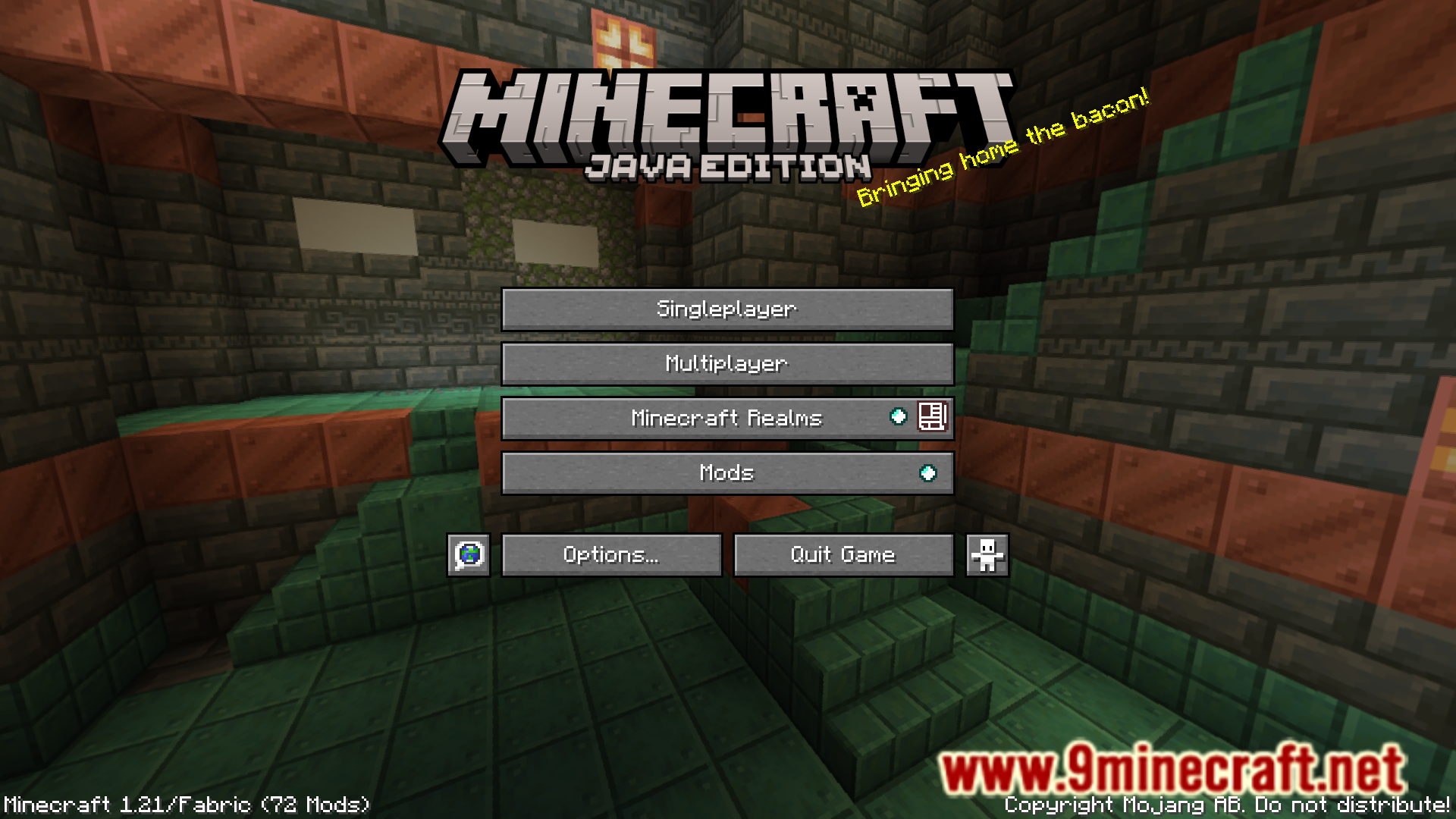
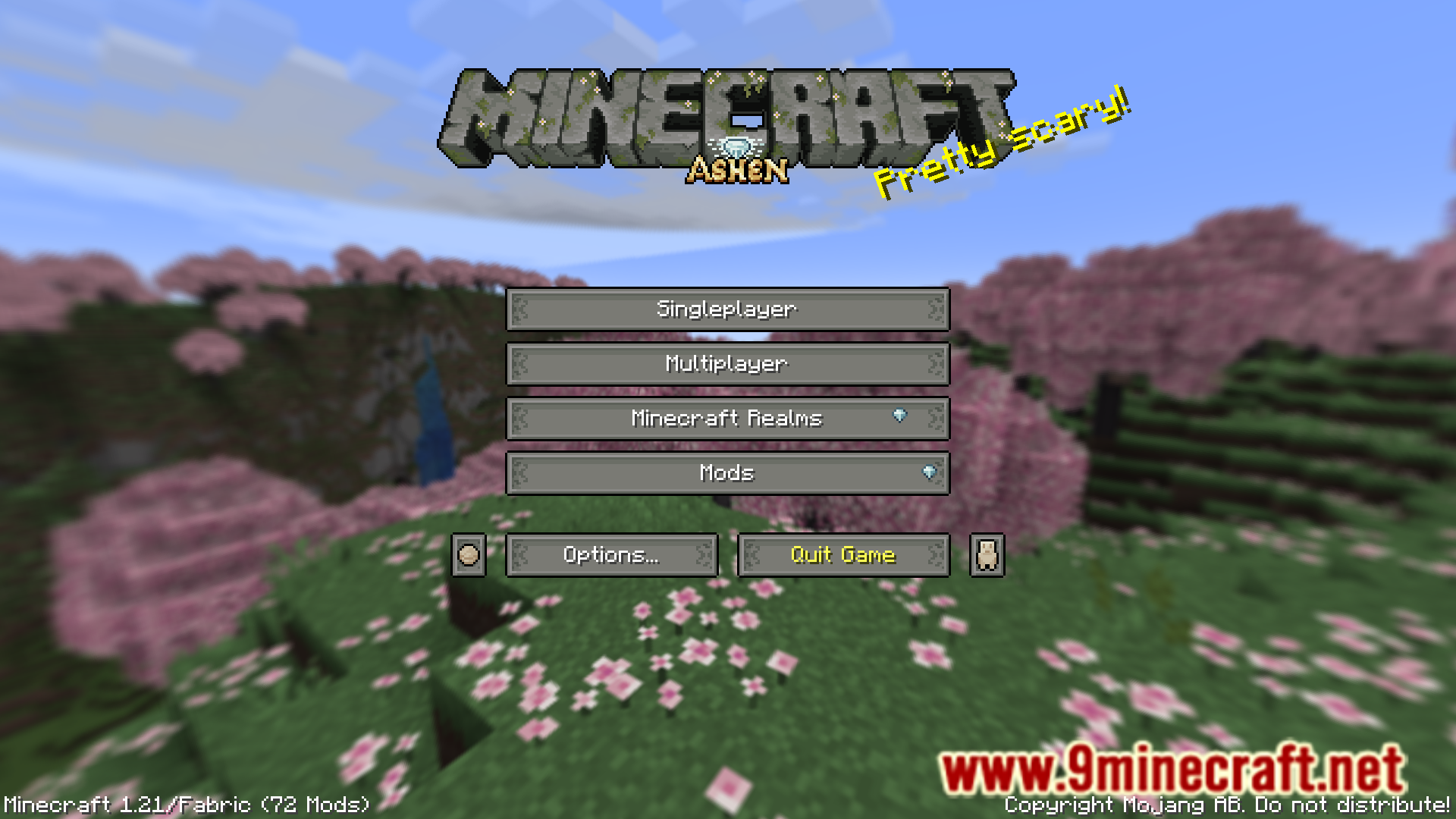
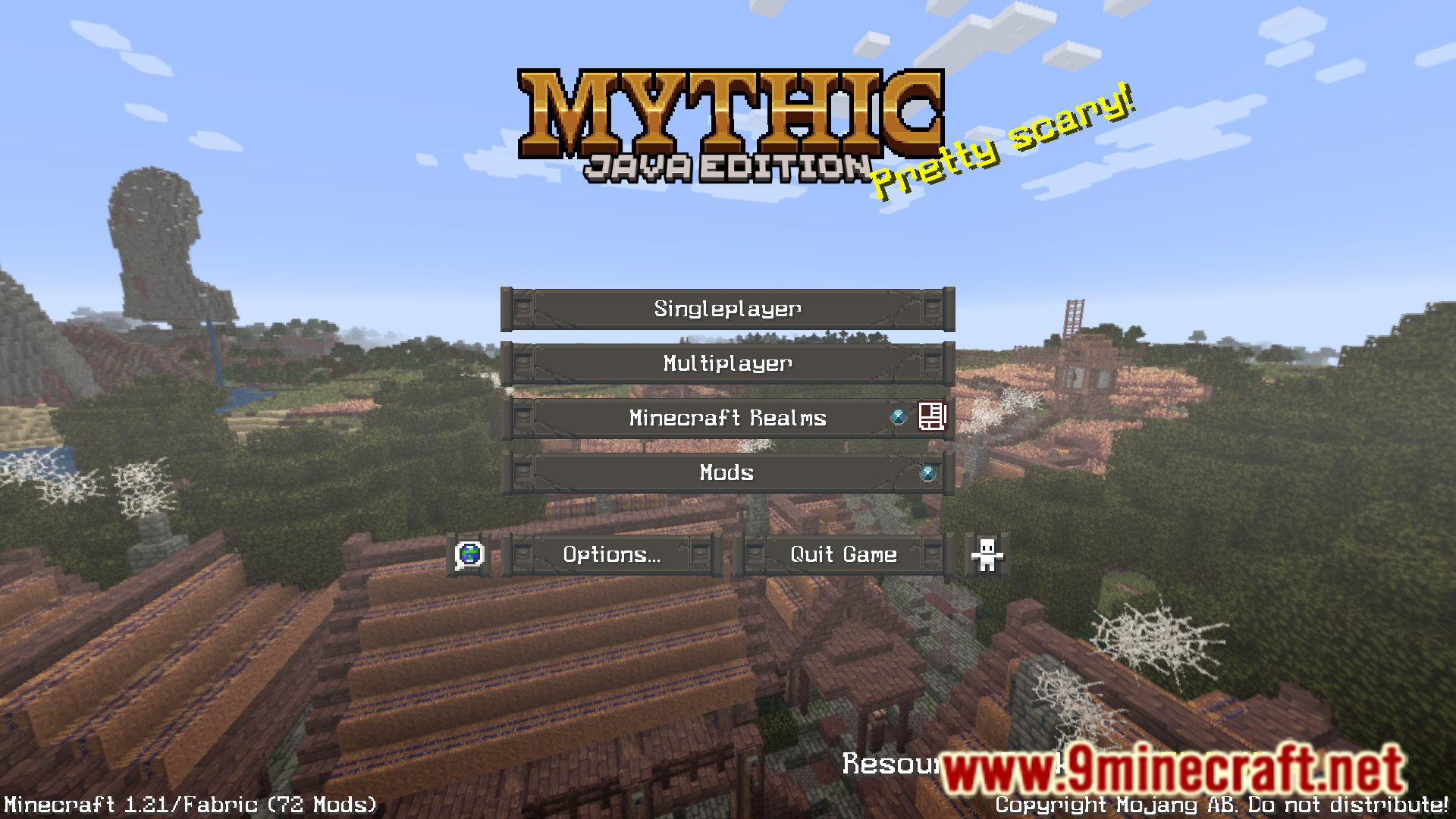
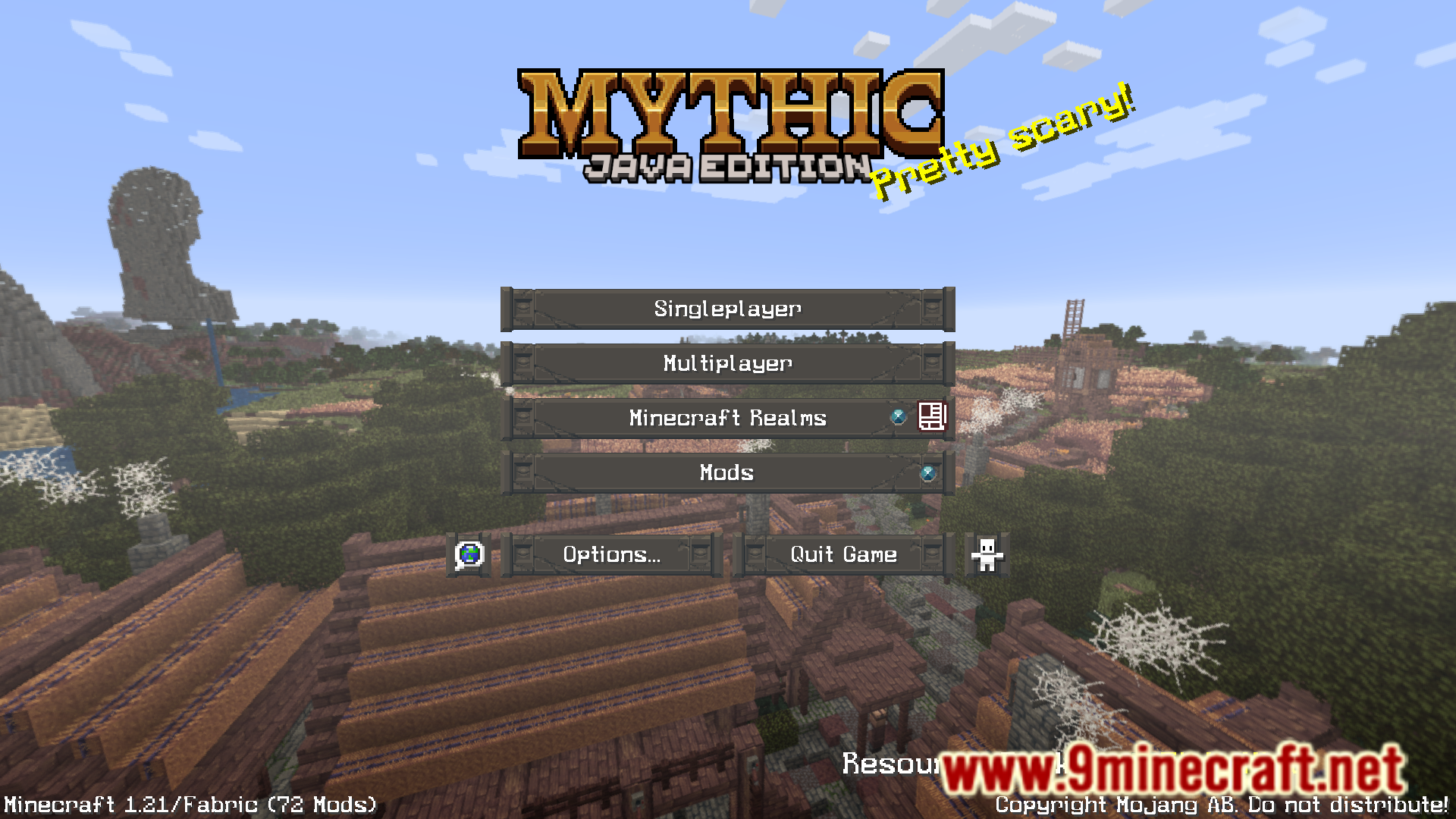
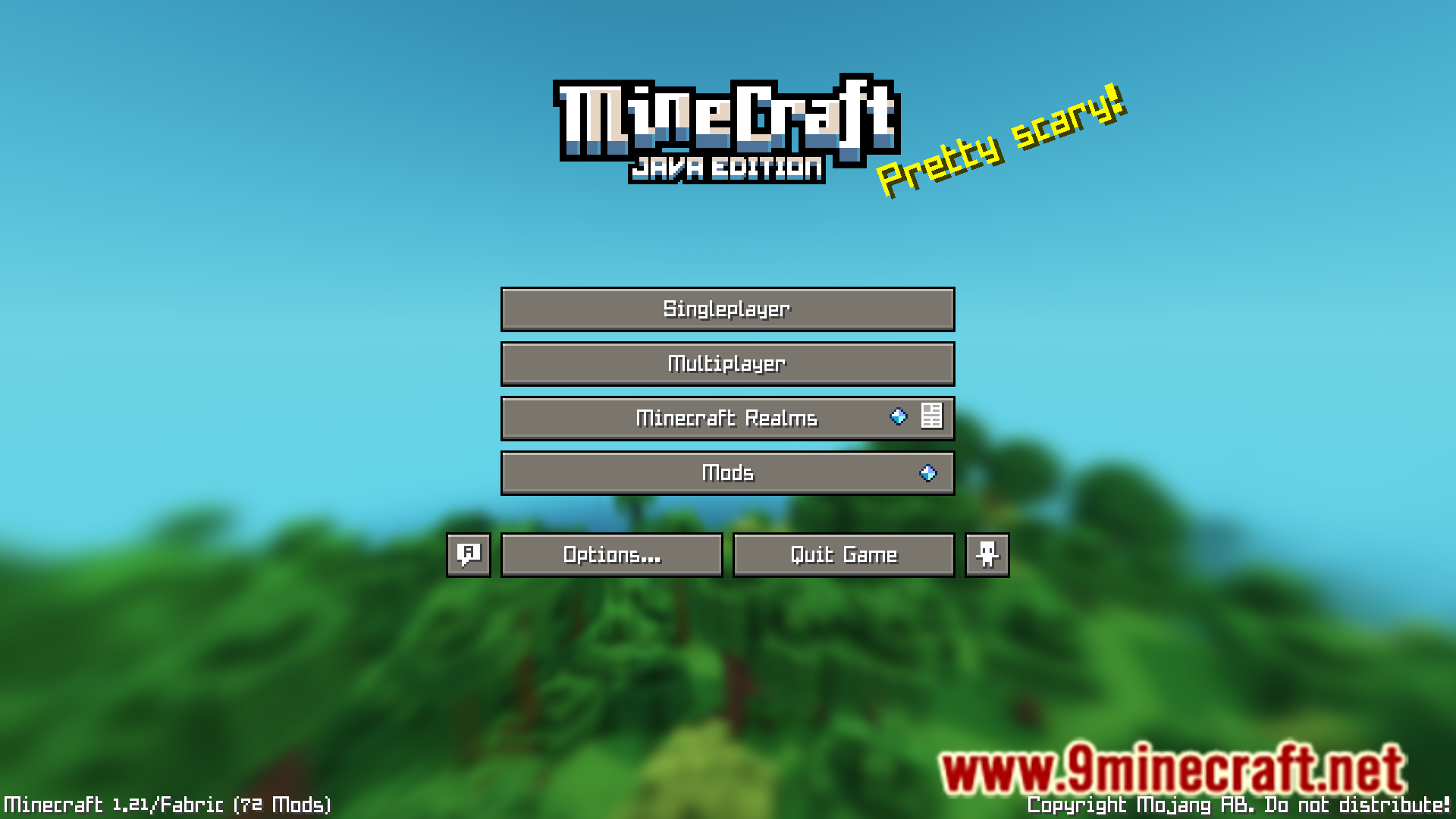
7 images from the Panorandom Mod page.
You May Also Like
Wikis that share the most with this one
More mod wikis on the site
The most downloaded mods that have a wiki here
A few wikis from each of the other kinds