

 DownloadPalettinator Mod
Get the files on 9Minecraft
Guides
Step-by-step, in-game.
Build a Color-Matched House Using Palette AnalysisScan Your Current Build Start by gathering the blocks you've already placed in your house. Hold them in your hotbar…Create a Smooth Color Gradient Between Two BlocksPrepare Your Blocks Gather the two blocks you want to transition between. They can be in your inventory or held in…Find and Use Community Palettes on Your ServerBrowse Available Palettes Discover what other players have created by browsing community palettes: ` /palette…Scan an Existing Building and Save It as a PaletteActivate the Capture Tool Run the capture command to receive a scanning tool: ` /palette capture ` This gives you a…
Frequently asked questions
How do I start using Palettinator?
Type `/palette generate` in chat with a color name or while holding a block to create your first palette—it'll load directly into your hotbar. If you want to see all available commands, try `/palette` alone to view the help menu.
What's the difference between /palette analyze and /palette generate?
`/palette analyze` checks the blocks already in your hotbar or a saved palette and tells you if they work well together, while `/palette generate` creates a brand new matched set of blocks based on a color you specify or a block you're holding.
Can I use this mod on a server without everyone installing it?
Yes—the mod works on servers and players without it installed can still use chat commands like `/palette get` and `/palette analyze`, though they won't see the visual browser or in-game menu.
How do I preview a palette before committing to it?
Use `/palette build` to spawn a temporary preview wall of the palette in front of you, which won't damage your actual build; remove it anytime with `/palette clear`.
See all 10 Palettinator questions ›
Gallery
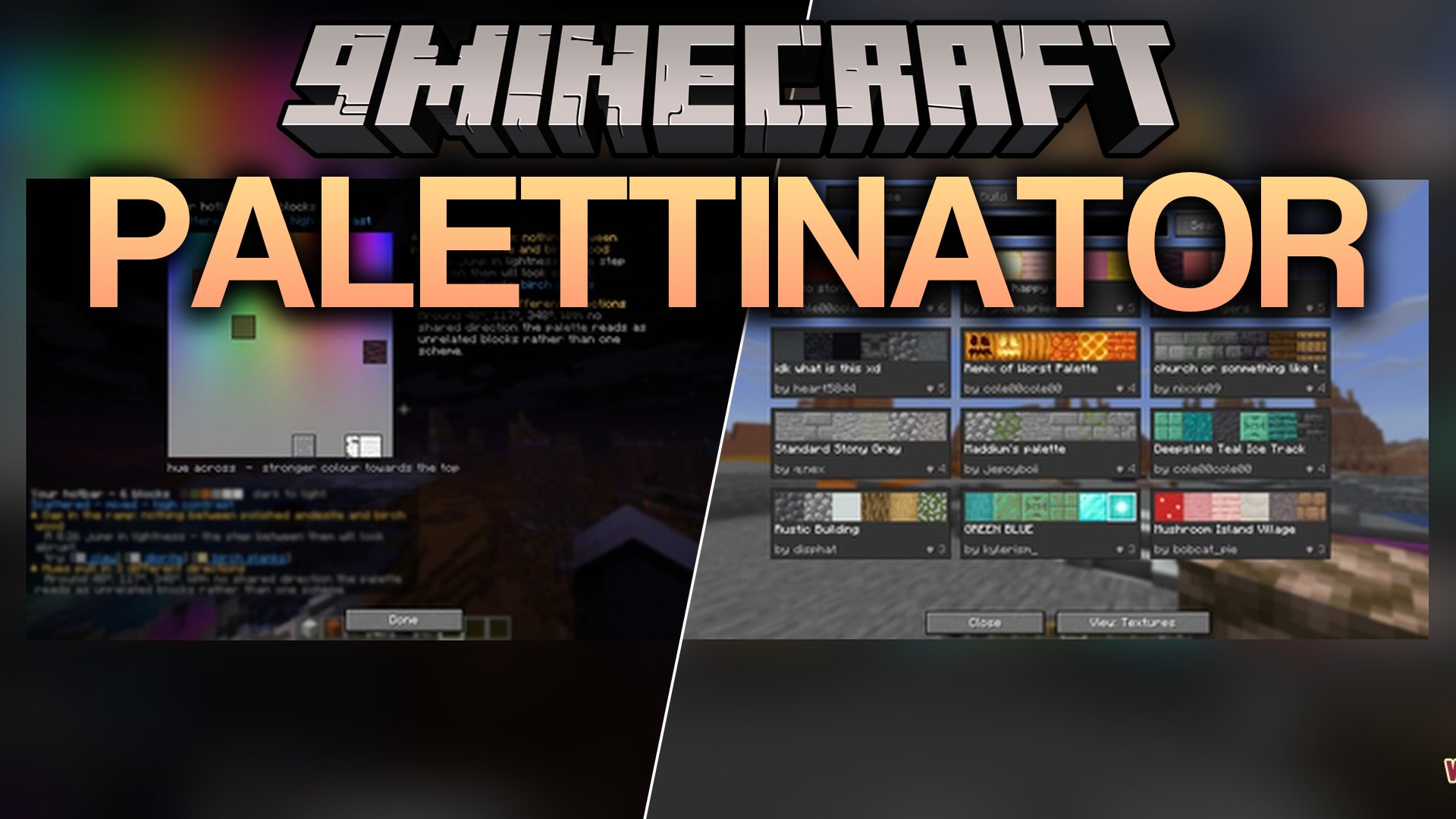
1 image from the Palettinator Mod page.
You May Also Like
Wikis that share the most with this one
More mod wikis on the site
The most downloaded mods that have a wiki here
A few wikis from each of the other kinds