

 DownloadPaper Doll Mod
Get the files on 9Minecraft
Guides
Step-by-step, in-game.
How to Change Which Actions Show the Paper DollThe paper doll only appears during the actions you have enabled, so if it never shows up while sprinting or swimming,…How to Move or Resize the Paper Doll on Your ScreenBy default the paper doll sits in the top-left corner, which can overlap your hotbar-adjacent HUD elements or just…How to See Your Armor and Skin on the Paper DollThe paper doll renders a side view of your player, including your skin and any armor you are wearing. If it looks…How to Use the Paper Doll to Check Your Pose While Flying or SwimmingThe paper doll is most useful for actions where you cannot easily see your own character — elytra flight,…
Frequently asked questions
How do I turn on the Paper Doll Mod?
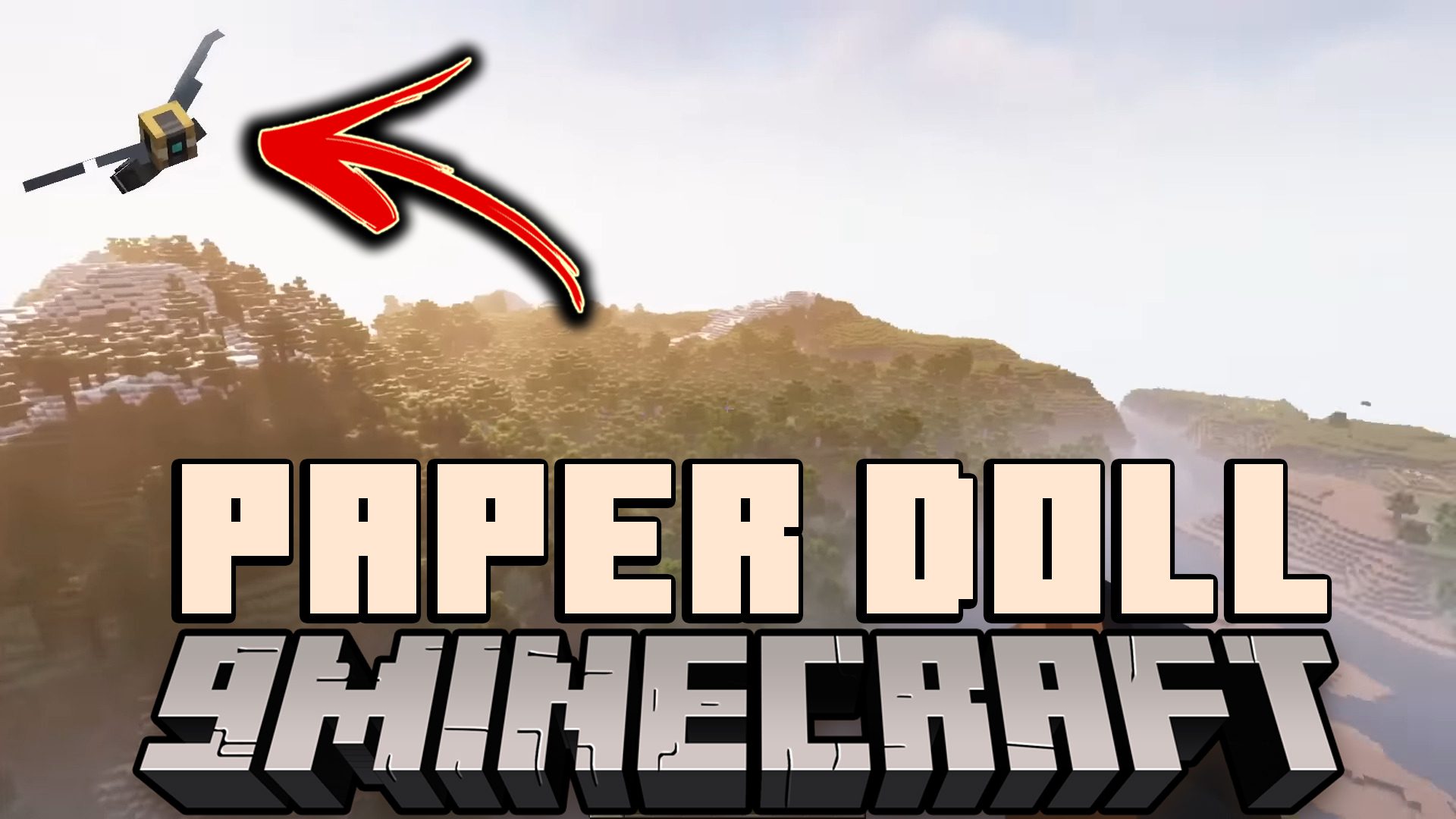
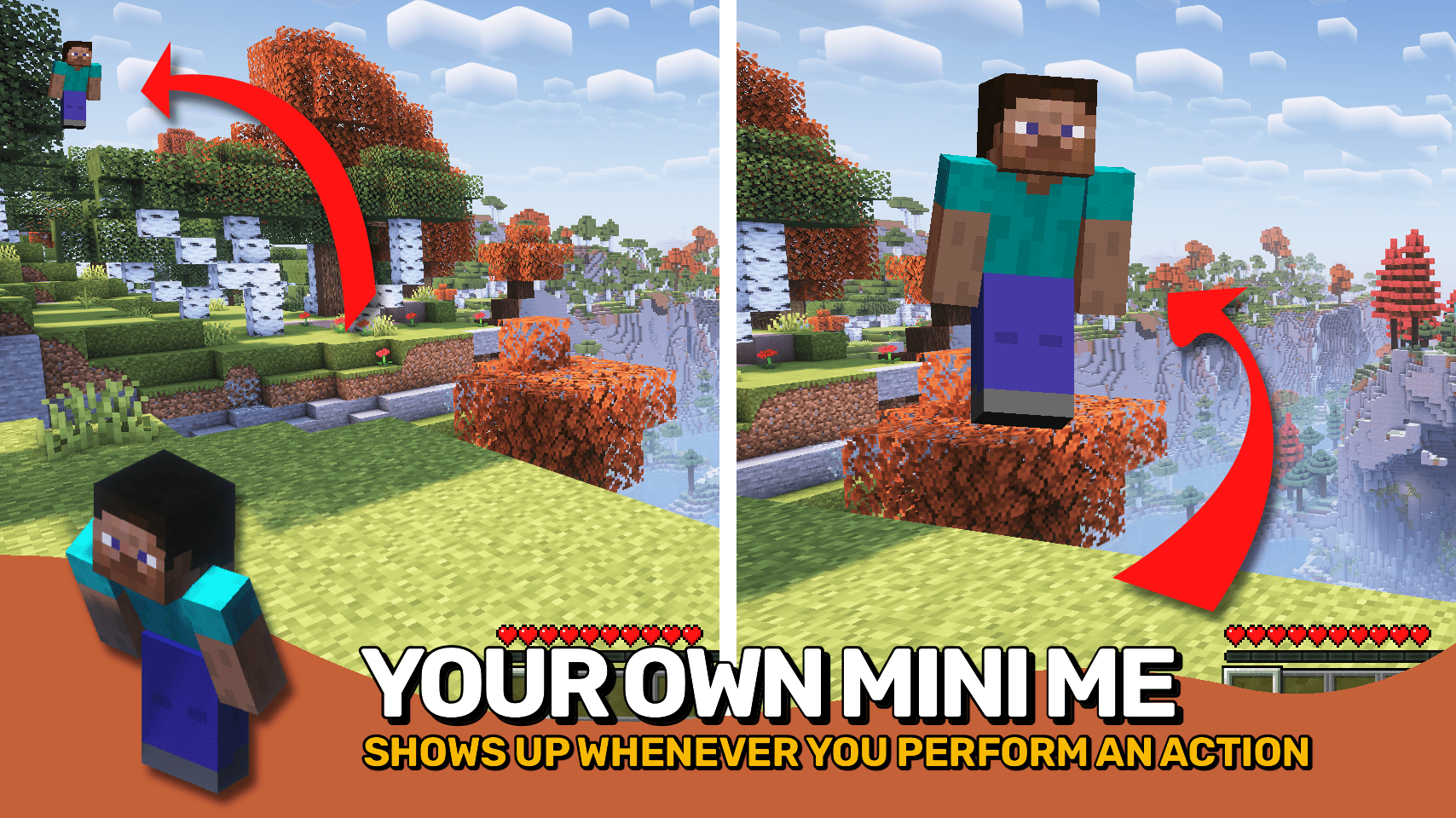
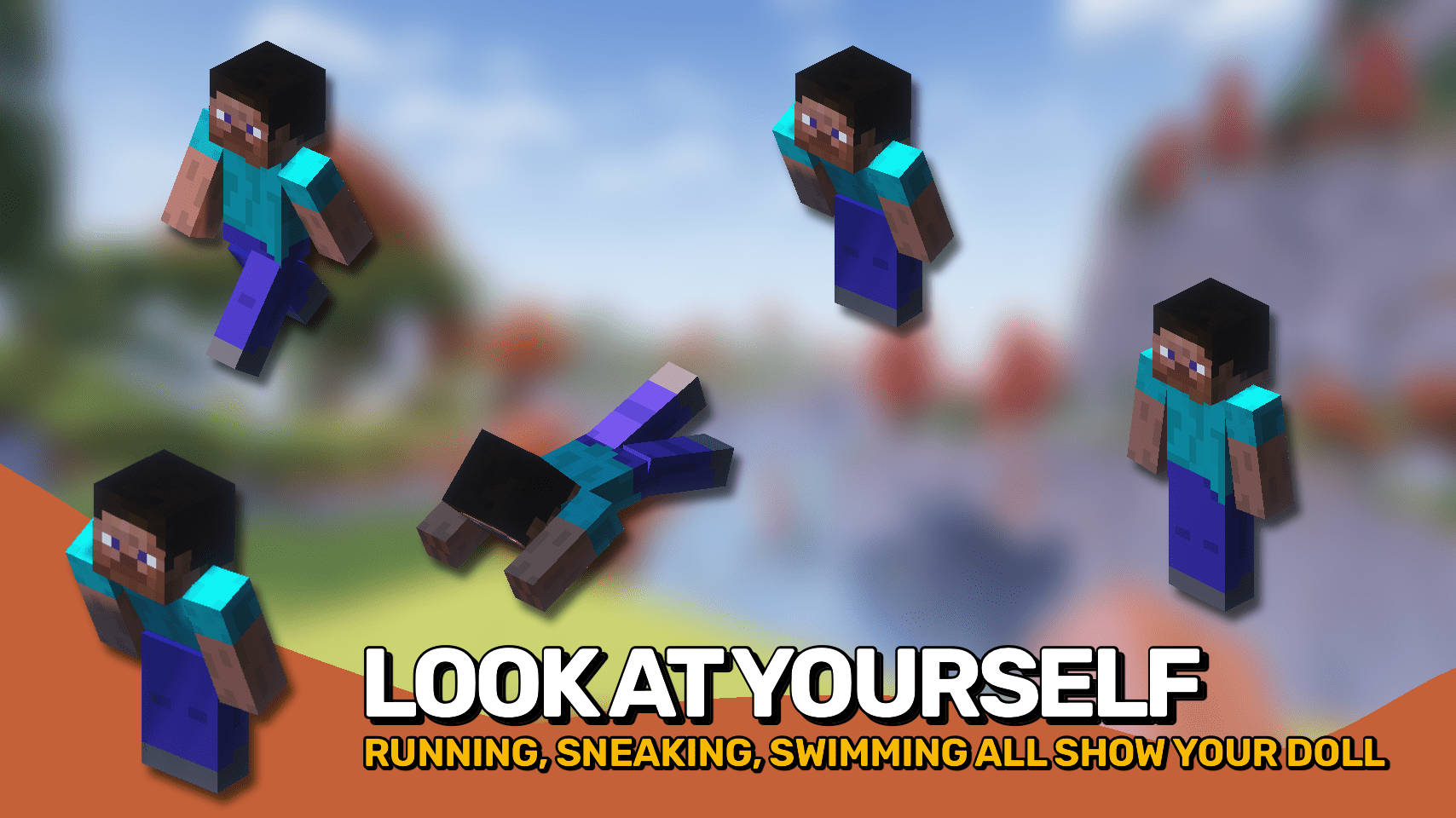
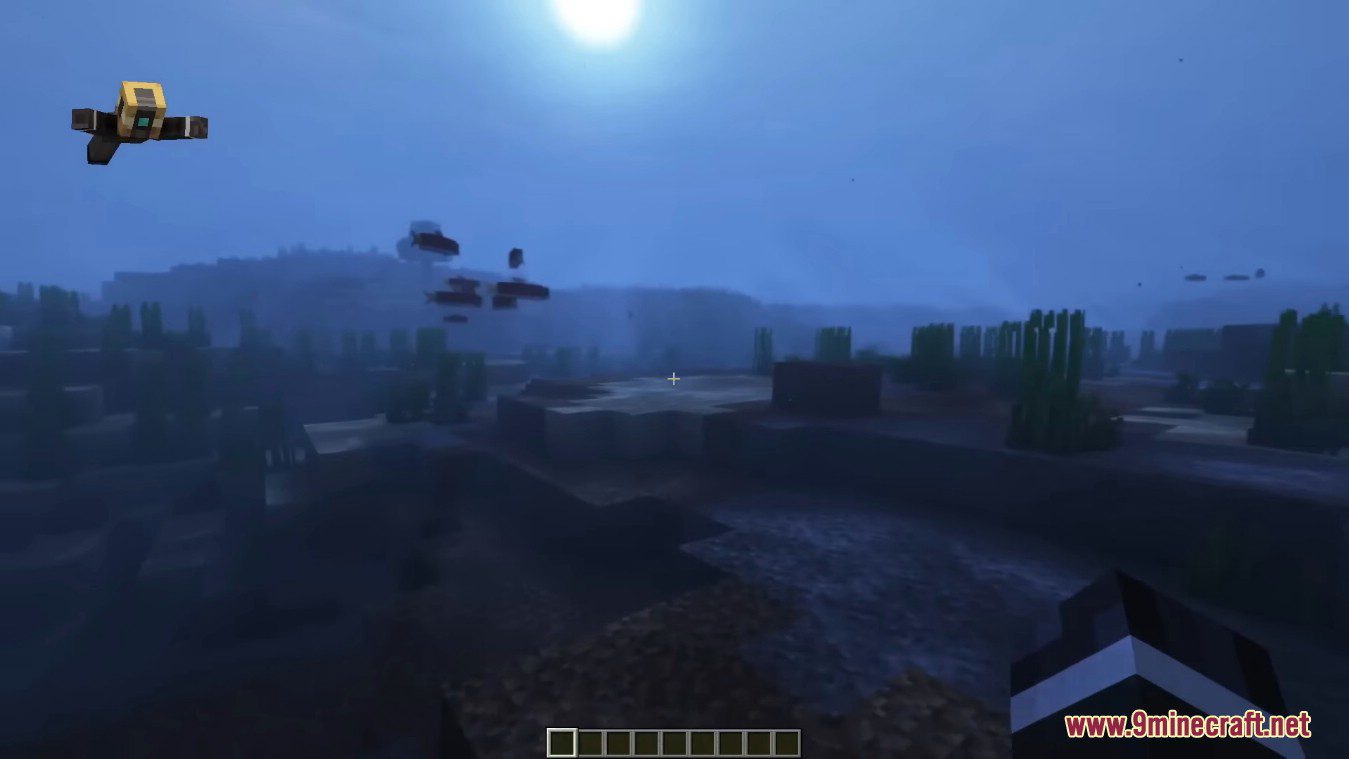
The paper doll is enabled by default, so it should appear in the top-left corner as soon as you start sprinting, swimming, crouching, crawling, flying, or gliding. If you don't see it, open the mod's config screen and make sure the mod itself and the individual action toggles are enabled.
Why isn't my paper doll showing up?
The doll only appears while you're performing an action that's enabled in the config, so standing still won't show it. Check that the specific action (like sprinting or swimming) is toggled on, and confirm the doll isn't hidden by another HUD mod or moved off-screen.
How do I open the paper doll config?
Open the mod list from the main menu or pause screen, select Paper Doll Mod, and click the config button. From there you can toggle which actions display the doll and adjust its position, size, and other display settings.
How do I make the paper doll show while walking?
Walking is one of the many actions you can enable in the config, separate from sprinting. Open the config and turn on the walking action so the doll appears whenever you're moving at a normal pace.
See all 10 Paper Doll questions ›
Gallery
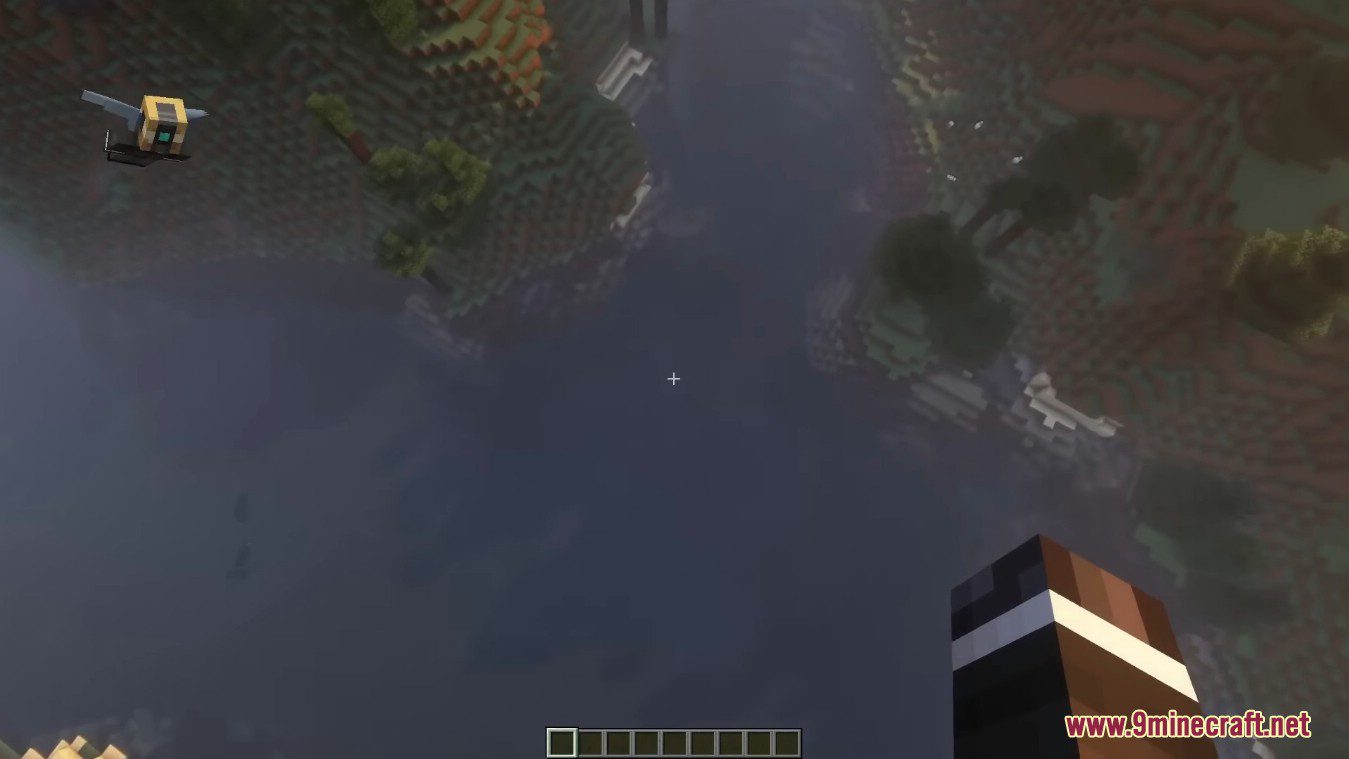
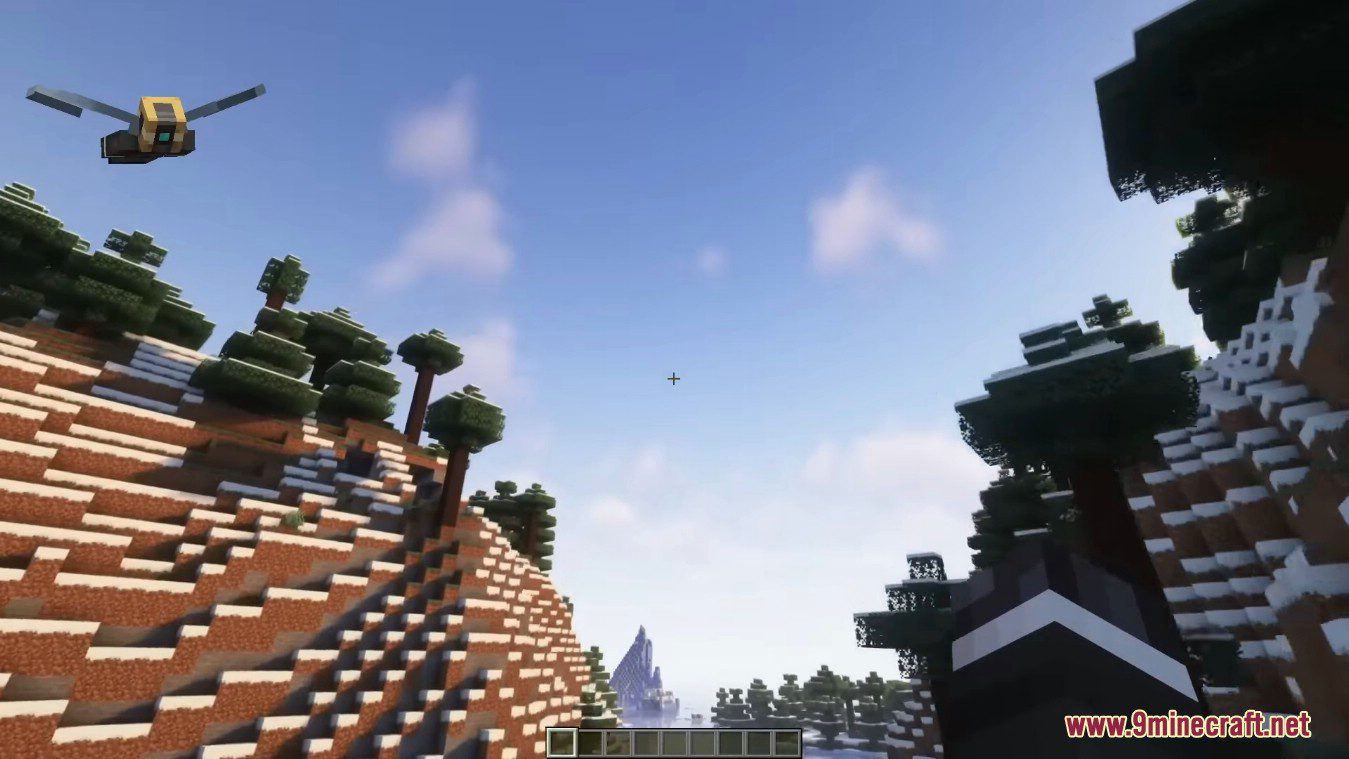
6 images from the Paper Doll Mod page.
You May Also Like
Wikis that share the most with this one
More mod wikis on the site
The most downloaded mods that have a wiki here
A few wikis from each of the other kinds