

 camera
 DownloadNicephore Mod
Get the files on 9Minecraft
Guides
Step-by-step, in-game.
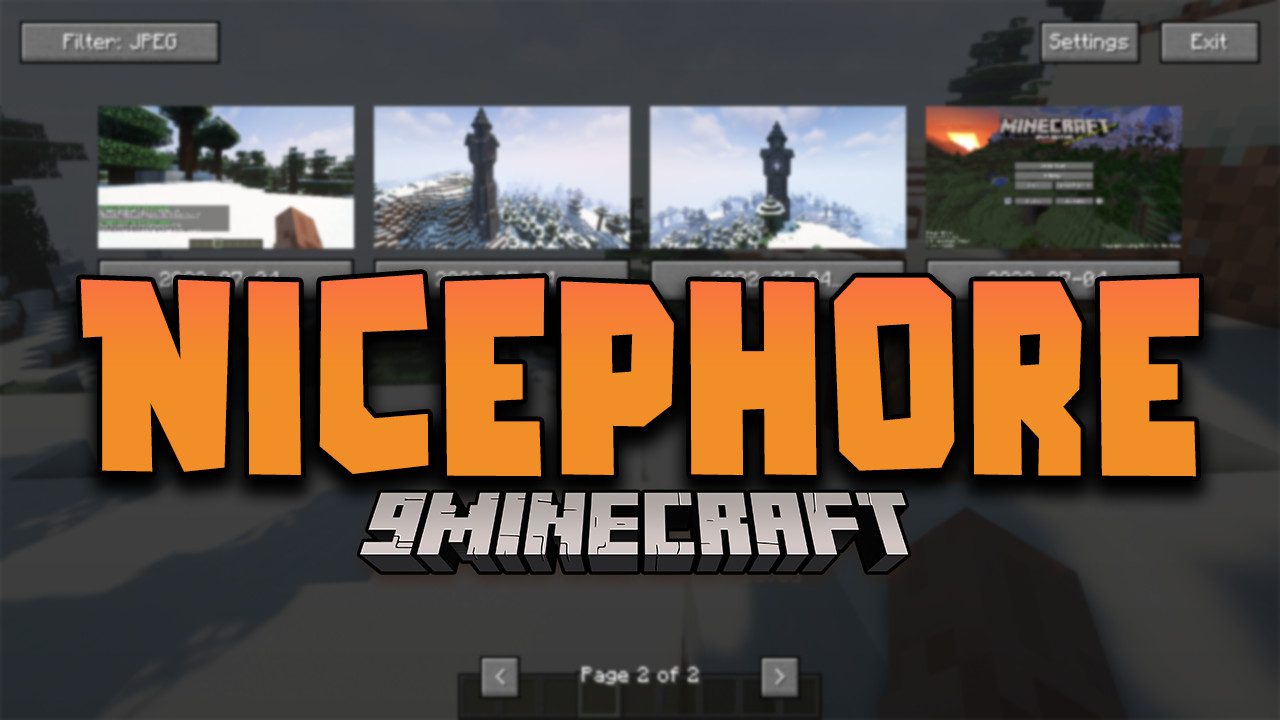
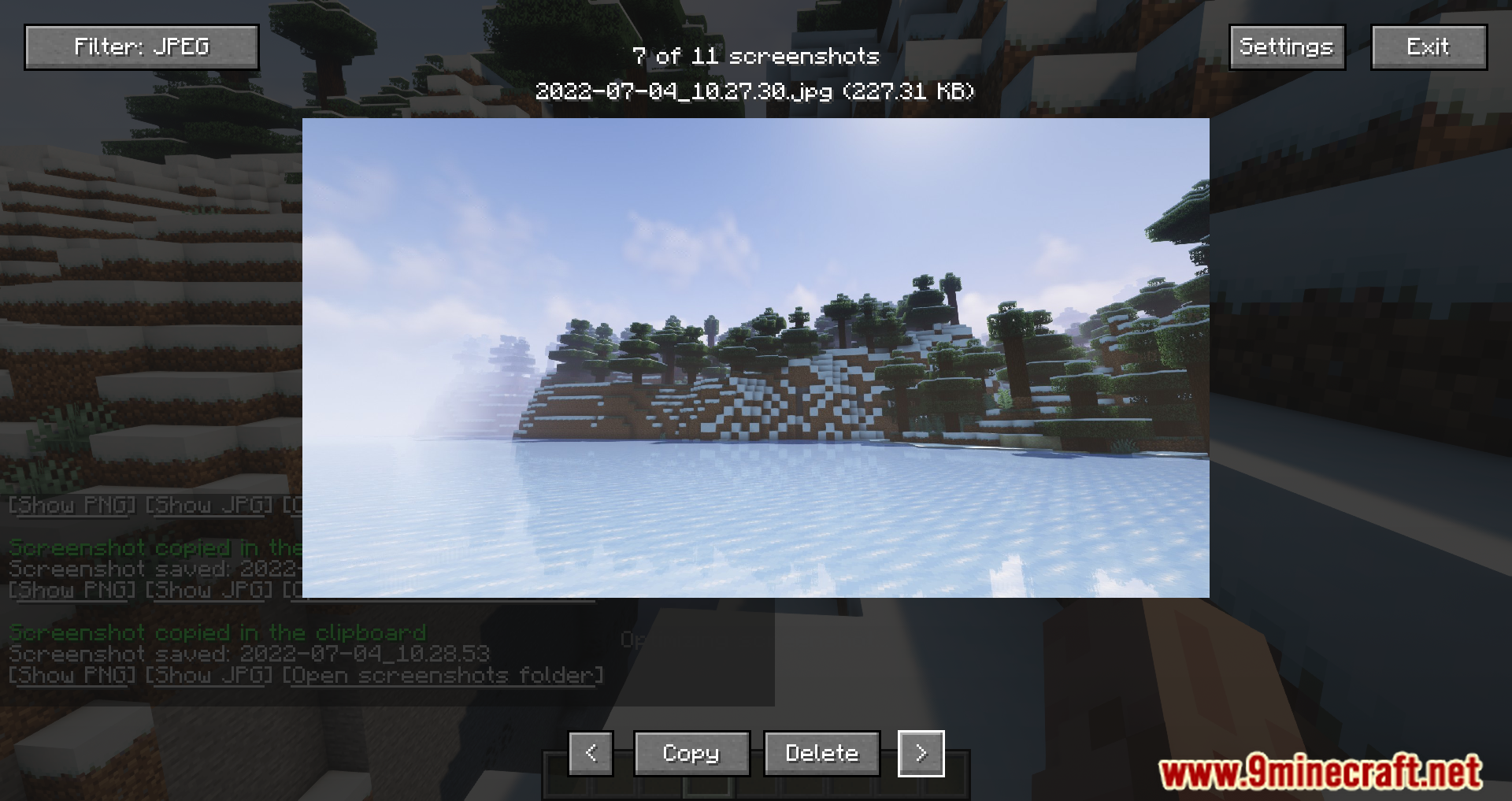
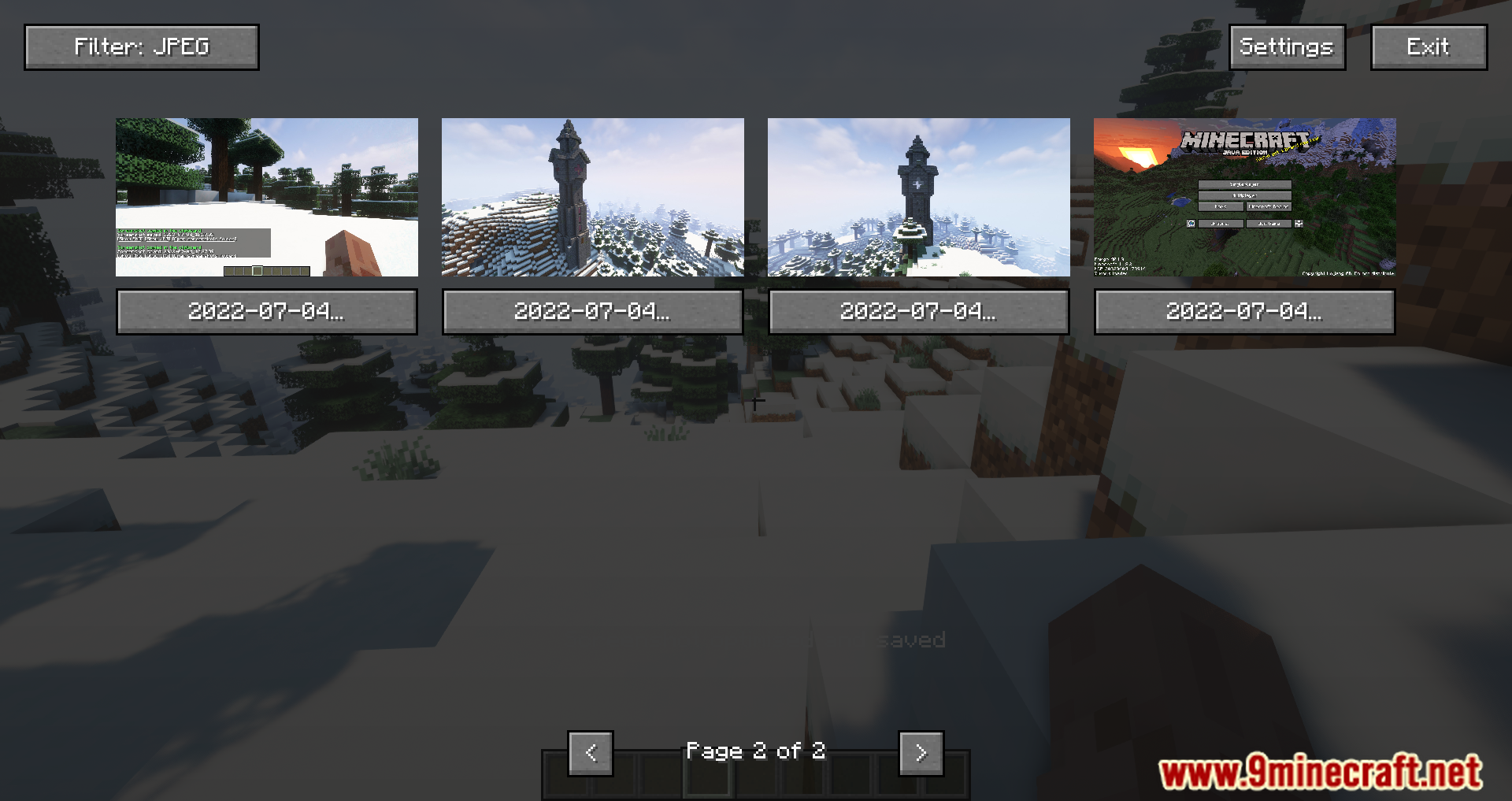
How to Copy the Last Screenshot to Your ClipboardWhat the Copy Feature Does Nicephore can place your most recent screenshot onto your system clipboard , so you can…How to Find, Manage, and Share Nicephore ScreenshotsLocating the Files Nicephore saves screenshots to the same screenshots directory Minecraft uses by default, inside…How to Take a Screenshot and Use the Chat Buttons in NicephoreTaking the Screenshot Press the standard Minecraft screenshot key (F2 by default) as you normally would. Nicephore…How to View Your Screenshots Without Leaving MinecraftOpening the In-Game Viewer Nicephore adds a way to browse screenshots from inside Minecraft, so you do not have to…
Frequently asked questions
How do I take a screenshot with Nicephore?
Take a screenshot the same way you normally would in Minecraft. Nicephore hooks into the standard screenshot key, so no extra setup is needed — the mod just changes what happens afterward.
Where do my Nicephore screenshots go?
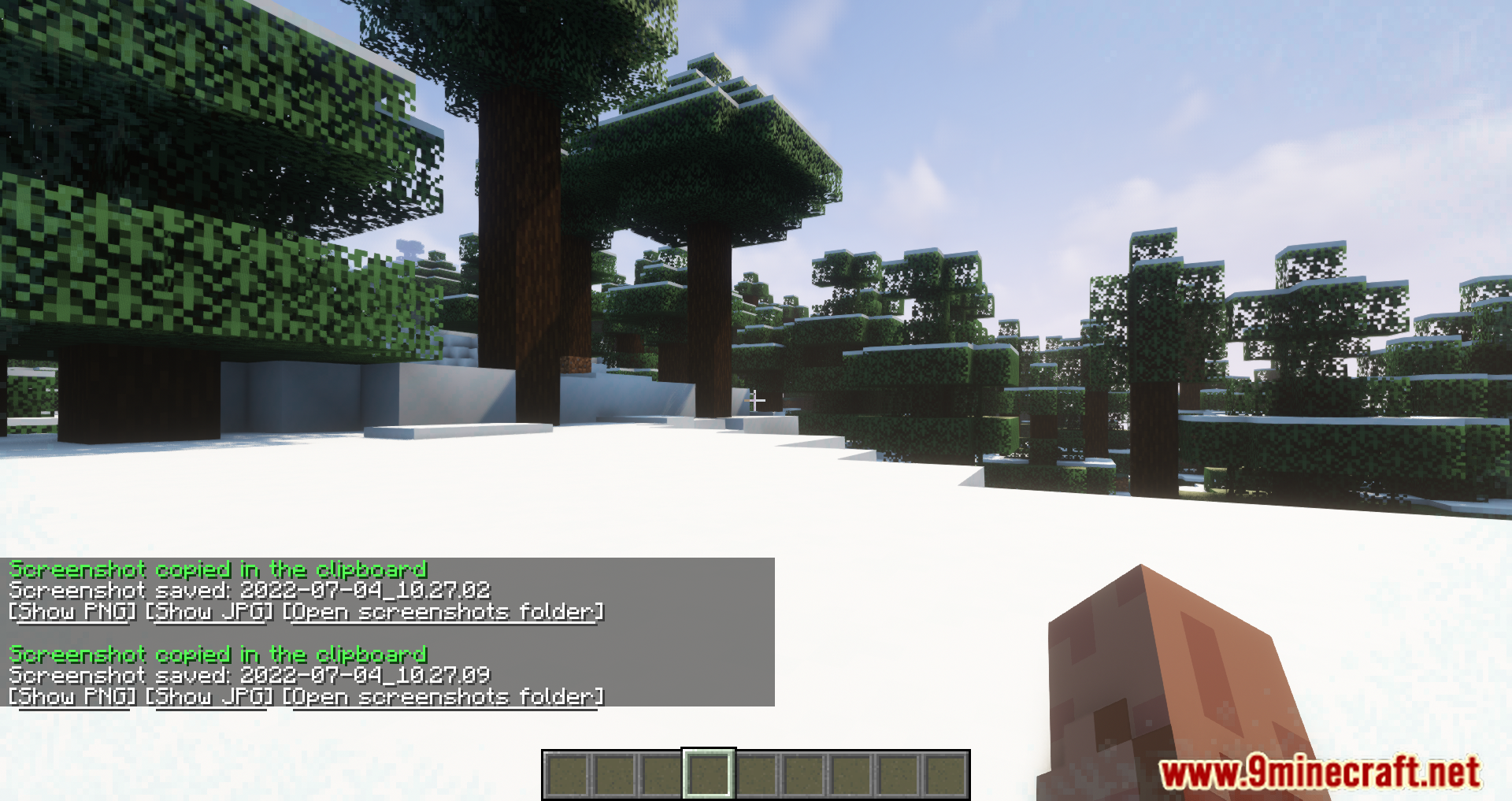
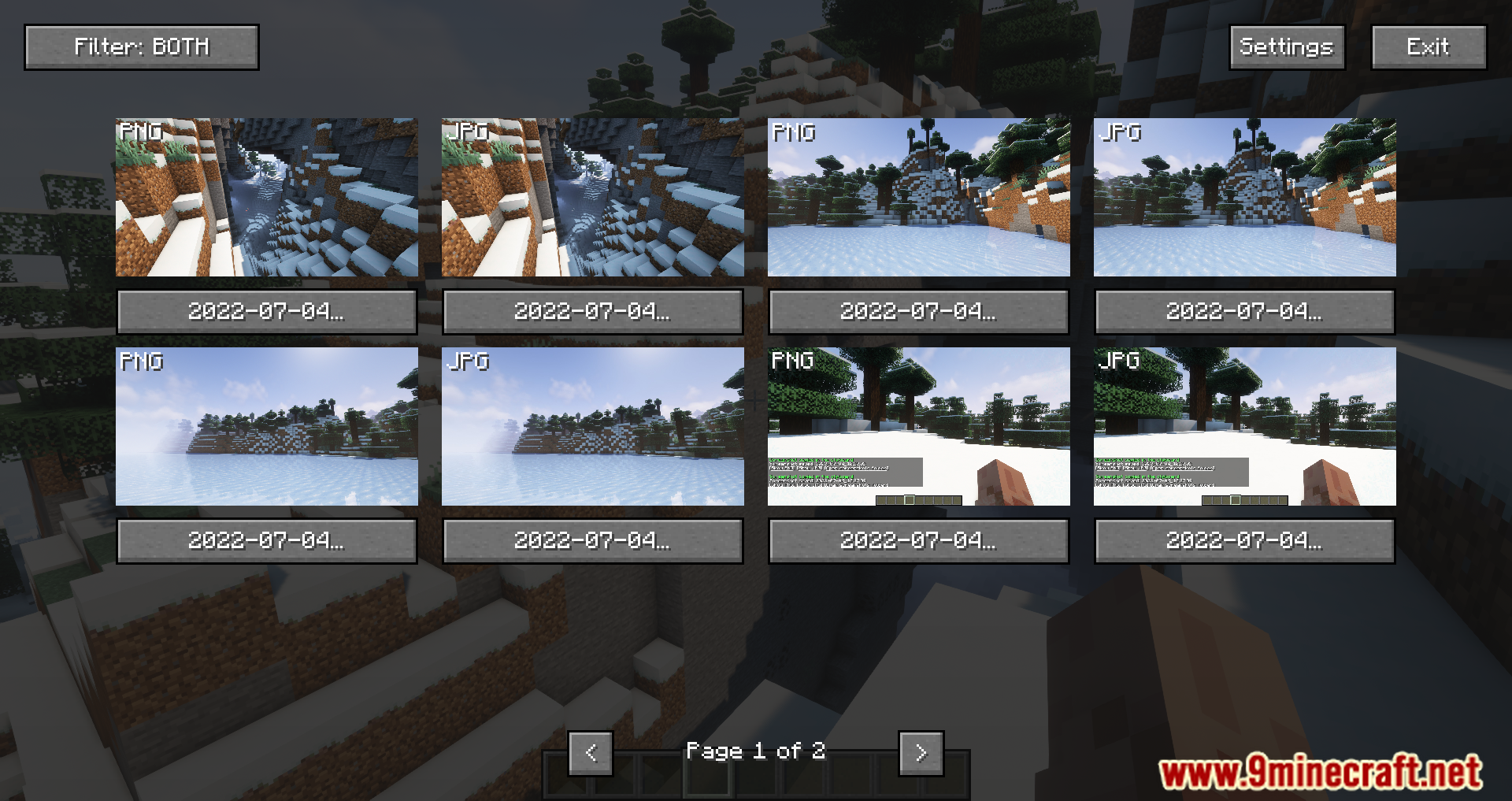
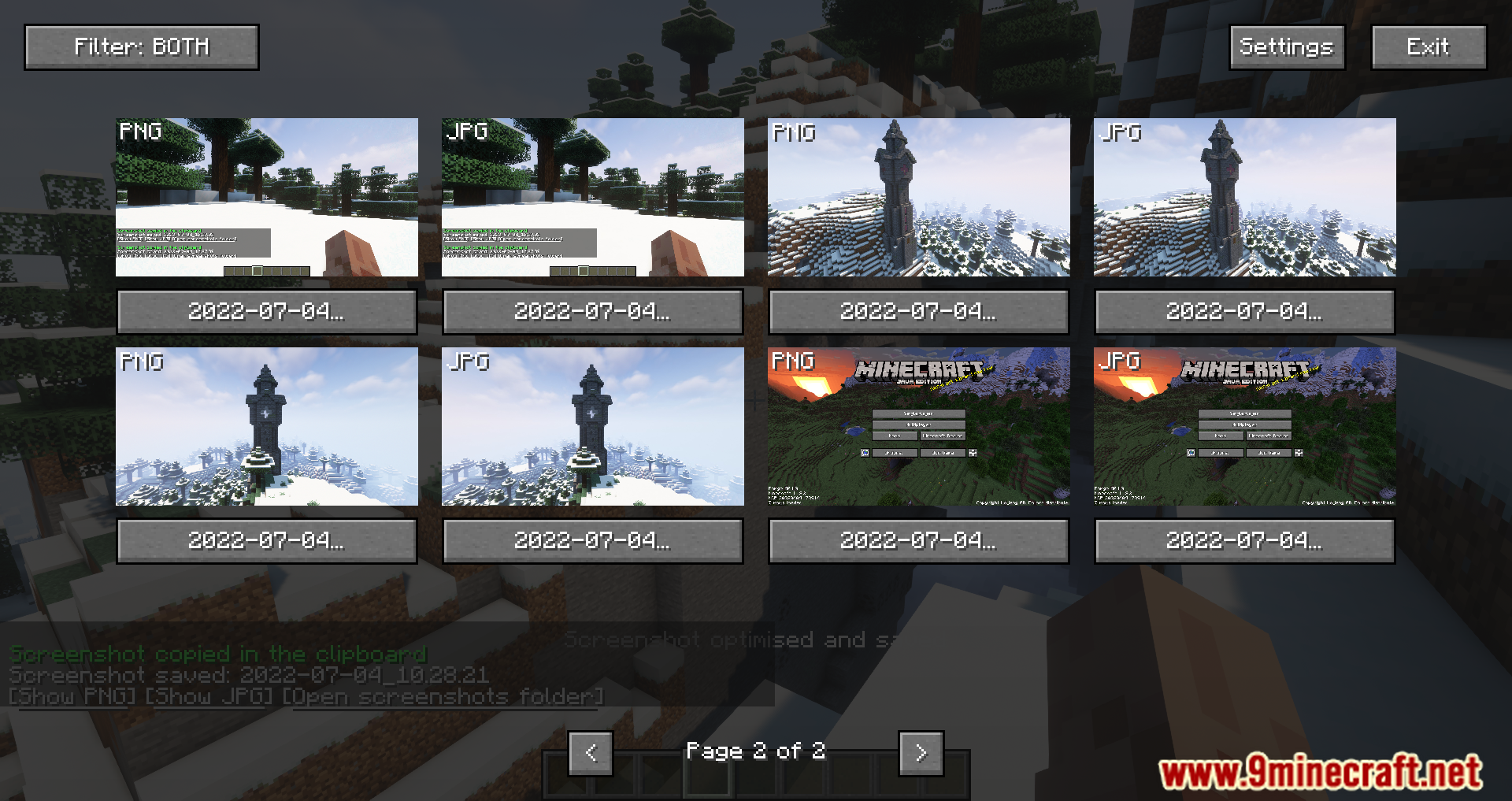
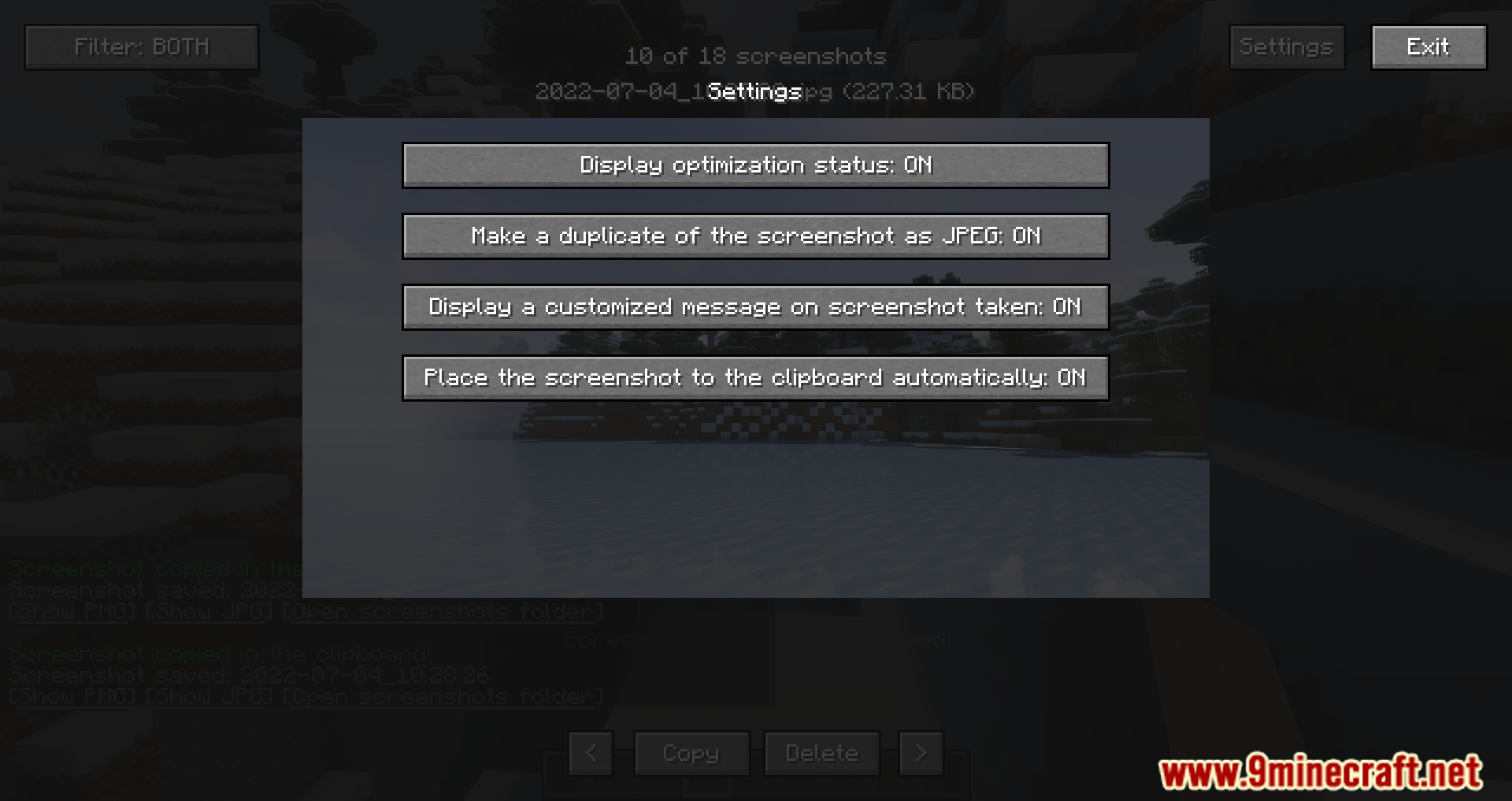
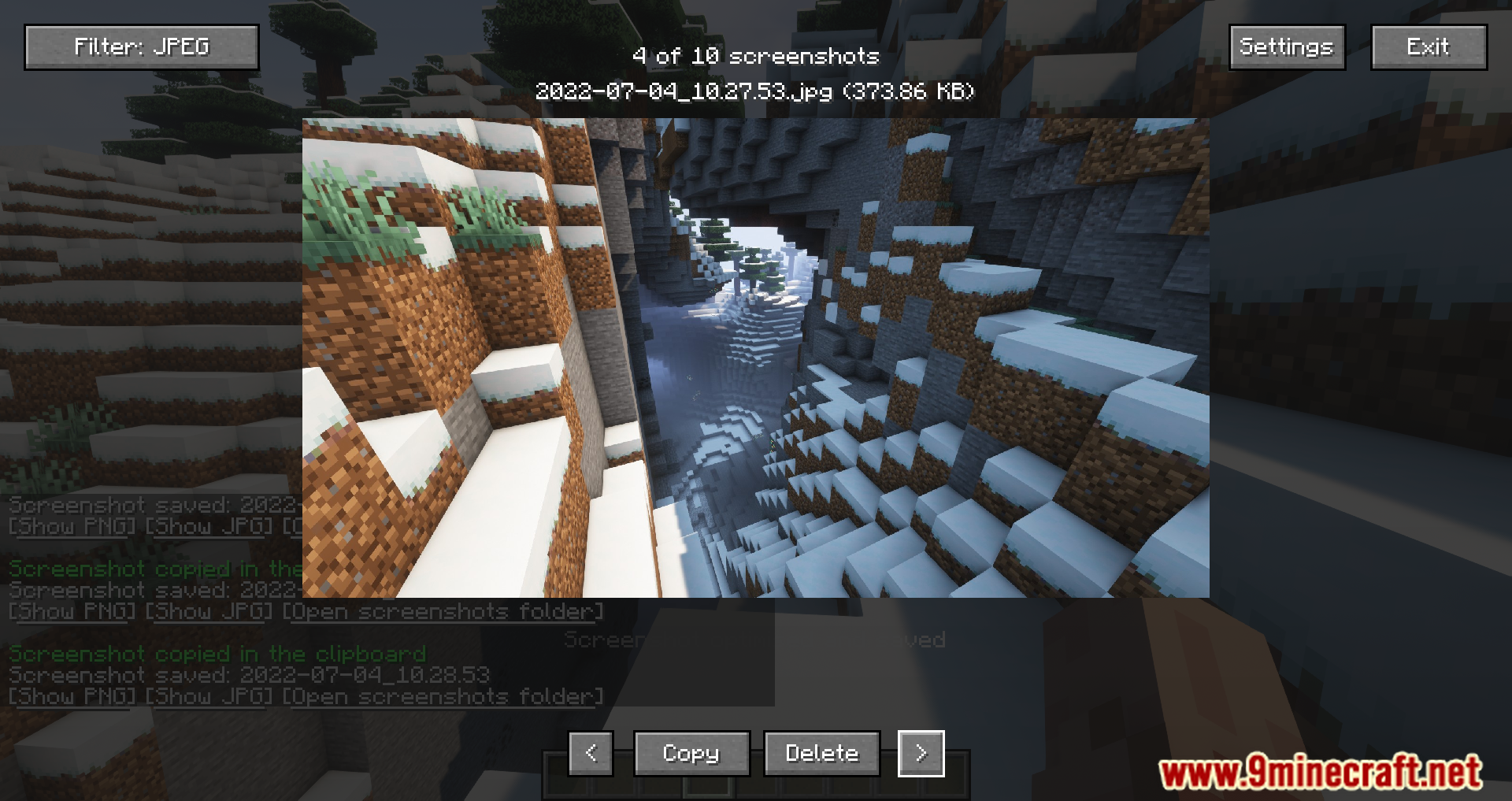
They're saved to the same screenshots folder Minecraft normally uses. Nicephore adds a JPEG copy alongside the original PNG, and the chat button for opening the folder takes you straight there.
What are the three buttons that appear in chat after a screenshot?
One opens the PNG version, one opens the JPEG version, and one opens the screenshots folder on your computer. They show up in chat right after you take the shot so you can act on it immediately.
Does Nicephore delete my original PNG screenshots?
No. It keeps the original PNG for editing purposes and saves an additional JPEG copy to reduce file size. You get both versions every time.
See all 10 Nicephore questions ›
Gallery
10 images from the Nicephore Mod page.
You May Also Like
Wikis that share the most with this one
Wikis on the same theme: world
More mod wikis on the site
The most downloaded mods that have a wiki here
A few wikis from each of the other kinds