

 DownloadKeystrokes Plus Mod
Get the files on 9Minecraft
Guides
Step-by-step, in-game.
Customize Your HUD LayoutOpening the Setup Menu Press Right Shift to open the setup menu. This is your control center for repositioning all…Display Your Armor and ItemsViewing Equipped Gear The mod shows your currently equipped armor pieces and held items on your HUD. This gives you a…Monitor Your Click Speed (CPS)Understanding the CPS Counter The CPS (Clicks Per Second) counter tracks how fast you're clicking your mouse buttons.…Track Active Potion EffectsViewing Potion Effects The mod displays all active potion effects with small icons and timers directly on your HUD.…
Frequently asked questions
How do I open the HUD customization menu?
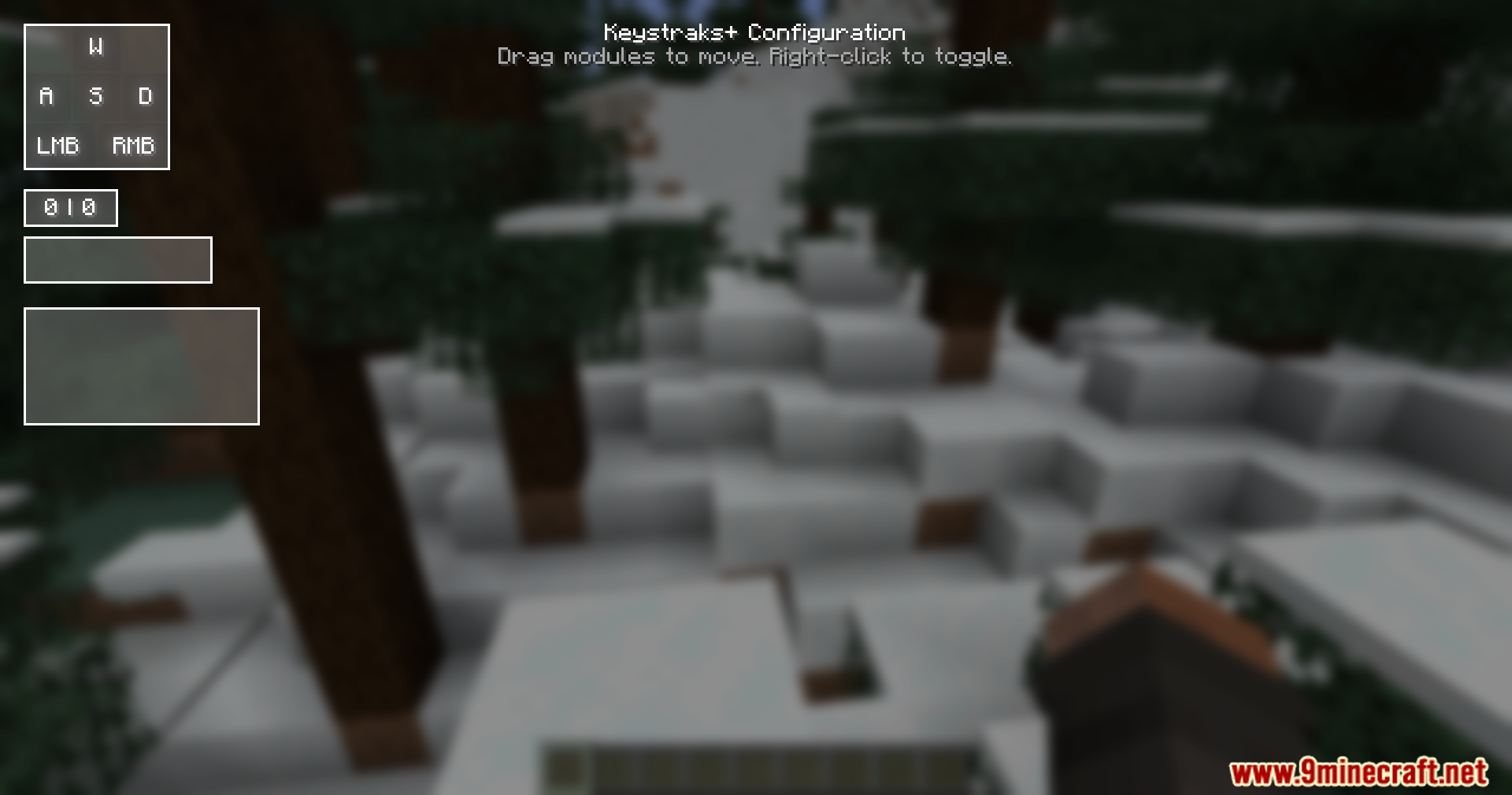
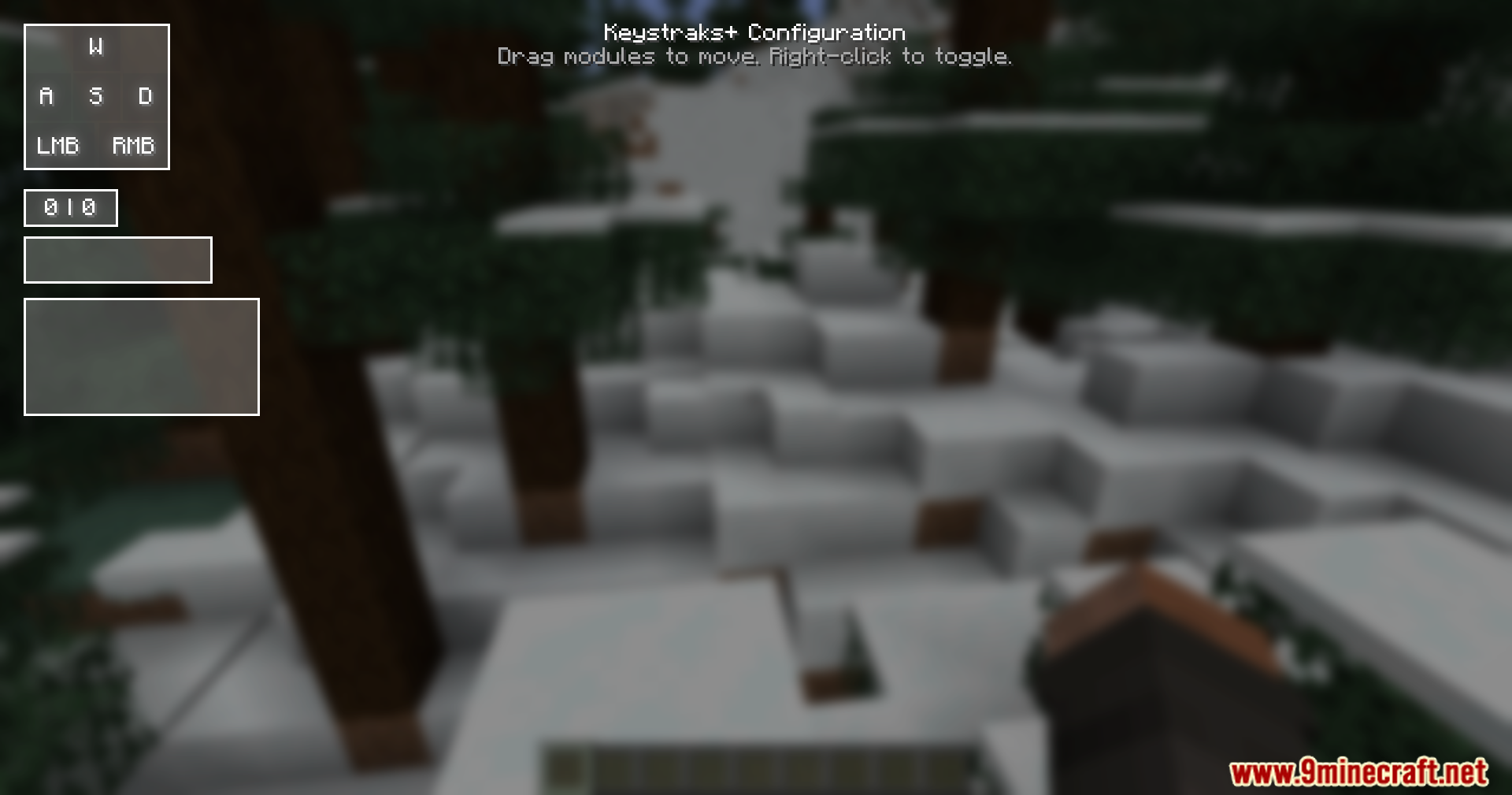
Press Right Shift on your keyboard to open the setup menu. From there you can see all the HUD elements and adjust their positions.
Can I move the keystrokes display around my screen?
Yes, open the setup menu with Right Shift, then click and drag any of the boxes to reposition them wherever you want on your screen.
How do I turn off specific HUD elements I don't want to see?
Open the setup menu with Right Shift, then right-click on the element you want to hide. Right-click again to turn it back on.
Why is my CPS counter showing 0 when I'm clicking?
Make sure the CPS counter element is enabled in the setup menu (right-click to toggle it on). Also check that you're clicking in the game window, not outside it.
See all 10 Keystrokes Plus questions ›
Gallery
11 images from the Keystrokes Plus Mod page.
You May Also Like
Wikis that share the most with this one
 KhazodaCore Mod
More mod wikis on the site
The most downloaded mods that have a wiki here
A few wikis from each of the other kinds