DownloadMetal Bundles
Get the files on 9Minecraft
Guides
Step-by-step, in-game.
Batch Insert or Extract Multiple Items at OnceDrag-Based Transfers Move multiple items quickly using right-click dragging instead of clicking individual slots…Check if an Item Can Fit in Your BundleReading the Bundle Indicator When you're holding an item and your cursor hovers near a bundle, a small indicator…Insert and Extract Items from Specific Bundle SlotsSelecting Your Target Slot Instead of always extracting the last item first, Metal Bundles Mod lets you choose which…Upgrade Your Bundle to the Next TierUsing the Smithing Table Bundle upgrades work differently in Metal Bundles Mod—you don't need a smithing template.…
Recipes
Every recipe the mod adds, grouped by how it is made.
Items
85 items · showing 24. Browse all →
 Black Copper Bundle
 Black Diamond Bundle
 Black Golden Bundle
 Black Iron Bundle
 Black Netherite Bundle
 Blue Copper Bundle
 Blue Diamond Bundle
 Blue Golden Bundle
 Blue Iron Bundle
 Blue Netherite Bundle
 Brown Copper Bundle
 Brown Diamond Bundle
 Brown Golden Bundle
 Brown Iron Bundle
 Brown Netherite Bundle
 Copper Bundle
 Cyan Copper Bundle
 Cyan Diamond Bundle
 Cyan Golden Bundle
 Cyan Iron Bundle
 Cyan Netherite Bundle
 Diamond Bundle
 Golden Bundle
 Gray Copper Bundle
Frequently asked questions
How do I make a bundle in this mod?
Metal Bundles Mod doesn't add crafting recipes for bundles—you upgrade existing bundles instead. Place your leather bundle in a smithing table with the next tier's material to upgrade it to copper, iron, gold, diamond, or netherite.
What's the difference between each bundle tier?
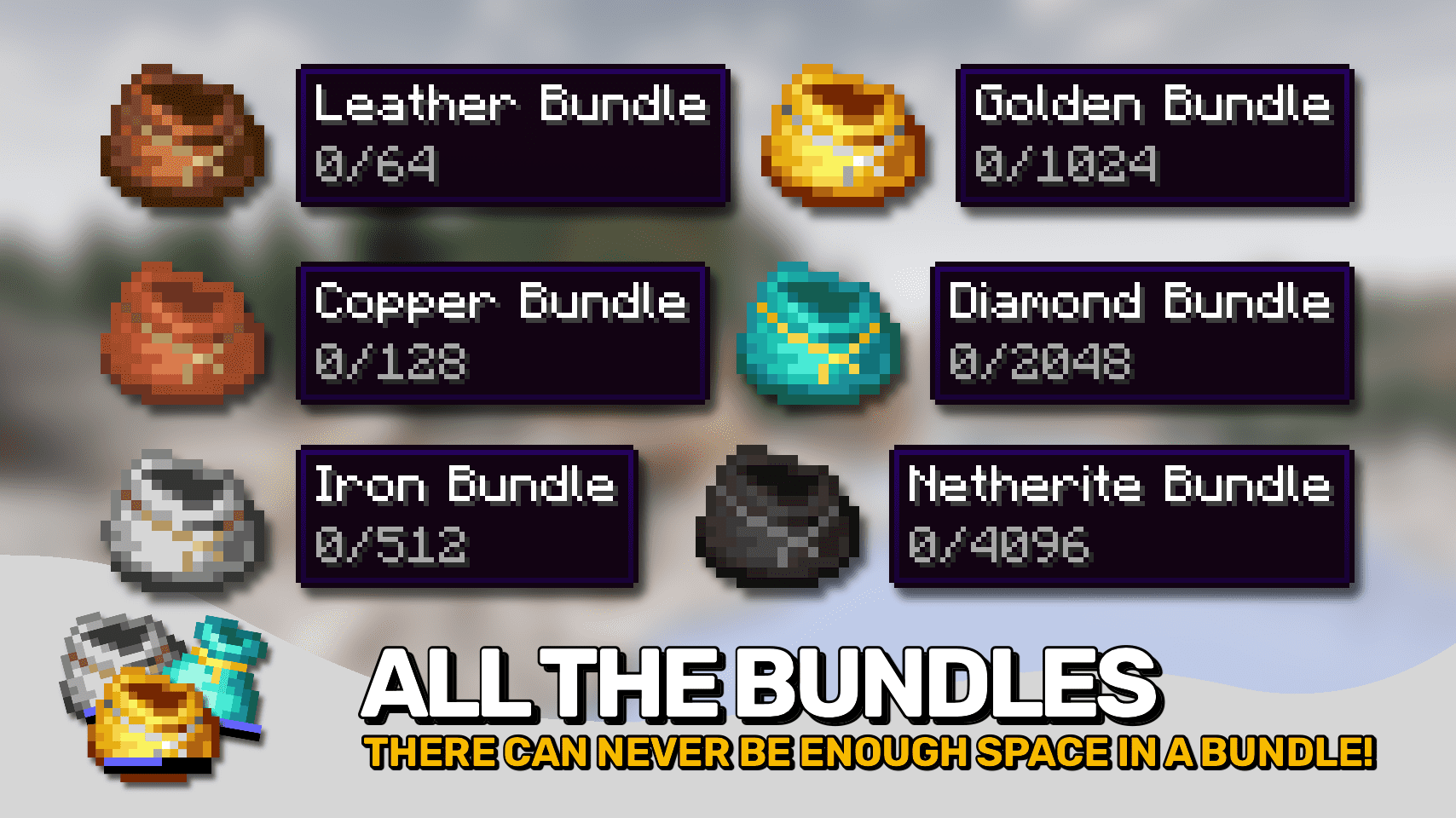
Each tier holds progressively more items; leather bundles have the smallest capacity and netherite bundles have the largest. The storage space increases with each upgrade from copper through netherite.
How do I put items in a specific slot of my bundle?
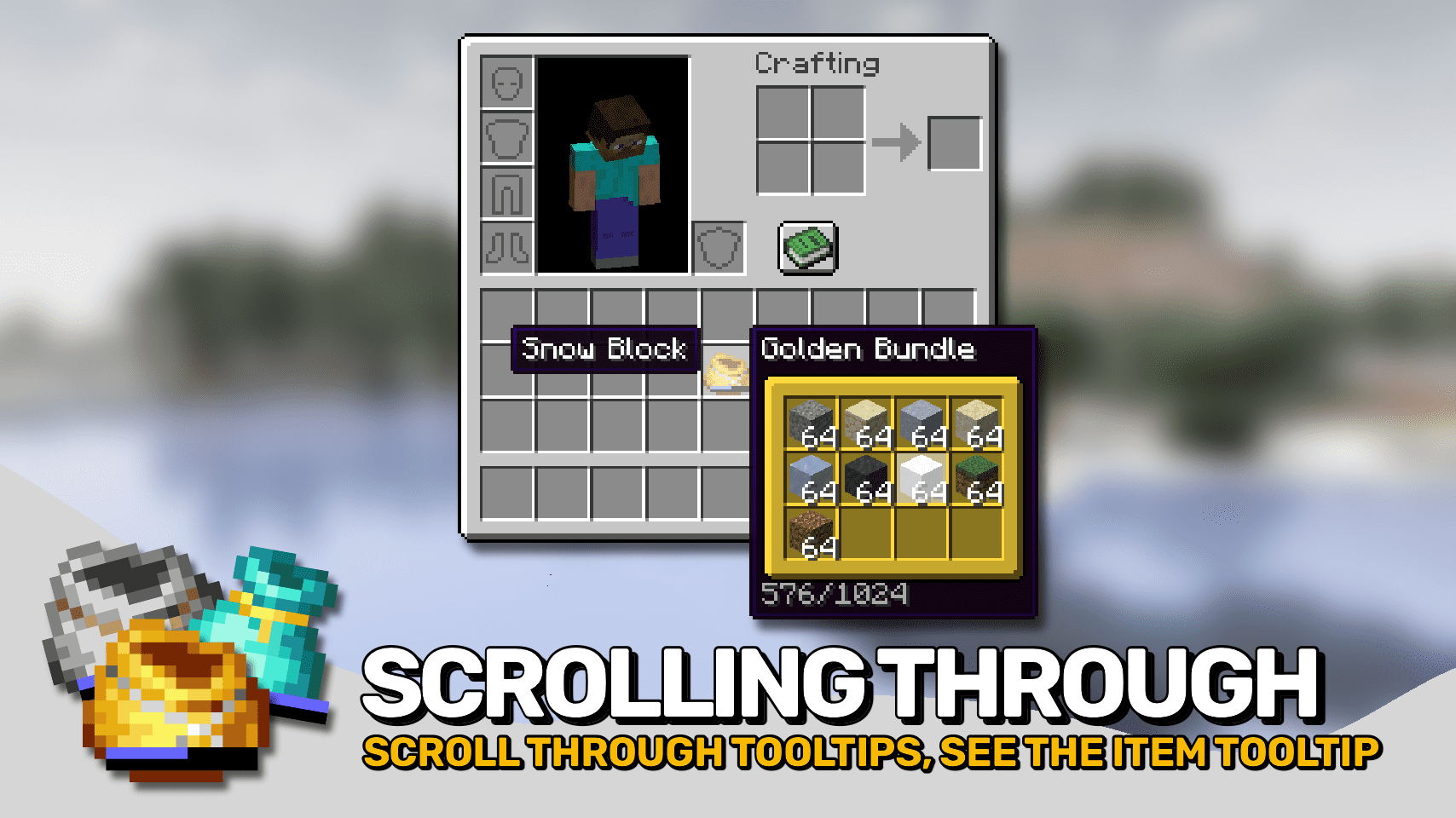
Hover over the bundle in your inventory and scroll with your mouse wheel to select the slot you want, then click items onto the bundle to insert them into that slot.
Can I take items out without removing everything?
Yes—scroll to select the specific slot containing the item you want, then click it onto an empty inventory slot to extract just that item or stack.
How do I move multiple items at once?
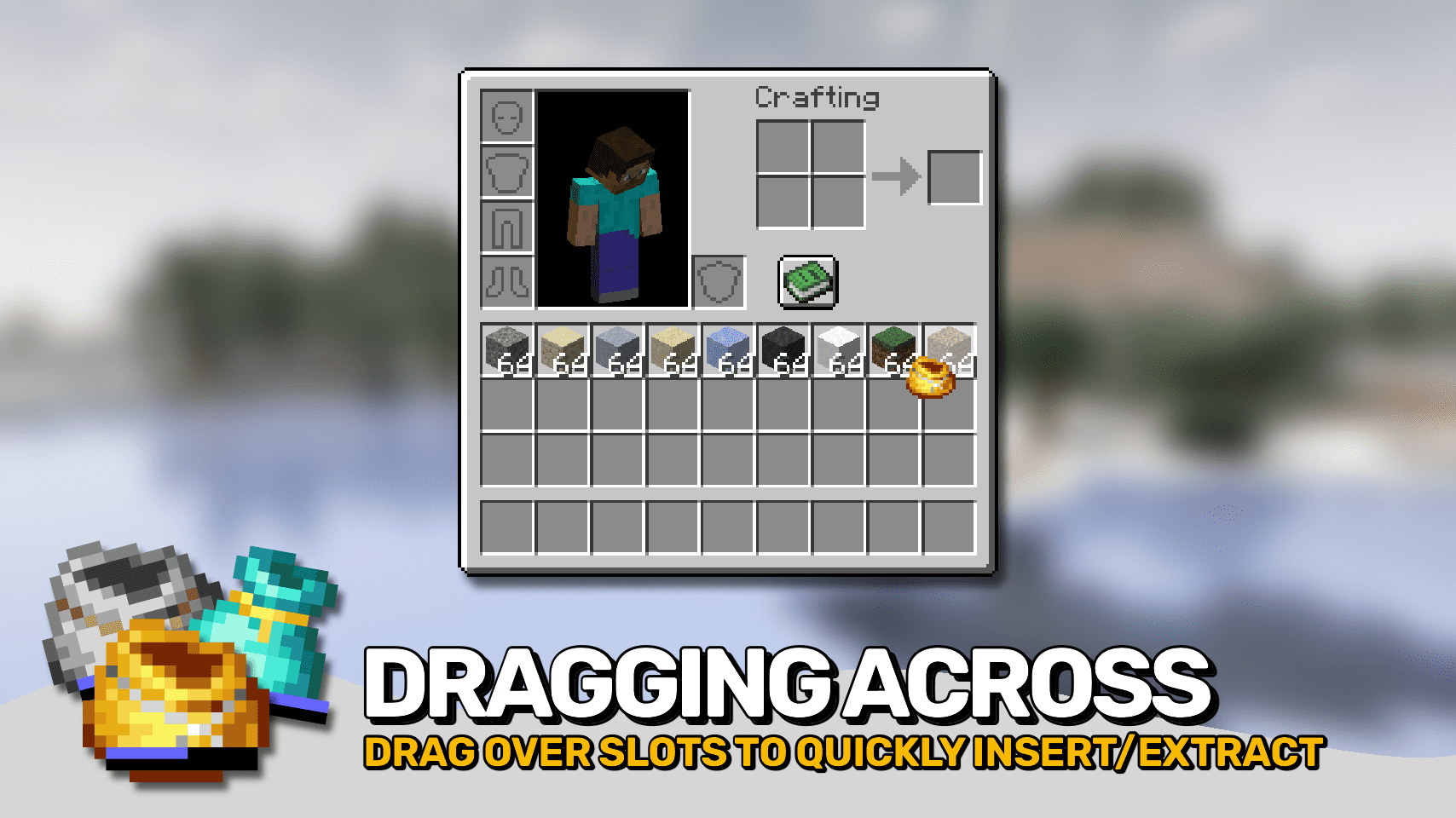
Hold your bundle with your cursor, then right-click and drag across multiple empty inventory slots to extract items, or drag across filled slots to insert items into the bundle.
What does the indicator on the bundle mean?
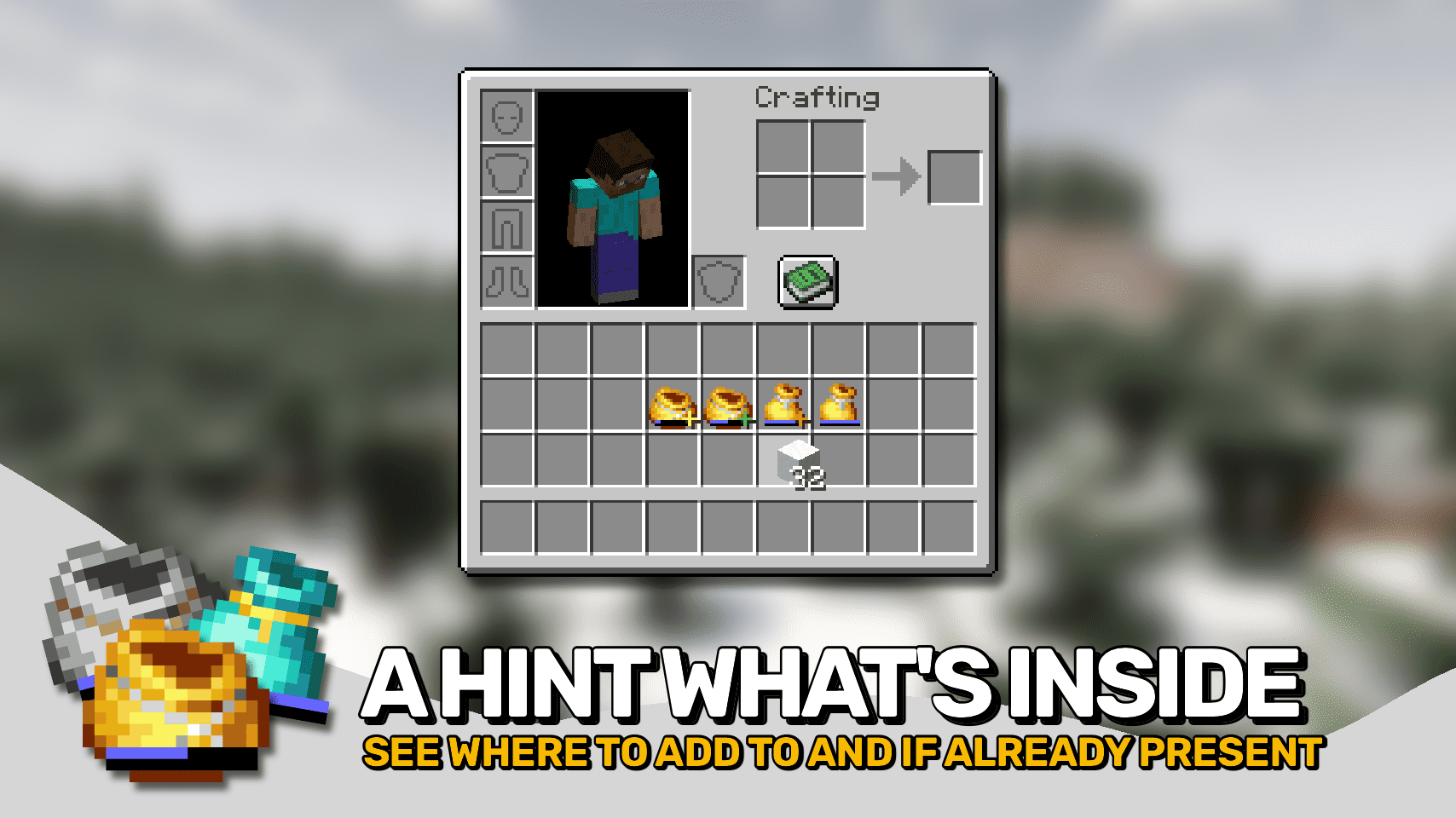
When you're holding an item with your cursor, a small indicator appears on bundle items showing whether that item can fit and whether the bundle already contains that item type.
How do I move just one item instead of a full stack?
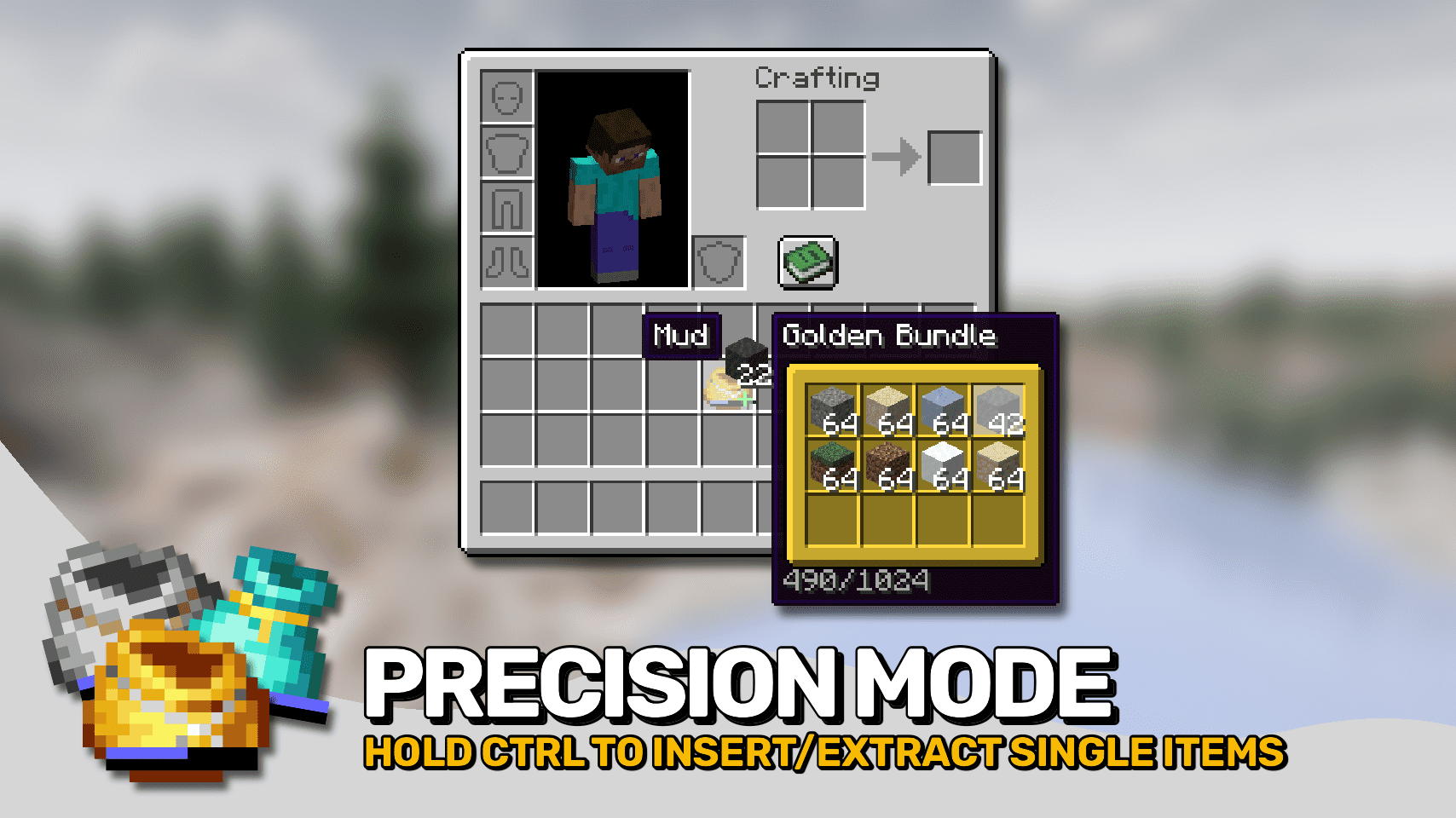
Hold Ctrl (Cmd on Mac) while dragging items to enter precision mode, which moves single items instead of entire stacks.
Can I see what's inside a bundle without opening it?
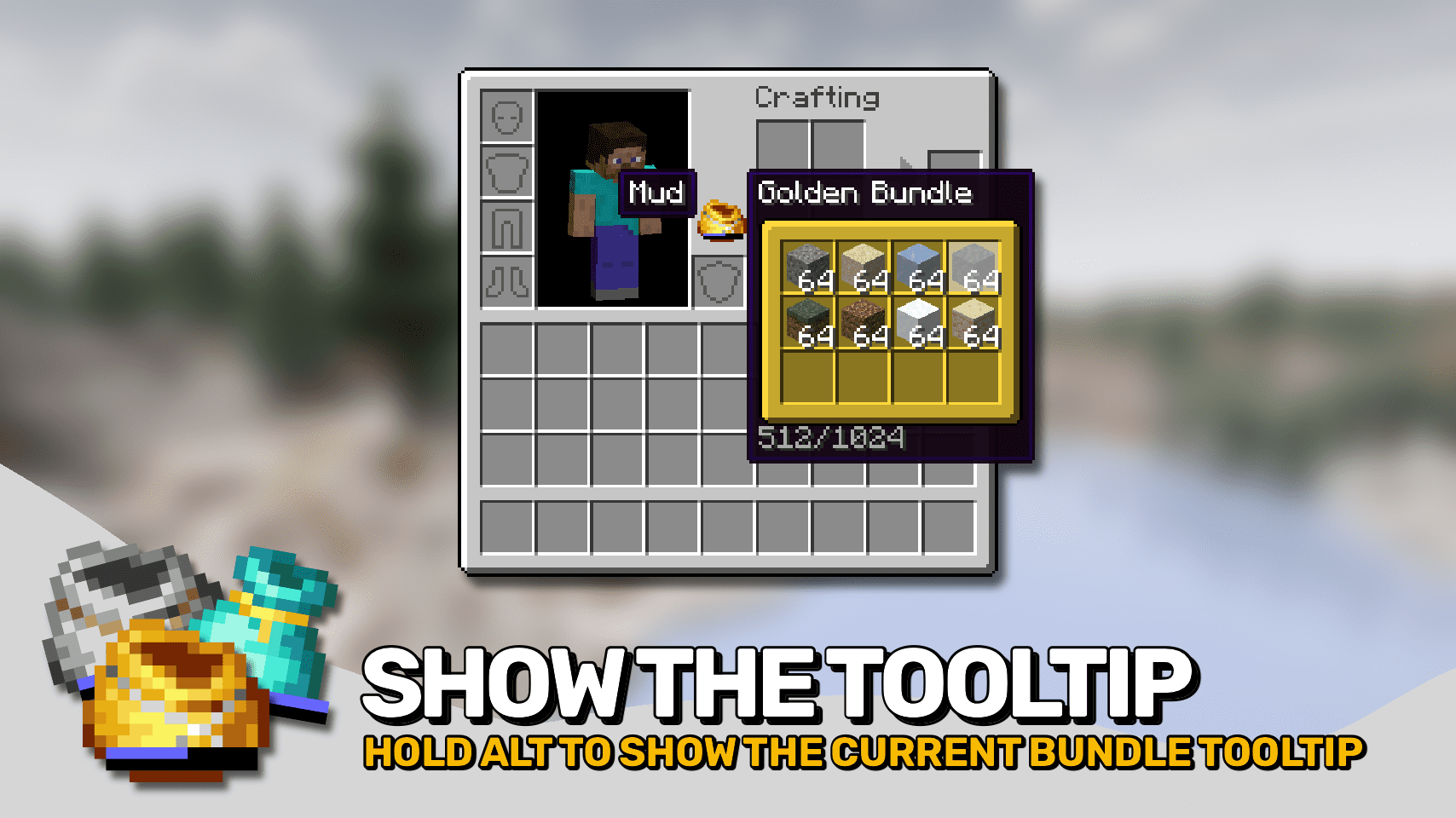
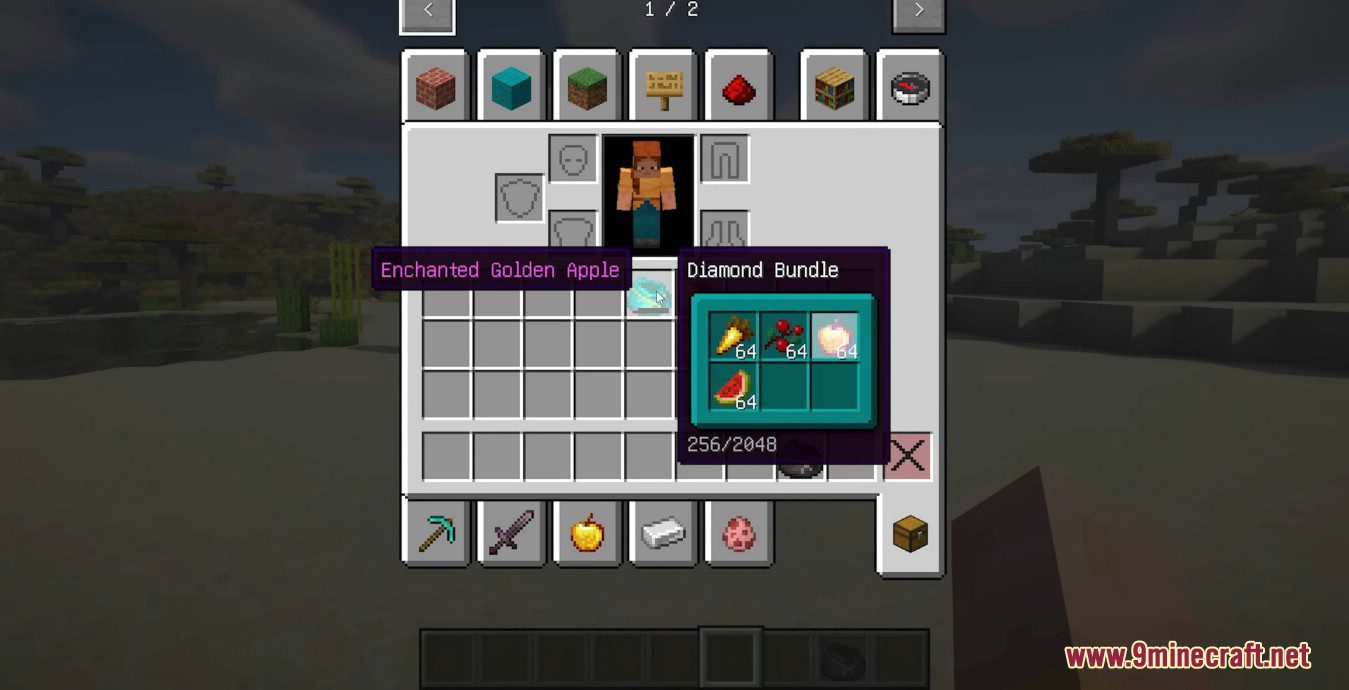
Yes—hover over the bundle to see its contents in a tooltip. Hold Alt to force the tooltip to show even when you're holding another item or the bundle itself.
Does this mod work with other mods?
Metal Bundles Mod works with most mods that don't conflict with bundle mechanics, but check the mod's compatibility notes if you experience issues with specific mod combinations.
Why can't I insert an item into my bundle?
The bundle is full or doesn't have space for that item type—check the bundle's tooltip to see what's stored and how much capacity remains.
You May Also Like
Wikis that share the most with this one
Wikis on the same theme: metal
More mod wikis on the site
The most downloaded mods that have a wiki here
A few wikis from each of the other kinds
Gallery
12 images from the Metal Bundles Mod page.