

 DownloadCreative Palette Bundles Mod
Get the files on 9Minecraft
Guides
Step-by-step, in-game.
Create a Custom Item Group for Your Favorite BlocksSet Up Your Custom Group Custom item groups let you bundle blocks and items exactly how you want them, separate from…Disable Default Groups and Use Only Custom BundlesRemove Default Organization If you prefer complete control over your Creative inventory and don't want the mod's…Switch Between Default and Alphabetical Sorting Inside GroupsChange Item Order The mod lets you control how items are arranged within each expanded bundle. By default, items…Translate Group Names Using Resource PacksEnable Translation Support The mod can display custom group names in different languages through resource pack…
Frequently asked questions
How do I open a bundle to see all the items inside?
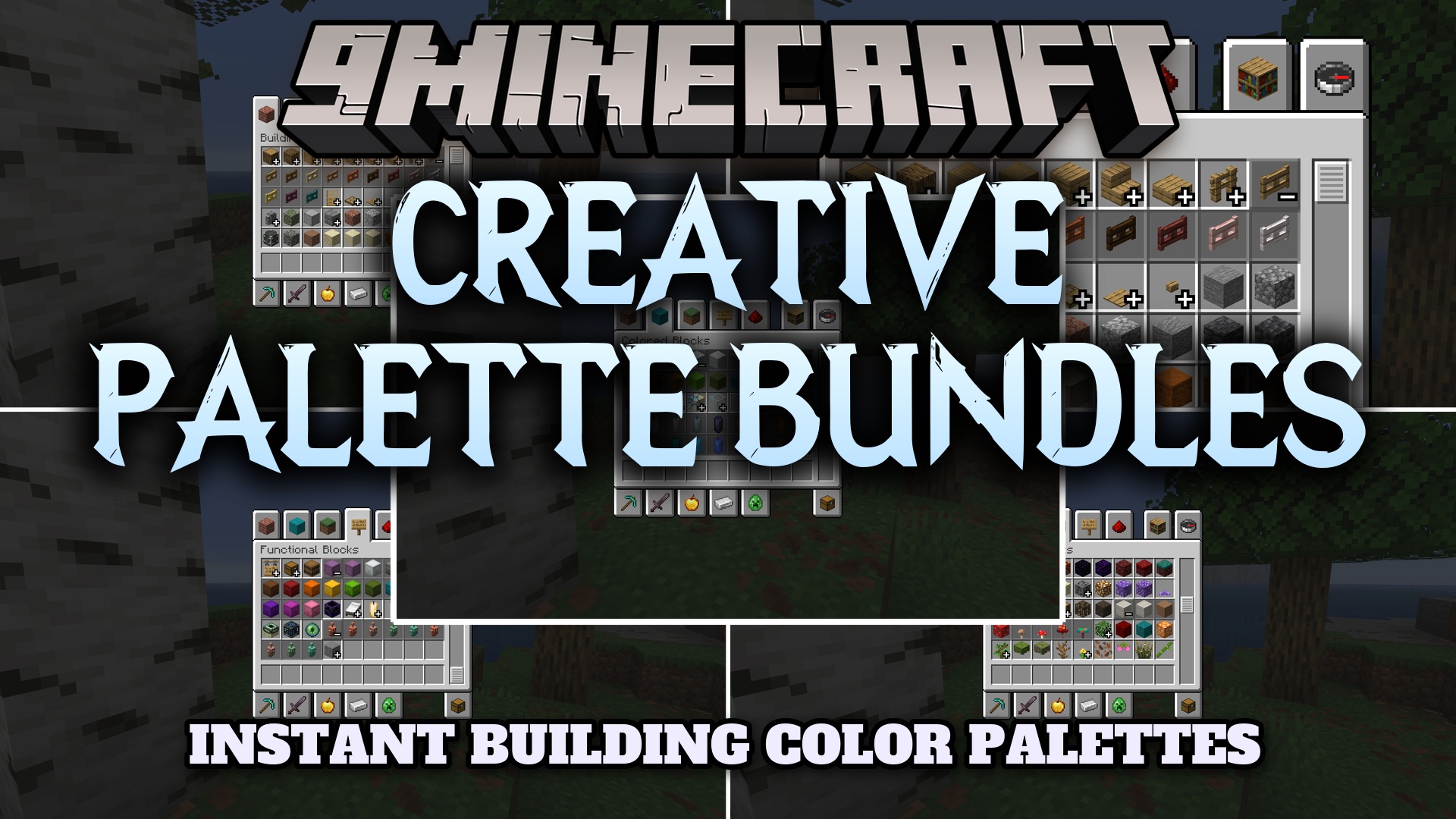
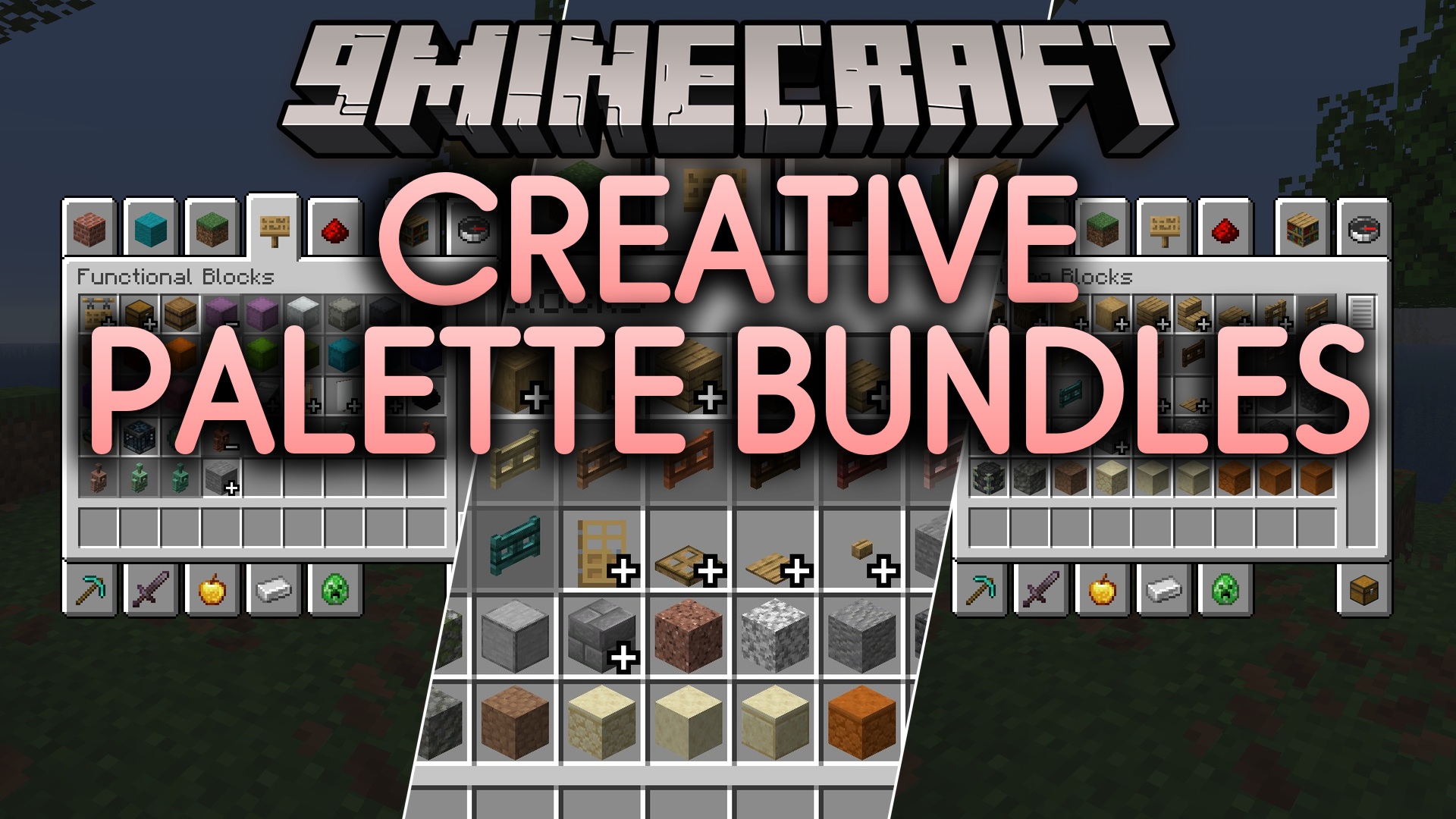
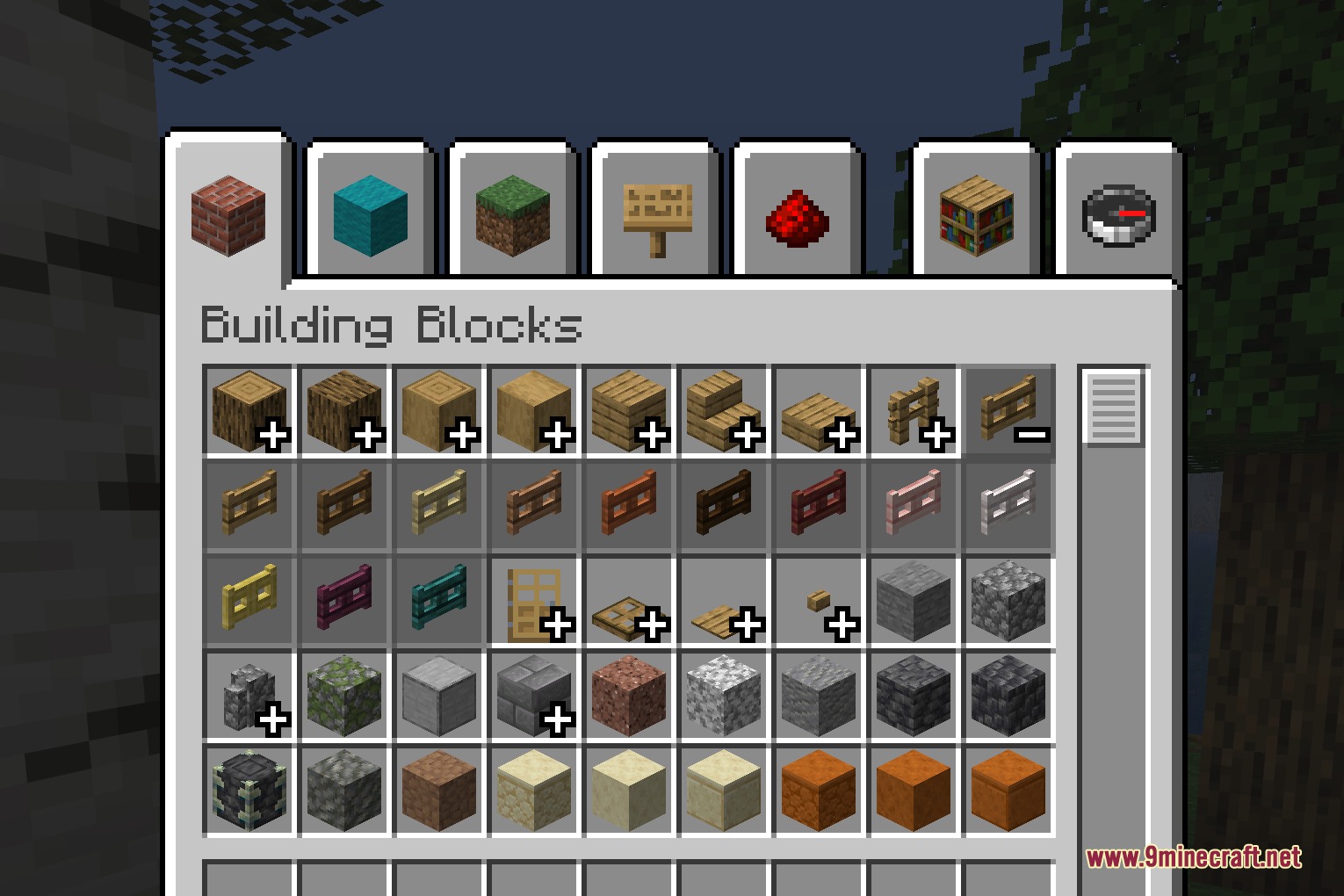
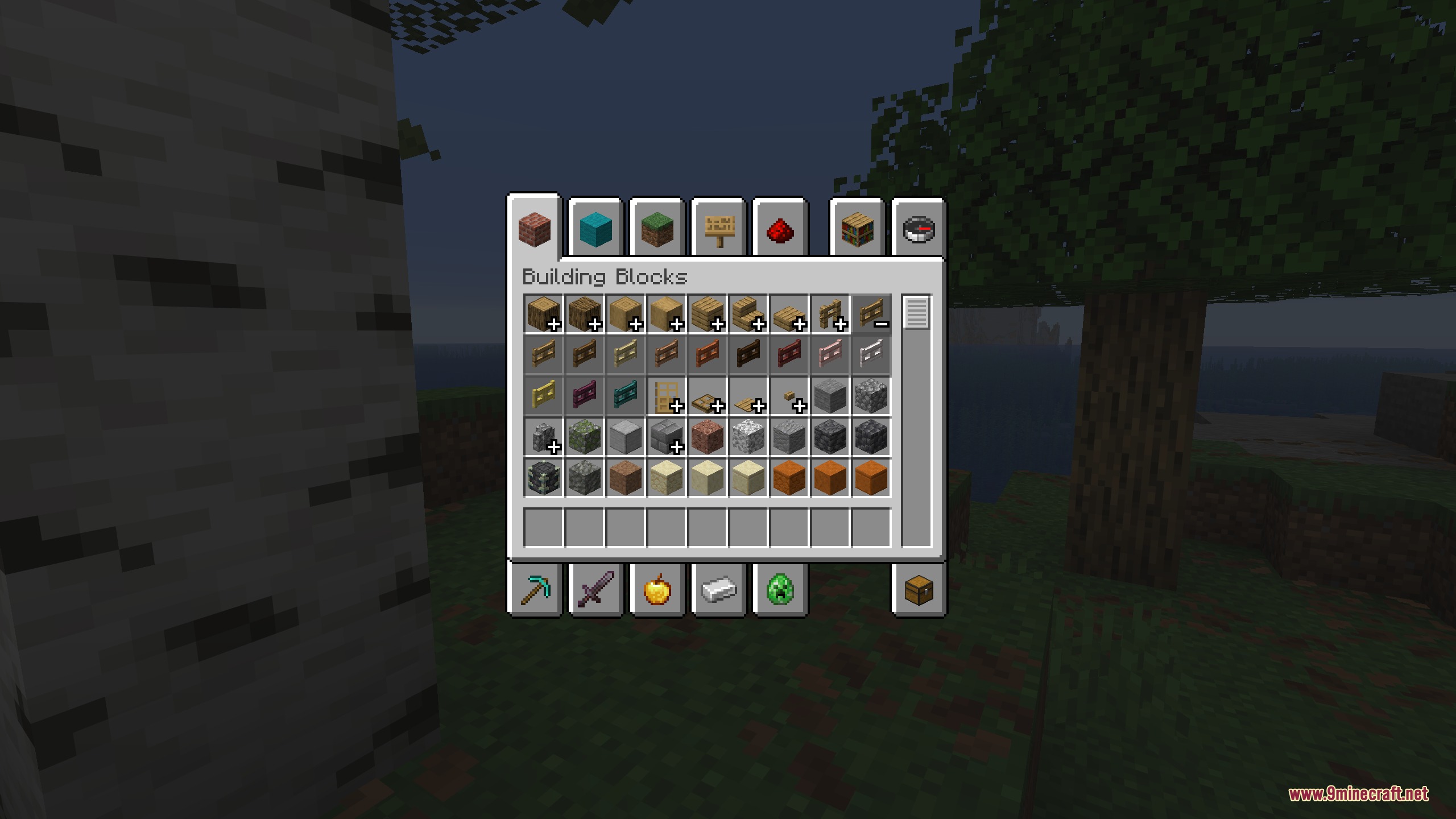
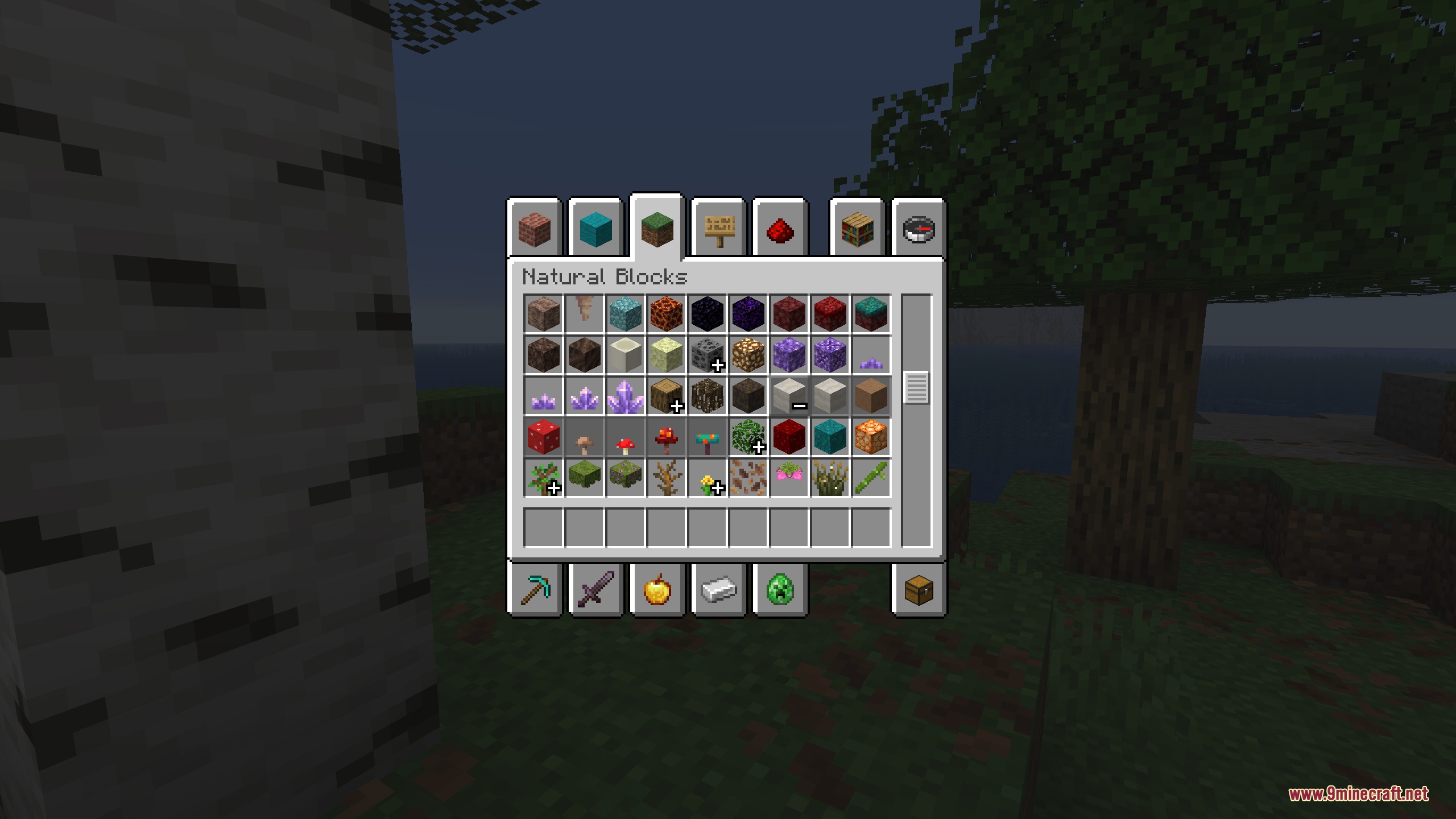
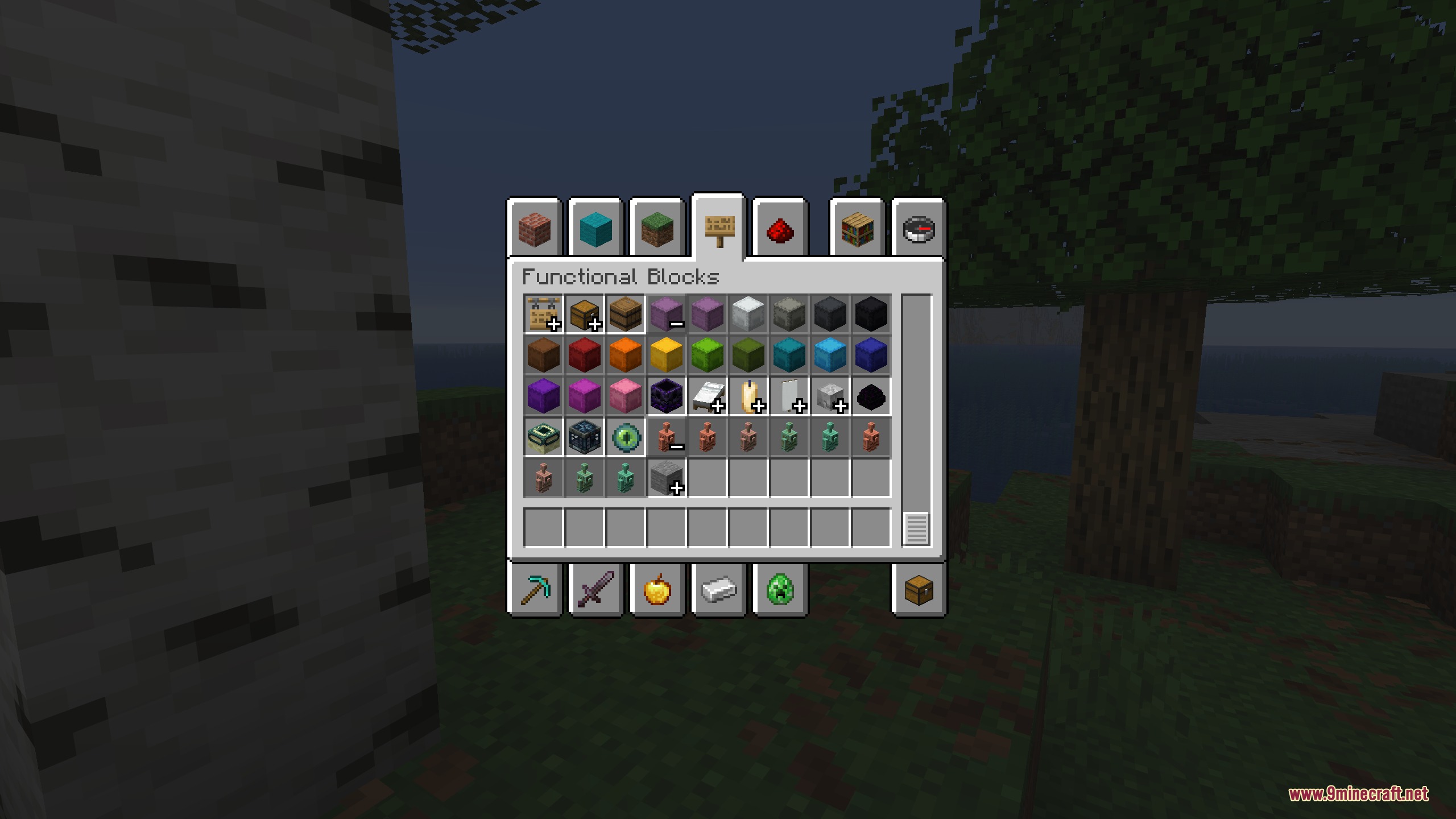
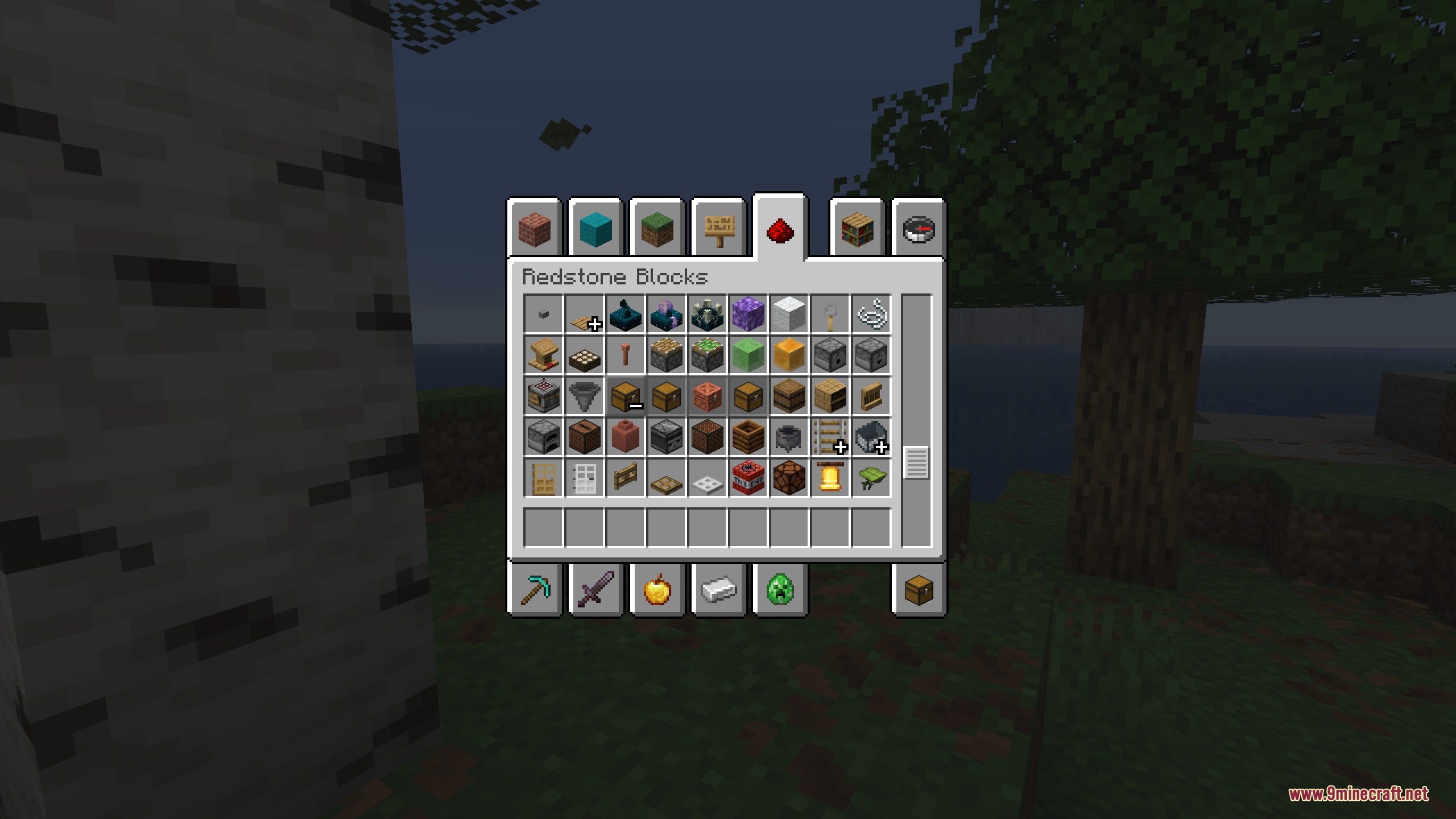
Click the plus icon (+) next to any grouped bundle in your Creative inventory to expand it and view all items in that group. Click the minus icon (−) to collapse it again.
Can I sort items alphabetically instead of by default order?
Yes, go to the mod's configuration menu and enable the "Item sorting" option to switch between default and alphabetical sorting inside your groups.
How do I create a custom item group for blocks I use most?
Open the config menu, use the "Tab ID" setting to assign items to a specific Creative tab, and optionally enable "Translate Groups" to give your custom group a custom name through a resource pack.
What if I don't want the default groups and only want my custom bundles?
Disable the "Add all groups" option in the configuration menu to turn off default item groups and use only your custom setups.
See all 10 Creative Palette Bundles questions ›
Gallery
7 images from the Creative Palette Bundles Mod page.
You May Also Like
Wikis that share the most with this one
More mod wikis on the site
The most downloaded mods that have a wiki here
A few wikis from each of the other kinds